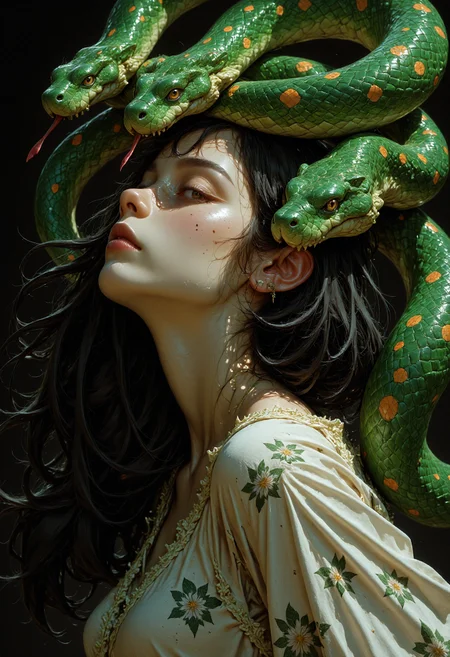
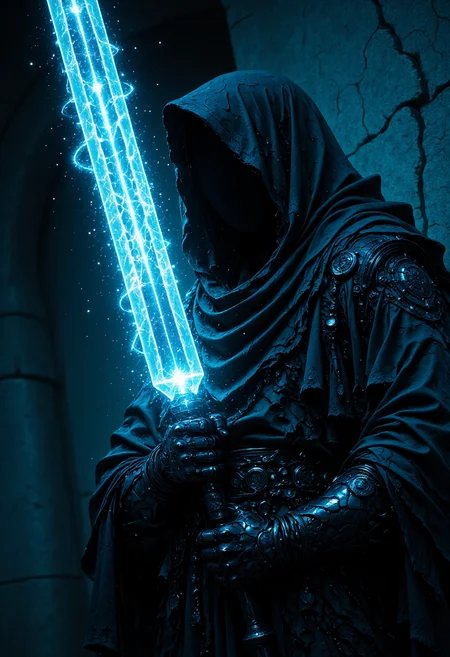
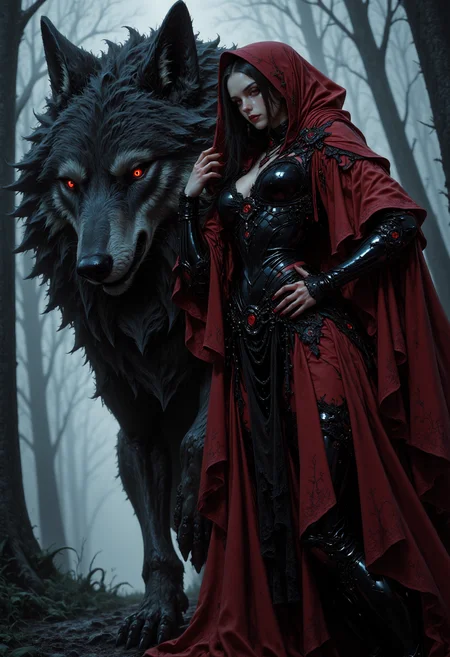
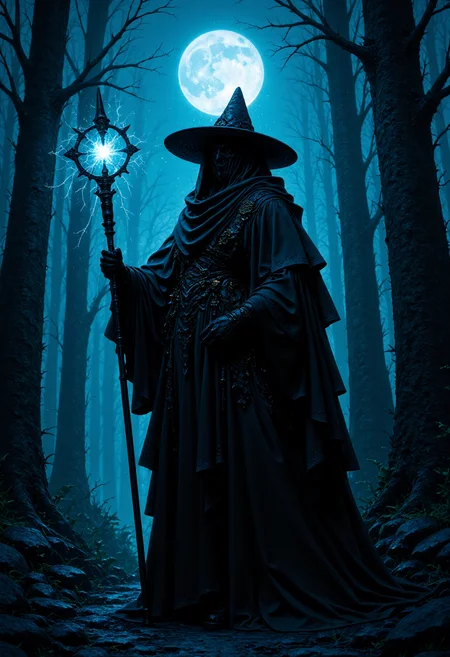
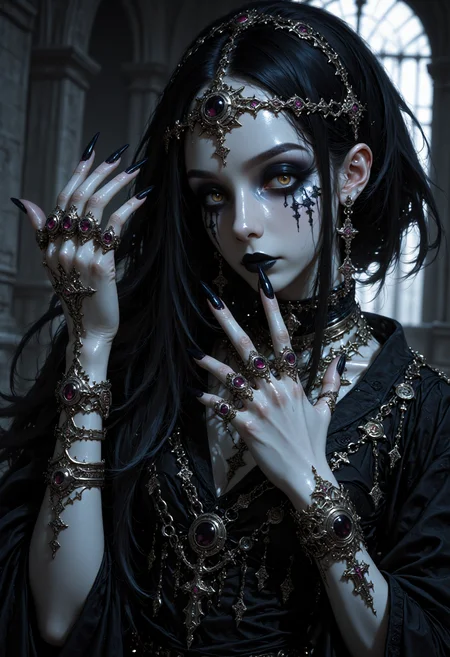
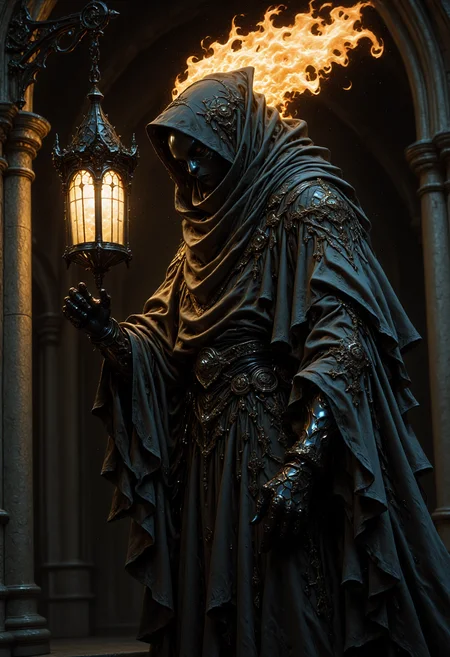
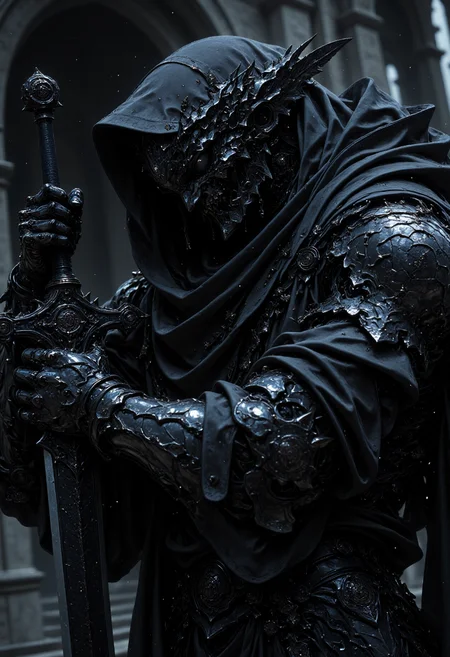
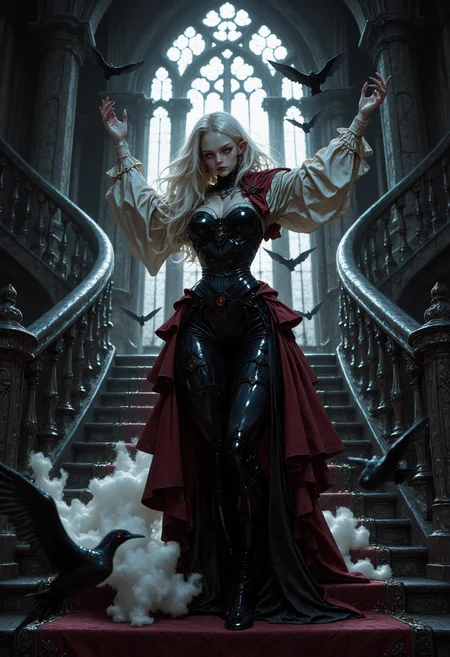


Update Flux Version
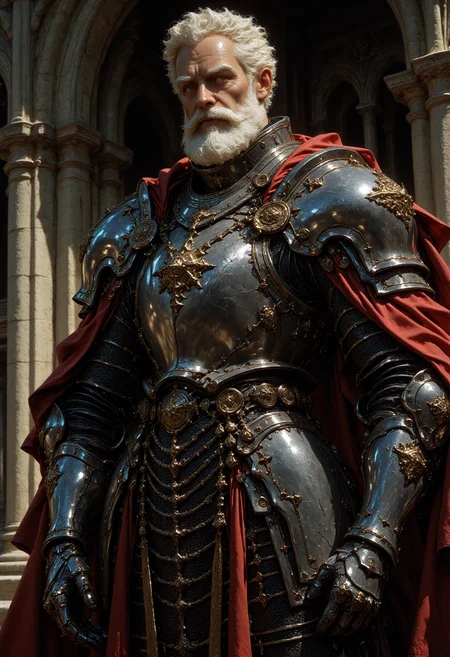
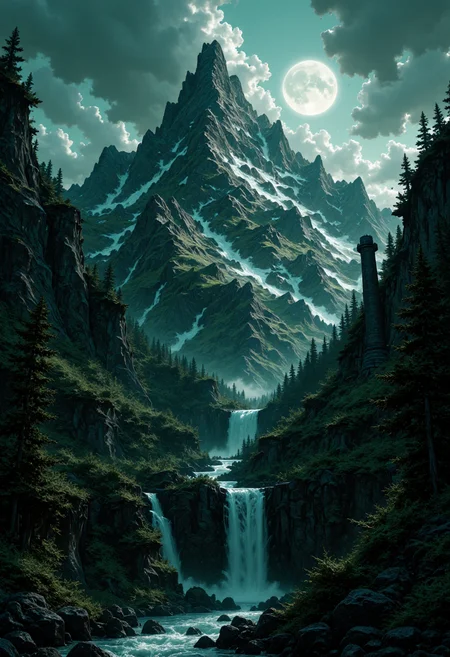
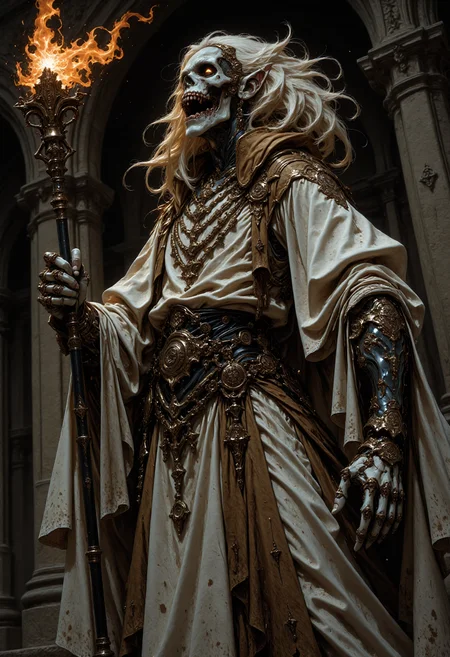
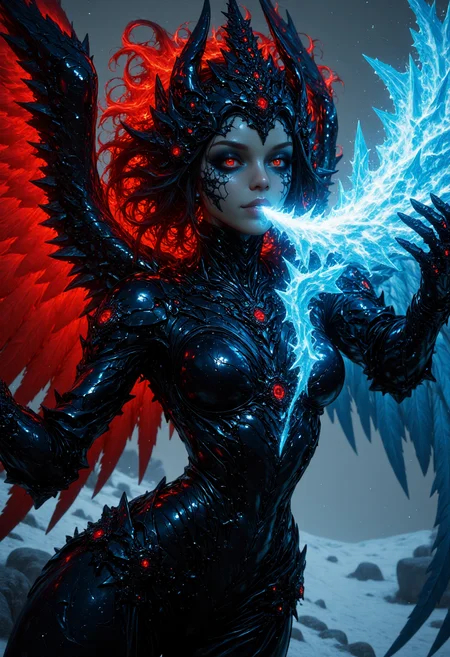
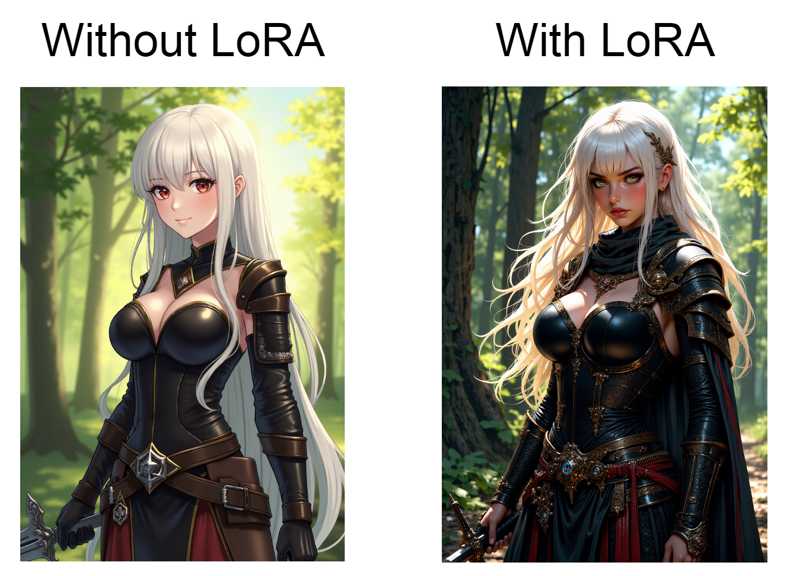
The new version has been trained to work on Flux models. From my testing Flux is amazing with sentence like prompts, and turns booru prompts to anime pics that don't have a lot of details but this LoRA fixes that:
I tested it on SD Forge using the NF4 model and it work fine, you just need to change the Diffusion in Low Bits from Automatic to Automatic (fp16 LoRA) like this:

The rest of the LoRAs are designed to work with Pony Diffusion XL, or any other Pony model.
How to use
1- Manga Style (Blood Moon): Made from high quality monochrome images to give you a manga feel, oh and I called it blood moon because if you have something red in your prompt you might get a cool effect xD.
Trigger words: This LoRA is without Trigger Words, but having "monochrome, greyscale" in your prompt can greatly enhance the results.
Works on: 0.6-1 weights
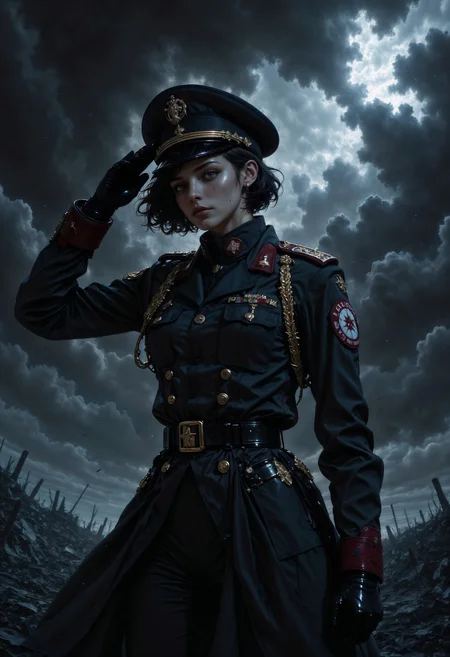
2- Anime Illustrations Style: Made from very colorful and high quality data to improve your images and give them a badass feel.
Trigger words: MythAn1m3
Works on: 0.6-1 weights.
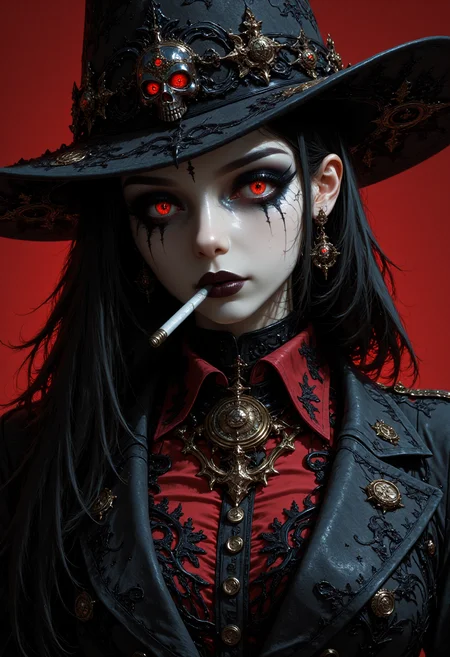
3- Portrait Style: This style is made to create high quality portraits of fantasy characters, and most of the training data is made with semi realistic art style.
Trigger words: MythP0rt
Works on: 0.6-1 weights.
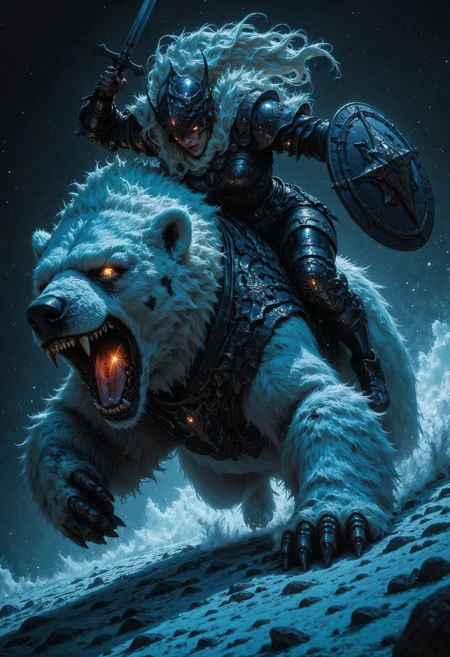
4- Flux: This style is made to create high quality fantasy art, and it has training data similar to the Portrait Style
Trigger words: MythP0rt
Works on: 0.5-1.5 weights, feel free to experiment but I recommend you to put the weight at 1.
Other styles coming soon.
If you have any problem try copying generation data from my examples, or send me a DM
I can't wait to see what other people make with this :)
Description
FAQ
Comments (20)
Smooothly fit my LoRAs combo! Made the images look like they’re 10× higher quality and definitely more detailed)
im glad you like it :)
looks great!
thank you :)
Love the dark lines style but there is a serious problem when use adetailer the face skin tone changes and there's always a masking box around the face. I've tried so many diff settings to fix it. Even in the preview images you can see the masking box and discoloration. Maybe someone with more knowledge can help me with settings to fix it.
the cfg scale and the dnoising strength of both the regular and in the adetailer should be samee make sure of it
im posting a new version of dark lines, it should fix this i hope
@VelvetS when can expect smoothlines update tooo
Try this adetailer node instead for less masking: Anzhc20seg20v3%20y11n.pt
The lighting and semi-realistic style are amazing, and absolutely gorgeous. Thank you!
im glad you like it :)
это очень круто!
thank you :)
very good
thank you :)
ШШШШШшшш...
Love the extra details this LoRA adds to your creations! Incredible final renderings.
im glad you like it :)
Details
Files
FluxMythSharpL1nes.safetensors
Mirrors
FluxMythSharpL1nes.safetensors
FluxMythSharpL1nes.safetensors
flux1_dev_master_m_sharp.safetensors
FluxMythSharpL1nes.safetensors
Sharp_Lines_FLUX_[VelvetS].safetensors
FluxMythSharpL1nes.safetensors
Velvet's Mythic Fantasy Styles - Flux1D - SharpL1nes.safetensors
Sharp_Lines_FLUX_[VelvetS].safetensors
FluxMythSharpL1nes.safetensors
Available On (1 platform)
Same model published on other platforms. May have additional downloads or version variants.