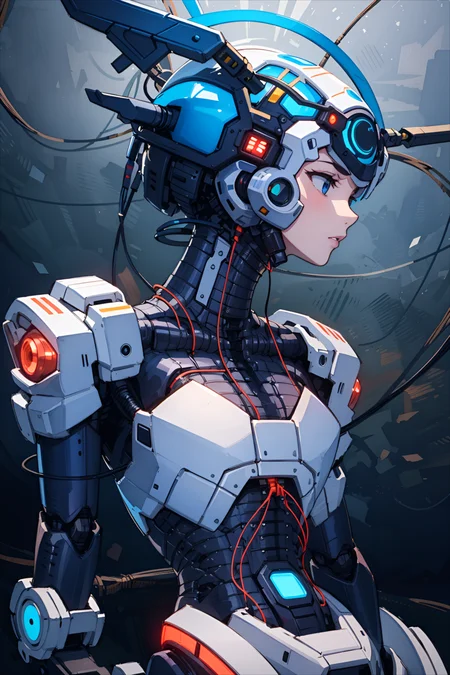
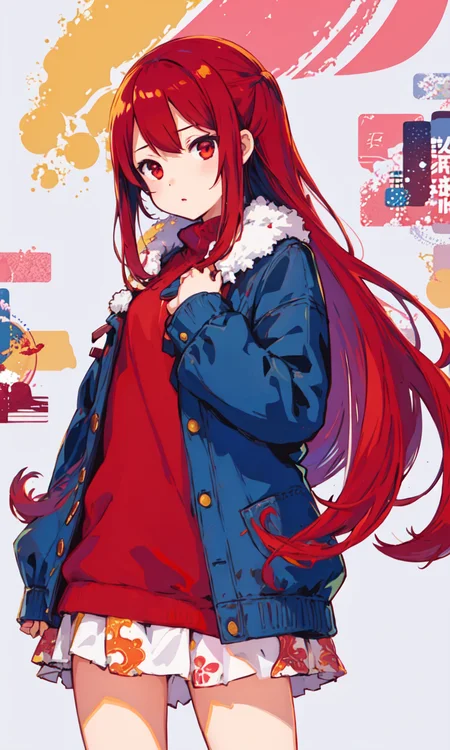
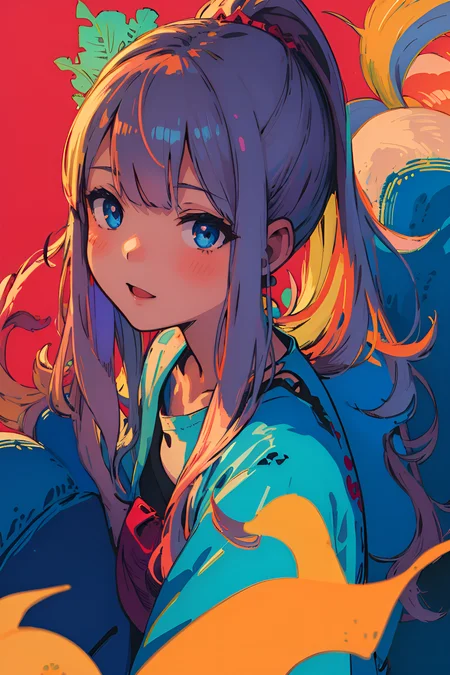
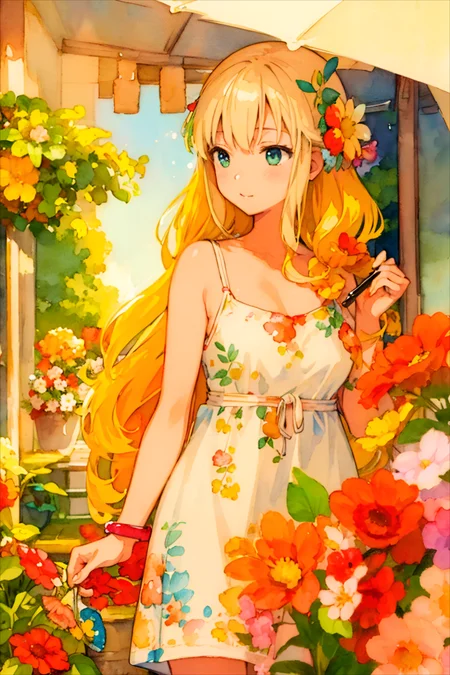
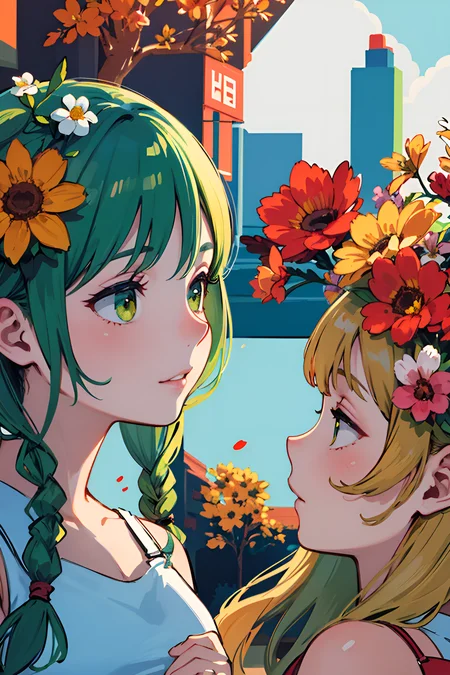
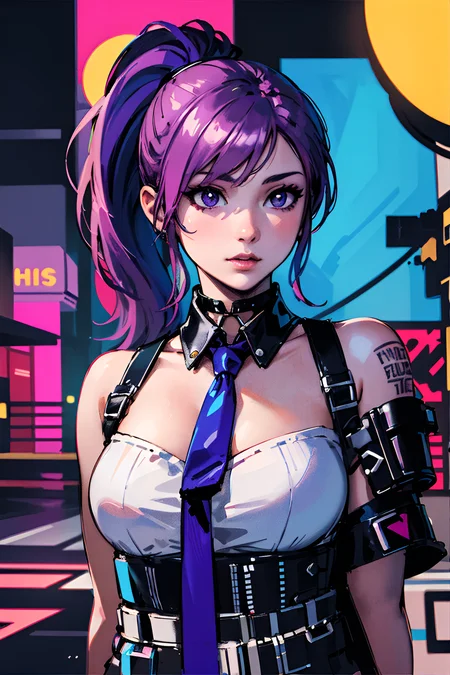
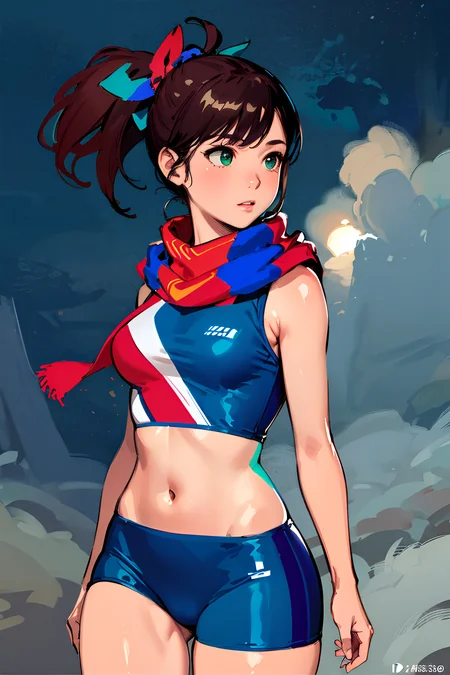
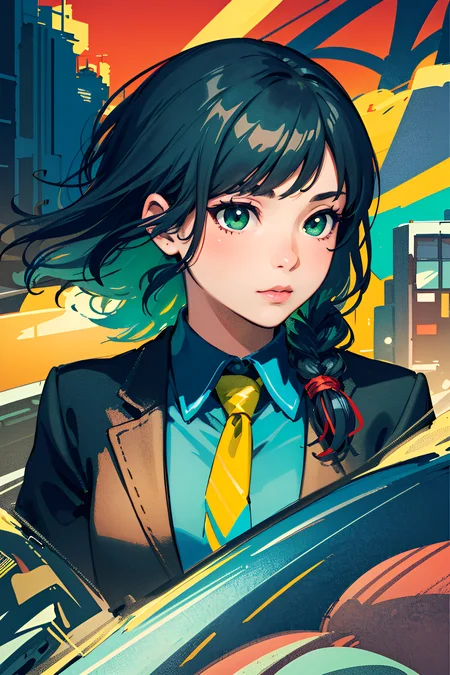
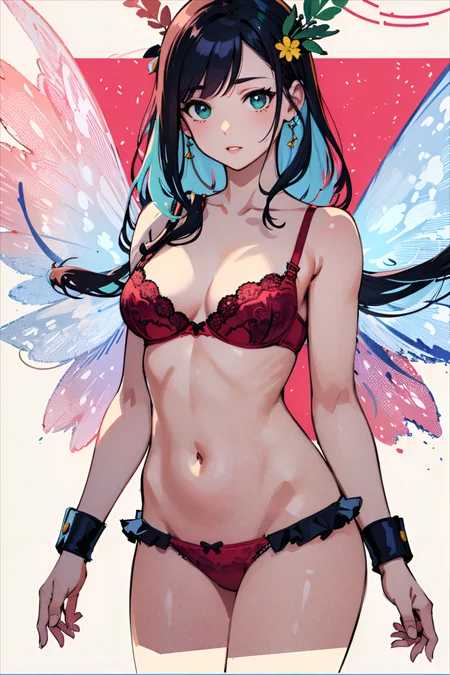
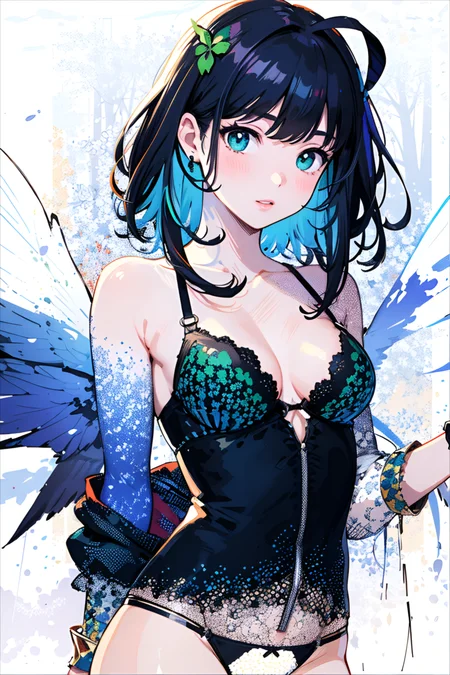
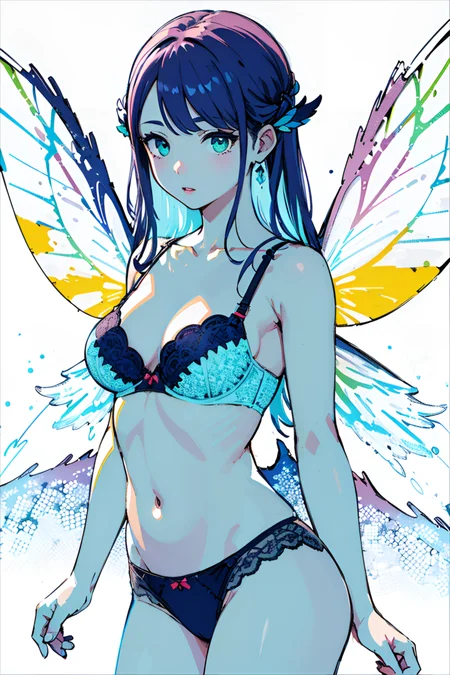
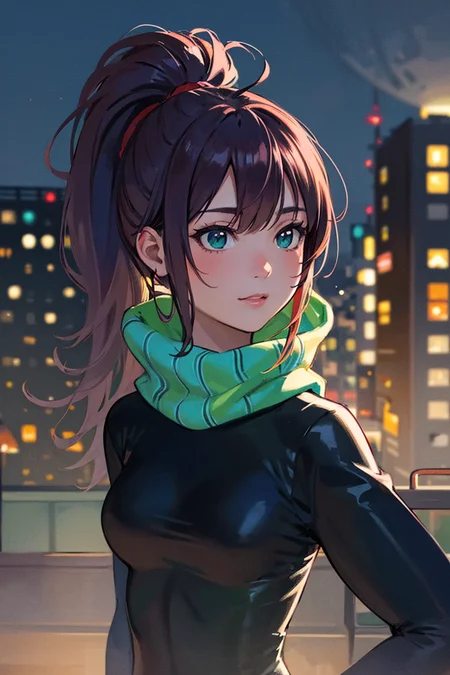
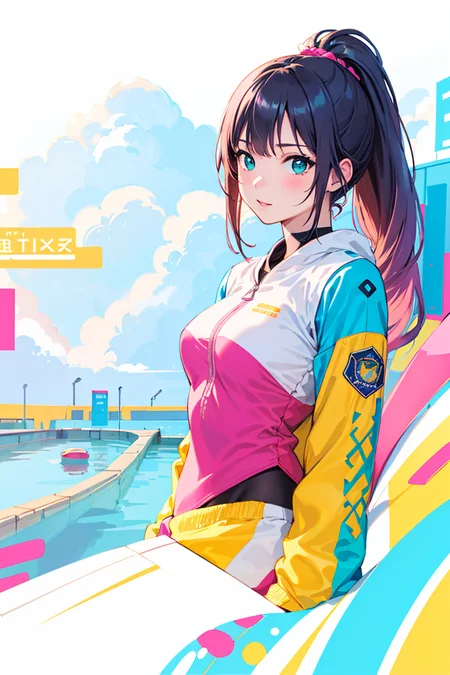
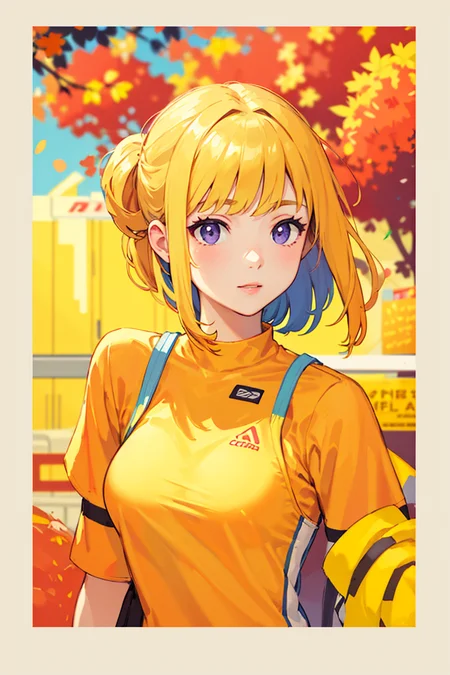
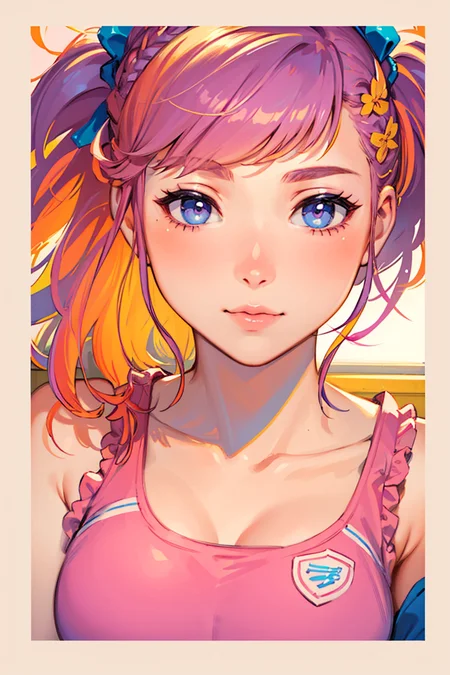
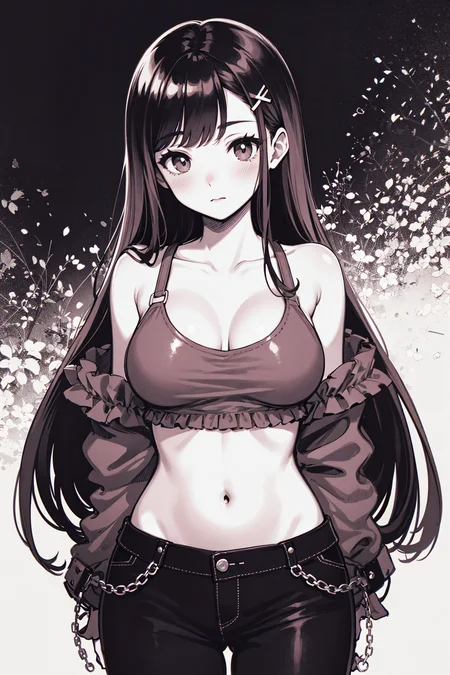
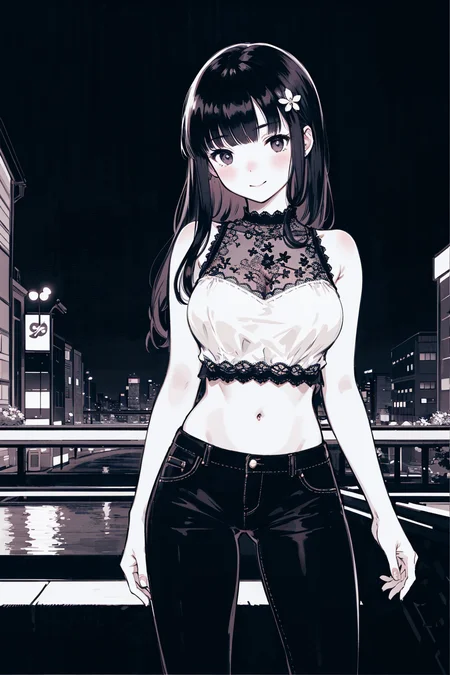
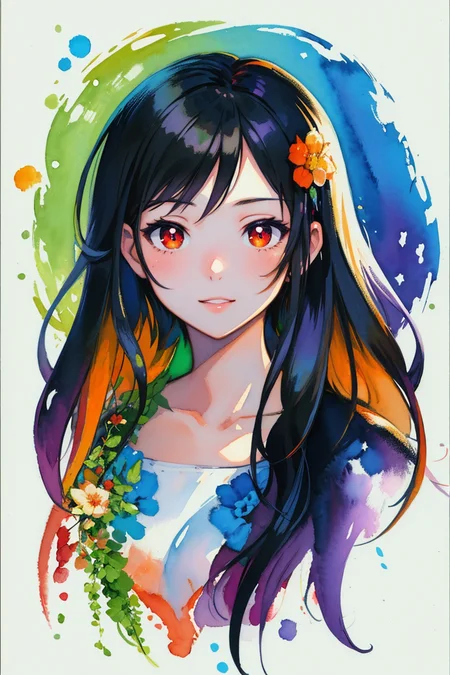
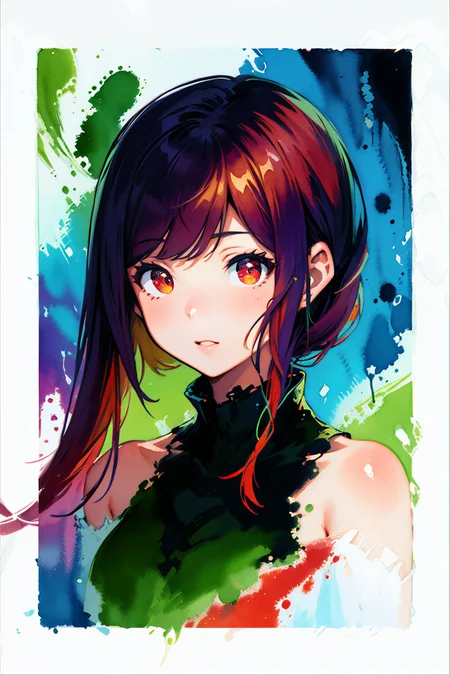
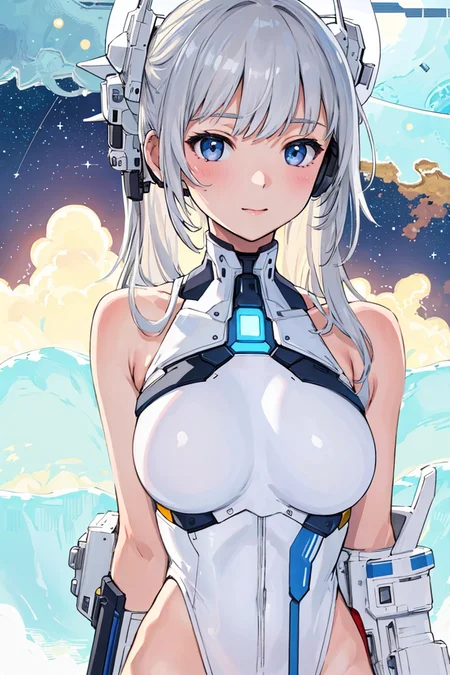
Recommended settings (Comfy):
Sampler: dpmpp_2m karras, uni_pc normal
Steps: 10 steps for a contrasty manga-style look and 30+ steps for a smoother look
Clip Skip: both -1 and -2 both work well, -2 provides a good semi-realistic look, -1 is great for anime and illustration styles
Img2Img Denoise: usually between 0.85 to 0.95 (lower values are good for illustration styles)
VAE: vae-ft-mse-840000-ema-pruned (the models do not currently have baked VAE, so you will need a VAE loader node in your workflows)
Prompting:
Here are some suggested keywords to use in prompts for these models:
Semi-Realistic Style
2.5D, semi-realistic,
highest quality, detailed,
depth of field, natural blur, bokeh, HDR,
Anime Style (ComfyrollAnime)
2D, 2.5D,
anime line-art, illustration,
Illustration Styles
2D, 2.5D,
detailed concept drawing, illustration, line-art, stylized,
Lighting
subsurface scattering, chromatic lighting,
neon lighting, moody lighting, cinematic lighting,
Color
colorized, flat colors, limited color palette
Camera
from-above, from-below, from-side, from-behind,
portrait, cowboy-shot, close-up, long-shot,
Description
initial version
FAQ
Comments (3)
Could you please add pruned fp16? Thanks.
comfyroll and comfyroll anime seems the same file. the model hush of them are the same. could you upload the correct one?
How exactly are these models "Made for use with ComfyUI?"
Details
Files
Available On (1 platform)
Same model published on other platforms. May have additional downloads or version variants.