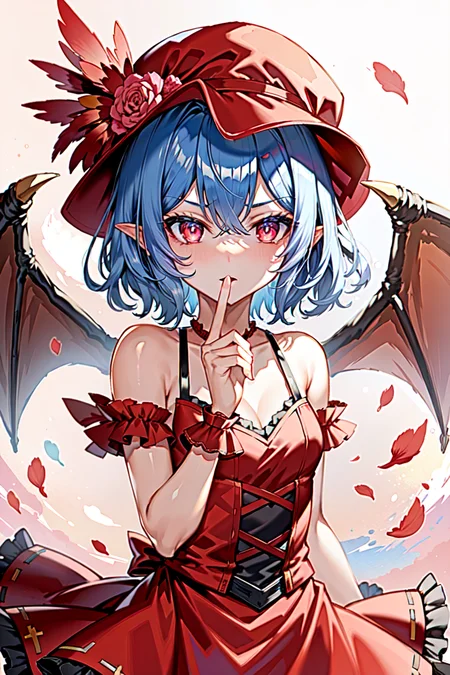
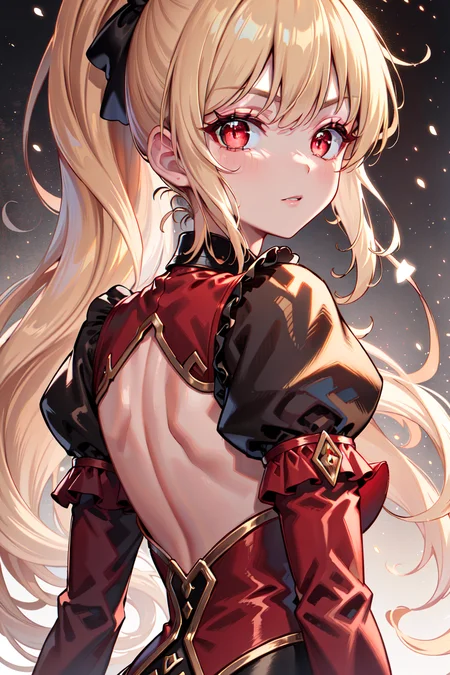
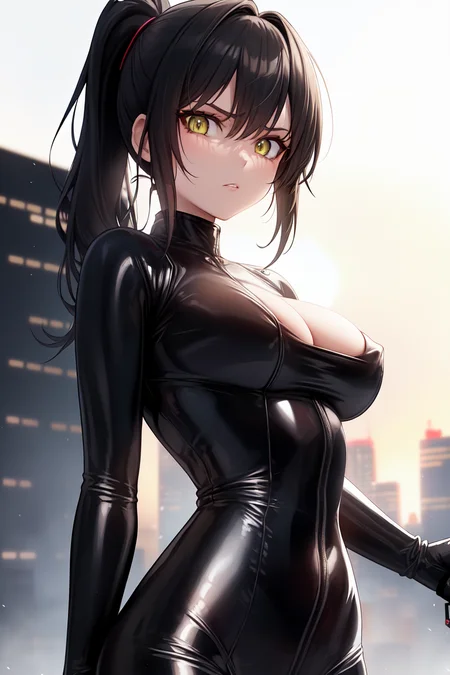
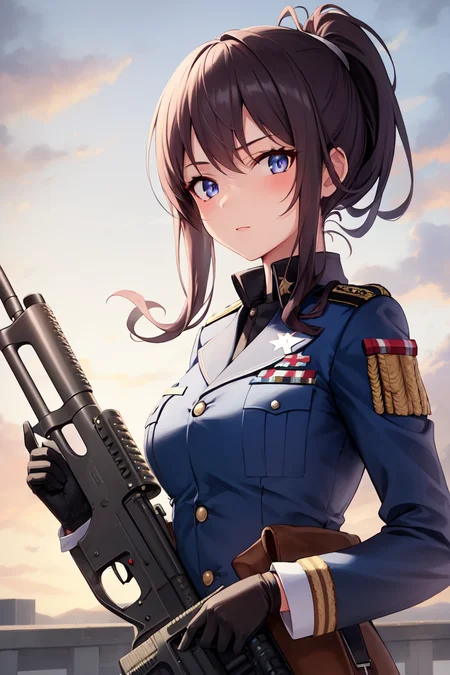
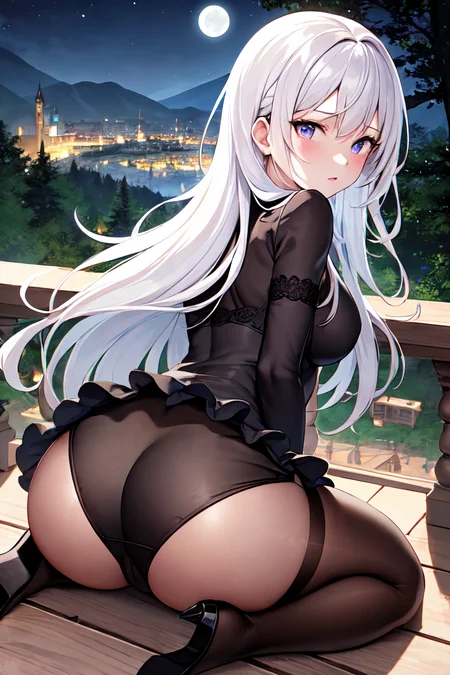
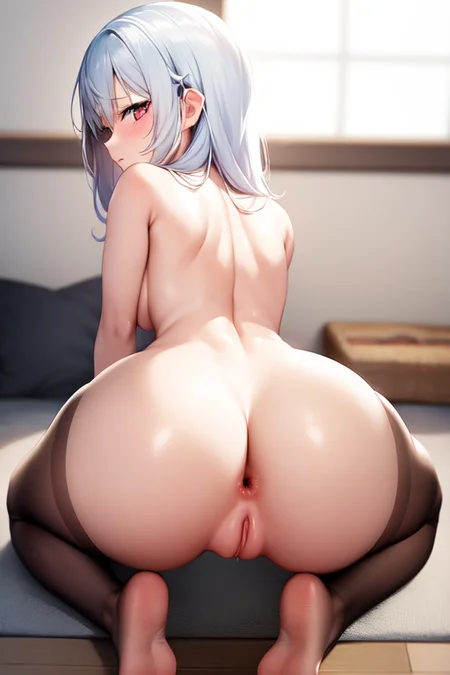


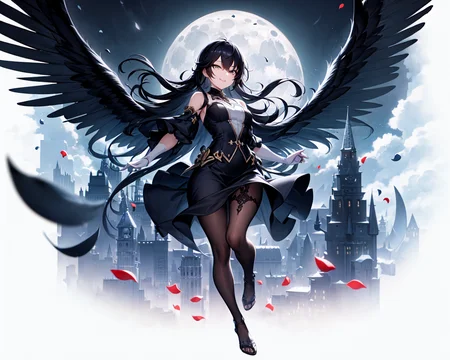
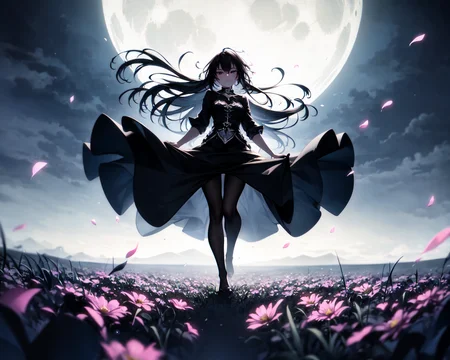
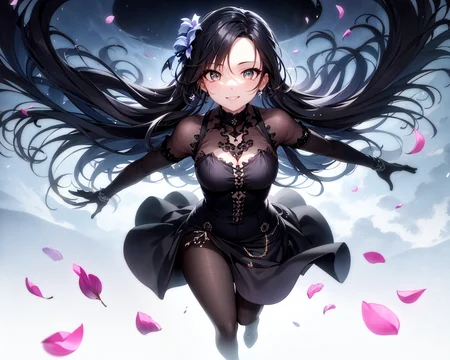
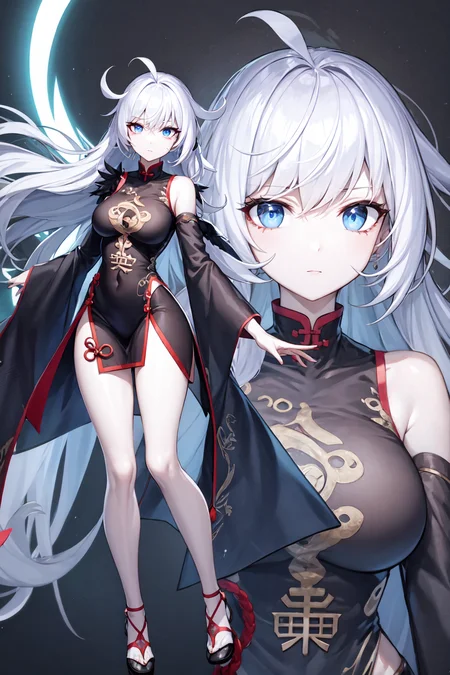

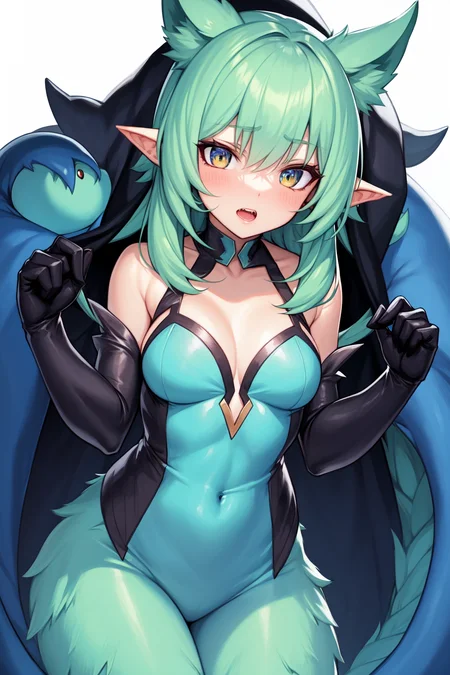


Add a ❤️ to receive future updates.
The model has been carefully optimized for stability and reliability, and its checkpoint is regularly updated to ensure that it incorporates the latest advances in deep learning research. This means that you can trust the model to produce accurate results time and time again, making it an ideal tool for artists, animators, and anime enthusiasts alike.
So if you're looking for a powerful and dependable anime model to help you create stunning art and animations, look no further than the "Anime Model OtakuReliableEnable (AMORE)" anime model. ~ thx Sage
Stop typing those miserable score_9 and so on when generating images, especially if you're using it together with LoRa.
Description
:P
FAQ
Comments (22)
tried tinkering around with it for a bit comparing to other models and mixes. This produces good looking anime style images if you dont zoom in too much and look from far. i think this loses details too much to be viable. Look forward to others posting pictures if im wrong.
Hope the author can make male characters use this too
she can :) you just need to make her
((best quality)), ((masterpiece)), (detailed),
1boy, <------
@Eternal2kPP If you can't come out, you still look like a woman.
@black_butterfly Image posted by Eternal2kPP (civitai.com)
@Eternal2kPP I wanted to make a male character, but every time I came out it was a female character
@black_butterfly I do not know what the problem is, but she can just make male characters.
then I will try to add a new model that will do it better :)
@Eternal2kPP May I ask which VAE the author uses?
@black_butterfly WD-VAE-v2
i really have to ask, because this is confusing me a lot, right after i decided to use your checkpoint because of these results you were posting:
what do i have to do with this "Update"? is this a full checkpoint or should i merge it somehow with your v1.0?
thanks in advance for your help.
yes (update)v1.0 this is what I'm using now :) if I change it somehow, I will upload it here immediately
@Eternal2kPP you mean, that i should handle this "Update" like every other checkpoint? okay, thanks for your help. (and you should explain something like this directly when you publish your stuff. this way, no one gets confused ;D)
@stapfschuh the updated version is model, you don't need to touch her :) I am currently working with her
it seems, your checkpoint has some serious issues in case of quality and details. in every checkpoint, i use these prompts "ultra sharp details, ultra sharp body details, ultra sharp skin details". these prompts add every detail on the image itself, on the body, body parts, skin, nose and everything to the highest possible quality. this way, i don't have to use "detailed ...." in prompts for every little thing.
and after using these with your checkpoint, all i always get is "shiny skin" and plastic looking skin, but no further detail added.
you can test these prompts on your own and compare them with other checkpoints to see how awesome they work.
@stapfschuh anime LoRA turns out :)
@stapfschuh why you want details on anime model? anime is about pure lines.
P.S. he made LoRA for "details": https://civitai.com/models/67657/masterpiecestyle
@randomizer89 in that way, you are absolutely right, but sometimes, one wants to test limits. because his checkpoint works like a charme on nearly every lora, i was curious if i can enhance the output quality. and sadly, it did not work. i didn't mean to blame him, that his checkpoint is not good or something, i just noticed this. that was all.
You posted a picture that looks like an anime, when training lora did you use this checkpoint?
is the vae baked in?
in general, he was there :) But I need to check and I'm too lazy