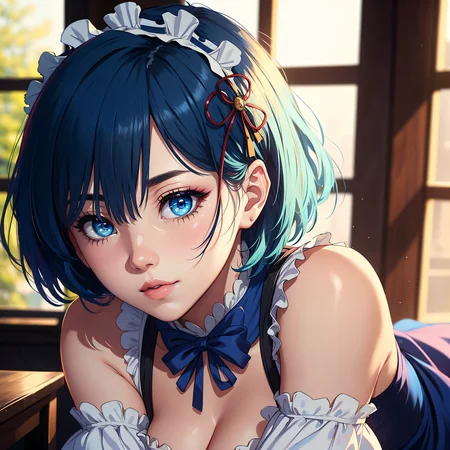
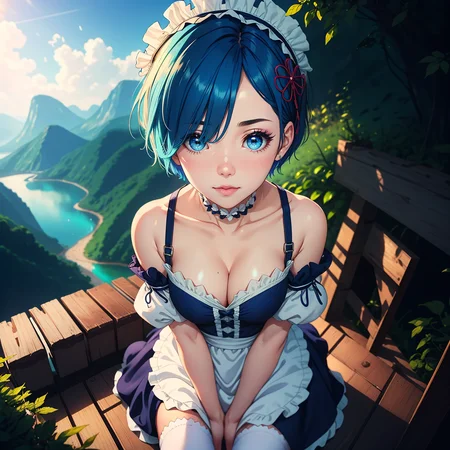
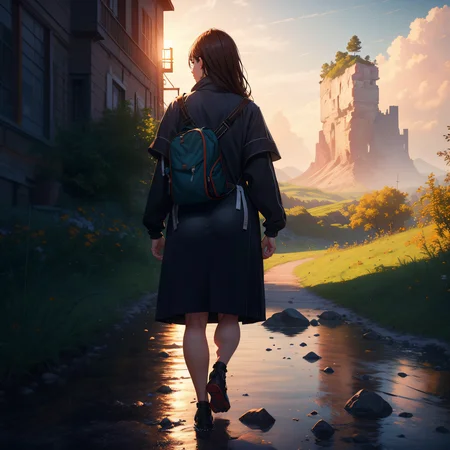
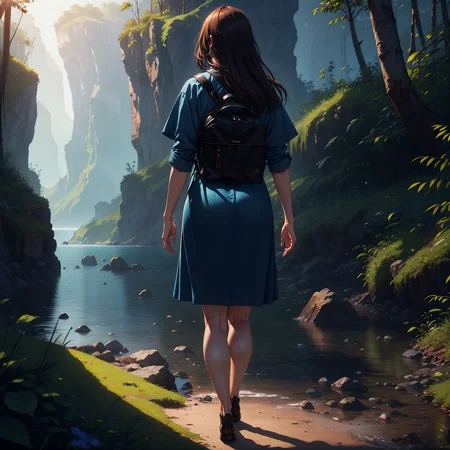
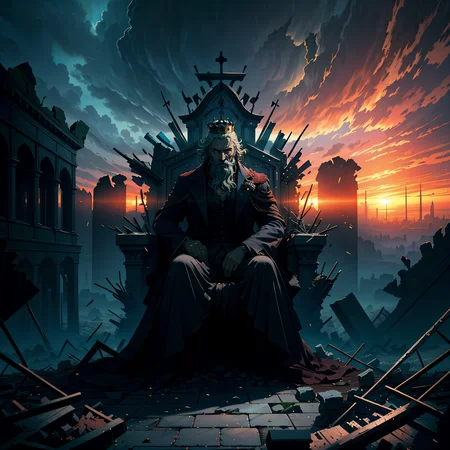
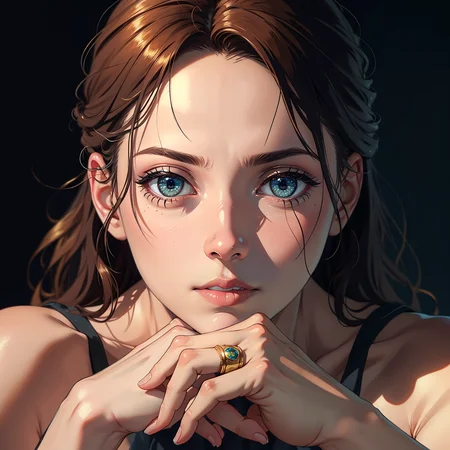


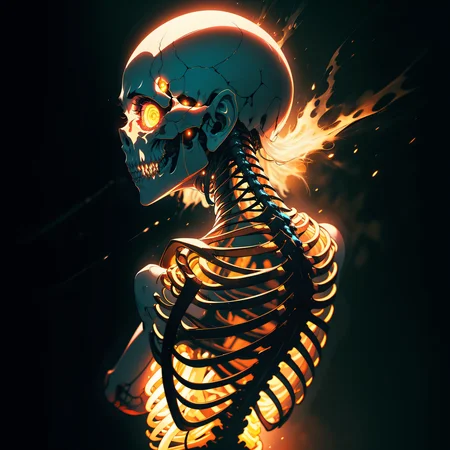

This is a Checkpoint i started with merging with my 3 favorite Checkpoints. Dark Sushi Mix, ReV Animated, Pika's Animated Mix. Other checkpoints can be found in each version detail.
I have been getting some incredible results with this merge and thought that it would be worth sharing with others. It is great at generating both NSFW and SFW content. Would love to see your results :D
Check my other models if you liked this one :)
Hugging Face: https://huggingface.co/BixBit11/DarkRevPikas/tree/main
My recommendations is as follows:
Sampling Method: Euler A or DPM++ SDE Karras
(My personal favorite is Euler A)
Sampling steps: 30-40
CFG Scale: 6-8
CLIP: 2
Hires.fix: upscale by: 1.5x -- Hires steps: 10 -- Denoising strength: 0.3
VAE: I strongly recommend to use this model with vae-ft-mse-840000-ema-pruned
For a more realistic image use:
photorealistic, (hyperrealistic:1.2), beautiful, masterpiece, best quality, extremely detailed face, perfect lighting,
For less realism use:
beautiful, masterpiece, best quality, extremely detailed face, perfect lighting,
My favorite negative prompt:
(worst quality, low quality:1.4), (monochrome), zombie, watermark, username,patreon username, patreon logo, (extra fingers, deformed hands, polydactyl:1.5),
Description
First Version
Works really well with embeddings and LoRAs/LyCORIS.
FAQ
Comments (11)
Wow, that's very interesting! :)
Glad you liked it!
Sorry, you don't have it in .ckpt or in huggingface :), Could you upload it please,
Done! Hugging face: https://huggingface.co/BixBit11/DarkRevPikas/tree/main
This is exactly what i merged yesterday yet my results dont look as clean as this. Gj
Thanks!
@BixBit11 sadly my results dont look as good as shown in here anyway following all your setup and prompts. My eyes and lips are always fragmented. which upscaler do you use?
@beardbread That is strange. Can you provide me with some images you get? If you could share a imgur link. I mainly use 2 upscalers, 4x-UltraSharp and 4x_foolhardy_Remacri. Make sure you are using the same vae as i am. Link for the vae can be found under my recommendations. Also make sure clip skip is at 2. I will re-post my reply from reddit where someone asked for my workflow when making my images:
All these results are of course not the first generation. What I do is:
1. Generate a bunch of 512x512 with 30-50 steps (50 is good bcus of more details)
2. I pick one I like and send it to img2img
3. I change the resolution to 1024x1024 and turn the steps down to 20 and start generating.
4. When I get something acceptable I send it to inpainting.
5. Inpaint all the areas you would like to increase the details on. It can be to add more/better details or to make the areas crispier. Important not to use too much denoise strength. I use 0.3-0.45
6. I don't mask too much when I inpaint. The more you mask the less increased quality you get. So for example I will start inpainting from the head down to shoulders. Then from shoulders down to stomach and so on.. Doing it in sections gives much better results.
7. When I am done with the overall details I once again in paint the head, but this time only the face. Since the mask is smaller, and we had inpainted the head before, the quality will get even better.
8. Lastly I inpaint the background if there is a need to it.
If you are changing the background "original" and "whole area" option is the best, but for details and for people/faces, "original" and "only masked" gives better quality.
I recommend trying out the beautiful detailed eyes lora https://civitai.com/models/5693/beautiful-detailed-eyes put the strength down to 0.4 and try inpainting the face. I have been using this lora for almost all my best images.
@BixBit11 probably has something to do with AMD gpu not being able to allocate memory but using your prompts helped far better than the readme prompts
@beardbread i am also using a AMD gpu (rx 6900 xt 16gb). What kind of gpu do you have? What is the max size of images you are able to generate ?
@BixBit11 swift RX6700 XT 12GB.. max i can do is 512x768. With or without upscaler. This is the best model yet without having to impaint half the image
Details
Files
Available On (1 platform)
Same model published on other platforms. May have additional downloads or version variants.