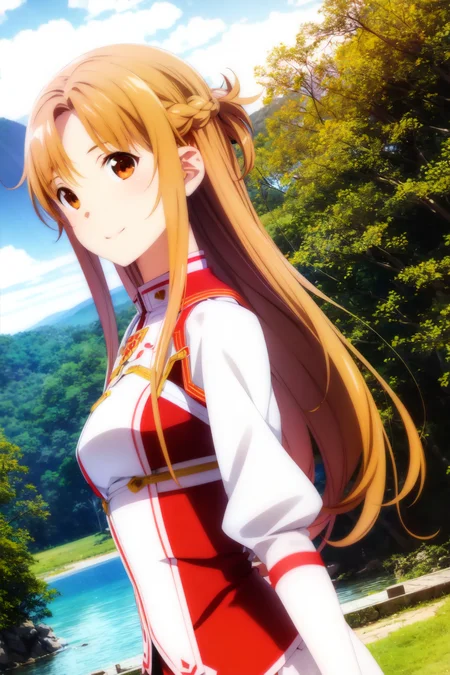
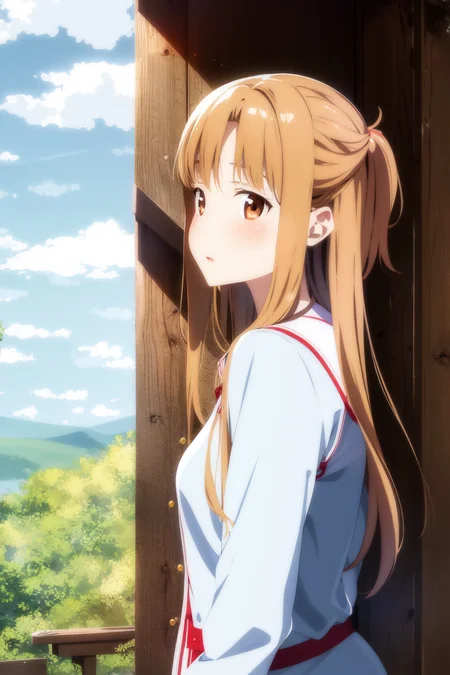
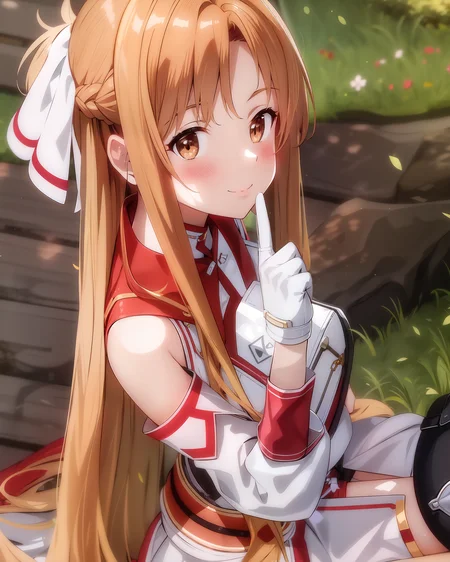
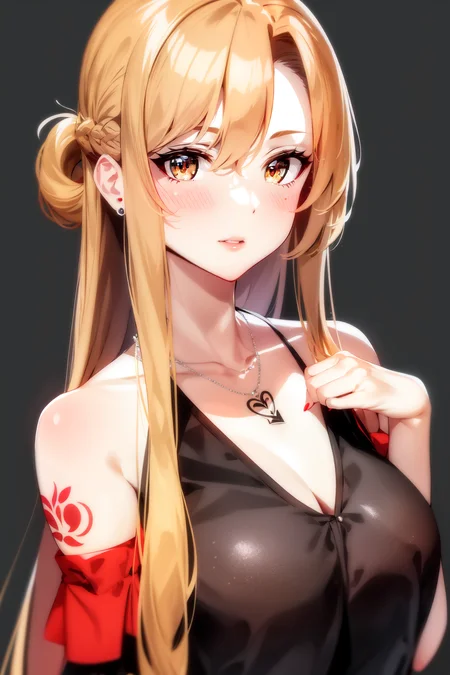
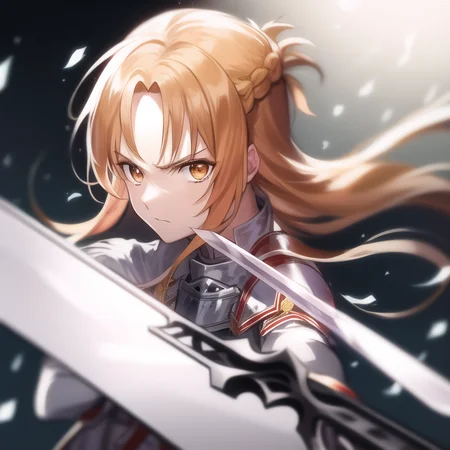
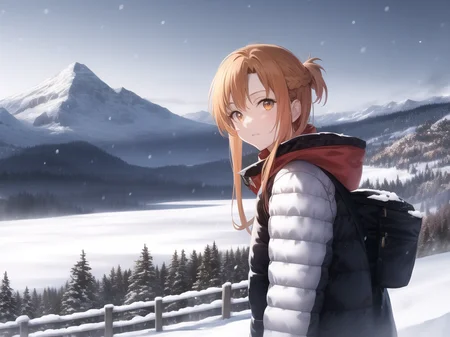
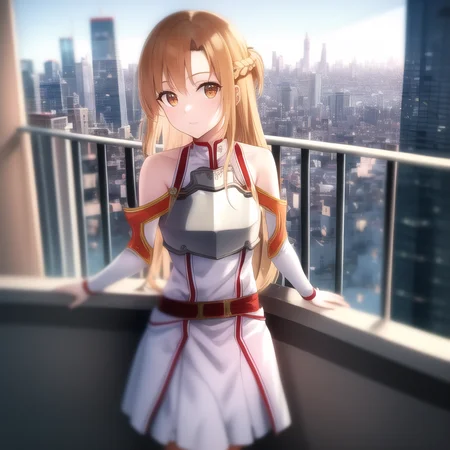
Asuna LoRA
Making models can be expensive. Do you like what I do? Consider supporting me on Patreon 🅿️ or feel free to buy me a coffee ☕
Made another LoRA. For this one I suggest Abyss Orange Mix or Midnight Mixer (Melt or V2), and a weight of around 0.6. Mainly for models that can't do an accurate Asuna on their own.
Keep in mind this is LoRA, so you need to use it as such. It's not a standalone model and it's not a TI.
Should activate with asuna and asuna \(sao\) plus other asuna related booru keywords.
How to use LoRA's in auto1111:
Update webui (use
git pulllike here or redownload it)Copy the file to
stable-diffusion-webui/models/loraSelect your LoRA like in this video
Make sure to change the weight (by default it's
:1which is usually too high)
Description
FAQ
Comments (20)
those are some excellent hands
I'm kind a new to this. So, to use this LoRA we need to merge it with other checkpoints?
No. It's similat to hypernetworks. You need an addon to add loras as addotional nets on top of your model
Ah, I got it. I found this extension. Thx!
@lynx which extension is required to use loras?
@es69 you don't need any extension. Just the latest version of auto1111. Check the description I wrote.
How did you manage to achieve such a result? (in picture 2 and 3) I used the same thing, but the result is bad.
Give me the pnginfo, hard to tell otherwise.
@Lykon a prompt from your 4 images(identical)
parameters:
asuna, asuna_\(sao\), 1girl, bare_shoulders, black_nails, collarbone, commentary, dark, earrings, fantasy, hair_between_eyes, highres, jewelry, looking_away, looking_to_the_side, nail_polish, necklace, off_shoulder, original, parted_lips, realistic, ring, ringlets, scenery, simple_background, solo, tattoo, upper_body
Negative prompt: (painting by bad-artist-anime:0.9), (painting by bad-artist:0.9), watermark, text, error, blurry, jpeg artifacts, cropped, worst quality, low quality, normal quality, jpeg artifacts, signature, watermark, username, artist name, (worst quality, low quality:1.4), bad anatomy
Steps: 30, Sampler: DPM++ SDE Karras, CFG scale: 7, Seed: 3194907548, Size: 512x768, Model hash: 0873291ac5, Model: AbyssOrangeMix2_nsfw, Denoising strength: 0.42, ENSD: 31337, Hires upscale: 2, Hires upscaler: 4x_foolhardy_Remacri
The hash model is different. Does it affect?
https://huggingface.co/WarriorMama777/OrangeMixs/discussions/45
@L115A4 auto1111 hash format changed at some point :\
couple of questions.
1. Do you have the bad-artist-anime and bad-artist TIs?
2. Are you using the LoRA? I see no indication in the pnginfos that you are.
Also the "_"s were a mistake on my end, you'd better off not using them, unless you wanna get the same results.
@Lykon 1. A bad artist is from https://huggingface.co/nick-x-hacker/bad-artist
2. There was no LoRA in your pkg info. I decided that it was also not necessary.
Added <lora:asunaLora_asuna:1> the result was different. I tried it like in the video <lora:asunaLora_asuna:0.6> it worked! Thank you for your help!
@L115A4 this pnginfo was created before auto1111 webui had native lora support, so we were using an extension.
Will there be a version with Stacia? (Underworld)
Details
Files
asuna.safetensors
Mirrors
asunaLora_asuna.safetensors
asuna.safetensors
asunaLora_asuna.safetensors
asunaLykon.safetensors
asunaLora_asuna.safetensors
asunaLora_asuna.safetensors
asunaLykon.safetensors
asuna.safetensors
asunaLora_asuna.safetensors
asunaLora_asuna.safetensors
asuna.safetensors
刀剑神域 - 亚丝娜【asuna(sao),armor】.safetensors
亚斯娜.safetensors
Available On (1 platform)
Same model published on other platforms. May have additional downloads or version variants.