

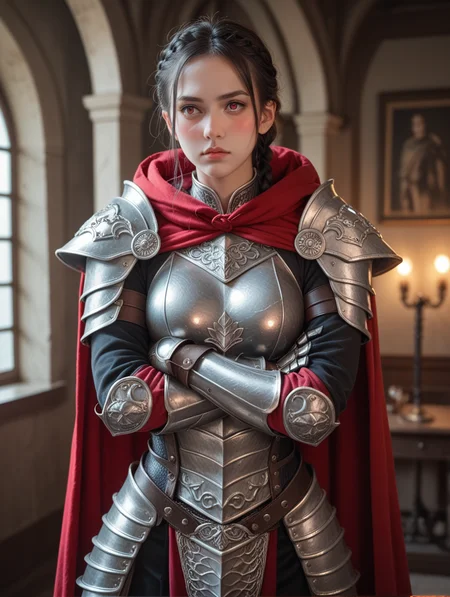



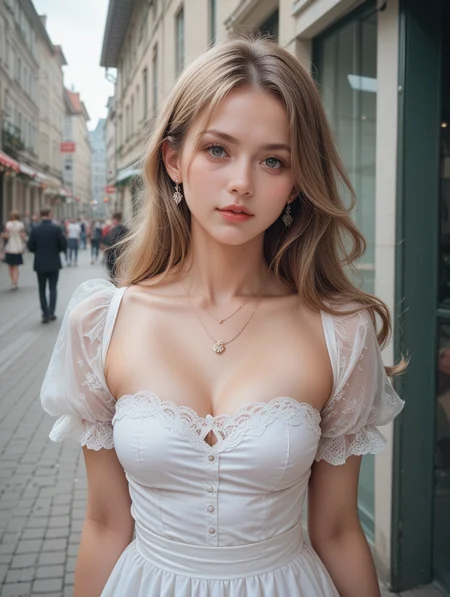





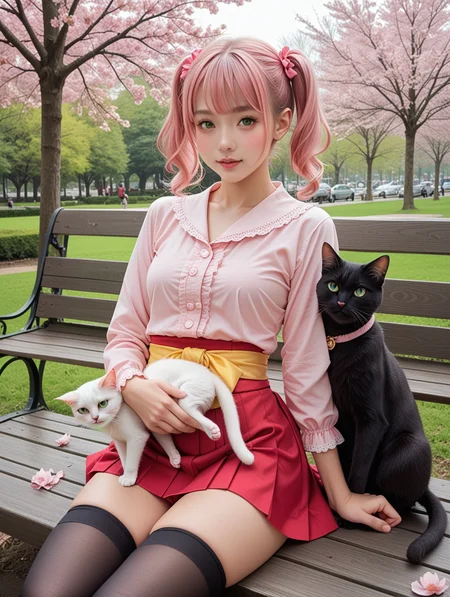


If you want to use more my checkpoint online generation, please visit here.
https://tensor.art/u/762555264535746522
V15
关于例图, 我使用了1024x1360的大小,都是直接输出没有经过AD跟高修.
For the example images
V15, I used 1024x1360,
generated directly without AD or hires fix.
调整了数据,不在需要正负面质量词.
The data has been adjusted, and positive/negative quality tags are no needed.
Recommended Setting
Steps: 30
CFG scale: 7
Sampler: Euler a
V14
关于例图, 我使用了1024x1360的大小,都是直接输出没有经过AD跟高修.
For the example images
V14, I used 1024x1360,
generated directly without AD or hires fix.
重新调整了整体色彩,构图,背景.
The overall color, composition, and background have been re-adjusted.
Recommended Setting
Steps: 30
CFG scale: 7
Sampler: Euler a
Positive Prompt
score_9, score_8_up, score_7_up,Negative Prompt
score_6,score_5,score_4,, worst quality, low quality, bad anatomy, bad hands, missing fingers, fewer digits, source_furry, sourcwe_pony, source_cartoon,3d, blurry,V13
v13主要是进行了色调跟数据调整,对脸部基本没有太大调整.
Version 13 mainly focuses on color tone and data adjustments, with minimal changes to the face.
把cfg稳定在了7,方便后面版本的调整.
The CFG has been stabilized at 7 to facilitate adjustments in future versions.
v13 Recommended Setting
Steps: 30
CFG scale: 7
Sampler: Euler a
Positive Prompt
score_9, score_8_up, score_7_up,source_real,real skin,
BREAK
Negative Prompt
worst quality,low quality,
source_furry, source_pony, source_cartoon,2d,
,bad anatomy, bad hands,blurry,3d,
__________________________________________________________________________________________________
v12 Recommended Setting
Steps: 30
CFG scale: 5~7
Sampler: Euler a
12 steps Recommended Setting
Steps: 12
CFG scale: 1
Sampler: Euler a
two versions same Prompt
Positive Prompt
score_9, score_8_up, score_7_up,source_real,real skin,
BREAK
Negative Prompt
worst quality,low quality,
worst detail,low detail,
source_furry, source_pony, source_cartoon,2d,
,bad anatomy, bad hands, text, error, missing fingers, (extra digit:1.4), fewer digits, cropped, bad artist, outlines,jpeg artifacts, signature, watermark, username, blurry,3d,
_______________________________________________________________________
V11
Recommended Setting
Steps: 30
CFG scale: 5~7
Sampler: Euler a
ADetailer face_yolov8s.pt use (ADetailer sampler: DPM++ 2M, ADetailer scheduler: Karras )
Positive Prompt
score_9, score_8_up, score_7_up,source_real,real skin,
BREAK
Negative Prompt
worst quality,low quality,
worst detail,low detail,
source_furry, source_pony, source_cartoon,2d,
,bad anatomy, bad hands, text, error, missing fingers, (extra digit:1.4), fewer digits, cropped, bad artist, outlines,jpeg artifacts, signature, watermark, username, blurry,3d,
__________________________________________________________________________________________________
V10
Recommended Setting
Steps: 30
CFG scale: 3.5~7
Sampler: Euler a
ADetailer face_yolov8n/s.pt use (ADetailer sampler: DPM++ 2M, ADetailer scheduler: Karras )
Positive Prompt
score_9, score_8_up, score_7_up,source_real,realistic,photorealistic,
BREAK
Negative Prompt
worst quality,low quality,
worst detail,low detail,
source_furry, source_pony, source_cartoon,2d,
,bad anatomy, bad hands, text, error, missing fingers, (extra digit:1.4), fewer digits, cropped, bad artist, outlines,jpeg artifacts, signature, watermark, username, blurry,3d,
__________________________________________________________________________________________________
V2toV9
Recommended Setting
Steps: 30-50
CFG scale: 7
Sampler: Euler a
Sampler: Euler a ADetailer face_yolov8n/s.pt use more better
Positive Prompt
score_9, score_8_up, score_7_up,Negative Prompt
score_6,score_5,score_4, worst quality, low quality, bad anatomy, bad hands, missing fingers, fewer digits, source_furry, source_pony, source_cartoon,3d, blurry,________________________________________________________________________________________________
v1
Recommended Setting
Steps: 30
CFG scale: 3.5-7
Sampler: Euler a or DPM++ 2M Karras
ADetailer face_yolov8n/s.pt use more better
Positive Prompt
score_9, score_8_up, score_7_up,Negative Prompt
score_6,score_5,score_4,bad anatomy, bad hands, missing fingers, fewer digits, source_furry, source_pony, source_cartoon,3d, blurry, Description
FAQ
Comments (41)
good
模型非常好,非常服从命令,contronet ,openpose,都非常听话,牛!
你是怎么让那第一张图片动起来的?你用了什么工具?
It upsets me that with each new iteration of this model, the faces look more and more plastic-doll-like, as if more than one layer of powder was applied to them. 😔 I love the realistic skin tone, without makeup.
It saddens me very much that Japanese, Chinese and European girls have taken the fashion to whiten their skin and avoid tanning to the extreme. They all began to look like clones, losing their individuality and those subtle features that made them so different from each other, but at the same time so cute. I want to see Japanese women as Japanese, Chinese women as Chinese, and European women as Europeans, not clones of K-POP idols.
There is no way around this. Most of the girl materials on the Internet have been beauty corrected, which leads to the result that the quality of those that have not been corrected is very poor. It is basically impossible to use the training set and it is easy to contaminate the training. result. Moreover, public aesthetics tend to be in this direction, otherwise there wouldn’t be so many people downloading it.
You can also improve this situation by adding a description of the skin, such as: realistic, rough skin, etc.
@WAI0731 Thank you for the clarification. 😊 I completely understand.
@Shizayats I am currently creating a more ordinary person's model. You can try it out when it's ready.
@WAI0731 Ahh, thank you very much! 🤩
really good, and interesting animation
I realize I'm probably behind the times... but how does one go about making an animation like that? Is anyone kind enough to tell me what tools you might use?
animations is use other video generation AIs.
@WAI0731 which one? story diffusion? Thank you so much for your work and info btw, you did so amazing stuff!
@Winterhaze I use lumalabs.ai or klingai(Internal testing)
過去SD1.5就是majicmixRealistic_v7
SDXL/PONY就是WaiREALCN_V80 !!!
也是自從有了大大的WaiREALCN小弟才開始玩SDXL/PONY...
如果沒有大大我該怎麼活!!!!!!!!!!!!!!
大佬,V8开始接近2.8D了
Very nice model. Much love and thanks to WAI0731!
我用吐司国际版在线AI,最近用的这个WAI Pony系列发现个问题,就是使用ADetailer换脸,不起作用了,不知道是这个模型出问题,还是吐司的ADetailer出问题?前段时间都还好好的。应该是7月27号出现的这个问题。
Excuse me, how can I draw an Asian face? All the pictures I draw are Western faces
For some reason, this model does not show up in searches from within the civitai creator and when just remixing, I get the error "Remix
Some resources used to generate this image are unavailable"
Not all models can be generated online. This is decided by the civitai staff. You can only download my model and use it locally.
Hi, I'm testing it. What hires config do you recommend?
Hires steps: 10, Hires upscaler: 4x-UltraSharp,Denoising strength: 0.35
hii, good work on the model, how can i read the checkpoint to know the list of all the race available in the cehckpoint? , or maybe u could tell me, it would be a great help, thankss
Most of the materials I'm using come from models and LoRAs that I have trained individually, but it's hard to explain.
Hello! I made a comparison of Pony models. 1 test prompt so far. More ongoing.
https://civitai.com/articles/6491
Comments / suggestions are welcome.
Whos The actual winner?
@P_Universe Not finished yet...
As reported, current prompts are biased and some of them too long.
"We need to go deeper..." (DiCaprio smirk)
太牛掰了啊兄弟!!你这模型是真牛掰啊!!画面我测试了,简直绝了!!
Details
Files
Available On (1 platform)
Same model published on other platforms. May have additional downloads or version variants.