









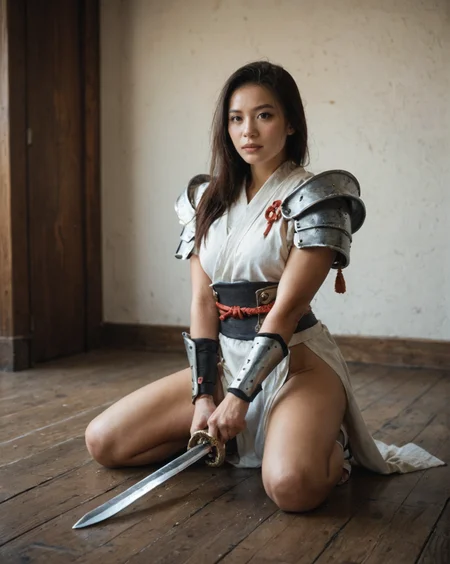

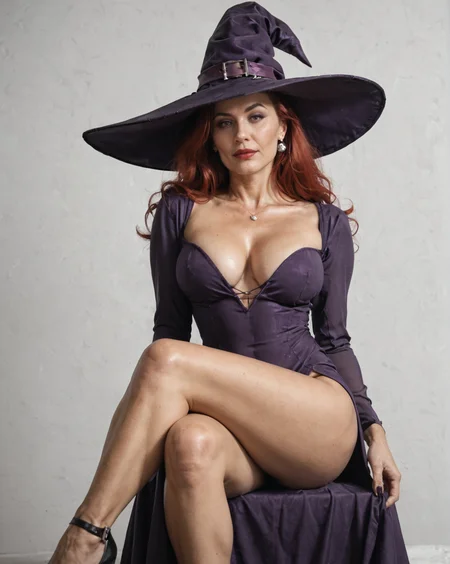






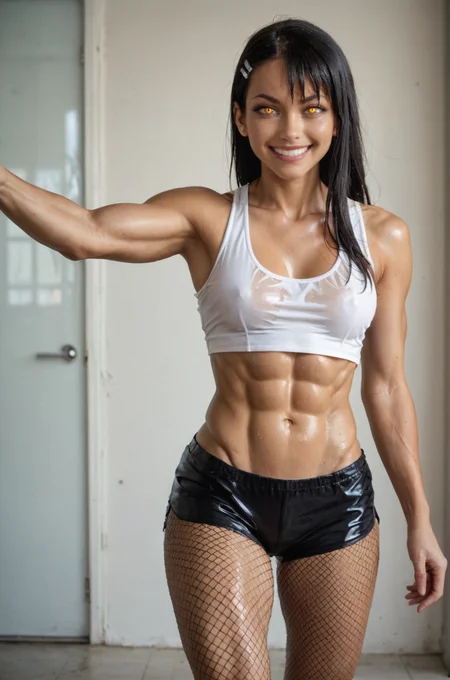
V8 is a mix of the past v7 v6 and v5.
V8 mix B has better knowledge of characters and need less weighting to get colored skin for example. Not that it is always correct but it has a better idea of who a character is.
Either way both can be interesting, curious which one you prefer.
Rule of thumb for both hyper versions, if you get artifacts either our cfg is too high or your steps too low. Hyper versions are Euler and Euler a only most other samplers don't really work.
Version 6 seems to behave with most samplers, not sure if I would recommend Euler a however.
Removed 5.1 it was too buggy so I removed it.
Not sure if Clip merging is such a good idea especially with Pony models.
Did remove the T5 clip merge as it looks like it does not work, or only has an effect with A1111. If you are using Comfy UI there is no difference between v4 with or without T5.
The real version 9 of my fast Pony merge.
I decided to publish this under a new name as it will where I try to get the look I want (more then in the other one where I tried to keep everything Pony intact).
I don't think I broke anything Pony like yet...
Will leave the name however as "fast" as it is based on version 7.5 and you can get decent results with 10-12 steps.
Don't use Euler a, especially with version 2 (at least for me it causes issues)
DPM ++ samplers are fine
I hope nobody minds the prompts I have been borrowing to se how mine compares.
Description
Trying to tune/improve it a bit more and this is the result.
FAQ
Comments (9)
did the fooocus update break this? i opened fooocus to a new update and can't recreate the images i made yesterday :(
FIXED: CLIP Skip must now be set to "2" in Advanced > Developer Debug Mode > Debug Tools > CLIP Skip
This looks incredible, I'd love to try it. ❤️
Would please somebody explain how to set the CLIPSKIP to 2 in SDXL? I don't see this option for the XL in the Settings... Thank you
If you use A1111 you can add it in the Ui settings, https://www.reddit.com/r/StableDiffusion/comments/11wjow6/quicksettings_toolbar_for_auto1111_model_vae_lora/
In Comfyui, Add node>conditioning>clip set last layer.
@TiwazM Thank you so much, that is very useful!
@Grampolla Thank you, I will try to remember that in case I start using the Comfyui. Is it much better than the A1111?
You don't need to do anything in ComfyUI, it will handle it.
One of the best models out there
Details
Available On (2 platforms)
Same model published on other platforms. May have additional downloads or version variants.