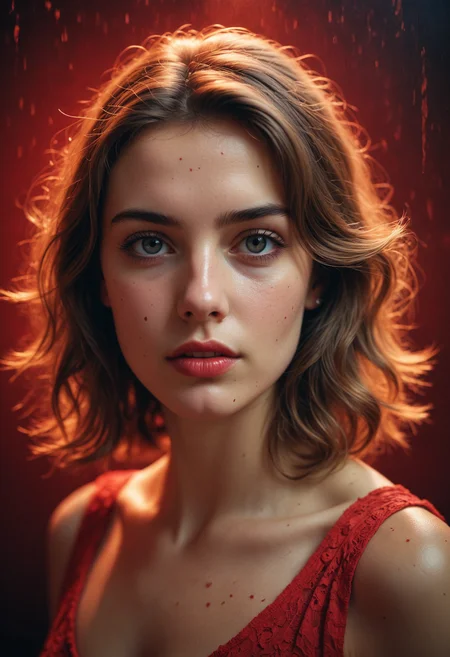
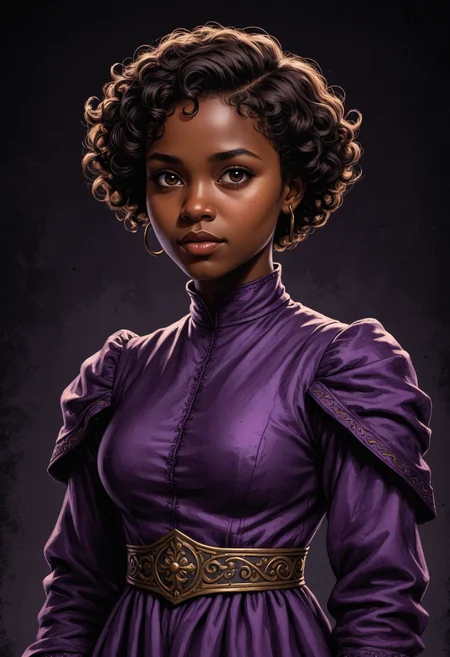

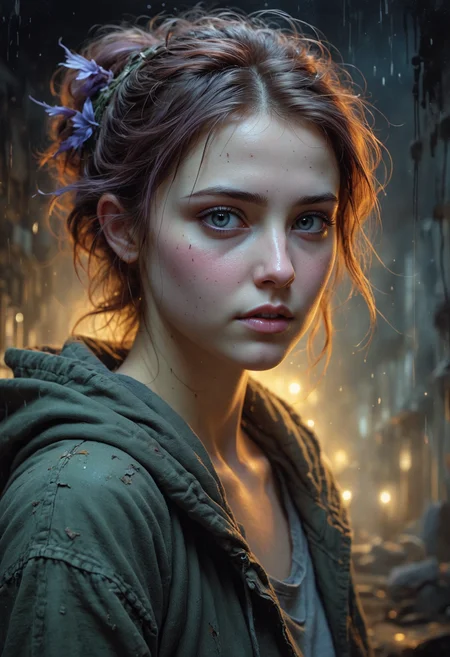

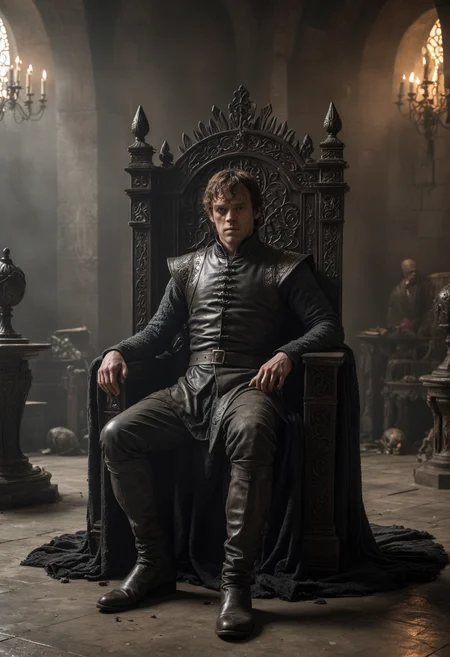


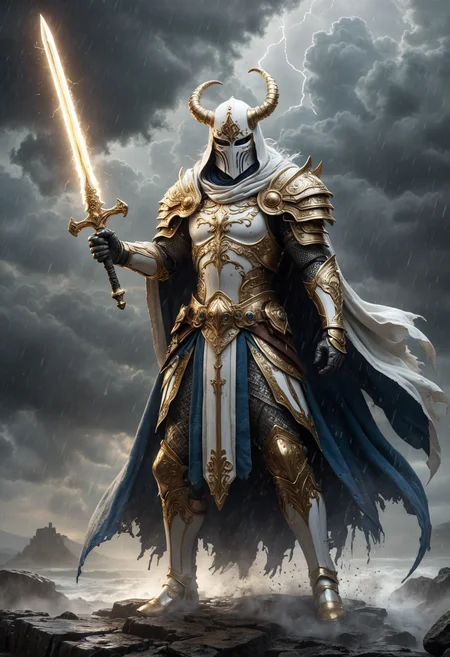


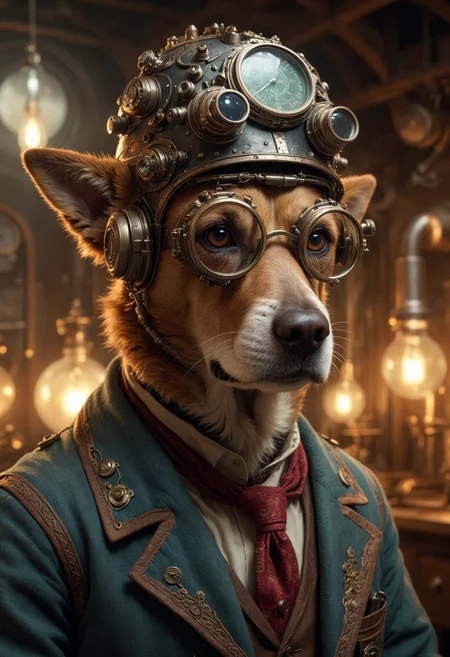
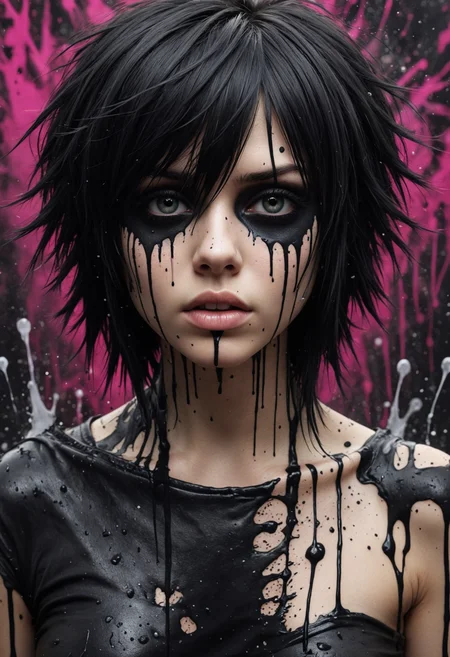
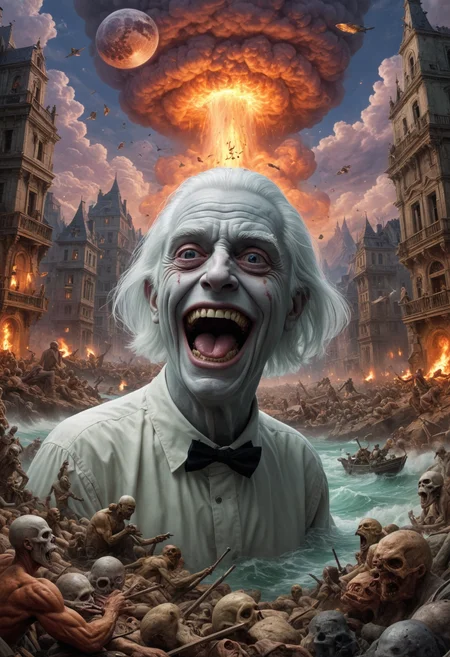

Using any SDXL Lora with the Hyper version of the model results blurry pictures.
The result of experimenting with Lightning models.
What was born as an experiment became a major project. I continue to work on this model and improve it as much as possible. Even though I didn't believe it would turn out to be anything worthwhile, I was wrong. The model has proven to be very good, especially when it comes to generating highly detailed and pleasing to the eye images. I hope you enjoy what I'm doing.
Our slogan: - You don't have ten fingers on your hand, and Midjourney is quietly crying on the side and jealous.
Version 1.0 - Final. I have done a lot of tests and slightly changed the recommended parameters.
Recommended parameters:
Sampler: DDPM, Euler, DPM++ SDE
CFG: 1.5 - 2
Steps: 10
Resolution: 832x1216 is great but you can use any other, does a great job.
A little bit about the HYPER version:
- This is a very fast model. Despite the fact that it weighs twice as much as a normal Boltning, it is much faster. In my tests with the same parameters it is 60% faster.
- This version is very realistic and detailed despite the fact that it uses the “Euler a” sampler.
- It follows prompt better and handles anatomy better.
- There are no plans for a 16 bit version. Sorry.
Recommended parameters for HYPER version (Not published yet):
Sampler: Euler a - do not use another samplers.
CFG: 1
Steps: 10
Resolution: 832x1216 is great but you can use any other, does a great job.
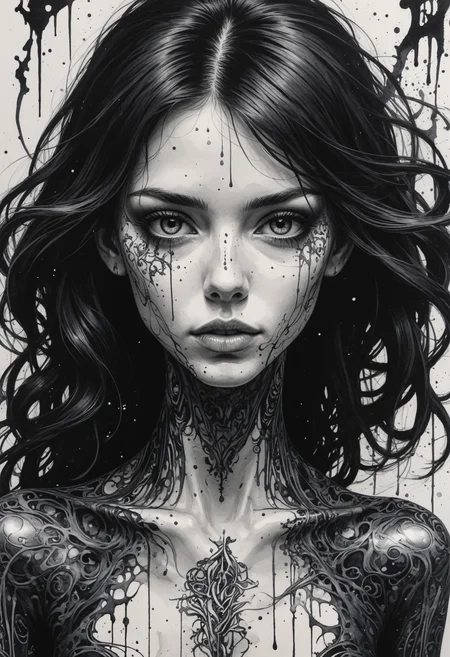
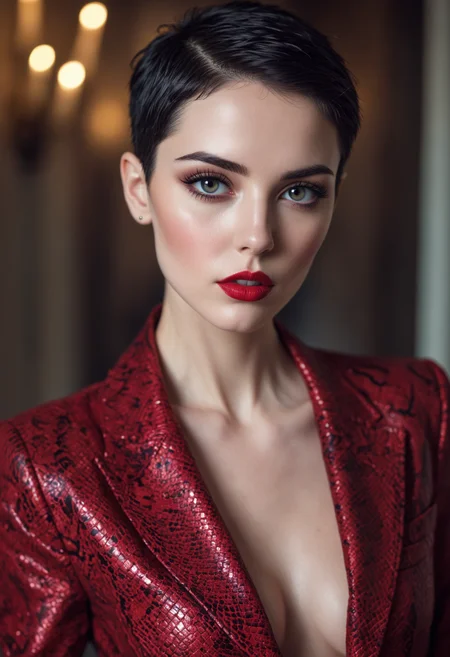
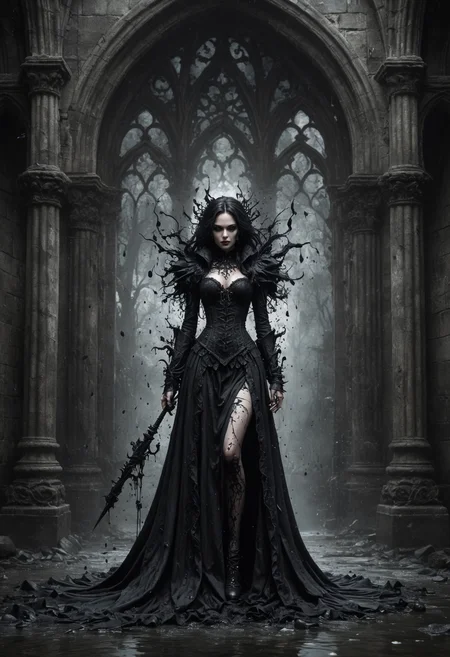
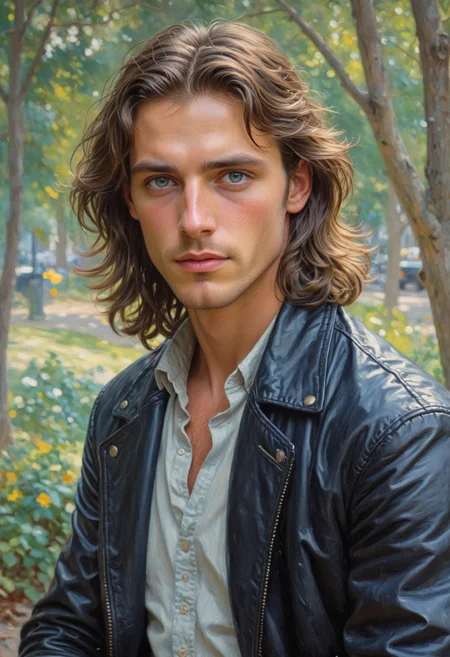
Prompts can be seen in the demonstration pictures.
Special thanks:
badassdragoon2
And to all users who use my model and create masterpieces
Special thanks to my friend - iwtort for the support
If you like what I do, please subscribe

Description
This is the HYPER version of the model.
READ THE RECOMMENDED PARAMETERS CAREFULLY.
- Very fast.
- Very realistic.
- It follows the prompt better.
Try not to use Lora it does not work well with this model.
FAQ
Comments (207)
What checkpoints did you merge for this model ? I want to compare the differences in outpu between this and the originals
There's about 50+ models and 100+ lora, all meshed at a very low ratio with the base model over a long period of time. I can't even list it now, I just can't remember already. But you can compare to any model, there's a huge chance that any you choose was used in the mix to some extent.
@georgebanjog Ahh, that's a lot of models & loras merged. Really a lot ! I have heard people merge 5 or 10 max models, but this is the 1st time i am hearing about 50+ models used for merging !
@mayan007 Yes, it's a lot of work to get these results. I tried to get the best out of a lot of models. 😊
@georgebanjog Nice work bro. And do u recommend replacing v1.0 with Hyper_D or use both ?
@mayan007 It all depends on what you prefer. Personally, I've switched completely to Hyper
@georgebanjog Alright, i will stick to it too !
HYPER version is here! Let's get to it!
👀
@AIDigitalMediaAgency 😁
Thanks, nice one, one comment after a quick test.
Seems it is no issue to push the CFG to 3, kinda breaks at 4.
I think I prefer at least 2 on but need to test more.
@TiwazM This model requires to use CFG - 1, even better - 0, but there seems to be no such option.
@georgebanjog I find contrast sometimes a bit lacking at 1, I will post some comparison to show what I mean. 1.5-2 is better, however that is personal taste I guess.
@TiwazM It's a matter of taste, but the model is designed to work with just such a parameter. The most realistic results will be with CFG = 1. If you increase it, it will be more saturated, but details may be lost.
@georgebanjog true perhaps the best option is CFG one and PAG 1-2 :)
@TiwazM Yeap ☝👍
@TiwazM But I'm not sure how many people use Incantations(PAG), so it's probably not that important. 🤔
@georgebanjog yeah I never tried it before today 😆
@TiwazM That's what I thought 😂
@georgebanjog but I sure will test it more now ;)
@TiwazM Maybe I'll give it a shot, too. 😁
@TiwazM Agreed.
The hyper version get me some weird blue dots over images
Write down all the parameters you use - Steps, CFG, Sampler and whether you use Lora
You can post a picture without removing the meta data, I'll take a look. I think you are either using the wrong sampler or CFG. This is also possible when using Lora, because this model has a slightly different architecture and it is not recommended to use Lora with it.
@georgebanjog No loras , Steps 10 , CFG 1 , https://imgur.com/a/a5EBkOn
https://imgur.com/a/A9Eml5e , the loras in screenshot are disabled
@Ciprianno Hmmm... That's very strange. I guess this is Invoke AI?
@georgebanjog Yep , i have no problem with Boltning version 1 ,
@Ciprianno Yeah, cause version 1 is lightning and this is hyper. They're different model architectures. I will do some testing on Invoke and try to find what the problem might be. In touch.
I have the same issue and I use comfyui
@Kamikun7 I'll check it out 😉
@Ciprianno I've run tests in Invoke AI and everything looks great, works without any issues. So I have one last question and consequently one last option for the cause of your problem. What VAE are you using?
@Kamikun7 Are you using VAE?
Ok, VAE was the issue. If anyone else runs into this problem and is reading this just add your own sdxl VAE.
@georgebanjog I use sdxl VAE , but have same problem , mybe because i'm using invoke ai beta ? the invoke ai 4.2.0b1
@Ciprianno Maybe, though unlikely. I think we're missing something somewhere. Maybe there are some other settings that are unnecessary. It's hard for me to find out, because I haven't had this problem in any of the existing UIs.
@georgebanjog No worries, I appreciate your effort to figure this out, I will find the problem someday. Thank you :)
@saharok90 Looks like you are using older version of Automatic 1111. You need to setup VAE model.
I also encountered the same problem when using comfyui, but when I used a custom vae, this problem was solved perfectly
Ok, so I installed a VAE, I thought it worked, then installed one from Hugging Face and now it works fine, thanks again!
Could you please post the link to the vae from Hugging Face?
I have the same issue and I use comfyui. no LoRA, no VAE, https://imgur.com/a/7mT8jE5 . I used sdxl.vae.safetensors, and it worked fine. https://imgur.com/a/mZSpcbR
Guys. Hyper version is very sensitive to generation parameters. Make sure you use the following:
Sampler: Euler a
CFG: 1
Steps: 10
And don't use Lora if you don't want to lose the clarity of the picture.
IMO if quality is going to break so easily and disallow the ability to use resources with it, it's not worth it being a hyper/turbo at that point
@TheP3NGU1N This model handles almost everything without the use of Lora. But yes, I wish there was a Lora for Hyper. I've already started working on it, maybe soon the first Lora model compatible with Hyper will appear, and then other developers will pick it up and the situation will improve. 😉
no more Lora shopping :)
@bsjnee0966 Exactly! 😁
Amazing merges! Now for the question: I am having trouble recreating the samples from the included generation data. Out of curiosity, what extensions etc are being used that aren't being saved in the metadata (when using "copy generation data")? I did see you mention the PAG settings from the incantations extension so I have started to mess with that. I am using a PAG scale of 2 to start. If I could get a breakdown of at least the Mononoke sample generation that would be immensely appreciated !! Thanks for all the work that you've put into these, seriously!
That sample is from 1.0 as I haven't started in with HYPER just yet.
I think the only thing that doesn't show up in the meta data is Hires.fix, I use it absolutely always. Maybe that's the issue? Thanks for the feedback! Try to use hires.fix with scale factor of 1.5 and denoising 0.4-0.5
hyper version is very good wow and thanks
Thank you for using it ❤❤❤
HYPER is a great model. Thank you.
Thank you for using it ❤❤❤
I m having trouble with inpainting in comfyui, anyone having the same experience? The generated image became contrast less, grayish.
There could be several reasons. 1. - you are not using VAE, which is the most likely reason. 2. You are using Lora for SDXL on the Hyper version. 3. You're using the wrong sampler.
There are recommendations for use in the description. And there is a VAE in the files that can be used with this model. Make sure you follow the instructions and the problems will disappear. 😉
@georgebanjog double checked, loading default worflow and follow your instruction on sampler, still.. sadly
@georgebanjog Found the culprit, I m awalys using set latent noise mask node for inpainting, seems like it doesn't compatible with your model, thanks
@Mumu1188 You're welcome. It couldn't be any other way, you see that everything works for everyone, if it doesn't work for you, then there is a reason. 😉 I'm glad it worked out.
@georgebanjog Haha, I am clueless as the workflow was flawless before, kudos to your work and effort!
this is crazy, Mr. creator you are a legend!!!
❤Thank you❤
Would it be possible to have a version with VAE backed for the hyper-D version,, as the VAE does not work in Foocus?
Thank you
I didn't create such a version and my resources and time are severely limited right now. So unfortunately no. 😥 I'm really sorry.
Put Fooocus_mashb1t, there is a choice of vae
@dponline https://github.com/mashb1t/Fooocus fr?
@dponline Ok,
I've just installed it and it works perfectly,
Thanks for your advice
@georgebanjog No problem, I understand
I was not expecting to be able to run this model when I saw the almost 13 gb file with my poor 2060 and 8 gb of ram but I'm so glad I was wrong. This model is INSANE the level of detail in such few steps and the prompt recognition is quite good despite the low cfg scale.
Thank you so much for the feedback. I am glad that you like the model and that it works for you without any problems. ❤❤❤
@georgebanjog seriously good job on creating the best model on civitai. The only issue I am sometimes facing is weird hands and maybe anatomy but that is to be expected but I seriously didn't expect such good prompt recognition. I think only Leosam's Hello World and Juggernaut X has better prompt recognition but the fomer doesn't have that good image quality and the other one has detailed images but since it's trained on a low amount of data you get distorted images quite often and the waiting time doesn't even compare since this is also the fastest model :))
@dani229mk824 Wow. It's really a pleasure to read something like that. Thank you so much again. 😊
Thanks for the info, would you mind sharing your launch parameters in the webui-user.bat (if you're using automatic1111) ? I can't seem to load the “boltningRealistic_hyperD” template whereas I can load the “boltningRealistic_v10” template without a problem. Please note that I have a 3060 TI 8Gb.
@ParadiseLost You need to try Forge. It is one and the same as Automatic 1111, but better optimized and can work even with 4-6 GB vram.
@georgebanjog Thanks for the tip, Forge actually looks much better than automatic111 and seems to handle cards with 8GB VRAM much better. I just tried with a fresh install of Forge, I can load the “boltningRealistic_v10” model but unfortunately I still have the problem to load the 13GB “boltningRealistic_hyperD” model. I tried to re-download the model in case the file was corrupted, but the console ended up crashing and the web interface stopped responding.
The VAE baked into Hyper doesn't perform well -- desaturated, foggy, and white spots of noise.
With the standard SDXL_VAE, these issues are completely resolved!
more info and some XY plots: https://civitai.com/posts/2693796
There is no VAE baked into any of my models 😉
thats why i have a needs_vae folder
@derpmagician Exactly 😁
No one was expecting it, but it happened. A new model on the market - BaZaaR
4000 downloads! You guys are monsters! 🤩
buymeacoffee is the most douchebag company. I would not advise anyone to use their services. I just had my account banned because they found NSFW content (I wonder how they couldn't find it on Civitai? 🤣). I am grateful to my supporters. Your money will be refunded to you within 30 days(it's not my idea, it's the limitations of this dumb service, they seem to be too lazy to transfer the money the same day). I will be moving to another service soon and all services, subscriptions and more will be restored, risk free. Thank you all!
It's a really damn good model. I can't find a better model than this. Can anyone recommend a better model than this?
Now she's here and I want to pick out another model, but I don't have anything in mind. What should I do?
Stay, there's no need to look for better ones, they just don't exist 😁 When a better model comes along, it will appear on my page 😁
So...
Be our guest
Be our guest
Put our service to the test
Tie your napkin 'round your neck, cherie
And we provide the rest 😁
@georgebanjog I know you are very busy. But don't worry, I know you're doing something, you just need to have an affair for a while to realize that your model is even better.
I was surprised by the size of the model, then I realized it's fp32. I converted it to fp16 and now it's half the size with identical output.
Is there a reason for fp32? If not, let me know and I'll guide you through the conversion.
Generate some pictures with the same seed and compare. There is a point to fp32. The model gives better quality, especially visible when using hires fix. I know how to convert, thanks. 😁
@georgebanjog Ah that's interesting! There's nearly no difference before hires fix, but after some differences can be seen. My 1TB drive is almost full so I have to make space where I can 😅
@theunlikely I understand, I often face this problem myself, especially when I do mix and need to keep several dozen models on disk at the same time ... But when it comes to picture generation quality, I don't skimp here 😁
@theunlikely I know how you feel I had to move 600gb of model of my 2tb drive lol
With this model, I deleted several xl models and added nearly 50GB of free space!
@charer The best way to have a good results and a free space 😁
The fp32 needs more ram also right? Not just drive space...
@Rovor I think so, yes
I noticed an issue with the red spots on the skin, which appears even in the first photo. This seems to be a recurring problem from older models. I'm not sure of the technical term for this issue.
@admajic It's not an issue, it's a feature - skin imperfections. You can just write "Clean skin" and you will not have this. 😉
great job ! amazing images !
Thank you so much ❤❤❤
The last step brightens the image, what am I doing wrong? I do everything according to the instructions for the model HYPER.
CFG 1
@openyoureyestr373 already set, but still bright.
Me too!!!
are you guys using the sdxl vae? this model has no vae beked in so you gotta use it
@dani229mk824 Thanks! it works!!!
@dani229mk824 Yes, setting VAE manually helped! Thanks for the help!
@dani229mk824 and if we use fooocus?
@zerocool22 https://github.com/mashb1t/Fooocus
I am very sorry the model is broken, at least for me. It creates some artifacts around the image, a kind of very annoying white balls.
solved by installing SDXL VAE 1.0. They should put it in the information associated with the model, which is a requirement.
@danielm007 Yes, this information is right here https://civitai.com/images/12557928 😉
Great model, I love it !!! 💕
Thank you ❤❤❤
You suggest to use 853x1280 for the resolution.
Is that a mistake on the 853?
Thanks! Yes it's a mistake. 832x1216 - that's the best resolution.
Would you say Hyper has better quality than lightning ?
Let's say Hyper makes more realistic pictures, you can literally make a photo and also works better with different styles, ie a little better listening to the prompt. But it also makes mistakes more often.
use hyper for fast generation and higher prompt adherence, and assume lightning as a normal model which renders really fast comparatively. So for extreme quality go lightning!!!
All I get is low contrast and faded color images, but they still look impressive. Should have had baked in vae for that download size. Simply because you can't select vae in Fooocus that I'm using. I'm so sad.
https://github.com/mashb1t/Fooocus - This is the version of fooocus that supports the VAE selection. Try it.
@georgebanjog Thank you. I didn't know about this fork. I think it's worth a try.
@georgebanjog Yes, VAE is working with mashb1t Fooocus.
@friggensarrr You are welcome 😉👍
it seems to be using some juggernaut and the vae and it's causing artifacts, I would recommend switching the vae because it causes the contrast issues and little orbs. Here is the problem when merging juggernaut with any model https://github.com/kijai/ComfyUI-SUPIR/issues/33
@user1234123 The reason has already been discussed about 1000 times. juggernaut has nothing to do with it. There is no baked VAE in my model. I even specifically attached screenshots, but people still don't look closely.... https://civitai.com/images/12557928
fp16 version man?
https://civitai.com/models/413466?modelVersionId=477888 - version 1.0 is bf16, Hyper will not be in the fp16/bf16 version. Sorry.
@georgebanjog This makes me sad.
amazing, DPM++ SDE Karras and 6 step with cfg 1 works magic
How do I get this to work on ForgeUI
Well, I work in Forge. What kind of problems do you experience?
@georgebanjog I managed to figure out my problem, user error
I always get a black image as output. When generating, it shows me the image, as soon as it is finished, the image is also black. I have HyperD + VAE active :/
I need to see what your console is showing at the time. It's hard to say what the cause might be. What UI are you using?
I made for myself Merge your model and RealVisXL Lightning, the results are amazing, and people's faces became more realistic, SDE Karras sampler also well began to work better, I noticed that on CFG 1 Negative simply does not work, on CFG 1.5 both Negative and Lora works. And you wrote that it does not work, having made tests 8 out of 9 of my Loras work well.
Good for you. Upload the resulting model, I'm sure if it's really that good, people will be happy to download it and thank you. 👍
@georgebanjog I need to design the page properly, which I have never done before and my English isn't very good, I will try to post this within the next week, I will let you know. Thanks again for such a fantastic model.
Did you ever post this merge?
I get this weird white dots on the Hyper model but on the Lightning model it's fine. How can I resolve this issue?
VAE. check out the pinned images on Hyper model page.
Same problem. I get white spots in Hyper Model.
Yeah. Using VAE From VAE Folder removes problem.
The results are beautiful, the only thing I can't achieve is a full body image, any ideas on how to do it? HYPER_D
Type something like: full body portrait. Works good for me. ❤
The best model for me at the moment !!
******************Thank you ❤
Love the model (HyperD), but have an odd problem: for topless shots, there seems to be an odd issue with lines/seams on the breasts (from nipple to upper rib) like old-school breast augmentation scars. Any idea how/why?
Well, first of all, it's an SFW model 😁 It wasn't originally intended to generate boobs and such. So the author is not responsible for getting bad results when you try to generate NSFW content.😁❤
I get this, but only when upscaling the original image. Only happens with this model, but it appears the tiles are out of alignment, which causes this odd issue.
Another note re: HyperD model I just noticed - it doesn't seem to pay any attention to neg. prompts at all. Same pix with blank neg prompts or any prompts at all. Is this by design?
I'll try to run some tests, I'll tell you more later.
Are you using any clip or model attention guidance? I found that seems to cancel out the negative.
Have the same issue... Upping CFG to 1.5 seems to fix it with no negative effects from what I can tell, though results still seem worse than boltning 1.0 - ComfyUI btw
Why would you release this as a checkpoint merge? Safetensor is better and safer, and doesn't allow for arbitrary code to initialize, while checkpoint does.
wut? 😁 This model is in Safetensors format. Checkpoint merge is a way to create a model. You need to learn a little more about the topic.
Hyper model looks the best, it really supr fast, it loads much faster on Google Colab and generation is noticeably faster. (I use Colab Pro).
Fingers, eyes and faces are perfect, even without any additional fixes. And finally normal looking private parts, not like before.
Stunning model, love the vivid colours, though id love a vae that does not do that as without the vae the tones are life like, but needs the vae.
that all said the model works so well with the lora i made on my personal painting that i simply adore it.
thanking you so very much
I assume this is a stupid question, but I'm gonna ask it anyway... There's no way I can use this model on my RTX 4070 Ti with only 12GB of VRAM, right? 😢
I'm using it on my 2080ti with 11GB. 😁
@georgebanjog Same here...
i'm using it on a gtx1070 8gig, and rxt3060 8gig, heck i train loras on the rtx3060.
You can, because the filesize is a mistake, this happens when model weights haven't been pruned and converted to fp16. You can see on the sidebar it says fp32, OP forgot to change the save mode to fp16, when you load it that will happen automatically in almost every software.
@32Bitshifter You're wrong, there's no mistake. This model was created with increased accuracy on purpose. It is due to the increased accuracy that I was able to customize the model in more detail and achieve a high quality that is rarely found in other models. 😁
@georgebanjog So can I prune it to fp16 for my personal use? Will it reduce the quality if I do? Thanks
@SmoothBrainApe Yes, of course you can. The quality will drop slightly. This will be especially noticeable if you use HiresFIX. If you are not, the quality will not decrease significantly.
3080 with 10GB, works fantastic
gtx 1060, 6gb works like magic
I noticed your model has baked in juggernaut vae and it causes small orb artifacts, would recommend switching out the vae for regular instead of the current baked in one. Same problem as this: https://github.com/kijai/ComfyUI-SUPIR/issues/33
The reason has already been discussed about 1000 times. juggernaut has nothing to do with it. There is no baked VAE in my model. I even specifically attached screenshots, but people still don't look closely.... https://civitai.com/images/12557928
I misspoke when I said vae. The point is if you merged in any jug at all it causes that issue. So it could all be solved just by baking in the sdxl vae. (which I usually don't recommend) but yes specifying the vae fixes it, but most people aren't going to see that little note. I'd recommend just baking in this case, it's easy enough for someone to swap the vae if needed and will avoid the 1000 comments. I had this issue exact issue even with jugg merged in at a low 0.05. @georgebanjog. Edit: actually I think there is a vae in it actually, I just checked and it outputted the jugg vae?? Doing model probe with a script
@user1234123 That's interesting, apparently some of the models I used had this VAE in them because I didn't use the Jug directly. 🤔
I recently tested your model, and I am thoroughly impressed. The model excels in rendering fine details, creating remarkably intricate and realistic images. What stood out to me the most were the detailed backgrounds it generates. 👍
Thank you! I'm glad you like it ❤
Thx for this version. Good job. Perfect light, skin texture, control from prompt and detailed. I made low detail on high resolution version on fp16 + fixFP16ErrorsSDXLLowerMemoryUse_v10, seems he now working a bit fast up 10-20% gen speed.... but yes i know lost a bit on high resolution.... but i just researching how can improve else this ideal model))
Thanks for the feedback. Glad you like my model. ❤
Hi, i'm really a big fan of this model and it was working very well with me for some time until i started to get a blue artifact dots on every image i create using your model, i'm not really sure what's the issue here please look at the image in the link to understand what i mean: https://ibb.co/tXT0pP0
Are you using any tiled decoder?
@sexner740 Hi thank you for your quick responded i'm actually using this workflow mostly it has an VAE decode node, can you please confirm if there is actually a conflict between the model and the workflow settings ? SDXL ComfyUI ULTIMATE Workflow v4.0 - v4.0 | Stable Diffusion Workflows | Civitai
@albihany This is an incredibly complex workflow. It certainly has its justification and advantages. But do you really need all of it? To keep things simple, I would create a very simple and straightforward workflow that includes only the following:
Load model & KSampler -> Image preview
Now check if the artifacts are still present. If not, there is a conflict somewhere in the workflow you have used so far. As I said, the workflow is certainly very good, but ask yourself what you need and what you want to do.
Reach out to us if you need further assistance.
@sexner740 I actually use it with some other workflows ,and it works fine with impressive results, However i also run it on A1111 and i had the same issue, i just wish for it to work with the ultimate workflow as it's my all in one which i mostly use for my work and love the most, i really wonder what the conflict between the model and this workflow, i have some other Hyber based models and i even run some other XL models with SDXL-Hyper loras 4/8 on the same workflow and they all fine with no issues !
This is one of the A1111 results where i had the same artifact issues : https://creator.nightcafe.studio/creation/0aQ9QPyAEZBMq2pgQJFu?ru=ALBI
and This is one of the impressive results on some other workflow where there were no issues at all:
https://creator.nightcafe.studio/creation/H8vZp5rcBQ62iYvIOE4z?ru=ALBI
@sexner740 This is another example where i have a beautiful upscaled image adding the amazing style of your model only to get ruined by the artifacts: https://ibb.co/fx594d5
Please use recommended VAE.
As georgebanjog said use the recommend VAE. You can also try to use this fixed VAE: https://huggingface.co/madebyollin/sdxl-vae-fp16-fix/tree/main
@sexner740 Thank you i just realize that there is a dedicated VAE will do that
@georgebanjog Thank you for the advice
Hello. Thanks for sharing.
I don't understand why it gives me dull, poorly colored images, without contrast and with some small white artifacts
Hi. Thanks for the feedback. The issue is that you didn't read the model recommendations. It says that you need to download and use the VAE model as it is not baked in this model.
@georgebanjog Thank you very much!
It is indicated in the details on the right and I had not seen "This checkpoint recommends a VAE, download and place it in the VAE folder."
Thank you!
This model still beats FLUX check it out why on my blog
Thank you ❤❤❤
@georgebanjog You deserve it being pointed out. Boltning Rocks.
Pathetic spammer, you cant even keep your dumb spam links working...
You stated Try not to use Lora it does not work well with this model. But I'm seeing examples using loras and embeddings with this model also it's a sdxl type checkpoints. So why are you not recommending using lora? Also it's able to generate nsfw or not?
The thing is, when I first created this model there were very few Lora that were compatible and the results using Lora were often terrible. Later on, more and more suitable Lora models started to appear and the model itself was slightly redesigned, so the latest version generally works quite well with Lora. About NSFW... I didn't use NSFW materials, so this model doesn't have a good quality of generating this kind of stuff. But if you try hard enough, you might get something.
In just 10 steps we get such legendary images!! Mannn I can't express my feelings enough but it's the best of the best! Kudos to all of your efforts put into making this awesome model.
Pls make a fp16 baked vae hyper version.
I'll do it soon. My video card unfortunately died, but there's a chance that there will be a new one soon and I can do it and start working on new models.
Hype us up a fp16! :D
@georgebanjog, so I guess this is not happening anymore.
É realmentet o melhor que ja usei.
Rapido, não tem bugs, compativel com SDXL.
Combina muito bem com imagens NFSW tambem ou modelos SCI_FI
"Resolution: 832x1216 is great but you can use any other, does a great job."
Nope!
1920x960 Makes double head, double tits, or double necks...
In landscape duplicate the objects for example rocks, etc... cant correct with negative promts, or embedings... tryed multiple like Stable yogis negative Deepnegative..
The description is so confusing with conflicting advice on sampling and LORAs. I think the comments apply to older versions, I used the Hyper.
What was true: very fast image creation, sampling at 10 steps, Euler A / Auto, and USE THE VAE or you get weird white dots all over.
Love the output once I figured it out and it is SO fast.
Does anyone have any full-body prompts that work?