

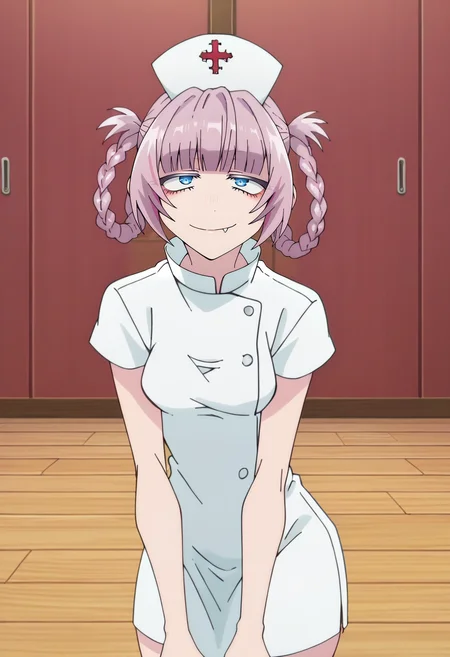
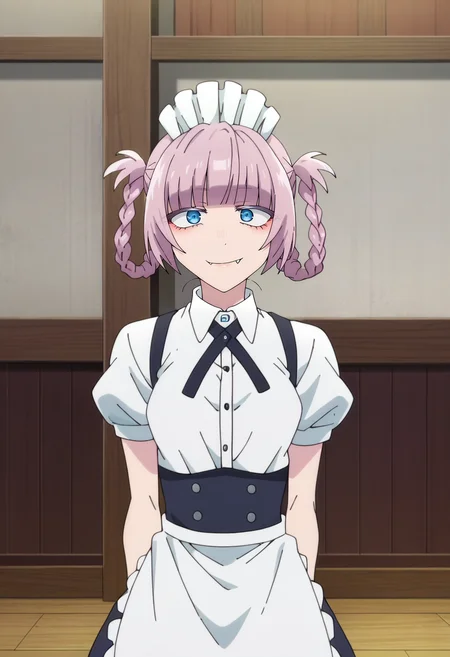
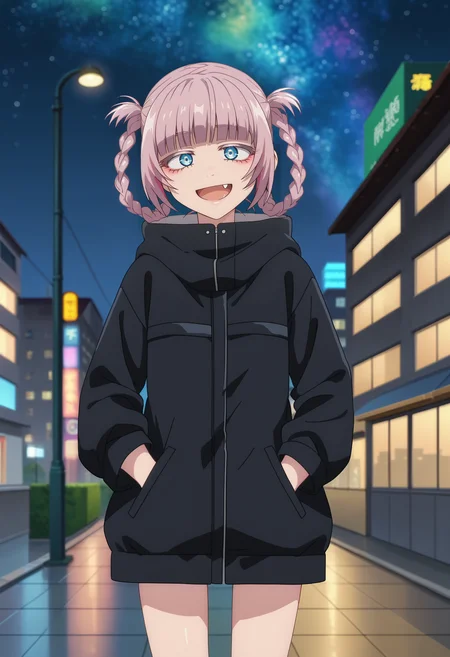
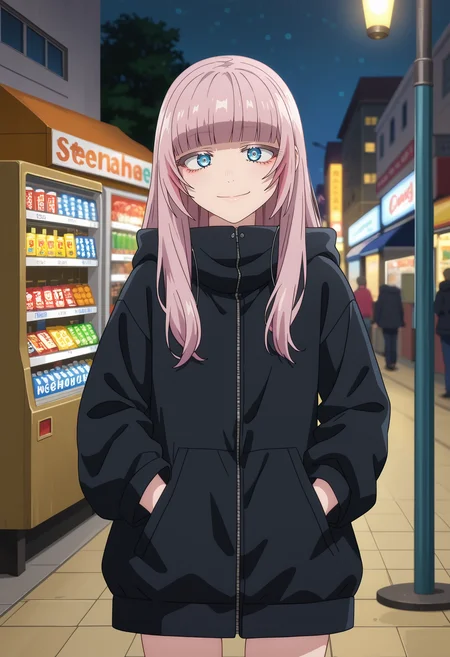
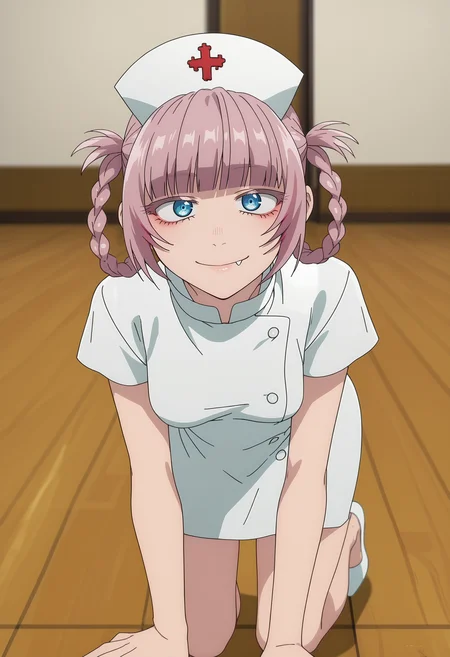

LoRA is generated entirely from anime images.
-----------------------------------
Note:
I strongly recommend against using global activation tag 'NanakusaNazuna' to help with the outfit bleeding.
Check samples for prompts :)
-----------------------------------
Leave a like, comment, review but first of all, ENJOY ;)
Description
Includes all of her outfits.
Lowered filesize.
FAQ
Comments (5)
Can someone explain to me If I use Pony affilated Lora in img2img tab, the result is very awful. Is there any way to generate good pictures in img2img using Pony loras?
What's your reason/use-case to use img2img for XL gens?
I've never used it, nor I see any reason to use it, so just curious.
@LittleJelly most of the time txt2img giving me wrong poses or bad image at all while img2img can copy original image with good quality, angles and perspective I want. Also I can remake original arts with characters I need or I can upload original image with specific pose\angle\perspective and it will generate same pose for any character's lora, while in txt2img I need to spend a lot of time figuring out which promts to use to get that specific pose or angle and there is no chance that result will be satisfying. So I prefer img2img + inpaint+inpaint sketch more than txt2img. Also I can draw a sketch and use img2img to make detailed image of it. So for me there are no reasons to use txt2img at all.
@Grimtale If you want chara in a specific pose and not fight with the prompts, use ControlNet. That's what it exists for. From just what you wrote it seems like your process of generating images is wrong somewhere.
Some LoRAs require specific order of prompts so be careful with that.
@LittleJelly It does not work in my case and I do not have any solution even at github same as a lot of people with same problem and zero solution