



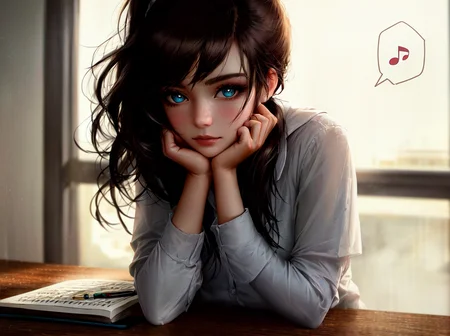

Be sure to Check out Aurora 💛 - Luna
Kenshi
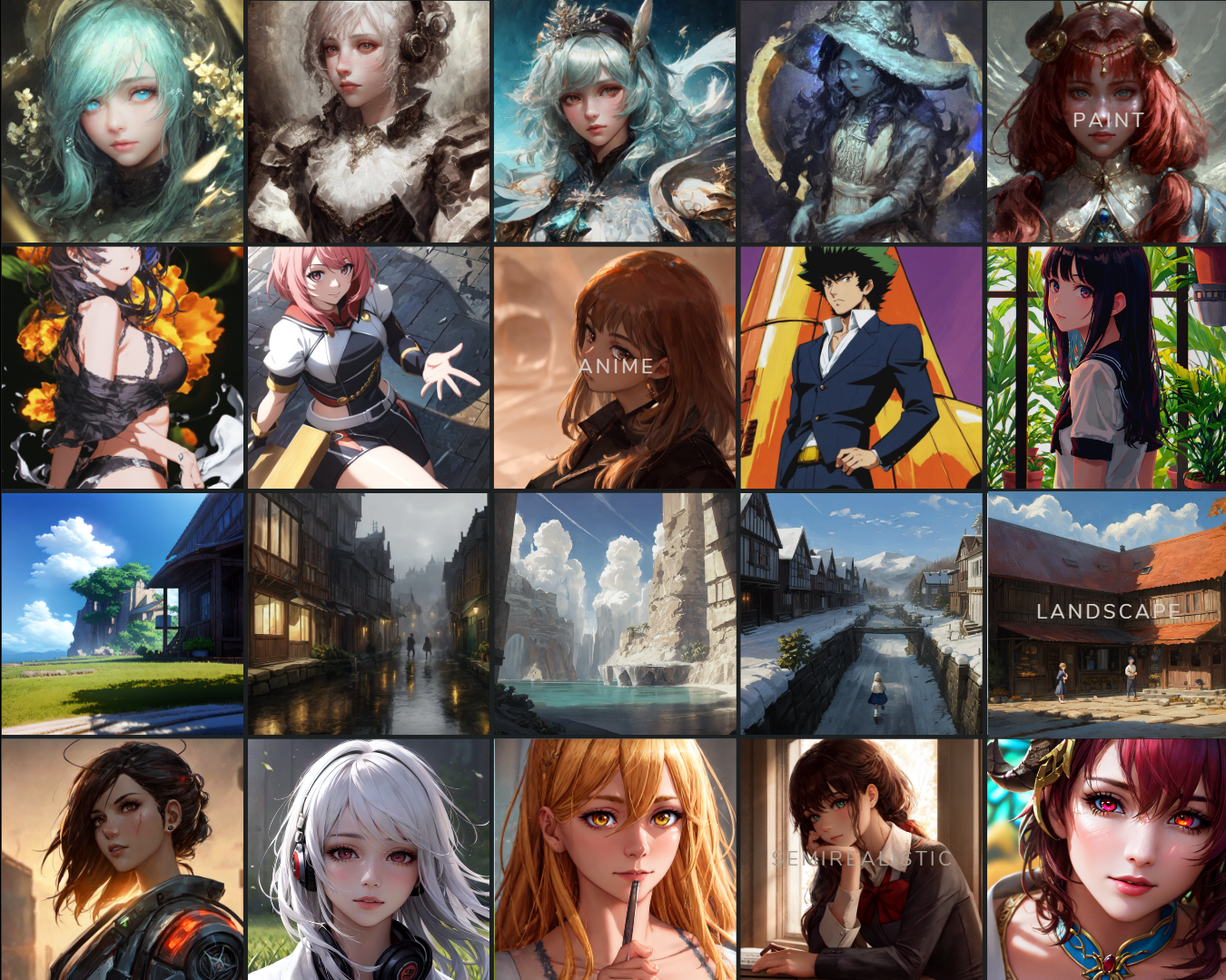
“Do I hide or do I roam? That indecision… Now the world has changed and I’ve missed it all.”
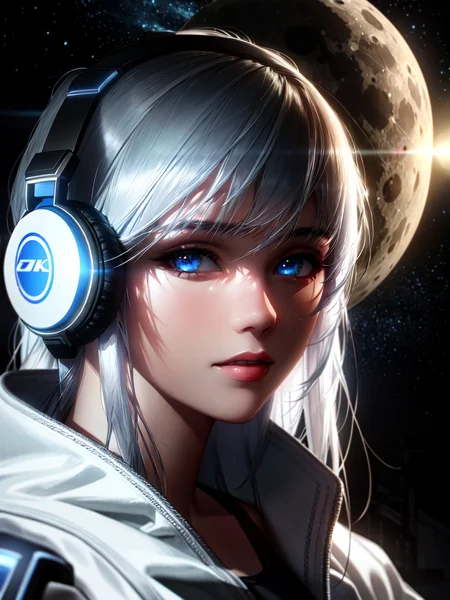
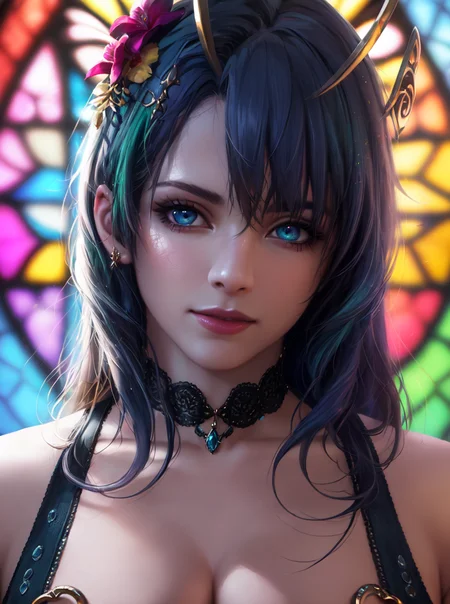
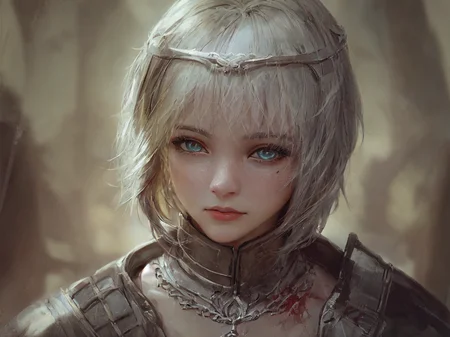
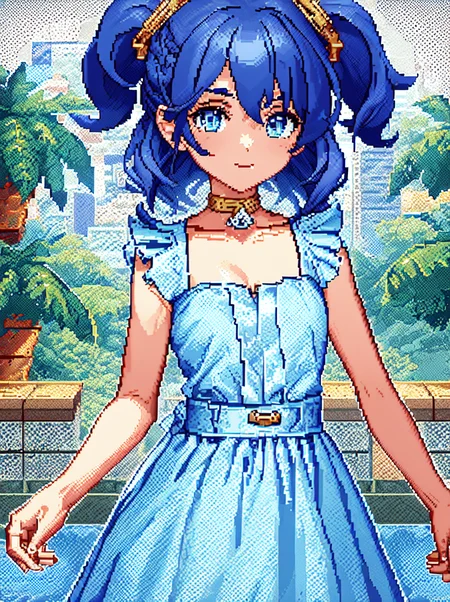
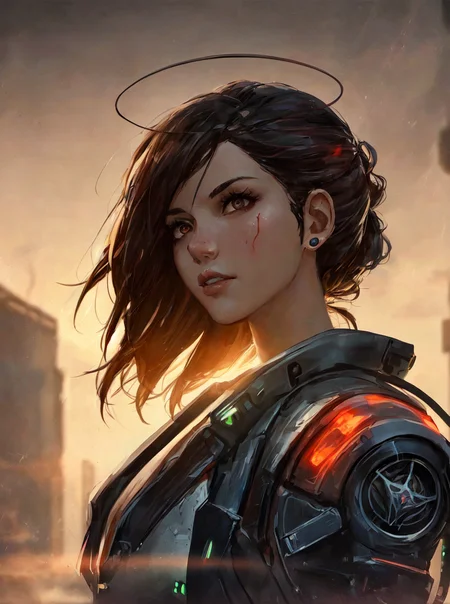
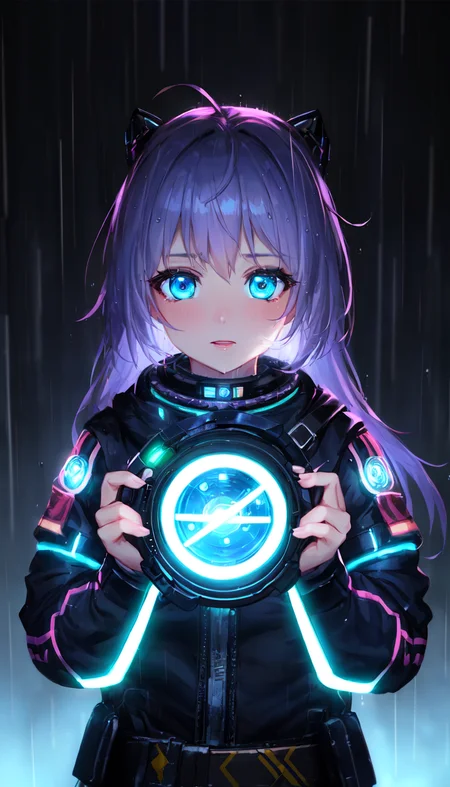
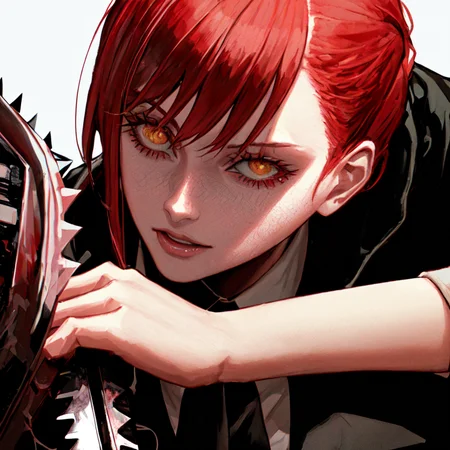
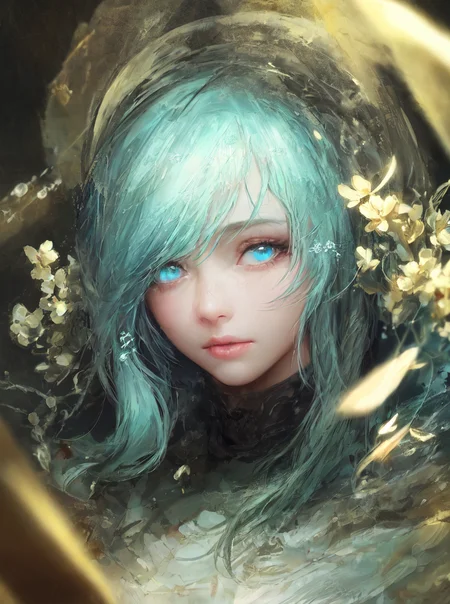
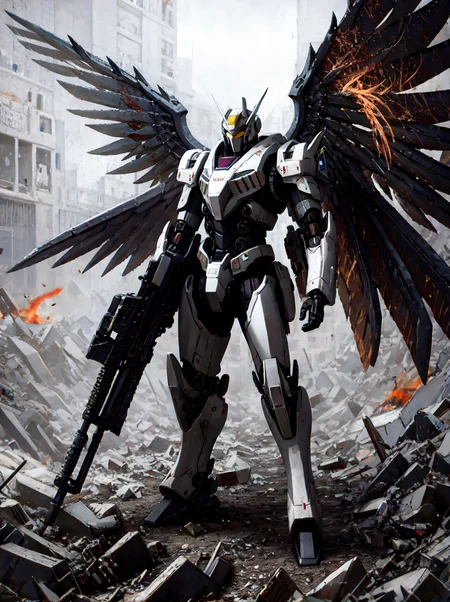
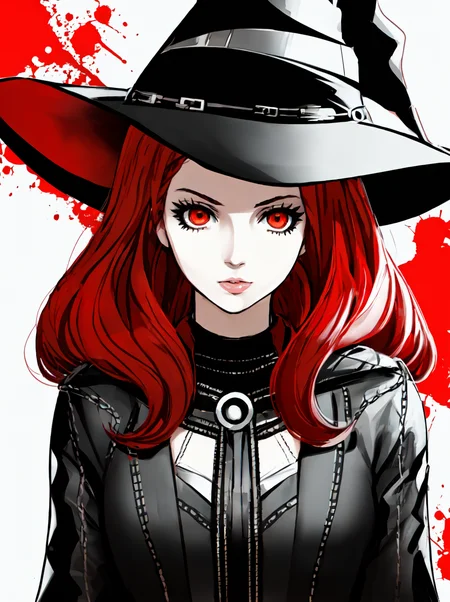
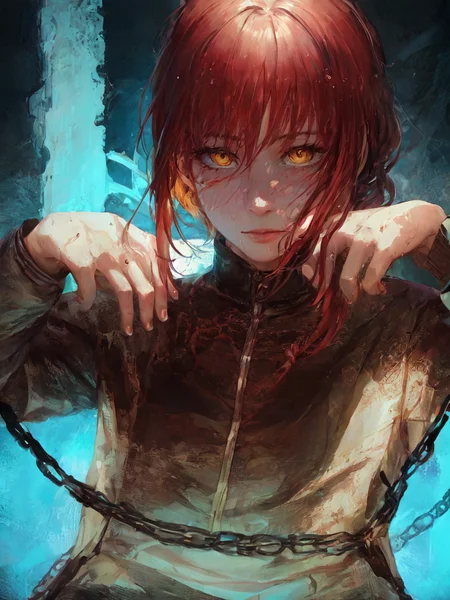
Kenshi is my merge which were created by combining different models. This includes models such as Nixeu, WLOP, Guweiz, BoChen, and many others.
My goal is to archive my own feelings towards styles I want for Semi-realistic artstyle. Through this process, I hope not only to gain a deeper understanding of my own artistic preferences, but also to inform and refine the capabilities of my personal skills and AI Art as it generates artwork that reflects my desired style.
Kenshi because it represents strength, resilience, and the ability to adapt and overcome challenges. Just like AI.
Usage
These are my settings I always use it is recommended but not essential;
Steps: 20+
Sampler: DPM++ 2M Karras
CFG scale: 2 to 7
Size: 600x800
Clip skip: 2
ENSD: 31337
Hires Fix : Enabled
Upscale by : 1.5
Upscaler : https://de-next.owncube.com/index.php/s/x99pKzS7TNaErrC
Put Upscaler file inside [YOURDRIVER:\STABLEDIFFUSION\stable-diffusion-webui\models\ESRGAN]
In this case my upscaler is inside this folder.
E:\SD\stable-diffusion-webui\models\ESRGAN
Kenshi is not recommended for new users since it requires a lot of prompt to work with I suggest using this if you still want to use the model (install it as an extension on Automatic1111 WebUI) : https://github.com/DominikDoom/a1111-sd-webui-tagcomplete
Versatility
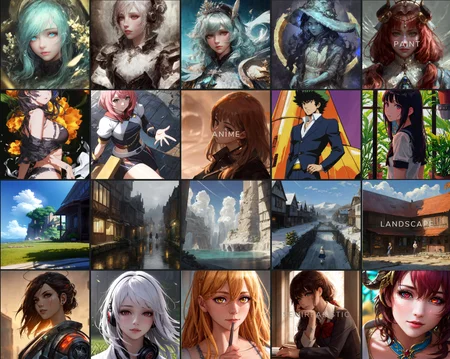
Unlike most models, Kenshi is known for its versatility, able to perform various styles with remarkable results. I've undergone testing with over 30 to 50 styles and most of the time I get remarkable results. I recommend using Lora and Embedding to improve this even further.
VAE
I recommend kl-f8-anime2.ckpt VAE from waifu-diffusion-v1-4 which is made by hakurei.
On CivitAI, I have uploaded baked version, you do not need to install VAE anymore if you want to.
VAE is important, please download it.
Hugging Face
For more information and easier to read or download, please use this link
https://huggingface.co/SweetLuna/Kenshi
Demo
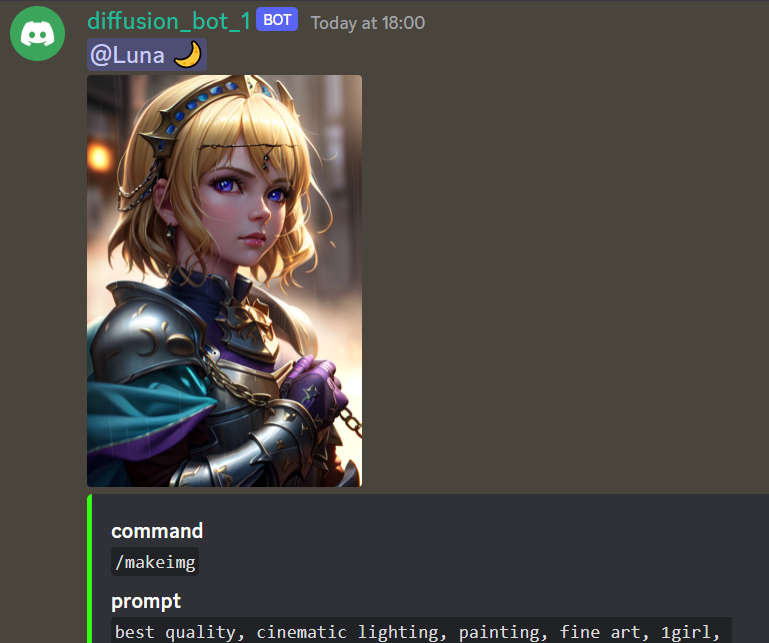
We have a Demo version available on Discord.
The demo doesn't have hires and incorrect settings, so it isn't the best way to judge this model. It exists for testing reasons.
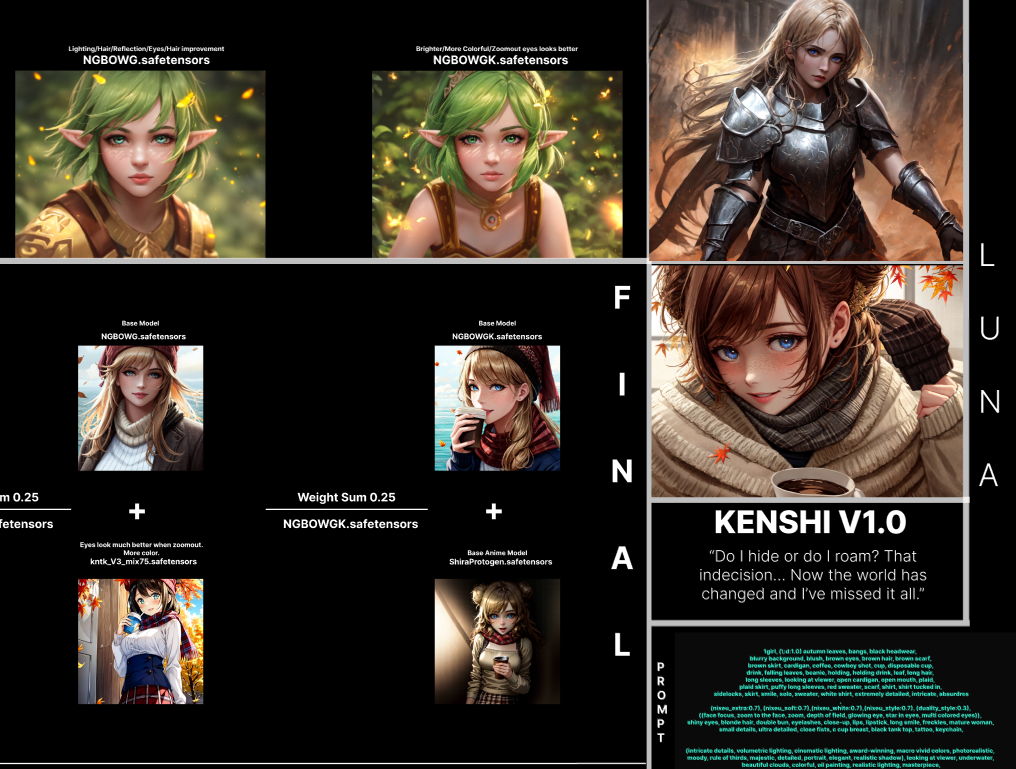
Merge Recipes
Here is my Cookbook that you can check out.
Donation
I've been working hard to complete my college education. The thing is, paying for college is no joke and I've been feeling the pressure of the mounting bills.
I know times are tough for everyone, but if you're able to help in any way, I would be forever grateful.
Considering supporting me on Patreon
Embeddings
I recommend grabbing all Nerfgun3 embeddings and Sirveggie nixeu_embeddings
Additional Embeddings that I found on Discord :
Bad-Hands-5.pt
Vile_prompt3.pt
Bad_quality.pt
Bad-image-v2-39000.pt
Credit to Nerfgun3 and Bob for these Quality of life embeddings, you guys are amazing.
ChatGPT Prompt:
(A cursed knight, clad in black armor,) must journey through a desolate, haunted land to reach the Elden Ring and lift the (curse that plagues their soul.)Along the way, they encounter other travelers, (each struggling with their own demons and secrets), As they draw closer to the Elden Ring, they are confronted with visions of their past mistakes, (all tinged with a red hue,)
looking at viewer, highres, superb, 8k wallpaper, extremely detailed, intricate, unreal engine 5, volumetric lighting, realistic, realistic lighting, cinematic, 4k, cinematic lighting, 8k, depth of field, 3d, perfect, award-winning, hyper-detailed, photorealistic, ultra realistic, realistic light, hard lighting, intricate details, stop motion, hyperfocus, tonemapping, sharp focus, hyper detailed, detailed eyes, eyes focus, (illustration:1.1), highres, (extremely detailed CG unity 8k wallpaper:1.1), (beautiful face:1.15), (cowboy_shot:1.5)
(nixeu_soft:0.7), (nixeu_white:0.7),
These prompts are generated by ChatGPT, with embedding and lighting I use which you can copy and paste.
License
This embedding is open access and available to all, with a CreativeML OpenRAIL-M license further specifying rights and usage. The CreativeML OpenRAIL License specifies:
You can't use the model to deliberately produce nor share illegal or harmful outputs or content
The authors claims no rights on the outputs you generate, you are free to use them and are accountable for their use which must not go against the provisions set in the license
You may re-distribute the weights and use the model commercially and/or as a service. If you do, please be aware you have to include the same use restrictions as the ones in the license and share a copy of the CreativeML OpenRAIL-M to all your users (please read the license entirely and carefully) Please read the full license here
Patreon: https://www.patreon.com/thesweetluna
Description
▼ 1.0.0 - First Step
Added
Removed
FAQ
Comments (53)
there are any chances that this checkpoint will get a pruned edition or it'll degrade quality for a future images? imma just asking, not demanding😊)
All these version can be found in Huggingface
I don't want to pull off these files in CivitAI because a large number of users are new to AI in general and I believe putting a lot of files will discourage them from using.
@Luna Wow, little did i know... tnx😘
@Luna i want to know, will there be any impact on quality if using 01_pruned.safetensors (4.27gb) vs 01_pruned_f16.safetensors (1.72gb)? Since my internet speed is only 1 mbps or so, it makes me picky about file size. Sorry for asking too much 😄
@aimer It does.. this model is very versatile enough that one change can improve and lose a lot of quality. I'd say use pruned version if you can, and no problem ask many as you want as long as you learn something new <3
@Luna Thank you for your kindness 😁
I saw this in your negative prompt: bad-hands-5, bad_quality, (NegLowRes:0.7), (vile_prompt3:0.8). Is this an embeddings? or normal negative prompts? if it is an embedding, can you tell me where to get it? Thanks 😁
I've provided all these links on Embedding section on Kenshi description, again shoutout to these people who made these embeddings they're awsome.
@Luna the link to the bad hands one seems broken
@Luna Just these ?
https://huggingface.co/datasets/Nerfgun3/ouroboros_embeddings
https://huggingface.co/datasets/Nerfgun3/Elden_Ring_Embeddings
https://huggingface.co/datasets/Nerfgun3/bad_prompt
https://huggingface.co/SirVeggie/nixeu_embeddings/tree/main
@ritcher1 Those are my recommendation, I have all their embeddings. https://huggingface.co/flamesbob Also another one I recommended, but more of styles to play with and not necessary at all.
@Luna Thank you. I've downloaded also all the styles.
@Luna thanks for the link and update 😁
I like the overall style of this model, but I know that the last version of the model had a broken CLIP. This makes sense, as I noticed that the model was pretty insensitive to my prompts, whether I used the more condensed style that I normally used or the high token count format shown in the examples. I downloaded the new version to check, and its CLIP is broken as well. From the Model Toolkit extension report:
CLIP has incorrect positions, missing: 1, 2, 3, 4, 6, 7, 8, 9, 11, 12, 13, 14, 16, 17, 18, 19, 21, 22, 23, 24, 26, 27, 28, 29, 31, 32, 33, 34, 36, 37, 38, 39, 41, 42, 43, 44, 46, 47, 48, 49, 51, 52, 53, 54, 56, 57, 58, 59, 61, 62, 63, 64, 65, 66, 67, 68, 69, 71, 72, 73, 74, 76.
Guide on fixing CLIP: https://rentry.org/clipfix
https://huggingface.co/SweetLuna/Kenshi/blob/main/KENSHI%2001/KENSHI01_ClipFix.safetensors
I don't recommend using it, first tried and I got really saturated image. I don't like it personally.
the NegLowRes embedding won't trigger, do you have any idea how to fix this
Did you used NegLowRes embedding on negative prompts?
@Luna yes
@stygianwizard42 Actually I figured it out why, you have to type its file-name into the negative prompt, in this case;
NegLowRes-2400.pt so you have to type "neglowres-2400" (can be uppercase or all lower case doesn't matter.)
I suggest you rename the file to whatever you want for easier to access as long as it doesn't interrupt other keyword for prompting.
@Luna I tried that but according to my startup log it says its skipping the embedding, is it a 2.1 embedding, do you have a link to the discord server?
@stygianwizard42 Ah it is indeed a stable diffusion 2 embedding, I'll remove this from the description, thank you 💛!
@Luna btw what discord server is posting theses embeddings is it public to join?
@stygianwizard42 There's Touhou AI and most of them are what I found from Stable Diffusion
Where do i put the custom upscaler that has been put in the description of the ai model?
Put it in stable-diffusion-webui/models/ESRGAN then restart the GUI. The upscaler should then be available for selection, hope it helps!
@LexusMaximus Thank you!
one of the hardest models to use! great results tho!
Can we get a list of all the TI embeddings/LoRA embeddings that you used? (with links if possible) I'm losing my mind looking for these all over the internet and google isn't helping.
There's no LORA/Embeddings need aside from Makima.pt and what I linked on description, reason I don't wanna share over 100 embeddings and 50 Loras is that I don't have time to credits everyone then make a GitHub for them. But if I didn't include anything else from the picture/description please let me know.
amazing
As much as I want to help everyone and understand that my model is vastly different from any other that exists on CivitAI, and prompting can be difficult from time-to-time...
If you don't mind you can always contact me on discord, I reply much faster there
Luna 🌙#9999
I'm happy to help as long as you learn something.
There's a lot you can do with this model and I always take advantage of it.
Here is how I fix picture reviewers gave me, 3 different styles while maintaining the prompts.
https://civitai.com/models/3850/kenshi?reviewId=6692&modal=reviewThread
Im new here and appreciate you doing this, it was helpful
@Kev3136 As long as we're learning something new I'm more than glad to help, I understand and apperciate everyone that wanna learn. 💛
Yours are able to do anything, but thats also need an extra care on the prompts. Need to be precise and know what subject we wanted for it to come out
Hello Luna,
I wanted to bring to your attention that due to use of Protogen, this model is also subject to the Dreamlike Diffusion and seek.art licenses. I recommend reviewing their licenses and updating your permissions / terms, and description to reflect them.
The reason being, users may be unaware they need to adhere to those terms, or may unknowingly be violating them.
See https://civitai.com/models/1274/dreamlike-diffusion-10 and https://civitai.com/models/1315/seekart-mega for their permissions and terms, which are required for any merges using them directly or indirectly.
Hello Havoc and thank you for warning me about this.
I will try changing the merge once I have time on my hand, don't want these licenses on my model.
I want everyone to learn and enjoy the Open Source of Stable Diffusion, while I'm frustrated about the licenses I understand that these people also need some support, as much as I do.
For now;
I'll apply the license, then try my hardest to make a better version of Kenshi that are similar to the one I currently have.
@Luna Thank you for this, eagerly waiting for it :)
Hi, where should I put the vae? What is he useful for? Thank you very much!
Click the dropdown arrow next to the download to see other download options, including the VAE. Each GUI handles VAE installs a little differently so you'll have to figure it out on your own. Custom VAE that works with the model helps with colors otherwise the resulting images will have faded/washed out colors.
This looks great and I would love to try it.Can you provide a pruned version plz...sadly i work on limited bandwidth
Please visit https://huggingface.co/SweetLuna/Kenshi for pruned version
@Luna thanks
@Luna for some reason the pruned version KENSHI01_Pruned.ckpt is not working for me when I try to load it
Error verifying pickled file from D:\Stable\SuperSD\stable-diffusion-webui\models\Stable-diffusion\KENSHI01_Pruned.ckpt:Traceback (most recent call last):
File "D:\Stable\SuperSD\stable-diffusion-webui\extensions\sd_smartprocess\reallysafe.py", line 92, in check_pt
with zipfile.ZipFile(filename) as z:
File "C:\Users\Riad\AppData\Local\Programs\Python\Python310\lib\zipfile.py", line 1267, in init
self._RealGetContents()
File "C:\Users\Riad\AppData\Local\Programs\Python\Python310\lib\zipfile.py", line 1334, in _RealGetContents
raise BadZipFile("File is not a zip file")
zipfile.BadZipFile: File is not a zip file
During handling of the above exception, another exception occurred:
Traceback (most recent call last):
File "D:\Stable\SuperSD\stable-diffusion-webui\extensions\sd_smartprocess\reallysafe.py", line 146, in load_with_extra check_pt(filename, extra_handler)
File "D:\Stable\SuperSD\stable-diffusion-webui\extensions\sd_smartprocess\reallysafe.py", line 113, in check_pt
unpickler.load()
File "C:\Users\Riad\AppData\Local\Programs\Python\Python310\lib\pickle.py", line 1213, in load
dispatch[key[0]](self)
KeyError: 9
The file may be malicious, so the program is not going to read it.
You can skip this check with --disable-safe-unpickle commandline argument.
changing setting sd_model_checkpoint to KENSHI01_Pruned.ckpt [84eeeb5413]: AttributeError
Traceback (most recent call last):
File "D:\Stable\SuperSD\stable-diffusion-webui\modules\shared.py", line 509, in set
self.data_labels[key].onchange()
File "D:\Stable\SuperSD\stable-diffusion-webui\modules\call_queue.py", line 15, in f
res = func(*args, **kwargs)
File "D:\Stable\SuperSD\stable-diffusion-webui\webui.py", line 205, in <lambda>
shared.opts.onchange("sd_model_checkpoint", wrap_queued_call(lambda: modules.sd_models.reload_model_weights()))
File "D:\Stable\SuperSD\stable-diffusion-webui\modules\sd_models.py", line 505, in reload_model_weights
state_dict = get_checkpoint_state_dict(checkpoint_info, timer)
File "D:\Stable\SuperSD\stable-diffusion-webui\modules\sd_models.py", line 271, in get_checkpoint_state_dict
res = read_state_dict(checkpoint_info.filename)
File "D:\Stable\SuperSD\stable-diffusion-webui\modules\sd_models.py", line 257, in read_state_dict
sd = get_state_dict_from_checkpoint(pl_sd)
File "D:\Stable\SuperSD\stable-diffusion-webui\modules\sd_models.py", line 206, in get_state_dict_from_checkpoint
pl_sd = pl_sd.pop("state_dict", pl_sd)
AttributeError: 'NoneType' object has no attribute 'pop'
@Klara88 are you using colab? I have no idea on this issue, but from reading the error
File "C:\Users\Riad\AppData\Local\Programs\Python\Python310\lib\zipfile.py", line 1267, in init
self._RealGetContents()
File "C:\Users\Riad\AppData\Local\Programs\Python\Python310\lib\zipfile.py", line 1334, in _RealGetContents
raise BadZipFile("File is not a zip file")
zipfile.BadZipFile: File is not a zip file
Could be something going on with the python.
@Luna no colab it's local ...only happens with the pruned Kenshi
For the vae im a bit confused do I just put it where I have the model and then let it run because it doesnt show up in my VAE list when I check my settings
Yah I'm confused by this too. If the OP could please weigh in here and advise. To get it to load automatically with the kenshi_01.safetensors checkpoint, do i rename the vae to kenshi_01.ckpt ??? or kenshi_01.vae.ckpt ???? or ???
You don't need to download VAE for newest version, newer one comes with VAE. It's "inside" the model, once you use the model the VAE selected is set by default, no need for any further steps.
I'm very busy with life so I don't have time to answer questions, If you still want to learn more however you can DM me on discord and share what you learn from me to everyone. CivitAI always maintenance or down a lot, I don't usually check the website.
Absolutely amazing, I love this model. Great work thanks for sharing.
Good model but hard to get background/scenery, Often only a solid color. Tried Multiple ways to get the background , ain't working.
could you please make a pruned version I really like this model but can't justify its size with the SDXL Models now out.
The best model for SD1.5!
Details
Files
kenshi_01.safetensors
Mirrors
kenshi_01.safetensors
kenshi_01.safetensors
3850_kenshi_01.safetensors
kenshi_01.safetensors
kenshi_01.safetensors
kenshi_01.safetensors
kenshi_01.safetensors
kenshi_01.safetensors
kenshi_01.safetensors
kenshi_01.safetensors
kenshi_01.safetensors
kenshi_01.safetensors
kenshi_01.safetensors
kenshi_01.safetensors
kenshi_01_2.safetensors