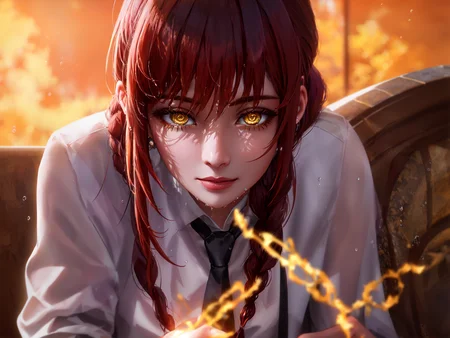
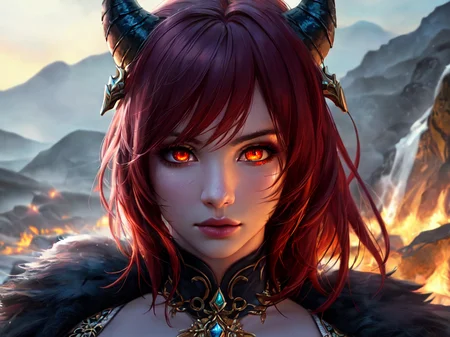
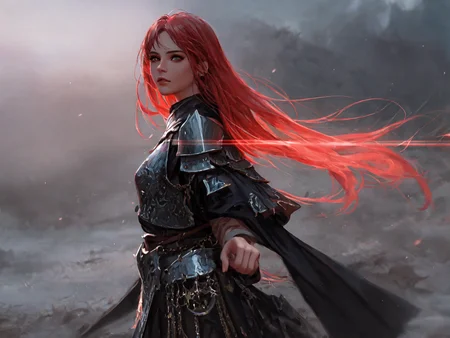
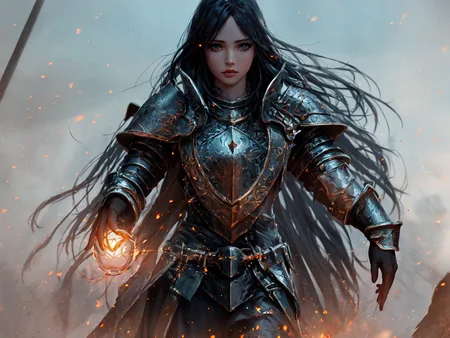
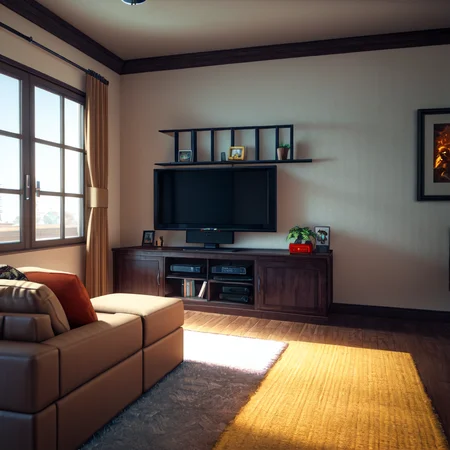
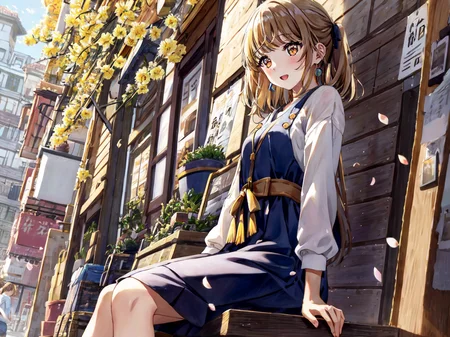
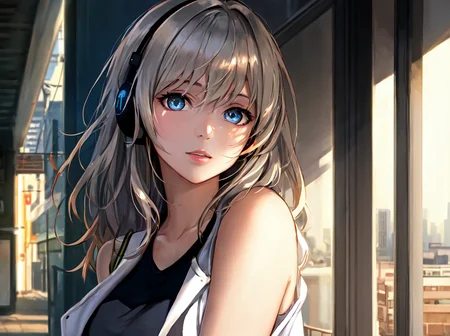
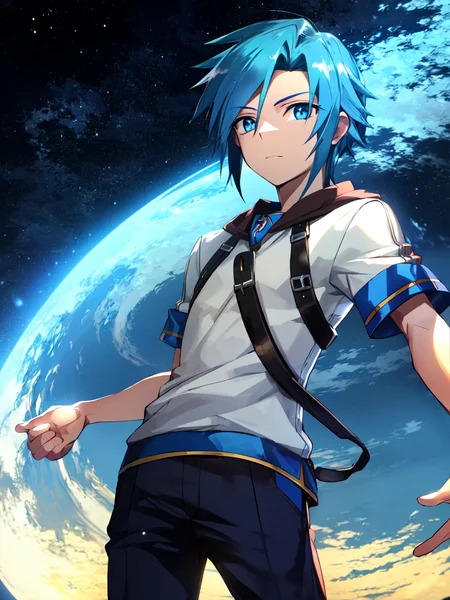
Be sure to Check out Aurora 💛 - Luna
Kenshi
“Do I hide or do I roam? That indecision… Now the world has changed and I’ve missed it all.”
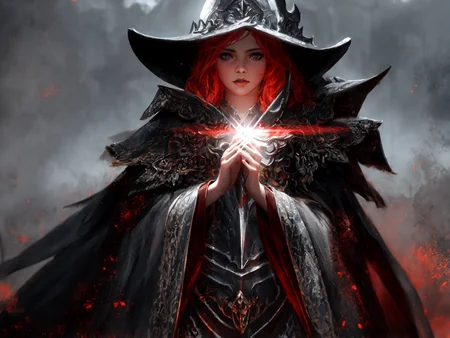
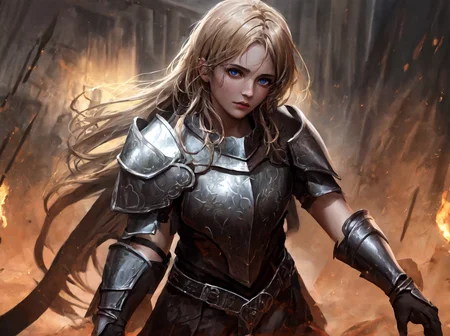
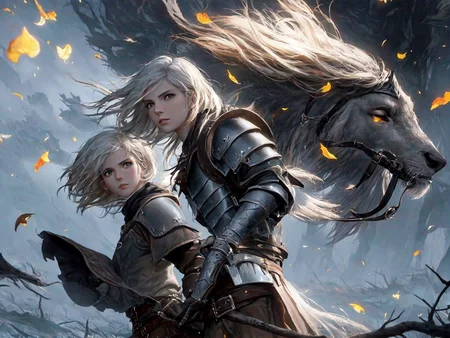
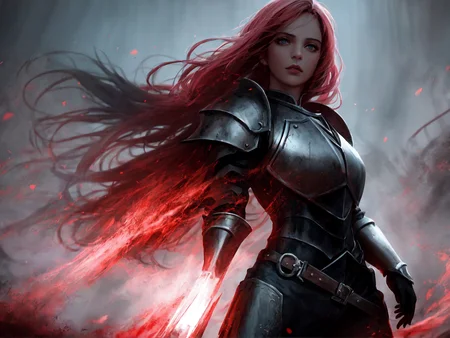
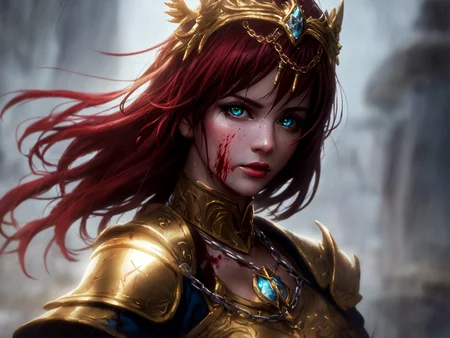
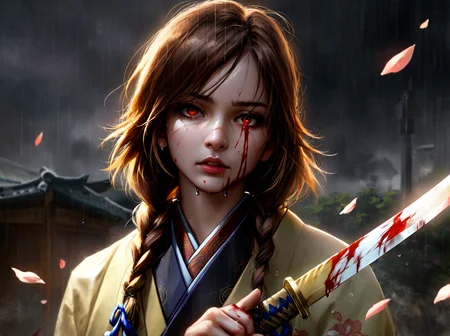
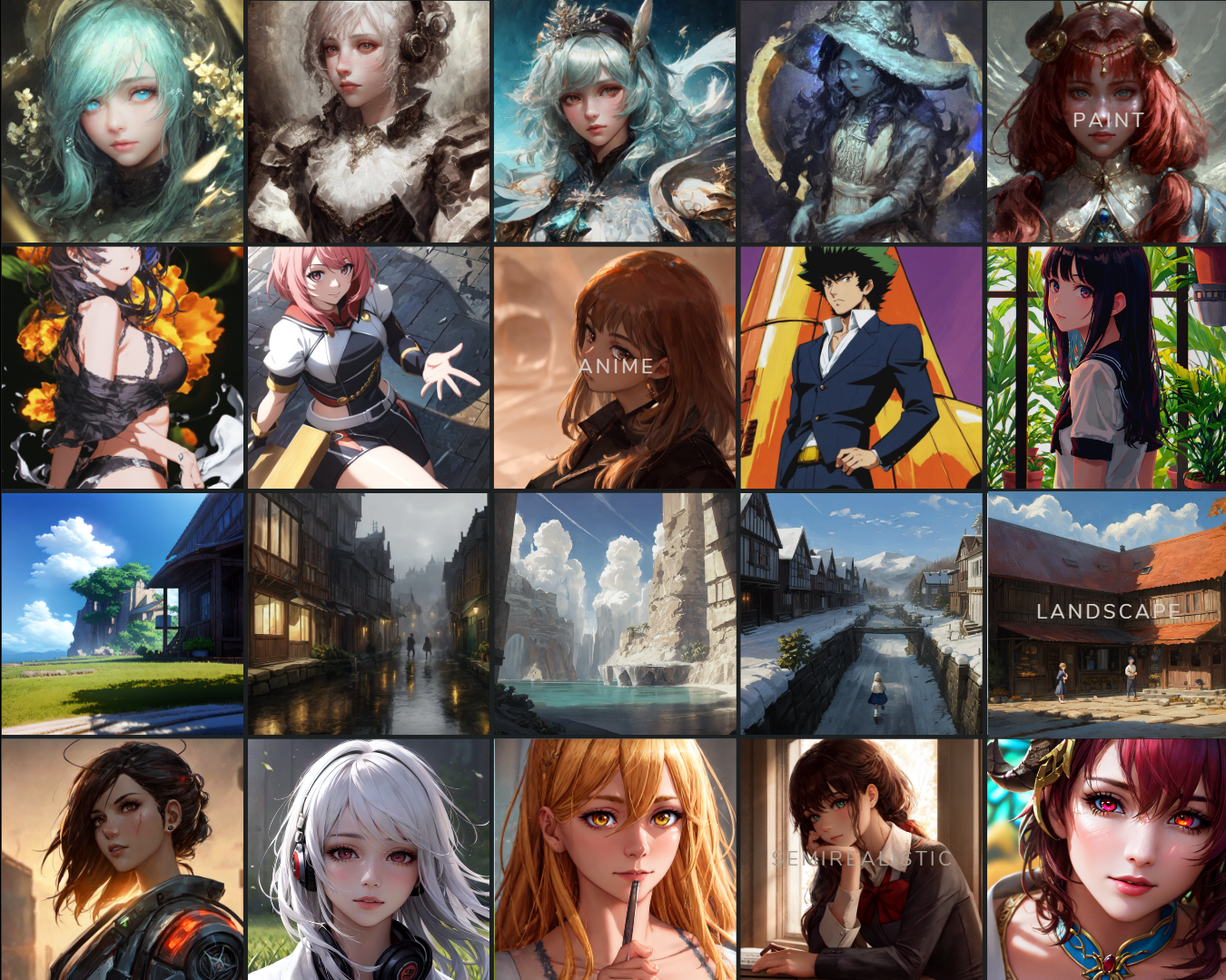
Kenshi is my merge which were created by combining different models. This includes models such as Nixeu, WLOP, Guweiz, BoChen, and many others.
My goal is to archive my own feelings towards styles I want for Semi-realistic artstyle. Through this process, I hope not only to gain a deeper understanding of my own artistic preferences, but also to inform and refine the capabilities of my personal skills and AI Art as it generates artwork that reflects my desired style.
Kenshi because it represents strength, resilience, and the ability to adapt and overcome challenges. Just like AI.
Usage
These are my settings I always use it is recommended but not essential;
Steps: 20+
Sampler: DPM++ 2M Karras
CFG scale: 2 to 7
Size: 600x800
Clip skip: 2
ENSD: 31337
Hires Fix : Enabled
Upscale by : 1.5
Upscaler : https://de-next.owncube.com/index.php/s/x99pKzS7TNaErrC
Put Upscaler file inside [YOURDRIVER:\STABLEDIFFUSION\stable-diffusion-webui\models\ESRGAN]
In this case my upscaler is inside this folder.
E:\SD\stable-diffusion-webui\models\ESRGAN
Kenshi is not recommended for new users since it requires a lot of prompt to work with I suggest using this if you still want to use the model (install it as an extension on Automatic1111 WebUI) : https://github.com/DominikDoom/a1111-sd-webui-tagcomplete
Versatility
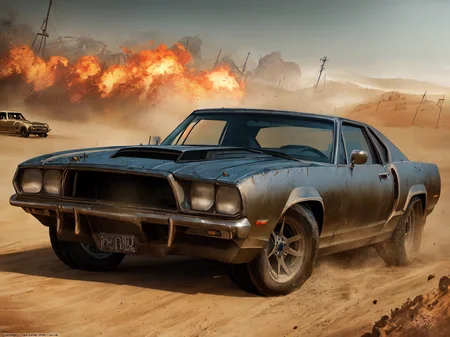
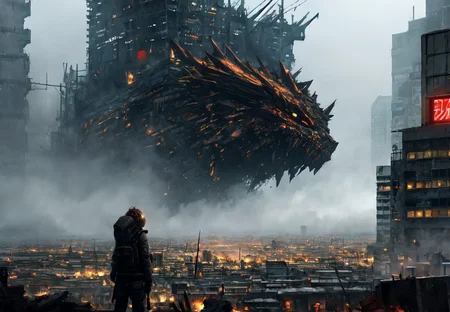
Unlike most models, Kenshi is known for its versatility, able to perform various styles with remarkable results. I've undergone testing with over 30 to 50 styles and most of the time I get remarkable results. I recommend using Lora and Embedding to improve this even further.
VAE
I recommend kl-f8-anime2.ckpt VAE from waifu-diffusion-v1-4 which is made by hakurei.
On CivitAI, I have uploaded baked version, you do not need to install VAE anymore if you want to.
VAE is important, please download it.
Hugging Face
For more information and easier to read or download, please use this link
https://huggingface.co/SweetLuna/Kenshi
Demo
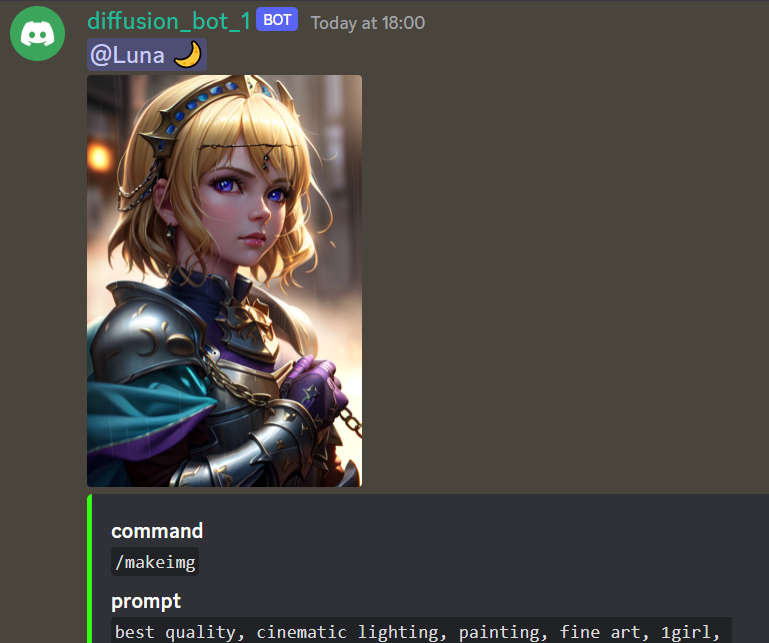
We have a Demo version available on Discord.
The demo doesn't have hires and incorrect settings, so it isn't the best way to judge this model. It exists for testing reasons.
Merge Recipes
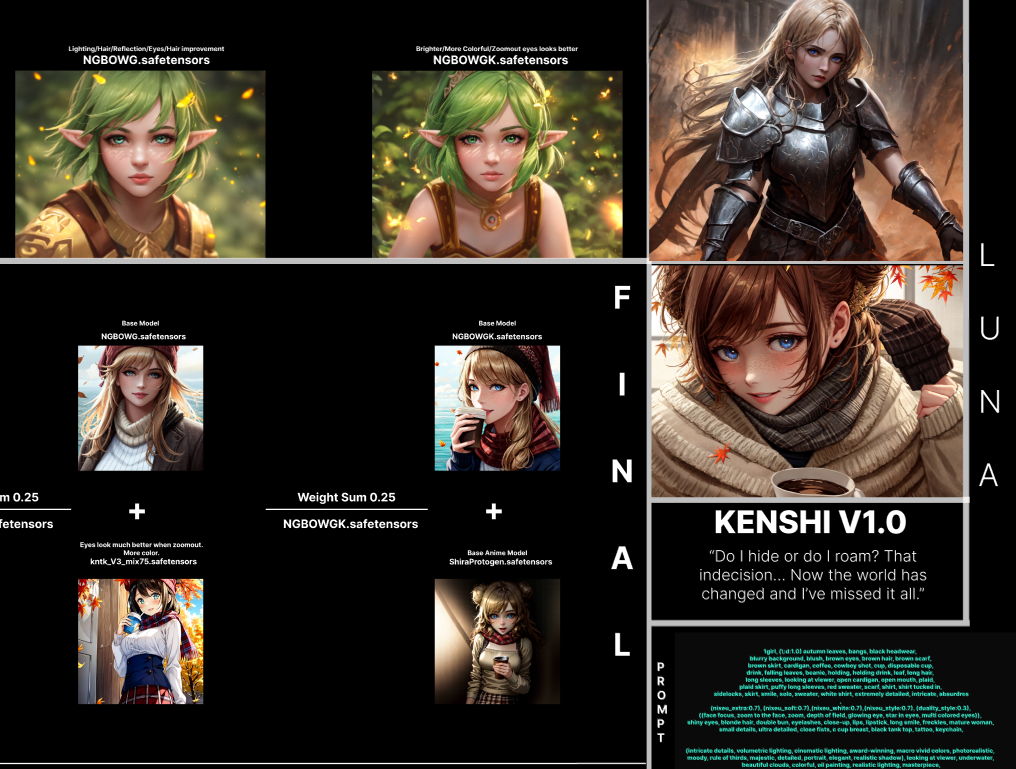
Here is my Cookbook that you can check out.
Donation
I've been working hard to complete my college education. The thing is, paying for college is no joke and I've been feeling the pressure of the mounting bills.
I know times are tough for everyone, but if you're able to help in any way, I would be forever grateful.
Considering supporting me on Patreon
Embeddings
I recommend grabbing all Nerfgun3 embeddings and Sirveggie nixeu_embeddings
Additional Embeddings that I found on Discord :
Bad-Hands-5.pt
Vile_prompt3.pt
Bad_quality.pt
Bad-image-v2-39000.pt
Credit to Nerfgun3 and Bob for these Quality of life embeddings, you guys are amazing.
ChatGPT Prompt:
(A cursed knight, clad in black armor,) must journey through a desolate, haunted land to reach the Elden Ring and lift the (curse that plagues their soul.)Along the way, they encounter other travelers, (each struggling with their own demons and secrets), As they draw closer to the Elden Ring, they are confronted with visions of their past mistakes, (all tinged with a red hue,)
looking at viewer, highres, superb, 8k wallpaper, extremely detailed, intricate, unreal engine 5, volumetric lighting, realistic, realistic lighting, cinematic, 4k, cinematic lighting, 8k, depth of field, 3d, perfect, award-winning, hyper-detailed, photorealistic, ultra realistic, realistic light, hard lighting, intricate details, stop motion, hyperfocus, tonemapping, sharp focus, hyper detailed, detailed eyes, eyes focus, (illustration:1.1), highres, (extremely detailed CG unity 8k wallpaper:1.1), (beautiful face:1.15), (cowboy_shot:1.5)
(nixeu_soft:0.7), (nixeu_white:0.7),
These prompts are generated by ChatGPT, with embedding and lighting I use which you can copy and paste.
License
This embedding is open access and available to all, with a CreativeML OpenRAIL-M license further specifying rights and usage. The CreativeML OpenRAIL License specifies:
You can't use the model to deliberately produce nor share illegal or harmful outputs or content
The authors claims no rights on the outputs you generate, you are free to use them and are accountable for their use which must not go against the provisions set in the license
You may re-distribute the weights and use the model commercially and/or as a service. If you do, please be aware you have to include the same use restrictions as the ones in the license and share a copy of the CreativeML OpenRAIL-M to all your users (please read the license entirely and carefully) Please read the full license here
Patreon: https://www.patreon.com/thesweetluna
Description
▼ 0.0.0 - A New Journey
First Release
FAQ
Comments (85)
Brilliant understanding of the capabilities and limitations of the base models and wonderful documentation of the mixing process! A+ work here. Excellent model!
Where can we get some of the hypernetworks that were used in the negatives? Like bad-hands-5 vile_prompt3 bad-image-v2-39000.
wait so all those prompts are included in one textual inversion file?
Found these in Stable Diffusion discord, not sure if I can upload this.
I don't get images as sharp and colorful as this. Mine are blurry and washed out. I am using AUTOMATIC1111 and this model.
VAE
I recommend kl-f8-anime2.ckpt VAE from waifu-diffusion-v1-4 which is made by hakurei.
I got kl-f8-anime2.ckpt like you recommended and hit apply settings button and it worked, thank you so much. One thing that remains is how do I get my image to have a big resolution and not the default 512x512 ?
@Yuushakui send it to extras and then enlarger pick one of the below options you will understand the rest,
Pruned version any time soon?
Already happened in huggingface, haven't got time to update my page, sorry.
How do you get that vibrancy? I have all the embeddings aside from anime_style and cowboy_shot and it's far more desaturated. Attempts at matching same seed, prompts and what not yield very diff results
Try using the VAE.
Can somebody give me a hand on these amazing embeddings, especially the maki ones? I've looked everywhere I know to look :)
https://discord.gg/touhouai under the ti-embeddings activity section
How do you make chatgpt give accurate prompts?
I didn't tell it to give me prompt, but more of tell me a story. In this case I use Elden Ring for the story.
This is my first experience with making art with models, and this model looks spectacular. However, the images that I generate are blurry and have faded colors. I've heard you need to use a VAE to make the outputs look better, can anyone recommend some that work with this model? Plus any other tips to make better gens. Thanks. ⭐ ⭐ ⭐ ⭐ ⭐
VAE
I recommend kl-f8-anime2.ckpt VAE from waifu-diffusion-v1-4 which is made by hakurei.
-
For better quality, I suggest using Embeddings and copy images I post here.
It's wiser to learn how others did it and try to edit from there.
-
Embedding
I recommend grabbing all Nerfgun3 embeddings and Sirveggie nixeu_embeddings
Pls tell me how to use VAE!😭😭😭🙏🏻🙏🏻I put the VAE inside models/VAE,but it doesn't work💔😭😭😭😭😱
Do you use Automatic1111?
If you do go to settings and find SD VAE, enable the vae that you download and reload WebUI.
I'll be covering a guide for this tomorrow.
Model is really great, but can someone explain? I try to copy first prompt with Makima. I put same seed, cfg, sampling etc, but result looks totally different. What am I doing wrong? Thanks.
Click on (i) at bottom right and click 'Copy Generation Data'. There you can see that you need to set 2 more parameters in Settings in WebUI:
ENSD: 31337
Clip skip: 2
@aimann
Thanks for explanation, I've reset my settings and input ensd with clip skip, but result is still different. Should I change some other options from the default ones? As I understand Model hash: 2fdd0123 is not something I can change, as it is hash of the used model (Kenshi in this case).
These parameters are used after image already generated for upscaling: Hires steps: 20, Hires upscale: 1.45, Hires upscaler: 4x_fatal_Anime_500000_G, Denoising strength: 0.56
@Svkirk I'm not sure why CivitAI change my model hash either, it shouldn't happen.
But if it looks way too different including styles, I'm certain that you don't have all embeddings.
I wish I can provide all by uploading to google drive, but I don't have permission to do that.
Most can be find in Huggingface.
@Luna
Thank you. I am just a starter at this and thanks to you I've went and read what embeddings are. Found some Nixeu embeddings and result is already different.
So as I understand there should be also following embeddings somewhere: (highres:1.1), (masterpiece:1.3), (anime_style), (makima-6000) etc.?
@Svkirk Another embedding I forgot to mention is https://huggingface.co/flamesbob which doesn't have a model_page aside from Sir_Veggie and Nerfgun3 I linked in huggingface/CivitAI.
To answer your question, only makima embedding is use in your comment, which can be grab in https://discord.gg/touhouai server then go to this link : https://discord.com/channels/930499730843250783/1019446913268973689/1041728510470926428
@Luna I also seem to be having a problem being unable to gen your makima I've downloaded every embedding listed including these listed in this comment section.
@Orchid I also happened to not be able to generate the same picture of Makima, I later found out that we're not using the same model-hash despite CivitAI saying otherwise. (2FDD0123)
I'm not certainly sure why, but this maybe the problem with Automatic1111 update itself.
Despite all of that, image quality should be about the same so I'm not worried too much.
can you post the pickle version?
I do have pruned version in huggingface but only for Kenshi01 : https://huggingface.co/SweetLuna/Kenshi/blob/main/KENSHI%2001/KENSHI01_Pruned.ckpt
Will add others around this week
is there vae for this? or only model, rather new sorry for asking
Check Huggingface or CivitAI description for VAE.
Can you help me?I can't find how can I install upscaler
I'm using this link for upscaler.
https://upscale.wiki/wiki/Model_Database#Image_scaling_and_Video_upscaling
The one I'm currently using is : https://de-next.owncube.com/index.php/s/x99pKzS7TNaErrC
(Fatal_Anime)
--
1. Install the upscaler, put them in your SD folder in this case I have it only my E driver E:\SD\stable-diffusion-webui\models\ESRGAN
2. Open Stable Diffusion (I'm using Automatic1111)
3. Select Hires. fix in txt2img
4. Select 4x_fatal_Anime_500000_G.pth in "Upscaler" Options
5. Generate
@Luna Thx Luna
my color is always more gray.why?
(I copied all the settings in the comments)
Read description and download VAE, don't forget to apply settings.
@Luna Thank You!
@Luna Would you care to explain? I'm quite confused. I'm not a tech nerd so I'd like a more in depth explanation what steps do i need to take to ensure the best result.
@ComradePedro No problem, I'll be answering that in few hours and try my best to make it simple for you.
@Luna Alright thanks m8
Is "extremely detailed CG unity 8k wallpaper" an embedding? How about Anime Style? Is that an embedding too? cute_style? How about beautiful_face if those are embedding etc? Does anyone know where to get them?
I tried to duplicate one of your examples to test if everything if setup correctly. I'm getting this.
I have clip skip set to 2. And Vae set. I also made sure that other number that's beside clipskip is fine. I feel like I'm just missing embeddings now.
https://freeimage.host/i/HcmBUtp
Only embedding here is "cute_style" from https://huggingface.co/Nerfgun3
When you generate images, there should be a result popping up for "Used embeddings:"
You can copy that and send it to me, aside from that you haven't mention about hires. fix, are those on as well?
Thank you Luna! Adding cute did not resolve. Yes tired with and without High Res. Using 1024x768 and Latent Denoising 0.7 and upscaled by 2? It says I'm using Used embeddings: cute_style [43ba], nixeu_soft [b96b], nixeu_white [c5d8].
After reviewing your image again, I noticed that our images are almost exact but there's reason why it's not 1:1;
I'm using different upscaler, in this case the one I'm currently using is : https://de-next.owncube.com/index.php/s/x99pKzS7TNaErrC
(Fatal_Anime)
--
1. Install the upscaler, put them in your SD folder in this case I have it only my E driver E:\SD\stable-diffusion-webui\models\ESRGAN
2. Open Stable Diffusion (I'm using Automatic1111)
3. Select Hires. fix in txt2img
4. Select 4x_fatal_Anime_500000_G.pth in "Upscaler" Options
5. Generate
You can save my image and do PNGINFO and send it to txt2img so you don't have to configure the settings.
Thank you Luna. First of all I now have that upscaler. However that is not the issue. As I realized something. I don't think you used an upscaler on that image? When I download the PNG and put in into info and send it over. It does not select high res. And my closest match to your image is not using an upscaler.
My new result with adding the Cute_Style is...
https://freeimage.host/i/00044-1416474656-highres-11-best-quality-masterpiece-13-beau.HlKfZQe
It's either a missing embedding. Or a different embedding version. Or I've heard rumour that different GPUs can lead to small variance. I have a 4080. But it could be something else too. Not that it really matters.
I tried to copy manamiochiai image as a test. I don't even think they use an embedding or an upscaler. And it's different than mine. Here is my result. https://freeimage.host/i/00043-3407334241-masterpiece-best-quality-illustration-beaut.HlKBsse
In fact I think my result turned out better. Like the hand for sure? I can't explain what the difference is? It may just be that I'm slightly off. So some images will look better, others will look worse. But if I'm doing random seeds I'm probably in the same boat as anyone else. I just can't perfectly match images.
However if you do figure out any more embeddings I may be missing let me know.
In your image I'm only using cute_style [43ba], nixeu_soft [b96b], nixeu_white [c5d8]. If that's all you used. And it was not even a high res image. Than I think it's just my install/GPU? Thanks for all the help I really mean it.
@Luna Something Interesting I downloaded https://huggingface.co/sd-concepts-library/hanfu-anime-style and renamed it to Anime_style and it made my image in a way closer to yours. But also not the same? Are you sure you don't use any Anime_style embedding? https://freeimage.host/i/HlKWrzB
By the way I am basically good now. I think it's mostly just my GPU being different. Your model is amazing. Thank you Luna.
@Viperwasp
Ah, no problem. Didn't know that's a thing too, and to answer that question I'm certain I don't have Anime_style, I did that to prevent prompt from putting an anime on my picture.
Lastly, I noticed that even myself cannot produce 1st image of Makima despite everything is correct. Later I found out that Modelhash changed on the new Automatic1111 update, I believe this is the caused of what happened.
I should update my modelpage and everything this week.
I get nothing but errors when trying to load either pruned or the safetensors model
I'm still learning a lot myself. But I might be able to help? Have you got any model to work before? Do you use automatic1111? Are you able to provide any of the errors? If you can answer some of these it will go a long way in helping. Thanks.
@Viperwasp Thanks! I use automatic1111 and all my other models work just fine. Its just when Install this one I simply cant load it and I get some "attribute" error or something.
@Azuki999 Thanks you may need to provide more information. Perhaps copy and paste the error into here or google. First of all everyone is welcome to chime in and help. I don't believe I've had this error before. I've found users having different kinds of attribute errors. At least one was running SD via colab.
See this
https://github.com/AUTOMATIC1111/stable-diffusion-webui/issues/4651
And this
https://github.com/AUTOMATIC1111/stable-diffusion-webui/issues/6179
Or this
https://github.com/AUTOMATIC1111/stable-diffusion-webui/issues/6323
We might need more information but if anyone else has any ideas please let me know? But are you running SD locally or online though a google colab or something? And how much video memory do you have?
@Viperwasp I'm running SD locally. My video memory is 8G. This is the error I get:
changing setting sd_model_checkpoint to KENSHI01_Pruned.ckpt [84eeeb5413]: AttributeError
Traceback (most recent call last):
File "A:\stable-diffusion-webui\modules\shared.py", line 546, in set
self.data_labels[key].onchange()
File "A:\stable-diffusion-webui\modules\call_queue.py", line 15, in f
res = func(*args, **kwargs)
File "A:\stable-diffusion-webui\webui.py", line 113, in <lambda>
shared.opts.onchange("sd_model_checkpoint", wrap_queued_call(lambda: modules.sd_models.reload_model_weights()))
File "A:\stable-diffusion-webui\modules\sd_models.py", line 435, in reload_model_weights
load_model(checkpoint_info)
File "A:\stable-diffusion-webui\modules\sd_models.py", line 392, in load_model
load_model_weights(sd_model, checkpoint_info)
File "A:\stable-diffusion-webui\modules\sd_models.py", line 247, in load_model_weights
sd = read_state_dict(checkpoint_info.filename)
File "A:\stable-diffusion-webui\modules\sd_models.py", line 227, in read_state_dict
sd = get_state_dict_from_checkpoint(pl_sd)
File "A:\stable-diffusion-webui\modules\sd_models.py", line 198, in get_state_dict_from_checkpoint
pl_sd = pl_sd.pop("state_dict", pl_sd)
AttributeError: 'NoneType' object has no attribute 'pop
@Luna Do you know what this error could be?
@Azuki999 Being stumped I asked Chat GTP if it had any ideas. Here is what I was told.
Quote from ChatGTP-chan
This error message is indicating that there is an attribute error in the "shared.py" file on line 546, specifically with the "self.data_labels[key].onchange()" method. The error is being caused by an attempt to call the "pop" method on a 'NoneType' object, which suggests that the "state_dict" attribute may not be present in the "pl_sd" object. This can happen when the checkpoint file is not found or not in the correct format.
It is likely that the issue is with the checkpoint file that you are trying to use. Make sure that the file path to the checkpoint file is correct and that the file is in the correct format. Also, check if the checkpoint file is available on your machine.
Also, check if you have enough video memory, 8G should be enough for most model.
Keep in mind that this error is caused by an attribute error in the "shared.py" file on line 546, specifically with the "self.data_labels[key].onchange()" method. The error is being caused by an attempt to call the "pop" method on a 'NoneType' object, which suggests that the "state_dict" attribute may not be present in the "pl_sd" object.
-----------------------------------------------------------------------------------------------
I don't know if chat GTP is correct. And even if it is I don't know what this means. Here is how I would try to resolve this without help.
Updated Action1111 to most recent version. Try running another Tensor model that is the same size if possible. Maybe temporary remove your embeddings or other models? Cut them to another folder. Boot with just this model. I assume you already restarted PC. Finally I would advice to redownload this model again. But I'm hoping someone else knows what the problem is and good luck Azuki!
@Viperwasp Unfortunately no luck so far I tried following some of your tips and this is what I got:
During handling of the above exception, another exception occurred:
Traceback (most recent call last):
File "A:\stable-diffusion-webui\modules\safe.py", line 135, in load_with_extra
check_pt(filename, extra_handler)
File "A:\stable-diffusion-webui\modules\safe.py", line 102, in check_pt
unpickler.load()
_pickle.UnpicklingError: invalid load key, '\x09'.
-----> !!!! The file is most likely corrupted !!!! <-----
You can skip this check with --disable-safe-unpickle commandline argument, but that is not going to help you.
loading stable diffusion model: AttributeError
Traceback (most recent call last):
File "A:\stable-diffusion-webui\webui.py", line 104, in initialize
modules.sd_models.load_model()
File "A:\stable-diffusion-webui\modules\sd_models.py", line 392, in load_model
load_model_weights(sd_model, checkpoint_info)
File "A:\stable-diffusion-webui\modules\sd_models.py", line 247, in load_model_weights
sd = read_state_dict(checkpoint_info.filename)
File "A:\stable-diffusion-webui\modules\sd_models.py", line 227, in read_state_dict
sd = get_state_dict_from_checkpoint(pl_sd)
File "A:\stable-diffusion-webui\modules\sd_models.py", line 198, in get_state_dict_from_checkpoint
pl_sd = pl_sd.pop("state_dict", pl_sd)
AttributeError: 'NoneType' object has no attribute 'pop'
Stable diffusion model failed to load, exiting
Press any key to continue . . .
@Azuki999 Have you tried .CKPT model? As far as I know some people have this problem due to my model was made from .safetensors first before converting to .CKPT which could be the reason of the error.
@Luna I've tried both. But the safetensors gives me a completely different error and makes me restart automatic1111
@Viperwasp @Luna I believe my issue is fixed. Had to like do something with all the VAE's I had. Cant really explain but in the end im able to use the model perfectly
@Azuki999 Thanks for letting us know! I'm glad it's fixed. And it's good to know that if I ever see an error like this look into VAES too.
Amazing model but I have a question regarding lighting:
It seems that no matter how many dark-related tags I put, I end up with well-illuminated image with light rays etc. I want to generate something in dark setting, is there any way to achieve this? Or maybe some embedding that can help? Even if I put only "night" in prompt and nothing else, it's still bright.
Please give me your image with PNGINFO so I can help 👍
https://i.imgur.com/9C3TsbU.png

Here is example pic, no matter how many times I generate I get some source of light. Also it seems to be hard to get multiple girls, I think it may be related to one of the realistic/cinematic etc prompts I borrowed from your description (I was able to make 2 girls pretty consistently yesterday). Thank you in advance.
@Malekith Do you mind providing PNGINFO?
I suggest using website like https://lensdump.com/
@Luna Hi, were you able to figure out how to make very dark images? Or can you suggest what prompts should I use to get desired effect? Basically always either the character or background is well-illuminated
Hi what is the ktnk_v3_mix75? Tried looking for the model, but can't find it
@Luna Thank you!!
Where can I install the makima embedding which is used in the first picture?(The detail is unbelivable!)
@Luna
Interesting Luna. You just finished telling Azuki999 that you made your model into safe tensor first.
Just for educations purposes why would you need to convert to .CKPT if Safe Tensor is well safe? Is it for more people can access? Or to train use your model to train with etc? Or is there another benefit.
I don't need a highly detailed answer if it's not an easy answer that is okay. Thanks.
Reason I have to make .ckpt is due to Diffusers don't work with .CKPT files.
Another problem atleast in my theory file that were safetensors once before converting to .ckpt have multiple problem with collabs etc which I cannot figure out the reason why, but this is my only theory I have.
@Luna Thank you Luna!
I'll be experimenting Kenshi this week and release it on CivitAI.
So far, this version will improve semi-realistic quality and anime quality by a lot. I'll be updating my figma and readme.
Notes ; Kenshi will come with bake vae, so for new users you don't need to install VAE anymore, it comes within the model itself.
For people who prefer without VAE for whatever reason, please use my huggingface page.
Kenshi should be very versatile by itself without using any embeddings or loras.
Styles that I've test so far;
80's anime styles, 8bit, pixelarts, wlop, nixeu, guweiz, anime screen cap, 3ds, mikapikazo, midjourney, 1600s, chibis, chainsawman, sega, yukoring and a lot more... you get the idea.
Waiting 💀
So I understand correctly that the 02 should work without the VAE?
@nanashi Yes, should work without VAE.
ily!!!!!!
Interesting, I'll keep an eye out for it!
Is there a guide on which words i need to use to get stuff like you guys... i very like the styles
It's very complicated to get exactly what you want, I'd say copy their prompts and try to adjust it to your liking will be the best option. 💛