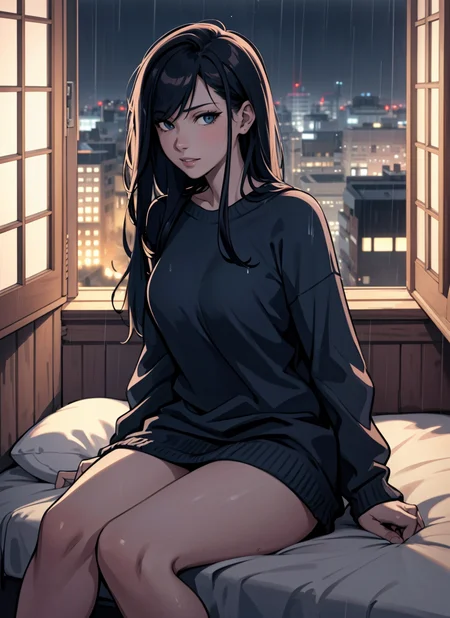
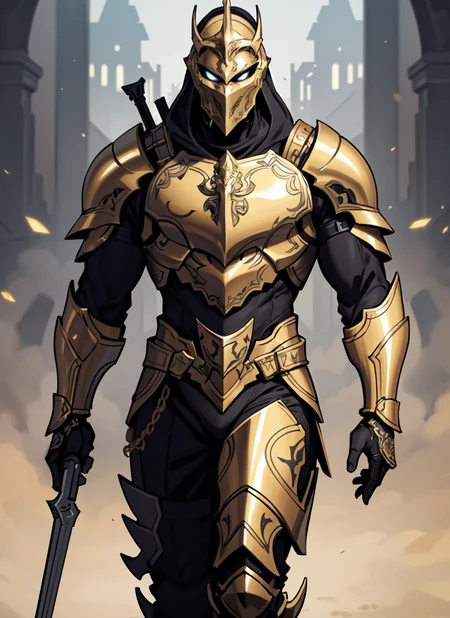
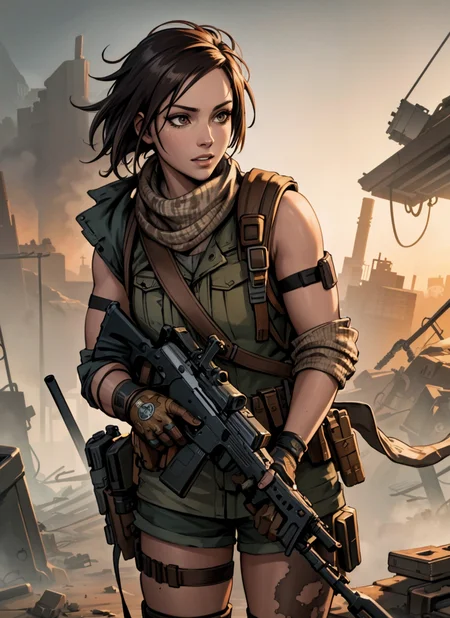
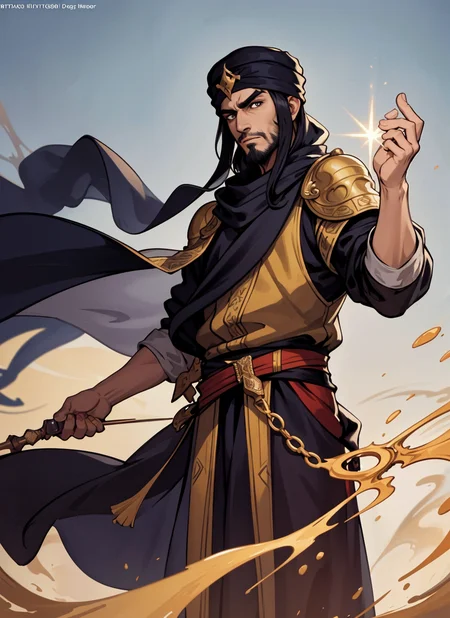
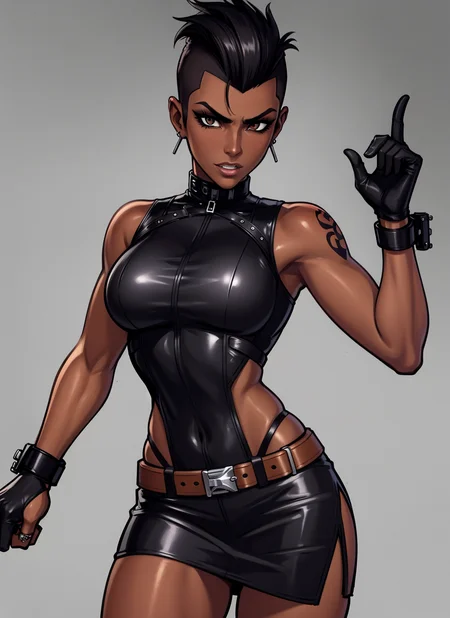
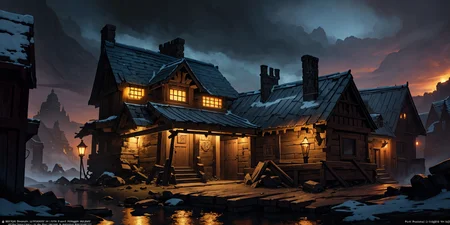
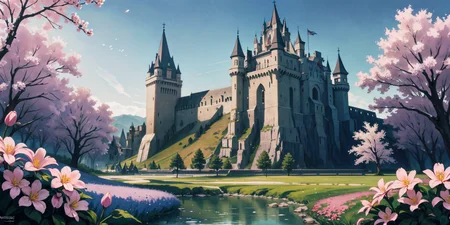
Found a look I liked while messing around with merges, so I figured I'd share it. Hope you enjoy!
Does both SFW and NSFW, though it can unintentionally veer towards the NSFW side without negative prompts.
Make sure to use a VAE with this model!
My preferred settings:
CLIP skip of 1
ENSD of -1
HiRes Fix between 0.35-0.55
EasyNegative in the negative prompt
Description
FAQ
Comments (8)
UPD: scratch that. It was VAE. I used automatic, now with mse 84k everything's great!
What upscaler do you use? I tried a few prompts and didn't get images as clean as yours. Tried one of your own prompts with the exact settings - same result.
Does it matter what hardware I use? Because... I don't even know what else can make the style look so different.
Glad you were able to figure it out!
@SpicyTree funny thing is that I wasn't trying to fix the style there - was actually searching for a way to get rid of purple artifacts.
I mostly never use VAE, because previously I managed to get pretty good images without it, sometimes even better than in any model previews. But that was with Easy Diffusion. As it is still on bad terms with Loras, I now switched to Web UI.
The end result with VAE was unexpected, but not unpleasant 😂
I get a bad result when I don't use Hires upscaler (I installed vae). Outlines become too thick and the image becomes blurry. And when I use Hires upscaler, I usually do not get a result. Because it says ram is not enough. Is there no way to get a good result without using Hires upscaler?
What graphics card do you have? If you have a GPU with low vram, you can add the command --lowvram or --medvram in 'set COMMANDLINE_ARGS=' in the webui-user.bat file, this will decrease the speed at which you generate images, however, but you should be able to use hires fix. Another alternative would be using the SD upscale script in the img2img tab. Hope this helps!
I'm trying out a lot of different models, but this one has been VERY consistent in putting out solid results with virtually any kind of prompts. SFW, NSFW, landscapes of all kinds, portraits, vehicles, whatever I tried. While there are more specialized refined models out there, I keep finding myself going back to trying this one a couple times for many prompts and I'm never disappointed.
Absolutely amazing. I was beating my head against the wall with anime style checkpoints to make original characters that didn't look like teens or children. This checkpoint is fantastic for creating subtle age differences in my original characters. Not to mention, in my experience, it's been very Lora friendly. Thanks for making this!
This model needs an update about the size to achieve greatness!!
Details
Files
Available On (1 platform)
Same model published on other platforms. May have additional downloads or version variants.