
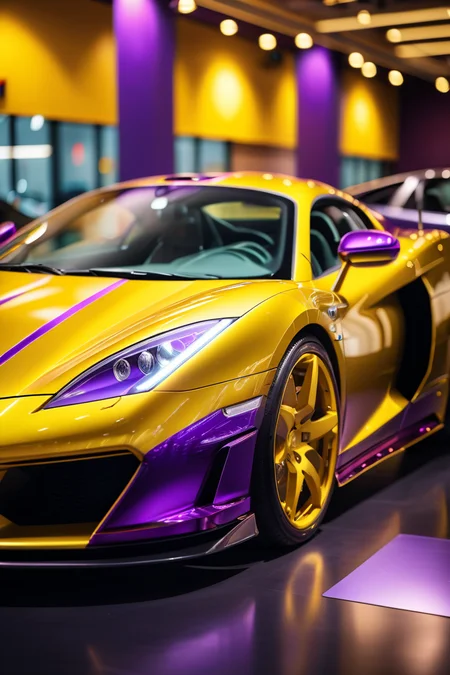
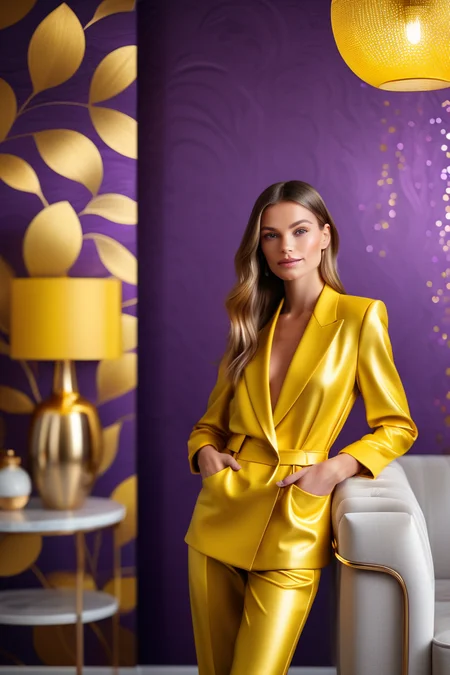
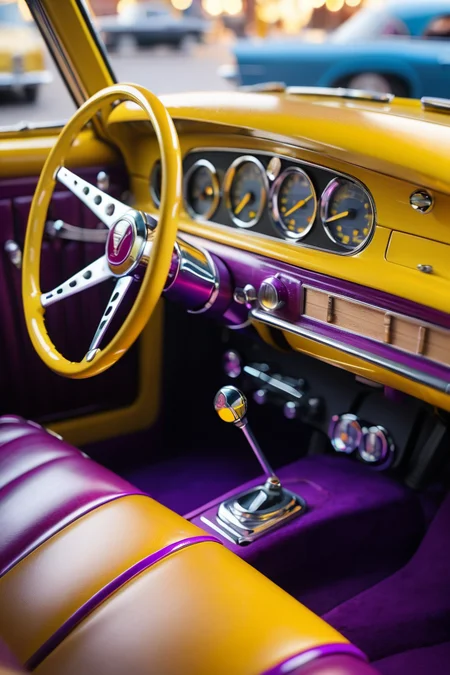
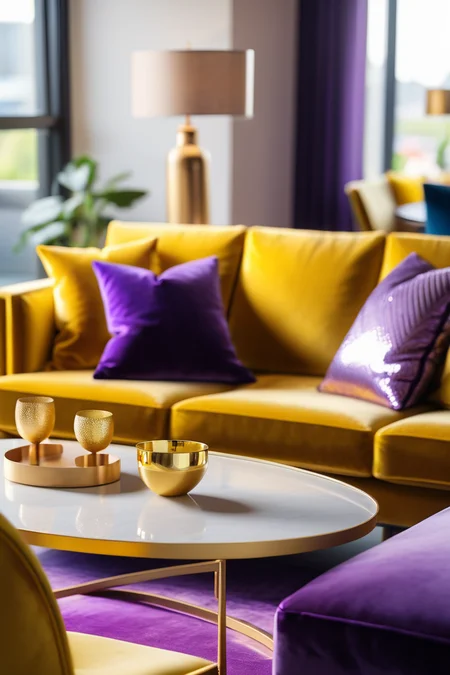
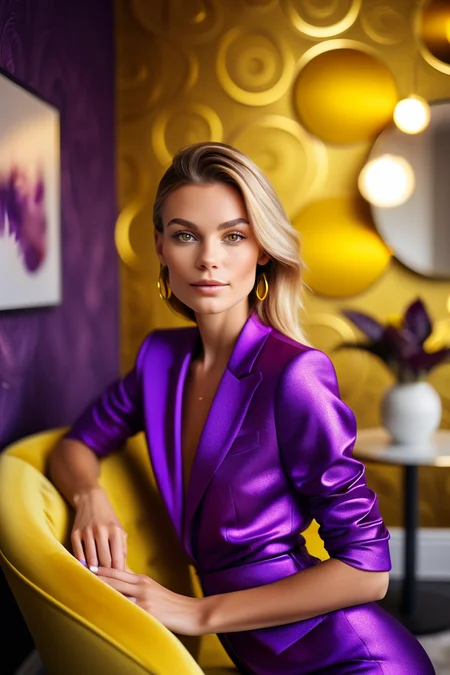
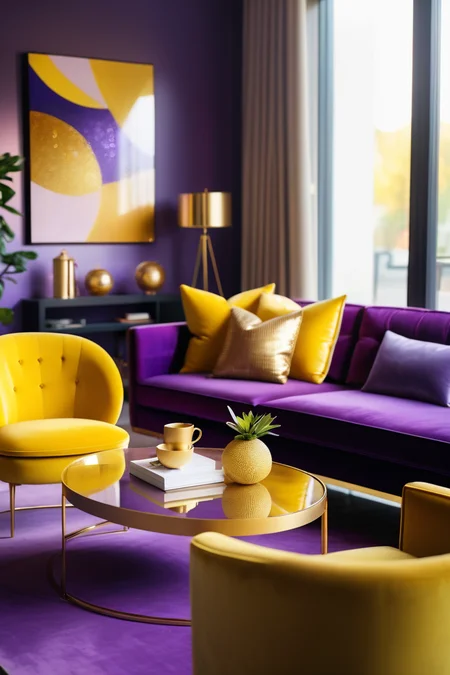
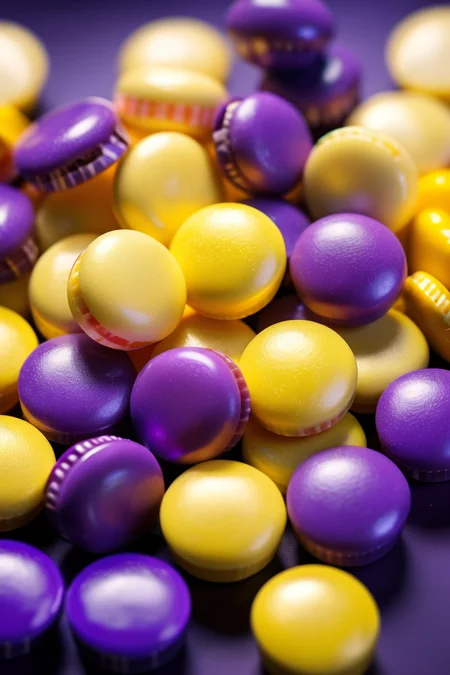


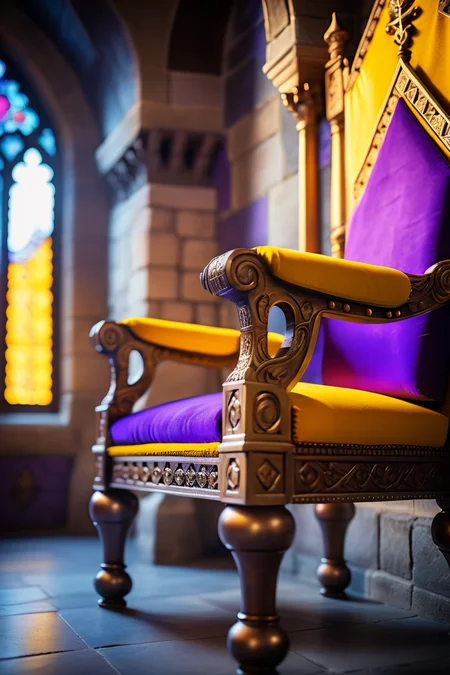
Easy one-click color palette for your images. No need to argue with the AI if an orange is a color or a fruit, everything is setup for you automatically.
Follow me to make sure you see new tools like this, or new styles, poses and Nobodys when I post them. More Clutter series coming too. Things move fast on this site, it's easy to miss.
How to use: Just place the trigger word in your positive prompt ranging from strength 0.1 to 1.5. You can removed or lower the strength of certain colors by typing the color name in the negative prompt.
Reds Black and Whites (download)
Cyberpunk (download)
Retro Primaries (download)
Purple to Yellow METALLIC (download)
Kill Bill (coming shortly)
Bronzy Blues (coming shortly)
Neutral Orange (coming shortly)
Mint Chocolate (coming shortly)
Description
FAQ
Comments (5)
Have you tried to just add a list of colors you need to the end of the prompt separated by commas?))
ComfyUI usage and/or how to create palettes in ComfyUI?
It looks really good, but I'm using a pony for this review. Can you make one for the pony as well? I'm looking forward to it.
I second this, I tried with Pony realism and it just doesn't come through.
This is REALLY nice! Can they run on Flux, SD1.5, or do you need to train for each version?
Details
Available On (1 platform)
Same model published on other platforms. May have additional downloads or version variants.