
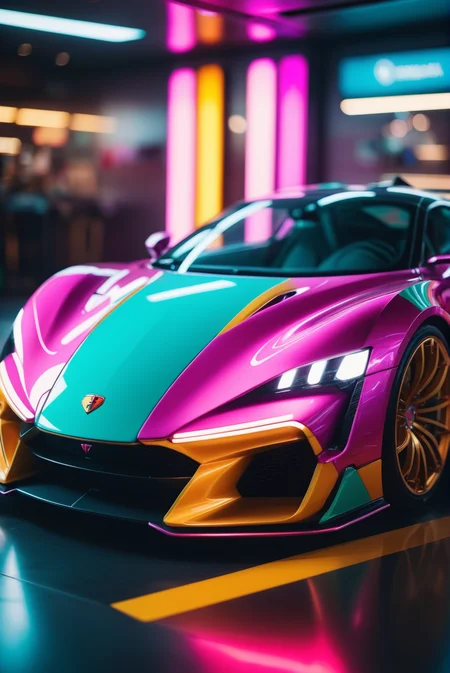
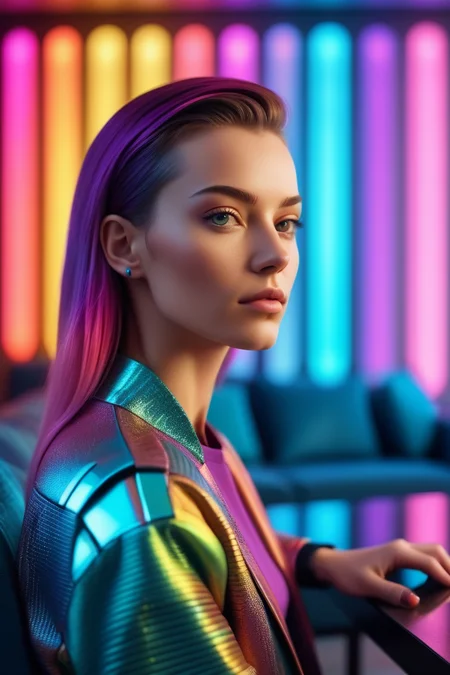
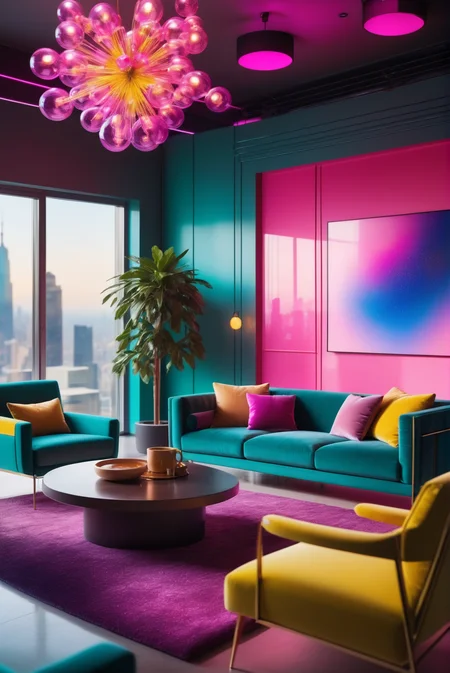
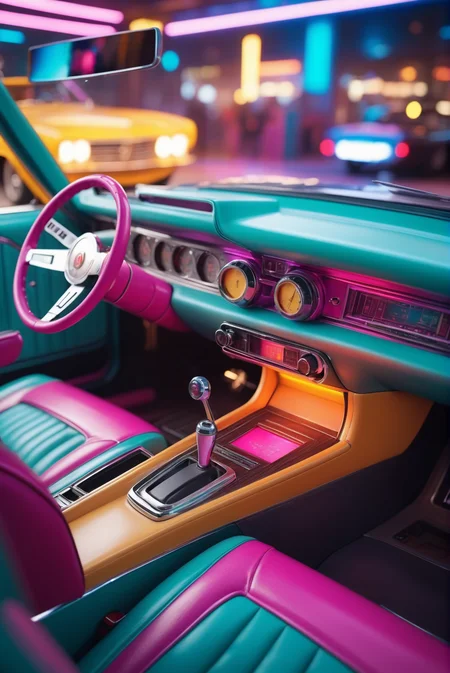
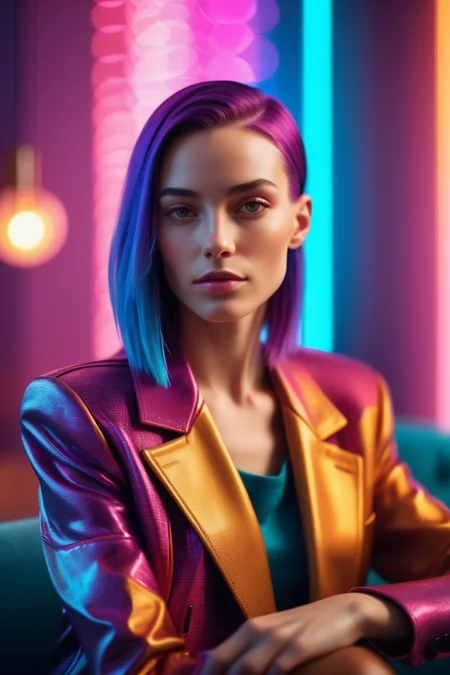
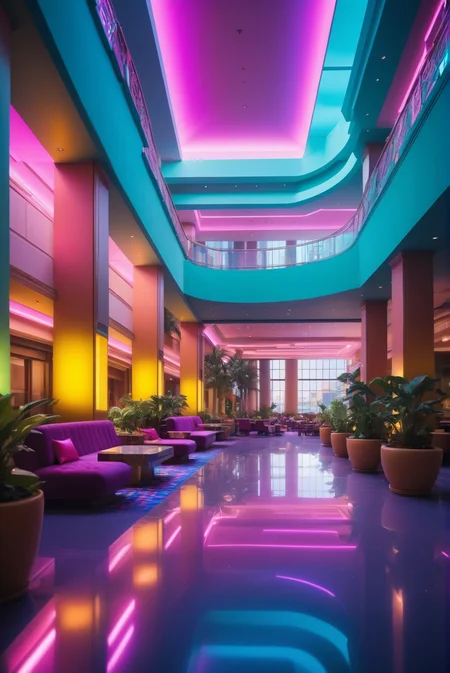
Easy one-click color palette for your images. No need to argue with the AI if an orange is a color or a fruit, everything is setup for you automatically.
Follow me to make sure you see new tools like this, or new styles, poses and Nobodys when I post them. More Clutter series coming too. Things move fast on this site, it's easy to miss.
How to use: Just place the trigger word in your positive prompt ranging from strength 0.1 to 1.5. You can removed or lower the strength of certain colors by typing the color name in the negative prompt.
Reds Black and Whites (download)
Cyberpunk (download)
Retro Primaries (download)
Purple to Yellow METALLIC (download)
Kill Bill (coming shortly)
Bronzy Blues (coming shortly)
Neutral Orange (coming shortly)
Mint Chocolate (coming shortly)
Description
FAQ
Comments (5)
First one to download the new one!! WooHoo!! Can't wait to try it!!!
This is so cool! How did you make it?
Exactly what I was looking for. Love it!! You Rock my World.
Is it possible to create custom color palettes? If yes how?
If I remember correctly, these are created with the embedding-merge plugin in automatic1111 and there you type in the text you like and then create a tokenized file from that text. So basically you can type in any combination of colors and tokenize them to get your special color palette file that you can use as an embedding on all the UIs (but keep in mind that versions are important here, SD1.5 embeddings do not work on SDXL and SDXL embeddings do not work on SD1.5)
Details
Available On (1 platform)
Same model published on other platforms. May have additional downloads or version variants.