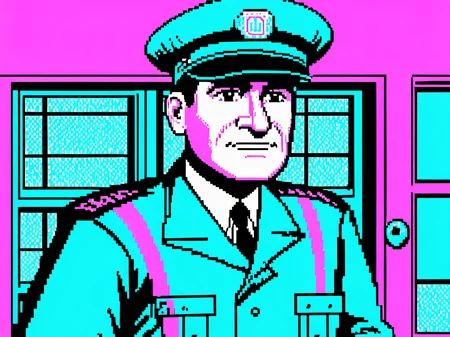
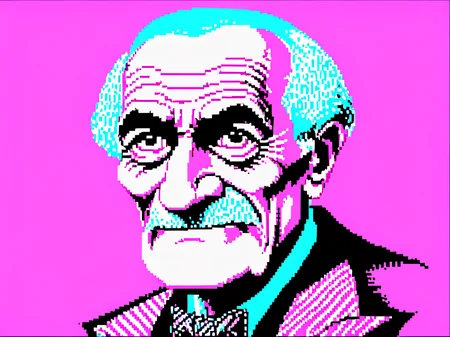
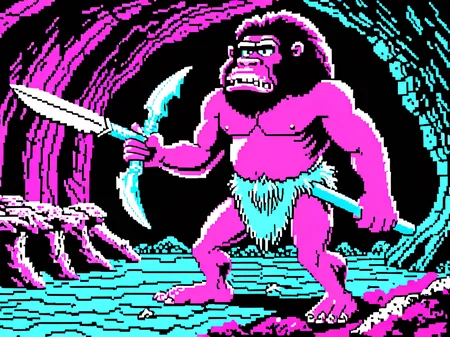
Attention this style is ugly by the nature of CGA graphics.
Finally, after weeks I just gonna publish this... It's bad, I know but is someone have any advice about how to improve it I be really grateful, I tried 30 or 40 different parameters and captions and I'm not still near close to do justice to the CGA era, so use it at your own risk of burning your retina.
Usage:
I cannot say there is a correct way to use it, I got some results using DreamshaperXL at strength 1 CFG 7 42 steps but probably there is some room to improve.
Use the keyword: doscga style at the start of your prompt to enable it.
Description
FAQ
Comments (4)
I think it looks great! At least it's a good representation of CGA palette 1 high intensity, which is probably the best-known of the CGA palettes. There were actually others (probably the red-green-yellow would be the best known other than the cyan-magenta-white one): https://en.wikipedia.org/wiki/Color_Graphics_Adapter#320_%C3%97_200
Amazing work! :D
thanks a lot, yes this is CGA mode 1, there is other modes but I think I had enough pain just with mode 1 :D
What resolution images did you train this with? I'm trying to find a good workflow to train low res images to XL (like my C64 model), but would like to hear how you do this.
~60 images 320x200 ( I tried x4 with no interpolation but doesn't work) and the model is trained at 1024x1024). TBH this lora is not good enough I think my CGA model is wayyy better because it's easier to get a large good quality dataset. C64 should be not super hard in that regard. You can download this lora and see the training parameters