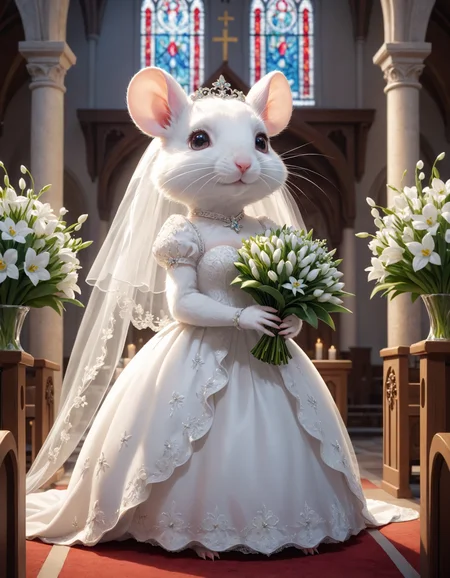
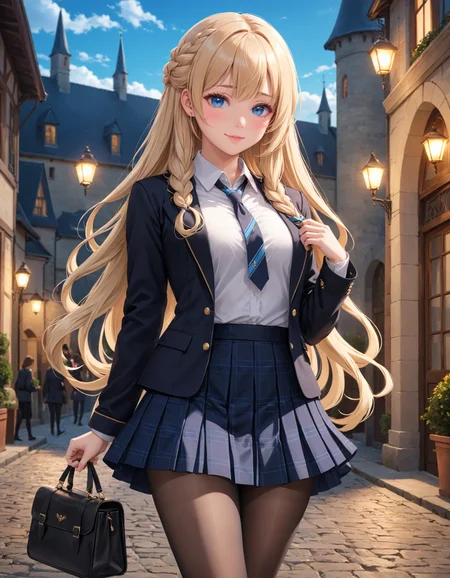
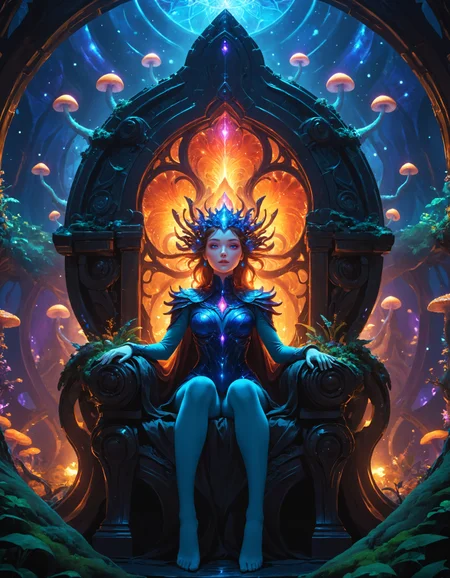
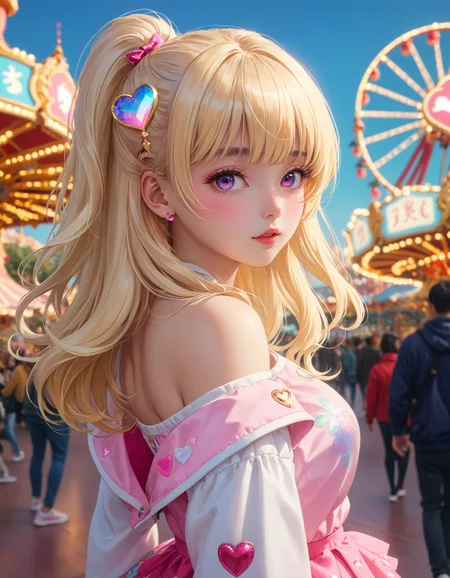
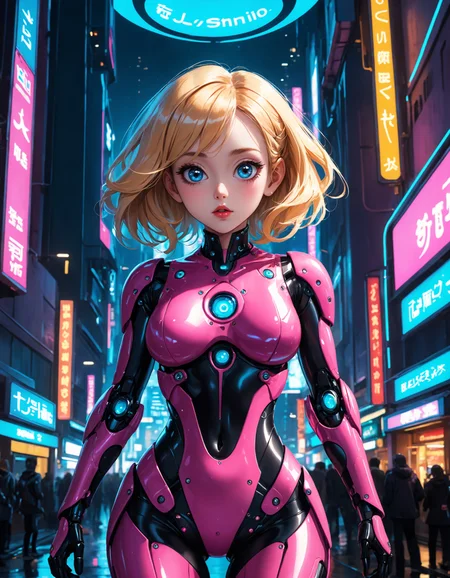
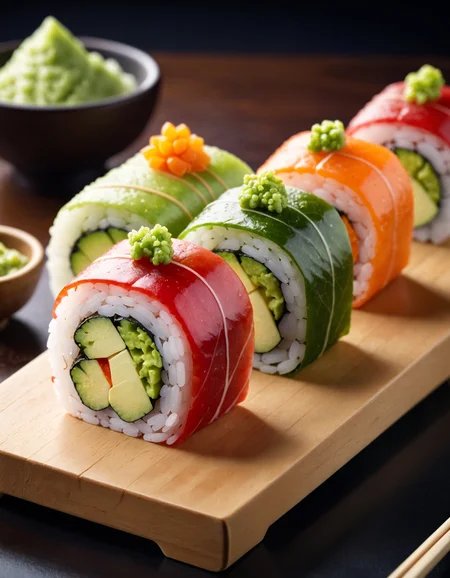
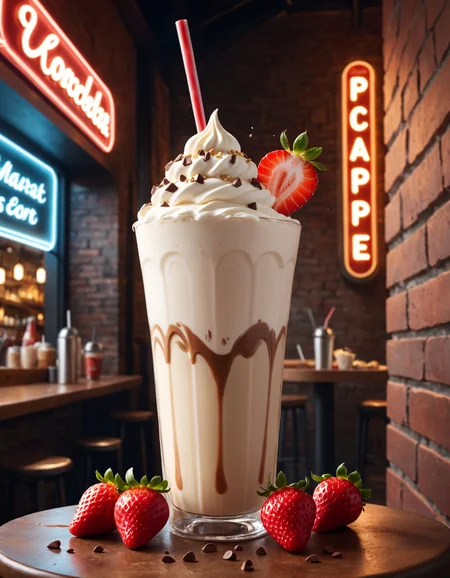
A short history of creation. At first I had plans to mix something crazy from the category of “God’s Spark” (this is a reference to the work of Dmitry Puchkov and is unlikely to mean anything to people not from Russia) and I almost succeeded with new attractive checkpoints, but something... something went wrong and on prompts from which I did not expect it, and the general impression was that what was generated was poorly related to what was indicated in the prompt. Therefore, this checkpoint was assembled from truly proven components capable of withstanding almost any verbal abuse of the user (believe me, I tried to introduce a selection of ornate obscenities and the result was enough to hang on a wall in a frame)
Ingredients:
MoeFusion SDXL
Kawaii Pencil-XL
Quiet Goodnight XL
Mklan Art Version19.1
Ultima 1.0
Juggernaut 9.0
Recommended settings:
cfg: 4-8
steps 20-60 (more than 100 definitely makes no sense)
Sampler of your choice, I have dpmpp sde gpu karras by default
negative:
something like:
(deformed, distorted, disfigured:1.3), poorly drawn, bad anatomy, wrong anatomy, extra limb, missing limb, floating limbs, (mutated hands and fingers:1.4), disconnected limbs, mutation, mutated, ugly, disgusting, blurry, amputation
must be good
Unlike my other checkpoint, this one is not about sex, erotica and drugs. It's more similar to what I did for 1.5 called Visual Novel RB (maybe I should have named it that way? But I tried to include as colorful components as possible so let its be "ColorBurst")
Description
FAQ
Comments (8)
Looks good. You'd probably get more downloads if people could see some of the settings and prompting for this model.
I know, but it will be difficult for me. I have old 1070ti so i cant normally use automatic 1111 for sdxl, fooocus is 2x faster than confy ui. Thats the reason why pictures has not description. In last update in fooocus settings for this, but so far I don’t see it in the saved files
@agress74 Did you activate the setting that saves the data? I assumed it was automatic but realized that I had to check the box and save.
Just a headsup, in Fooocus, if you go to Advanced and tick Developer Debug mode, and scroll to the very bottom, there will be an option to save metadata (fooocus style, in json).
Alternatively, to make this the default thing, put the following line in config.txt (to make "saving metadata" always ON when you start the app):
"default_save_metadata_to_images": true,
(if you have other line below it, use the , "comma". If this is the last line, ignore the , "comma).
Something like this: https://puu.sh/K2w1j/b4d041c011.png

@9ball emty properties, save only program version. In both variants: from browser and auto in output folder
@Norby123 first i used but it not worked, second i tried and after that fooocus cant start server))