













💖 Support My Work & Explore More
If this model is useful to you, your support helps me keep publishing free models and open-source AI tools.
Patreon: Support on Patreon
Ko-fi: Buy me a Ko-fi
Buy Me a Coffee: Buy me a Coffee
Discover more of my models, projects, and practical AI resources:
Portfolio: artificialguy.com — models, projects, and experiments.
Prompt library: FindGoodPrompt — curated prompts for image and language models.
AI tools directory: JustGoodAI — a curated directory of useful AI tools.
Twitter/X: @artificialguybr — new models announced here first.
Invictus.Redmond is here!
I'm grateful for the GPU time from Redmond.AI that allowed me to finish this model!
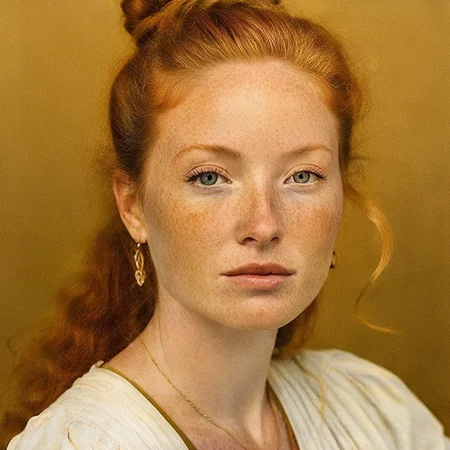
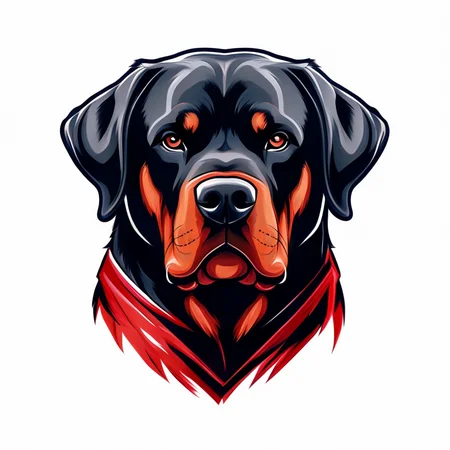
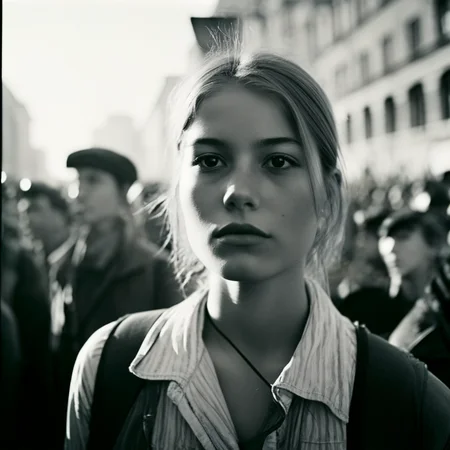
This is a generalist model fine-tuned on Stable Cascade!
The model has a high capacity to generate realistic, artistic images, cars, people, and a wide variety of themes. It's a versatile model.
I really hope you like the model and use it.
Description
FAQ
Comments (17)
Holy that's amazing, I haven't looked into training lora JUST yet on it, but will soon!
Is your work based on this?
Could you kindly point to the resources you have used to do the training? Paper, python code, regular SD tooling? I'm trying to figure out how to train Cascade models too.
I used sd scripts from kohya. Have a Cascade branch.
Its not working for me, Im new to this so it maybe me, I put the model in the checkpoints folder in order to use comfyui, but whenever I hit prompt, it gives me an error "'model.diffusion_model.input_blocks.0.0.weight'"
Just to confirm. You're using this as a Stable Cascade model, right?
It's just the unet model without CLIP. In ComfyUI you can use the UNETLoader node to load this model properly.
I can confirm it's working.
Could you produce a checkpoint version, inline with the latest ComfyUI checkpoints please? Most ComfyUI users have, or are switching to these.
Thanks!
https://huggingface.co/stabilityai/stable-cascade/tree/main/comfyui_checkpoints
put in model unet, load by unetloader (bypass the loadchecpoint stage_c), use vae and clip from stage_b
@paparazzo I know how to use it, I just don't want to have to change workflow for a single model.
make a syslink from checkpoint folder to unet folder
@HightekPresha it still needs a different node and the way it is connected differs.
Agreed w/OP, start from this approach https://comfyanonymous.github.io/ComfyUI_examples/stable_cascade/
Instead of which stage is it used?
Do you think it is possible to optimize the cascade for rendering full image from one stage?
Stage A - is VAE + decompressing, Stage B is decoder, Stage C - generator.
You need Stage B to upscale the low-res Stage C image. Stage A is the VEA decoder (it is the only one that is not really needed). Stage C however, is simply not designed to generate high resolution images.
The official weights from Stability AI include a little tiny "previewer" model that can render a low-resolution image directly from the stage C latent space. Perhaps you could upscale that, into something (although I highly doubt that the quality will be anywhere near what stage B can do). Or maybe one could train a model similar to the previewer to convert into the SDXL latent space format and then use the SDXL vae to produce a high resolution image.
It's highly unlikely these methods are viable for high quality image generation, Stable Cascade stage B isn't really that heavy anyway, so its probably not worth even trying, but it might be an interesting experiment.
More realistically, you could just try using the "lite" version of stage B. I have heard that you don't lose much quality from using the lite version compared to the full version (in stage B at least, in stage C the lite version is significantly worse).
How is this model different compared to the original?
Details
Available On (1 platform)
Same model published on other platforms. May have additional downloads or version variants.