More Detail Add UHD Detailer - By DICE
UPDATE FOR SD VERSION: ((((The SD version and XL both work on the Civitai Site, But the SD version will not work on Auto1111 only XL version works on Auto1111))))
Runs perfect on all SDXL including Pony and Lightning Versions
Works amazingly well with Dream Diffusion Pony, You'll find the download for Pony here....
https://civarchive.com/models/394789
 To Download Dream Diffusion Lightning XL
https://civarchive.com/models/288400

This really wasnt a easy LoRa to make and train. I've been using some of the other detailers around and the problem is im a perfectionist lol.
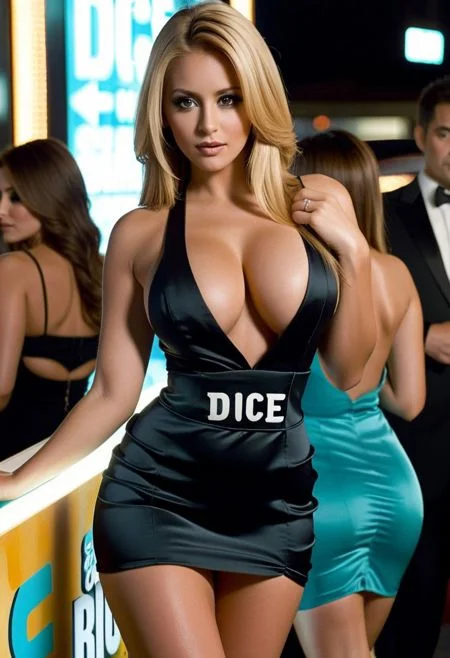
Also trained to use text, like the images above that say "DICE"
Use this following prompt to add text : (Wording on her dress says "DICE"), You can request it anywhere as log as .. Wording on,,, and the word is captials in " ". Depending on the checkpoint your using you may need to push the CFG up on it.

And for example:
stunning
 woman, long blonde layered hair, large breasts, tight short dress,
(wording on dress says "DICE IS NICE), cleavage, perfect makeup, slim
waist, slender legs,(The wording on
her dress say's "DICE IS NICE")
And this is the outcome:

So I made one with mega detail intricate , more authentic, shadows, refined, perfect tone,
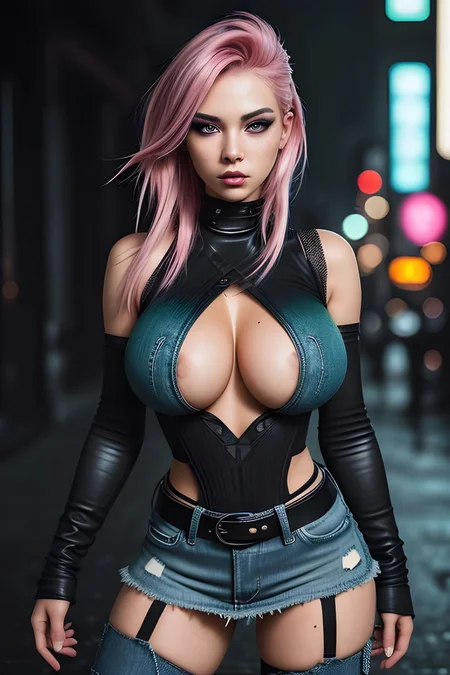
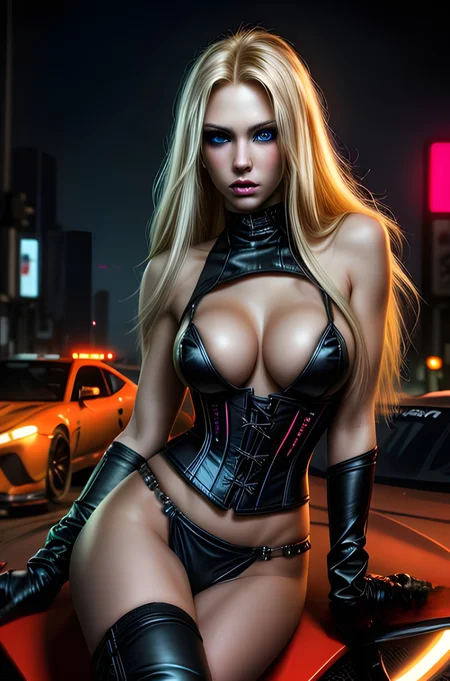
I've added some examples in the images above, and a mini movie below of what I mean. Everything in here has used my UHD detailer.
It's a perfect detailer for me anyway. But see what you think and give it a test drive.
The perfect checkpoint for this Lora is Dream Diffusion XL Lightning as seen in the video below:
Running Dream Diffusion Xl Lightining in Img2Img using depth in control net and the Batch file option...... SMOOTH AS BUTTER.
To watch these in 4K press play and then tap the cog in the video and chose 4K option
Description
1
FAQ
Comments (8)
Running the force text to checkpoints, The best fonts for text are coming from COPAX . if you look below there is a gold Zonda car i just posted , Check the font and accuracy , Thats on point and was generated in the first 10 gens .
The SD version doesn't seem to work. I get the following errors:
lora_unet_output_blocks_5_1_transformer_blocks_1_ff_net_2.lora_up.weight lora key not loaded
and
shape '[1280, 1280]' is invalid for input of size 409600 diffusion_model.output_blocks.5.1.transformer_blocks.0.attn2.to_out.0.weight ERROR
The info links incorrectly to this:
https://civitai.com/models/126343
I can't post a picture here to show you the info page as pulled from the ComfyUI node.
OUTSTANDING . The Text works great and the UHD just wow . Well done
Works to above and beyond!
Any advice to witch kind/type of image quality tags it can replace, to reduce those huge prompts, positive/negative, and what tags are a good complement to your detailer?
Is this can work with normal Pony Diffusion V6?
Works great on SDXL, couldn't get it to spell right with pony models, at least not the online available ones.
Great model though 5 outa 5
I've had a lot of requests on how to use and add the Turbo samplers that you see me using all the time. So here is a video with the script edit i created to add the 3 Turbo samplers to automatic 11 11