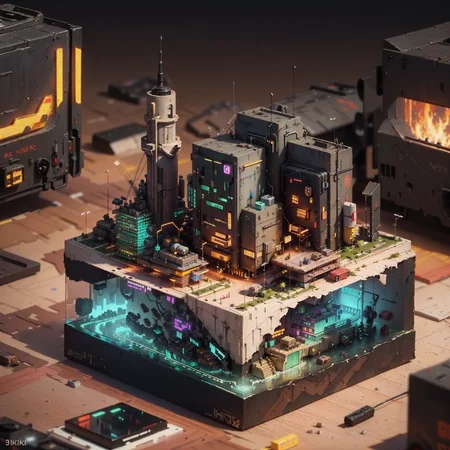
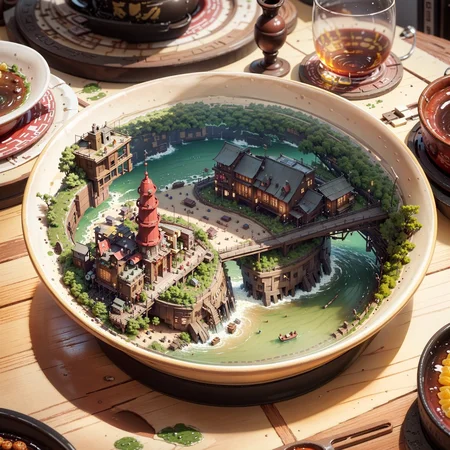
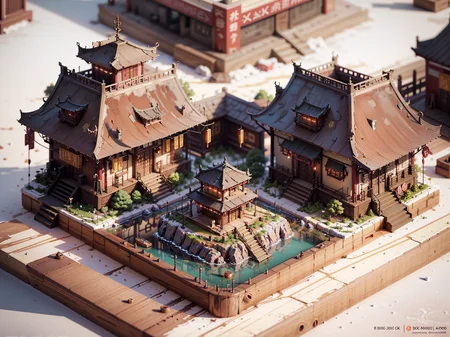
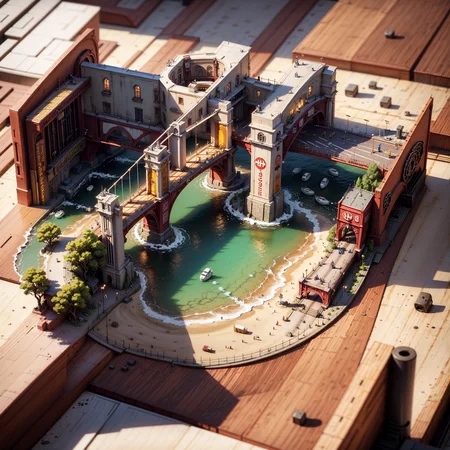
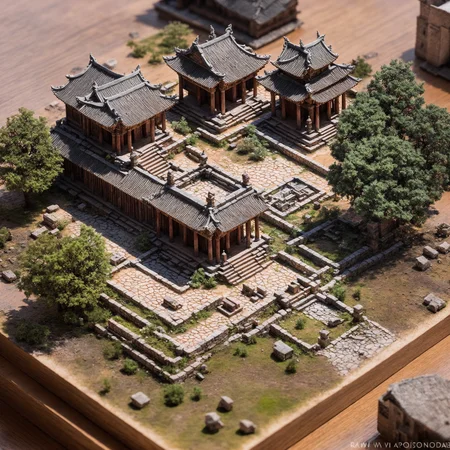
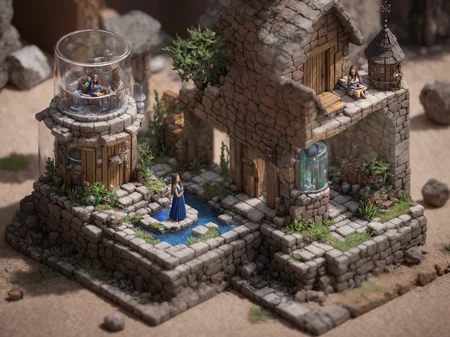
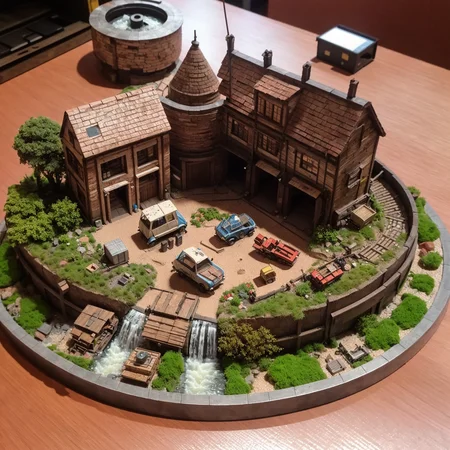
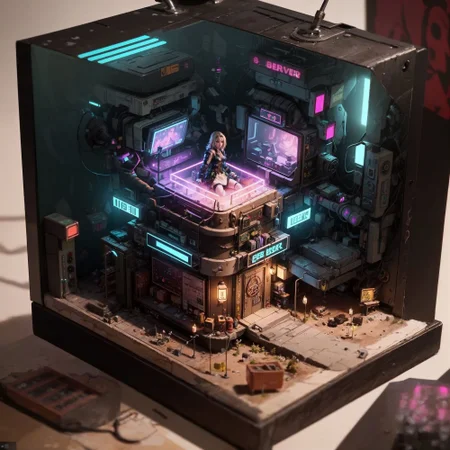
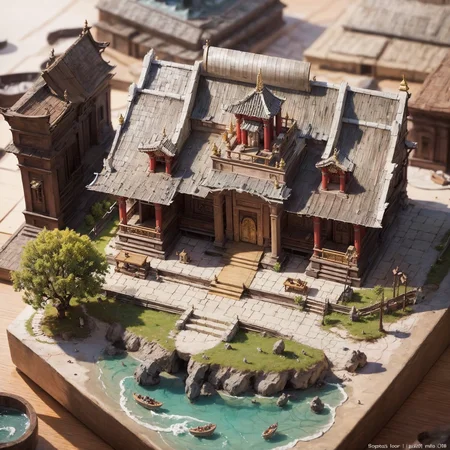
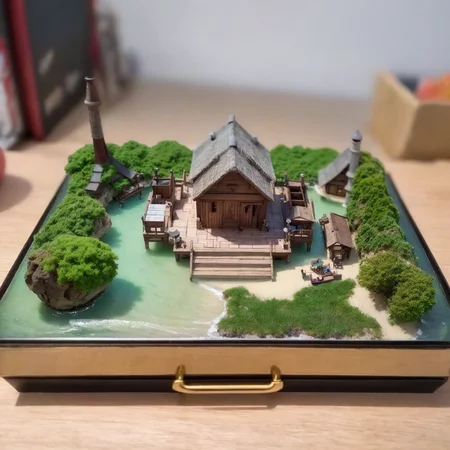
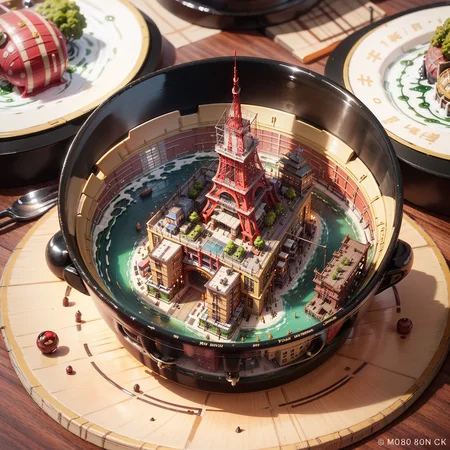
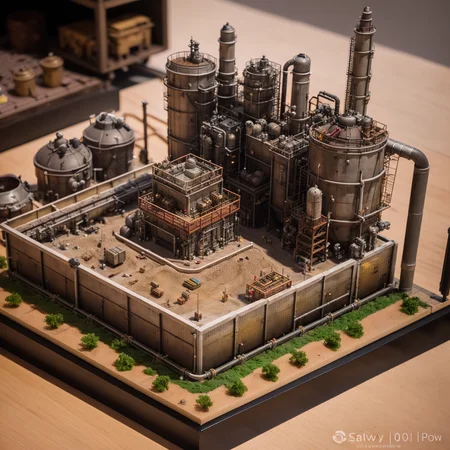
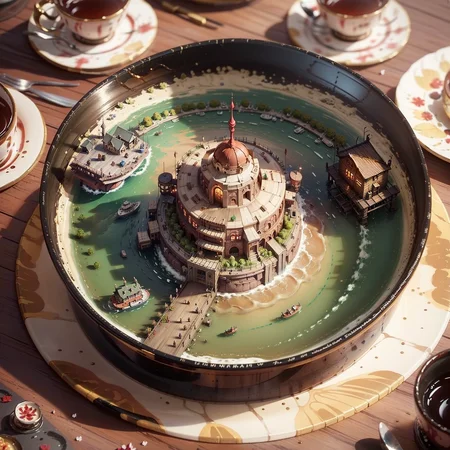
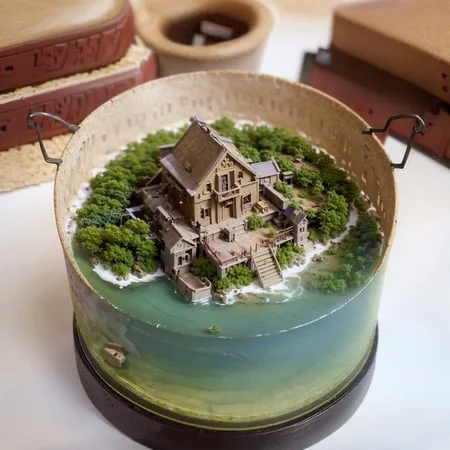
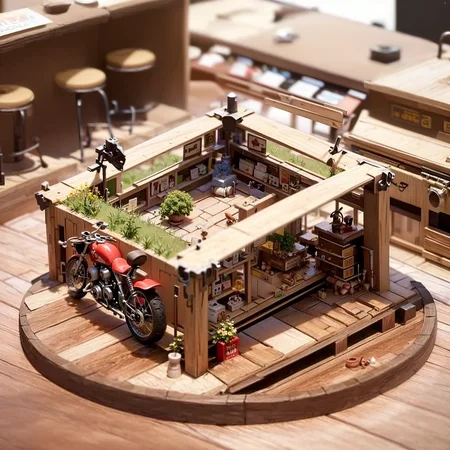
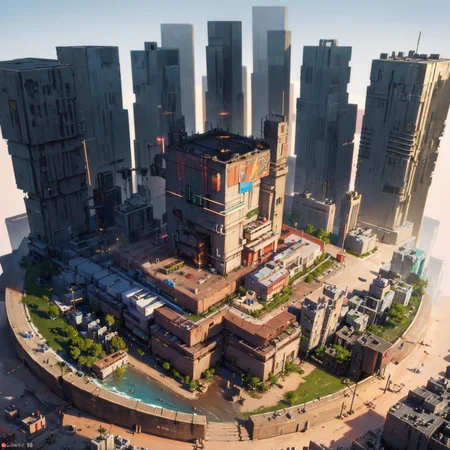
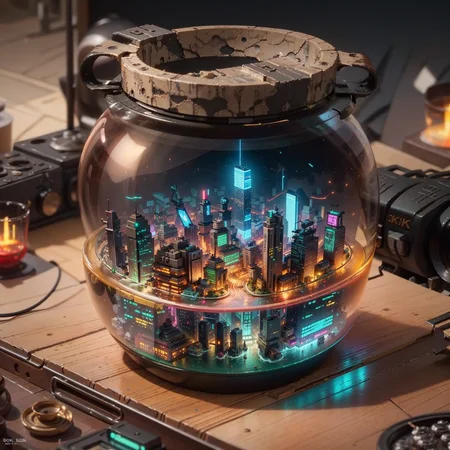
如果你要支持我,请通过tangtuanzhu的微信联系我,给我支持...,这样我才有电费和显卡继续跑图。我的其他模型都在这里:ttplanet Creator Profile | Civitai
使用方法:
建议权重0.2-0.9之间。当权重在0.6-0.9之间可以跑出梦幻的效果,和微缩场景质感,但是会改变更多的真实建筑特征,如果你想要一个和原始建筑更像的模型,建议权重在0.2-0.5。请参考下面的XYZ图的巴黎圣母院了解。
Recommended weight 0.2-0.9, when the weight is at 0.6-0.9 you will get more fantastic result and more feeling for miniature, but it will change a lot from the real building. if you are using a realistic SD model and prefer the looks like model, adjust the weight to 0.2-0.5 to get better "like" model.
使用mini\(ttp\)触发整体效果,使用miniature, lanpscape触发模型效果,如果这个模型本身有类似微距效果,那会大幅增强这个lora的特效,当然没有也不重要
使用容器的名字放在最后,比如plate, cup, bowl等可以把微缩城市装进去
使用isometric这种单词来触发方块的效果,其他角度你可以自己尝试
使用类似(statue of Liberty)的单词来触发主建筑物,使用(one man in the bathroom)这样的词来触发人物场景,没错这个微缩模型可以把小人放进去。满足你奇怪的xp。
其他没什么了,你们可以自由发挥了,希望你们能喜欢,一定要给我支持。
大场景需要高分辨率支持,显卡差的跑小场景有利于出图。
If you want to support me, please contact me through WeChat @tangtuanzhu and support me. This way, I'll have the funds for electricity and graphics cards to continue creating models. You can find my other models here: ttplanet Creator Profile | Civitai
This is a tool that can basically turn any scene you want into a miniature model. It has been tested and works well with most common models. Generating images is very simple, but you need to install a plugin first because LyCORIS hasn't been integrated into the webui yet.
Please note that since LyCORIS is not built into the webui, you must remember to install the plugin before using it.
The most updated lora block weight or additional networks plugins have bugs, causing the lora prompt to be ineffective. Please install with caution!
The most updated lora block weight or additional networks plugin are with bugs, it will make the lora command in prompt inactive, please wait for me to delete this line to update, otherwise you can't use Lycoris!
https://github.com/KohakuBlueleaf/a1111-sd-webui-locon
Then use the traditional method to call lora, for example: <lora:miniatureWorldStyle_v10:0.6>
Usage:
Recommended weight is between 0.6 and 0.9.
Use minimini\(ttp\) to trigger the overall effect, and use miniature, landscape to trigger the model effect. If the model itself has a macro-like effect, it will greatly enhance the lora's special effect, but it's not essential if it doesn't.
Place the name of the container at the end, such as plate, cup, bowl, etc., to put the miniature city inside.
Use words like "isometric" to trigger the block effect, and you can try other angles yourself.
Use words like (statue of Liberty) to trigger the main building, and use phrases like (one man in the bathroom) to trigger character scenes. Yes, this miniature model can put small figures inside to satisfy your strange xp.
There's not much else to say, so feel free to be creative! I hope you like it, and please support me.
Description
FAQ
Comments (52)
太棒了夸夸仔
微缩风格真好,超讨喜的。
A super favorite style
可以放几个瓶中小人的实例吗,单纯的放进去还可以,但是没有办法控制人物的细节,我试了好久也没成功
love your Locon so much!!!! thx a lot!
大佬,能不能介绍一下这个怎么使用,我安装了扩展a1111-sd-webui-locon还是你能调用LoRa,绘出来的图跟这个一点也不沾边,这个具体怎么用?
你好,请问这个插件是如何安装的?我在webui 里通过url https://github.com/KohakuBlueleaf/a1111-sd-webui-locon 安装提示失败,是否支持直接下载zip 解压到 extensions 使用?
可以的
@ttplanet 你的星球视角什么时候更新?
超好玩的~~
哥,来个群我请你喝1瓶红牛
I get this error when trying to run your Lora:
activating extra network lora with arguments [<modules.extra_networks.ExtraNetworkParams object at 0x00000231A9747DF0>]: AssertionError | 0/40 [00:00<?, ?it/s] Traceback (most recent call last): File "D:\ai\stable-diffusion-webui\modules\extra_networks.py", line 75, in activate extra_network.activate(p, extra_network_args) File "D:\ai\stable-diffusion-webui\extensions-builtin\Lora\extra_networks_lora.py", line 23, in activate lora.load_loras(names, multipliers) File "D:\ai\stable-diffusion-webui\extensions-builtin\Lora\lora.py", line 214, in load_loras lora = load_lora(name, lora_on_disk.filename) File "D:\ai\stable-diffusion-webui\extensions-builtin\Lora\lora.py", line 185, in load_lora assert False, f'Bad Lora layer name: {key_diffusers} - must end in lora_up.weight, lora_down.weight or alpha' AssertionError: Bad Lora layer name: lora_te_text_model_encoder_layers_0_mlp_fc1.hada_w1_a - must end in lora_up.weight, lora_down.weight or alpha
its not a lora , its a lycoris. You need to to install a extension to use it
@Ghost855 Yep, it's installed. From the first Example image: <lora:miniature_V1:0.8>, which is why, I call it as a lora, and i t's stated in the description as well that's how you should do it.
@coffeebeans just encase anyone else is looking if you scroll down you can find the usage here: https://github.com/KohakuBlueleaf/a1111-sd-webui-lycoris
<lyco:MODEL:arg1:arg2:k1=v1:k2=v2>
下载这个要放在哪个文件夹啊?放在lora文件夹好像不行的。。。求教!!!谢谢
RuntimeError: The size of tensor a (1024) must match the size of tensor b (768) at non-singleton dimension 1
我运行的时候出现这个提示请问是怎么回事呢?
重新跑一次,检察hires fix分辨率这里设置
@ttplanet 解决了,是底模不适配,换了底模好了
Beautiful!
Hello. I haven't followed the development of stable duffusion for a while.. What is the difference between lycoris and Lora?
tldr version; lora's hold more information and have more possibilities.
cant seem to get this running ; do i place it into the Lora or Lycoris folders?
Lora folder,use it like lora,but with prompt format <Lora:Lora name:0.7>
@ttplanet ok ill try it again
Did it work?
It's not working. Any body manage to make it work ?
@omamesh have you install the requirement extension?
https://github.com/KohakuBlueleaf/a1111-sd-webui-locon
Why i get blurry, ugly gens every time?, models are correctly loaded.
Apply LyCORIS model: miniatureWorldStyle_v10 Text encoder weight: 0.9 Unet weight: 0.9 DyLoRA Dim: None
prompt:
mini\(ttp\) of a sea landscape <lora:epiNoiseoffset_v2Pynoise:1> <lyco:miniatureWorldStyle_v10:1>
image example https://ibb.co/bsbc26d
0.9 is too much use 0.7
This is my errors,how cound I do?
loading Lora C:\sd-webui-aki-v4\models\Lora\miniature_V1.safetensors: AssertionError
Traceback (most recent call last):
File "C:\sd-webui-aki-v4\extensions-builtin\Lora\lora.py", line 215, in load_loras
lora = load_lora(name, lora_on_disk.filename)
File "C:\sd-webui-aki-v4\extensions-builtin\Lora\lora.py", line 185, in load_lora
assert False, f'Bad Lora layer name: {key_diffusers} - must end in lora_up.weight, lora_down.weight or alpha'
AssertionError: Bad Lora layer name: lora_te_text_model_encoder_layers_0_mlp_fc1.hada_w1_a - must end in lora_up.weight, lora_down.weight or alpha
this is a lycoris
Put the models in models\LyCORIS and use <lyco:XXX:XX> when diffusing instead. Hope that helps~
大佬,你的模型都很棒,是否可以在Tusi也发布一下呀,如果不方便,是否可以允许我搬运过去发布一下?
那个GitHub的插件已经弃用了,还要下吗?0.0
Hello I have used this cool miniature world maker on a few occasions earlier this year. Today when I ran it at 768x768 it produced some cool images. But when I tried to High Res Fix or to image to image upscale the results were a mess. Has any one else tried with a recent update of Stable Diffusion? I really like this image maker and would love to see it running again! Thank you.