

Maximum Painterly Output!
This minor v1.1 update is nothing more than a merge with SAI's Offset LoRA. You can get identical results using version 1.0 and the offset LoRA at 1.0 strength. If you wish to control the effects of this more precisely, continue to use version 1.0 in conjunction with that at different strengths. Personally, I'm happy with this merge. The result is improved contrasts, and specifically provides much better night or dark scenes.
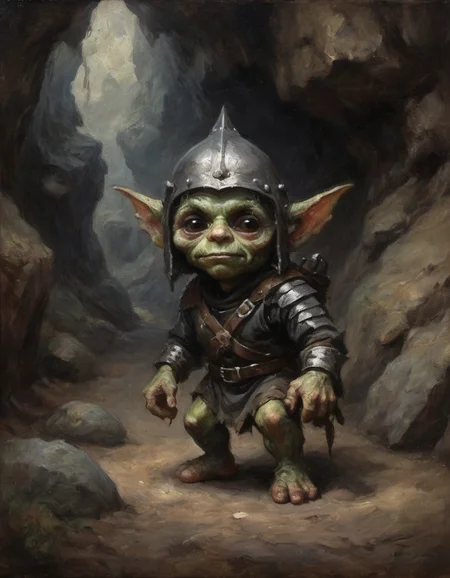
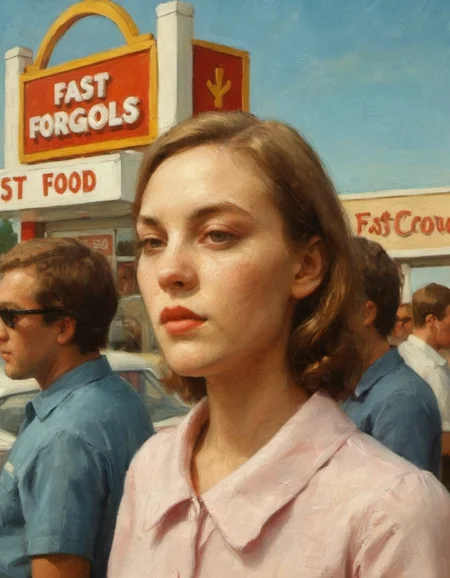
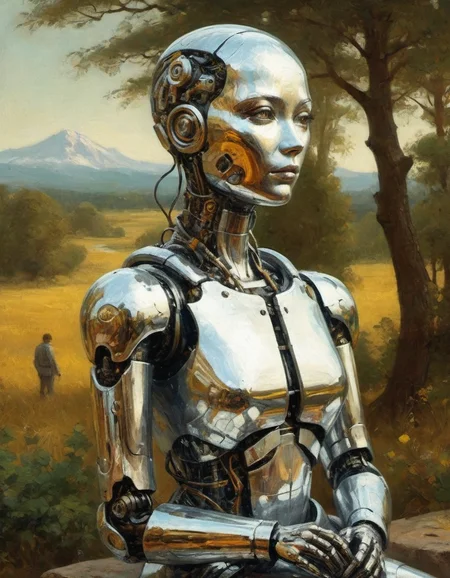
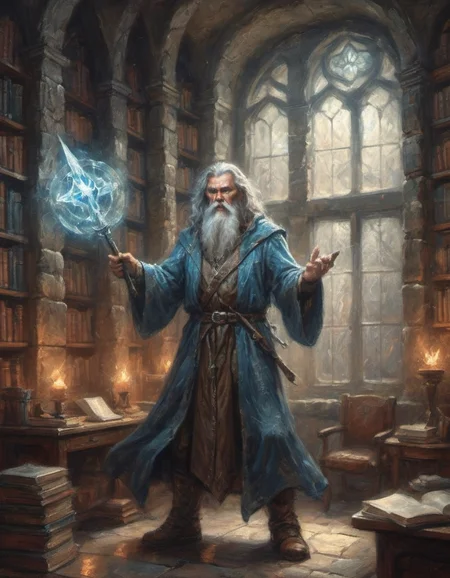
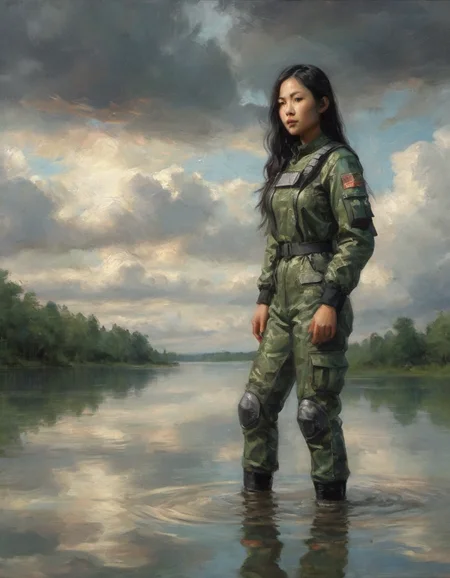
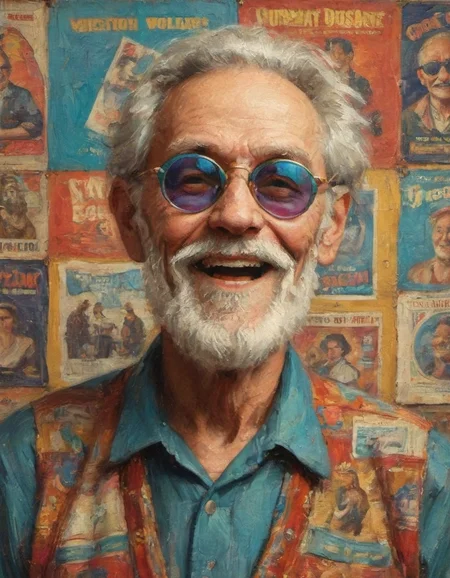
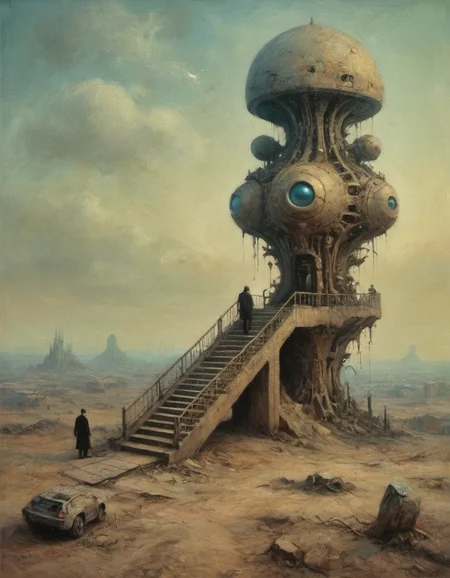
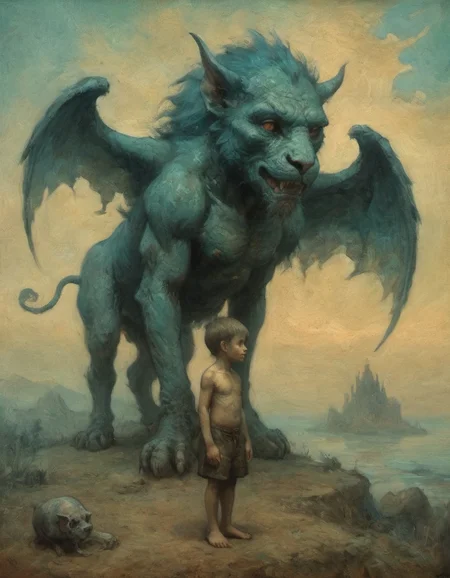
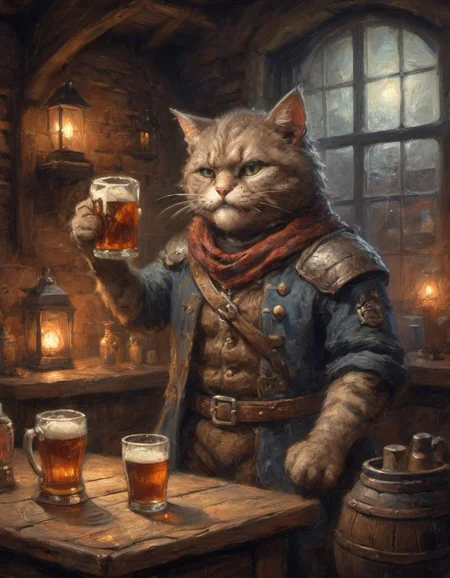
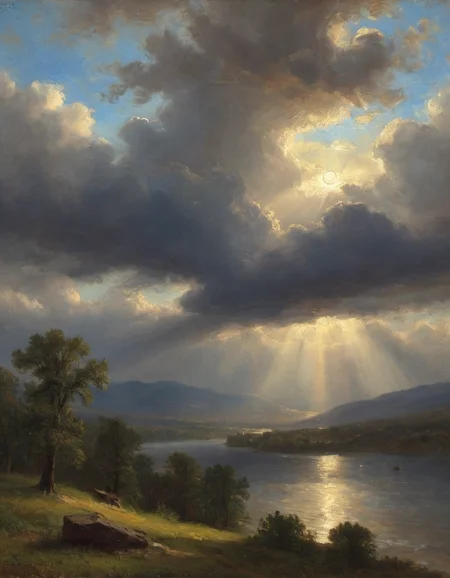
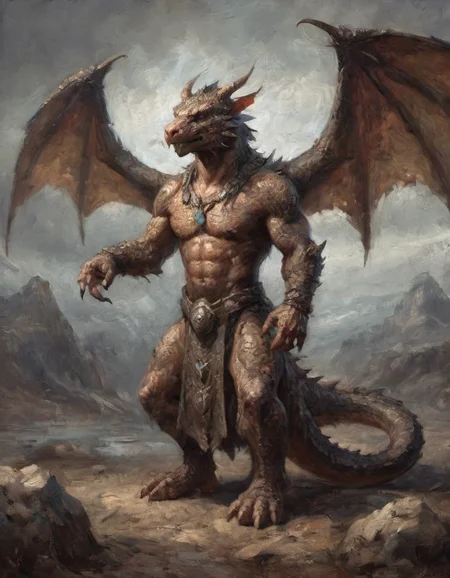
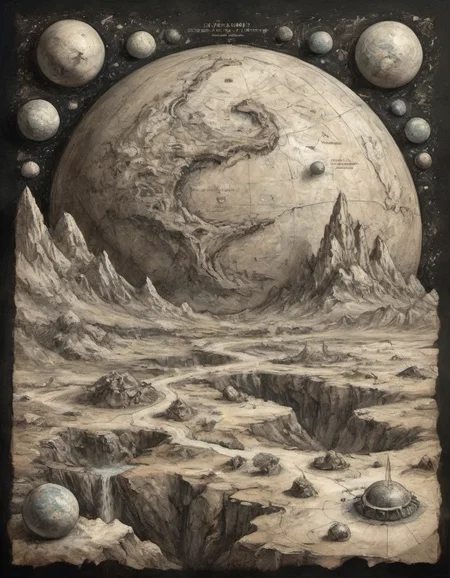
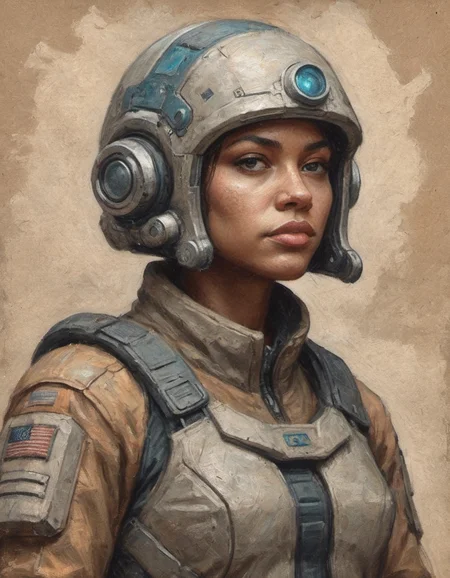
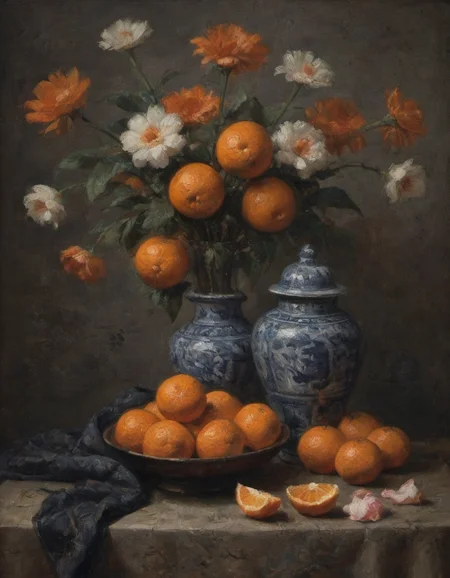
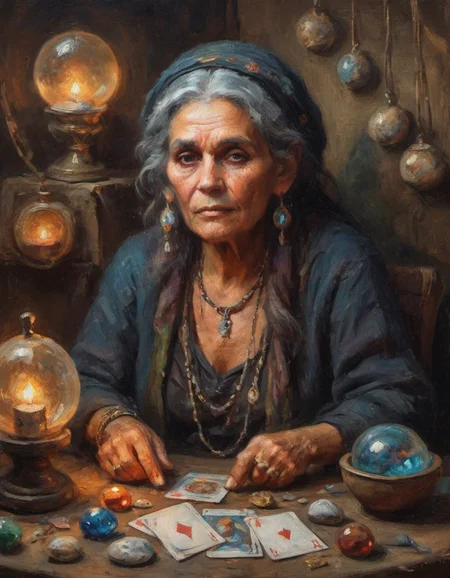
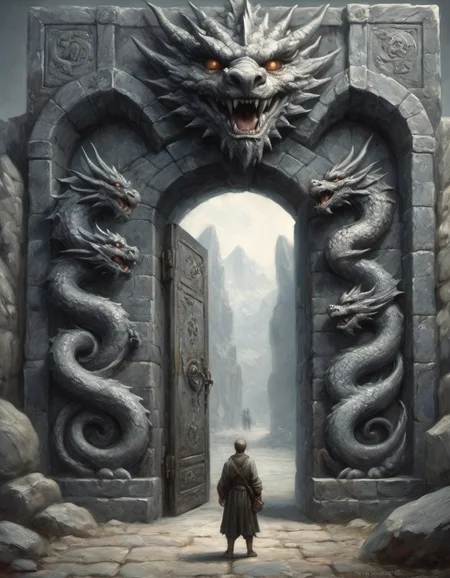
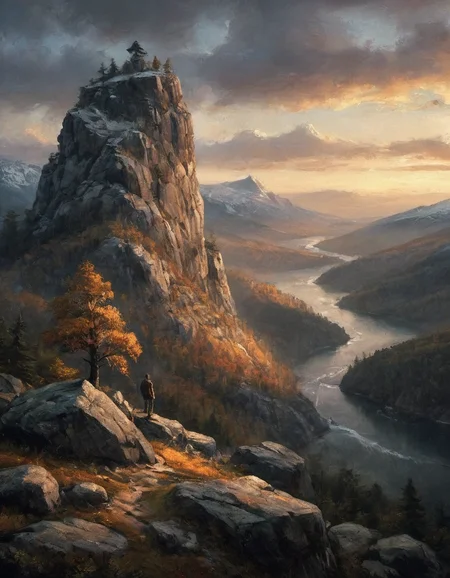
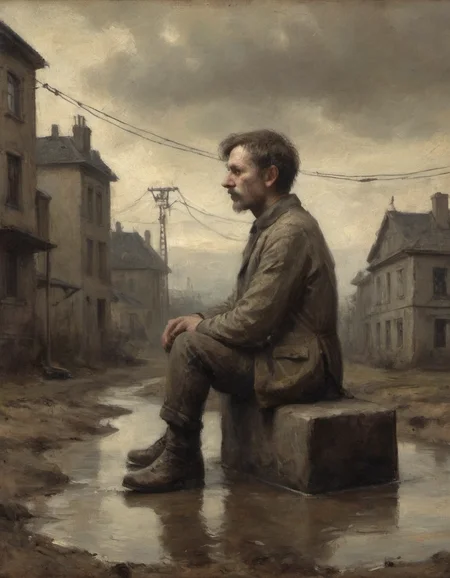
So you want to go all-in on a painterly effect? This model is not a comprehensive art style - it's a very specific painterly look. Alla prima, gestural, atmospheric. Detailed enough to warrant being called realist, but far from the clean sharp photorealism of Dutch or Renaissance work. Prompting for artist names only minimally pushes its output.
You don't need to prompt in any special way. If you want to use photography terms to influence the scene ('go-pro selfie', or 'by Max Rive') just start the prompt with 'painting' as well and you should still get a strong painterly image.
A great model for upscaling painting images:
Whether you generate an image initially with this model or another, if it is in an oil painting style, using this model in an upscaling workflow can help loads to keep that painterly material feel that too often otherwise disappears in upscaling.
If you feel compelled to offer some material form of thanks, you can buy me a coffee, or you can buy my (darn near unreadable, I warn you) short story 'Willem & Ellene'.
Description
initial version, built off of multiple previous original LoRAs of mine
FAQ
Comments (15)
Since I know your beautiful ClassipeintXL LoRA this feels like a real christmas present 🎄🎅 Thank you so much! I can't wait to give it a try.
Merry Christmas! It's really, really close in the feel of its output, but proves a little more versatile, especially if you want to use a lot of photography terms and directors, etc. Start any prompt with 'painting' and almost nothing you prompt after will steer it away from a really painterly image.
Also, this checkpoint folds in some training I did for the pastel LoRA. Doesn't come through super strong, but if you prompt for toned paper and drawing in pastels it gives pretty distinct and nice results.
Hope you enjoy it as much as I do!
Excellent model, if you ever need an enormous list of artists, hit me up @belacquant on twitter
This is an excellent model for generating oil painting style images. Make sure to include the optional trigger-word “painting” in the prompt to take full advantage of the model. You can of course use other style LoRAs with this model to achieve interesting combo styles.
To have similar style with another model (say an anime model such as SDXL Niji SE: https://civitai.com/models/120765/sdxlnijispecial-edition), you can use EldritchAdam's ClassipeintXL https://civitai.com/models/127139/classipeintxl and LaxpeintXL https://civitai.com/models/138424/laxpeintxl-digital-paint-style-lora LoRAs.
@NowhereManGo I'd love to see some re-runs of your prompts, especially your night scenes. I just uploaded this 1.1 version, which simply merges in Stability AI's offset LoRA and makes proper dark scenes more actually dark. But I'm actually appreciating its effects across basically every prompt.
@eldritchadam Sure, I can do that 😁.
@eldritchadam Some images were generated using offset LoRA at 0.5, so this time I re-generated the images without the offset LoRA to rely on the offset you've already merged into the checkpoint.
what vae should i use with this ??
a good and important question! I have just used the default SDXL VAE so far - but I'll test some others and see if there are benefits to be had. Thank you
@eldritchadam thank you my friend!
I think it's a matter of preference. I tested other vae with it and I stay on the sdxl.
Nice effect but fails in terms of create night scenes or places that need contrast and dark atmosphere
thanks for the feedback! I will have to start looking at a 1.1 version then
@jurandm when I have needed a darker look for a painting, I've used the Offset Noise LoRA. Gets me generally where I want to go. I just tried a model merge, using Kohya to merge the Offset LoRA into this checkpoint and the results of initial output were identical to if I used the offset LoRA with the previous checkpoint - getting me a much better-looking night scene.
I'll test more to see what the versatility of the model looks like. So far, initial outputs are beautiful and I'm not seeing a downside. Brighter images still look bright and vibrant. Maybe a little more so. This may prove a super simple improvement I can share here in short order. Thanks for pointing me in this direction!
done and uploaded!
Details
Available On (1 platform)
Same model published on other platforms. May have additional downloads or version variants.