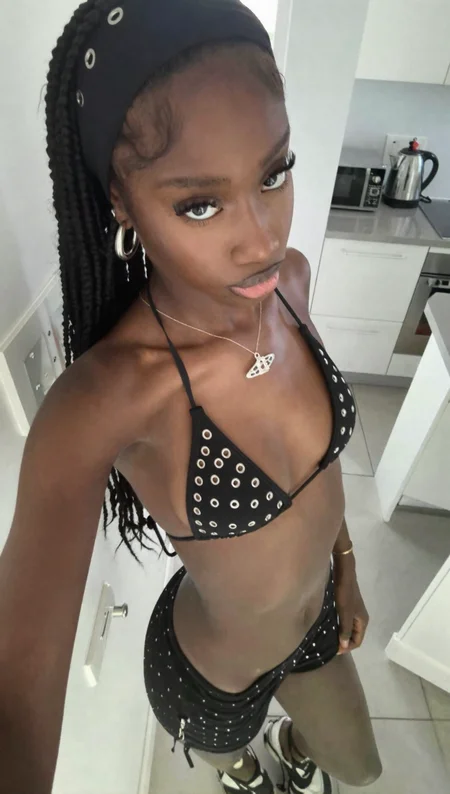
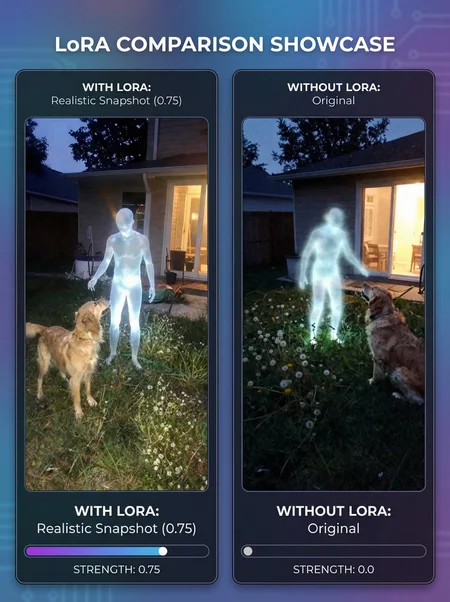
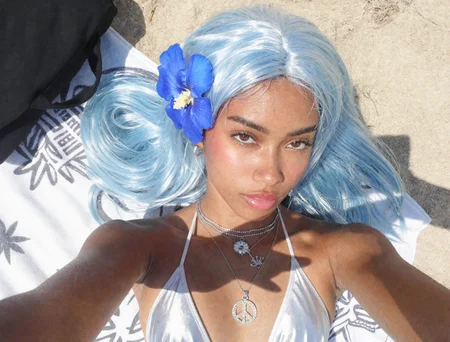
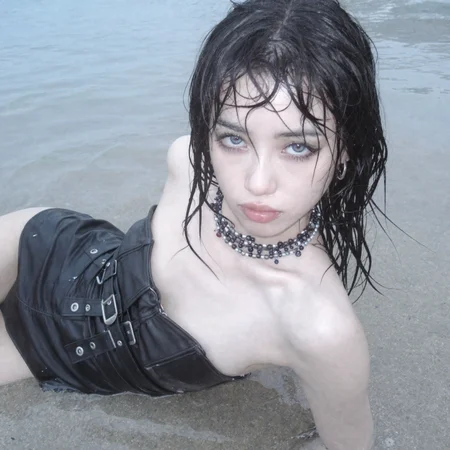
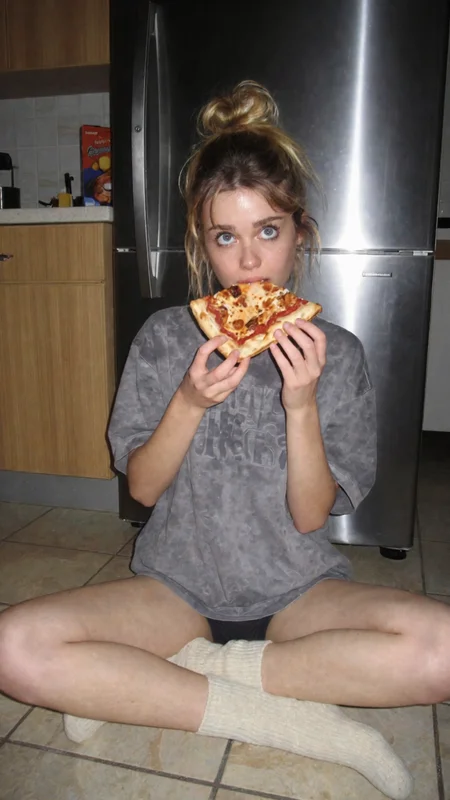
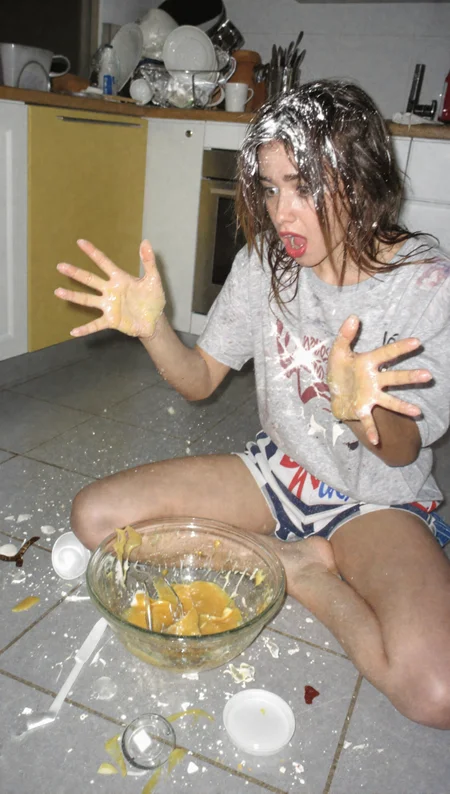
🟢 Every image in this gallery was made with the MAX REALISM KIT.
💎 MAX REALISM KIT | $49.99 $39.99 with code "3K100K" until Nov 3 · free updates
👉 https://monkeyforever.gumroad.com/l/max-realism-kit👈
💬 Discord (community, 3000+ members): discord.gg/69nQp4F9bq
WHAT’S IN THE KIT
🆕 MOSS-Image Max Realism workflow
🧩 Krea 2 txt2img + img2img workflows, pre-tuned
⚡ Z-Image-Turbo Max Realism workflows, running on a custom sampler built from scratch
📸 Realistic Snapshot LoRAs for all three models
🔬 Skin detailing pass that keeps pores intact in the final image
🎨 ChromaGrade: matches the exact colour grade of any reference
🧠 Multi-LoRA stacking: your character keeps their identity and still looks real
🏋️ Character LoRA training toolkit: 19-page playbook + one-click Caption Studio
✍️ Influencer Prompt Studio: turns a plain idea into a full realism prompt
📘 From Character to Income: a 33-page guide to growing and monetizing an AI influencer
Running an ai influencer account? the MAX REALISM KIT fixes this.
You need max realism to get more traffic.
🚀 NEW: MOSS-Image v1.0
Realistic Snapshot is now on MOSS-Image, trained on the same dataset as Krea 2 v1.0.
Stronger realism with that real iPhone photo look
Better anatomy: cleaner hands, bodies and proportions
True snapshot feel: candid, unposed, everyday moments
Recommended strength: 1.0
Prompt it exactly like Krea 2 v1.0 (see the guide below).
🔧 Krea 2 v1.0
A full retrain of the Krea 2 version, built for stability and control.
Revamped training settings for much more stable results
Higher-quality dataset with fewer outliers
Precise captions, which give much better prompt adherence
Handles higher strength. Up to 2.0 is recommended. 1.5 is the sweet spot. 1.0 does little, and 2.0 improves the overall style without breaking the image. Lower it if the effect is too strong.
The dataset is real-life smartphone photography: mirror selfies, bedrooms, bathrooms, car interiors, city streets at night, plus cars, landscapes and everyday scenes.
✍️ How to prompt (MOSS-Image v1.0 + Krea 2 v1.0)
Both were trained on detailed natural-language captions, so write prompts the same way. Describe the:
Subject: build, hair, skin details (freckles, tan lines, tattoos, piercings, jewelry)
Outfit and pose: what they’re wearing and doing
Setting: where the photo is taken and what’s in the background
Framing: mirror selfie, high-angle, low-angle, close-up, “framed from the upper thighs up”
Lighting: direct sunlight, diffuse daylight, warm indoor lighting, flash
Example:
A slim young woman takes a mirror selfie in a bathroom, holding a smartphone in one hand. She has long brown hair and freckles across her nose, and wears a grey ribbed tank top with light-wash jeans. White tiled walls are behind her under warm indoor lighting, framed from the upper thighs up.
Old tag-style prompts and Z-Image workflows won’t carry over.
📜 Version History
MOSS-Image
v1.0: First MOSS-Image release, trained on the Krea 2 v1.0 dataset. Strength 1.0.
Krea 2
v1.0: Full retrain with stable settings, cleaner dataset and precise captions.
v0.5 (Experimental): The first Krea 2 port. Trained on 600 modern iPhone photos with a larger spread, replacing the older early-2000s data.
Z-Image-Turbo
v5.0 (Real Life): Largest Z-Image update, with 100+ new images. Fewer artifacts, better anatomy and better lighting physics.
v3.5 Photorealism: Optical realism: subsurface scattering, specular highlights, chromatic aberration. Strong on mirror selfies.
v3.0: Expanded dataset that balances the raw amateur vibe with high-fidelity detail.
v2.0: Experimental “camera roll” aesthetic. Gritty, unpolished and sometimes temperamental.
v1.0: The foundation, a lightweight base layer of realism and texture.
💡 Z-Image-Turbo tips
Use strength 0.60–0.70. Optional tags:
Camera roll:
amateur digital snapshot,candid,smartphone capture,high ISO noise,direct on-camera flashDetail:
visible pores,visible vellus hair,subsurface scattering,detailed skin textureOptics:
wide-angle lens,barrel distortion,chromatic aberration,depth of field
Description
Look at my generations on the model for a general feel for what the model is great at doing :D I include prompts in every generation so you can get inspiration <3
FAQ
Comments (7)
What weight would you recommend this to be set to while also using a character lora? .40? .30?
You are gonna have to test it out yourself im sorry.
@MonkeyForever Doesnt seem to work with character loras that well. But I think this is a general ZIT problem that hopefully the base model with solve.
@Tezozomoctli Yeah im sad to hear that it doesnt work that well, hopefully you can still enjoy the lora ❤
0.35是我对写实风格lora常用的参数。zimage的lora训练速度很快,大家都在研究如何更好的突破限制。
It might be better to use this separately and do a second process for realism with this as the input image -> vae encode -> then use denoising to get the effect
@phildoeshair1 I thought of this aswell
Details
Available On (1 platform)
Same model published on other platforms. May have additional downloads or version variants.