
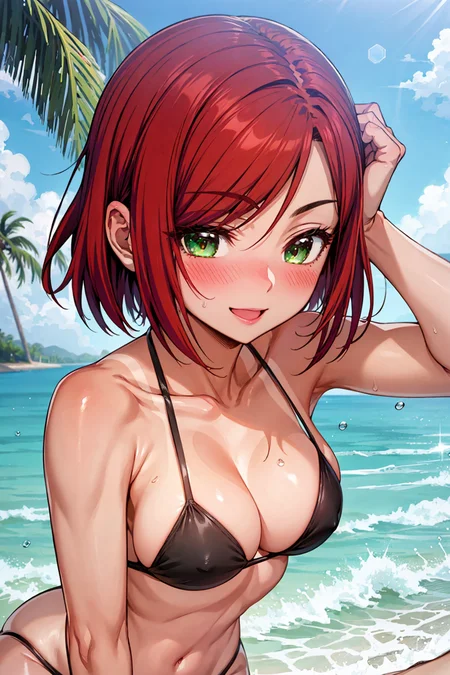
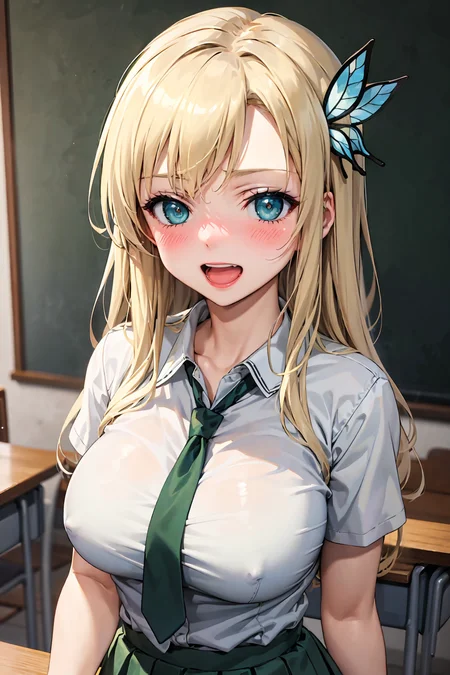
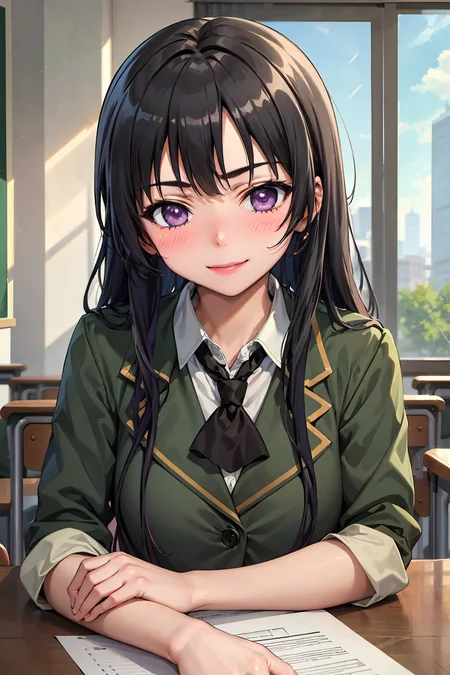
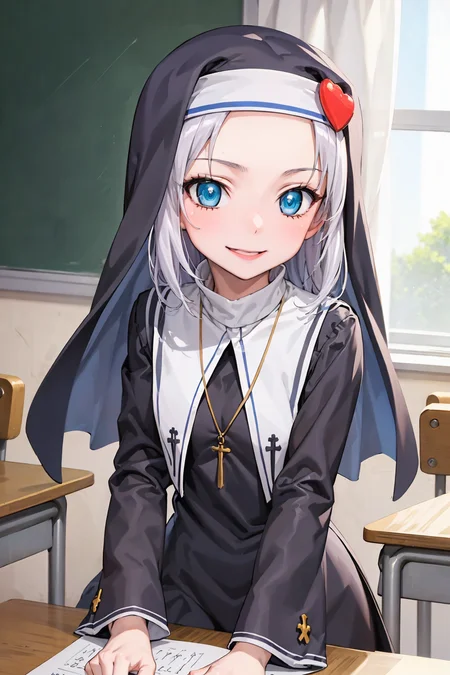
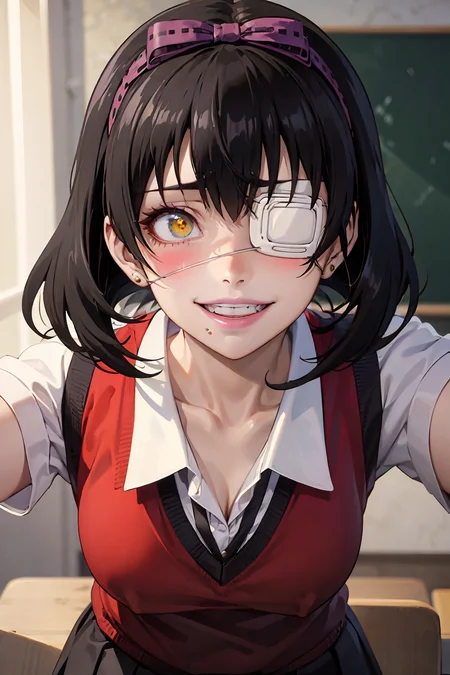
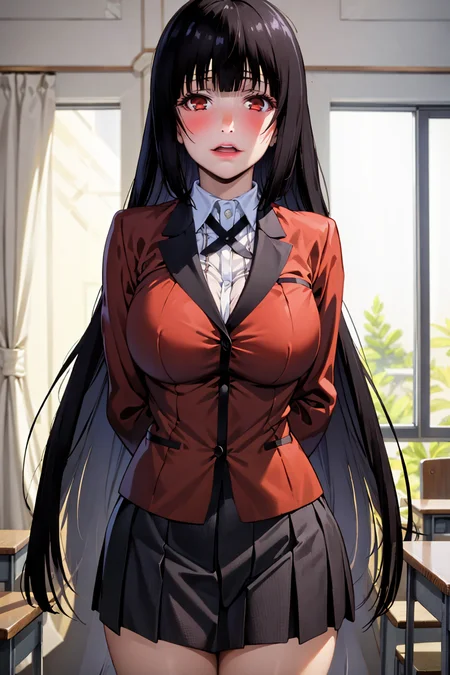
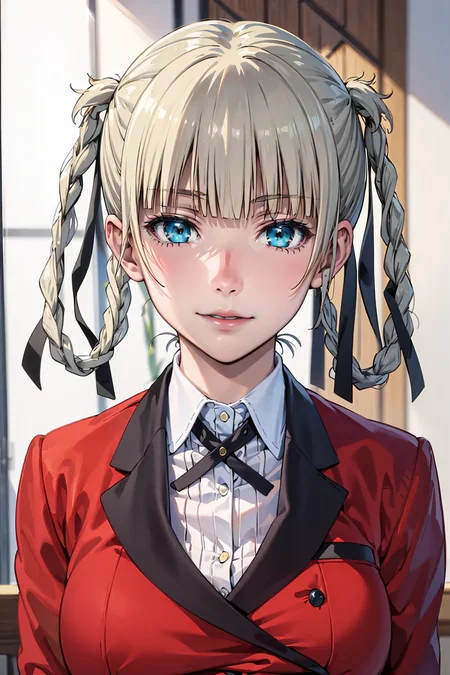
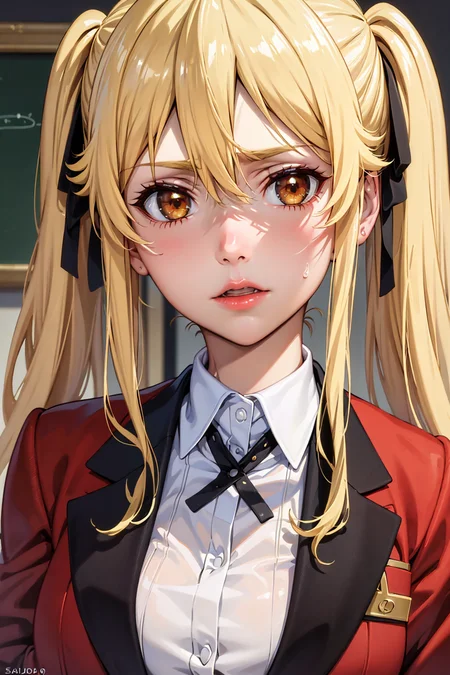
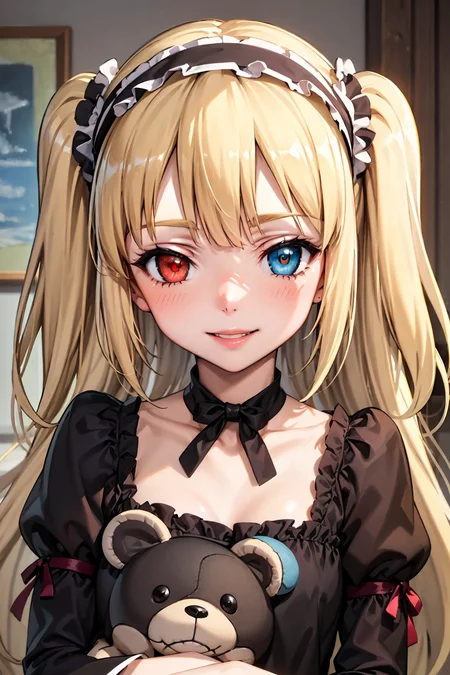
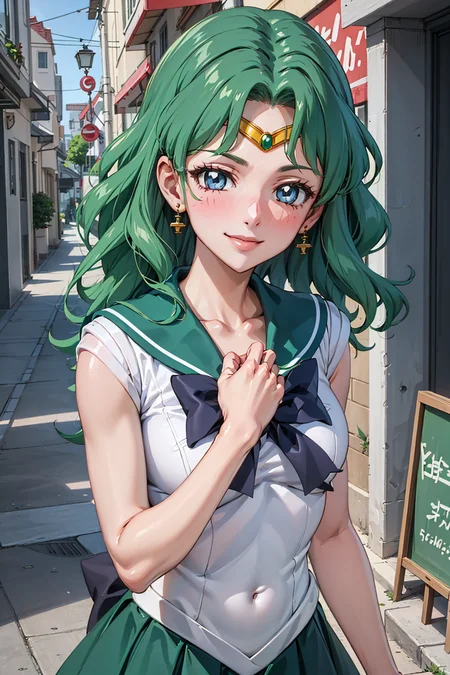
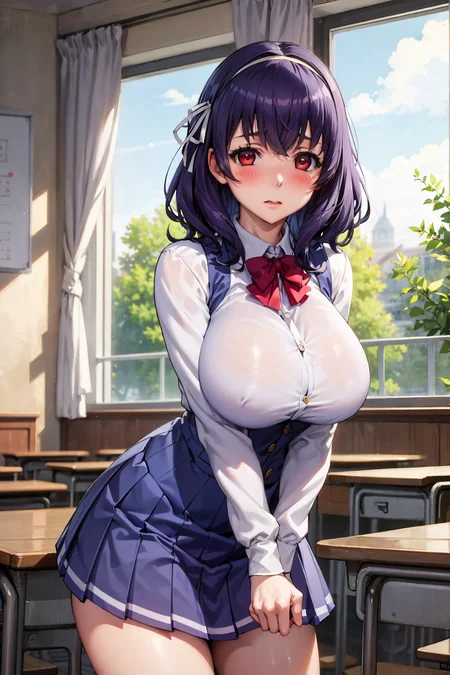
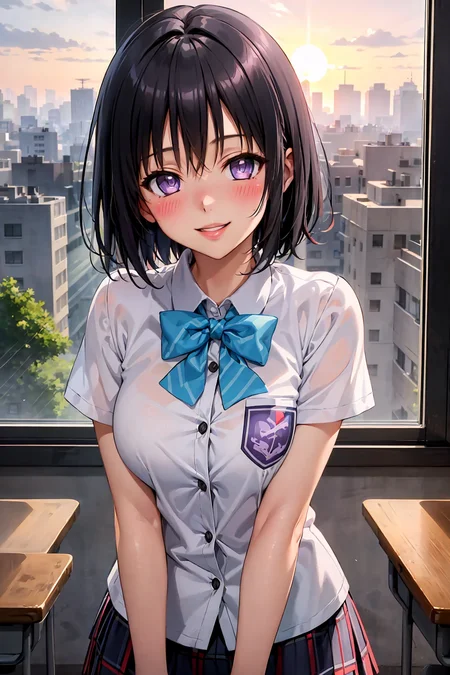
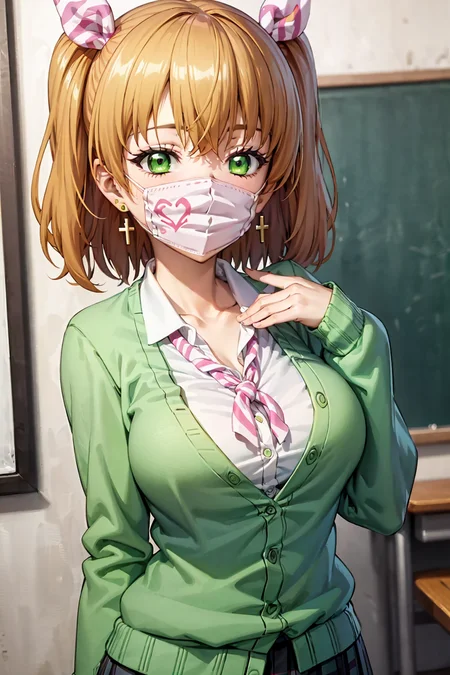
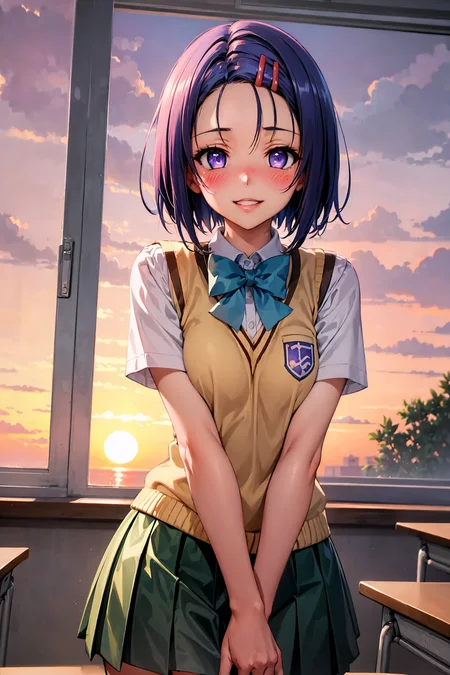
MY MOST ADVANCED MODEL V5 IS EXCLUSIVLY AVAIABLE ON TENSOR.ART
I have set up a Discord-Server where we can share images / ideas / prompts and help each other out.
If you want to support my work or gain early access / exclusive loras feel free to check out my Patreon or Ko-Fi.
Attention! V4 Update Notes:
First of all, thanks for all the downloads and likes so far.
The goal of this Version 4 this time was:
Improving low res quality
Improving the age issue
Improving eye clarity
Improving details in general
Further infos about the checkpoint / settings and stuff down below!
______________________________________________________________
Kizuki Mix
I really enjoyed discovering stable diffusion, and because of this community, I really got great results out of it.
But as someone who likes to tinker around and personalize things, I wanted to try creating my own Checkpoint and LoRA's.
And because this great community has given me so much, I wanted to give something back.
Keep in mind, this mix is made with NSFW related content in mind!
Prompts to get started
Prompt: best quality, masterpiece
Negative: (worst quality: 1.4), (low quality: 1.4),
* Adjust the strength and prompts to your liking, but keep in mind that the negative prompts are very important!
** Use (nsfw:value) positive/negative prompt as needed.
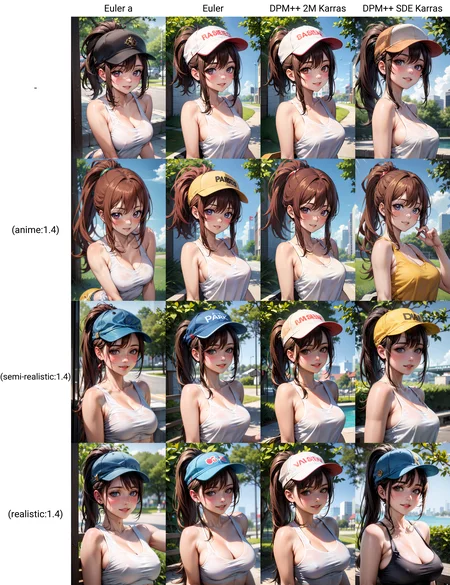
*** Consider adding tags like: anime, semi-realistic, realistic
Settings to use
Most samplers work pretty well, so try out what works for you and pick your favorite.
I'm personally a huge fan of DDIM because it's very fast and I can test prompts and seeds very quickly and make adjustments without much delay.
My "personal" basic settings:
Sampler: DDIM
Steps: 30
Clipskip: 2
CFG Scale: 10
VAE: Included in Checkpoint
HiRes fix: R-ESRGAN 4x+ Anime6B
HiRes Steps: 25
HiRes Denoise: 25
Upscale by 1x for prompt or seed testing and higher for final results.
Embeddings:
Sometimes they can help your results a lot, but they can also screw you over. So try adding or removing them from your prompts for different results.
Loras:
Most of them should work out pretty well, but I would suggest to start with low values like 0.1/0.2 start increasing until you get the result you want.
Special thanks:
Unfortunately, I did not keep track of every resource author I used when I first started mixing and testing... Therefore, credit and huge thanks to all my fellow Civitai creators!
Changelog:
Version 3:
Adjusting artstyle further towards my "ideal"
Improving the age issue
Improving eye clarity
Improving details in general
Bugs: Hands got worse than in v2 & white clothing will apear looking "wet".
Version 2:
Solified arstyle
Improving the age issue
Improving eye clarity
Improving backgrounds
Not breaking too much
Version 1 incl. VAE:
Merged VAE file: vae-ft-ema-560000-ema-pruned.ckpt into the checkpoint
Version 1:
Initial release of my checkpoint
Description
Version 3 Goals:
Adjusting artstyle further towards my "ideal"
Improving the age issue
Improving eye clarity
Improving details in general
Known Issues so far: Hands got worse than in v2 & white clothing will apear looking "wet"
FAQ
Comments (17)
did you remove the VAE in V3? Because for me it looks like crap if I don't manually select one.
@ADMNtek Good sir, thank you for pointing this out, it was my mistake. I am currently reuploading the corrent one inc. VAE. It should be up in about 15min from now.
Thanks again for pointing this out and sorry for the inconvenience.
@KizukiAi no inconvenience was just surprised. this is my favourite model.
Really good improvement compared to v2! If you have problem with hands, you might use negative embeddings such as https://civitai.com/models/16993/badhandv4-animeillustdiffusion
So in V3, I don't need to add Vae right?
yeah does work without.
Hello, you have very good models, I'm waiting for more characters, but I'm very worried about one problem, I can't get rid of it in any way, maybe I need to dig into the settings... and so... when generating a character, I always have a crooked face, bad eyes, in any case, even if I write in (Negative prompt), please help solve this problem :(
I use - VAE : vae-ft-ema-560000-ema-pruned
Clip skip - 2
And I follow all the recommendations you recommend for generating, I don't understand why I have such a problem with generating faces.
Hey, I am glad you like it and sorry it is not working for you.
The easiest thing to do would be to copy one of my prompts and see if the results are the same.
To be honest, the only other thing that might come to mind is resolution.
If you are on low res, a crooked face, bad eyes, etc. will most likely happen because there may not be enough pixels to reproduce the level of detail. If you cannot upscale with e.g. HiRes Fix, check for an extension like "ultimate upscaler" which allows you to upscale in pieces and might help to solve this problem.
If the problem is not resolution related, feel free to join my discord as I may be able to help you better there.
@KizukiAi OK, thank you :)
can we please get pruned version?
can you add version without build in vae please
It's uploaded on Huggingface: https://huggingface.co/KizukiAi/Kizuki-Anime-Civitai-v3/tree/main
is this good for inpaint?