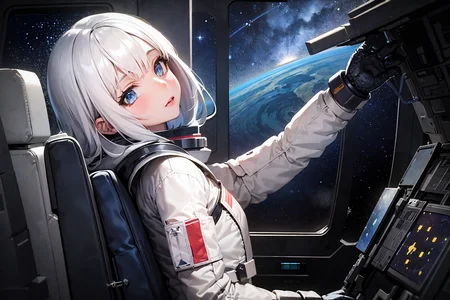
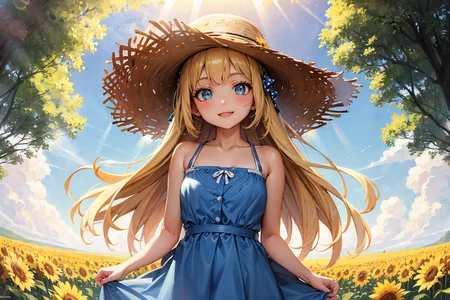
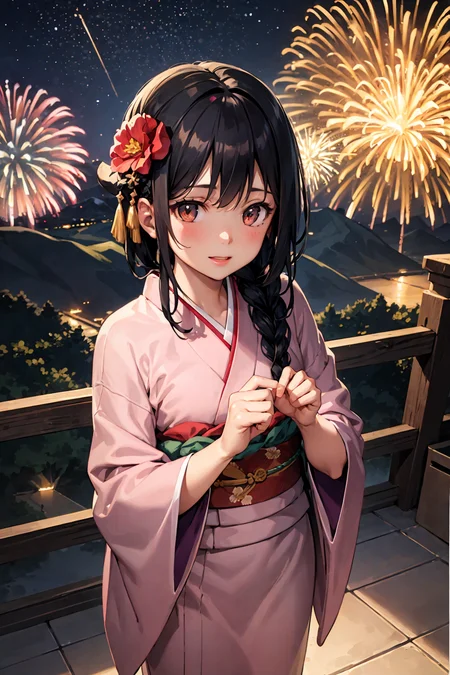
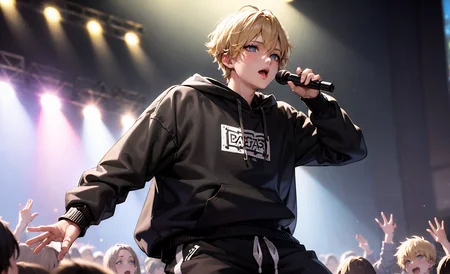
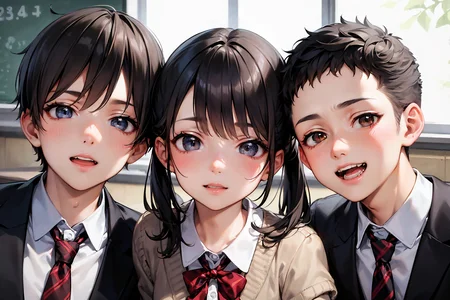
MY MOST ADVANCED MODEL V5 IS EXCLUSIVLY AVAIABLE ON TENSOR.ART
I have set up a Discord-Server where we can share images / ideas / prompts and help each other out.
If you want to support my work or gain early access / exclusive loras feel free to check out my Patreon or Ko-Fi.
Attention! V4 Update Notes:
First of all, thanks for all the downloads and likes so far.
The goal of this Version 4 this time was:
Improving low res quality
Improving the age issue
Improving eye clarity
Improving details in general
Further infos about the checkpoint / settings and stuff down below!
______________________________________________________________
Kizuki Mix
I really enjoyed discovering stable diffusion, and because of this community, I really got great results out of it.
But as someone who likes to tinker around and personalize things, I wanted to try creating my own Checkpoint and LoRA's.
And because this great community has given me so much, I wanted to give something back.
Keep in mind, this mix is made with NSFW related content in mind!
Prompts to get started
Prompt: best quality, masterpiece
Negative: (worst quality: 1.4), (low quality: 1.4),
* Adjust the strength and prompts to your liking, but keep in mind that the negative prompts are very important!
** Use (nsfw:value) positive/negative prompt as needed.
*** Consider adding tags like: anime, semi-realistic, realistic
Settings to use
Most samplers work pretty well, so try out what works for you and pick your favorite.
I'm personally a huge fan of DDIM because it's very fast and I can test prompts and seeds very quickly and make adjustments without much delay.
My "personal" basic settings:
Sampler: DDIM
Steps: 30
Clipskip: 2
CFG Scale: 10
VAE: Included in Checkpoint
HiRes fix: R-ESRGAN 4x+ Anime6B
HiRes Steps: 25
HiRes Denoise: 25
Upscale by 1x for prompt or seed testing and higher for final results.
Embeddings:
Sometimes they can help your results a lot, but they can also screw you over. So try adding or removing them from your prompts for different results.
Loras:
Most of them should work out pretty well, but I would suggest to start with low values like 0.1/0.2 start increasing until you get the result you want.
Special thanks:
Unfortunately, I did not keep track of every resource author I used when I first started mixing and testing... Therefore, credit and huge thanks to all my fellow Civitai creators!
Changelog:
Version 3:
Adjusting artstyle further towards my "ideal"
Improving the age issue
Improving eye clarity
Improving details in general
Bugs: Hands got worse than in v2 & white clothing will apear looking "wet".
Version 2:
Solified arstyle
Improving the age issue
Improving eye clarity
Improving backgrounds
Not breaking too much
Version 1 incl. VAE:
Merged VAE file: vae-ft-ema-560000-ema-pruned.ckpt into the checkpoint
Version 1:
Initial release of my checkpoint
Description
Version 2 Goals:
Solified artstyle
Improving the age issue
Improving eye clarity
Improving backgrounds
Not breaking too much
If you are switching from V1 to V2 and want to try your old images with the new checkpoint:
Please try out using: Extra -> Variation seed: -1 -> Variation strength: 0,1–0,2
Under normal circumstances, a variation of your old image should be possible to recreate.
Feedback is always appreciated.
FAQ
Comments (13)
Hi, I really like your models. They look amazing! Could you please share some details about your workflow? I’m curious about how you do it. For example:
Where do you find the images that you use for lora? Do you search them on Google or somewhere else?
How many images do you usually use to make a lora?
What kind of GPU do you have and how long does it take to train your loras? , like the Yumeko Jabami one for example?
Do you use colab or kaggle for training ?
I hope you don’t mind me asking .I myself also want to make lora on different characters and things, so I’m looking for some guidance. Thank you.
Hey there, I am glad you like my models and thanks for being interested.
First and foremost, I have not read many tutorials and such. I simply tried through trial and error what is working for me, so there is for sure a better, more efficient way and more knowledgeable people out there.
But I personally do things roughly like this:
1. Rip as many official images as possible (anime, artbooks, colored manga pages, etc.).
2. Check for additional images on imageboards and the web itself that are of high quality or beneficial for your character or design choice.
3. Sort your images and only keep the "best" ones, then upscale or rescale.
4. I usually try to get somewhere between 50 and 150 images with variations.
5. Set your keywords according to your model. Normally I do name and some core features like hair color, outfit, and hair style.
6. For training, I normally use Colab because I can let it run in the background of my laptop during work, and I kind of work most of the time q.q.
7. Finally, check the results, look at what went wrong or could be improved, and redo thingss until you're happy with the outcome.
A great lesson for me was that one time all my results had some kind of wet skin look by default, which is why I used too many images with "wet skin" without setting the correct keywords to separate those images.
I might write a real guide or make a video in the future if people are interested in this sort of thing.
But for now, I hope it helps you a bit.
Hello, is it possible to know what VAE did you bake in V1? because I would like to keep the version without VAE to better use loras. But it is not indicated in the text? there are several out there and it would be a bit random to try over 10 of them without knowing which one works best . And also, which one is recommended for V2? Or is V2 also baked with VAE?
I use "vae-ft-ema-560000-ema-pruned" and starting to include it after the initial release, because some people don't know about VAE and it is easier that way. So yeah, V2 comes baked with VAE.
@KizukiAi i really like your model and style but really not a big fan of that VAE.
@veryfirstquestion800 first of all, I am glad you like my model. About the VAE: Thats interesting, can you suggest me another one to try, because now I am really curious.
@KizukiAi there are many VAE out there, have you tried the obvious 840000 model and orangemix ones?
@KizukiAi https://i.redd.it/kolntxzqylsa1.png the one you use makes colors way too bright. i always liked using the NAI VAE which is also known as Anything 3.0 VAE over those colorful VAE

@zx96 @veryfirstquestion800
If I remember correctly... When I first started making V1, I tried: 560000, 84000 and the OrangeMix one, but somehow I liked 560000 the most and started including it because people were having problems installing a VAE themselves. And to this day, I still think it is the best option to include it in the checkpoint, because people get what they see in my previews right out of the box without additional tinkering/downloading.
Also at this point, I still really like the "bright & colorful" results.
And a personalized checkpoint like this is still based on personal preference at the end of the day, so yeah, it will most likely always stay that way, as I will also keep my preview "style" instead of pandering to a larger audience with a more normal anime-style, because that is how I am.
That said, I am at a different level of knowledge now, if that makes any sense, and I will be trying some different VAEs for future releases. Thanks for the reference link!
The best I can do for you guys is to see if I can find the core version without the VAE merge and upload it separately for you.
Sorry for the wall of text <3
@KizukiAi yeah ofc at the end of the day its your personal preference, i like adding colorful styles via prompts and LORA instead of a built in VAE. i am also not claiming the VAE you used is worse than me. Was mostly just wondering if there is a possibility you will upload a version without VAE
I tested some different VAEs and might even found one that is better for Version 3 so thank you for that!
Also can you guys do me a favor? Please check the box in your stable diffusion settings --->
"Ignore selected VAE for stable diffusion checkpoints that have their own .vae.pt next to them"
Then choose the VAE you wanna use, and "apply settings".. The checkpoint should work now with the VAE you wanna use instead of the one included. I did some A/B testing and it did for me at least.
@KizukiAi that setting is for something else. Basically normally you put VAE files inside a different folder but if you have a VAE file inside your model folder that has the same name as the model your SD loads that one instead. That setting disables that
@veryfirstquestion800 thanks for explaining. Its still weird that it worked for me somehow.
But on a different note, I uploaded both versions on Huggingface so feel free to download from there: https://huggingface.co/KizukiAi/