


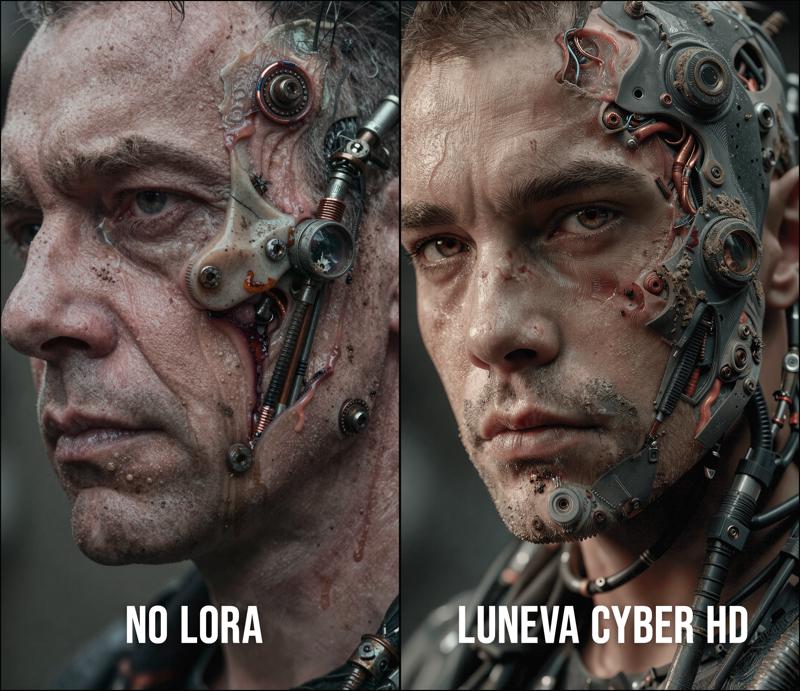
Makes images Ultra HD with beautiful composition for ANY theme. Bonus: Makes high realism cyberpunk fashion/hardware if prompted.
FLOWMATCH NOISE FIX: ComfyUI beyond 0.3.77 changed the default UNET torch weight dType, for many users it used to default to fp32. FlowMatch is sensitive to this, and works best with fp32. To set the toggle, edit your .bat file for launching ComfyUI, and add to the end: --fp32-unet
Comparison article here: https://civarchive.com/articles/24424
Recommended workflow:
https://civarchive.com/models/2226355/luneva-infinite-details-z-image-workflow
Useful prompt keywords I use:
BEFORE PROMPT: lunevacyber realistic photograph of
AFTER PROMPT: photorealistic quality, professional cinematography, directional lighting with dramatic shadows
Welcome to the art of Luneva! This time I'm featuring a DOUBLE FEATURE LORA: A general HD enhancer + Cyberpunk Fashion/Tech Lora.
I spent a full week generating the best images I am capable of (and a few more days for training), using the latest techniques and also powered by my other Luneva Cinematic lora of course! Every image from the dataset is a piece that I personally crafted for good composition /style /fashion /detail density /PBR realism etc.
Why?
I wanted to create this Lora because I always had trouble prompting for really detailed Sci-Fi/Cyberpunk that you see in movies/anime, but with this Lora, I think it will now be much easier!
Support:
❤I hope everyone enjoys using this Lora, and if you love using my kits, feel free to support me with some Buzz or buy me a coffee here, so that I can keep making better stuff! (coffee tip for training costs, and buzz to run some contests) https://buymeacoffee.com/luneva
DATA:
21000 steps, 133 Image set, 1536px, R128, de-turbo training
Noise/Ideal Resolution:
The Lora is tuned for extreme detail, so generating images with longside above 2048px+ will help with noise and give you even more details.
Lora Strengths:
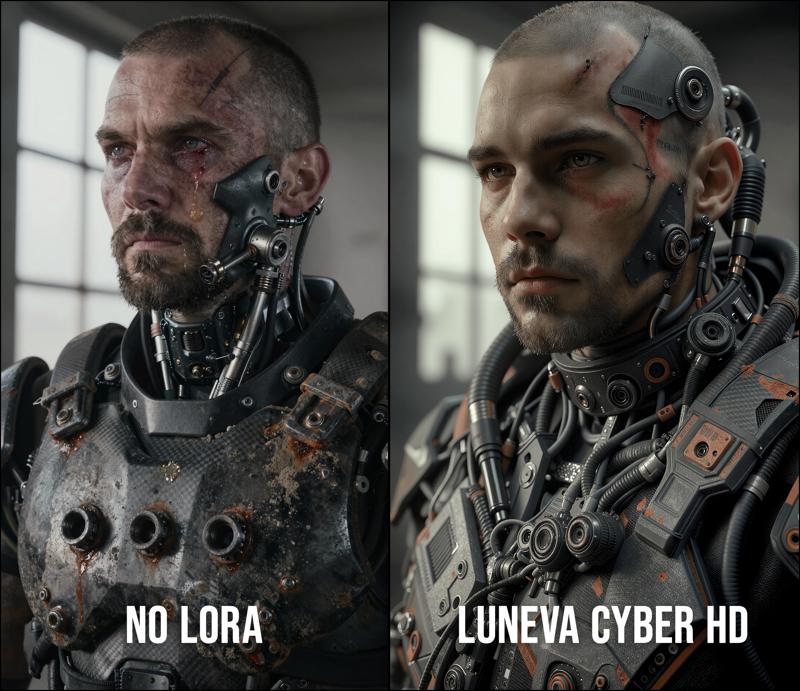
You can go lower or higher Lora strength than my recommended 0.6, lower will be less tech and just focus on cyberpunk fashion style, higher will increase amount of cybernetics. Going too high will become less realistic.
Prompting Tips: If you don't prompt for cybernetics, it may or may not add cybernetics depending on lora strength. However, prompting with some cyberpunk/cybernetic details will greatly enhance it.
Trigger Word: Yes, using trigger word gives better results, I personally don't like using trigger words, but with this lora, it helps to stabilize the geometry in your image.
Color/Brightness: Might have to use a node to increase brightness/contrast a bit, the cinematicism tuned it a bit dark sometimes!
Special Thanks:
And special thanks to @J1B for the encouragement and big buzz support! He makes lots of super amazing Models!!
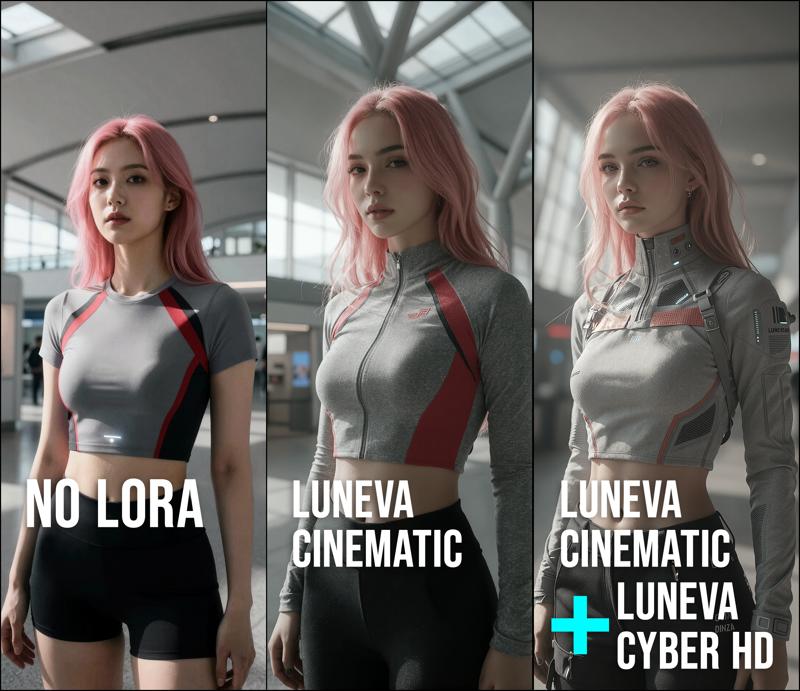
Works with non-sci-fi images too:
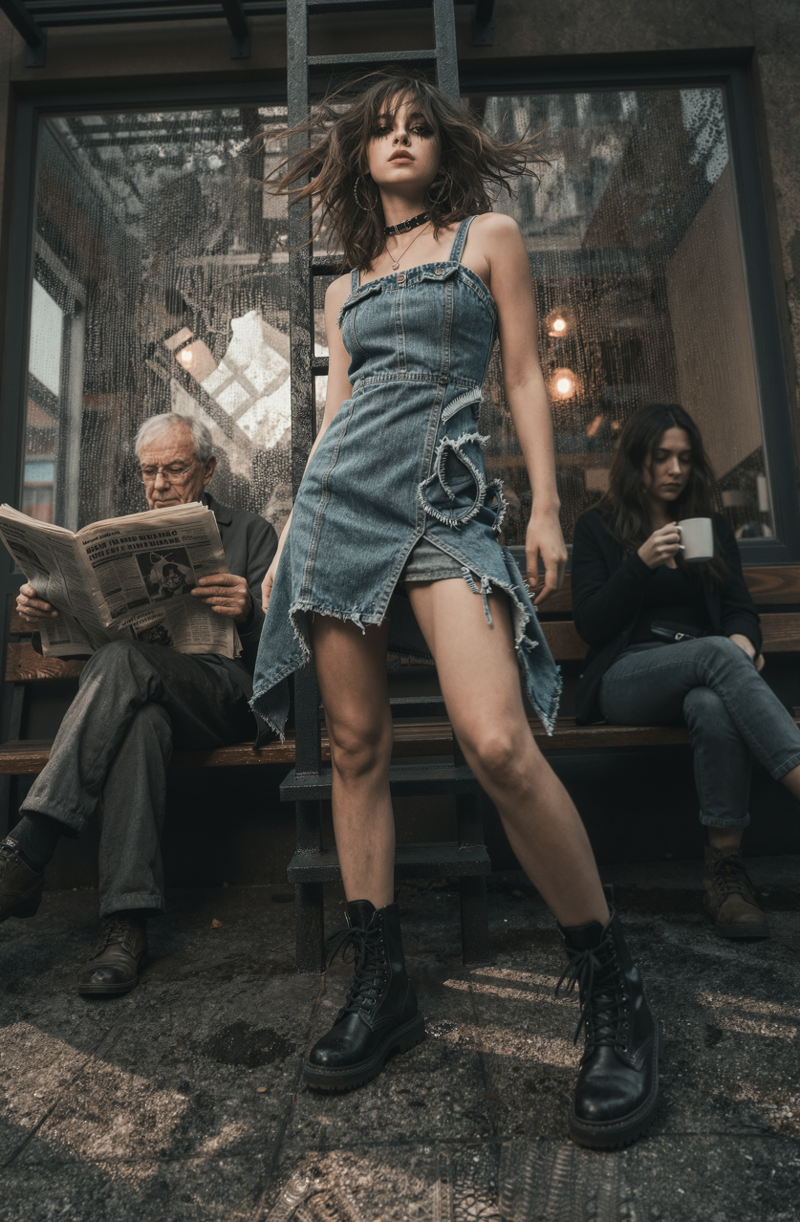
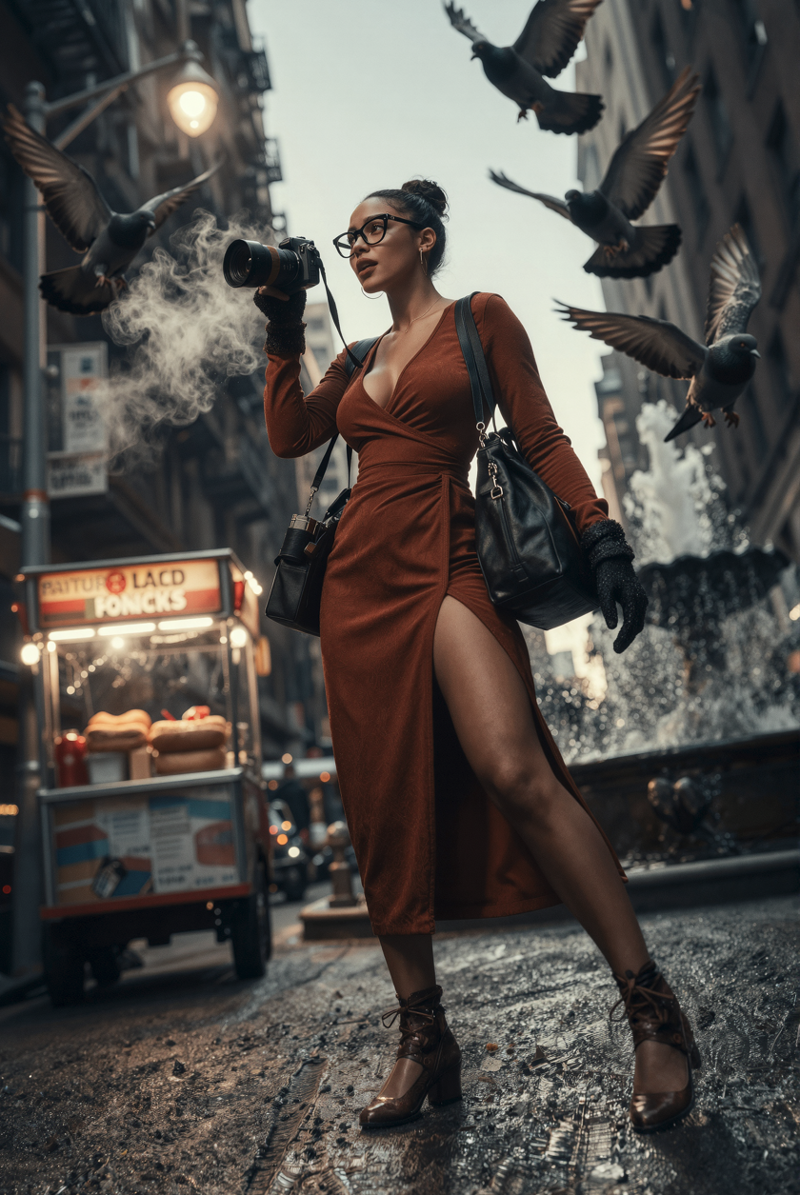
For sci fi / cyberpunk, if you prompt the elements, it will create the highly realistic version of them.
Description
21000 steps, 1536px, R128
FAQ
Comments (20)
Very nice, I love both of these LoRAs....outstanding work!
Thank you so much for your kind words =) I'm super looking forward to seeing what everyone makes with this new one, it's really flexible!!
Yea, I made a bit of a mistake...the outcome is processing and will show up here soon....it actually was freaking stunning :)
@sirtybio I am actually surprised at the results of this new Lora, it is allowing me to generate pics that's BETTER than my training data. Super excited!!! Oh btw, you may want to risk generating at higher resolution (above 2k for the longside), you'll see the magic truly come out with this Ultra high detail Lora!
Really enjoying playing with the different strengths. I've never seen a LoRa respond so well to small changes. Well done!
aww thanks!! Yes, the cyber lora's strength will change what it outputs a lot. Because the dataset I made includes a very diverse set of images/fashion/topics. Goes from fashion focused to hardware focused with setting changes. Going too high starts making faces puffy though =(
There's a sweet spot, once you find it with the right settings and prompts, will trigger the ultra realistic look.
Useful prompt keywords I use:
BEFORE PROMPT: lunevacyber realistic photograph of
AFTER PROMPT: photorealistic quality, professional cinematography, directional lighting with dramatic shadows
Wow, thank you so much for the amazing Lora! It takes image creation to a whole new level. The details practically leap off the monitor and into the real world. :)
I’d been waiting for this model for quite a while, but it was absolutely worth it. Honestly, at first I couldn’t quite get the hang of it because I jump between a lot of different workflows — but that’s definitely on me, not the model!
The model itself is truly phenomenal, insanely well done. Now we’re all eagerly waiting for the next one… even better, of course!
Thank you so much for all the hard work, effort, and for sharing it with us — huge congratulations on an outstanding model 👍👍👍
WARNING: Longside of image dimensions recommend to be 2048px for max quality, but going beyond 2048px Z IMAGE will generate glitched pixels whether you use lora or not.
🌟🌟🌟NEW SETTINGS RECOMMENDATION: After much testing, 0.1 cinematic and 0.5 cyberHD lora will give the best blend of detail/clarity/texture. If you want to sacrifice detail density for cinematic, can bring cinematic lora higher.
🏆🏆🏆 MY BOUNTY IS LIVE 🏆🏆🏆
Looking for BEST images for Cinematic Realism!
https://civitai.com/bounties/10855
FLOWMATCH NOISE FIX: ComfyUI beyond 0.3.77 changed the default UNET torch weight dType, for many users it used to default to fp32. FlowMatch is sensitive to this, and works best with fp32. To set the toggle, edit your .bat file for launching ComfyUI, and add to the end: --fp32-unet
Comparison article here: https://civitai.com/articles/24424
First of all, thank you for sharing such an excellent workflow.
I’m still a beginner, so I may be missing something, but I noticed that it uses zimageturbo-vae-ae.safetensors as the VAE.
Could you please let me know where I can download it?
I think this one: https://huggingface.co/Comfy-Org/z_image_turbo/tree/main/split_files/vae
Details
Files
ZIT_Luneva CyberHD.safetensors
Mirrors
ZIT_Luneva CyberHD.safetensors
ZIT_Luneva CyberHD.safetensors
03_ZIT_Luneva_CyberHD_dec18.safetensors
ZIT_Luneva_CyberHD.safetensors
ZIT_Luneva CyberHD.safetensors
ZIT_Luneva CyberHD.safetensors
ZIT_Luneva_CyberHD.safetensors
ZIT_Luneva CyberHD.safetensors
ZIT_Luneva CyberHD.safetensors
ZIT_Luneva_CyberHD.safetensors