


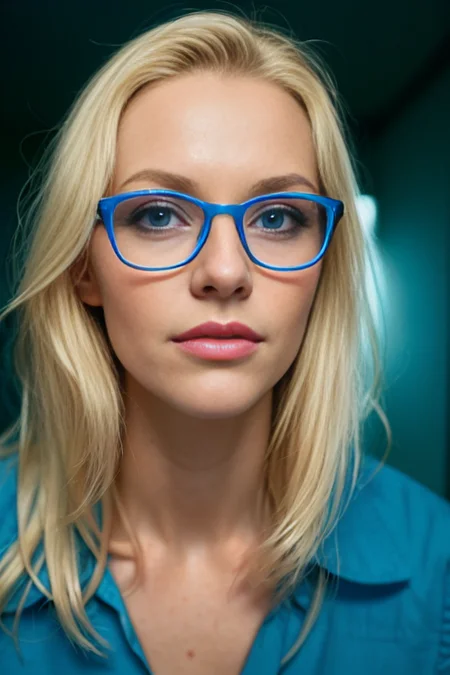
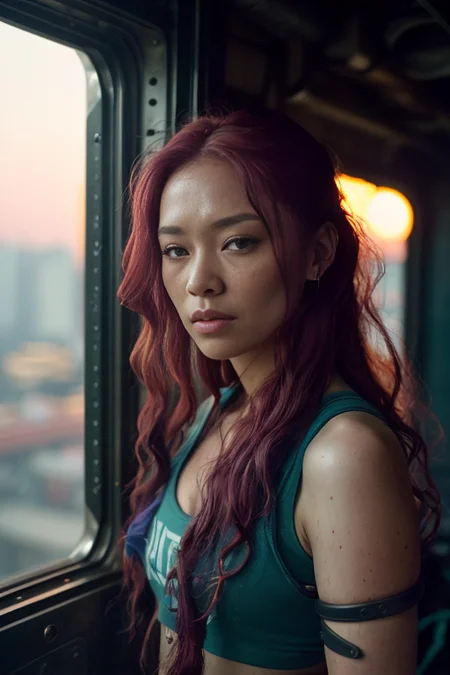
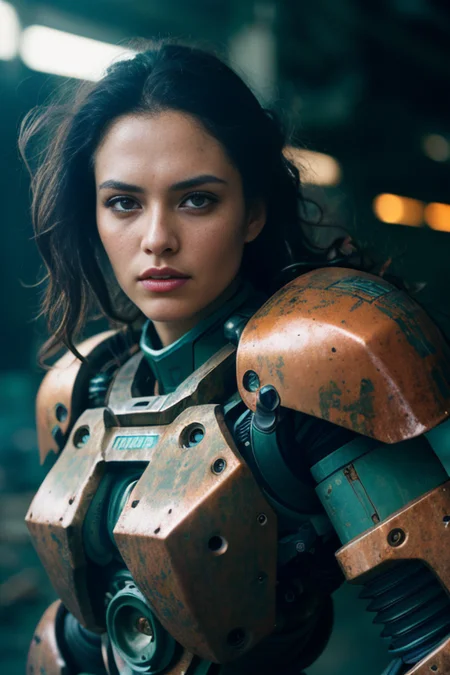


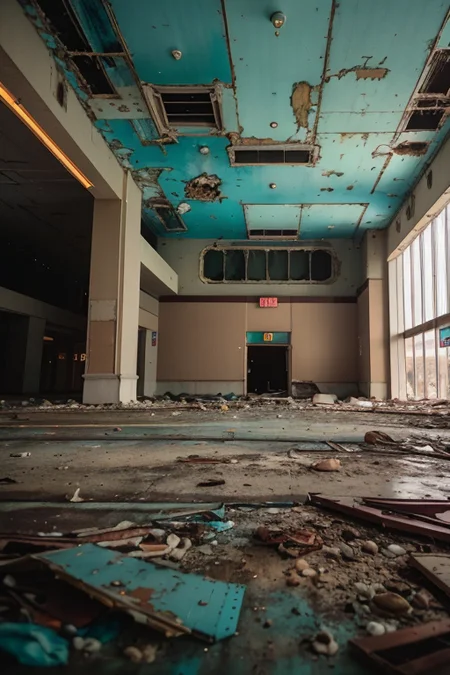
A spin off from Level4. Built to produce high quality photos. Sometimes photos will come out as uncanny as they are on the edge of realism.
Description
FAQ
Comments (39)
So, what's different with the new version?
I was wondering the same. New images look great. Really great model. thanks!
Slightly better hands. Not a massive update. I do think skin texture is better as well. I have something much bigger in the works.
The last model was really solid. I'm wondering if possibly there was some improvements made based on @epinikion's comments he made a month ago here. Epi does some good work and it was solid advice, so taking that to heart as an improvement is enough for me to ponder that as an explanation (hopefully) in lieu of any comments yet by @AreThoseLevel4Plates. Excited to try out the new version.
Oh I see he commented now. Alright, awesome. Good enough for me.
@Balthazar99 Still working on learning how to fix it.
I liked version 2, I haven't had time to do many tests yet, but the images are beautiful and I managed to make images holding swords more easily.
Note: I noticed the need to increase the weight of some LoRA
what are the differences between all these versions? which is the main one?
they are basically fp16 vs 32 vs baked VAE or non baked VAE. if you want simple and JUST to run the model for prompts.... take one that's fp16 with baked VAE.
if you want to use one for training... and have greater control... take the normal one... you'll find it has the larger footprint.... non Baked VAE and fp32. you can always shrink them yourself and bake in a vae
@alenknight Can you share with me some resources in how you can create a model, i want to make a model based on custom images, thank you
@amineroula sure. do a YouTube search for "how to train a LORA model" and "how to train a dreambooth model". dreambooth lets you create models focused on your images... but they can only be useful for images you train them on... so you will struggle to turn them into anything drastically different (say a photo of you... will be hard to make into an anime). but... you'll be able to do stuff like turn it into you wearing glasses... hat... running... etc... and it'll look very very good and realistic.
lora's.... on the other hand are much MUCH more versatile... they take up less space... and can be "injected" into any model. HOWEVER... they tend to not be nearly as good at recreating the original source material (ie you can make an anime of you... but it won't look very much like you).
both are useful and have uses.
aipreneur and koiboi and Olivio Saikas have excellent tutorials on how to do this.
Can you please make an inpainting version of your model.
What models were used in the merge? What merging method was used (sum, add, block weight, auto-block weight, etc)?
If this checkpoint could do huge boobs properly, i would love it as my default.
I like it already, that huge boobs aren't its default. Downloading now.
nice
I may be doing something wrong, but here the images are a little grayish and without color
Could it be LoRA? I don't think I've ever tried using LoRA with your models
@MySmartArts Which lora specifically? Try disabling it and see. You may also not have a vae enabled, if you are not sure do a search in google for your ui and how to install/select. You should see in console as the model loads if it fails to load anything.
Download a VAE model, tutorial can be found here: https://stable-diffusion-art.com/how-to-use-vae/
@Mamutos i have some VAEs bro
@MySmartArts Did you make a copy and rename a VAE to match the model Checkpoint's name?
@ODDZ i do not edit file name. It's been a while since I made this comment here and recently I noticed that some negative embeddings gray out the image, there may be some correlation.
@MySmartArts Ahhh! Glad you figured it out! :)
I've tried many models but this one is one of the best, if not best that I have tested. Additional networks also play very well with this model. Exceptional results.
i know most SD types are frightened of the technology and in love with the expressive freedom it brings, but speaking as the reverse*
i dont understand why i keep coming back to this model. it just works better. it gives me what i want, it looks right, it responds well to all kinds of parameter changes. i prompts from and to it to see if i'll get along with the next checkpoint.
Not sure i'll ever manage a shortlisted 8K Trending On Arstation masterpiece but I am sure I want to pin down tensors (if im quick i can skip straight past vectors!) and then get cracking on producing work not like yours, but in the same methods.
awesome
this website is getting out of control. which of these files is the one that I need to download?
Depends on your priority. If you're just using it for creating realistic portrait images, stick with the first one, EOR v2.0 fp16 Baked VAE, BUT if you prefer to swap VAEs manually, use tiled VAE, or want to disable the VAE altogether (which can be useful with some LORAs), use the "no vae" version. The larger versions are "unpruned" models, which are only helpful for wildly experimental usage or for training, you probably don't need them and they'll just waste VRAM and hard drive space.
I suggest doing a google search for some of the terminology you may not understand. It's only going to get more in-depth from here
in general what is better fp16 or nothing? In the name of a checkpoint. Is this fp16 something that is "worse" or something that is "better"
@dilectiogames it's not necessarily better or worse. Nothing is fp32, which records the weights in floating point 32 format (double the amount than fp16). Usually, the difference is negligible, but you will get different results between them.
@OlafII ok, I appreciate the answer and the help. but this doesn't actually bring any light to why there are with and without 16f :D I can get different results for a prompt by changing the seed
It's like if you are Disney you care about the difference if you aren't and have FP16 capable Hardware you don't.
It has nothing directly todo with the seed at all the difference is on levels you wouldn't care if you aren't in the league and have Hardware capabilities of someone like Disney.
And if you mostly do Anime you would care pretty much 0, but ok nobody will do anime with a photoreal model unless you want to create some really crazy abstractions of Photo-Reality :)
was anyone able to make an inpainting model out of this? I can't get it to merge without errors.
ckpt files to merfe. Safetensors ain't the proper format. You need the full models or eventually the pruned ones. But checkpoint format as far as I know.
The best model for realism!
So, no image / preview?
hi may I ask if there is a way to use this in a paid app/service?
Details
Files
edgeOfRealism_eorV20Fp16BakedVAE.safetensors
Mirrors
edgeOfRealism_eorV20Fp16BakedVAE.safetensors
edgeOfRealism_eorV20Fp16BakedVAE.safetensors
edgeOfRealism_eorV20Fp16BakedVAE.safetensors
edgeOfRealism_eorV20Fp16BakedVAE.safetensors
edgeOfRealism_eorV20Fp16BakedVAE.safetensors
edgeOfRealism_eorV20Fp16BakedVAE.safetensors
edgeOfRealism_eorV20Fp16BakedVAE.safetensors
edgeOfRealism_eorV20Fp16BakedVAE.safetensors
LonelyAIRealism.safetensors
edgeOfRealism_eorV20Fp16BakedVAE.safetensors
edgeOfRealism_eorV20Fp16BakedVAE.safetensors
edgeOfRealism_eorV20Fp16BakedVAE.safetensors
Edge Of Realism v2.safetensors
Available On (1 platform)
Same model published on other platforms. May have additional downloads or version variants.