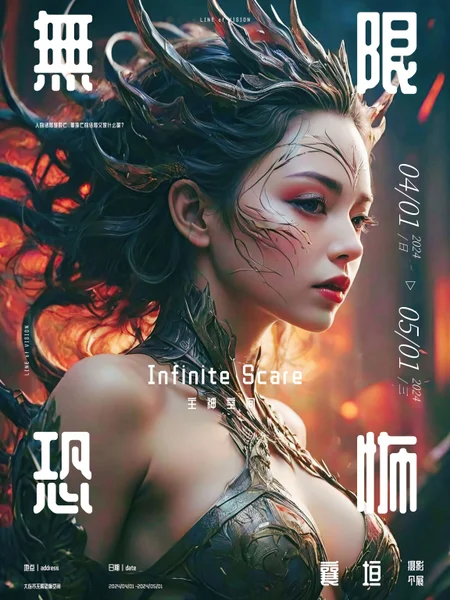
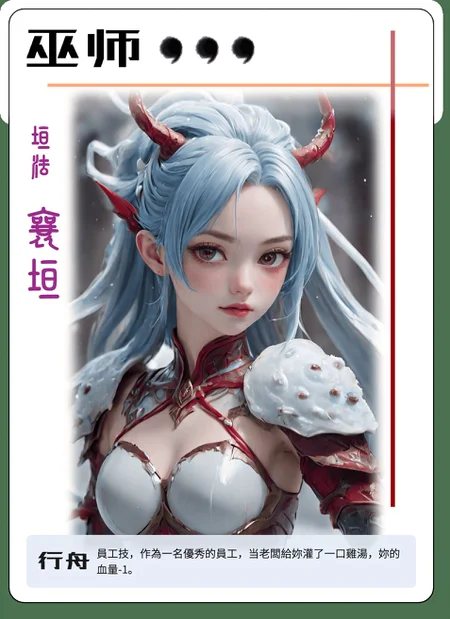
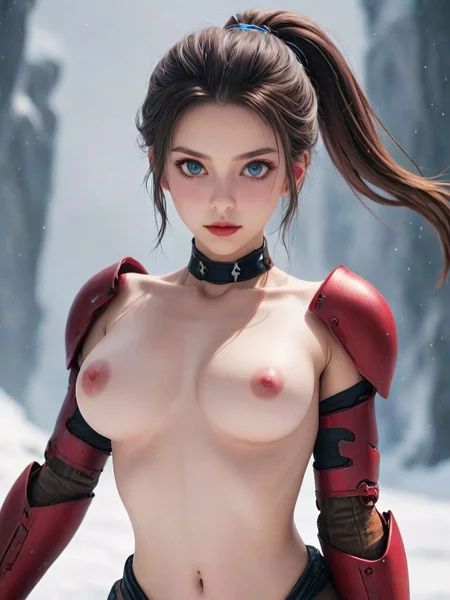

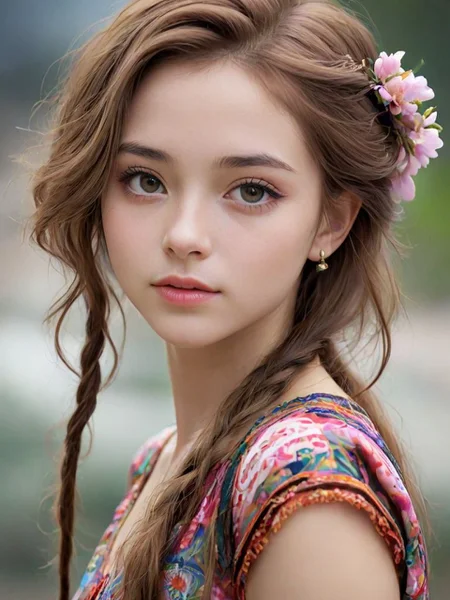
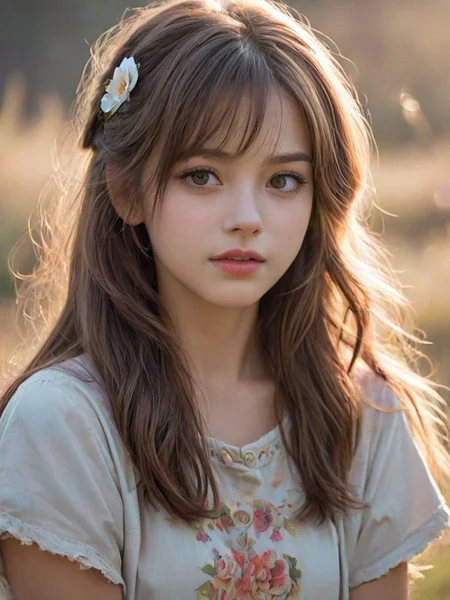
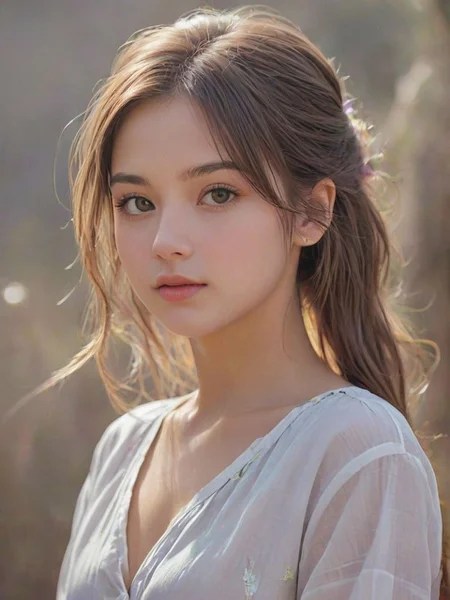
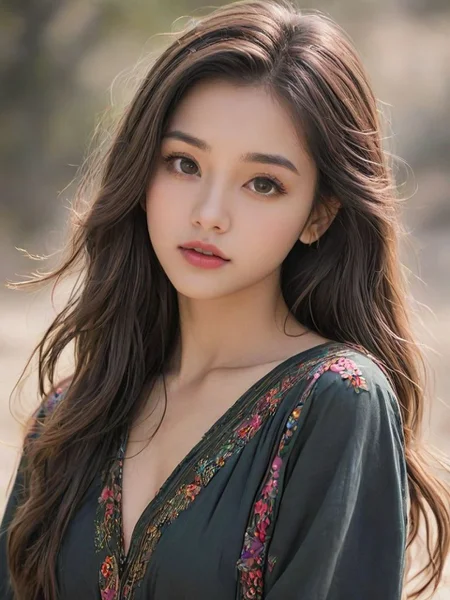
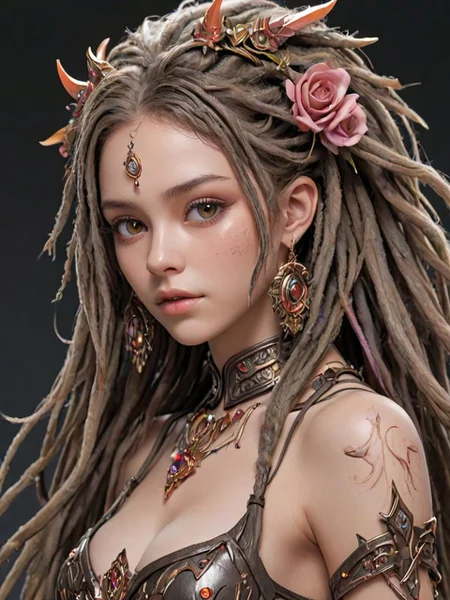
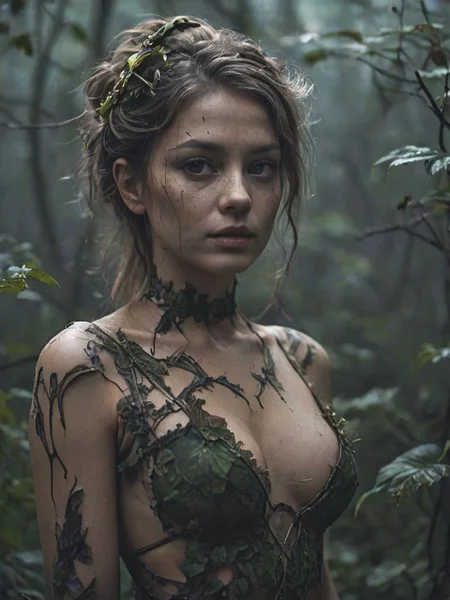



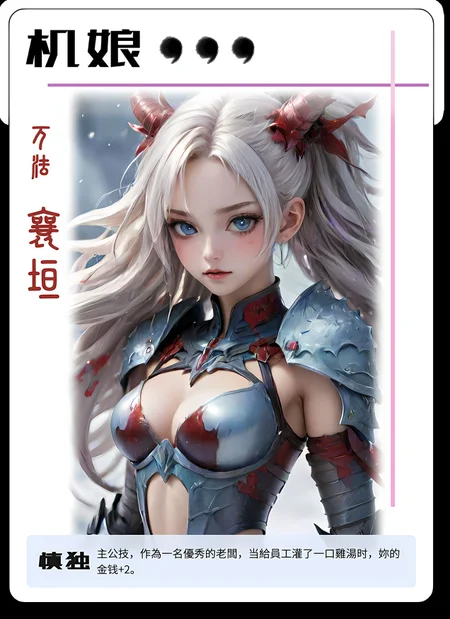
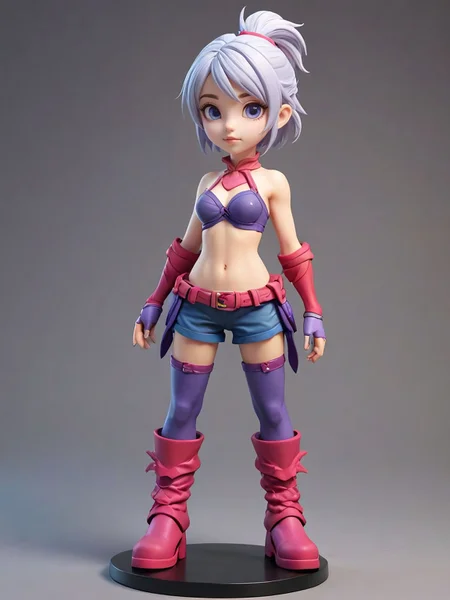
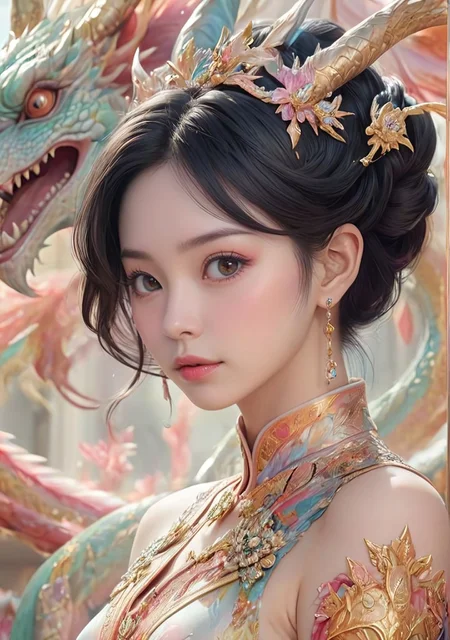
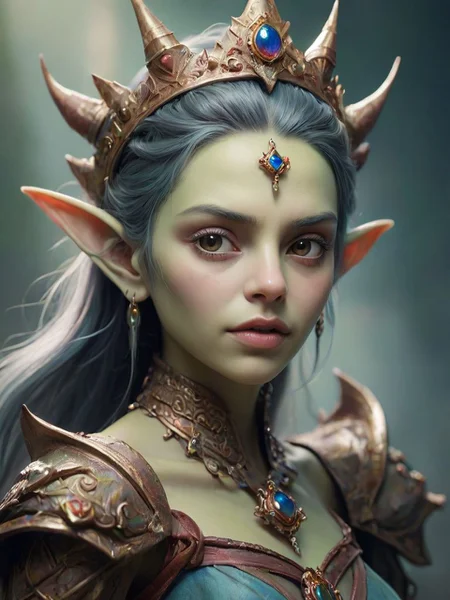
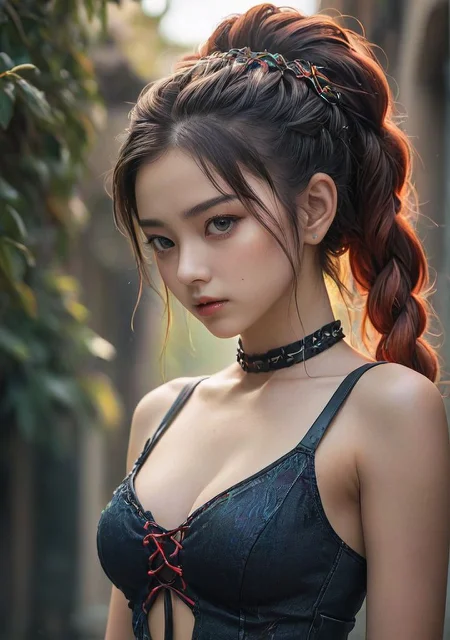

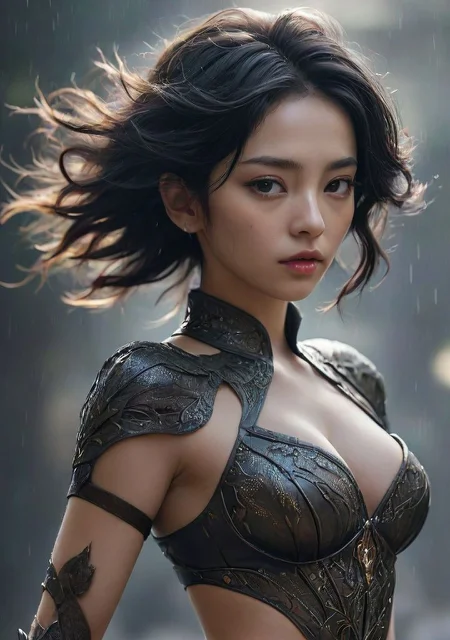
I found a new AI tool Shakker, a best image to image tool. You can try it via https://www.shakker.ai
SDXL 的 LCM2 的基础模型,做了一些调整和优化,所以不适用LCM采样器,对SDE类别的采样器十分友好。
如果您不阅读繁琐的文档,那么这里推荐的配置如下:
采样器:DPM++ SDE Karras
CFG:1.5-2.5
步数:5
采样器推荐
针对SDE采样器比较友好,推荐采样器如下
DPM++ SDE Karras - 速度慢,细节更完美(5步+)
DPM++ 2M SDE Karras - 速度快(5步+)
DPM++ SDE - 适合高步数(8步+),速度慢,细节更完美
CFG 推荐
CFG通常设置为1即可,可以调整为1-3,值越大,收拢速度越快,也就是可以使用更少的步数完成图片的生成。
测试用例
Prompt: (Well-bred's works:1.13),a beautiful girl, 24yo, skinny, pretty, [k-pop:detailed eyes, detailed beautiful face:0.5],
Negative Prompt: ng_deepnegative_v1_75t,negative_hand,disfigured,ugly,deformed,worst quality,low quality,extra limbs,extra legs,extra arms,deformed hands,deformed anatomy,umbrella,
采样:DPM++ 2M SDE Karras 或者 DPM++ SDE Karras
步骤:5+
尺寸:768 x 1024 以上
采样器测试
以5步为例,不同采样器效果如下
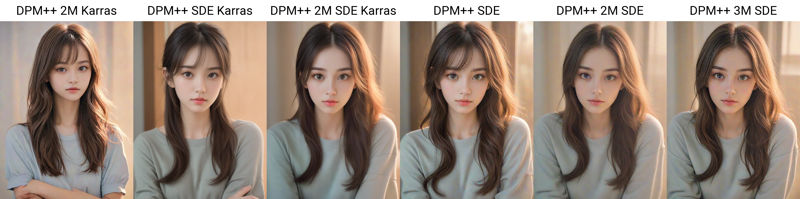
以10步为例,不同采样器效果如下
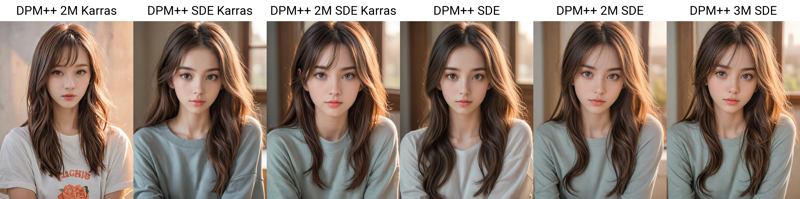
以20步为例,不同采样器效果如下
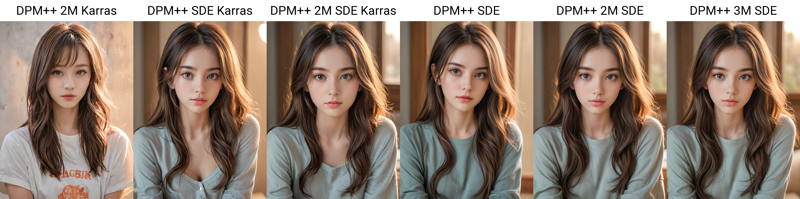
DPM++ 2M SDE Karras 步数测试
DPM++ 2M SDE Karras比较适合快速抽卡,从1步到8步的效果如下

第4步就形成了可用的图像,随着步数的增加,细节逐渐完善。
更多测试报告:https://www.yuque.com/mengxiangyuan-7fhri/eo7oa2/gtifyimxamueeixg?singleDoc# 《SDXL-LCM采样器测试报告》
My Github:
https://github.com/SoftMeng/ComfyUI_Mexx_Styler
https://github.com/SoftMeng/ComfyUI_Mexx_Poster
https://github.com/SoftMeng/ComfyUI_Mexx_Image_Mask
https://github.com/SoftMeng/stable-diffusion-prompt-pai
https://github.com/SoftMeng/Fooocus-zh
Or My LibLib:
https://www.liblib.art/userpage/0f37258e861044879b8728309c0ac3b0/publish
Description
LCM的基础模型,我是用以下参数进行测试的,有不错的效果
Prompt: a beautiful girl,
Negative Prompt: ng_deepnegative_v1_75t,negative_hand,disfigured,ugly,deformed,worst quality,low quality,extra limbs,extra legs,extra arms,deformed hands,deformed anatomy,umbrella,
采样:DPM++ SDE (效果最好) 或者 DPM++ 2M Karras (速度快些)
步骤:5
尺寸:768 x 1024 以上
FAQ
Comments (10)
等資源多點再玩LCM 現在我LCM不知道哪裡出問題了 會報錯 只好等以後有更簡潔的教程再玩
LCM比男人還快
lcm是不是不能加其他lora使用
我不加10秒出圖
加了要1分鐘
good
DPM++ SDE Karras is Very Good
Hi, everyone, 🖖
Does anyone know the differences between the "basic" SDXL version and the "LCM" "distilled" version and which are compatible with all UIs, A1111 and Fooocus?
Thanks
🖖 How long do your renderings take?
I saw a tutorial on the internet that said rendering didn't take more than 5 seconds, but it was with ComfyUI.
I've done a few tests with Fooocus and it takes 1 minute to render and with the other models I never go over 30 seconds.
Do you have any ideas?
一个字:屌
感谢每个人的点赞,谢谢每个人的支持,万胜!
女模特的眼睛可以优化一下下,总有点像斗鸡眼的角度,大小眼也比较明显。
I'm bootstrapping this model, why do I get an error
size mismatch for model.diffusion_model.output_blocks.8.0.out_layers.3.bias: copying a param with shape torch.Size([320]) from checkpoint, the shape in current model is torch.Size([640]).