


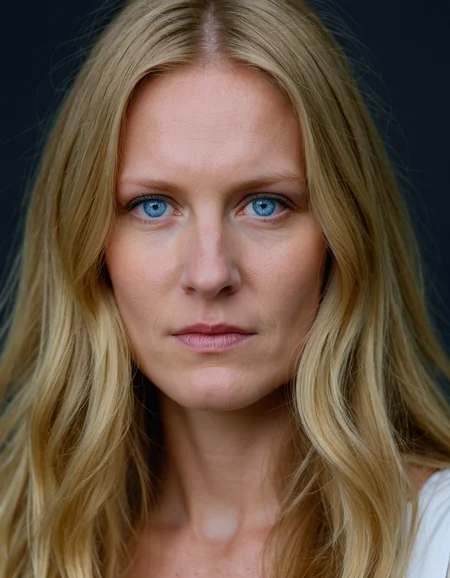



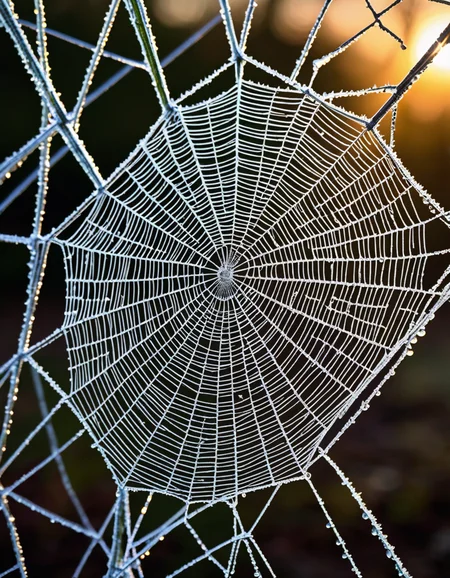
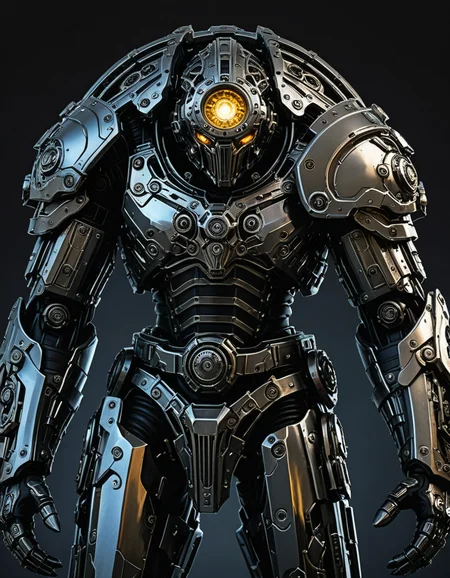
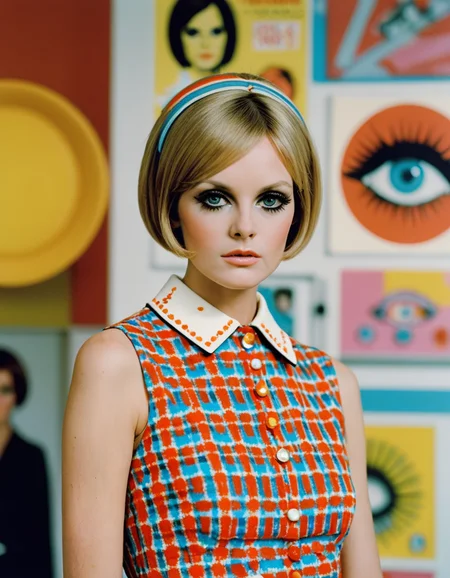



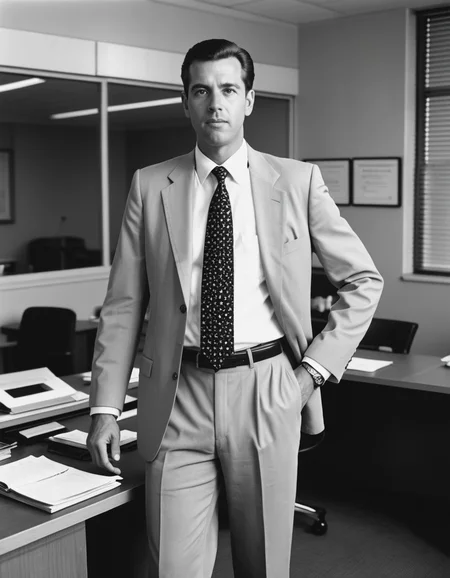
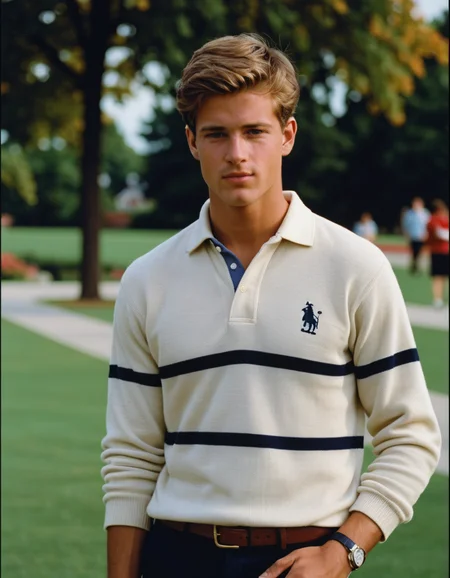
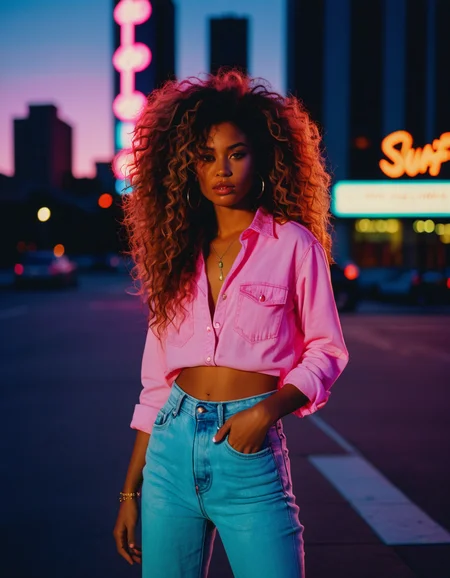
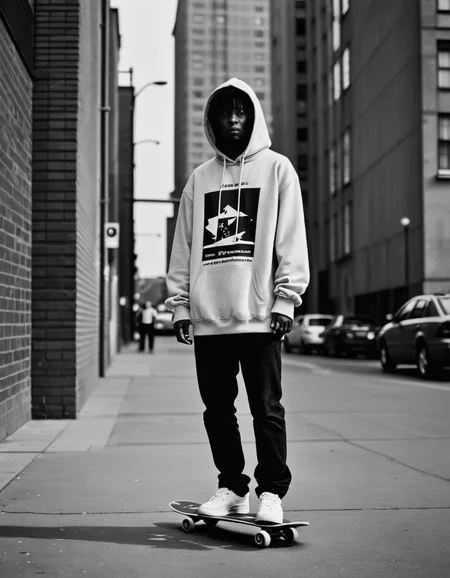



Latest version available here.
I have decided to publish the latest versions of accelerated models on the main PixelWave page, so more people are notified about the new models. The newest PixelWave 09 Accelerated model uses a little bit of TCD and Lightning to help improve sharpness compared to using only turbo.
Version 03:
Turbo version of PixelWave 07. Recommend CFG of 2.5, 5 steps. You can get really nice and detailed images with 8 steps, 2 CFG. You can use 3 steps, but the image will have less detail.
Version 02:
This is the turbo version of PixelWave 06. You should see improvements to faces and hands.
I recommend using CFG of 3 and 5 steps. CFG of 2 can look a little dull. DPMPP SDE GPU and Karras or DPM++ SDE Karras for A1111.
PixelWaveTurbo REBORN - Link to Workflow
Reborn is a method I came up with to crank up the details to 11, while sacrificing some coherence. People seemed to love the original Reborn model, so it's back as a turbo model. Built from PixelWave05, reborn and then another 50k training steps to calm it down a little. This version will give you a lot more detail than a standard PixelWave model.
Version 01:
This is a turbo version of my PixelWave model. Generate a 1024 resolution image in 5 steps!
Link to basic comfy workflow.
Settings use to generate images:
Sampler: DPMPP SDE GPU or DPM++ SDE Karras for A1111
Scheduler: Karras
CFG: 2
Steps: 5
The model is intended for research/private use purposes only and not for commercial use. Please refer to the SDXL turbo page on huggingface for more information on the license restrictions.
Description
This is the turbo version of PixelWave 06.
FAQ
Comments (10)
It's not turbo. I keep trying these turbo models and with DPM++ SDE Karras with 5 steps, it's literally the same amount of time on my 4090 as the regular models with DPM++ 2M Karras at 20 steps which gives excellent general pass quality because that SDE sampler is so much slower. Who cares if the step count is tiny if the sampler itself slows things down so much that it makes no overall difference? I'd rather just use the regular Pixelwave version as the quality is better with more coherence.
Try Euler (not ancestral) with exponential scheduler. I'm getting good images under 1.7 seconds.
i dropped resolution from 1024 to 512 and it takes 5sec now instead of 2 minutes
I agree, there are models out there that are faster doing 20 steps and produce good quality; trying Euler with the exponential sheduler does make it faster but not more coherent and it doesn't seem to like Lora's because there are some that work well on other models but with this they seem to break the whole thing making me believe this has more use as a 1.5 model instead of xl
i wonder if we could just use "Euler"/"Euler a" on everything . Maybe samplers are just nonsense.
@yofoton174609 Unfortunately not great for everything. It's excellent for animated/cartoon/3d rendered/anime, but the euler's fuzz out skin and other fine details unlike the slower dpms and SDEs
@civitai426 with 20-25 steps its hard to compete with Euler/EulerA. Don't recall if its strong on skin/fuzz details, but its hard to beat. Even in science its used heavily today.
Do you think the turbo merge adds any quality to the pixelwave 6 version - or other improvements to hands etc? In other words, if I run this model with the normal amount of steps as pixelwave 6 would I see improved quality? I'm less concerned about speed since I don't do video right now.
The outer blocks of the PixelWave model are 'diluted' when merged with the base turbo model. I think you lose some details and the images are less contrasty, which can make for nicer portraits. I think it outputs great mid-range details like faces at a distance compared to the original SDXL model, which could again be because it's less noisy. It's good fun to play around with, I use it a lot for quickly generating lots of images when mixing wildcards. Then you can switch to full model if you find something you like, or use the full model for the upscale stage.
@humblemikey Thanks for the reply and info. Good idea to go full model for the upscale.
Details
Available On (2 platforms)
Same model published on other platforms. May have additional downloads or version variants.