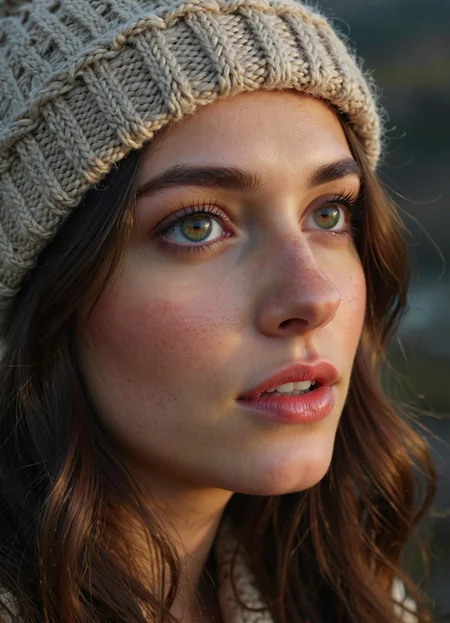
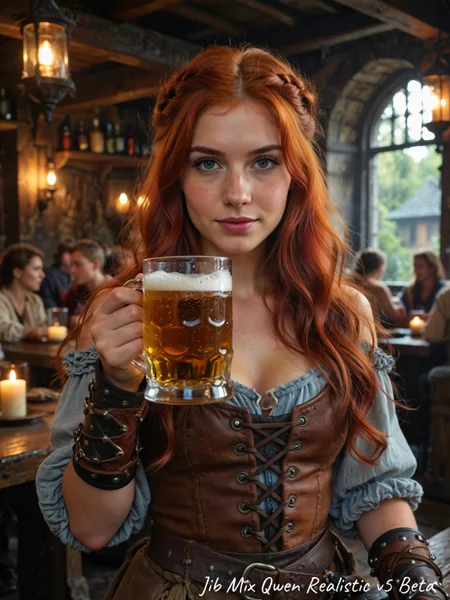
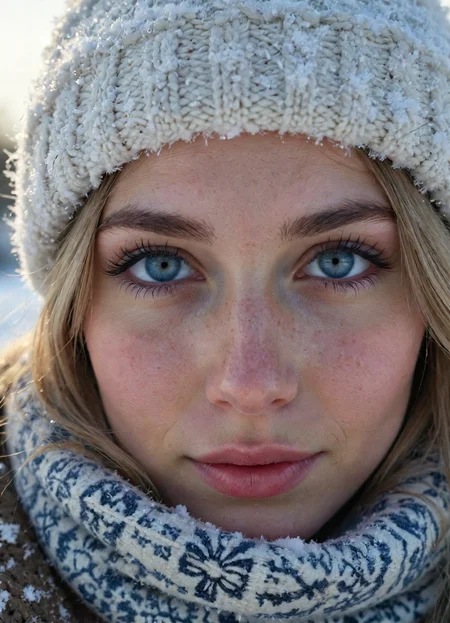
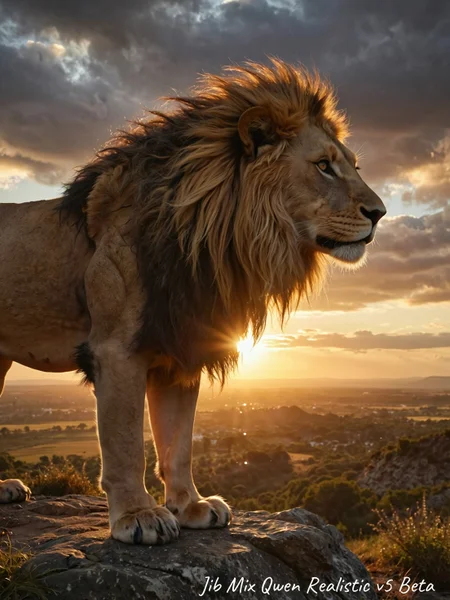

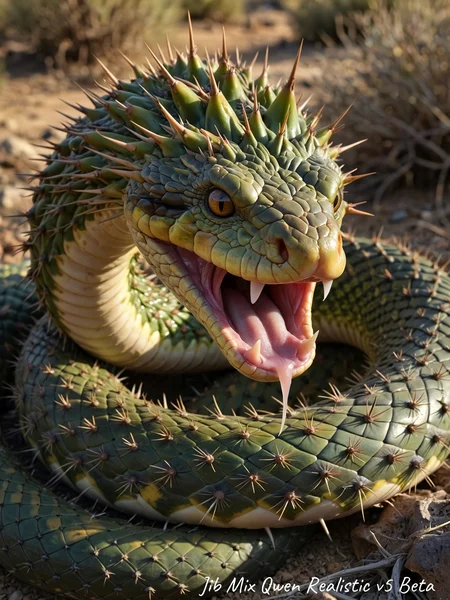
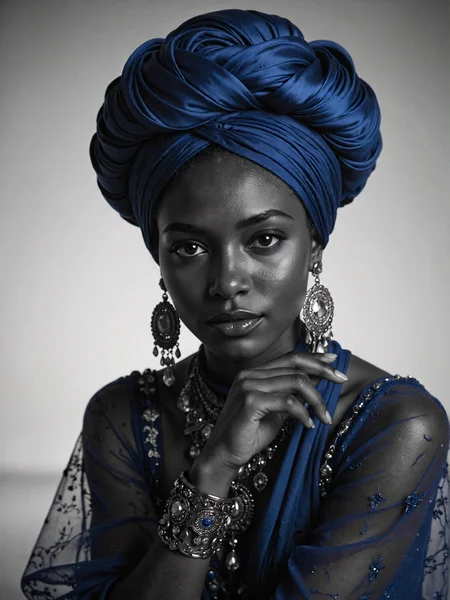
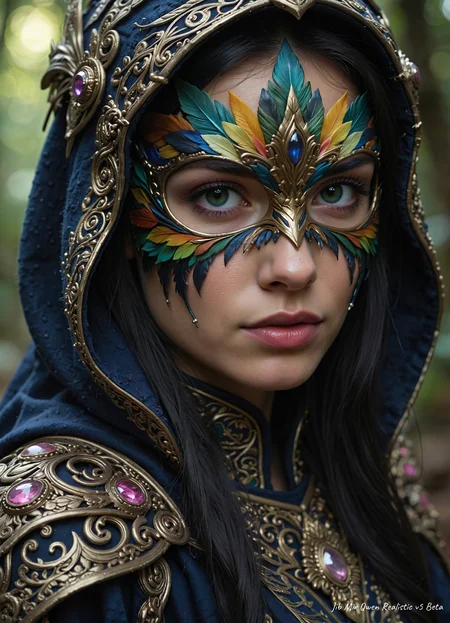
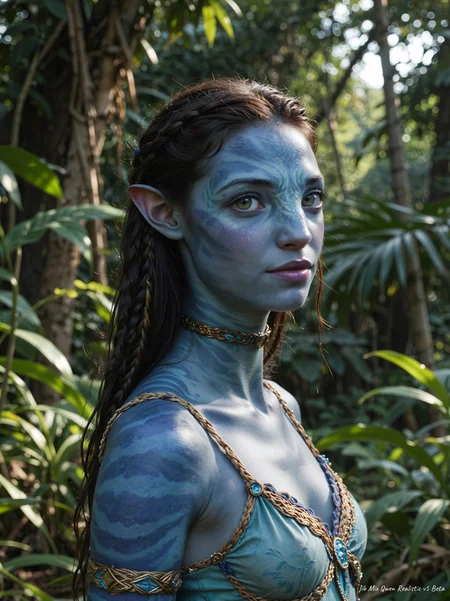
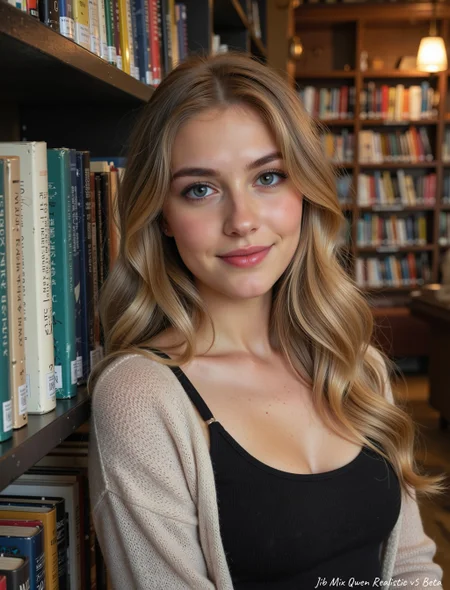
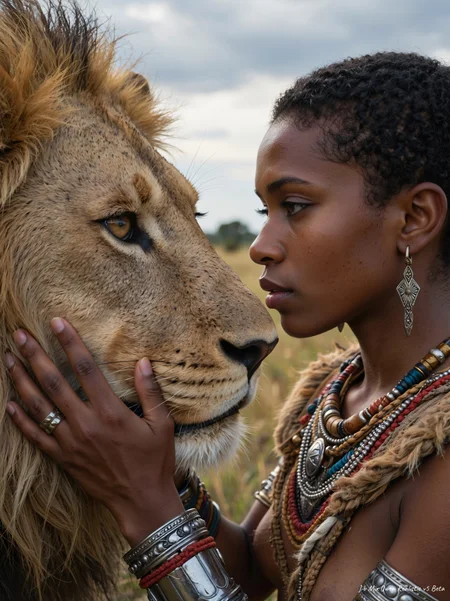
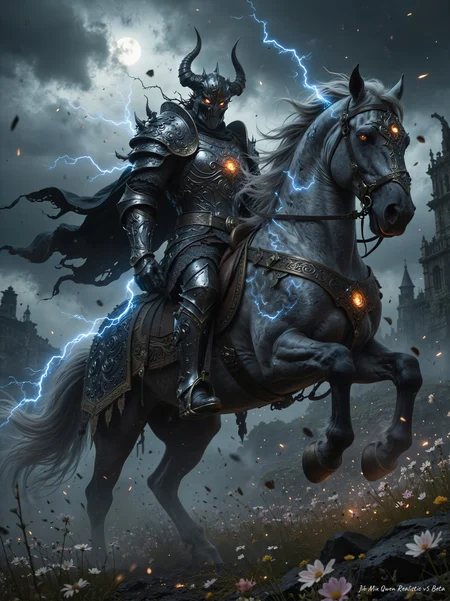
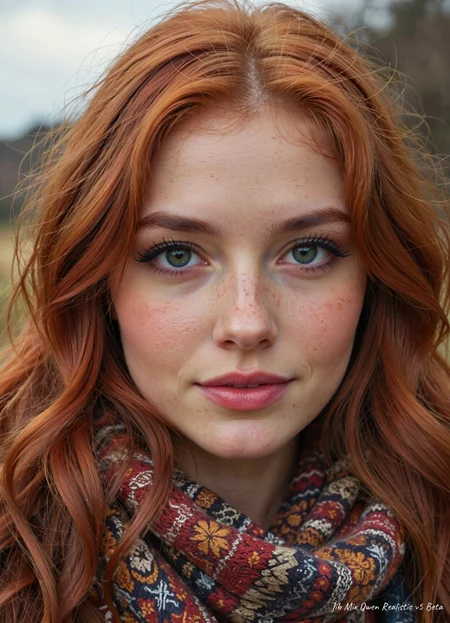
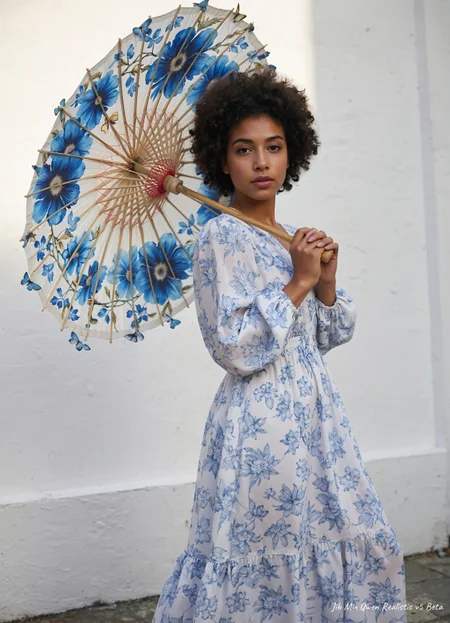
Jibs Qwen workflow uses a custom-trained Wan VAE to remove the hash/grid lines visible in Qwen outputs.
Here is the GitHub for nodes: https://github.com/spacepxl/ComfyUI-VAE-Utils?tab=readme-ov-file
and the Custom Wan/Qwen VAE model: https://huggingface.co/spacepxl/Wan2.1-VAE-upscale2x/blob/main/Wan2.1_VAE_upscale2x_imageonly_real_v1.safetensors
V6 a Qwen 2512 Version of Jib Mix Qwen.
+ Has better fine details than previous versions.
+ Less of a same face issue.
+ Less nosie artifacts.
- Not quite as good at NSFW as V5. (You can use my NSFW lora to bring it back: https://civarchive.com/models/1943554/jibs-qwen-nudity-fixer-lora)
- Not quite as fine good details as Base Qwen 2512
More European faces and fewer Asian by default.
The Pruned Model nf4 (13.91 GB) is actually a Q5_0.GGUF
V5 -More realistic, less plastic skin by default, with more imperfections.
My Skin detail/imperfections lora can be used to add more or even help remove them if used at a negative weight.
The Version 5 Q5. GGUF (marked nf4)
V4 - Much more natural pretty faces (Much better at Asian faces), less noise, cleaner (slightly less photographic look by default but adding LORAs can make that stronger again)
NEW: The fp8_e5m2 model is twice as fast as the Q5.GGUF on my 3090.
There is a Q5 .GGUF (marked nf4)
Tune for Clownshark dpmpp_3s/Bong_tangent sampler this time instead of Euler_ancestral/Linier_ Quadratic.
V3- Important I have uploaded 2 different versions of this model:
High Noise version (marked fp16) that I think is better at lower steps and single stage workflows (but can sometime show grid/scan lines).
Lower noise version (marked fp32) That makes cleaner/less noisey images on the first gen but is better suited to 2 stage Hi-res fix workflow (this is my preferred method)
There is a Q5 .GGUF (13.91 GB) that is the Higher Noise version
The Q6 .GGUF (15.6 GB) is a lower noise realistic skin version.
Small Q5 .GGUF (13.91) is a lower noise realistic skin version.
V2 - I tried to fix the big bobble heads from the previous versions. It is better but they can still be a bit big sometimes.
The V2 fp8 model listed is now actually a Q8 .GGUF (Thanks to export_tank_harmful for the conversion when mine was broken)
V1 - Adds a more photorealistic/amateur look to Qwen.
The fp8 model listed is now actually a Q6_k .GGUF
and has fewer grid lines than the fp8 (But I still recommend the fp16 with ram offloading, for better quality)
Description
More realistic, less plastic skin by default, with more imperfections.
My Skin detail/imperfections LoRA can be used to add more or even help remove them if used at a negative weight.
FAQ
Comments (64)
Thanks, is it possible to have the fp8 version of the v5 ?
Yes, it will be uploaded later today, it just got very late for me.
@J1B Thanks boss
There is an fp8 version there now: https://civitai.com/api/download/models/2409636?type=Model&format=SafeTensor&size=pruned&fp=fp8
I might have a go a a proper scaled version that it more lora compatible in the future.
@J1B thanks boss!
Hi! can you recommend some realistic lora for V4?
The ones linked above are my favourites for Qwen so far.
https://civitai.com/models/1886273/reality-simulator
https://civitai.com/models/2022854/qwen-image-smartphone-snapshot-photo-reality-style
https://civitai.com/models/2136360/jibs-qwen-skin-detailerimperfections-lora
@J1B thanks!
you are a legend! tnx buddy
will there be a gguf version for v5?
Yes I will create a Q5 .GGUF and upload it tomorrow.
The Q5.GGUF is there now: https://civitai.com/api/download/models/2409636?type=Model&format=GGUF&size=pruned&fp=nf4
Amazing model, really good job👌🏻
Qwen has great adherence, but very bad for realism.
Looks like a mix of flux and pony6.
Is the situation the same as with flux, that only with amateur loras can the model give realistic output?
It is getting there, new models are always like this when they first come out (same for SDXL and Flux as you mentioned), it is still on the journey not the final destination.
It is also very dependant on the workflow/samplers used (and lots of people add lightning lora as it is slow, which adds a more plastic look), I am working on a workflow that I can release publicly that maximises realism.
Qwen has its place as the king of SDXL SFW fine-tunes (mostly thanks to creators like J1B).
If you want raw NSFW capability, you have to use Chroma or an SDXL NSFW finetune.
If you want raw skin detail, like true believably, you need to use WAN 2,2 Img right now. Although it is very stiff and not very creative. But the skin and the humans, out've the box, are honestly crazy.
That being said, I've been using Qwen for mostly-SFW content where Chroma looks too Flux-Like. It seems like Qwen is a decent way to make a fast img for Wan Img2Video, and also for other SFW images.
@J1B Your model is amazing, can you please post the config info for the full diffusion info so we can train LORAs against your model? Your model is so much better than the base qwen but I cant train against it right now.
Is there a comprehensive qwen workflow recommended for using this?
I am still working on creating a decent workflow, this is a work in progress with the best setting I have found so far: https://civitai.com/images/110830403
Qwen does seem to rely on quite particular sampler settings to get really good images.
ClownSharkSampler with exponential/dpmpp_3s has been working wonders for me.
Just wanted to thank you for putting this out - your models are some of the best out there. I only recently have begun experimenting with Qwen, and surprisingly I'm able to get the 19GB FP8 version of your model to run on my 16GB 4080 Super. The results have been really impressive. Qwen in general nails poses that Flux really struggles with, even if it is quite a bit slower. Flux still has a place in a workflow though, possibly, to create 'starter' images to feed into img2img workflows with Qwen. But I did have a question - is it necessary to do a 2nd tiled upscaling/detailing pass with Qwen to get best results? Most of my single-pass images are a bit 'fuzzy' for a lack of a better term, if not actually blurry. I've tried 2-pass workflows that feed the denoised image from the ClownsharKsampler, upscaled by 2X and denoised and VAE tiled decoded, but it crashes the workflow, running out of VRAM, at least with image-to-image. I figure the solution is to save latents on good results, then feed that into the 2nd pass. Anyway, thanks!
Thanks, It isn't "necessary" you can still get good images, this is fist pass: https://civitai.com/posts/24521130
But as you have noticed, it does seem to add a certain sharpness to the image when doing a 2nd high res pass: https://civitai.com/posts/24521157
Maybe you could try creating a smaller initial resolution? or using the Q5.GGUF (when it is available for V5, tomorrow) or some people have good workflows where they run the 2nd Pass with an SDXL model (although I don't like switching models with Qwen as it takes so long, about 300 second for the 39GB model on my 3090)
But I guess what we really need is for Nvidia to give us more Vram at reasonable prices when models are this big! :)
Can you share a two-pass workflow using ClownsharKsampler?
@mmikemiller823390 That linked image with embeded workflow is work in progress by does the 2 stage ClownSharkSampler working well. https://civitai.com/posts/24521157
@J1B I asked you to share your workflow, not show me an example image.
@J1B thank you for taking the time to make this and post it, you mentioned that this image has the workflow embedded im trying to figure out how to get the work flow. is it as simple as right clicking the image and saving it or is there another process?
@J1B I can't figure out where to find your workflow, which you say is attached to the image
@mmikemiller823390 You can drag an image into ComfyUI and it has the workflow in if it as .PNG, or you can dowload it here https://pastebin.com/jAX8Xjb6
and remove the .txt so it just ends .json
@J1B Sorry I didn't reply, I got side-tracked over the last week. I've been experimenting with the ClownsharKsampler, and I have a chain-sampler setup, with 3 ClownsharkChainsampler nodes I'm working on, for a 4-pass arrangement. I'm using 12 steps, with the ClownsharKsampler starting with 3, and each following ClownsharkChainsampler doing 3 more. It works pretty well, and I finish it up with a pass through SDXL at 0.25 denoise to get rid of the subtle VAE artifacts - I've found your recent SkinSupreme checkpint to work very well for this. I'll post an image with the workflow here in a while. It's a modular workflow with several groups connected by Get/Set nodes (the ones by Kijai).
@Agkistrodon I do need to update my Qwen Workflow I uploaded 4 days ago: https://civitai.com/models/1936965?modelVersionId=2436685
As I now also use a 3 stage clownsharksampler with 1.25 upscale each time (instead of 2 in the workflow).
It does also use the Custom WAN VAE that helps remove the hash grid artefacts from Qwen models: https://github.com/spacepxl/ComfyUI-VAE-Utils?tab=readme-ov-file
try that out.
Is there an FP4 (NVFP4) version of this for Geforce 50XX cards ? Its a lot faster then NF4 for comptatible card and with better quality.
I've used other Jib models like flux with good results so I am keen to try this out.
I know you didn't design this checkpoint to expressly be NSFW, but it does seem to do quite well for a lot of options. One thing, however, I have been entirely unable to create with this checkpoint is — missionary style sex. No matter how detailed my prompt, the best result I can get is reverse cowgirl with the woman leaning back onto the man. Weird "issue", I know, but have you ever tried this specific image type and been successful?
Hi, I noticed some checkpoints aren't trained on this. Hence, they use loras. Even so, some may not work because the training on the checkpoint were all portrait photos. Or the loras will degrade the quality.
Any plans on releasing a Q8 GGUF? Or at least a Q6_K_M?
thank you for the consolidated workflow, its incredible fast!
any image edit I2I plans?
Hi, I'm trying to use this on forgeui neo, but I either time out and lose connection or get this message:
AttributeError: 'NoneType' object has no attribute 'is_webui_legacy_model'
Sorry I have never used Forge, apparently it does support Qwen so should work. Are you trying the .GGUF? maybe that it not supported.
@J1B hi, I'm using the v5 tensorsafe file. in forge neo, there are options where we can select sd, xl, qwen, flux, wan. at least that's what i think it is. each option does change image output though.
@Melodic_Possible_582589 I'm using Jib Mix v4.0 on Forge Neo. Make sure you downloaded the Text Encoder and VAE and placed them in their respected directory. Here is what you have to download : https://github.com/Haoming02/sd-webui-forge-classic/wiki/Download-Models
After that, completely restart forge neo and select the the VAE and text encoder in the top of the UI.
@Luffy45 Hi, sorry for my ignorance. I'm assuming I have to download the Qwen text encoders and vae since the Jib checkpoint is listed under qwen? Thanks
How do you get rid of the static in the image
Getting decent results in SwarmUI with 4 steps / cfg 1.0 using res3s/bong_tangent but it can be hit or miss. 8 steps looks consistently great. 6 steps seems to a be a good middle ground.
6 steps is ~40s on my 3090. Seems pretty good!
Is there a known issue where all faces look kinda the same?
Thanks Jib! Going to try your comfy workflow next…
not sure why but using the sharksampler always gets me really cursed images. Not sure what i'm doing wrong. Anything i'm supposed to look out for in particular?
Should the total LoRa value not go above 1? am i supposed to change the cfg?
Did you see my Workflpw? https://civitai.com/models/1936965?modelVersionId=2436685
You could look at settings in there, what sampler and schedauler are you using?
Lora values above 1 can easily mess up the image epically if you are using the fp8 model (the BF16 seems a little more robust to it).
@J1B hey i did! hard to take a look at the values though.
I realized what i was getting was "latent fry".
not sure why that's happening, and my Lora that i just trained isn't working as well, strange.
I will download the BF16 model and try it again
@J1B thanks for the quick reply tho! appreciate it. Will try to figure this out, am using your workflow too
J1b - just so you know - yours ive been using for weeks and it out does flux2 in asthetics. Tho the other up and comer model is extraordinary fast so obviously it takes the cake. But ive used krea, flux1dev, shnell, many many others and yours was the most used qwen v4.0 personally!
Female intimate anatomy has improved significantly, but I still can't get the model to generate a plump women. Did they all go to the gym or something?
The plump women are desperately running behind the GPUs that can handle these fat models. Pun intended.
uh, finally, someone made a working workflow with this mess of clownshark's settings
Where can I find this 'custom trained WAN VAE' mentioned in your workflow?
EDIT: I found it, but I still can't run this workflow. it tells me "The size of Tensor a (6800) must match the size of tensor b (24) at non-singleton dimension 2"
Oh yeah I should link that on the model info, thanks
Here is the github for nodes: https://github.com/spacepxl/ComfyUI-VAE-Utils?tab=readme-ov-file
and the Custom VAE model: https://huggingface.co/spacepxl/Wan2.1-VAE-upscale2x/blob/main/Wan2.1_VAE_upscale2x_imageonly_real_v1.safetensors
Hellow! I havent tried the model yet but by the looks of the image gallery your model yields far superior results than the base model. Will this model work with the basic qwen comfy workflow or does it need to be used with the included workflow with the clownshark ksampler?
It will work ok, but using ClownSharkSample just boosts the skin realism a little bit more I think.
@J1B Just tried out the model. Youve done an amazing job with the model!! However regarding the workflow in my testing i found that it kindof overcooks the skin too fuzzy and full off black spots too much freckles on the face however on just basic qwen templete with ddim, bong_tangent combo it does wonders in terms of realism.
Hi! Is the lightning lora already merged in this model?
I don't know why, but for some reason my results come out with some kind of “dirt” effect, like compression or something. Although I use your workflow and custom VAE, model fp8. I generate on 4090. I tried other workflows without ClownShark, but the same thing happened. Also, SageAttention doesn't work for me for some reason, it gives me “The size of tensor a (6893) must match the size of tensor b (24) at non-singleton dimension 2”, but when disabled - working.
Possibly your not using enough steps? or it might just be the model (could try the bf16 one on a 4090 if you have enough system ram) or it could be the prompt, if you upload an image somewhere with the workflow I can take a look and figure it out.
Not sure about the SageAttention error, could be that you using a control net or lora that is not compatible? I always have to use the "Patch Sage Attention KJ" node with Qwen models or I get black images (but not that error).
@J1B Here are some examples, with test generations at 8 and 18 steps:
https://civitai.com/posts/24820352
I’ve also included a screenshot of the workflow and its settings.
At 8 steps, the output contains many small artifacts, almost like a broken or “dirty lens” effect.
At 18 steps, the image becomes noticeably blurry and loses sharp detail. Increasing the step count makes the effect even stronger. If I use this in the Second Stage with it, the output shows ghosting artifacts.
I would really appreciate any advice or recommendations. 🙏
@VeTaL_AI I had a similar problem. I used 5-6 steps, cfg 1-2, and I got decent results. Generally, version 4 of the model works best. Version 5 doesn't work well for me, and other Loras models don't work at all.
I changed cfg to 1.5 with 8 steps, and the results became almost perfect.
@VeTaL_AI Ah ok, I usually use it with a cfg of 1 as anything more than that will double the render time (as it uses the negative as well) , but I will play about with 1.5 and see if I like it.
The 5 version of the Jib Mix Qwen is just a super cool model, it's much better than the Z-image.
I agree, it is better!