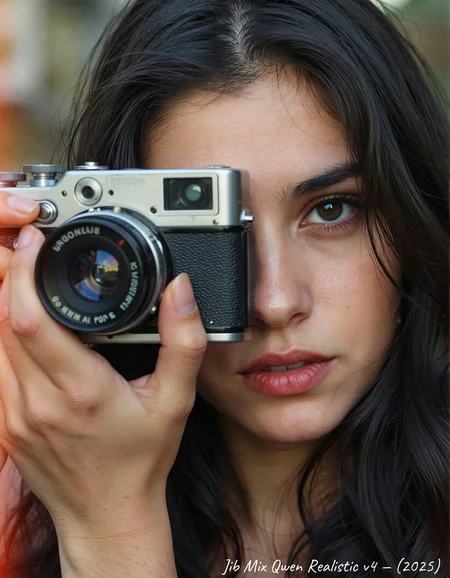

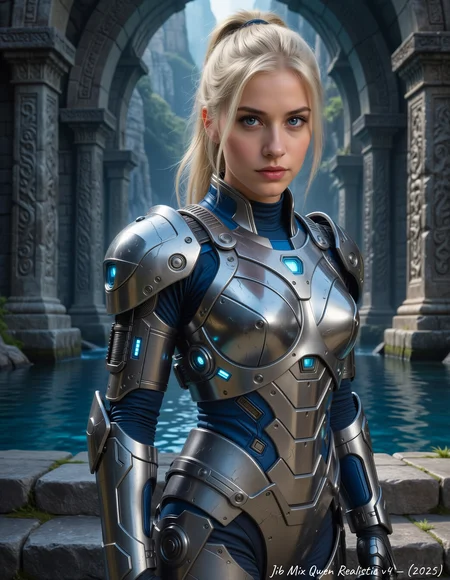
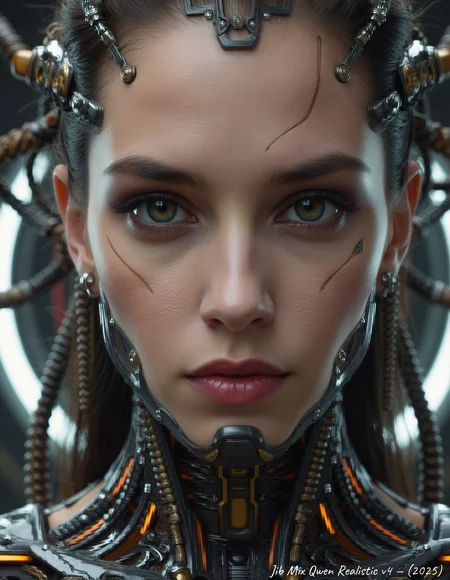
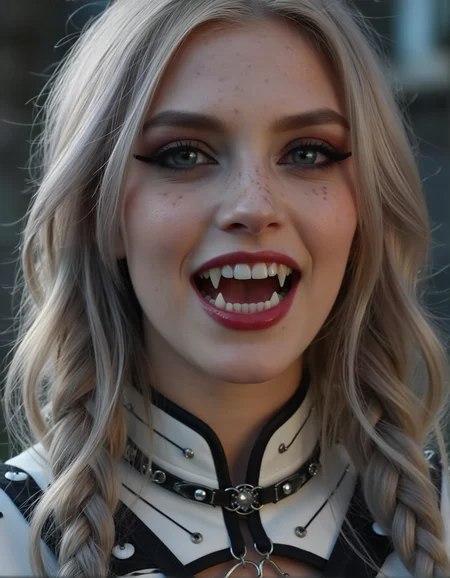


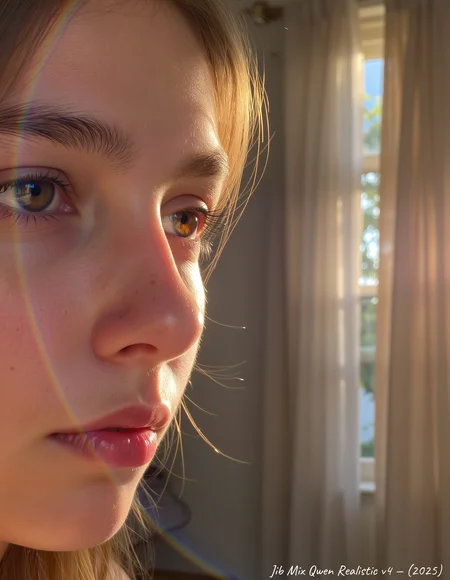

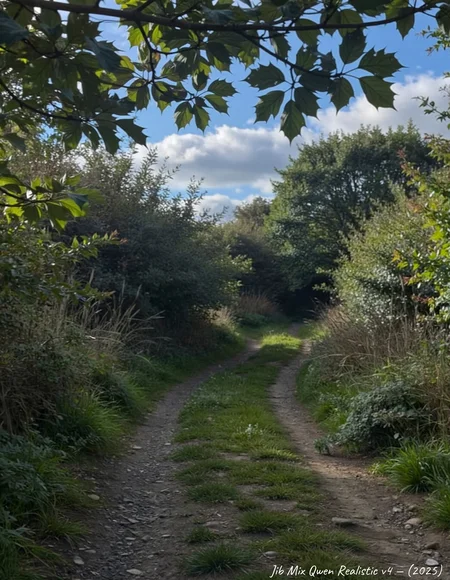
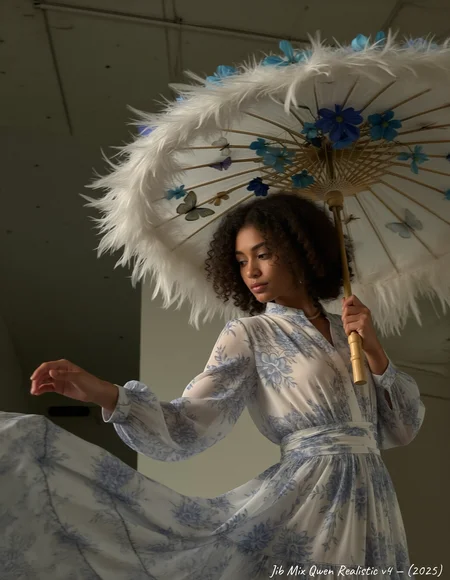
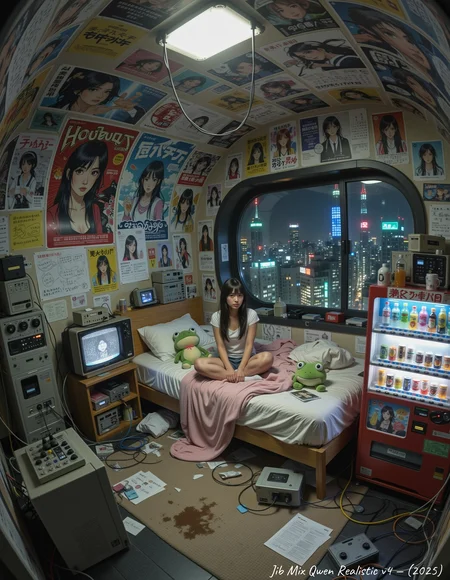

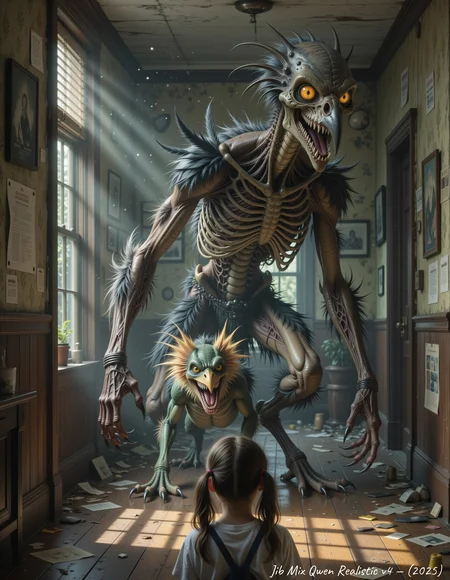
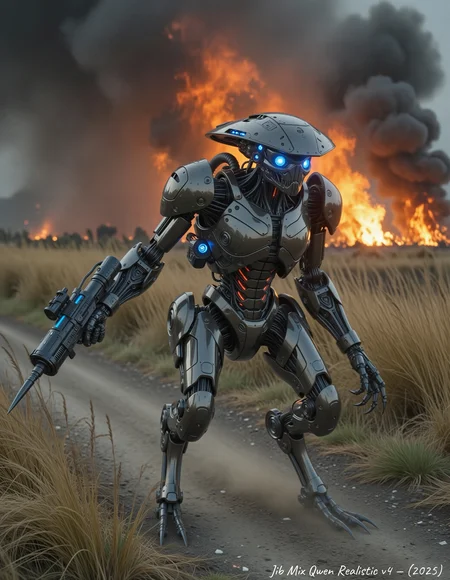
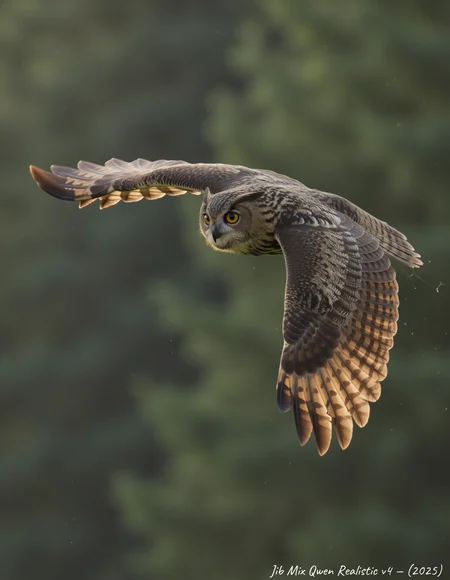
Jibs Qwen workflow uses a custom-trained Wan VAE to remove the hash/grid lines visible in Qwen outputs.
Here is the GitHub for nodes: https://github.com/spacepxl/ComfyUI-VAE-Utils?tab=readme-ov-file
and the Custom Wan/Qwen VAE model: https://huggingface.co/spacepxl/Wan2.1-VAE-upscale2x/blob/main/Wan2.1_VAE_upscale2x_imageonly_real_v1.safetensors
V6 a Qwen 2512 Version of Jib Mix Qwen.
+ Has better fine details than previous versions.
+ Less of a same face issue.
+ Less nosie artifacts.
- Not quite as good at NSFW as V5. (You can use my NSFW lora to bring it back: https://civarchive.com/models/1943554/jibs-qwen-nudity-fixer-lora)
- Not quite as fine good details as Base Qwen 2512
More European faces and fewer Asian by default.
The Pruned Model nf4 (13.91 GB) is actually a Q5_0.GGUF
V5 -More realistic, less plastic skin by default, with more imperfections.
My Skin detail/imperfections lora can be used to add more or even help remove them if used at a negative weight.
The Version 5 Q5. GGUF (marked nf4)
V4 - Much more natural pretty faces (Much better at Asian faces), less noise, cleaner (slightly less photographic look by default but adding LORAs can make that stronger again)
NEW: The fp8_e5m2 model is twice as fast as the Q5.GGUF on my 3090.
There is a Q5 .GGUF (marked nf4)
Tune for Clownshark dpmpp_3s/Bong_tangent sampler this time instead of Euler_ancestral/Linier_ Quadratic.
V3- Important I have uploaded 2 different versions of this model:
High Noise version (marked fp16) that I think is better at lower steps and single stage workflows (but can sometime show grid/scan lines).
Lower noise version (marked fp32) That makes cleaner/less noisey images on the first gen but is better suited to 2 stage Hi-res fix workflow (this is my preferred method)
There is a Q5 .GGUF (13.91 GB) that is the Higher Noise version
The Q6 .GGUF (15.6 GB) is a lower noise realistic skin version.
Small Q5 .GGUF (13.91) is a lower noise realistic skin version.
V2 - I tried to fix the big bobble heads from the previous versions. It is better but they can still be a bit big sometimes.
The V2 fp8 model listed is now actually a Q8 .GGUF (Thanks to export_tank_harmful for the conversion when mine was broken)
V1 - Adds a more photorealistic/amateur look to Qwen.
The fp8 model listed is now actually a Q6_k .GGUF
and has fewer grid lines than the fp8 (But I still recommend the fp16 with ram offloading, for better quality)
Description
More natural, pretty faces, less noise.
Tune for Clownshark dpmpp_3s/Bong_tangent sampler this time instead of Euler_ancestral/Linier_ Quadratic.
FAQ
Comments (123)
can i run this 38gb model on 5090?
Yes, I run the full fp16 on my 3090 with system offload (64GB Ram) and it is fine. I am running it on a 5090 on Runpod right now, and getting around 50 seconds for a 1.5MP image.
I think it should be faster than that, but maybe Sage Attention isn't activating.
can run it with block swap or just a lower fp8 quant. Also the gguf version allows for offload standard without having to block swap i'm pretty sure, so you could run the full fp16 in gguf super easy.
Nice, is it possible to upload Q8 gguf or fp8 version ? Or maybe the Q5 is enough
Damn.. v4 is impressive!
Does version 4 include the 8-step LoRa like version 3? I usually use a 4-step LoRa (with 4 steps for drafting and 10-15 steps for final generation), so this was an unpleasant surprise. If 8-step LoRa is included, is it possible to get a version without it or with a lower minimum number of steps?
V4 seems to take a few more steps than v3 yes, I didn't add any additional lightning lora so it has become a bit diluted in the model.
@J1B But the number of steps required is less than in the original Qwen model. I also tested generation with Lightning Laras and I was getting burned out broken generation. Thus, I concluded that some kind of step-reducing Lora was added to the model directly or indirectly. If this is not the case, have you tested your model for compatibility with 4-step lightning Lora?
@Unicom yes I have tested it with the 4 step lora, it does work, but makes it a little bit plastic.
I can't do artistic photography, the photos are all realistic style, any suggestions for me?
figure out what you want and put it into an ai model to refine into something more fitting your mood. for example instead of
"a dog sitting at the bay" which may come with real results, you could say "a dog sitting at the bay" chatgpt or gemini or claude etc, "a dog sitting at the bay with some fantasy elements" and it'll blow it up for ya. then it should come out just fine.
OMG they censored the word 81ow it wasn't spelled incorrectly. This is sad.
I do sort of see what you mean, it is not that arty.
I might try training a lora on more artistic photography to go with it.
You could try these loras: https://civitai.com/models/1869530/qwen-imageemotional-photography
and
https://civitai.com/models/1869530/qwen-imageemotional-photography
Excellent model, excellent process. The only thing is, the upscaler often ruins everything. Are there any optimal upscaler settings? It produces a lot of noise and artifacts.
Yes, but I have found if you use linear_quadratic as the scheduler, it works well. I am using res2/linear_quadratic with a 1.5x latent upscale for 4 steps for the 2nd stage.
thank you
@J1B I ended up reworking the upscaler and only then did it start working without any unnecessary noise.
Can I train a character lora using this model ? what is the best way to do it ?
I love the quality of the Qwen-image model and I like the Jib Mix Qwen model because it adds more possibilities. Thanks for that!
Still, I have two challenges:
1. I am never sure regarding the correct / best settings (I am using a ComfyUI workflow). Currently, I have cfg 1, use Euler Simple and added the 4-step Lightning Lora (sometimes 8-step) with the ModelSamplingAuraFlow node with a shift value of 3. The resolution I generate to are 1MP, i. e. 1024x1024 and related. Are these settings ok or should I change anything? The reason I am asking is that I saw a comment saying the lightning lora would already be part of the model in version 3.
2. With version 3, I produce sort of scratches or lints on my images, especially in non-facial areas with skin. These become more prominent after upscaling - in any thinkable way (with upscaling model only, with tiles upscaler + Jib Mix). Is this is a known problem or where does it come from?
Thanks
t.
My workflow is attached to most of my images, try this one (it is very messy right now): https://civitai.com/images/106209162
You don't need the lightning lora if you are using 8 steps as it is already merged in.
Yes the tiled upscaling seems to have issues. I am using a Latent upscale with liner_quadratic scheduler that seems to work well.
Thanks a lot. I will take a look at the workflow and give your upscale process a try.
What is your training hardware?
I have used a 5090 on Runpod and I have a 3090 locally.
But you can train Qwen on almost any card now (you just need cheaper system ram and time): https://www.youtube.com/watch?v=d49mCFZTHsg&t=2136s
thanks to RAMTorch offload by lodestone https://github.com/lodestone-rock/RamTorch
@J1B Do you know If I can use the same AI toolkit to train the lora using a model that I already have saved on my drive or do I have to download the 48GB bin files of the original model like shown on Ostris videos ?
Thank you for your amazing work! Could you add fp8 for v4?
I could test it, I made an fp8 for a previous version and it was terrible and so noisy so I haven't tried since.
@J1B Ok Interessting, it worked nice for me. Do you think nf4 is better than fp8?
I tried making a fp8_e4m3fn quant again and it was really noisy with the lines again, but then I tried a fp8_e5m2 quant and the lines are not there, so that is really good.
I tested it with my 3090 and it is double the speed of the Q5.GGUF!
https://civitai.com/api/download/models/2315751?type=Model&format=SafeTensor&size=pruned&fp=fp8
the fp8 is still a bit noisier than the fp16 or Q5 but that kind of works well for amateur iPhone type shots.
@J1B Thank you!
Great work! Would be nice to have something similar for qwen edit 2509 :P Do you think about making one in the future?
I agree with you. It would be awesome., for now I used it to refine edit, it looks nice.
@tta_mementomori Why I didn't thought of that? Thank you for a great tip!
A bit of a odd question but can I make women lactate and squirt breast milk with this Qwen checkpoint? Or do I need a lora?
generating blue static! is this a lora?
Do you have Sage Attention enabled without the Patch Sage attention KJ node?
But that gives me Black images not blue static, so I am not sure.
Mind to share the workflow?
thanks for sharing this amazing model , i am still using the old sampler because i cant find dpmpp_3s
there is only dpmpp_2s_ansectral
use ClownsharKSampler
https://github.com/ClownsharkBatwing/RES4LYF
It does seem to be a little better than any of the built in ones I have tried with Qwen.
@J1B i dont know whats the problem i tried the sampler you suggested and its giving very bad results also it takes about 300seconds , while it was taking 50to 60 seconds on 5070ti ( with lighting 8 steps both )
@lostman976 If you are using res_2s or dpmpp_3s you can can reduce your steps as it is actually multiplying it by the number in the sampler, I use 4 steps of dpmpp_3s (which is actually 12 steps 4 x 3 = 12). this takes me 60-70 second for the BF16 model or 40 Seconds for the fp8 model on my 3090.
Hey man, will this model work with QWEN IMAGE EDIT workflows? Also these that allows to combine multiple images.
No, that it a different model that has been finetuned on edited pairs of images.
@J1B Hi,where i can download the workflow for GGUF model?
Anyone have the workflow?
how to download the workflow from the sample image?
@lelouch878872 Drag and dop
Hi, any plans for a nunchaku version? That would be amazing! Awesome model.
I don't think they have released the tools open source to convert Qwen models yet, but if/when they do I will convert it to SVDQUANT/Nunchaku.
I love the model. How would you recommend making LORAs for this? I tried using Ostris AI-toolkit and training, but LORAS made against the base model don't seem to work against your v3 model that I'm using..
great model, but faces....
same type, same look, all over and over again. is it even possible to create unique custom face with any model, or is it just to filtered and can draw only 5 variantions, no matter of the prompt?
Are you using lightning lora? it is usually that I find.
helps to use two different models, one base and one refining. plus messing with steps and CFG on some of them helps. character tags. name of a place. year. only sdxl ive found so far that mixes it up without much modding is MoP
where can I find multistep/res_2m_bong_tangent?
install res4lyf nodes
Comfyui wont load checkpoint, what am I doing wrong?
Which one? The .GGUF? You might try https://github.com/city96/ComfyUI-GGUF
If the native GGUF loader doesn't work.
I found my issue. Comfyui needs 200gb of free space to run this workflow. It works now. I have yet to try the latest though. I will soon.
@completeupload154 oh, that seems strange, I have 9tb of storage but I never have 200GB free as it is always nearly full of models! (Not recommended)
@J1B Same! Lame. 1TB of models and loras rn
What is the best sampler/scheduler/cfg/step combo for realistic images?
I like exponential/dpmpp_3s at 4 steps (4×3=actually 12 steps)
But it is part of the Clownshark custom node: https://github.com/ClownsharkBatwing/RES4LYF
I have as had success using res_2s / liner_quadratic previously.
@J1B Thank you. Did you already found a good FaceDetailer node using qwen? (Saw your reddit post, that you ware looking for one. I could not develop any working workflow yet)
I love it! Is it possible to get it on huggingface in a diffusers format? I'd love to train loras using this as the base model!
+1+1+1!
please!
I don't seem to have dpmpp_3s in my res4lyf 🤔
It should be under exponential/dpmpp_3s I think. Ir
Possible nodes or comfyui need an update?
@J1B I currently had to uninstall RES4LYF, myself and many others are suffering from an odd memory leak that it is causing.
On another note, would it be possible for you to quantize Chroma HD 1 into an FP8 version the way you have done with QWEN v4 FP8? It seems like you've done some sort of magic with that quantization that makes it lightning fast on my hardware. I'm guessing you completely avoided BF16 when you quantized because I see no message about it when loading in Comfy.
@TheNecr0mancer yes I noticed the fp8 was 2x faster than the . GGUF and ran in 2/3 the time of the full fp16 model on my RTX 3090.
Its not bad but seems very biased for me. Cant really get different ages/Body types. Not listen to prompts very well.
Id like to train a lora for your model. Where can i find the full diffusion folder? (config etc.)
Would training a LoRA for regular Qwen work? Training it for the regular Qwen and then using it with this model?
@penchopenchov no, a lora works better when used with the base model of the finetune!
@J1B please provide stuff that the community can create loras based on your work! it would push this model and i'd definitely provide loras if they are coming out good.
It generates messed images only.
Give link to working workflow.
Are you using the right clip and vea? There is a workflow on this image https://civitai.com/images/106210483
Just posted a quick comparison: your model’s results blew me away. Congrats and thanks for such an awesome work!
Thanks a lot, thats a good comparison, I'm glad you liked the results from my model. I'm going to try and add more stylised art photography training data to my next version (or maybe make it a separate lora, I haven't decided yet).
WOW, after a year looking for a perfect model. This one is perfect. Have the look and style I could not find since SDXL but better. Work great with other samplers then the one mentionned.
When will it be possible to train lora with this model here on civit ai?
I don't know, I cannot get basic image generation of the base Qwen model to work most of the time, and Custom Qwen finetunes don't work on the Generator, also I doubt they have enough large GPU's to offer Qwen training right now, unless they charged a lot of money for it and spun up extra H100's when needed.
no good)
I am trying to reuse char lora trained on qwen with this and it seems to degrade the overall quality, I assume char loras need to be retrained on this.
@J1B this model is really great, but how can i use it as a base for training in eg. diffusion-pipe? i'd need the config.json of this model and i don't know how to get the training pipeline running w/o it.
official workflow does not work! errors. my workflow is not as good: using euler_a linear quadratic. (1)Face closeup renders - bit uglier and wet skin. (2)Other prompts sometimes renders two women. Might be my ksampler upscaler? (3) standing poses too unusual sometimes stands like a monkey. :D I definately need bit different workflow than my normal qwen which does no such mistakes.
This is the workflow I am using (attached to image) : https://civitai.com/images/108557651
If you are getting 2 characters that might be as you are trying to generate at too high a resolution instead of using a hires fix/Upscale try workflow.
The other issues I am not sure, try my settings, I am still working on this model to improve skin and anatomy.
@J1B Thanks, yes it doesnt work.. (1)i dug deep and its sage attention and bunch of other nodes forcing me to reinstall comfyUI. On my workflow its still far better than original qwen, but its most likely not as good as your official version. (2) I am bit confused with cfg/shift, high steps initial sampler + low steps upscaling sampler versus low steps initial sampler + high steps upscaling sampler to maximise the most high fidelity renders. im on 4090 so i want to push as much as possible. i tried a lot of variations but im simply too new to comfyui to know the wisdom. tl;dr its still amazing what i got, so thanks!! (3)sometimes i throw noobaru keywords and render turns out amazing, sometimes not. sometimes i put highly detailed prompt and it turns out really boring :D sometimes highly detailed prompt turns out amazing.
@gemstonebro if you want to install SageAttention this easy 1 click ComfyUI and SageAttention tutorial is very easy https://youtu.be/CgLL5aoEX-s?si=6Oy3-PjTawIuLQtT
I an nit certain how my difference it makes with Qwen , so you could just disable it.
@gemstonebro "I am bit confused with cfg/shift, high steps initial sampler + low steps upscaling sampler versus low steps initial sampler + high steps upscaling sampler to maximise the most high fidelity renders"
That is just from a lot of experimentation, I alway keep CFG at 1 or it doubles the runder time to have a negative.
The steps are effectively 12 as the model has some 8 step lightning lora baked in but not enough to make skin too plastic, but not enough to get down to 8 steps consistently.
The low steps upscaling is so that it doesn't change the image too much/add to much weird messy noise (seems to be a combination of Denoise and No. of steps) and so it is quicker.
The Shift value doesn't seem to do that much and you can turn it off completely without much change I think.
@J1B Hi, managed to install triton and sage attention only bcos of that tutorial you linked. Its a must tutorial for anyone who wants to even consider using your checkpoint. However... (1) load image? why.. if its text to img, why it demands image, what am i suppose to do? so now i lose whole upscaler because i dont give an image? why is it so confusing? (2) there are 6!!!!! sage attention variations in that patch node. how am i suppose to know what is best? (3) upscale model missing! that node near imageapply LUT node. What am i suppose to connect to upscal model node?.. i think everyone gets stuck on same things i just mentioned. You really need to help the newbs! thanks otherwise its just an instant skip :|
@gemstonebro 1) so my process is to generate 3-6 images from a prompt at the inital resolution and then choose the best 1 or 2 to upscale/add detail to. that is when I load the just those images with the load image node to upscale.
2) the Sage attention model I select ens fp16_cuda , I found that information to get it to work on a Github post I think (I am not sure how much Sage attention speeds up Qwen, but it is usful to have for switching to other models that can use it without restarting ComfyUI.
3) I think you might be using an older workflow as I think I got rid of that Lut node as it was just left over from someone else's workflow.
When I switch to upscaling from the load node I have to reconnect the latent output from the upsacler to the 2nd ksampler and move it back to generate, I will see if there is a way to reroute it automatically.
I will publish an official Jib Mix Qwen workflow at some point with better labels and functionality, I just haven't gotten around to it yet.
@J1B ty sir! its best qwen model so far. also i really just need simple but with those sages upscaling text-image. the re-uploading images for upscaling means - impossible to leave computer overnight generating images. :(
I want to use the workflow inside your image, but where can I download the file named Jib_Mix_Qwen-Image_V4_E_fp8_e5m2_00001_.safetensors? It's loaded into the “load diffusion model” node.
That is this one: https://civitai.com/api/download/models/2315751?type=Model&format=SafeTensor&size=pruned&fp=fp8
Civitai changes the name when it is uploaded.
@J1B thank you!
If you make a v5 could you please train on a lot more colors, size and variety of nipples please? The model really likes to make a specific look to them no matter how much I try to prompt away from the color.
Does this use lightning lora 8steps to help speed? if so which version exactly? thanks
It mainly uses the V2 8 Step lightning lora, but will have other lightning loras that are diluted down from previous versions as I don't retrain from scratch most of the time but continue evolving forward, I use it at 12 steps for initial generation and the sometimes upscale with a future 3 steps.
Has anyone worked out how to get true shallow depth of field? I mean like 85mm f/1.2 stuff. Most everything feels like it was shot on a phone or a point and shoot
Otherwise great model. Thanks for making it!
Request for your next version: Please, please, please increase the number of dark skin people in your samples. I've been struggling all evening to get results with a good looking darker skin woman.
I will do some testing later to make sure.
I did happen to test blue skinned people last night on my new version and that was good (well a little shinny) :)
@J1B While I can appreciate some niche Smurf/Pandora corn, I'm much more interested in some chocolate princesses. 😁
I think it is better? :
https://civitai.com/images/110608265
I have done a bit of testing but not loads, seems ok to me.
@J1B Looks good, though, I won't be able to test this new version until/unless you get us an fp8 size for us lesser users. :)
a seperate comment to boost the topic:
@J1B PLEASE provide config data needed to be able to lauch finetune frameworks like konyha or diff-pipe.
Came here to ask if it was possible to train a character lora on this... guess not...
The full (~38GB) model throws an error in diffusion-pipe for me, but does work in musubi tuner.
That said, it seems like whatever lightning lora is baked in to the checkpoint makes a lora trained on it significantly degrade output when used (compared to the same training settings on vanilla qwen image model).
@jandordoe yes i can confirm that baked lightning lora makes it useless to train on. with that i take back my request (at least for me), thx!
Any plans to enable character lora training on this finetune?
I got the FP8 version and it's just wonderful... for me it's the ultimate model for now!
The model used to create the fp8 checkpoint seems to be based on incorrectly scaled fp8 models, like ComfyUI's official "qwen_image_fp8_e4m3fn.safetensors", from https://huggingface.co/Comfy-Org/Qwen-Image_ComfyUI. Or you incorrectly scaled the fp8 version by just directly downcasting it without and rescaling. This makes your model incompatible with LoRas trained on correctly scaled models, causing really bad artifacts. https://github.com/ModelTC/Qwen-Image-Lightning?tab=readme-ov-file#-using-lightning-loras-with-fp8-models
I have noticed loras are not as compatible with the fp8 version.
When I made my first attempt at an fp8 version it had horrible grid line artefacts but switching to fp8_e5m2 (instead of fp8_e4m3fn) made a massive improvement in version 4.
Where are the instructions on how you are suppose to rescale it for fp8 properly then?
@J1B Based on my testing and training experiments, the issue can be resolved by continuing training on an int8 or the bf16 version of the model for a short period of time. The research team I linked though did some sort of distillation process: "These weights were generated by distilling the qwen_image_fp8_e4m3fn.safetensors model using bf16 guidance, thereby mitigating the artifact issue."
@J1B Here's the LoRA that I was having issues with: https://civitai.com/models/2209835
As always, no workflow. Why do people post up models WITH NO WORKFLOW??? It is simple. If there is no workflow, then they purposefully take it out as Comfy always has it where it includes the workflow unless the Creator takes it out. Please include the workflow with your model. Most people who take them out, usually are not the base of the model and the renders are always made with other peoples loras.
Well saving the images as .jpg is less than 50% of the size on disk and when I have made millions of images locally that adds up to a lot of GB's saved and $$$ in extra drives!
Also I do usually upload an "official" workflow, but currently the Qwen one I built is so messy and horrible not many can figure out or want to use it but here you go: https://civitai.com/images/106209162
It is attached to that image.
I will try and publish a cleaned up and improved one soon.
thank you! The main thing is to alteast get one out there. IT is so frustrating that people just dont openly share all the time, especially when it comes to their model. If people just render 1-5 previews with the embeds then it wont take up space at all. Save one for yourself after posting as they will be on the website and easy downloadable. Then delete the rest. Thank you anyways.
@J1B ty for the wf, a I2V version or an idea of how it could look like, would be insane
btw enabling the third sampler makes it godlike, do you plan to sort/improve and upload the workflow?
Why do people complain about free stuff? No one owes you anything, unless you're paying for it.
@ikrall001893 That's an important lesson to learn. Just look at the couple of thumbs down they even gave to you just for stating the obvious. Free stuff is incredibly useful for the right people and it's a show of the best of humanity, but it also attracts the worst kind of people. I'm also bothered by him not having shared the workflow on the pics, but reading the hostile comment the other person did makes me wish the author hadn't shared the workflow as an answer, validating the vent... In the end it would be alright even he didn't share the workflow just because he wasn't in the mood for it.
Now that I mostly only sell my services all that I get is gratitude from my clients. When I used to share what I was doing for free I got lots of entitled brats demanding this and that, and rising the dumbest accusations.
I still share stuff for free every now and then, but only when I feel like so, and definitely I don't answer polite to say the least to the minimum display of entitlement/demanding. And I'm way happier that way.
So yup, in this days there's people capable of giving you thumbs down for saying "hey, if he's doing stuff for free... don't complain".
To do my duty here, thank you so much @J1B Your model is the best for Qwen realism with a mile of distance to any other. I find that V3 still outplays V4 and V5 for strict realism (I've truly tried to squeeze quality out of V5 and I still prefer V3). Since you said that you weren't able to make a good quality FP8 safetensors version of your V3 because you faced the grid lines patterns (that come from the lightning lora). I did my own attempt and in my opinion I succeded creating my personal FP8 version of your V3 model (it doesn't shows more grid lines than the nf4 labeled GGUF you provided and it's way faster). Let me know if you'd be interested in such a file.
Also, would you mind clarifying which are the intended sampler and scheduler for V5, just in case I've missed something in my tests?
Thank you.
@aine_captain Thanks for your detailed response, I am still working on creating a decent workflow, this is a work in progress with the best setting I have found so far: https://civitai.com/images/110830555
I have asked AI how to create a properly scaled fp8 version, so I am going to attempt that next week to learn how to do it.
ClownSharkSampler with exponential/dpmpp_3s has been working wonders for me.