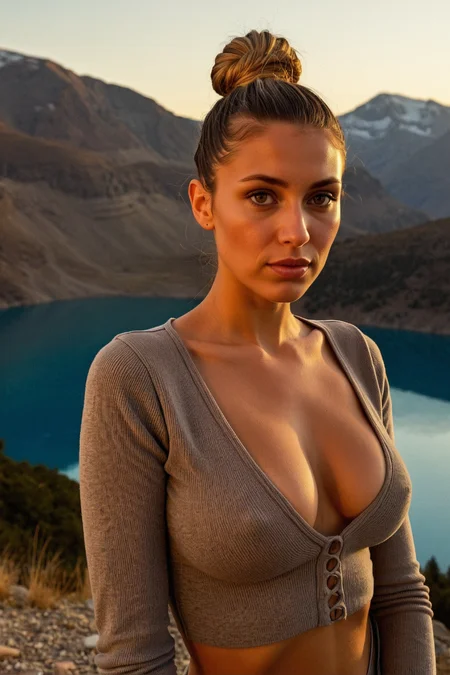

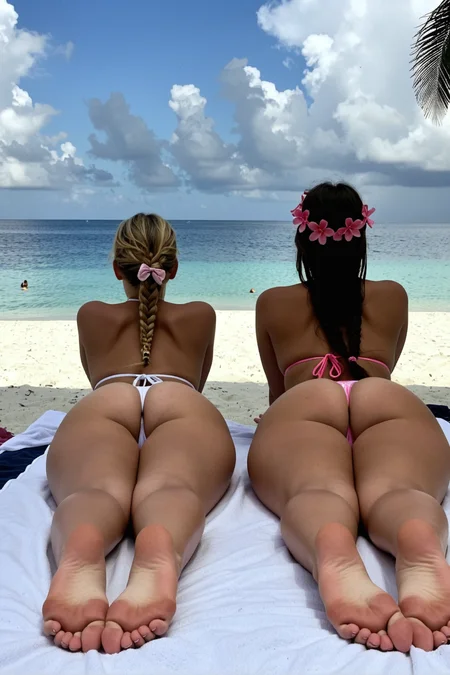
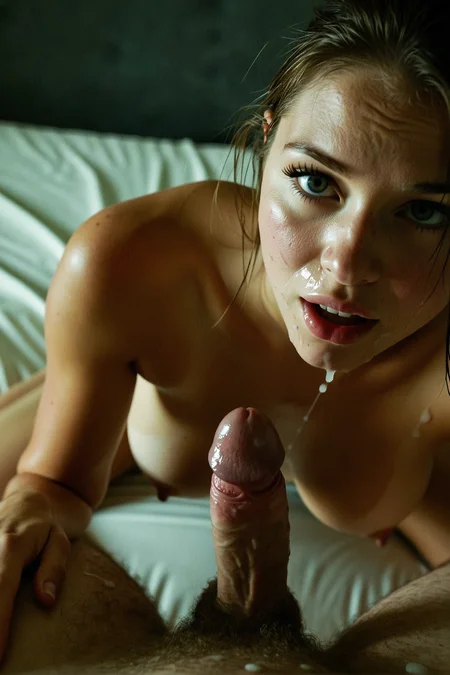
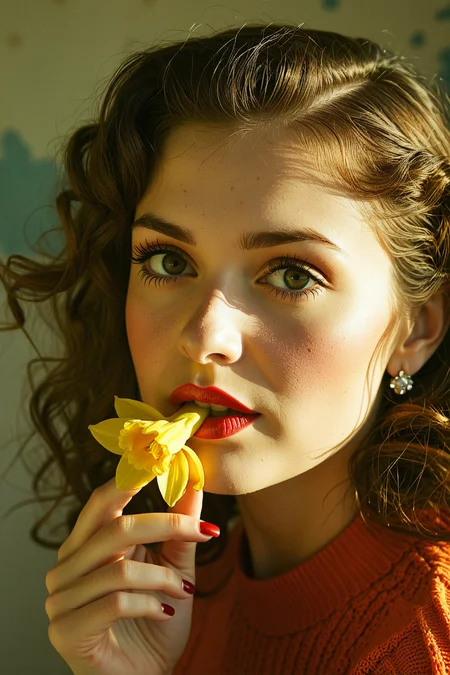
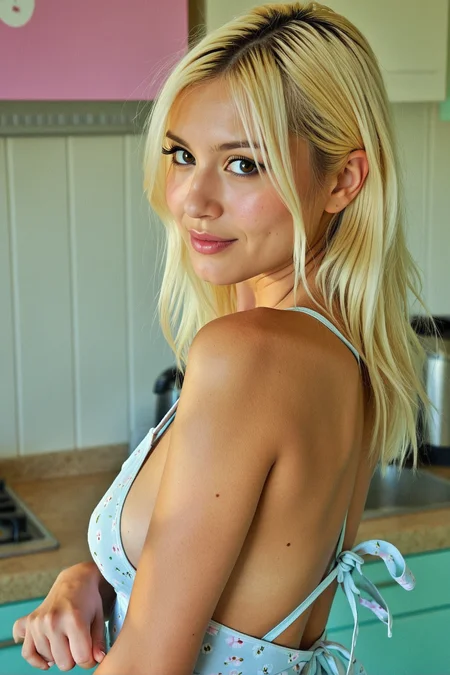

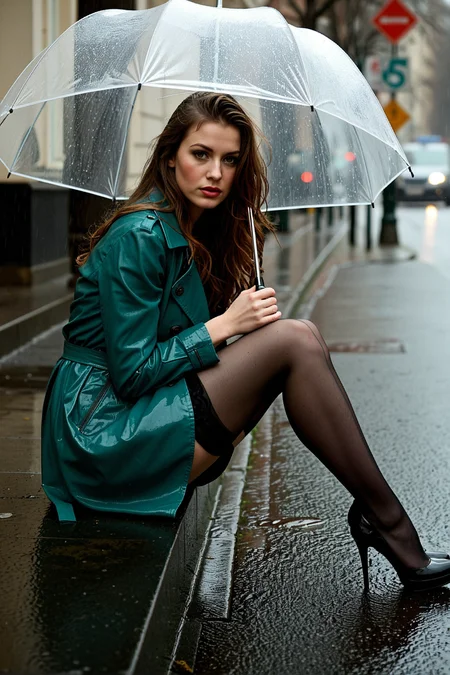
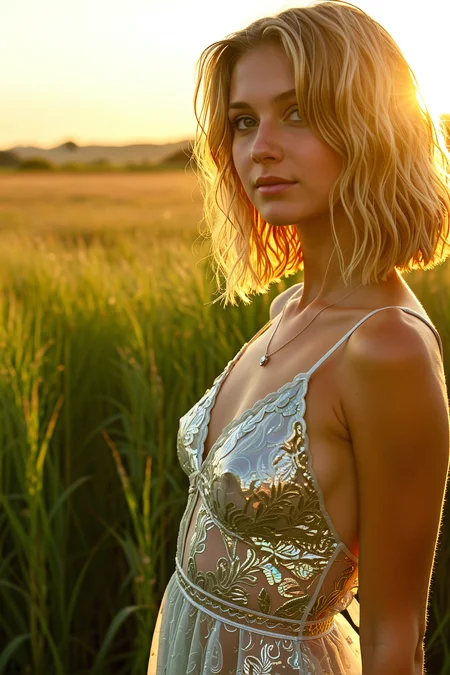
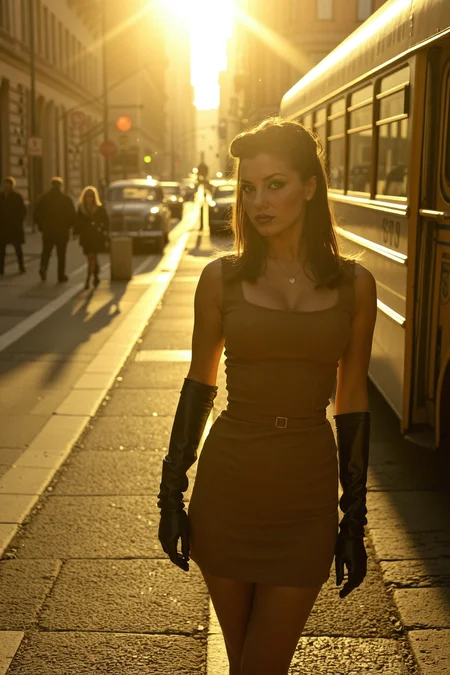
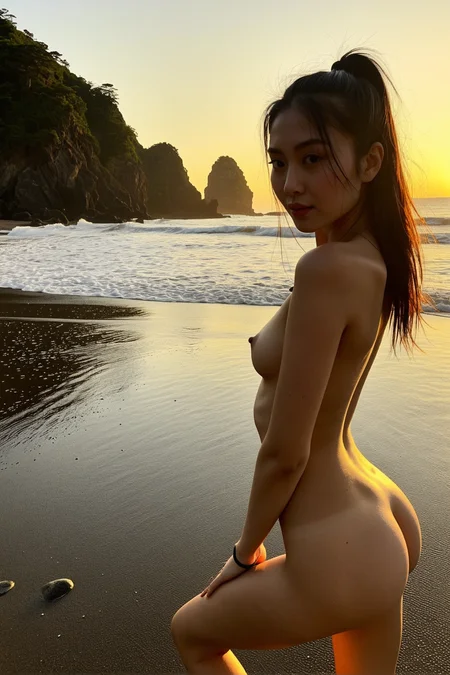
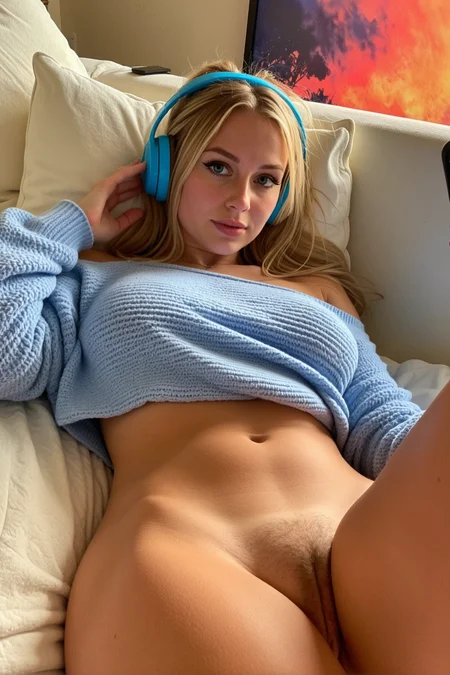
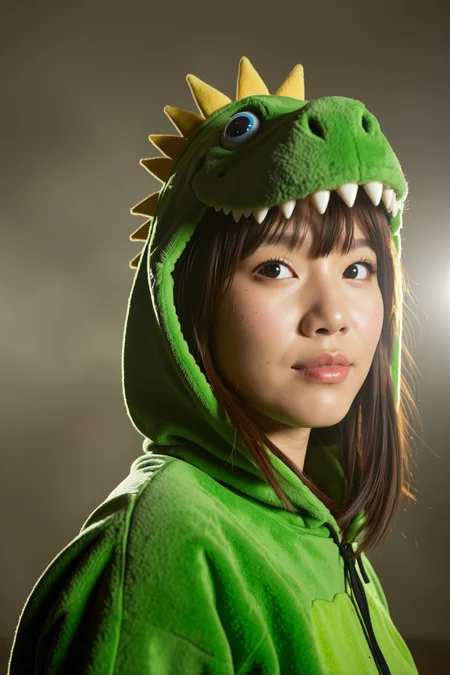
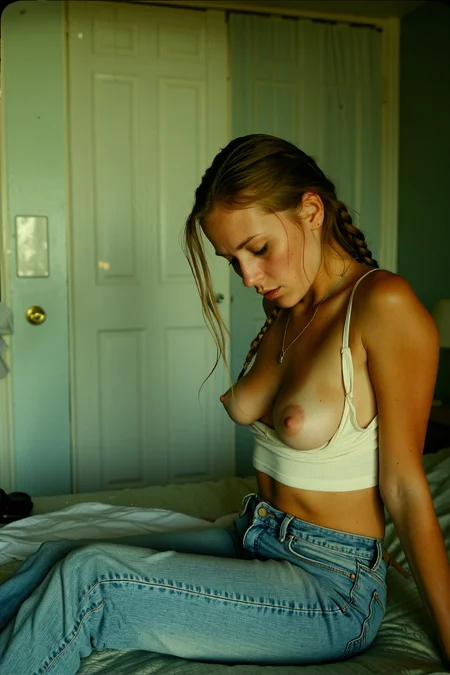
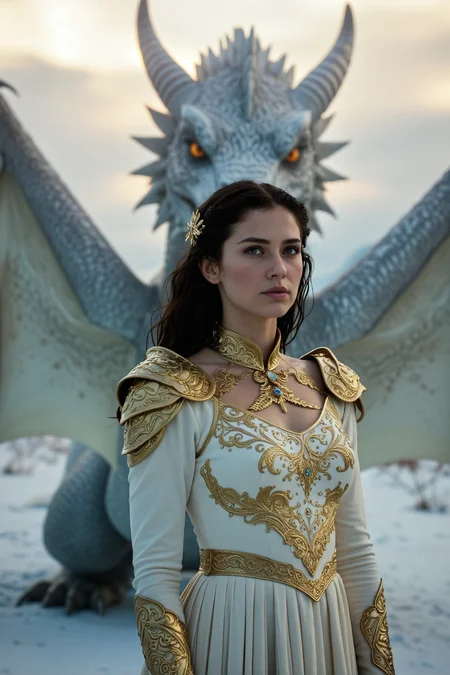
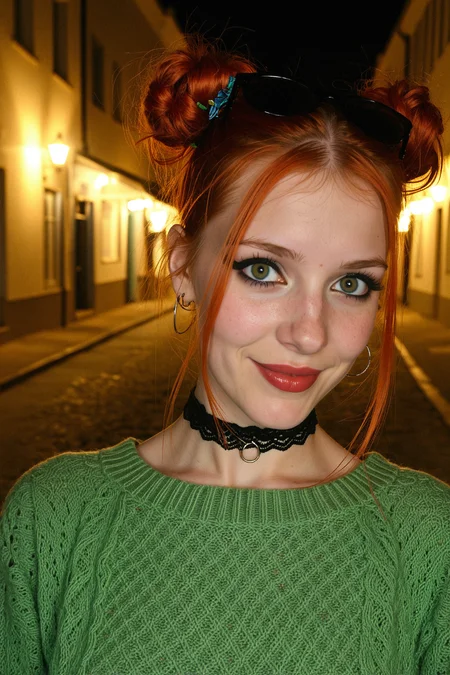
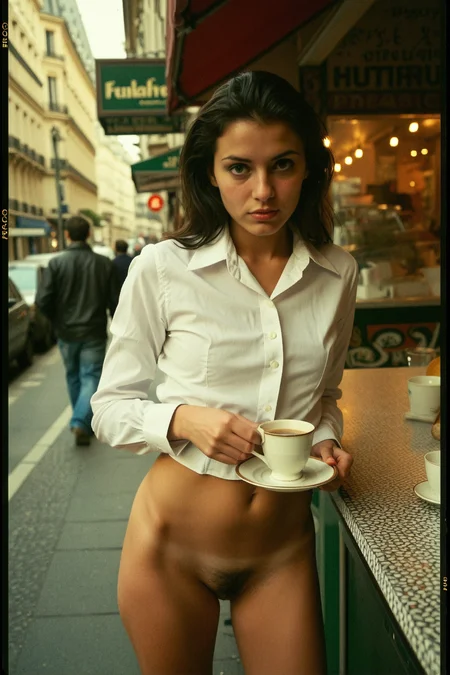
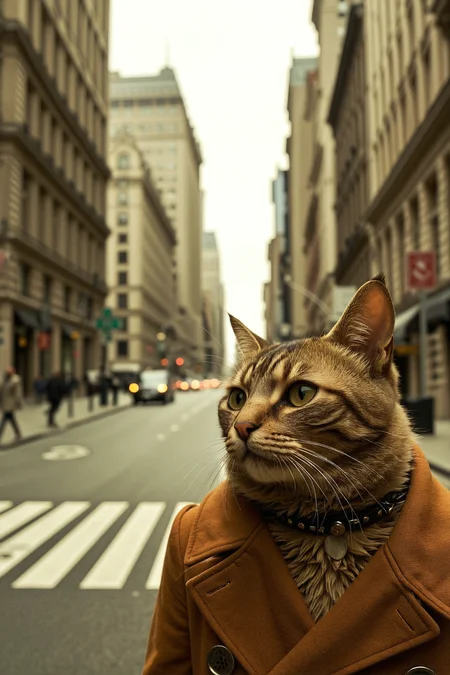
This started as a purely experimental merge, separate from my GonzaLomo models, but has now become my main SDXL source of images. I think the name Mixture of Perverts says it all.
My primary purpose in creating this model is to generate images that I can use for WAN I2V. I wanted something that had a more amateur feel while still being able to produce good color, composition and lighting.
The v5.1 models are among my favorites and offer a wide variety in speed and usage while giving the best photorealistic results.. See the version details for the recommended settings for each of those.
v6.1 and v7.1 are closely related and offer a decent variety of styles and facial types for DMD models.
Most of these versions are DMD models, intended to produce images very rapidly. I recommend using my SDXL DMD workflow or you can choose to use the workflow embedded in the showcase images.
The recommended settings for the DMD models are:
Sampler: LCM
Scheduler: karras, exponential or beta
Steps: 6-14
CFG: 1.0-1.3
Clip Skip: 1-5 (1 doesn't work with some of the newer models)
Fooocus Setup Instructions
1) Click the Advanced checkbox.
2) On the Settings tab, leave the Preset as 'initial' and the Performance as 'Speed'.
3) On the Models tab, set both the Base and Refiner models to MoP.
4) Change the Refiner Switch At setting to anywhere from 0.75 to 0.90. I like 0.85.
5) On the Advanced tab, change the Guidance Scale to 1.
6) Change the Positive ADM Guidance Scaler to 1.
7) Change the Sampler to 'lcm'. You can leave the Scheduler as Karras or Exponential.
8) Set the Forced Overwrite of Sampling Step to 7 to 11. I like 9.
Description
I think I'm getting close to the quality I'm after with this version. Hopefully it's the last version I upload for a while. This one includes a bit of Big Love Photo2 and the FLUX.1 "Emulator" XL Cinematic Style V2 LoRA.
The recommended settings are:
Sampler: LCM
Scheduler: karras, exponential or beta
Steps: 5-12
CFG: 0.8-1.3
Clip Skip: 1-5
My favorite setting is LCM\Karras, CFG 0.8, 7-9 steps. It can be a little unstable and I might need to generate more images to get a really good one but I find those settings can create great images.
FAQ
Comments (47)
Results are amazing. I need to test this asap :-) Good job !
Thanks!
I need to test it with comfyUI... SD-XL gives "interesting" strange results so far :-)
I don't want to oversell this checkpoint, but this new masterpiece has changed my life. Best buzz ever spent.
Thanks so much! I have high hopes for this version.
so confused.. i use all your other DMD2 models and they're fantastic. this one just gives me noise no matter what i do. even redownloaded a couple times to make sure it wasn't corrupted.
is there something different about how you put this one together..?
Hmm, this is no different than the others. It's just an extension of v3.1. I don't doubt you're having the problem but I haven't heard of anyone else having the same issue. Normally I would say it might be a corrupted file but it would be odd for it to get corrupted more than once.
You can maybe try downloading it from my huggingface page, https://huggingface.co/gbrx/GonzaLomo/blob/main/mopMixtureOfPerverts_v40.safetensors.
Otherwise, I have no idea what the issue could be.
Did you try downloading it from hugging face? all i get is blurry pixelated, like it's almost 50% there but not.
@GBRX I downloaded your suggested workflow and it works flawlessly!
@ctcf6 Are you using ComfyUI or some other tool?
@ctcf6 Great, thanks!
@GBRX guess i should have clarified, i was using 3.1 and i'm on a mac via Draw Things.
however - version 4 is working fine! (the HF link). not sure what happened but ty
@Narz Awesome, glad it's working now
Does not work in Fooocus.... How to solve this problem?
@Suzanne how did you get it to work? I am using Fooocus 1.0.8.05 and I only get a white square
@bgregorybg48157 I added Fooocus instructions to the model description.
@bgregorybg48157 The latest Fooocus version is 2.5.5 so it might be time to update it. I tested it with 2.5.5 and it works great.
@GBRX yes, Fooocus is no longer developed, it's a shame...
but it works well with the latest versio, 2.6.5
Thanks again
@bgregorybg48157 see the description and update Fooocus latest version, 2.6.5
@Suzanne Have you tried RuinedFooocus? It looks like that is being actively developed still. The latest commit is just a couple of days ago.
@GBRX yes and I don't understand why he is developing this version which is much worse because it lacks all the features that are interesting in Fooocus.
It's really ruined, but I'll look at the new version if it's better, did you know it?
@Suzanne I've played with it a little today. It has a few features I like but overall I like regular Fooocus better. RuinedFooocus also crashed on me a number of times which was very annoying.
@GBRX ok, I don't think I'll use it...
@GBRX Lateset is 1.0.8.06 FooocusPlusAI
@bgregorybg48157 I'm not familiar with FooocusPlusAI. Is that another fork?
@bgregorybg48157 This is an online model, is there a downloadable version for local use?
Great work !!. 4.0 is more colorful, more detailed, Thanks !!
Thanks!
Knowing it's a SDXL merge, it's amazing...
Thanks! SDXL still has many great uses.
Sixk
I want to add a sign or a simple text. But the result is pretty bad, better to say useless. Am I doing anything wrong ?
No, you're not doing anything wrong. SDXL just sucks at making legible text.
You have a couple of options:
1) Use Flux, WAN or Qwen to create the image with text and then maybe lightly refine the image with SDXL to make it looks more realistic.
2) Use SDXL for the generation but keep the text short and simple with quotes around the text.
I have a Flux workflow with SDXL refiner that might be of some use to you for that purpose.
@GBRX Good to know that I'm not the problem this time. Thanks for your help
If you are generating locally I highly recommend giving different Clipskip settings a try. Above -2 it will ignore more parts of your prompt but the image changes. Sometimes with really great outcome
Does not work in Fooocus.... How to solve this problem?
I'm sorry, I probably should have figured this out and added instructions to the model description before. I just downloaded Fooocus and tested it out. It definitely does not work well with the default settings but I was able to fix it. Here's how:
1) Click the Advanced checkbox.
2) On the Settings tab, leave the Preset as 'initial' and the Performance as 'Speed'.
3) On the Models tab, set both the Base and Refiner models to MoP.
4) Change the Refiner Switch At setting to anywhere from 0.75 to 0.90. I like 0.85.
5) On the Advanced tab, change the Guidance Scale to 1.
6) Change the Positive ADM Guidance Scaler to 1.
7) Change the Sampler to 'lcm'. You can leave the Scheduler as Karras or Exponential.
8) Set the Forced Overwrite of Sampling Step to 7 to 11. I like 9.
Please let me know if you're still having issues.
Thank you for your quick answer, I'll test this, but it seems to me that we can't put the same model in base and refine at the same time, but I'll try...
I cannot get it to work in Fooocus either, even after following the steps you suggest?
ok, it works perfectly now and I would never have guessed for these settings....
However there is still a small problem with the depth of field which tends to be a little too strong, I have tried several combinations of keywords and even in the negative but I can't get rid of it.
Do you have an idea?
Glad it's working for you now and thanks for the DOF feedback. I can try to dial that back in future versions but in some ways it is intentional as I've been slowly training MoP with refined Flux images.
The purpose of this model for me is to create images I can use with WAN I2V so I actually want images that are a bit dramatic and cinematic. WAN seems to work well with this style. Hopefully I can at least make the DOF more optional in the future.
Also, FYI, negative prompts are completely ignored because the CFG is 1.0.
@GBRX Thank you for this information.
I really like the cinematographic look of this model but the DOF is really too strong especially when you want to do a close-up on a person you have, either the face in focus and the rest of the body totally blurred and conversely, if you focus on the buttocks for example they are perfectly clear but the face becomes blurred which is not necessarily realistic.
If we could control this, it would be good...
otherwise for distant views the DOF is good, try to do close-ups in perspective and you'll see....
@Suzanne Thanks, I'll see what I can do about the DOF.
@GBRX great! thanks...
@Suzanne it's realistic depending on the camera / lens you use. smartphones generally don't have good DOF which most people are used to, but keep in mind others are interested in non-smartphone quality imagery.
3.1 is amazing for prompt adherence and superlative to use with another refiner model like cyber realistic.
Wow I'm perfectly okay with being a pervert if this is what I get when I'm xd.