


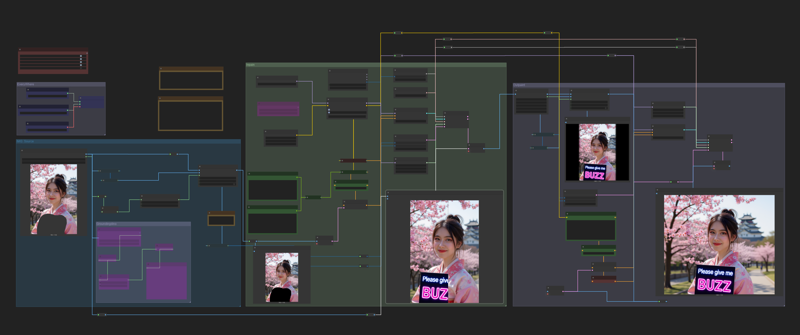
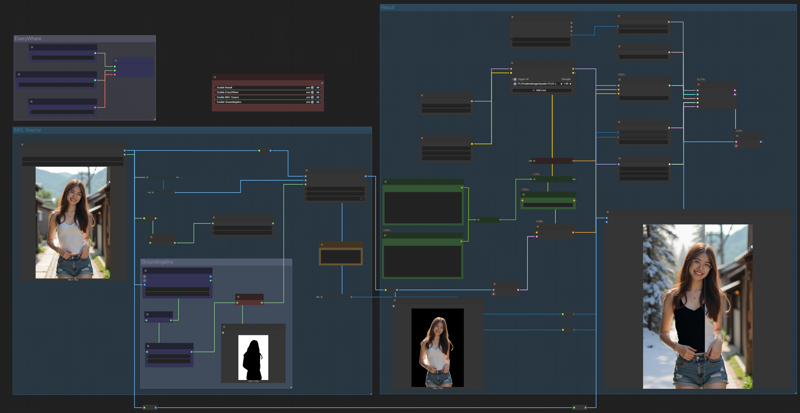
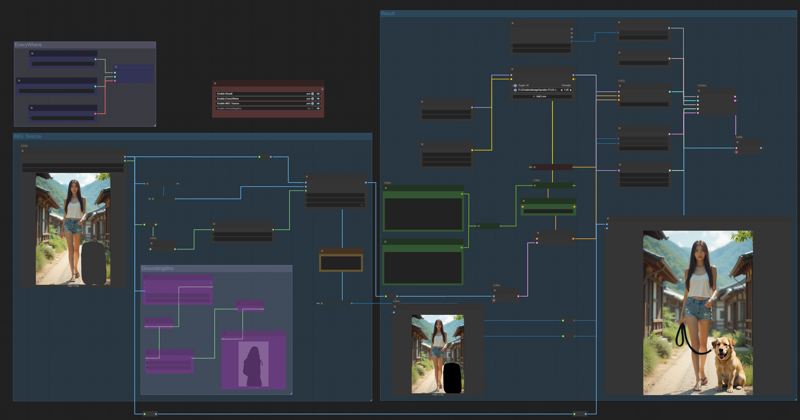
Although this is not a real inpaint, But the results are no different.
Download and test this workflow. You can do inpaint by marking image or prompt for edit by default Kontext behavior.
Now, in version 2
I have added an outpaint feature. It may not always work if there are too many obvious black areas in the rest of the image. However, it works well and I encourage you to give this workflow a try.
Description
FAQ
Comments (10)
Works great! Thank you.
Unfortunately for me, a a diletant user it is uneasy to unterstand how can I act. Althoug I am looking for Kontext mask
victory! genius!
Works perfect, but it's possible to adapt this to use a second image to inpaint on the main image.
For example, to put a logo on a shirt?
Thank you very much for you like. And what you are wondering I have tried it, of course we can use two image for replace it to the paint area, But unfortunate the result is not very good and cannot compete with Flux-fill-dev + Flux-redux
Maybe Flux-kontext + Flux-redux it might solve the problem. I will try to test it and release it if it works well.
@tinnapop_ton Can you help me please, i want to use the manual mask, but when i use it like this nothing change.
https://i.imgur.com/u7pebY2.png

@zerocool22 What are yours prompt ? and what is the expected result ?
https://civitai.com/models/1729159/kontextchangeclothes
This might be more useful for you.
@Azzyboi This is very interesting, thanks for sharing. But from my experiments, swapping clothes or whatever to the target, I think flux-fill-dev + flux-redux still works and gives better results than flux-kontext for now.
Maybe there will be more cool LoRA like this in the future, it just takes time and wait.