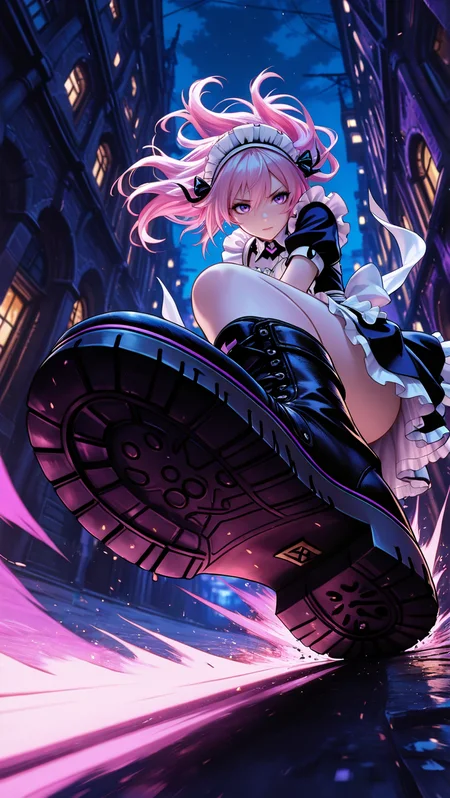
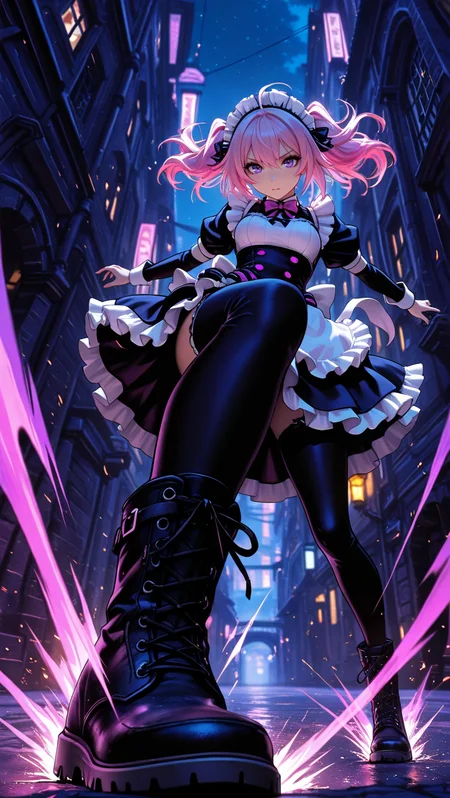
Lustoria is a model designed to generate refined and sensual female visuals in aesthetic settings. It blends soft eroticism, expressive poses, and atmospheric backgrounds, highlighting the beauty of the body, emotion, and style. Lustoria is perfect for glossy, fashionable, or intimate scenes — whether it's a girl in a neon-lit room, on the street under evening light, or in a softly blurred interior. It avoids visual clutter while preserving the power of each frame. Lustoria turns every pose into a story.
💡 Additionally:
The Lustoria model performs quite well even without using ADetailer, if you work with portraits, half-body, or medium-close shots. Faces appear clean, anatomically correct, and expressive. ADetailer is recommended when generating full-body characters in long-range compositions.
For the face, it is necessary to use ADetailer
🎞️ Watch video example:
https://civarchive.com/images/70459219
📸 For full-length works or long-range plans:
The examples use Img2img - Inpaint
🧪 Samplers:
Recommended:
Sampler: Euler a / DPM++ 2M + Karras
Sampling Steps: 25–45
CFG Scale: 5–7 (For portraits: 5–6)
Description
test info
FAQ
Comments (10)
Works extremely slowly on a Mac M2 Pro and not at all on a PC with AMD
What does this model have to do with it?)
The point is that if I take any other model, it works perfectly well with the same characteristics, but not yours. On a Mac M2 pro it works but it's extremely slow (45 min for a classic 512*768 image) and with a good AMD PC it's very fast but the image is unusable in the end. And all other models work normally. On the other hand, the final images are really very beautiful when I manage to get them on the Mac.
Translated with DeepL.com (free version)
@shakes72001 Very strange. I didn't do anything else, as with other models. It couldn't affect the speed. Does any other model of mine work for the same long time?
@shakes72001 I'll take a look into it. (I test out many models for image generation and try to understand how they work.)
If it works well on my end: would it be OK to observe your workflow (as in: what you are doing to generate images with the model)?
(I'm trying to help out, just in case : )
@shakes72001 I tested the model using reForge and it loaded well and it generated an image in a few seconds. There seems to be no issue with this particular model. Let me know if you would like me helping you. I am not associated with the creator of this model, but I am willing to help you out. : 3
It works after adding the -opt-split-attention parameter. Excellent checkpoint
pipe.enable_model_cpu_offload()
pipe.enable_attention_slicing()
pipe.enable_vae_tiling()
I love this model. Among illustrious models Ive used, I like the aesthetics of this model the best.
I'm struggling to get the Anime face using this model. I'm using some of the prompt from the images below and still no luck. Does anyone know how to achieve this? I'm not using any lora and all the sampling, schedule is the same. Is it something with ADetailer? Any help would be appreciated. <3