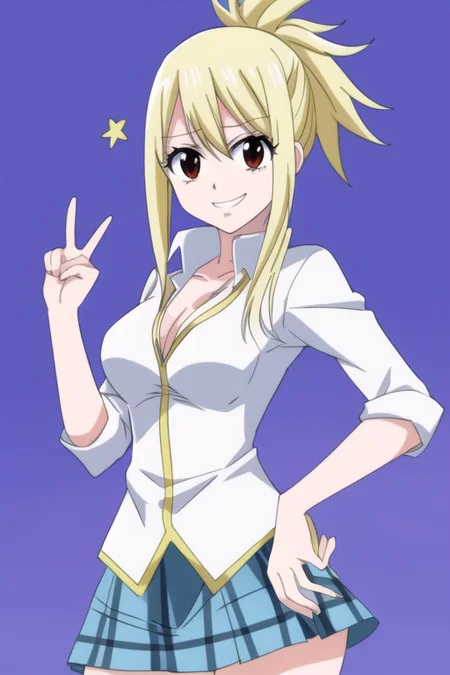
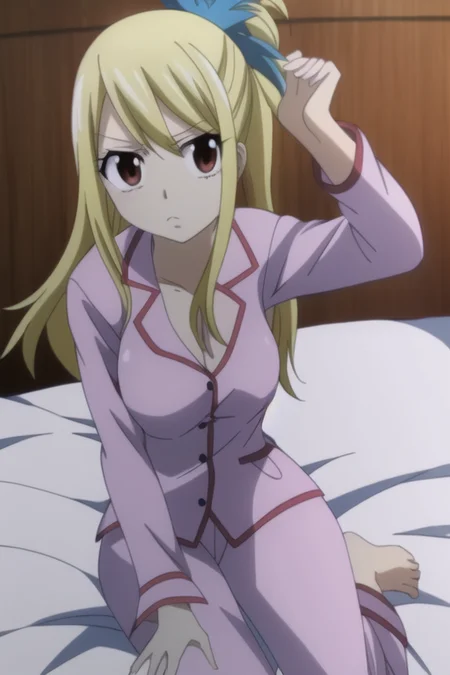

Lucy Heartfilia trained using upscaled images. Used about 110 images from the show and fanart. Model is fairly accurate and flexible with CFG and steps. It is also compatible with other TI's and Lora's. The guild tattoo on the hand rarely shows up but recognizable outfits do appear at times. All images provided are using Anythingv3, clip skip 2, and euler a.
I know others have already done Lucy, but I was experimenting with various setting. As mentioned above, the images were all first scaled down to 512x512, then upscaled to 4k (8x using R-ESRGAN x4+ Anime6B within SD). For anyone interested in setting used:
base model = nai
clip skip = 2
token = 15
rate = 0.0005
batch size = 1
gradient accumulation = 1
width & heigh = 512
dropout tags = 0.0
latent sampling = deterministic
Description
FAQ
Comments (3)
How did you caption the images? Like did you use blip captioning and then edit them to only have the outfit she was wearing or something else?
Not gonna lie this is the best TI model I have used, keep up the good work!
Sorry this is a bit wordy, but it should be clear.
I followed a guide someone posted a while back. You start off with getting the images to work off of, and running them thru birme.net to resize. From there I upscaled these ones in SD under the extra's tab. After that I used the extension called "stable-diffusion-webui-wd14-tagger" (https://github.com/toriato/stable-diffusion-webui-wd14-tagger.git) with the settings:
[tab] batch from directory
[choose directory] leave target blank to save in same location
[check] sort by alphabetical
[check] escape brackets
Then that should have the basic booru tags (some detailed others not so much). So I then pruned the tags with the "BooruDatasetManager" (https://github.com/starik222/BooruDatasetTagManager), it is a standalone executable. Inside that program it goes:
file > load folder... [choose directory]
scroll through and remove any tags that are about the subject on the right side [All tags > delete from all]
in this case it would be something like "blonde hair, brown eyes, tattoo, large breasts" etc.
file > save all changes
After that was the training session in Colab with the settings in the post description. Hope this helps
@fakealtaccount Wow, thanks for taking the time to write this out. This definitely helps!
Details
Available On (1 platform)
Same model published on other platforms. May have additional downloads or version variants.