
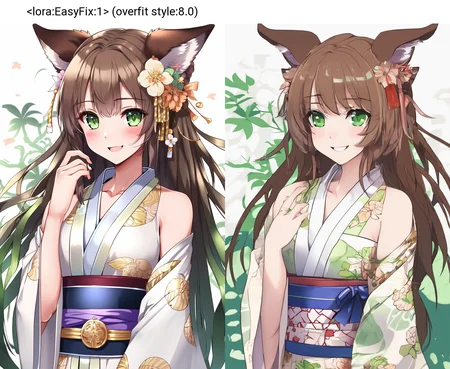
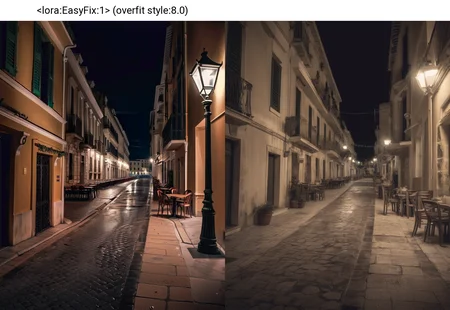
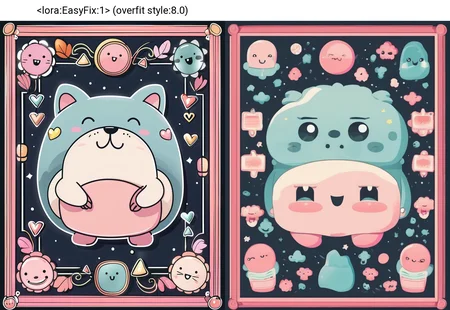
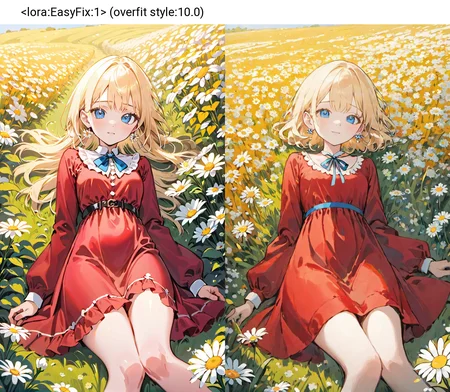

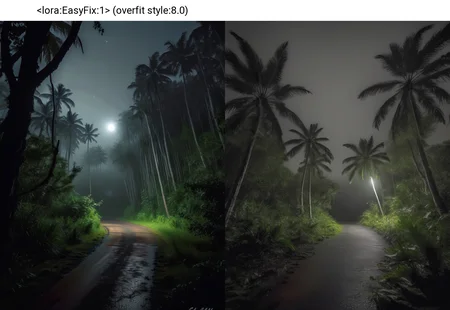
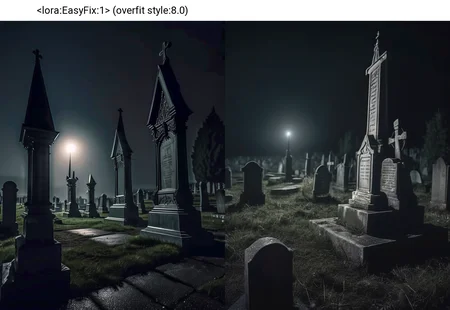
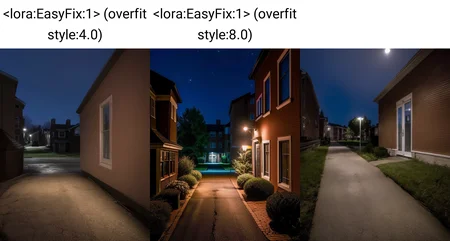
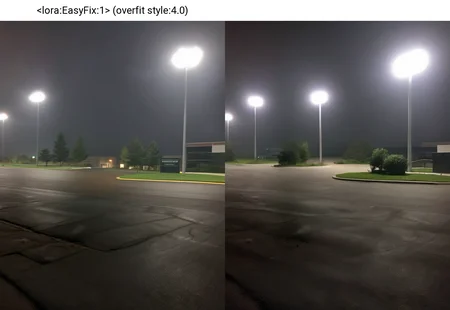
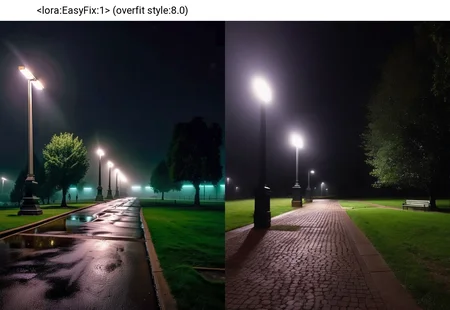
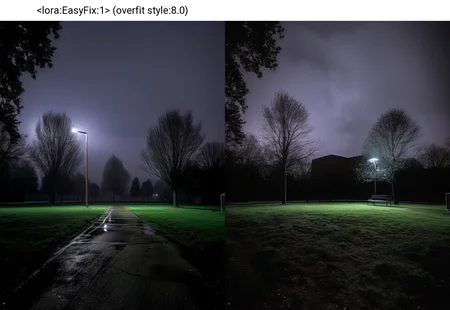
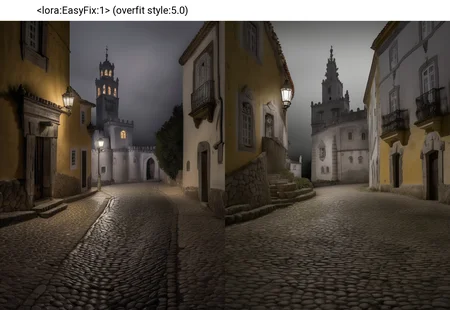
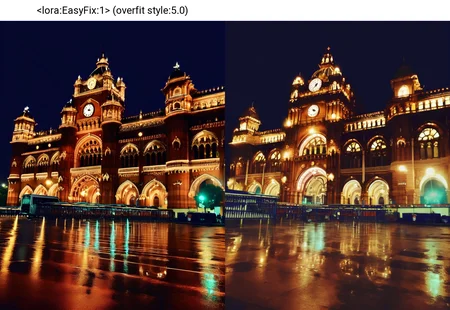


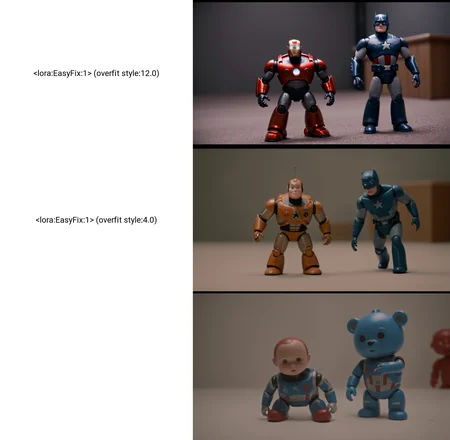
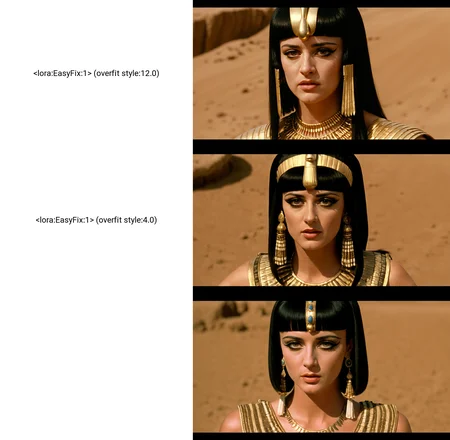
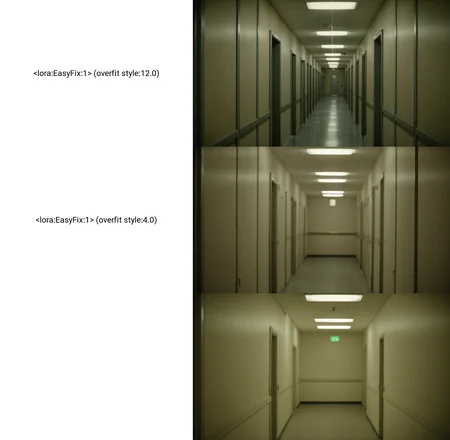
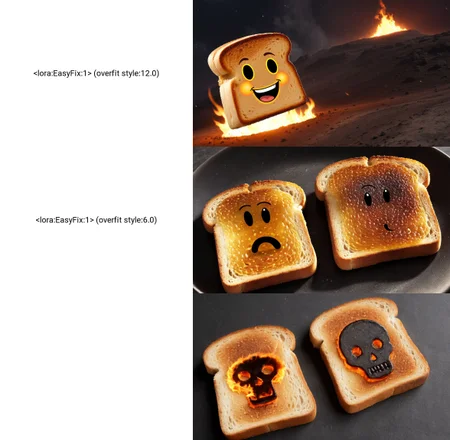
Put in your negative prompt:
<lora:EasyFix:1> (overfit style:1.0)
EasyFix is a negative LoRA trained on AI generated images from CivitAI that show extreme overfitting. This LoRA improves generated image quality without any major stylistic changes for any SDXL model.
Suggested Strength: 1 to 16
Important: adjust the strength of (overfit style:1.0) more than the strength of the LoRA
What is overfitting?
According to IBM (source: https://www.ibm.com/topics/overfitting), "Overfitting is a concept in data science, which occurs when a statistical model fits exactly against its training data. When this happens, the algorithm unfortunately cannot perform accurately against unseen data, defeating its purpose. Generalization of a model to new data is ultimately what allows us to use machine learning algorithms every day to make predictions and classify data."
What does overfitting look like in Stable Diffusion?
Repeating patterns, nonsensical details, small dots, strange artifacts, facial blemishes... etcetera. If you look at an AI generated image and see some strange details that don't make sense, the chances are high that the image shows signs of overfitting.
Overfitting as an Aesthetic
Aesthetic appeal is subjective, so if you enjoy the incredibly detailed images Stable Diffusion is good at making, don't view this model as an attack on your personal taste! Please do an A/B comparison using EasyFix and judge for yourself which is better.
Avoiding Overfitting
In Image Generation:
Simpler prompts, with minimal negative prompting. If needed, lower CFG scale.
In Training:
I will eventually be writing a short guide for advanced users on how I train my LoRA, so watch this space. AI_Characters has an excellent guide on training methodology (see: "Evaluating your model") https://civarchive.com/articles/1771
Methodology
Collect tagged AI-generated images from CivitAI that show overfitting (using https://github.com/hassan-sd/civitai-image-scraper). Images should be greater than minimum size of 768x768.
Remove all brackets and attention strength from captions. (e.g. "((cute dog:4))" becomes "cute dog"). Remove all tags relating to quality (e.g. "masterpiece, best quality, insanely detailed"). Add a trigger word at the start of each word like "overfit style".
Train on the images and generate A/B comparison images while training to save time later.
Description
Trained for 38 epochs. Trained with input noise perturbation 0.1 https://github.com/kohya-ss/sd-scripts/pull/798. Prodigy with CosineAnnealingLR with T_Max set to max epochs (50). LoRA-FA using kohya-ss. Network rank/alpha: 8/4, Conv rank/alpha: 1/1
FAQ
Comments (18)
我该把它放在哪个文件夹里
将其放入名为“Lora”的文件夹中
@adempotent 可我为什么放入lora文件夹它不显示,刷新重启也没有。
So overfitting is also overtraining then?
Yes - it's like if you trained a model on a single image of the Mona Lisa and your generations all start to show features of the original image even if it doesn't make sense.
Note for ComfyUI users: You'll want to load the lora with negative weight
Does the same apply for the weight of the overfit style?
@JanosThanatos No: It's not a lora load weight, it's a prompt weight. You could try putting it with a negative weight in the positive prompt but that's likely to have less than optimal results.
@aoeuidht Thanks for the response. I'm just a bit slow trying to figure out what you mean. Set the model strength positive and the clip strength negative?
@JanosThanatos Set both model and clip load weights negative, and, if you use "overfit style" in the prompt, use a positive weight (but in the negative prompt).
@aoeuidht Thanks for that, seriously: no wonder I've been getting such dubious results, I've been doing it arse-end up.
why doesn't this lora show on the list for me? im using automatic1111
Half my loras fail to show up in A111, it's probably a bug. Just put "<lora:EasyFix:1> overfit style" in your negative prompt and it should load. If it doesn't, it'll say something like "Network EasyFix not found" in the generation output log.
I thought lora's didn't load in the negative prompt area (of Automatic1111) ?
(The name and trigger words of the lora still affects the image, but not because of the lora itself).
you can make this work on none XL models, but the results can be rather inconsistent across a large range of strengths.
Edit:3 seams to be the max strength you can put it before things get very distorted. and you may need some LoRa with a style in order to keep the generation focused.
Can you share any details on how to get it to work with non-XL models?
I'm super confused by this documentation. How is this a negative but has both a negative and positive prompt that are the same? It's yanking my brain in half
anything like this but for Flux?
Details
Available On (1 platform)
Same model published on other platforms. May have additional downloads or version variants.