


r3mix, a Quantum Merge
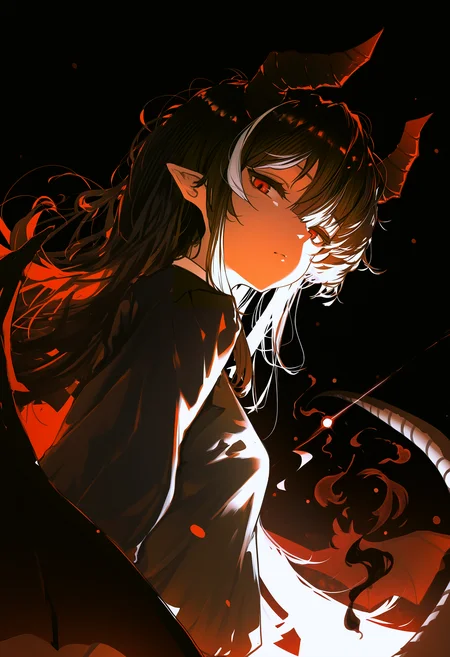
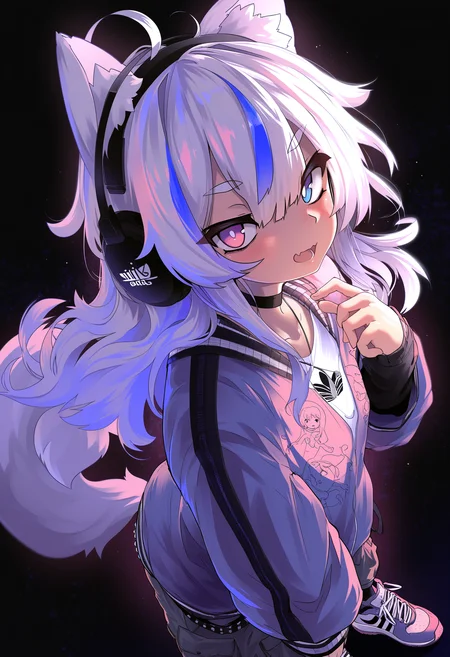
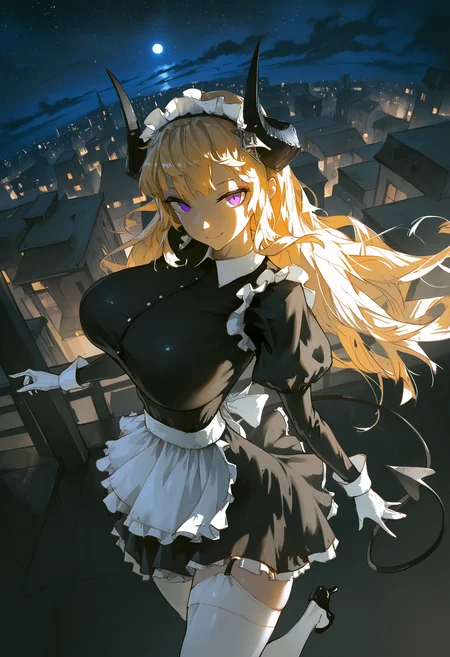
This merge is designed to create a model that generates visually appealing anime style images with minimal anatomical inconsistencies while preserving the extensive conceptual and stylistic knowledge of Illustrious, Noob, and their finetunes. Utilizing a combination of quantum and standard checkpoint merging, r3mix is built from the following models (listed in no particular order):
ΣΙΗ
naiXLVpred102d_final / naiXLVpred102d_custom
noob_v29checkpoint-e0_s4000
chromayumeNoobaiXLNAI_v10
The resulting merge retains the aesthetic quality of ΣΙΗ while reducing excessive gloss—a feature often associated with AI Images. By integrating models with strong style replication capabilities, such as naiXLVpred102d and chromayumeNoobaiXLNAI_v10, and merging them onto noob_v29checkpoint-e0_s4000 as a foundation, r3mix enhances anatomical stability, refines line art, reduces artifacts, and strengthens overall style consistency.
Online Generation: TensorArt or Bid Here!
Local Generation: Install reForge
reForge supports V-Pred models out of the box!
Please refer to the instructions in their repository for installation & usage.
Recommended Settings
It is highly recommended that different steps & CFG scale are used based on the sampler.
Sampler: Euler CFG++
Steps: 20-30
CFG scale: 1-2
Sampler: Euler / Euler a
Steps: 25-30
CFG scale: 4-5-6
The rest of these settings apply to any sampler choice.
Scheduler : Simple
Resolution: 768x1344, 832x1216, 896x1152, 1024x1024, 1152x896, 1216x832, 1344x768 (Use a resolution that does not exceed 1024 * 1024 pixels)
Use Hi-Res Fix and ADetailer as needed
When using latent upscale, pick a denoise strength of 0.53-0.55
When using ADetailer, set the Inpaint mask blur to 8-16
Recommended Positive Prompt
masterpiece, best quality, Recommended Negative Prompt
Keep your negatives simple — Add on to it whenever you encounter something unintended!
worst quality, lowres, artist name, watermark,
censored, bar censor, mosaic censoring,
Other Notes
This model is compatible with LoRAs trained on Illustrious 0.1 and Noob EPS & V-Pred
Refer to this post for some art style examples
PS i love my bwos in /hdg/
Description
Reuploaded v1.0 with a baked in VAE for those who generate images without using an external VAE.
Recipe
ΣΙΗ (QM) noob_v_29_checkpoint-e0_s4000 -> QM_v29EIH.safetensors
naiXLVpred102d_final (QM) chromayumeNoobaiXLNAI_v10 -> QM_nai102dChroma
naiXLVpred102d_final (QM) ΣΙΗ -> QM_nai102dEIH
QM_nai102dEIH (QM) QM_v29EIH -> QM_v29EIHnai102EIH
QM_nai102dChroma (QM) QM_v29EIHnai102EIH -> QM_v29EIHnai102EIHnai102Chroma
0.35 naiXLVpred102d_final + 0.65 QM_v29EIHnai102EIHnai102Chroma -> r3mix_v1
FAQ
Comments (43)
>tfw no vae
1.0 looks way better than other slopmixes in your comparison, brother...
Oops, I missed out on baking in the VAE, thanks for the catch.
Really glad you used the merging method that I posted, model looks much better than what I was able to get, GJ
Thanks for your implementation. I really liked the effect of the merge—glad you’re happy with the results!
Hi all, I have reuploaded v1.0 with a baked in VAE for those who do not wish to use an external one. Please redownload if you need it!
Thanks.
pagchomp
One of my new favorite models, you can get some really great stuff with it.
Happy to hear that! Hope you continue to get great results with it! ♥
Hey there!, this works for training loras or not recommended? or what i can use for training v-pred Lora?
Hello! For training LoRAs, while you can use any model as the base (assuming you don't care about compatibility across models).
Personally, I would recommend training on Illustrious 0.1. As this version of Illustrious is used as a base for various finetunes and merges, by training on it you can ensure that your LoRAs remain compatible with many derivative models.
If you still intend to train V-Pred LoRAs specifically, I would recommend training on Noob's V-Pred v1.0. However, do take note that training V-Pred LoRAs require a different training configuration as compared to EPS LoRAs. For training with kohya's sd-scripts, take note to not use "--noise_offset" and "--min_snr_gamma". Additionally, please enable "--v_parameterization" and "--zero_terminal_snr". (Likewise when using derrian's LoRA_Easy_Training_Scripts)
@r3c Ok thank you for the tips!
@r3c @r3c Any idea on how you disable noise offset on kohya ss? Should I toggle it to multires or original? 10\10 model btw
@darkspaceinfinity Thanks for the compliment. ♥
If you're training a model on base Illustrious 0.1 (Eps Pred) and would like it to be compatible with V-Pred models like Noob, I would recommend that you do not use any noise offset as it was introduced as a way to improve the color contrast range of epsilon prediction models.
Furthermore, if you are not familiar with using kohya ss directly, I would suggest using LoRA_Easy_Training_Scripts as it features an interface; enabling you to easily setup your training parameters. In the event that you would like to stick with kohya_ss, I believe you will need to create a custom config file with the settings you want.
@r3c Maybe it's because I'm using kohya ss rather than lora easy training scripts, but I actually get much better results when using a noise offset of 0.2 and min snr gamma of 5. Also could be because I use prodigy optimizer. Oh well, if it ain't broke don't fix it.
very poggers
idk how to glaze this properly but im liking it a lot
Glad you like it! ❤️
Does this model support Loras made exclusively for Illustrious versions? Or do I need to check each one and maybe there is a possibility that Lora may not be used correctly, because this is a noob vpred based? Correct me if I'm wrong pls.
Hello. This model should support LoRAs that have been trained on Illustrious 0.1, Noob Eps & V-Pred. From my own testing, I have found that my LoRAs trained on Illustrious 0.1 and Noob V-Pred 1.0 work fine with no issues. However, do note that in terms of cross-model compatibility, the quality of the LoRAs used matter as well; LoRAs that are overfit may produce less than ideal results on other models.
@r3c So in case when I have to choose between vpred version and illustrious version of one Lora - it's not much matter which one select, cuz, in ideals situation, the outcome from both of them will be the same?
@nambell Given a scenario where there are two equal quality LoRAs for both base Illu 0.1 and Noob V-Pred 1.0, the V-Pred LoRA should provide you with the best results in terms of style replication; considering that this model is at its core a merge of other Noob-based finetunes (and merges), this model is technically closer to Noob than it is to base Illu.
It shares the advantage of being compatible with Illu0.1 trained LoRAs as Noob is a finetune of Illu 0.1. Personally in my own training and testing, I've found it difficult to create two equal quality LoRAs in both Illu and Noob as both models have nitpicks with training where one might converge better than the other. If you really want the best representation, trying out both types might be better. (I find that Illu0.1 trained LoRAs tend to be 'good' enough)
Technically, Illu0.1 trained LoRAs should work on further versions of IllustriousXL too, if you're interested in trying out that branch of models.
TLDR: Ideally, use V-Pred LoRAs. In reality, quality depends, try both if you want the best result, or just stick with Illu0.1 trained LoRAs since they provide decent results.
Is it possible to add this onto onsite generation?
Nice job!
Not sure if I'm missing something but I can't get this model to generate anything but abstract colors/shapes with well-defined borders (really weird). I have the latest version of reForge downloaded along with all the samplers/settings recommended. Any ideas?
Also -- dragging and dropping the example pics in or making my own prompt doesn't change anything
Tried comparing prompts and maybe it has to do with the difference in reForge version? My metadata ends with No norm, Version: f1.7.0-v1.10.1RC-latest-2165-g25dcc6be while any other image posted ends with Emphasis: No norm, guidance_limiter_enabled: True, guidance_sigma_start: 5.42, guidance_sigma_end: 0.28, Version: f1.7.5dev2-v1.10.1RC-latest-2270-g814f9952
Got it to generate a visually similar image to the original but only if CFG is set to 1.1 in both high-res and normal prompt instead of 1
Hello @komoreb_p, I have downloaded the latest version of reForge but was not able to simulate your issue. In my attempt, I redownloaded the model and placed it into the models\Stable-diffusion folder, then loaded the metadata from the first sample image via PNG Info.
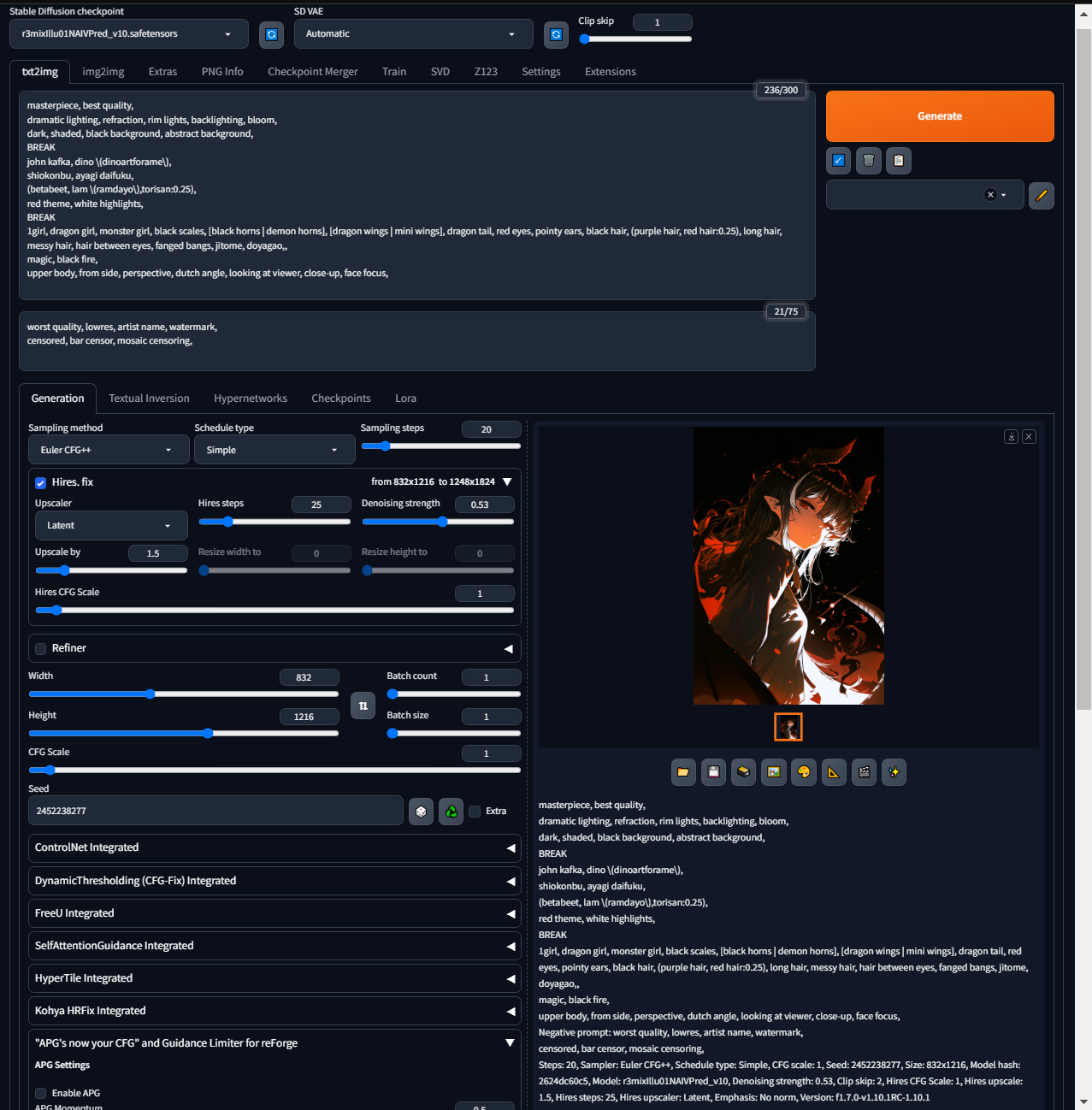
For reference, here is the bottom part of the metadata from the newly generated image.
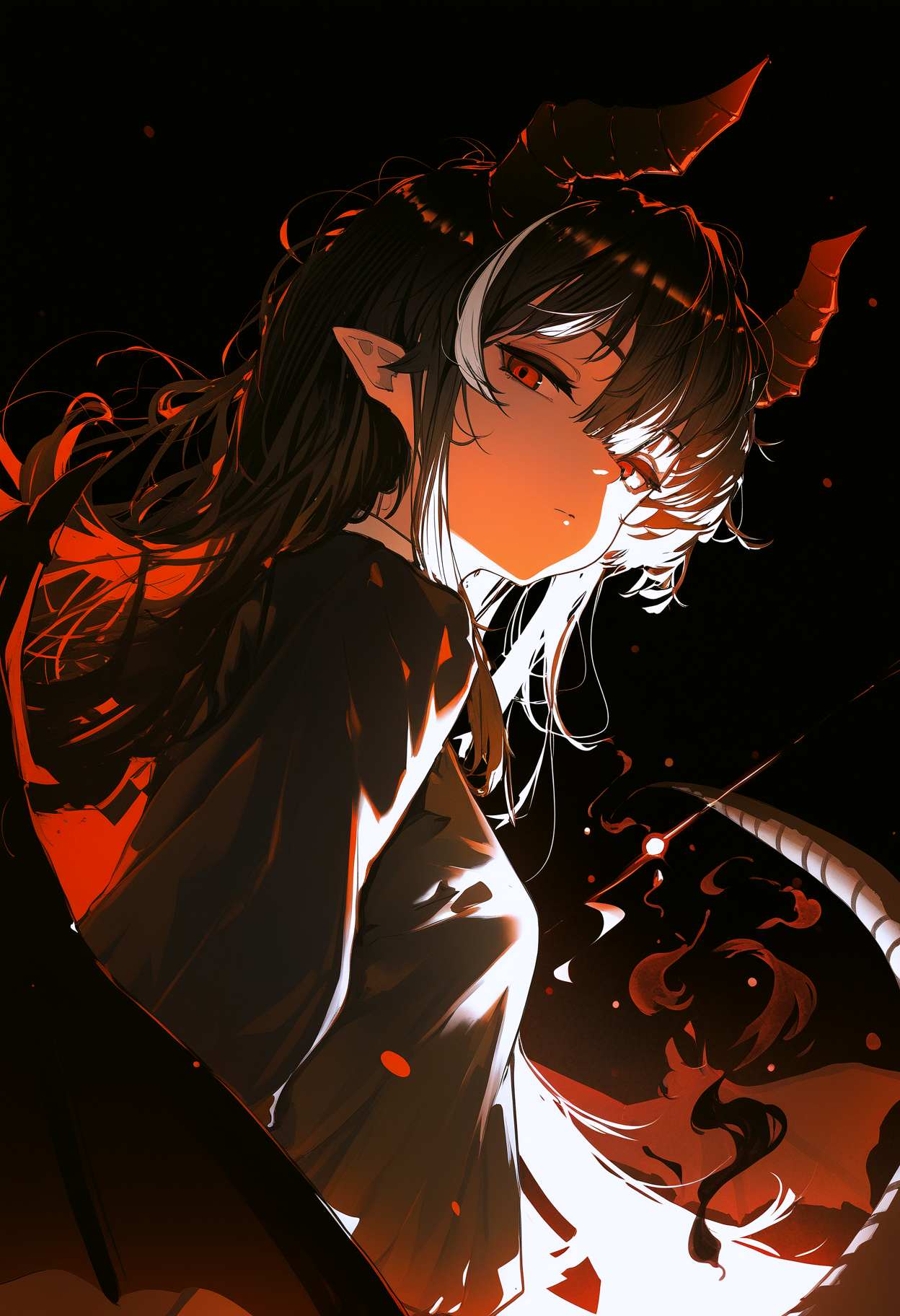
Steps: 20, Sampler: Euler CFG++, Schedule type: Simple, CFG scale: 1, Seed: 2452238277, Size: 832x1216, Model hash: 2624dc60c5, Model: r3mixIllu01NAIVPred_v10, Denoising strength: 0.53, Clip skip: 2, Hires CFG Scale: 1, Hires upscale: 1.5, Hires steps: 25, Hires upscaler: Latent, Emphasis: No norm, Version: f1.7.0-v1.10.1RC-1.10.1
If you are using Hires Fix and getting overly saturated colors and artifacts, please ensure that the Hires CFG Scale setting is having the same CFG value as your CFG Scale setting.
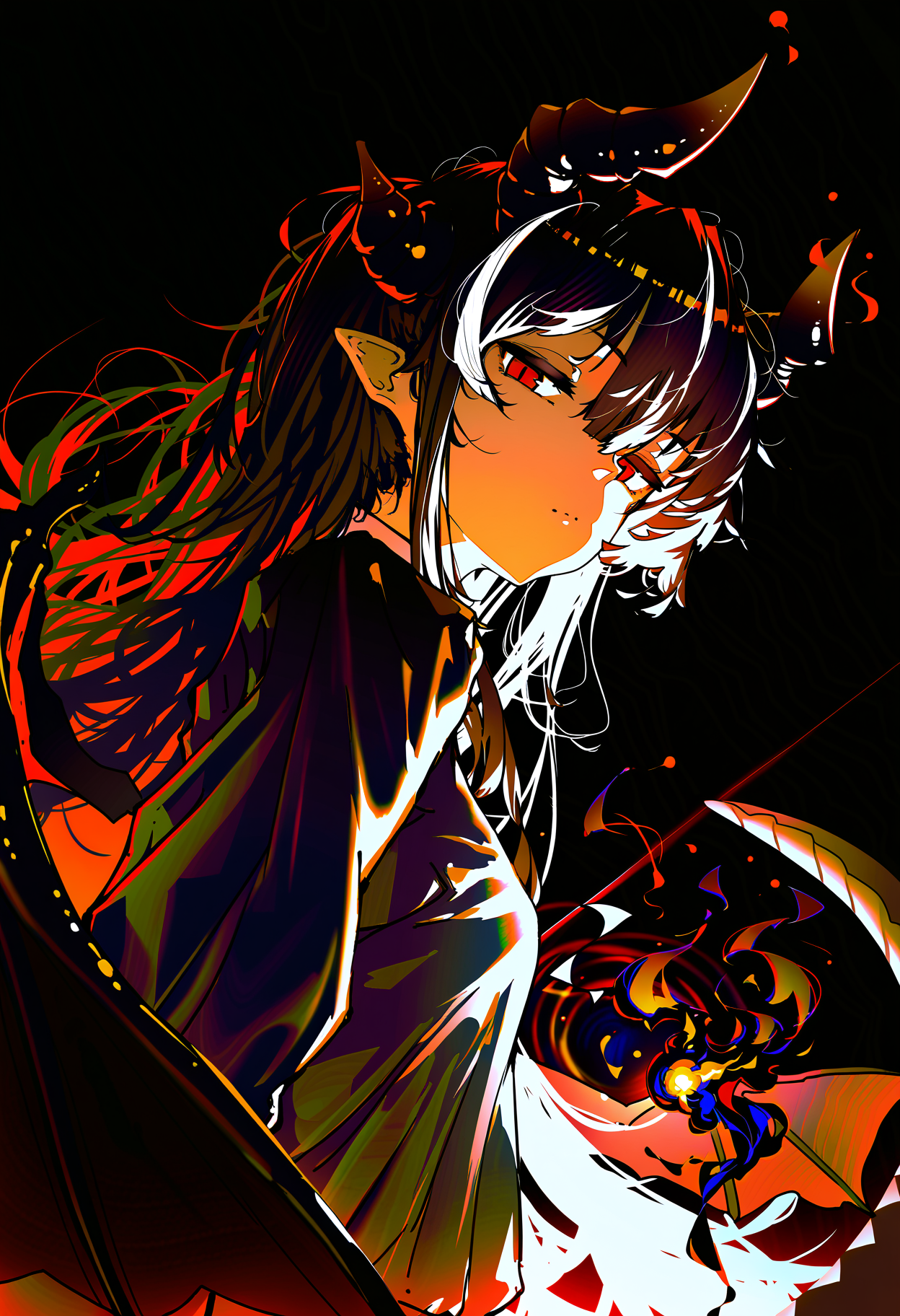
Furthermore, I don't think the issue stems from the guidance limiter setting as these settings are used to lessen the effects of high CFG early on during generation (less artifacts), however generating images without it is perfectly fine as well. You can enable it by going into the '"APG's now your CFG" and Guidance Limiter for reForge' tab that is built into reForge and checking "Enable Guidance Limiter" option.
I have linked the generated images via catbox which will retain the metadata should you wish to try them via PNG Info. Hope this helps.
@komoreb_p Nice that you got it working. If you are using any CFG++ samplers, the CFG scale (including the one under Hires Fix) needs to be set to be around 1-2. Normal samplers like Euler can work with higher CFGs of around 5-7. Although I'm not exactly sure why you needed to set it to 1.1 as I did not face such an issue with a fresh install of reForge.
@r3c Hi, thanks for the replies! I just realized that the 1.1 CFG scale fix only worked for me with normal forge UI and not reForge. When I tried that same fix in reForge, it didn't work, which is really odd.
The same goes for trying the newly generated image you provided. If I try to generate it Forge UI at CFG of 1, I get this result. If I try to generate at either CFG 1 or 1.1 in reForge, I get this result. However, if I make the CFG anything but 1 (in this case, I did 1.01) in Forge UI, I get a normal result that is similar to your output, but also obviously different, even on the same seed.


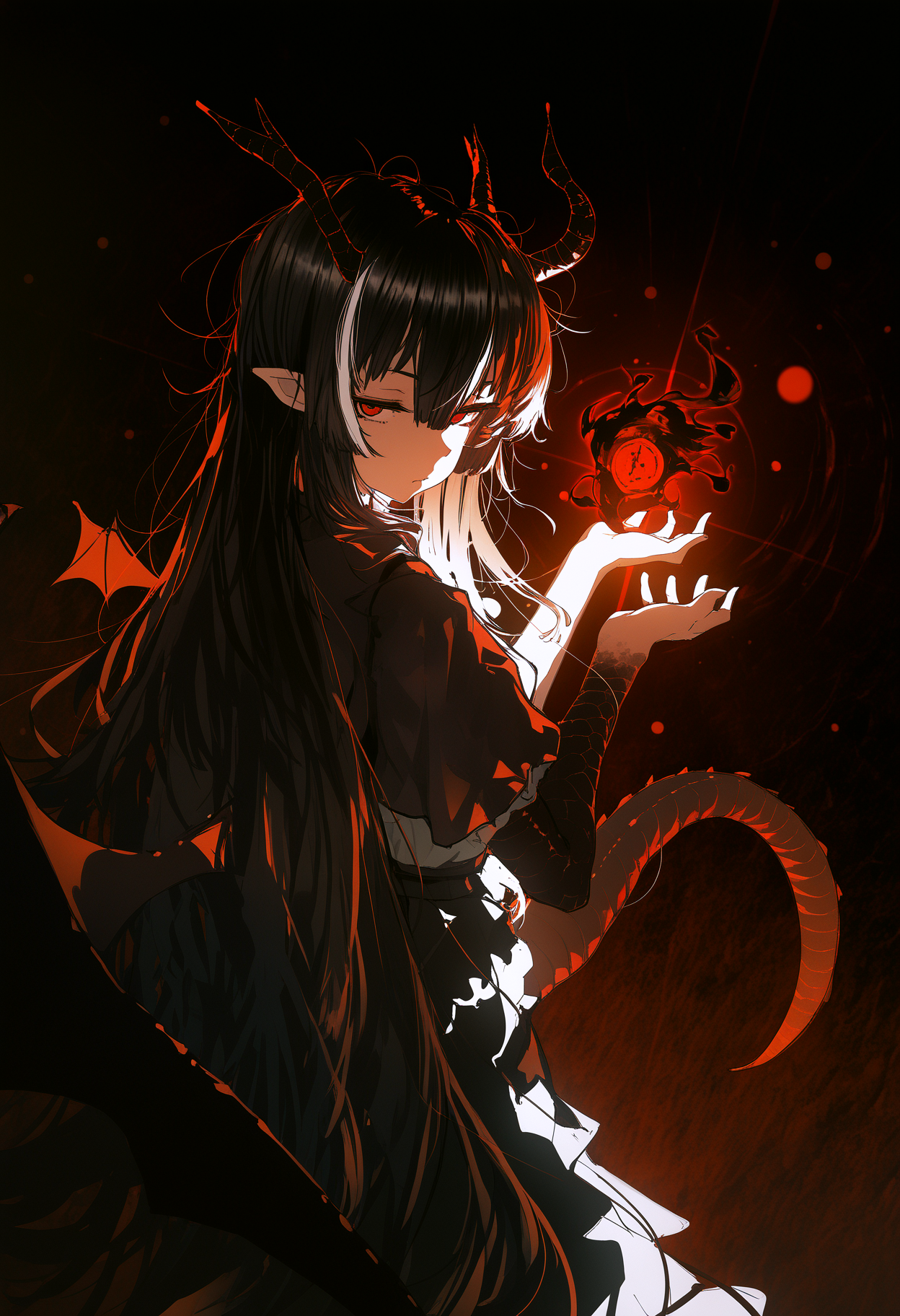
I added some of my CMD outputs for both UIs down below as there are a few errors that get thrown. Not really sure if it's anything useful to help figure it out. No pressure to figure it out if it's just a weird bug or something!
In particular, I do find it weird that Forge outputs: "Skipping unconditional conditioning when CFG = 1. Negative Prompts are ignored."
This is the CMD output I get in Forge when CFG is set to 1:
To create a public link, set share=True in launch().
Startup time: 30.8s (prepare environment: 6.9s, launcher: 0.7s, import torch: 11.1s, initialize shared: 0.3s, other imports: 0.6s, list SD models: 0.1s, load scripts: 3.8s, create ui: 4.0s, gradio launch: 3.3s).
Environment vars changed: {'stream': False, 'inference_memory': 1024.0, 'pin_shared_memory': False}
[GPU Setting] You will use 91.67% GPU memory (11263.00 MB) to load weights, and use 8.33% GPU memory (1024.00 MB) to do matrix computation.
Loading Model: {'checkpoint_info': {'filename': 'Z:\\New folder\\webui\\models\\Stable-diffusion\\r3mixIllu01NAIVPred_v10.safetensors', 'hash': 'a3f92b1a'}, 'additional_modules': ['Z:\\New folder\\webui\\models\\VAE\\xlVAEC_c0.safetensors'], 'unet_storage_dtype': None}
[Unload] Trying to free all memory for cuda:0 with 0 models keep loaded ... Done.
StateDict Keys: {'unet': 1680, 'vae': 248, 'text_encoder': 197, 'text_encoder_2': 518, 'ignore': 0}
Working with z of shape (1, 4, 32, 32) = 4096 dimensions.
K-Model Created: {'storage_dtype': torch.float16, 'computation_dtype': torch.float16}
Model loaded in 21.9s (unload existing model: 0.2s, forge model load: 21.8s).
Skipping unconditional conditioning when CFG = 1. Negative Prompts are ignored.
[Unload] Trying to free 3051.58 MB for cuda:0 with 0 models keep loaded ... Done.
[Memory Management] Target: JointTextEncoder, Free GPU: 6234.99 MB, Model Require: 1559.68 MB, Previously Loaded: 0.00 MB, Inference Require: 1024.00 MB, Remaining: 3651.31 MB, All loaded to GPU.
Moving model(s) has taken 5.73 seconds
Skipping unconditional conditioning (HR pass) when CFG = 1. Negative Prompts are ignored.
[Unload] Trying to free 1024.00 MB for cuda:0 with 1 models keep loaded ... Current free memory is 4376.20 MB ... Done.
[Unload] Trying to free 2856.18 MB for cuda:0 with 0 models keep loaded ... Current free memory is 4312.50 MB ... Done.
[Memory Management] Target: KModel, Free GPU: 4312.50 MB, Model Require: 0.00 MB, Previously Loaded: 4897.05 MB, Inference Require: 1024.00 MB, Remaining: 3288.50 MB, All loaded to GPU.
Moving model(s) has taken 0.06 seconds
100%|██████████████████████████████████████████████████████████████████████████████████| 20/20 [00:09<00:00, 2.09it/s]
[Unload] Trying to free 2845.44 MB for cuda:0 with 1 models keep loaded ... Current free memory is 4284.92 MB ... Done.
84%|████████████████████████████████████████████████████████████████████▉ | 21/25 [00:22<00:04, 1.15s/it]Z:\New folder\webui\modules\sd_samplers_common.py:75: RuntimeWarning: invalid value encountered in cast
x_sample = x_sample.astype(np.uint8)
100%|██████████████████████████████████████████████████████████████████████████████████| 25/25 [00:27<00:00, 1.10s/it]
[Unload] Trying to free 9663.86 MB for cuda:0 with 0 models keep loaded ... Current free memory is 4274.75 MB ... Unload model JointTextEncoder Current free memory is 6038.93 MB ... Unload model KModel Done.
[Memory Management] Target: IntegratedAutoencoderKL, Free GPU: 11038.24 MB, Model Require: 159.56 MB, Previously Loaded: 0.00 MB, Inference Require: 1024.00 MB, Remaining: 9854.68 MB, All loaded to GPU.
Moving model(s) has taken 3.86 seconds
Z:\New folder\webui\modules\processing.py:1040: RuntimeWarning: invalid value encountered in cast
x_sample = x_sample.astype(np.uint8)
This is the CMD output I get in reForge:
To create a public link, set share=True in launch().
Startup time: 33.1s (prepare environment: 9.6s, import torch: 11.4s, import gradio: 1.1s, setup paths: 1.6s, initialize shared: 1.4s, other imports: 0.8s, load scripts: 4.3s, create ui: 1.7s, gradio launch: 1.0s).
WARNING:root:clip missing: ['clip_l.text_projection', 'clip_l.logit_scale']
loaded diffusion model directly to GPU
Reloading VAE
Model r3mixIllu01NAIVPred_v10.safetensors [2624dc60c5] loaded in 60.3s (memory cleanup: 0.4s, load weights from disk: 1.4s, forge instantiate config: 0.3s, forge load real models: 30.6s, forge finalize: 0.1s, load VAE: 2.5s, calculate empty prompt: 25.0s).
Z:\stable-diffusion-webui-reForge\modules\sd_models.py:654: FutureWarning: torch.distributed.reduce_op is deprecated, please use torch.distributed.ReduceOp instead
if (isinstance(obj, torch.Tensor) and
Memory change: 319.94 MB (4.91 GB total)
I do like this model for base gens but it tends to turn skin a sickly pink color when inpainting
Can you update merge due the new version of ΣΙΗ dropped(v1.5)?
Want.
big
Great model, it remove the glossy effect most ai pic have and fairly accurate
...based!
I smell a Banger. Especially since It's Based on one of the Best Vpred Models ever made. Nihehe~
Banger Model! Thank you for releasing! And I hope you Address the Issue I mentioned In my Review. Joayo~!
Hi @Boredafk, glad you like it!
The baked-in VAE is producing the pink gradients during inpainting.
Please do consider trying out this VAE which should minimize such artifacts: huggingface.co/madebyollin/sdxl-vae-fp16-fix
That Makes Sense. Will try it out Later
Check my Updated review.
Expect the Next Image Batch (Which has Images with Character loras used) and a Review Update Tomorrow. Thank you for this Banger ❤️!
The Third and Unfortunately the Last Batch will arrive at Friday. Since I'll be Extra Busy
During my Break of posting on Civit I got some Nice Images (Mostly Amana Osaki and Shinymas) So I said why not Post them? Expect a Fourth and Bigger Image Batch Today
Civit has Some Problems. So I'll Post them Later. Sorry
Details
Files
Available On (1 platform)
Same model published on other platforms. May have additional downloads or version variants.