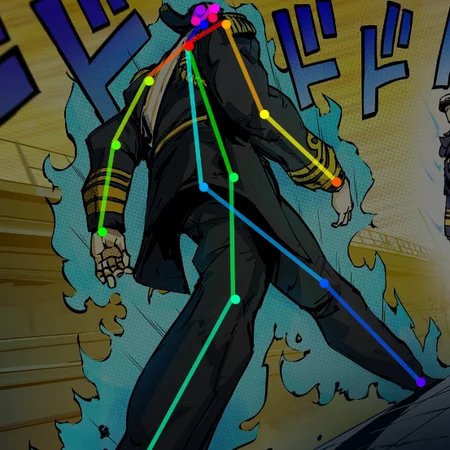
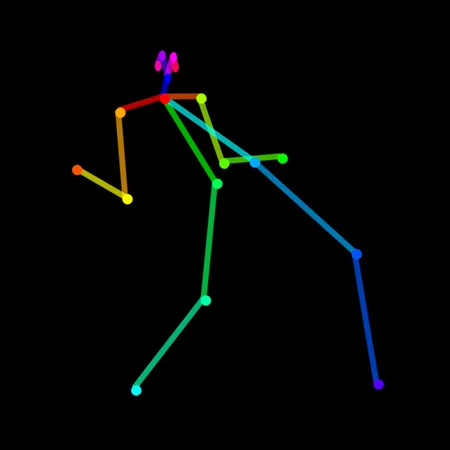
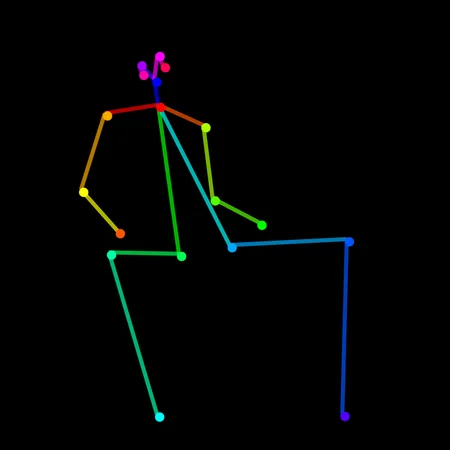
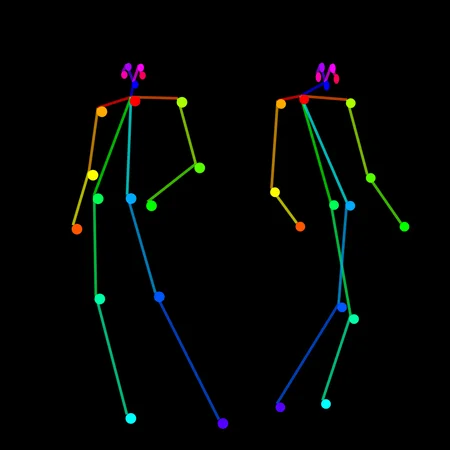
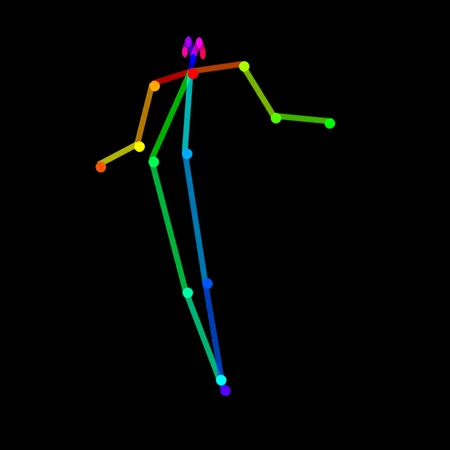
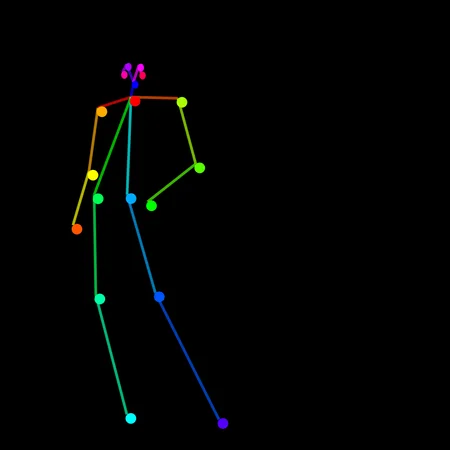
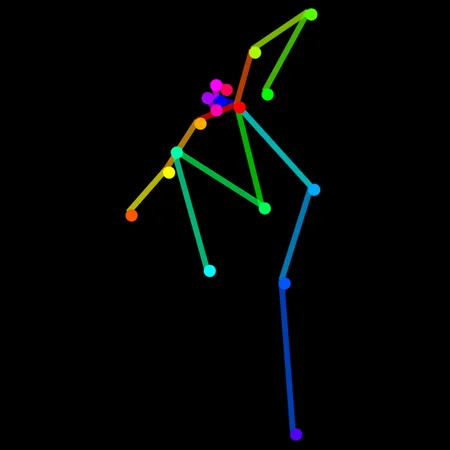
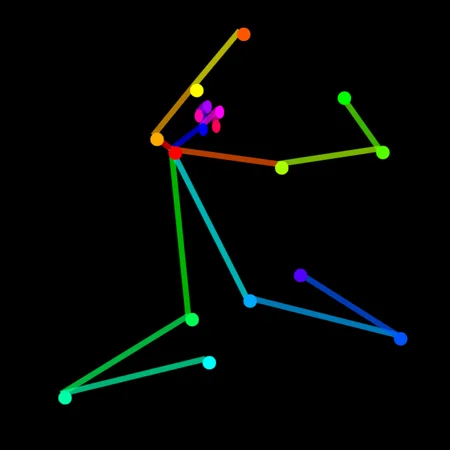
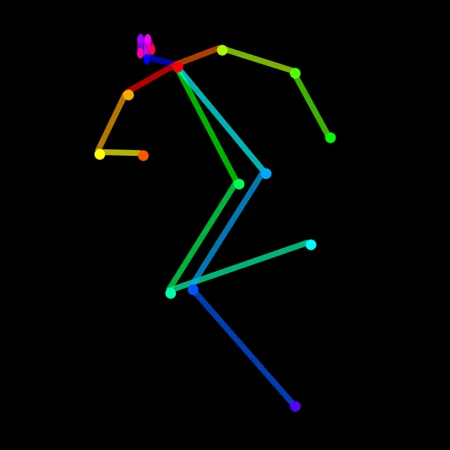
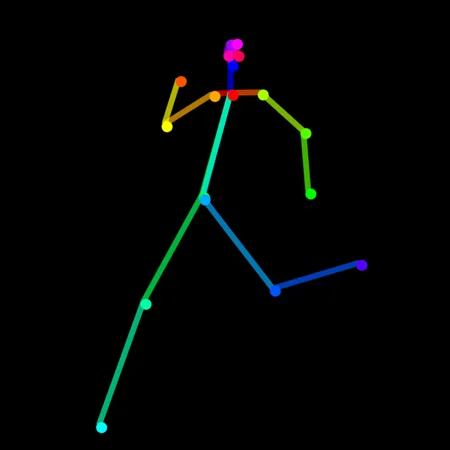
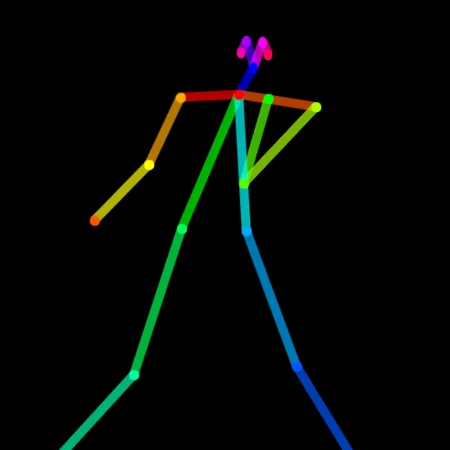
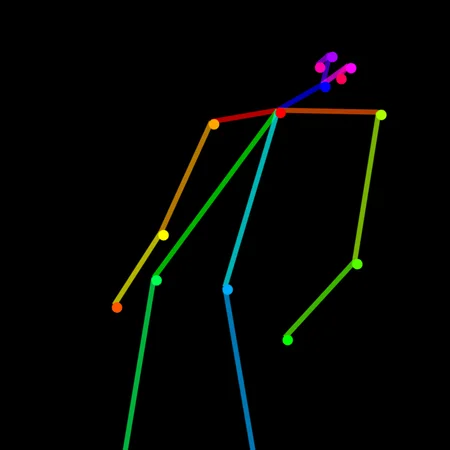
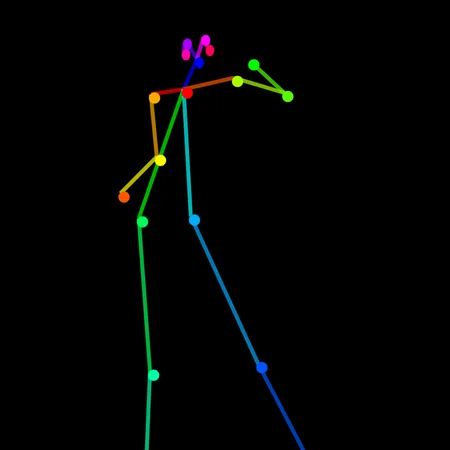
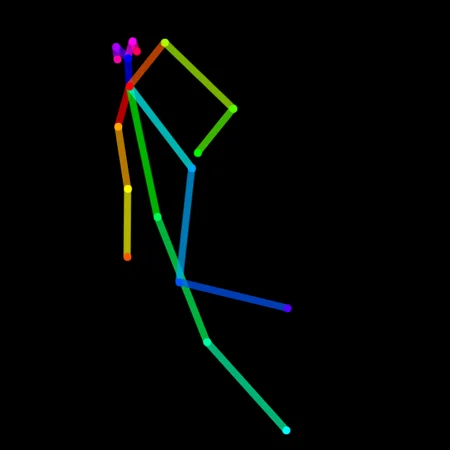
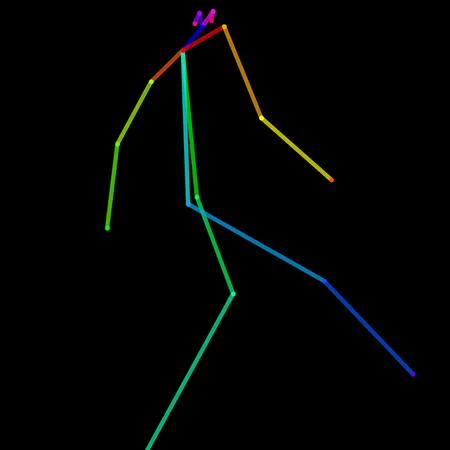
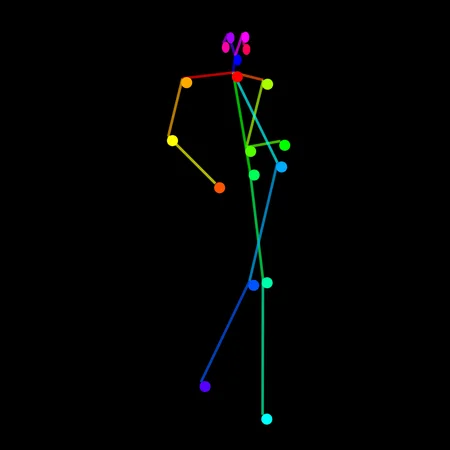
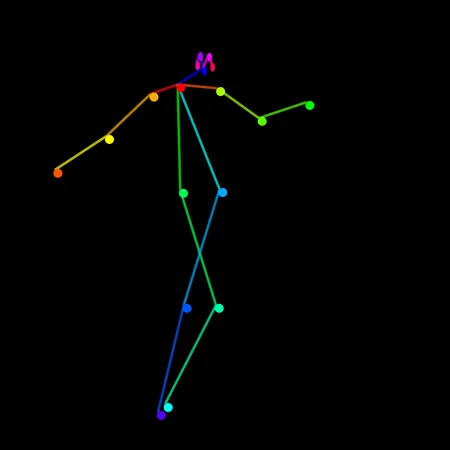
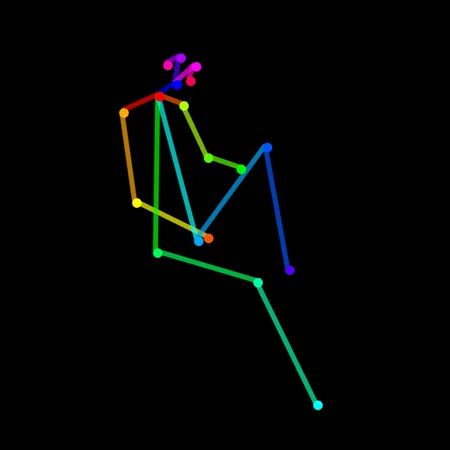
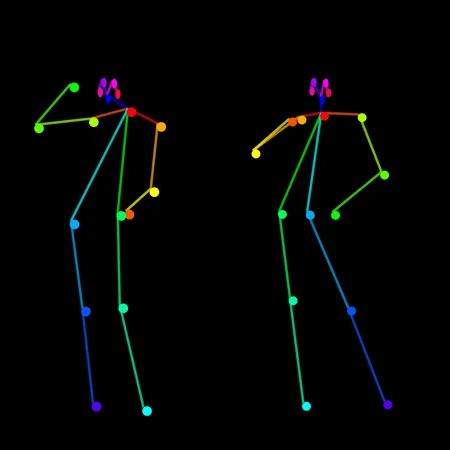
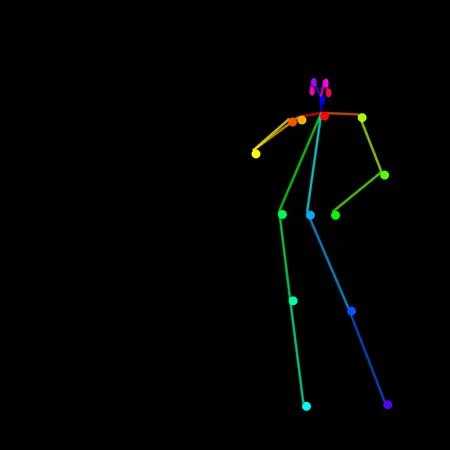
Jo Jo's Bizarre Pose Helper
1 March 2023: Update Version 3 - 92 Poses!
25 Poses from Version 1 of the helper
24 poses added from Jo Jo's Bizarre Adventure
31 new Poses from Stardust Crusaders
Version 3.0 will feature even more Poses from "Stardust Crusaders!"
Contains Poses, based from Jo Jo's Bizarre Adventure
Use these in Control NET with Open Pose with any SD 1.5 model
Optional: Includes each of the poses in JSON so you can alter them if you wish, once you have saved your edited Poses into PNG you can use those with Control NET.
Enjoy ! and post your images in the review ;)
futures versions will release with new Poses for this collection
(Poses containing high numbers of Persons are experimental)
release log:
Version 1 contains 24 Poses
Version 2.5 contains 59 Poses
Version 3 contains 92 Poses
Tutorial:
1. Have Automatic Web UI installed
2. Use the ControlNET extension
3. Download the ControlNET models as explained here to your WebUI
4. Choose a nice SD 1.5 model (suggestions at the bottom)
5. Restart the webUI and expand the Control NET Panel:
There are many ways you can use this tool, but for the OpenPose system, drag your pose in to the image space (1) then click enable (2) and finally select ControlNETPreTrained_openposeDifference (3)
From here you can use txt2img to prompt away like normal :)
video shall arrive to explain this in more details soon.
Resources used in Demo Images:
[MODEL]
dreamshaper_331BakedVae
[LORA]
[Negative Textual Inversion]
Description
For use with Control NET Open Pose & Open Pose Extension for Automatic1111 webui
FAQ
Comments (19)
do we not have 2.x working for Controlnet yet?
unfortunately, not yet - hopefully soon i suppose, the images will rescale so the assets should work for both if it does arrive.
@driftjohnson by "if", you mean when....
How do we edit the json files for these?
you will need the open pose editor for the automatic webui, i will add the link to the description. load the pose PNG and JSON in that extension at 768x768 (it should do this for you) and you can drag the skeletons joints around, then click save to PNG and use your new pose with ControlNET
A wonderful resource - thank you
Great job ! More poses collections. And some sample renders to illustrate the poses.
working on the Version 2 which will expand this resource ;) thanks for trying it out!
Can you add some sample renders side by side to the poses ?
@ritcher1 these will be added to the main page as i ran out of space. I'll replace some demo images with renders too so you can see the prompts ;)
@driftjohnson Thanks ! It would be even better having the pose followed by the relative render: pose1-render1, pose2-render2, etc.
@ritcher1 if you scroll down, there are several grids that show the skeleton and two different renders, also the prompt is almost the same for all the V2 demos
@driftjohnson Perfect, thanks.
Someone created a website for resources like this :)
https://controlnetposes.com/controlnet-poses
I took a look but the interface is a bit buggy. Added one and it broke the thumbnails. Also it would take hours to add all the poses i have. If they fixed that, i would add them all though
@driftjohnson hi i had created that site and i saw the error, in preview that you mentioned.. can you please try once more if its working? anyway great poses! please upload to civit as it seems good for bulk upload. It would great if i can download poses of yours and upload it to my site, I can give credit to specific page of yours if want otherwise i will link to your civit profile.
@raul2hot Hi! Great idea! But... The site loads pages very slowly! It is necessary to use preview images, thumbnails, and not full-size images. This is very important!
@redelvis9000162 Sorry about this as I had not noticed this, sure I will try to address this asap
@redelvis9000162 I have update preview image to thumbnails, should see load time reduced by 50%, thanks for pointing the issue!