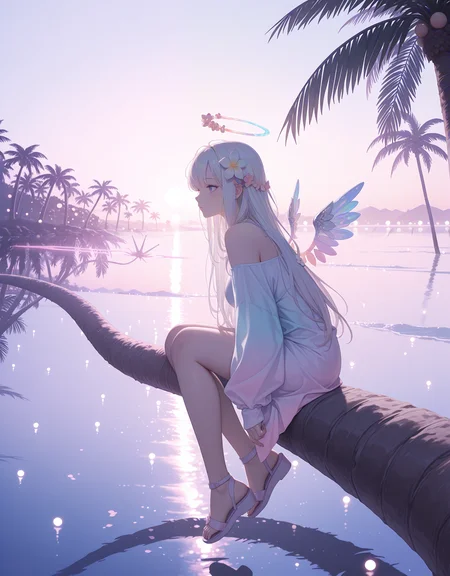
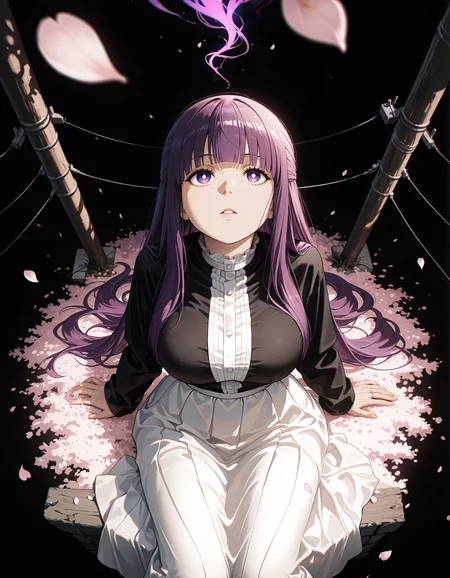
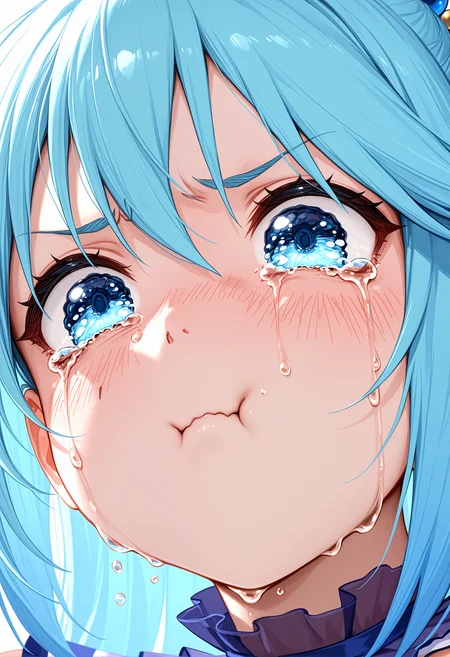
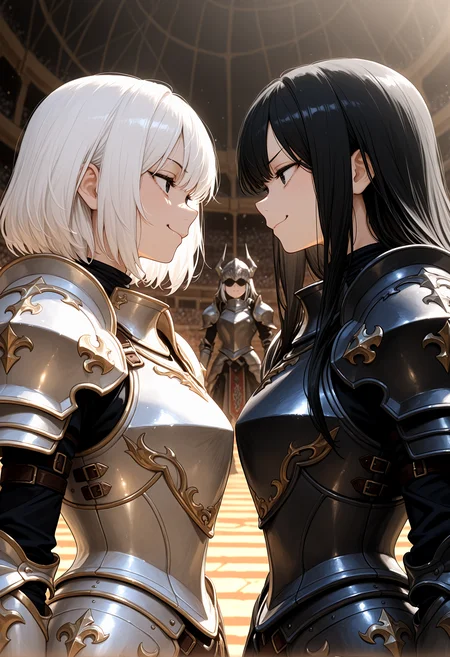
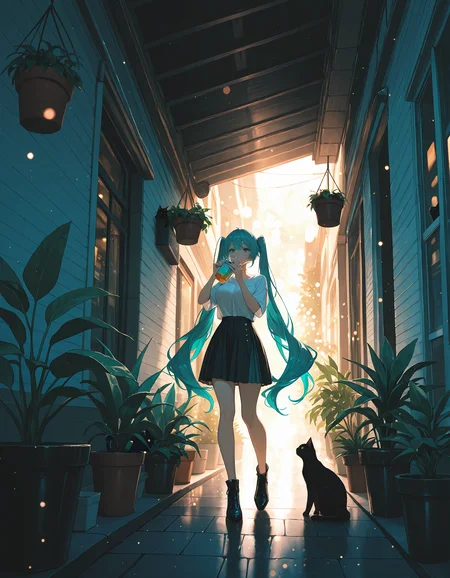
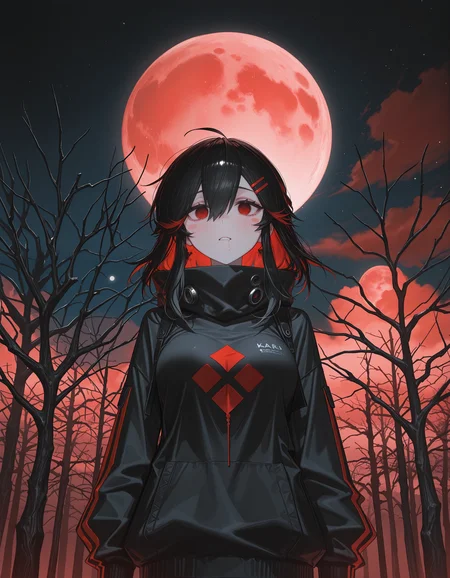
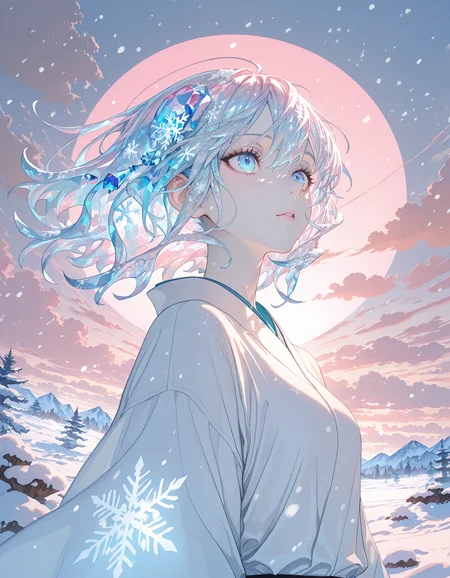
 Koki'o is a collaboration between @epiTune and @Shiiro0
Post your gens down below! I will ⚡ images I like! Have fun! <3
The recommended resolution is 1024x1496, but 832x1216 is completely fine (including reversed into landscape or slight variations). You will see a composition and fidelity difference between the two - depending on your goals, you might want to try both.
Illustrious models (due to their strong prompt following) respond better to negative tags compared to what you might be used to with Pony models. Examples of potentially useful negative tags you can try:
anatomical nonsense, artistic error, bad anatomy, bad arm, bad aspect ratio, bad ass, bad face, bad feet, bad hands, bad knees, bad leg, bad neck, bad perspective, bad proportions, bad reflection, bad vulva, different reflection, extra arms, extra digits, extra eyes, extra faces, extra legs, extra pupils, fewer digits, oversized limbs, wrong foot, wrong hand
Try to tailor what negative tags you use to your specific needs rather than always including them all. A trimmed down version that's suitable for general use is:
anatomical nonsense, artistic error, bad anatomy
These should be used in tandem with staple negative tags such as:
worst quality, bad quality, low quality, lowres
On the flip side, recommended positive tags are:
incredibly absurdres, highres, masterpiece, newest
But do note that certain art styles benefit from omitting masterpiece and newest.
These tags heavily lean into the refined and modern digital look, if you want to generate watercolor these might work against you. Likewise, if you're going for a retro look, avoid newest.
For a traditional art style you might want to include tags such as:
traditional media, painterly, good quality, average quality
Some tags that are useful for steering away from the default anime look include:
POS: painterly, no lineart, blending
NEG: flat color, high contrast, anime coloring, limited palette, outline, ligne claire, lineart, oekaki, jaggy lines, dithering, pixel art, monochrome, greyscale, sketch, anime screenshot
https://civarchive.com/articles/8818/illustrious-art-mediums https://civarchive.com/articles/8817/illustrious-year-modifier-tags
Recommended settings:
Steps: 30-40
Scale: 4-6 Sampler: Euler a OR DPM++ 2M
Description
FAQ
Comments (41)
Majestic stuff!
This model is great at generating detailed anime portraits. It's definitely one of my top five illustrious anime models!!
@epiTune and @Shiiro0 Thank you so much for the generous tips and sharing this gem with the community 😁
Really glad you like it!
An amazing checkpoint with a lot of possibilities inside it. Works well with a lot of loras. S-tier!
After many generations, I realized that this is now my favorite model. Excellent quality. Great job!
Thanks a lot! Really nice gens btw ;)
It encourages you to play with prompts, and you are rewarded with great images. Great work.
surprisingly fast, great details, don't find myself redoing large images very often, really loving this one
fast? But it depends on the sampler, latent resolution and hardware, what does the model have to do with it?
just as in, exact same generation on this, vs others i was using at the time, was quicker than average
Configuration running well for me on DrawThings:
res:1024x1024
steps:25
CFG: 5
Sampler: Euler A (trailing version for Mac)
Clip skip: 2 (Really important, didn't generate without it)
background details are immaculate. super interesting stuff happening with the "dynamic pose" tag. still learning how to tweak faces/hands. but hot dang, this is a banger. my new main checkpoint for awhile!
Tysm for the tip !!!!
@Shiiro0 this checkpoint is sick AF. so hard to use other illu stuff now! appreciate your work!
Having a lot of fun with this checkpoint, great work!
On-site gen.
When?
Hi, Koki'o is now on site gen : DDD
@Shiiro0 Appreciate, thx
Good
Very very good. I am looking forward to using this more. So far I am so pleased with my results and I am constantly learning to improve my prompting! But this is a really nice one to use <3 Thank you !
I required on-sight generation to use, please I will tip in Buzz.
Happy to hear that you want to use the model! At this time there's nothing we can do to get it back on site-gen. Hopefully in the future!
@epiTune Thanks for the response, is it very performance heavy?
@RashE All SDXL models have the same (speed/heavy) performance.
@RashE you ask the mod for it
best ever
You made it onto the generator! Congrats!
People, use this one. A gem of an IL checkpoint.
It's beautiful and simple. The way it handles colors, shadows, and how it conveys them. I've tried several checkpoints, and this is the one that convinced me the most by far. Amazing Job!
hello great model how can i do img to video like on 1st photo ?
Most people use a image to video service like https://www.klingai.com/global/
Great model, every generation has an artistic feeling to it.
Koki'o lllu killed my love for animagineXL 3.1. Thanks to @epiTune and @Shiiro0 10/10. Keep this one live. //Koki'o Illu excels in detailed anime-style images that deviate from the traditional cel-shaded look particularly for artists and designers seeking a more painterly or illustrative style. The model responds well to prompt modifiers, so you can fine-tune the output to a desired aesthetic. //
Is there any way to know if danbooru tags may work with this checkpoint to tag characters?
It should work well - if you encounter characters that don't work in Koki'o but work in other models let us know
Aw I can't use this model on civitai. It says resource unavailable 🙁
Bid on it in the auction and get your friends to bid too : D
Hello, sir. Do you have plans for new checkpoints? Or updating Kokio Illu for Illustrious 2.0 ?
If you're looking for a model updated to illu 2.0 I recommend https://civitai.com/models/1772667/indexed
epiTune Thank you, I'll try it.
Details
Files
Available On (2 platforms)
Same model published on other platforms. May have additional downloads or version variants.