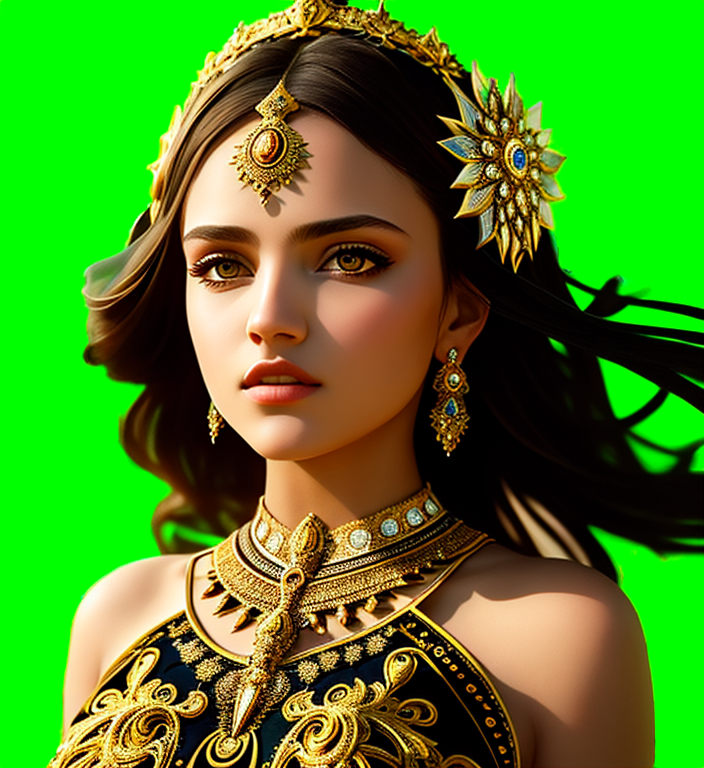
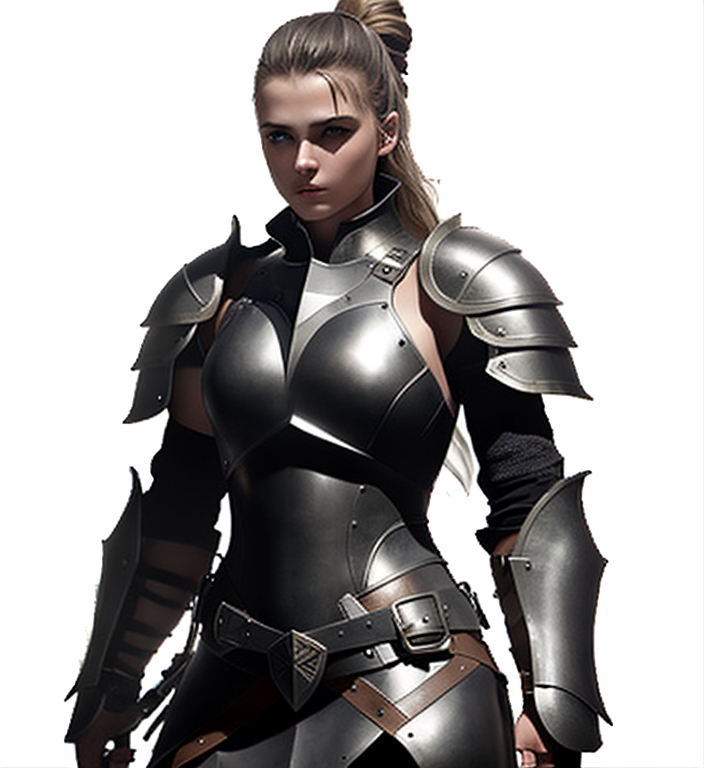
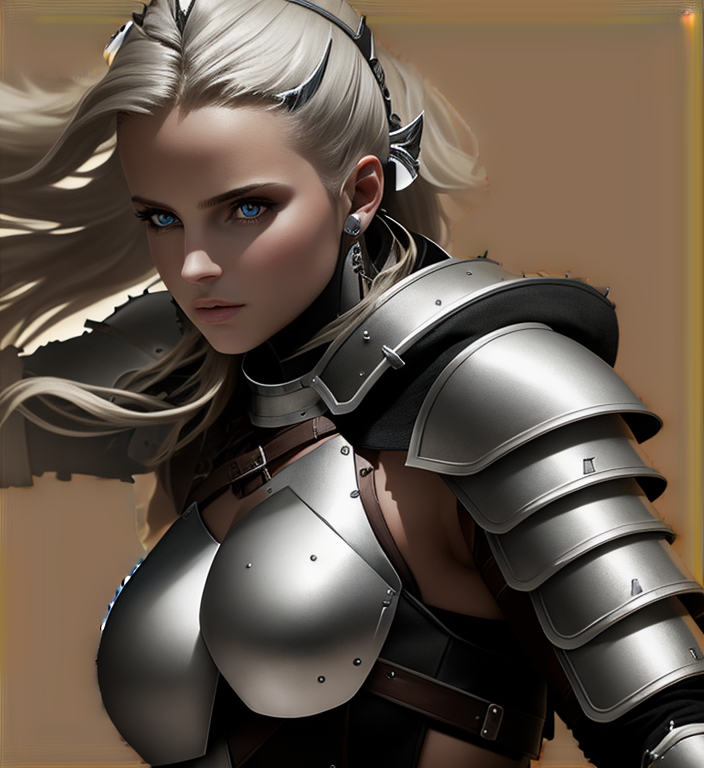


BGMasking V1:
Installation:
Install https://github.com/Fannovel16/comfy_controlnet_preprocessors
thanks to Fannovel16
Download:
https://civarchive.com/models/9251/controlnet-pre-trained-models
at least Canny, Depth is optional
or difference model (takes your model as input, might be more accurate)
https://civarchive.com/models/9868/controlnet-pre-trained-difference-models
put those controlnet models into ComfyUI/models/controlnet
thanks to Ally
Download attached file and put the nodes into ComfyUI/custom_nodes
Included are some (but not all) nodes from
https://civarchive.com/models/20793/was-node-suites-comfyui
Restart ComfyUI
Usage:
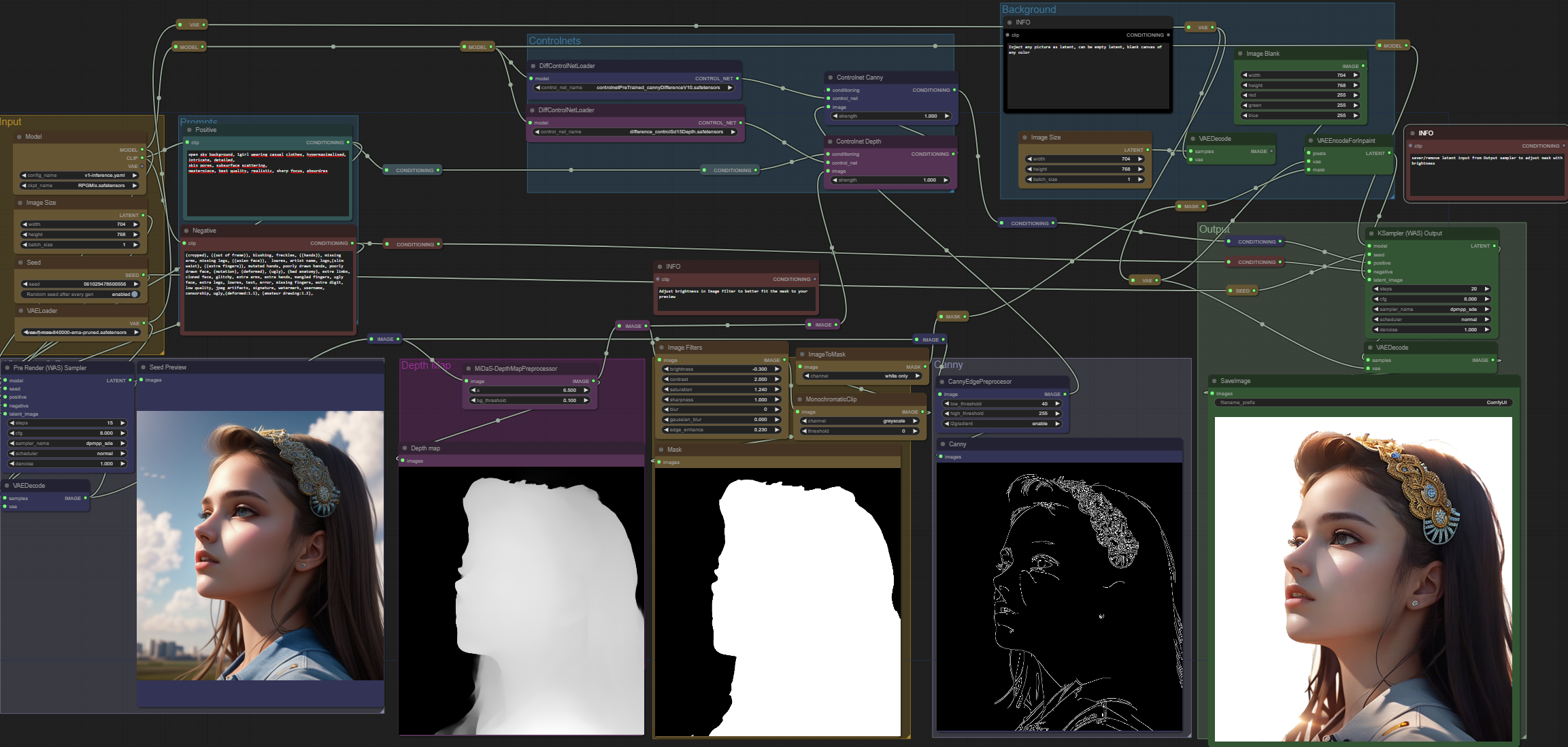
Disconnect latent input on the output sampler at first.
Generate your desired prompt. Adding "open sky background" helps avoid other objects in the scene.
Adjust the brightness on the image filter. During my testing a value of -0.200 and lower works. Flowing hair is usually the most problematic, and poses where people lean on other objects like walls.
A free standing pose and short straight hair works really well.
The point of the brightness is to limit the depth map somewhat to create a mask that fits your subject.
Choose your background image. It can either be the same latent image or a blank image created by a node, or even a loaded image.
Alternatively you want to add another image filter between the yellow
Monochromatic Clip and ImageToMask node and add a little bit of blur to achieve some blend between the subject and the new background.
When you are satisfied with how the mask looks, connect the VAEEncodeForInpaint Latent output to the Ksampler (WAS) Output again and press Queue Prompt.
For this to work you NEED the canny controlnet. I have tried HED and normalmap aswell, but canny seems to work the best.
Depending on your subject you might need another controlnet type.
You would have to switch the preprocessor from canny and install a different controlnet for your application.
Applying the depth controlnet is OPTIONAL. It will add a slight 3d effect to your output depending on the strenght.
If you are strictly working with 2D like anime or painting you can bypass the depth controlnet.
Simply remove the condition from the depth controlnet and input it into the canny controlnet. Without the canny controlnet however, your output generation will look way different than your seed preview.
I added alot of reroute nodes to make it more obvious of what goes where.
Reproducing this workflow in automatic1111 does require alot of manual steps, even using 3rd party program to create the mask, so this method with comfy should be very convenient.
Disclaimer: Some of the color of the added background will still bleed into the final image.
BGRemoval V1:
Requirements:
https://github.com/Fannovel16/comfy_controlnet_preprocessors
https://civarchive.com/models/9251/controlnet-pre-trained-models
(openpose and depth model)
optional but highly suggest:
https://civarchive.com/api/download/models/25829
Tested with a few other models aswell like F222 and protogen.
The following explanation and instruction can also be found in a text node inside the workflow:
I used different "masks" in the load addition node aswell, with vastly different results but all returned backgrounds. Also the same mask in different colors.
This one is strickly a gradient of white created on a completely black background.
I can only presume that the AI uses it as some sort of guidance to distribute noise.
The green condition combine node input order actually matters. The output of the green "Depth Strenght" has to go into the lower input.
The upper input of that node comes from CLIP positive with the pose.
The blue sampler section does nothing more than to produce a depth map which is then encoded to latent and used as latent input for the cyan colored output sampler.
For the green image scale, I would suggest to always match it with your original image size with crop DISABLED
DEPTH STRENGHT setting can change the final image quite a bit, and you will lose weight of the original positive prompt if its too high.
You can start as low as 0 in some cases, but if background appears you want to increase it, even up to a strenght of 1. (lower is better)
If you haven't already I suggest you download and install
Fannovels preprocessors found here
https://github.com/Fannovel16/comfy_controlnet_preprocessors
The seed node and the Sampler with seed input you can download here
https://civarchive.com/api/download/models/25829
The openpose and depth models are found here
https://civarchive.com/models/9251/controlnet-pre-trained-models
You could also try using WAS's depth preprocessor, but I found it to create a depth map that is too detailed, or doesn't have the threshold that is useful for this.
The model I am using you can find here
Description
FAQ
Comments (6)
why? missing MiDaS-DepthMappreprocessor?
Literally the first line in both workflows, where to find it. There are specific install instructions attached to it.
Nice! Abbail here, xss on Civit. Glad to see you got it all working. I have updated Monochromatic clip now so you can change the mode to do 6 different types of clipping. Might make some of the background work easier. Keep up the good work!
Yeah I will update this soon, there is also WAS who made a single node that does all this in one. Fannu also added a leres depth processor to his github, so I will give that a go.
I'd like to try to find a way that you don't have to try multiple settings just to fit the depthmap to the foreground with the threshhold, if you know what I mean. Ty again.
Need to update. Little bit incompatible with recent WAS suite. Cannot load MiDaS Depth Approximation node.
Is this still working? Missing some nodes. Is there another BG mask workflow? Or is there update for this?