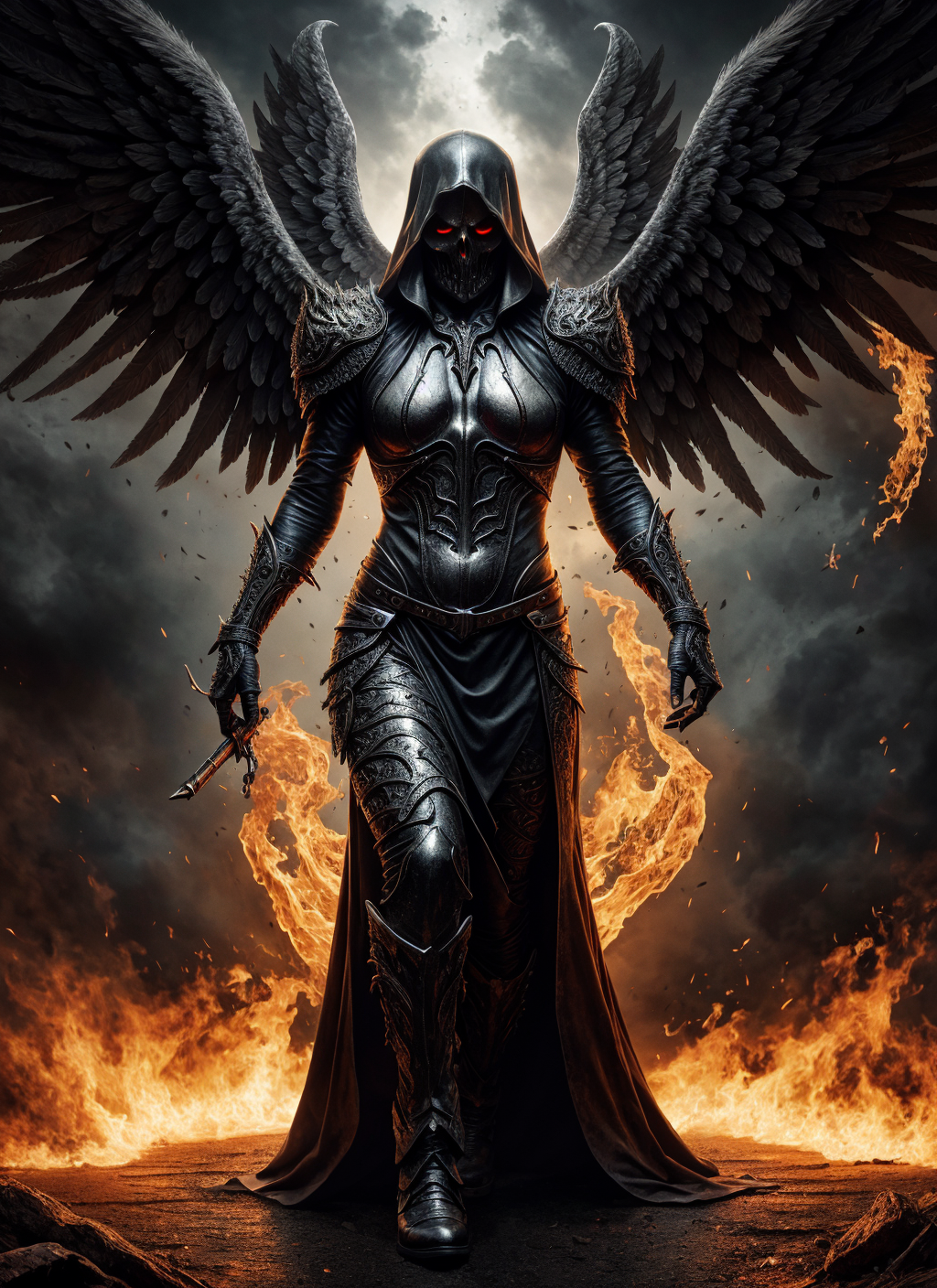
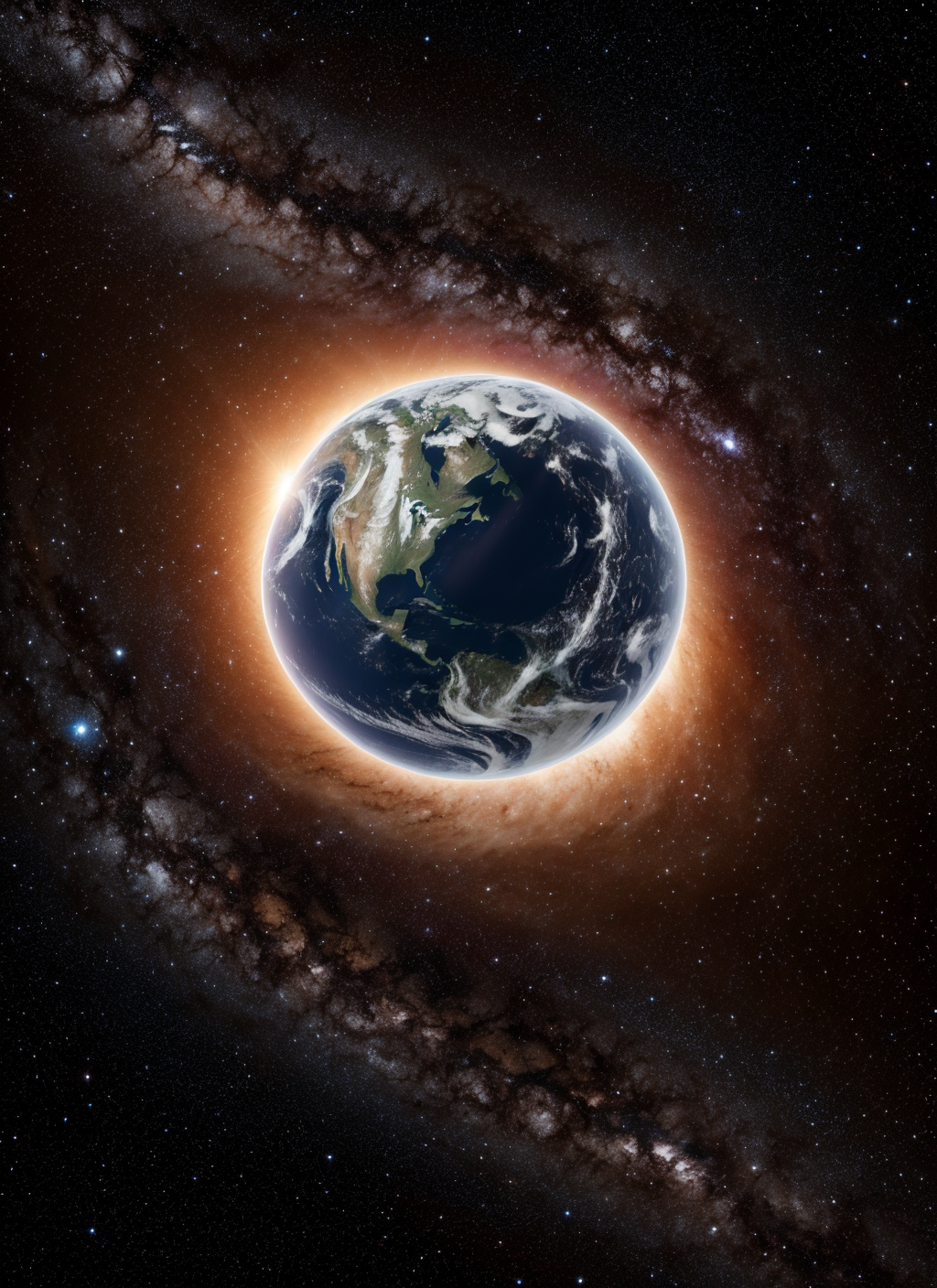
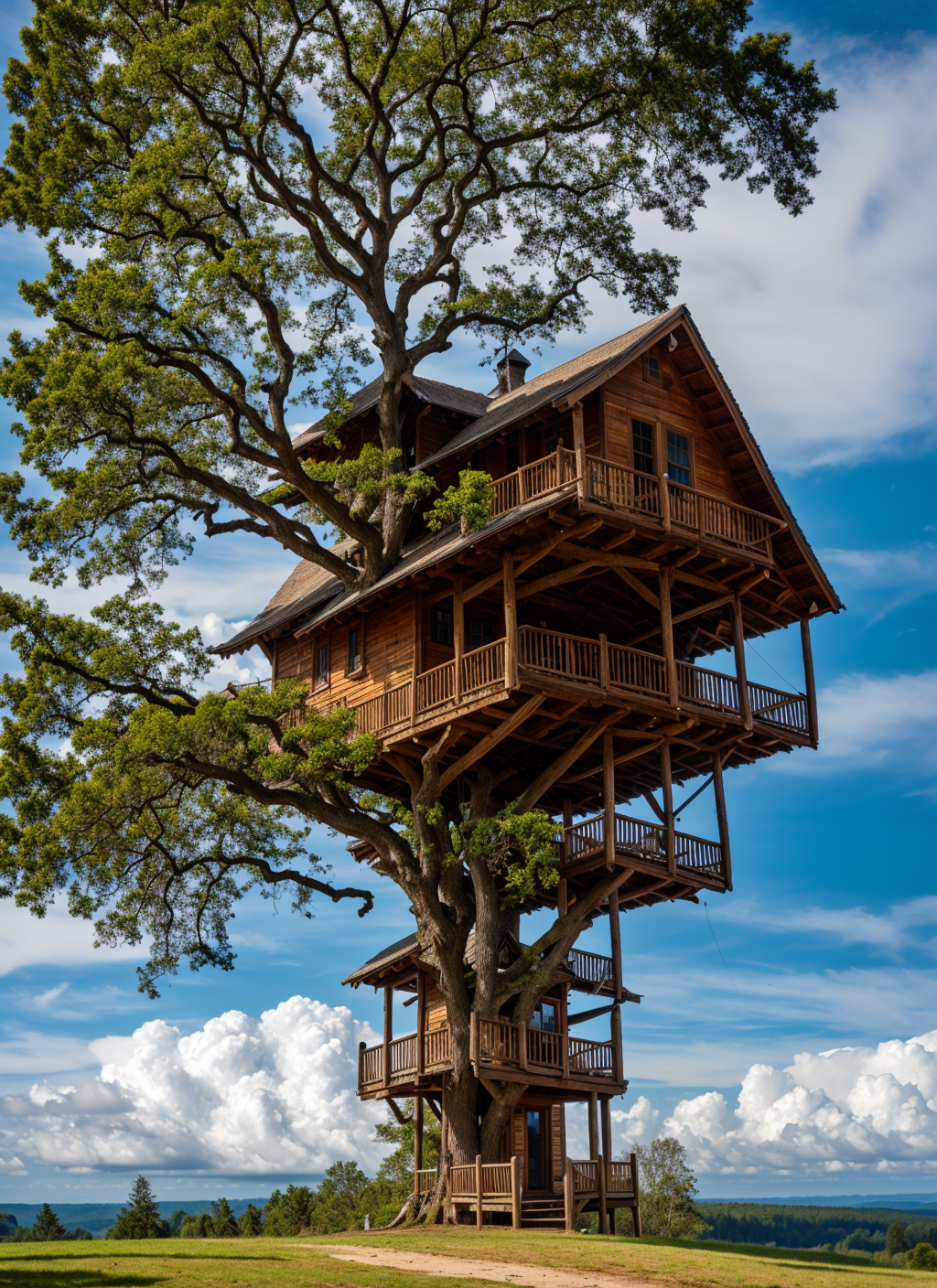
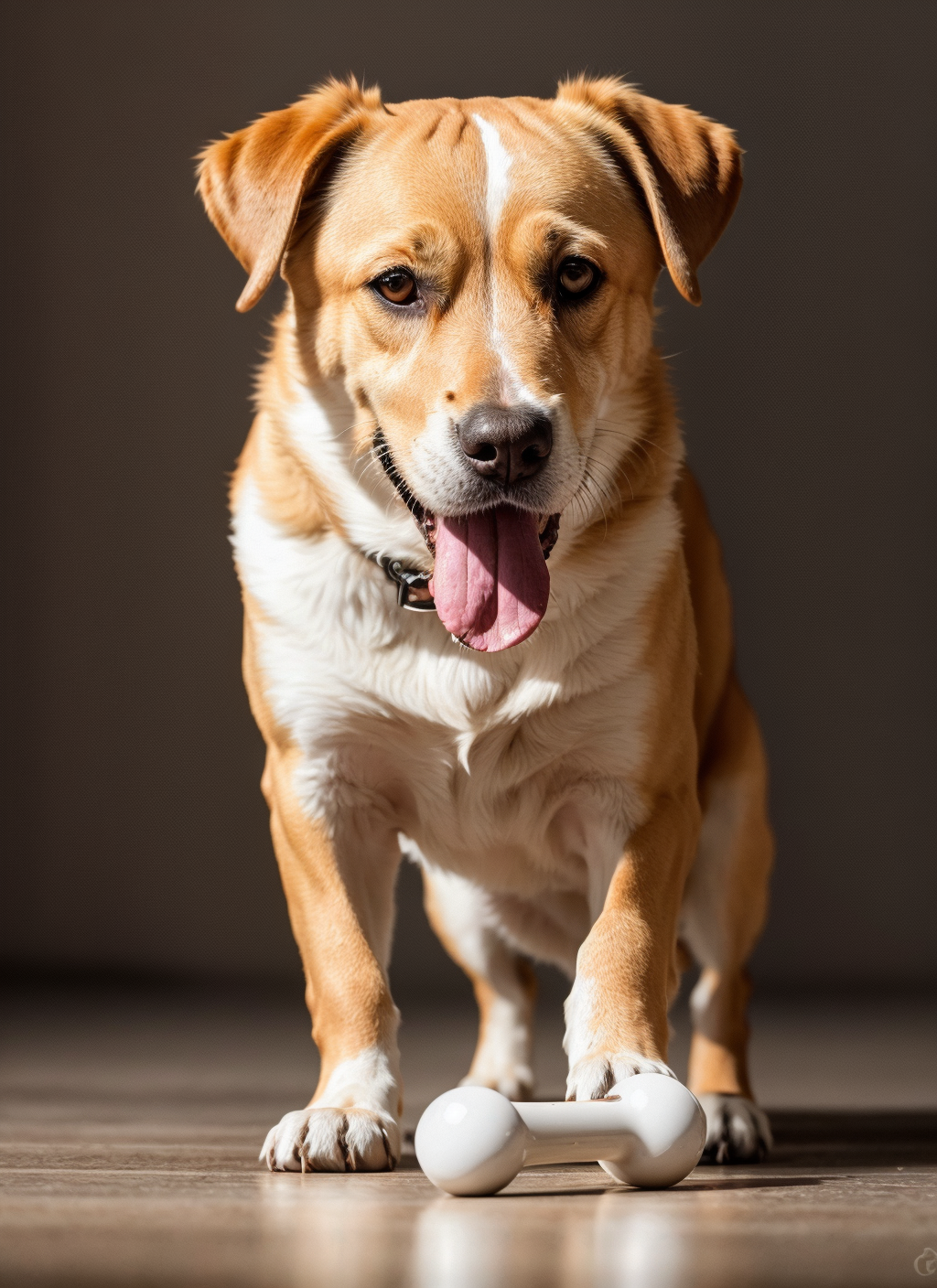
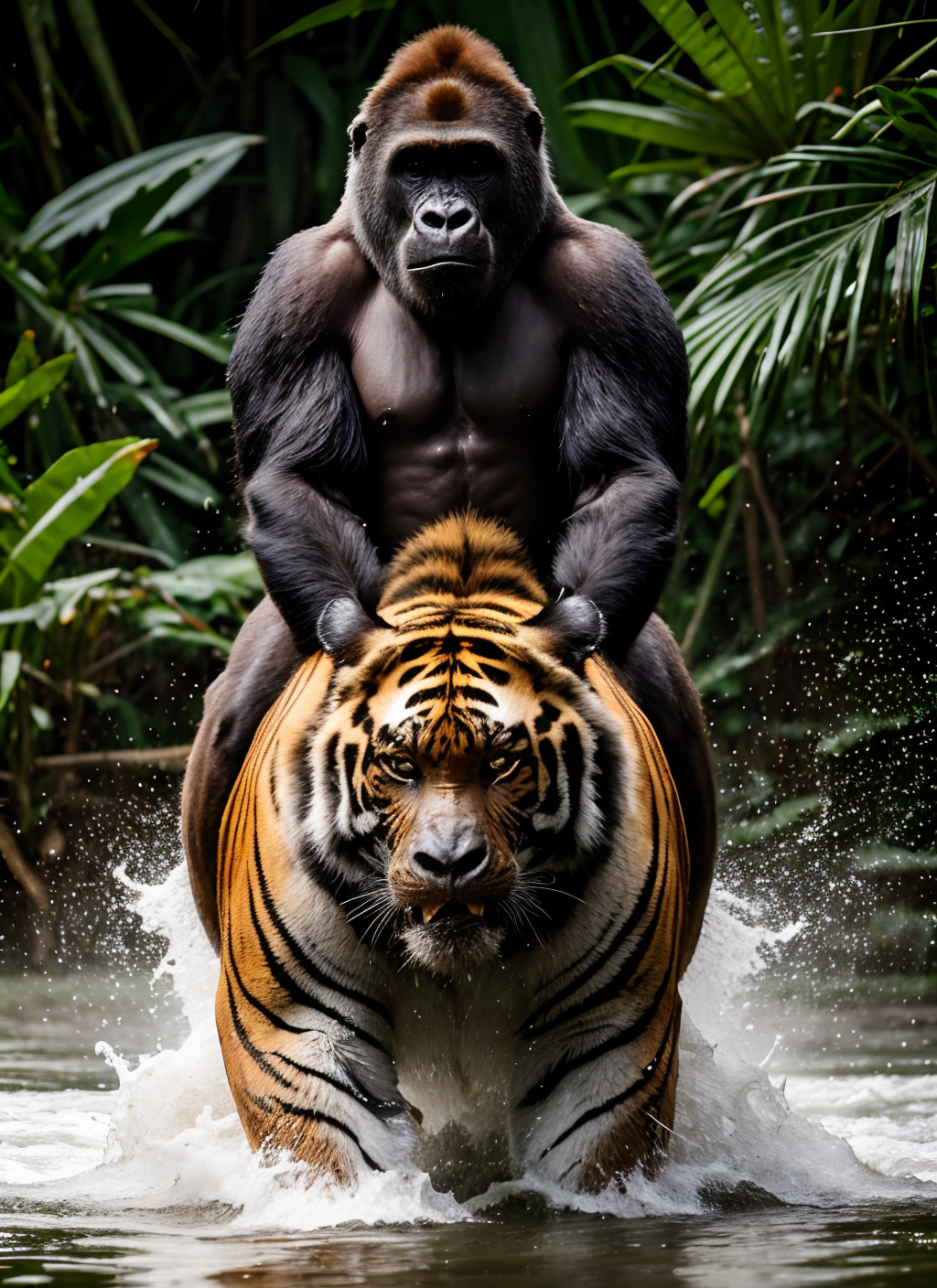
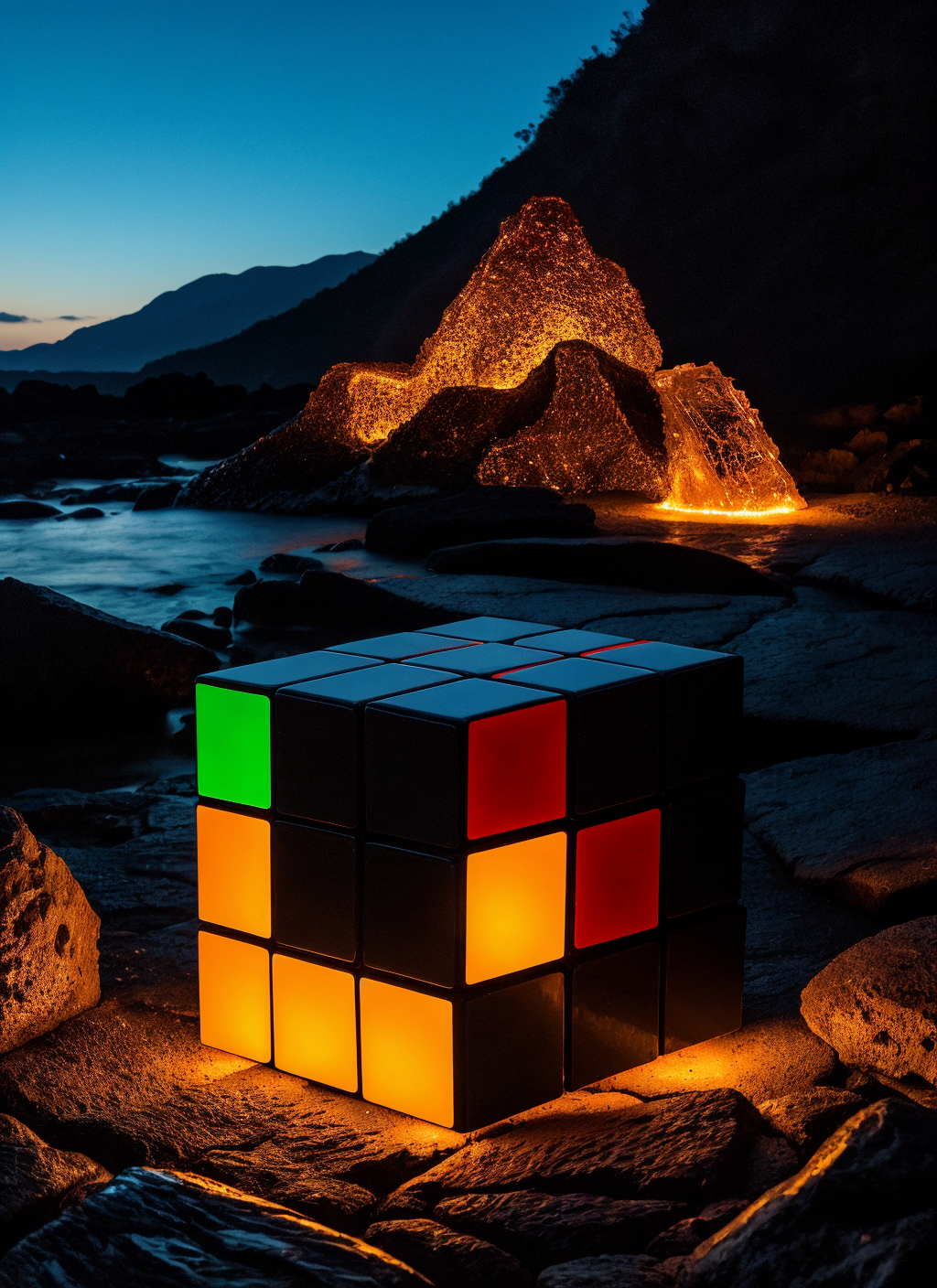

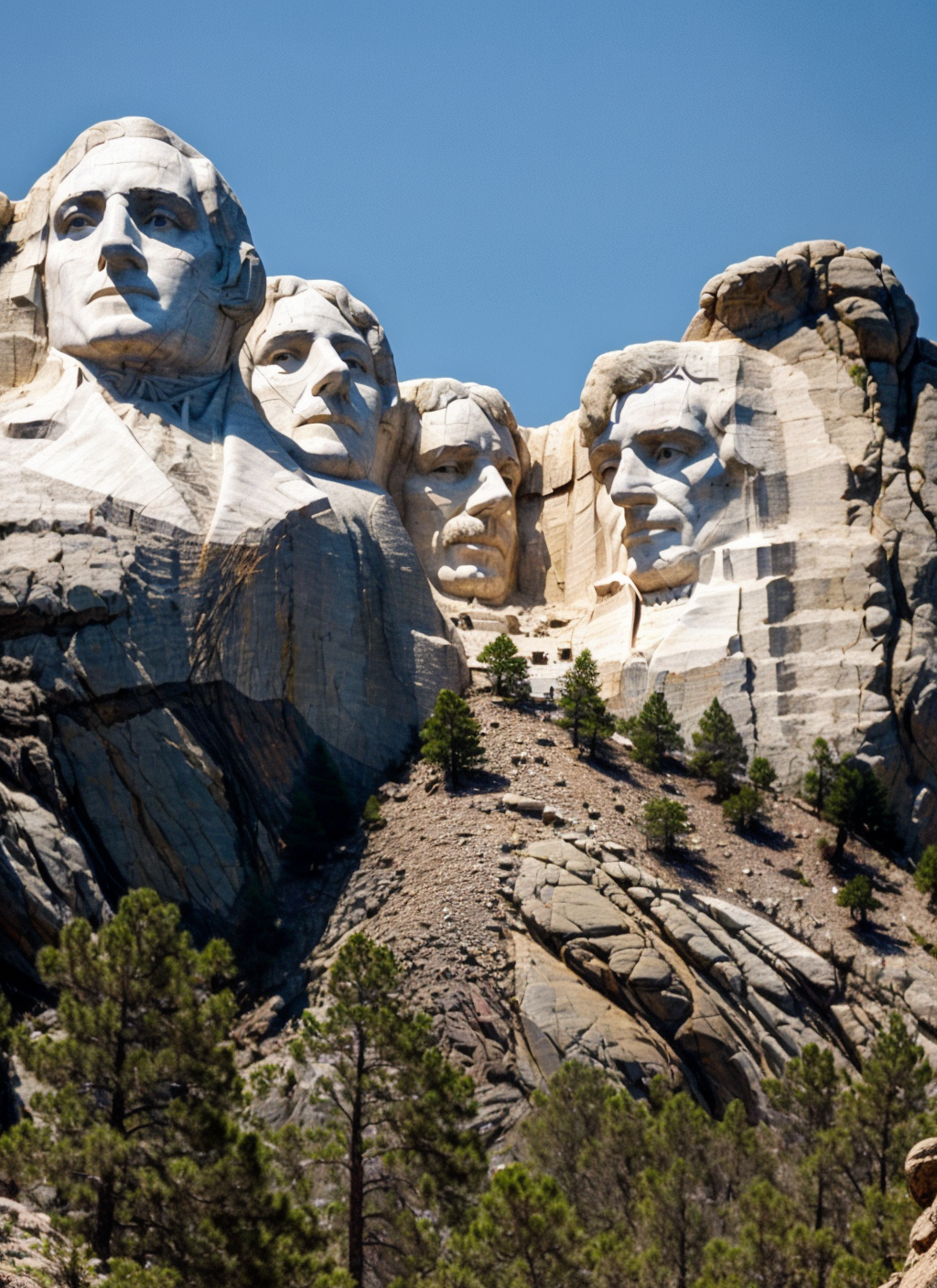
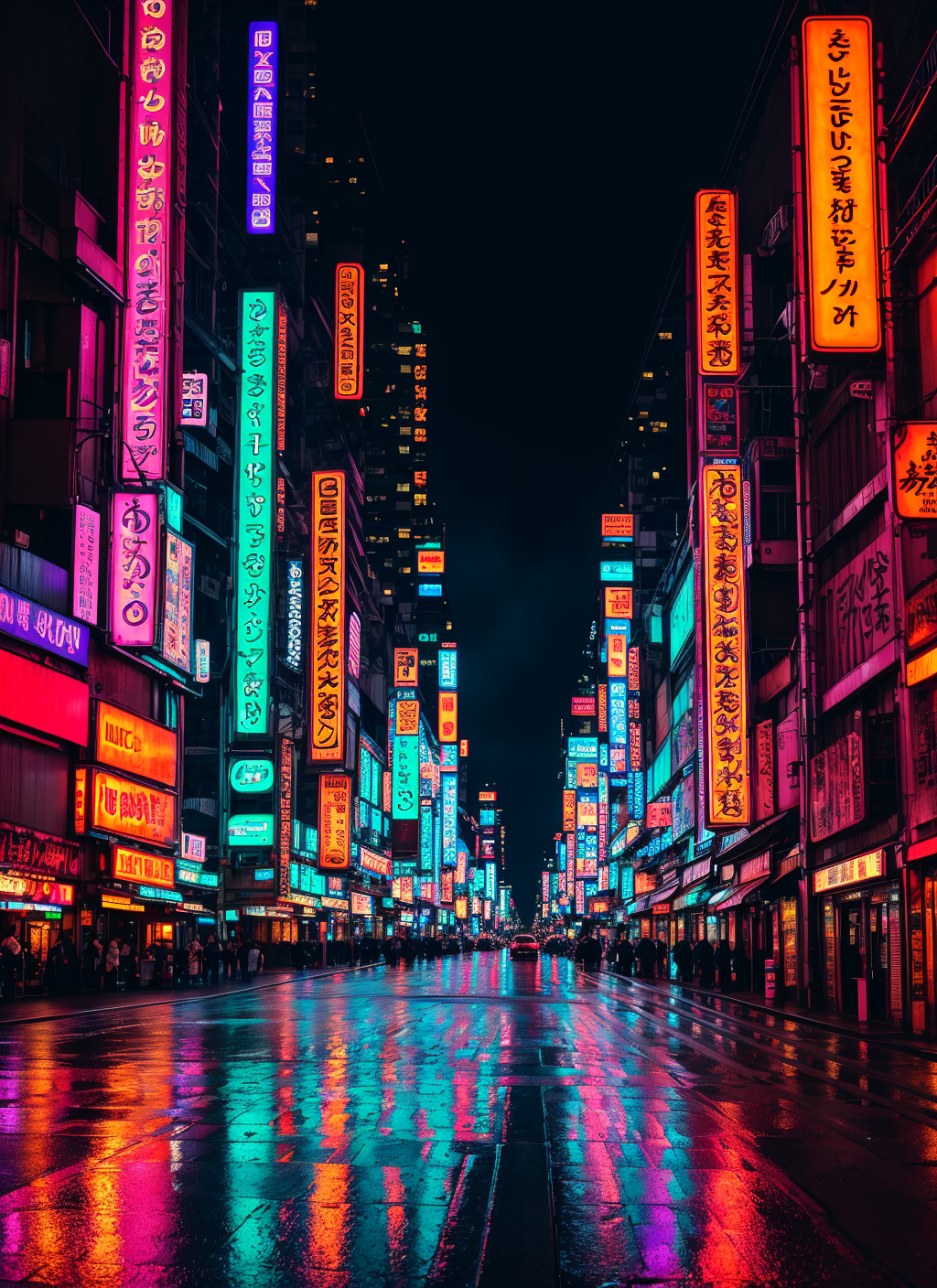
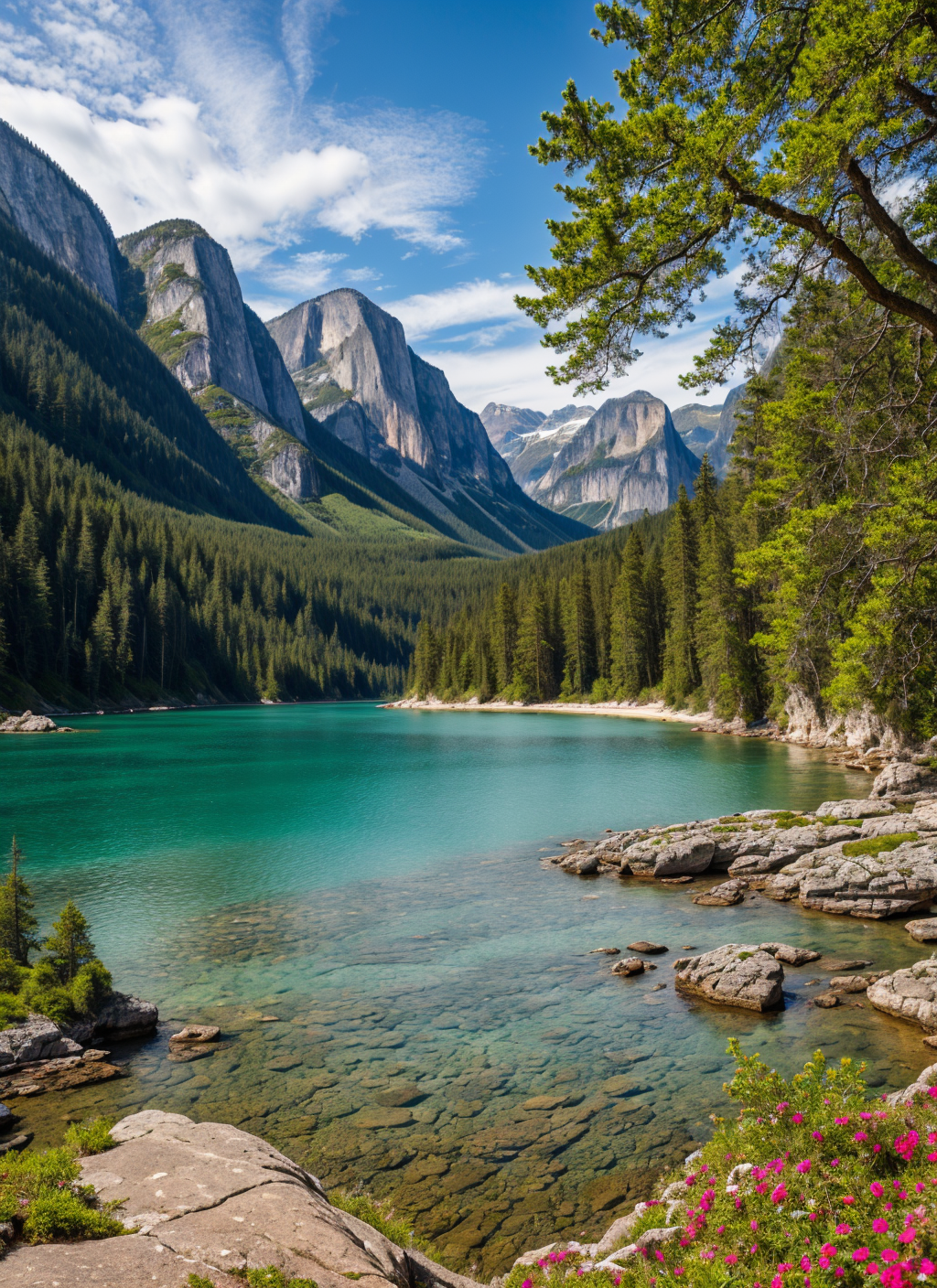
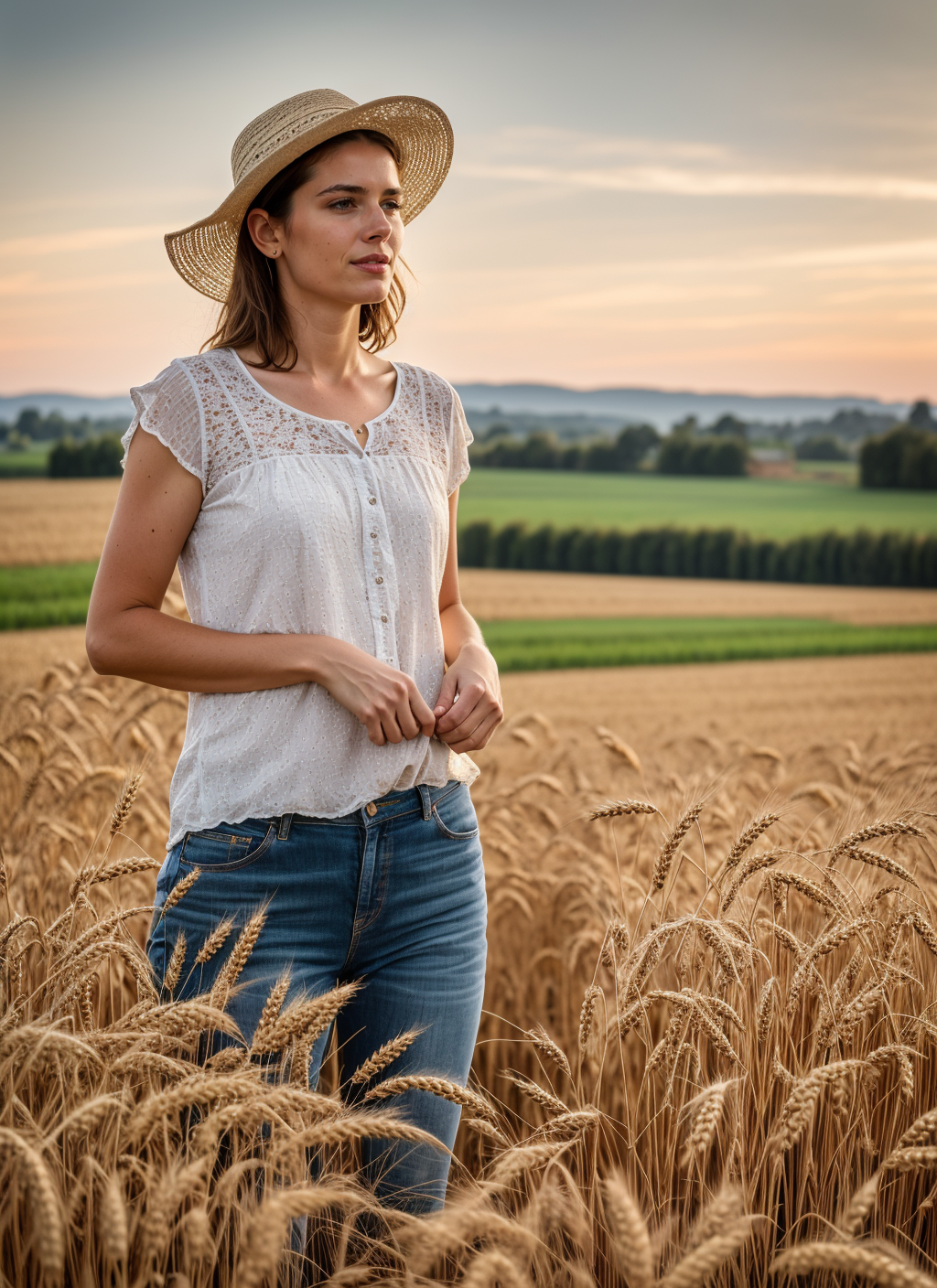
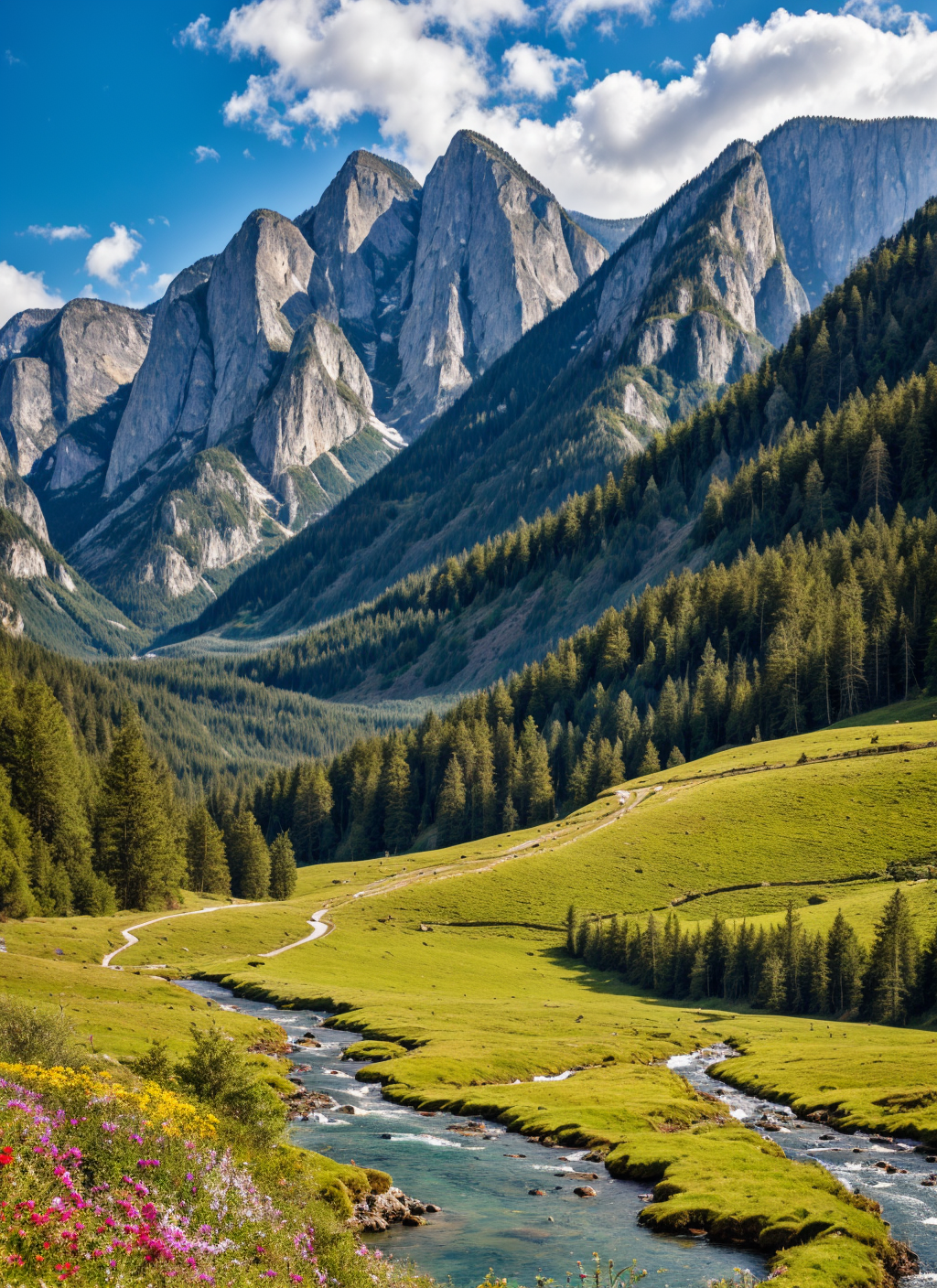
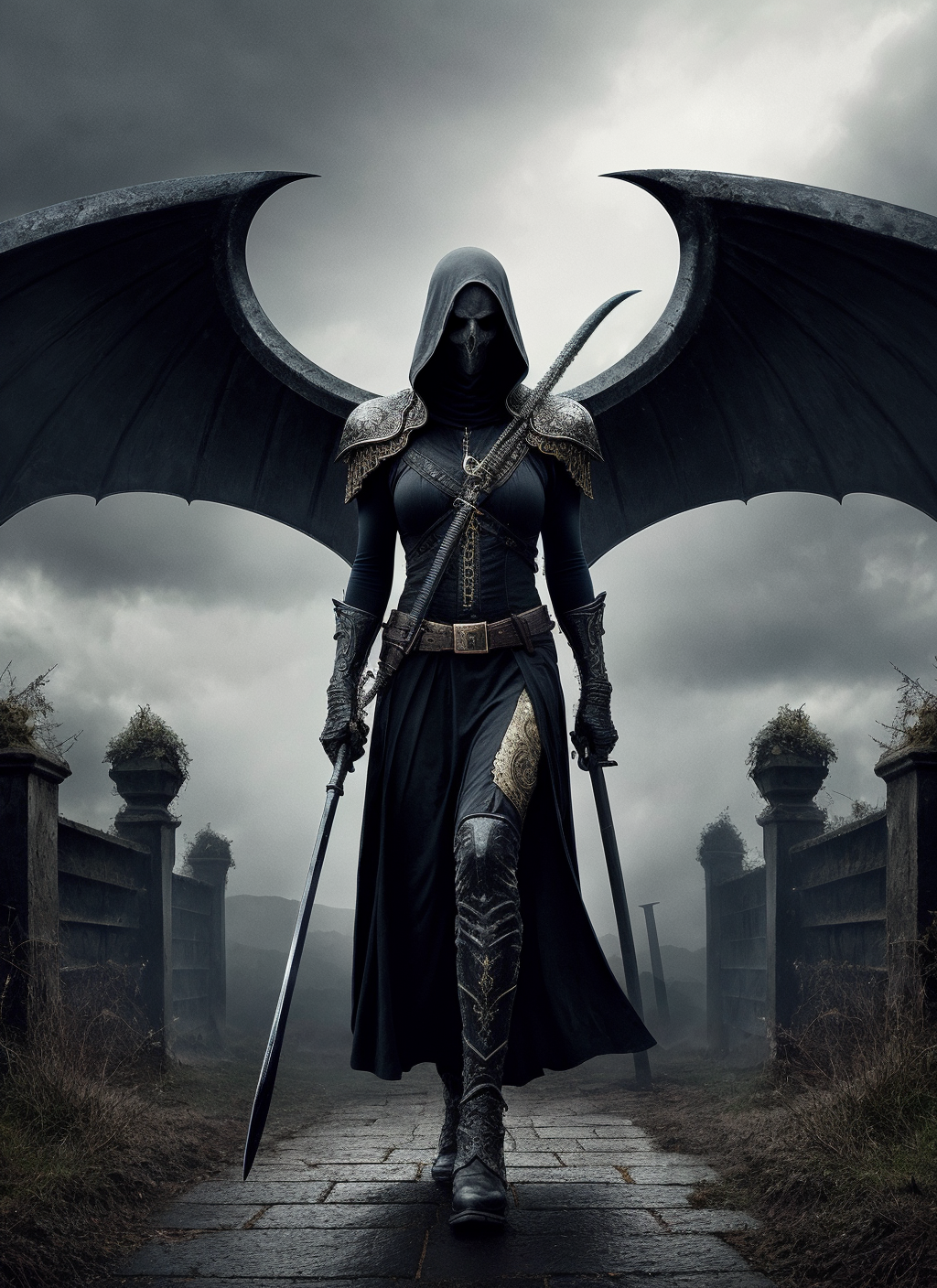
Serenity: a photorealistic base model
Welcome to my corner!
I'm creating Dreambooths, LyCORIS, and LORAs. If you want to know how I do those, here is the guide: https://civarchive.com/articles/7/dreambooth-lycoris-lora-guide
I have a Buy Me A Coffee page if you want to support me ( https://www.buymeacoffee.com/malcolmrey ). You can also leave a request there if you want me to do something specific.
HuggingFace model card: https://huggingface.co/malcolmrey/serenity
Here is the process of how I did it:
I was using a script from this repository: https://github.com/Faildes/Chattiori-Model-Merger
and those were the commands:
python merge.py "WS" "C:/Development/StableDiffusion/stable-diffusion-webui/models/Stable-diffusion" "photon_v1.safetensors" "realisticVisionV30_v30VAE.ckpt" --alpha 0.45 --save_safetensor --save_half --output "D:/Development/StableDiffusion/SDModels/Models/merging/merged-model-v0"python merge.py "WS" "C:/Development/StableDiffusion/stable-diffusion-webui/models/Stable-diffusion" "juggernaut_final.safetensors" "wyvernmix_v9.safetensors" --alpha 0.45 --save_safetensor --save_half --output "D:/Development/StableDiffusion/SDModels/Models/merging/merged-model-v1"python merge.py "WS" "C:/Development/StableDiffusion/stable-diffusion-webui/models/Stable-diffusion" "epicrealism_pureEvolutionV3.safetensors" "cyberrealistic_v31.safetensors" --alpha 0.45 --save_safetensor --save_half --output "D:/Development/StableDiffusion/SDModels/Models/merging/merged-model-v2"python merge.py "WS" "C:/Development/StableDiffusion/stable-diffusion-webui/models/Stable-diffusion" "analogMadness_v50.safetensors" "absolutereality_v10.safetensors" --alpha 0.45 --save_safetensor --save_half --output "D:/Development/StableDiffusion/SDModels/Models/merging/merged-model-v3"python merge.py "WS" "C:/Development/StableDiffusion/stable-diffusion-webui/models/Stable-diffusion" "icbinpICantBelieveIts_final.safetensors" "madvision_v40.safetensors" --alpha 0.45 --save_safetensor --save_half --output "D:/Development/StableDiffusion/SDModels/Models/merging/merged-model-v4"python merge.py "WS" "C:/Development/StableDiffusion/stable-diffusion-webui/models/Stable-diffusion" "perfection_v30Pruned.safetensors" "DriveE/civitai3/huns_v10.safetensors" --alpha 0.45 --save_safetensor --save_half --output "D:/Development/StableDiffusion/SDModels/Models/merging/merged-model-v5"python merge.py "WS" "C:/Development/StableDiffusion/stable-diffusion-webui/models/Stable-diffusion" "DriveE/civitai3/metagodRealRealism_v10.safetensors" "DriveE/civitai3/unrealityV20_v20.safetensors" --alpha 0.45 --save_safetensor --save_half --output "D:/Development/StableDiffusion/SDModels/Models/merging/merged-model-v6"python merge.py "WS" "C:/Development/StableDiffusion/stable-diffusion-webui/models/Stable-diffusion" "DriveE/civitai3/succubusmix_v21.safetensors" "reliberate_v10.safetensors" --alpha 0.45 --save_safetensor --save_half --output "D:/Development/StableDiffusion/SDModels/Models/merging/merged-model-v7"python merge.py "WS" "C:/Development/StableDiffusion/stable-diffusion-webui/models/Stable-diffusion" "DriveE/civitai/pornvision_final.safetensors" "DriveE/civitai/edgeOfRealism_eorV20Fp16BakedVAE.safetensors" --alpha 0.45 --save_safetensor --save_half --output "D:/Development/StableDiffusion/SDModels/Models/merging/merged-model-v8"python merge.py "ST" "D:/Development/StableDiffusion/SDModels/Models/merging" "merged-model-v0.safetensors" "merged-model-v1.safetensors" --model_2 "merged-model-v2.safetensors" --alpha 0.33 --beta 0.33 --save_safetensor --save_half --output "D:/Development/StableDiffusion/SDModels/Models/merging/merged-st-model-v0"python merge.py "ST" "D:/Development/StableDiffusion/SDModels/Models/merging" "merged-model-v3.safetensors" "merged-model-v4.safetensors" --model_2 "merged-model-v5.safetensors" --alpha 0.33 --beta 0.33 --save_safetensor --save_half --output "D:/Development/StableDiffusion/SDModels/Models/merging/merged-st-model-v1"python merge.py "ST" "D:/Development/StableDiffusion/SDModels/Models/merging" "merged-model-v0.safetensors" "merged-model-v1.safetensors" --model_2 "merged-model-v2.safetensors" --alpha 0.33 --beta 0.33 --save_safetensor --save_half --output "D:/Development/StableDiffusion/SDModels/Models/merging/merged-st-model-v0"python merge.py "ST" "D:/Development/StableDiffusion/SDModels/Models/merging" "merged-st-model-v0.safetensors" "merged-st-model-v1.safetensors" --model_2 "merged-st-model-v2.safetensors" --alpha 0.33 --beta 0.33 --save_safetensor --save_half --output "D:/Development/StableDiffusion/SDModels/Models/merging/merged-st-model-final"As you can see, first I merged 18 models using Weighted Sum, so there were 9 pairs.
Afterwards, I merged triples using Sum Twice which in turn produced 3 models that were again merged using Sum Twice to get the final product.
I've selected 18 models that are proven to work well with my LyCORIS and LoRA models. I've applied the same testing that I do to other models and I was happy with the results (not going to rank my model since I'm biased, but I was happy with the good-to-bad ratio).
Where this model shines IMHO are the eyes and mouth.
My long-term goals were (are?) to make a decent base model and then further fine-tune it on high-quality photographs of people. But with the SDXL on the horizon, I'm not sure when/if I will have time to do it (fingers crossed?) so at least I'm doing the first part - the base model as a checkpoint merge.
Description
same model as v1.0 SafeTensors but converted to diffusers (usable by Shivam and Inb4DevOps and of course original Diffusers repositories).
note: the zip is marked as "training data" (as there is no other option) but it is actual model in diffusers format
FAQ
Comments (28)
Thank you so much for diffuser model,
you are welcome! :)
i promised for yesterday but i had to actually verify that training on it is good (and it is)
also, I'm quite happy with the samples I've made :)
@malcolmrey Yea i try it and it's amazing, from now on i don't have to make 2 models one based on sd1.5 and one realisticvision, because i tried and it vcan generate art aswell, Thx u so much, like always best stuff
@Fuckingdope great to hear it :-)
some people requested diffusers format for this model so here it is :)
v1.0 Diffusers (in the zip archive)
for most, still the v1.0 SafeTensors would be the way to go
besides that, there is no other difference
hey,
seems your negative prompt is similar to
BeyondNegativev2-neg ;)
for faces in distances i always prefer
ADetailer ...
you model is good for train faces :*
Hello!
Some people commented that those negatives work best in my model and I've tested it and indeed they bring up a lot of good stuff there. The samples in the diffusers version are with the negatives, the samples with the safe-tensors are purely my model so you can see how the baseline works.
And thanks, that was the goal, to make a base that is good for training faces :-)
As for the ADetailer - I also started using it recently and I can confirm that it works wonders for distant faces.
My default settings for distant faces are high res fix 0.4 and then ADetailer (with pretty much default options actually)
Cheers!
I approve of the naming of this product..! 🤣
For me - it was an obvious choice! I guess I hit the bullseye! :)
For the first merge this is very good. No deformities in generated results. Well done checkpoint.
Thank you! This was the main goal, to have fewer outputs that get discarded. I was paying more attention to the eyes and mouth but some people mentioned that the feet (toes!) are turning out quite well too :)
Have you checked for inbreeding issues? Most models you list in the merge already show significant signs of inbreeding.
I know of a script that checks similarities between models but not about inbreedings. Could you point me in the right direction, then I'll definitely check this.
Also, on first glance - what are the signs of the inbreeding? Do you see them here?
@malcolmrey What I generally recommend is, I use the X/Y/Z plot script to test the same prompt for 5 different seeds with your own model and the ones you used for merging. If your own model doesn't produce significant differences, then it's likely inbred or the models you used for merging were already inbred.
Here's a comprehensive one I've done with the prompt: "A women sitting in the park".
https://image.delivery/image/ncklsjp.jpg

Every model except for the very first and the SD 1.5 base image in this example are heavily inbred, because the results are very similar.
So I'd do a similar experiment with prompts where you think your model brings something to the table and put it to the test.
@Nrgte So TLDR is don't merge models that produce similar looking result when it comes to general composition/colors.
What do you recommend for making better merges of say two drastically different models to get the best out of both once merged?
@alicepelle I'm afraid, I'm probably not the right person to answer that question. I just notice that inbreeding became an increasingly problem because a lot of merges draw from the same sources and then even more merges build on top of those.
So my general recommendation is to set a goal on what you want to achieve with your model and then run some test prompts against your merge and against all models used in the merge. If you can spot a significant quality or variety difference I think you've done a good job.
@Nrgte I’d like to reproduce this study. What are the parameters? I.e. cfg, steps, prompt pad, clip skip, negative prompt. Also is with the quotations around prompt words and is it purposely bad grammar “women”?
just to chip in
I had no time to do inbreeding tests, however, what I can tell is there is another factor that is equally if not more important -> consistency of the model
I could say I'm biased, but for the last 2 weeks I've been using my model pretty much exclusively and I'm having great results, very few retries due to failed outputs.
I will be doing as 2nd merge, this time with some finetunes from me (so it may not work, but we will see) but there will be one thing that I would like to tone down - contrast, the newer models (including mine) are too highly contrasted. I know it is a nice change of pace after bland original models (color-wise) but we went too far :)
@djnastymagic CFG 20, 2M Karras Sampler, clip skip 1, positive prompt is: "a woman sitting in a park". Negative prompt doesn't really matter, I think I've just used a generic quality negative prompt.
Sorry for the confusion. It's a woman in the park, not women. And no the quotes were not in the prompts. I just added them to show the start and end of the prompt.
@malcolmrey
Yes but the question is, would you've gotten any different or worse results with a different model. That's the whole point of inbreeding tests. The tests I've conducted show that for a lot of prompts the model doesn't matter much as they're all inbred to death. They can still produce good images though.
@Nrgte I appreciate the info, I was asking so I could compare some of my own models to that image grid that you made. However, yes, negatives do matter. They have the power to totally change the image. They sort of force the image into shape based only on images tagged with those negative tags, I mean that’s mostly what textural inversions are. By using negatives, I feel like you aren’t doing the inbreeding test justice.
@djnastymagic It mostly doesn't matter because all you need to do is use the same prompt, same seed, same settings for all models. The comparison should be fair. But you essentially can take any relatively generic prompt you want. The only thing I'd not do is make face closeups as all models perform similarly in that regard. It's better to have shorter prompts that are up for interpretation.
It's also good if you're making a specialized model (for example fantasy), to test some fantasy prompts against non fantasy models to see how it performs.
@Nrgte I haven't had time for any work on my model so I also didn't do any testing. But since it was pretty much only a merging of existing ones I feel like I know what we can expect :-)
The merging changed the flavor but several people are using my model exclusively (including me, but I'm biased of course) or almost exclusively so that flavor tastes well.
I will do the inbreeding test once I start working on my v2 which will include a fine-tuning on a set of photographs. Since that will be introducing new material - the test might be interesting there.
Hello. The quality of your work is amazing, thank you. I was wondering what the model called "diffuser" is used for? It's a multi-folder format and I'm a beginner, so it's hard to understand. Sorry for such a low level question.
In the guide for dreambooth that I've made - I'm using ShivamShiraro fork which is again a fork of diffusers repo. For training it requires model in diffusers format.
So, It's pretty much the same model but in different format :)
Serenity NOW!!!!
I have a question: What is the highest resolution this model can go to for good results?
Thanks, xOwega
That is an interesting question!
A friend asked me for a request: "I want wallpaper" as in actually wallpaper for the room. Wallpaper of a forest. He made some photo that was around 1000x2000. And he needed it in much much higher resolution.
I used SD Ultimate upscaler, with my model and the denoise of around 0.35 for that forest. I generated an image that was 8000x16000. On my machine, it was something around 10 hours. The file was 1.5 GB PNG or something like that. But he really loved it. There was so much detail in that forest, with no pixelization at all :)
But personally, I generate usually 512x704 and high res fix it x2 and it looks very nice
for the cyberpunk contest, I went for 16:9 format and the images are 1640x920.
The limitation is pretty much in your GPU memory or time used generating in tiles.
@malcolmrey WoW 8000x16000! I know you have pictures. Please do Share!