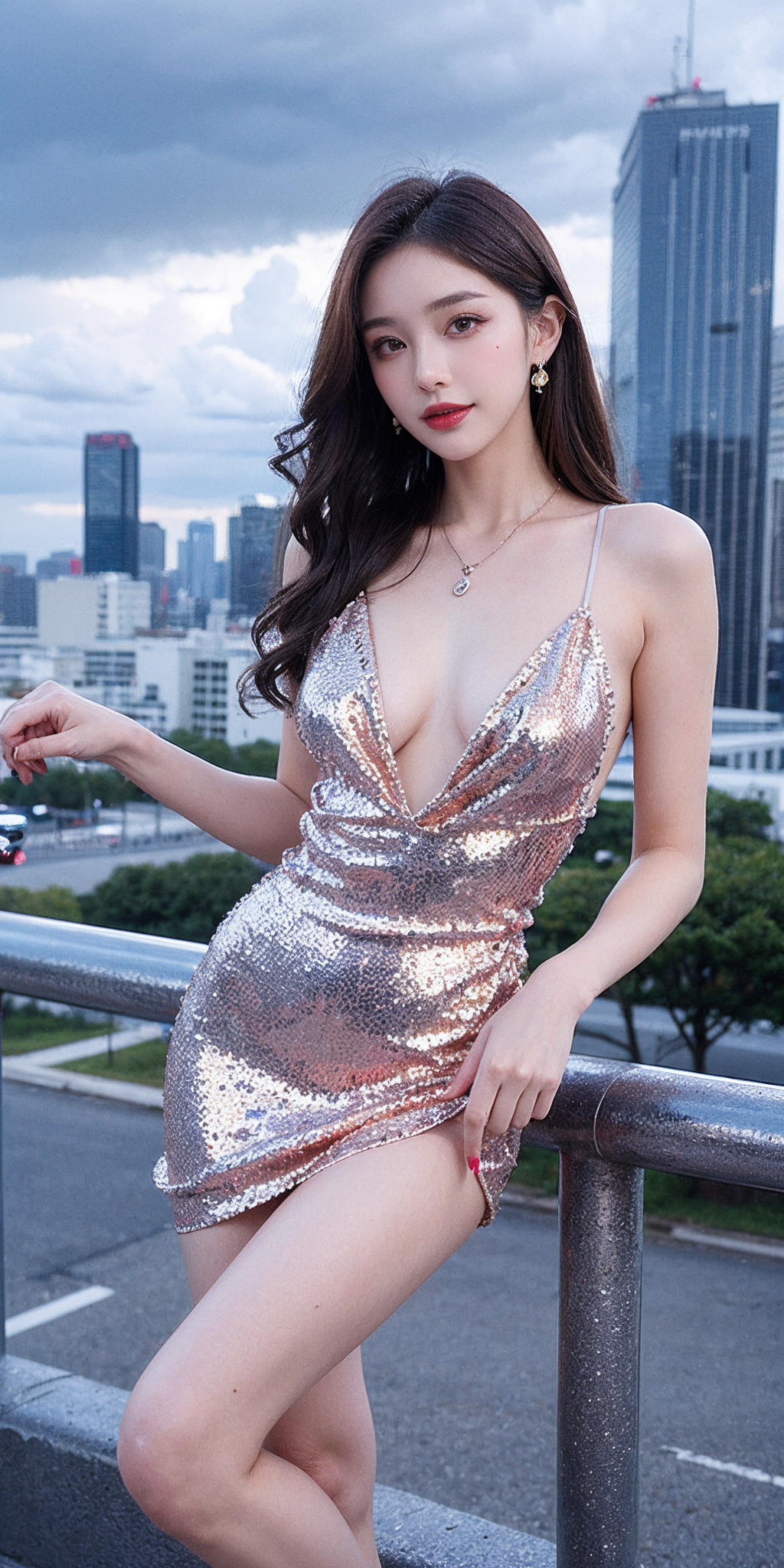
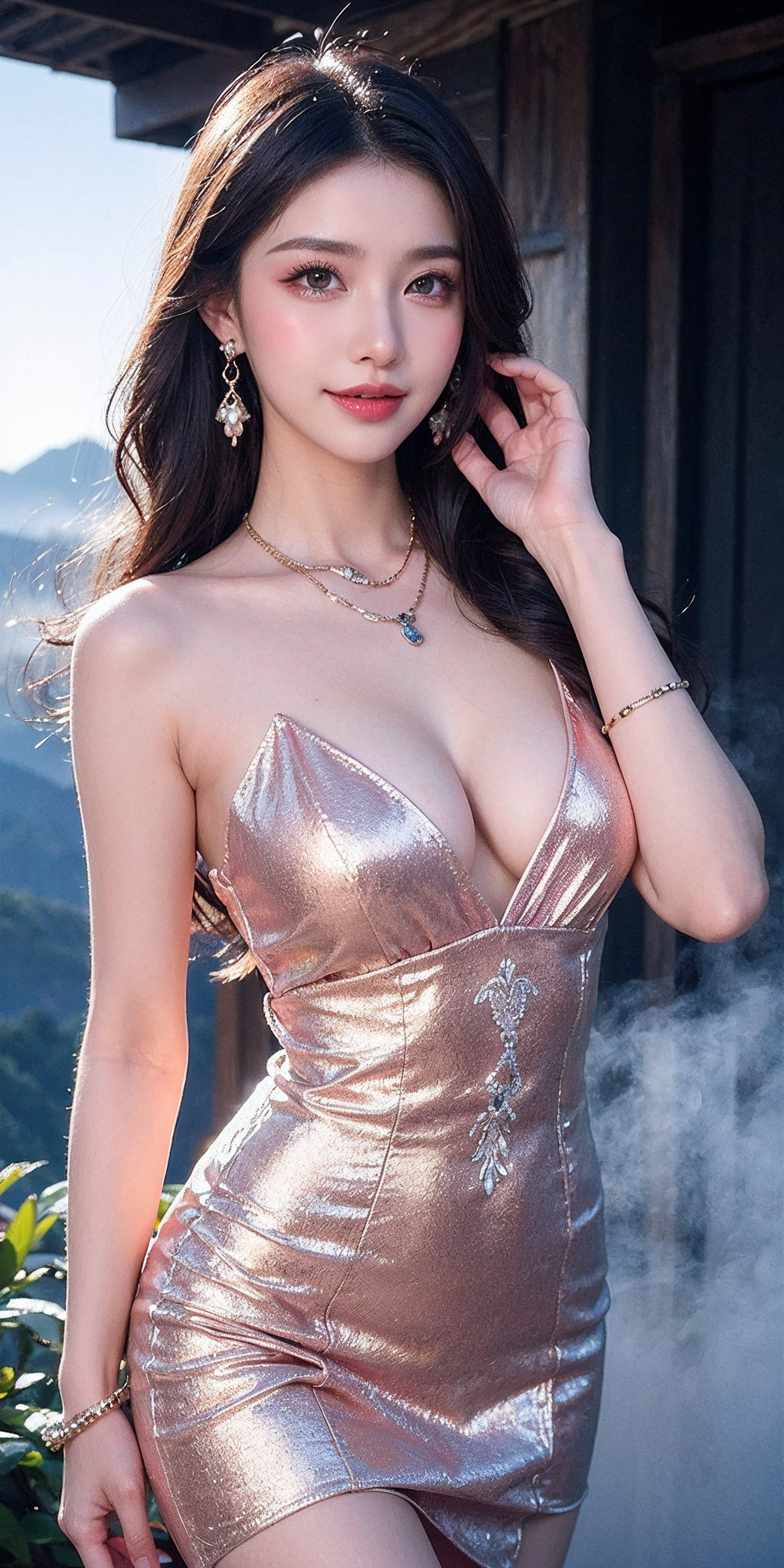
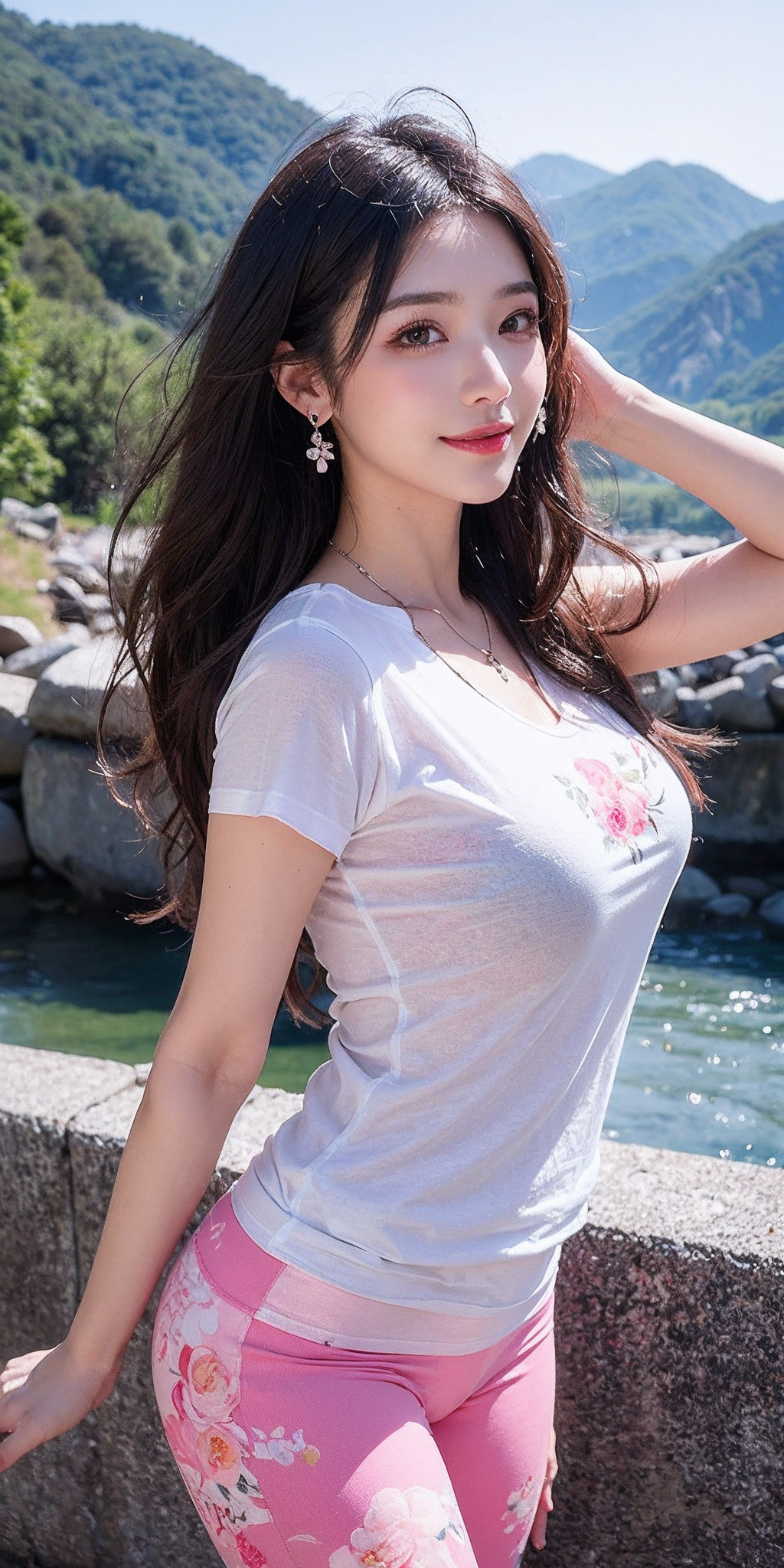
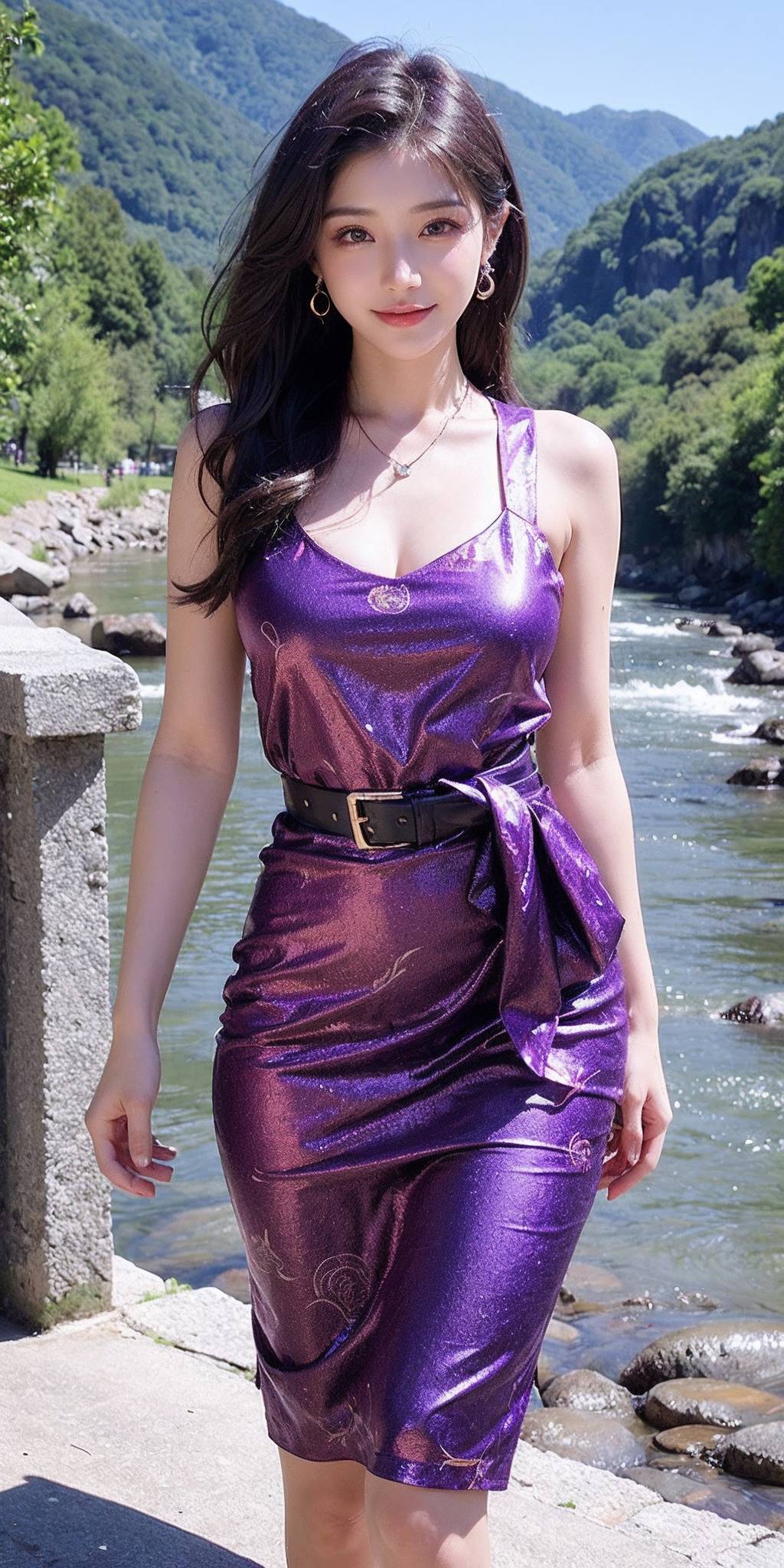
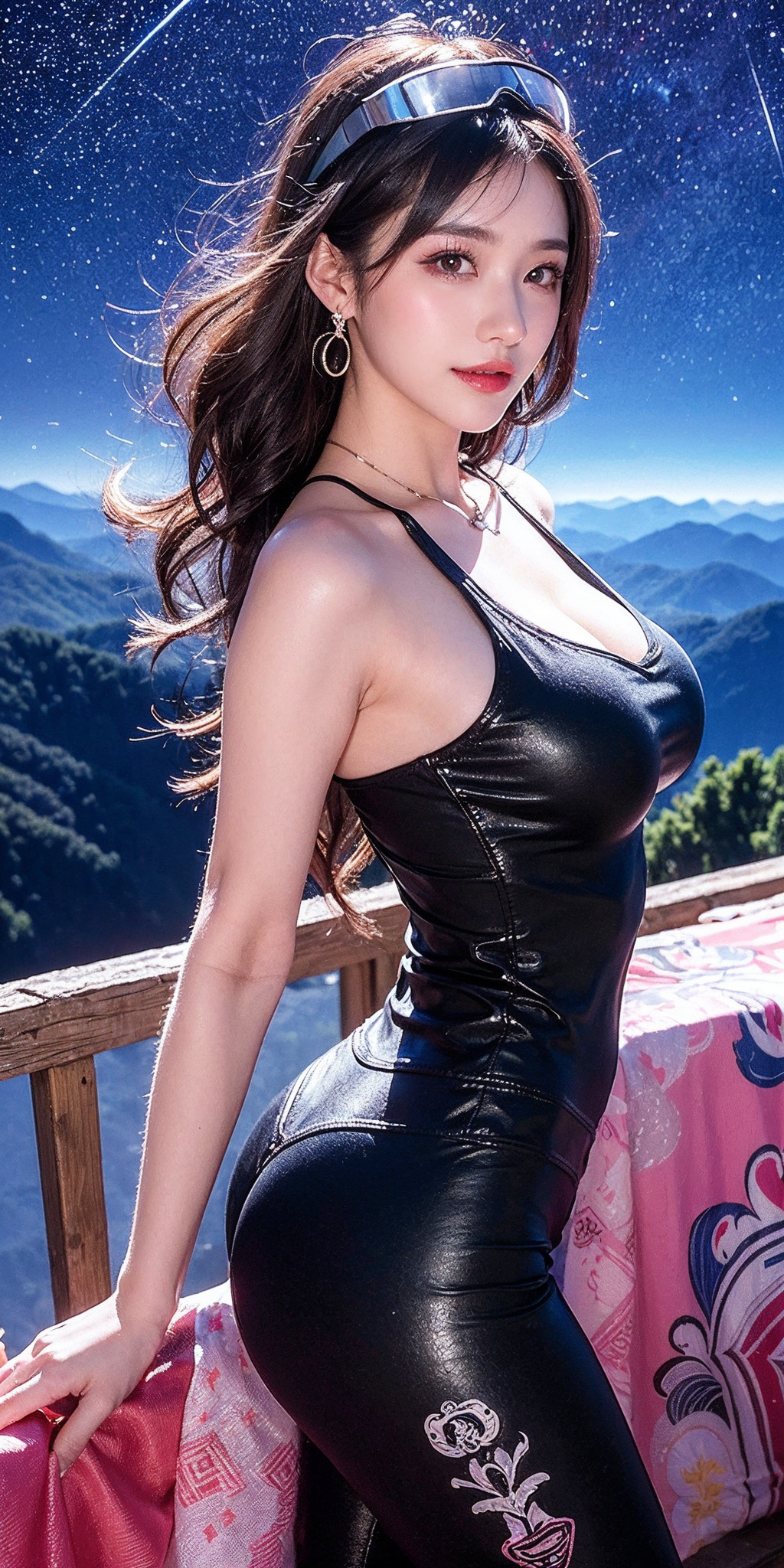
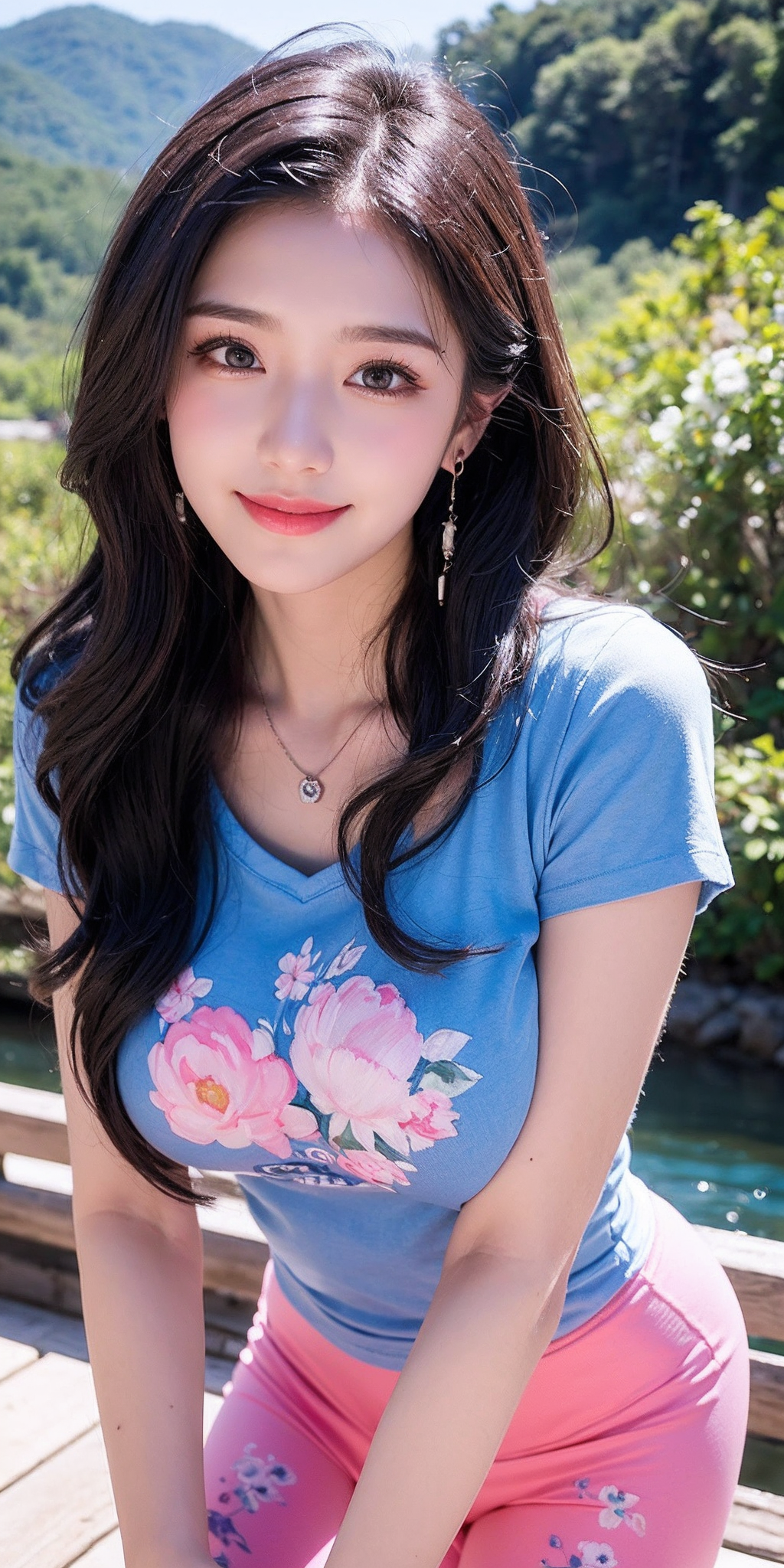
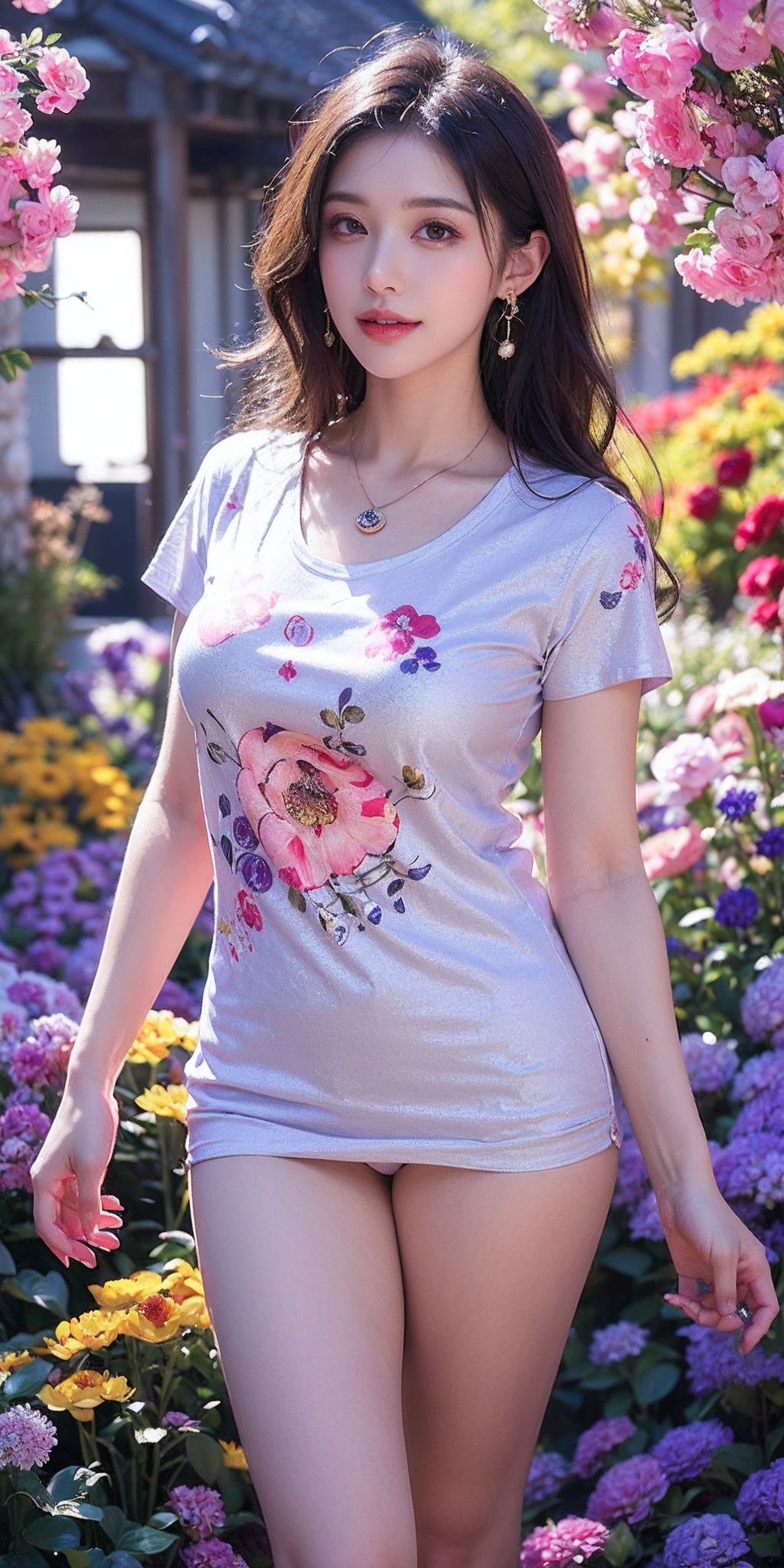
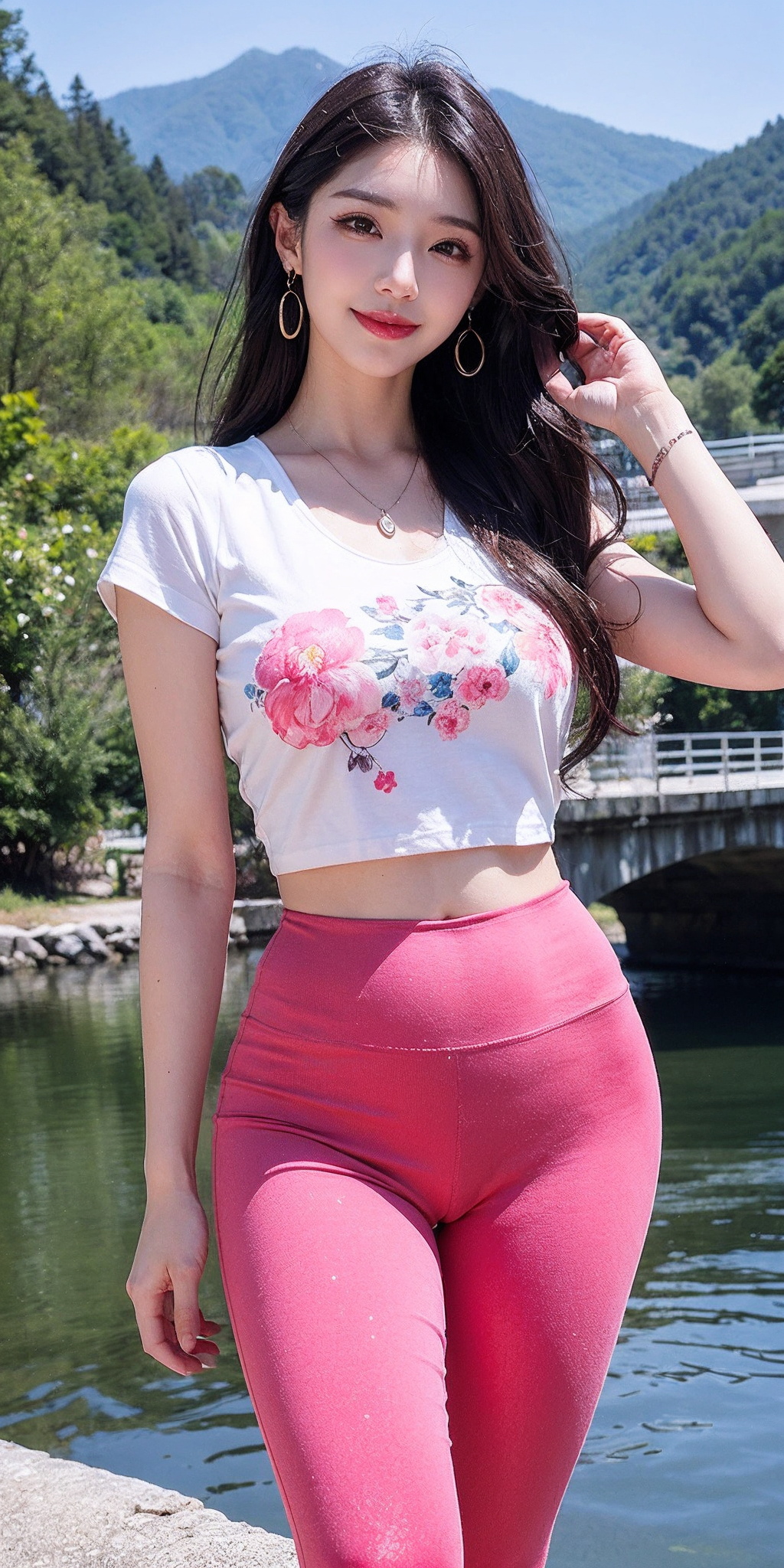
Description
--------------------------------------------分割线-----------------------------------------
24.3.7:
Recently, it was found that there were many noise points after magnifying online generated images (apparently the impact was not significant in previous versions, but in the latest 1.2.X version, the impact was quite significant). After testing with various methods, it was finally determined that the reason was the high-definition magnification algorithm. I have been using the wrong algorithm before, causing inconvenience to everyone, I'm sorry!
I tested each algorithm of online generated images one by one using a fixed seed image.
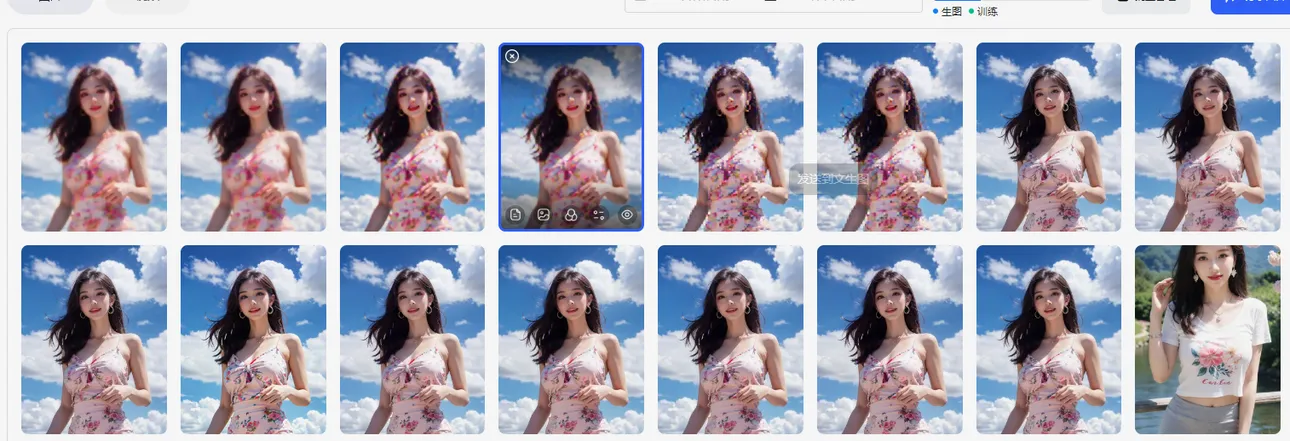
Direct conclusion:
Latent starting 6 cannot be used, they become pixelated directly, give up
ScuNET PSNR ScuNET GAN Lanczos Nearest magnification is blurry, give up
ESRGAN_4x and 8x-NMKD-Superscale more noise use cautiously
Suitable for online use:
4x-UltraSharp (slightly sharper, but slightly more yellowish than the other two algorithms)
R-ESRGAN_4x+ SwinIR_4x (These two have subtle differences, can be neglected. Compared to 4x-UltraSharp, they have a slight skin-smoothing effect)
In conclusion, it is a choice between 4x-UltraSharp and R-ESRGAN_4x+ high-definition methods/algorithms,
If you want to pursue a more beautiful skin-smoothing effect, use the R-ESRGAN_4x+ algorithm
If you want to pursue slightly more realistic skin and enlarged minor details, use the 4x-UltraSharp algorithm
For friends who recreate my images, please note that after setting the parameters with one click, change the default 8x-NMKD-Superscale algorithm.
Another issue raised about the reddish tint in the 1.2.X versions, I will later post the original uncolored versions after merging.
--------------------------------------------分割线-----------------------------------------
24.2.29:
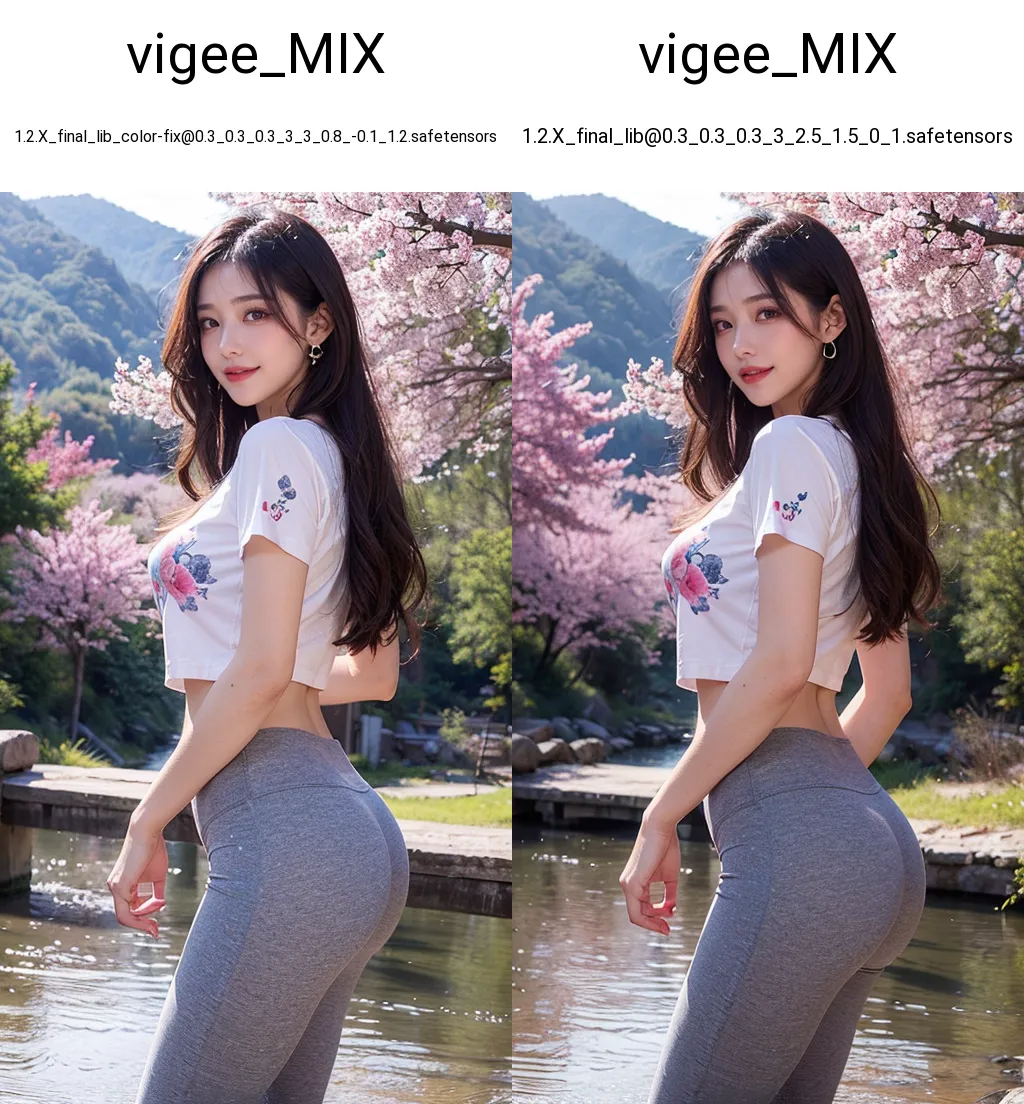
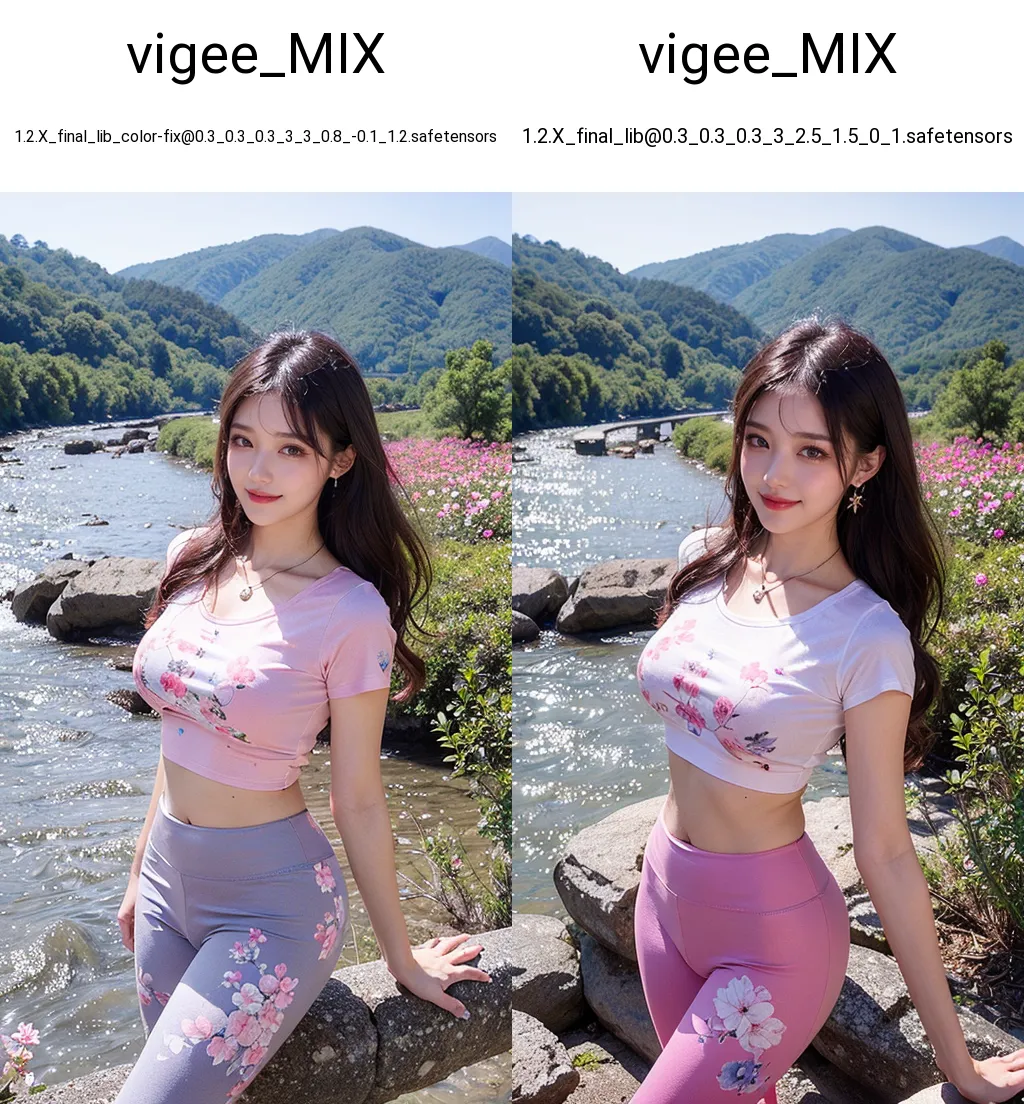
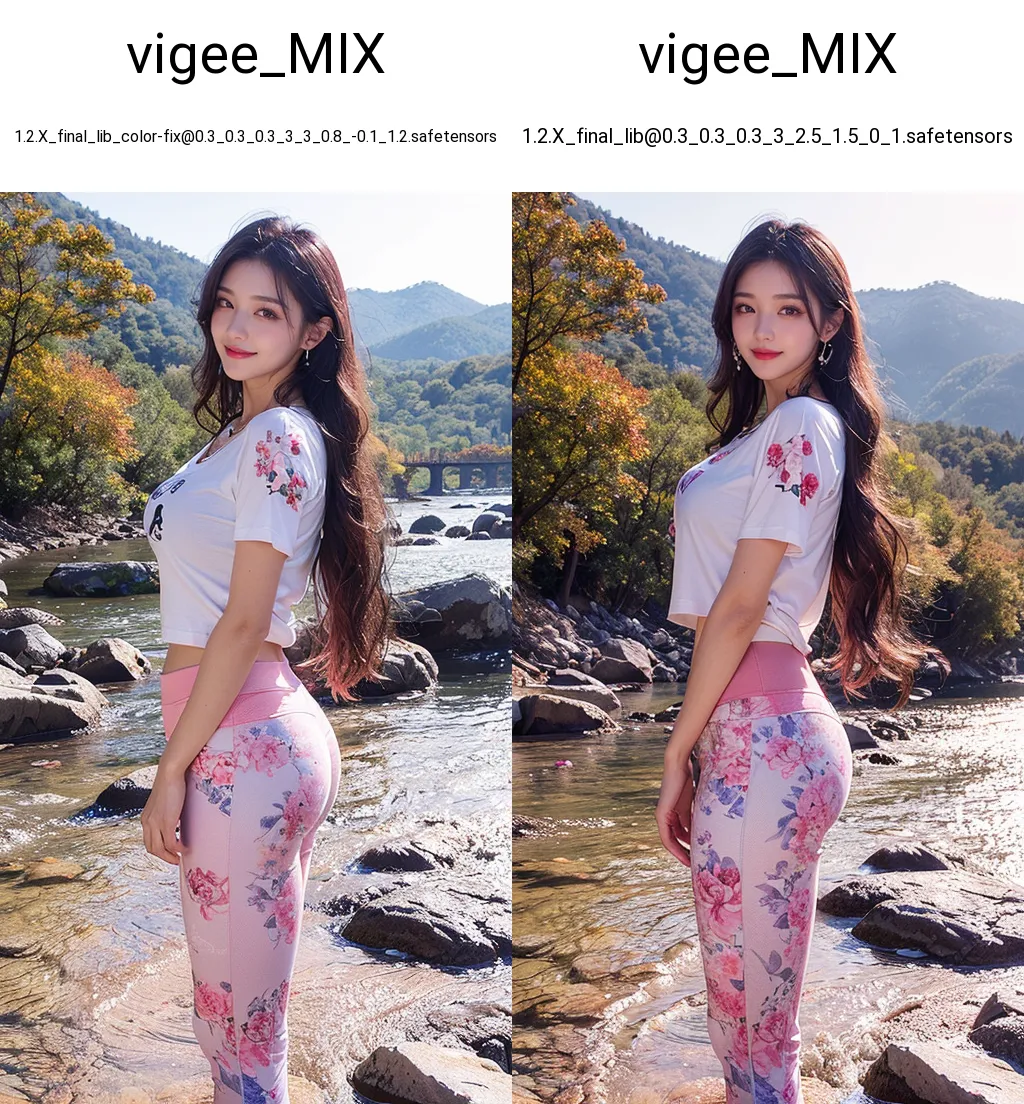
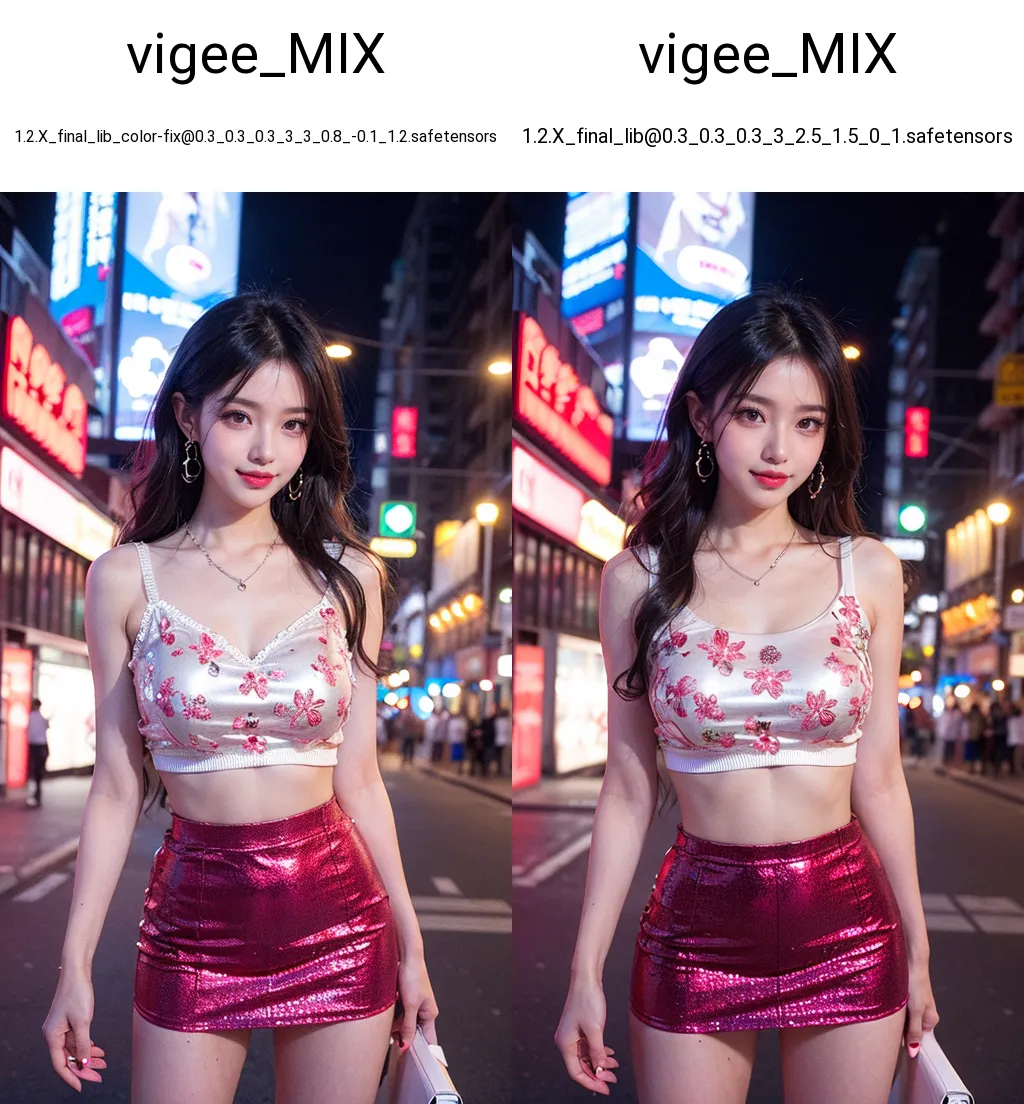
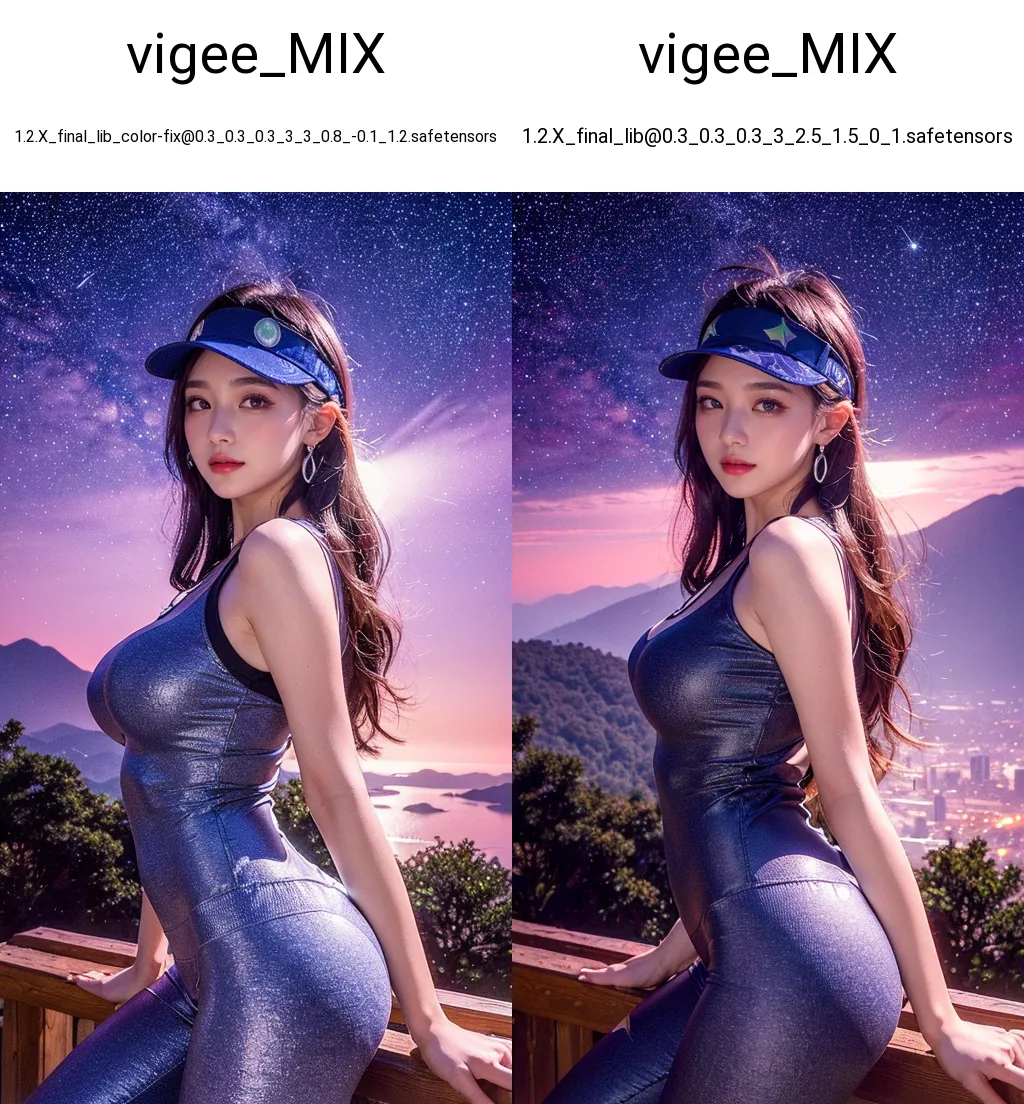
According to the feedback regarding the reddish tint issue in the 1.2.X final version, adjustments have been made by reducing the proportion of red and magenta colors. Additionally, a little brightness has been added. (Personally, I prefer a bright and vivid style). The changes are not substantial, so give it a test. If it doesn't work, I will reduce the red shade further in the future. When it comes to color correction, my understanding from using DaVinci video color correction before is that it is subjective.
Due to the parameter modifications, there are slight differences in details compared to the original image, which cannot be avoided. I will update the cover image generated online later. Playing with online image processing during the day is not possible right now...
In my extensive local testing, the previously unadjusted versions do not tend to have a reddish tint in most scenarios, it's only in specific environments, especially dimmer lighting.
Comparison image, the left side shows the color adjustment, and the right side is the previous 1.2.X final version: