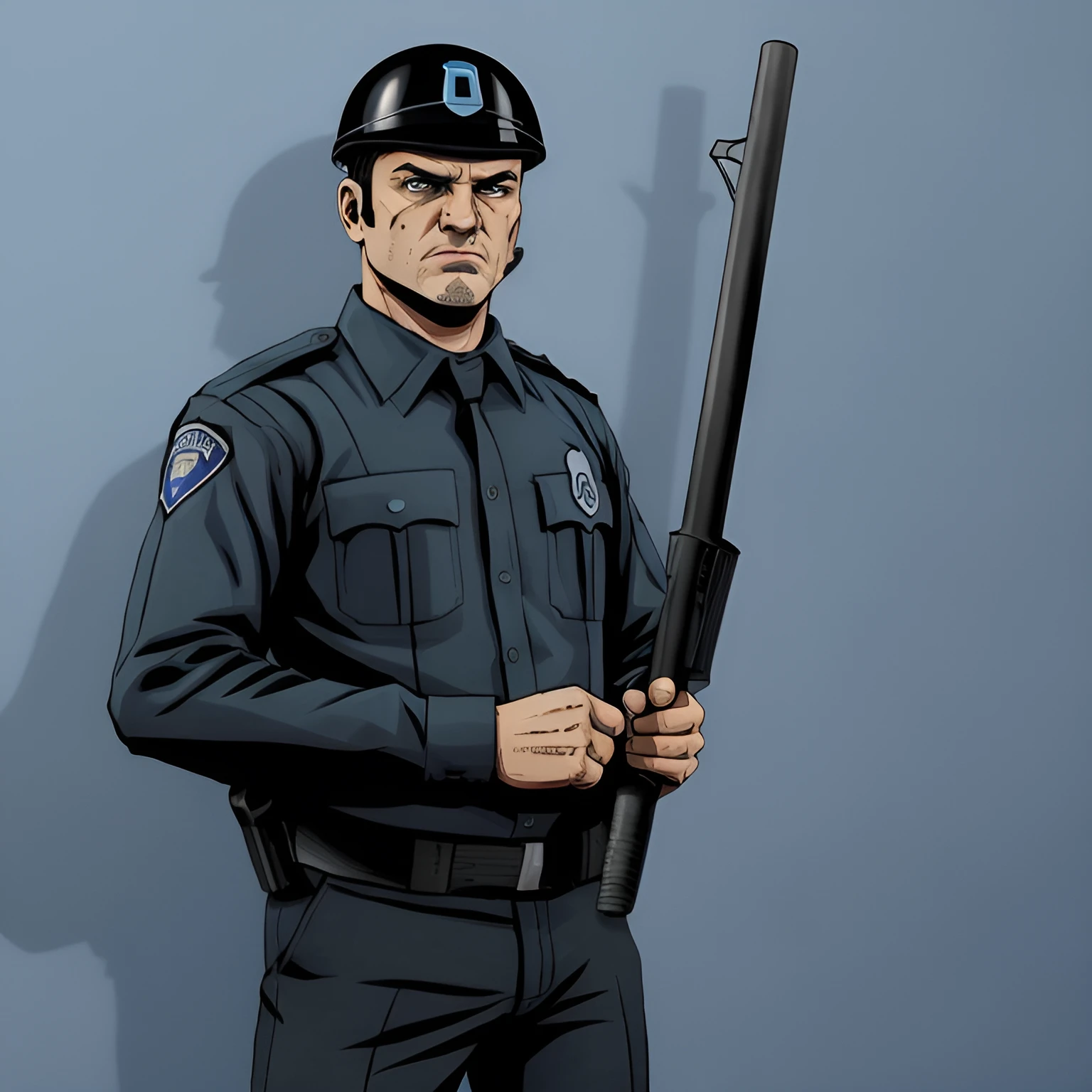

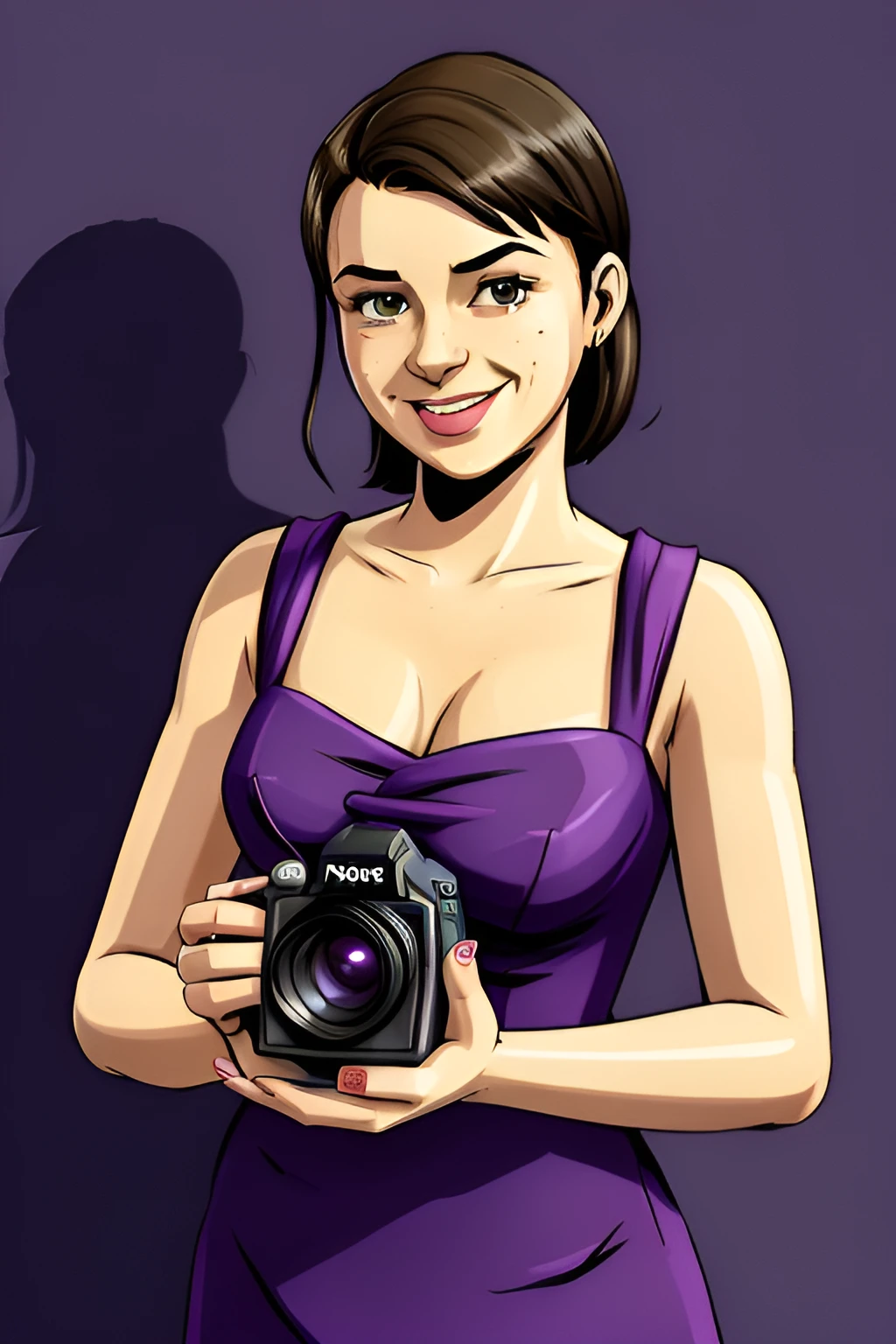
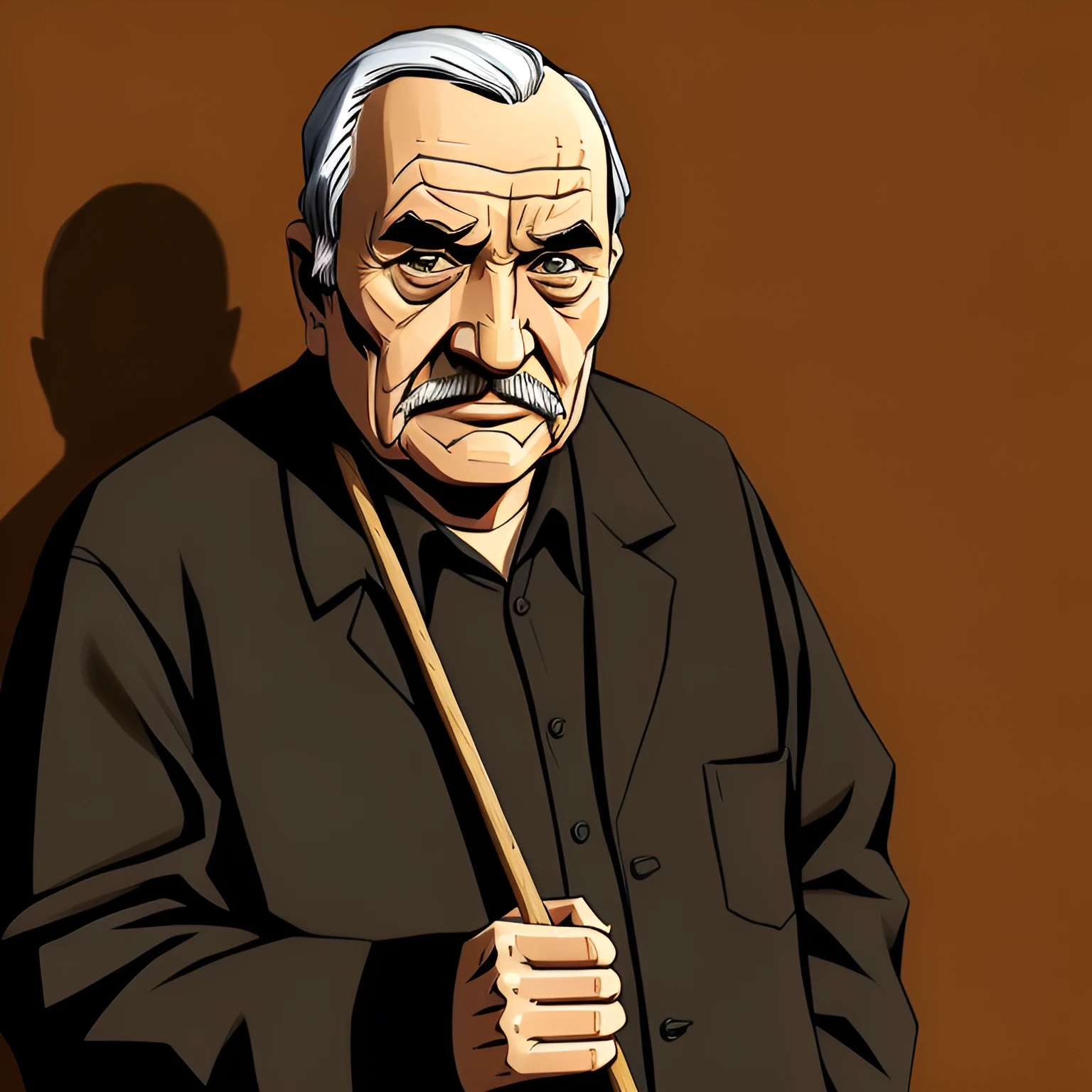
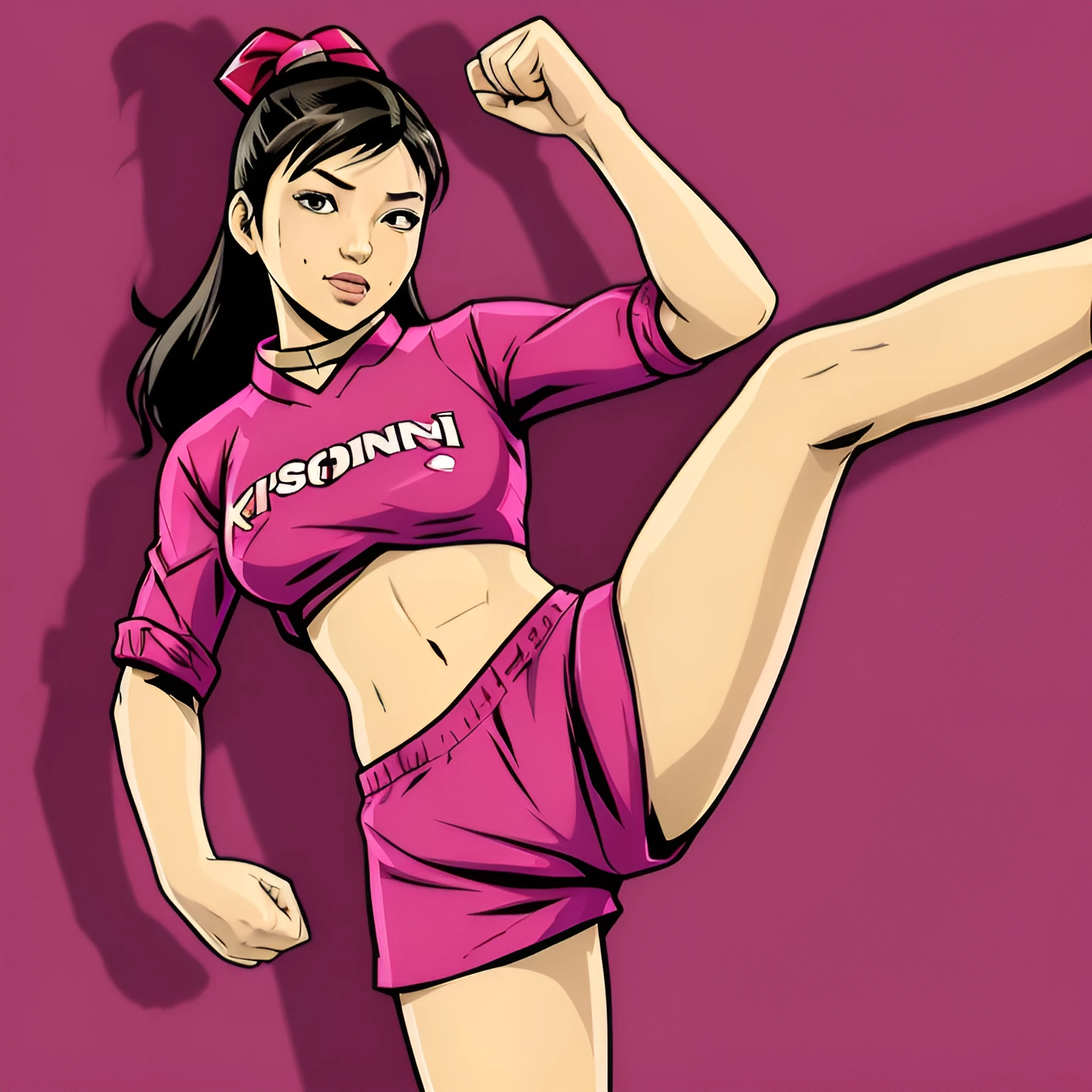

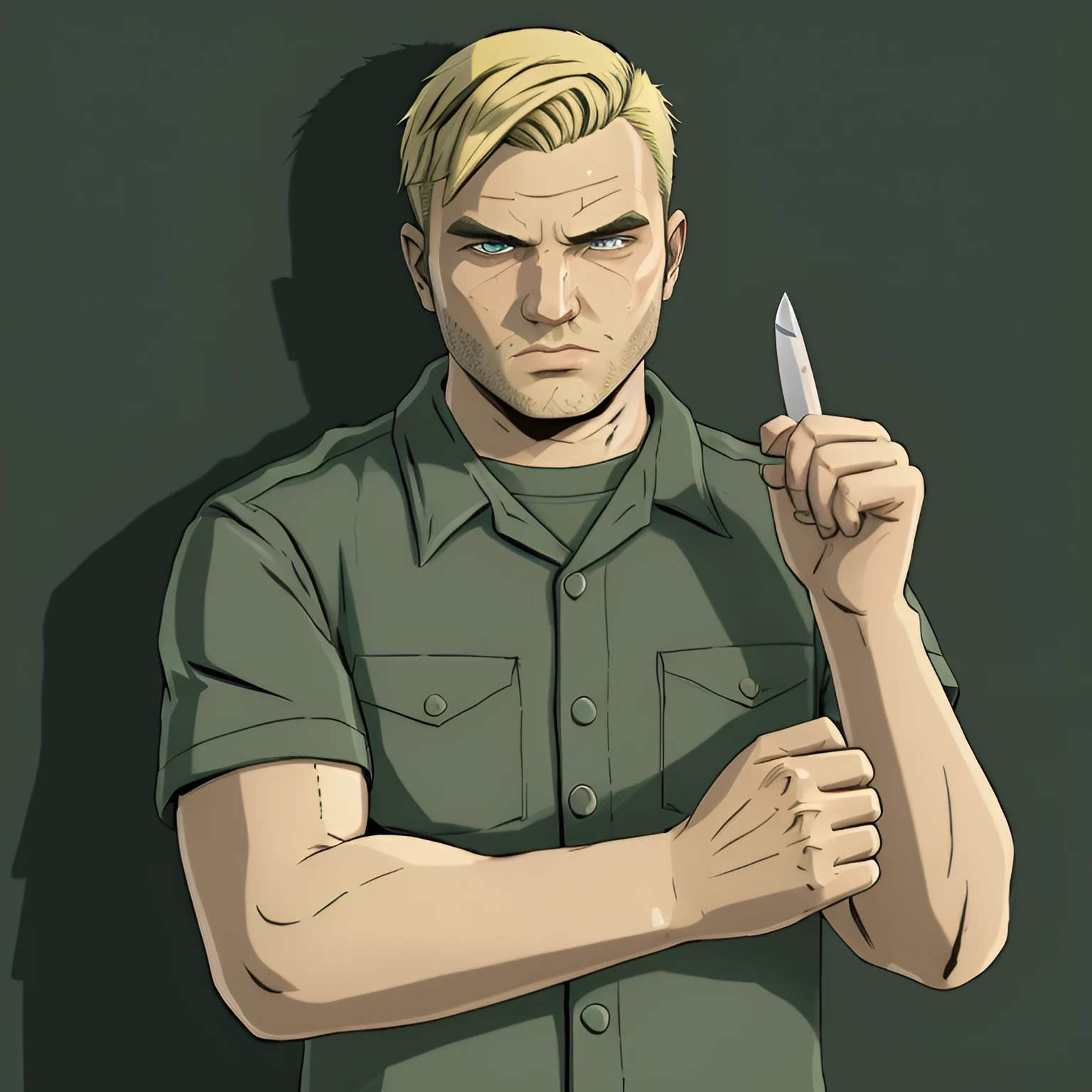
SD 1.5 LORA - Grand Theft Auto III - Loading Screen Art Style
Generate GTA III loading screen style art.
Can be a little tricky to use (use CFG=~0.3) , so follow these recommend settings:
Prompt: "gtaiii_person, shadow, " + <color> +"background, " + <person/profession>
( i.e. gtaiii_person, shadow, purple background, black girl holding a cellphone, golden earrings )
Note: Due to less flexibility, don't use too many keywords.
Explicitly stating body part position such as "arm up" may help with poses.
Checkpoint = realisticVisionV51 (used for sample images, recommended):
Lora Strength: ~ 0.3 (pretty low)
Steps = 32
CFG = 8.5
uni_pc + SGM_Uniform works well
Resolution 768x768, 768x1024 or 1024x768 (higher works better)
Negative prompt: pistol, ??????? (unless wanted)
It can help to specify "arms" together so arms are less likely to be together.
Check out the SDXL Lora here:
https://civitai.com/models/528068/sdxl-lora-grand-theft-auto-iii-loading-screen-art-style
Pro tip:
For those that use "Dynamic Prompts" make sure to add the "__" identifier after the Lora prompt:
Example: <lora:*****:1>__somewildcard (where ***** is the name of the Lora)
Description
FAQ
Details
Files
Available On (1 platform)
Same model published on other platforms. May have additional downloads or version variants.