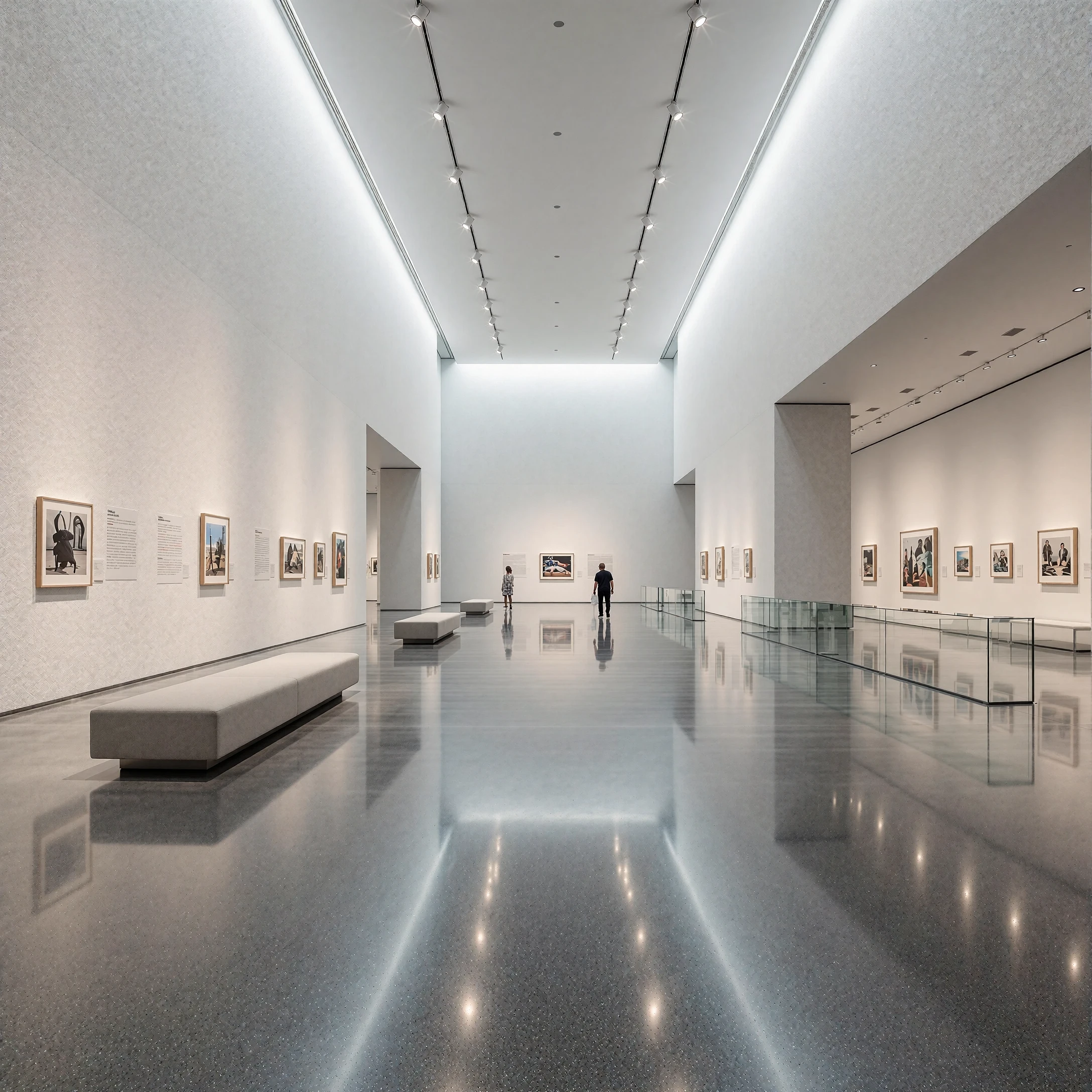
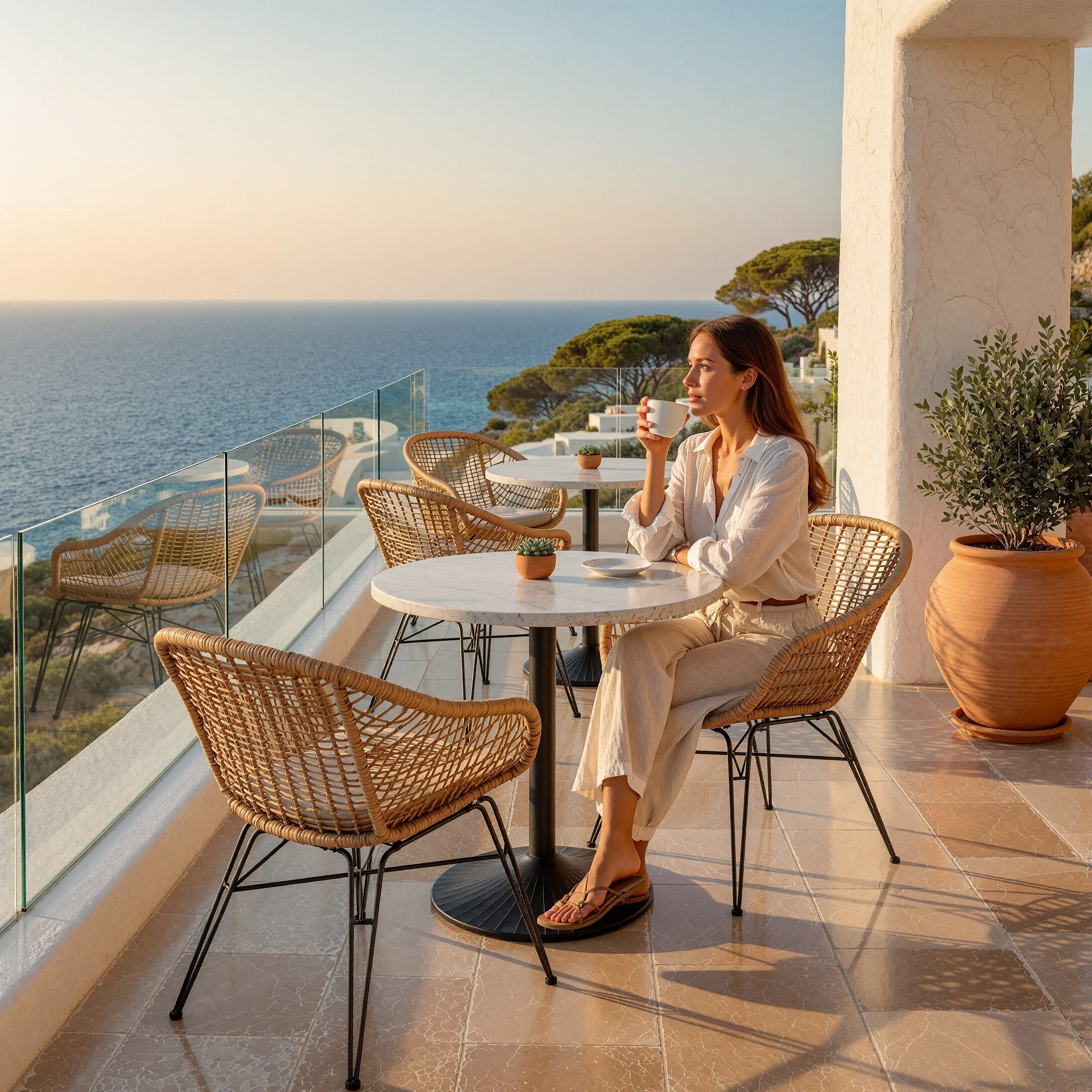
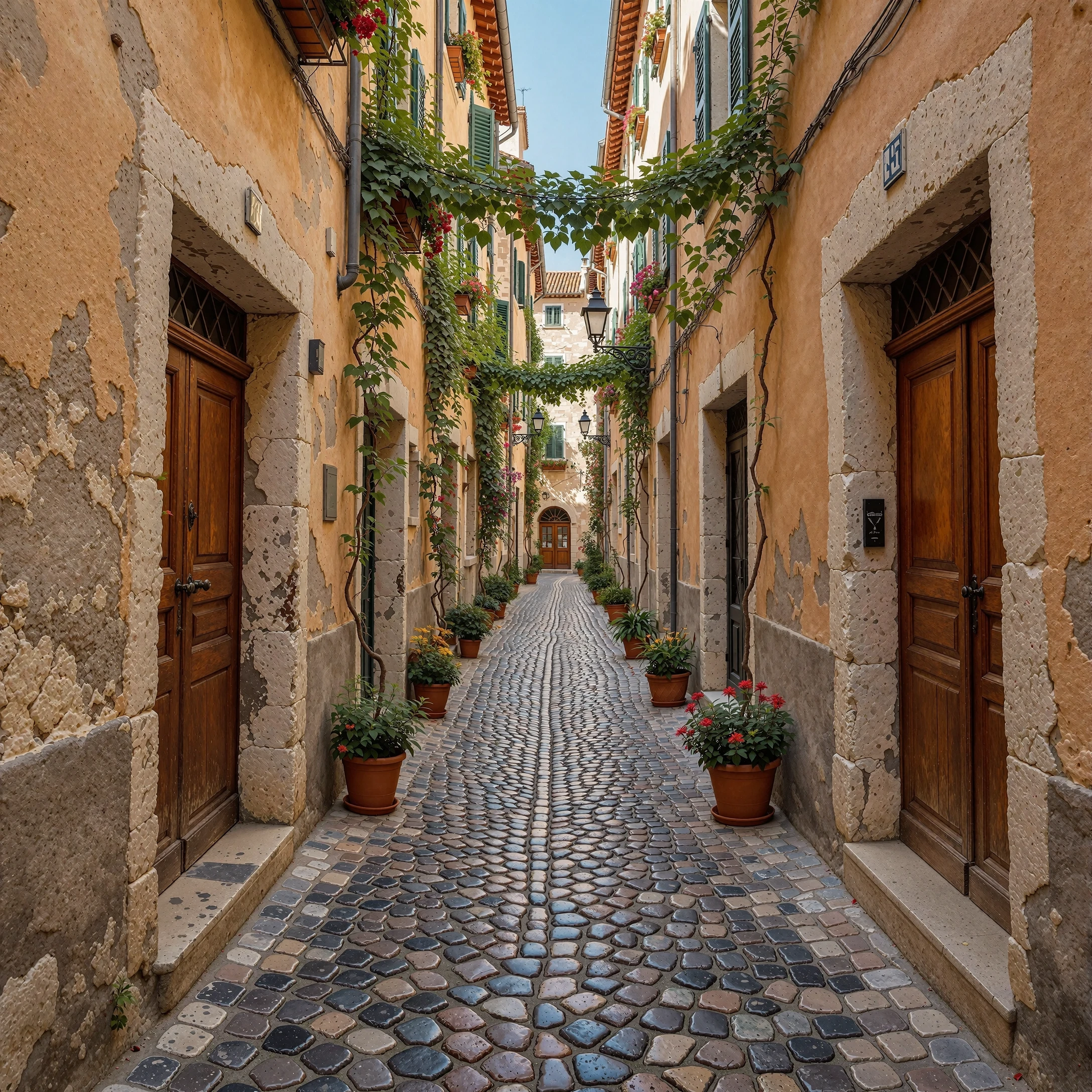
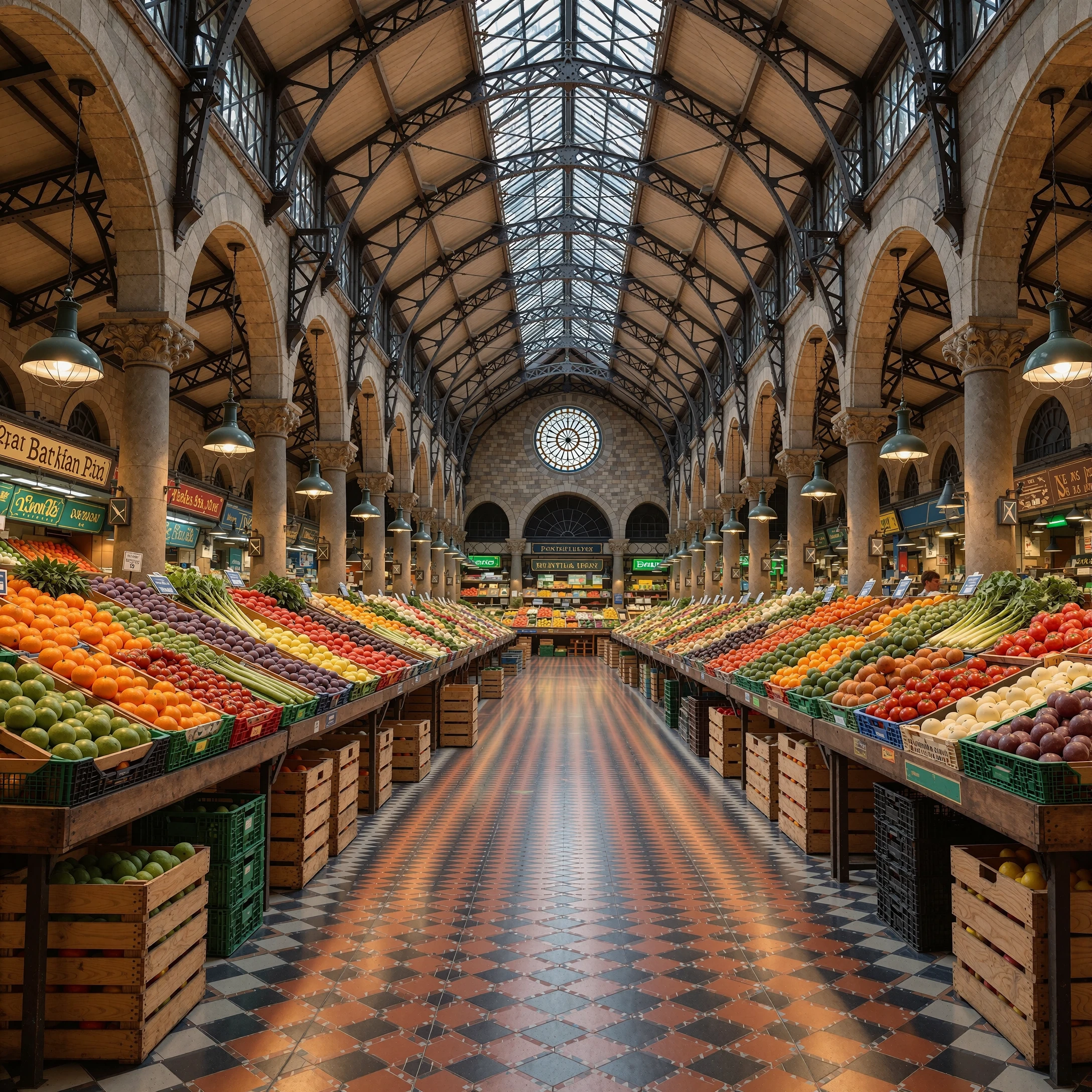
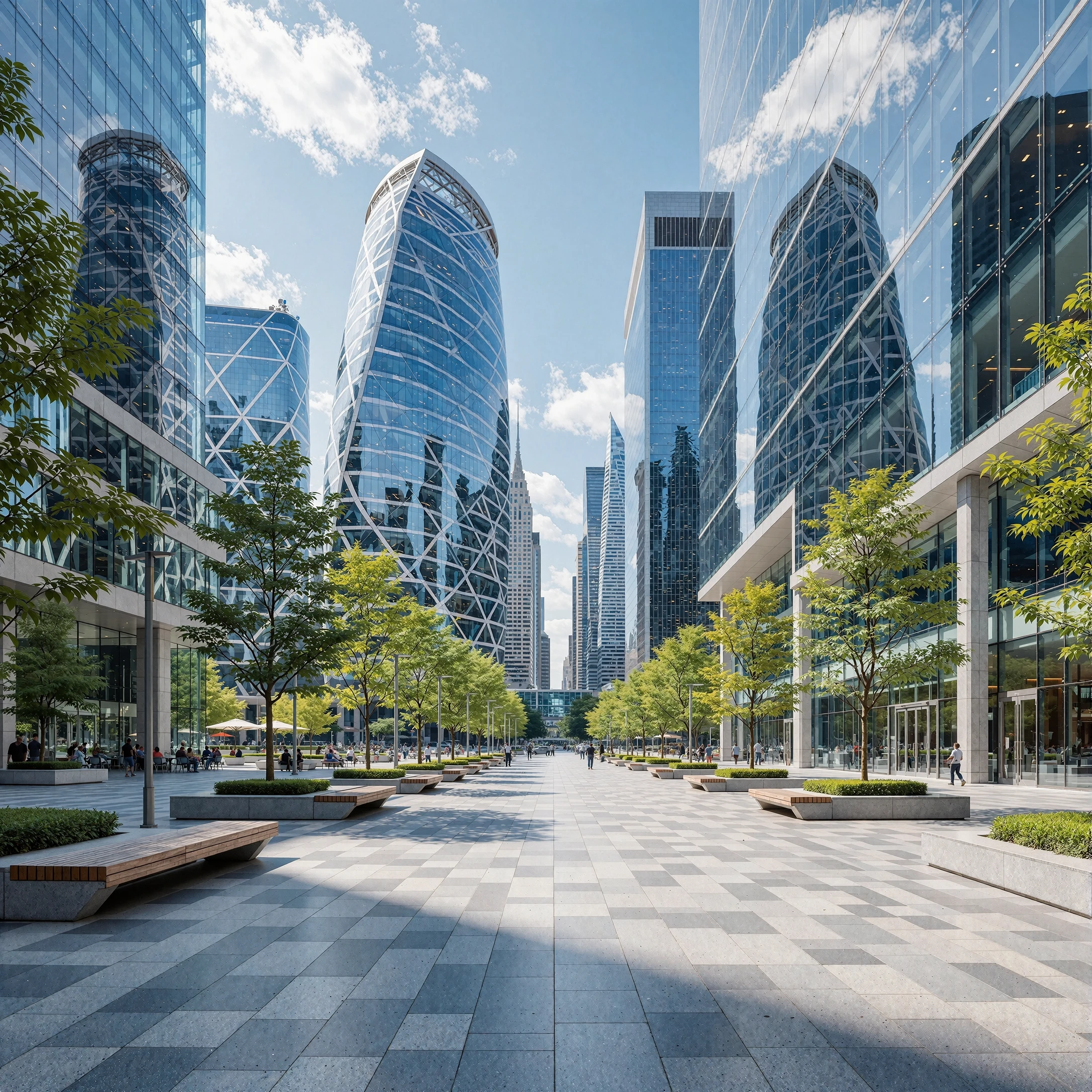
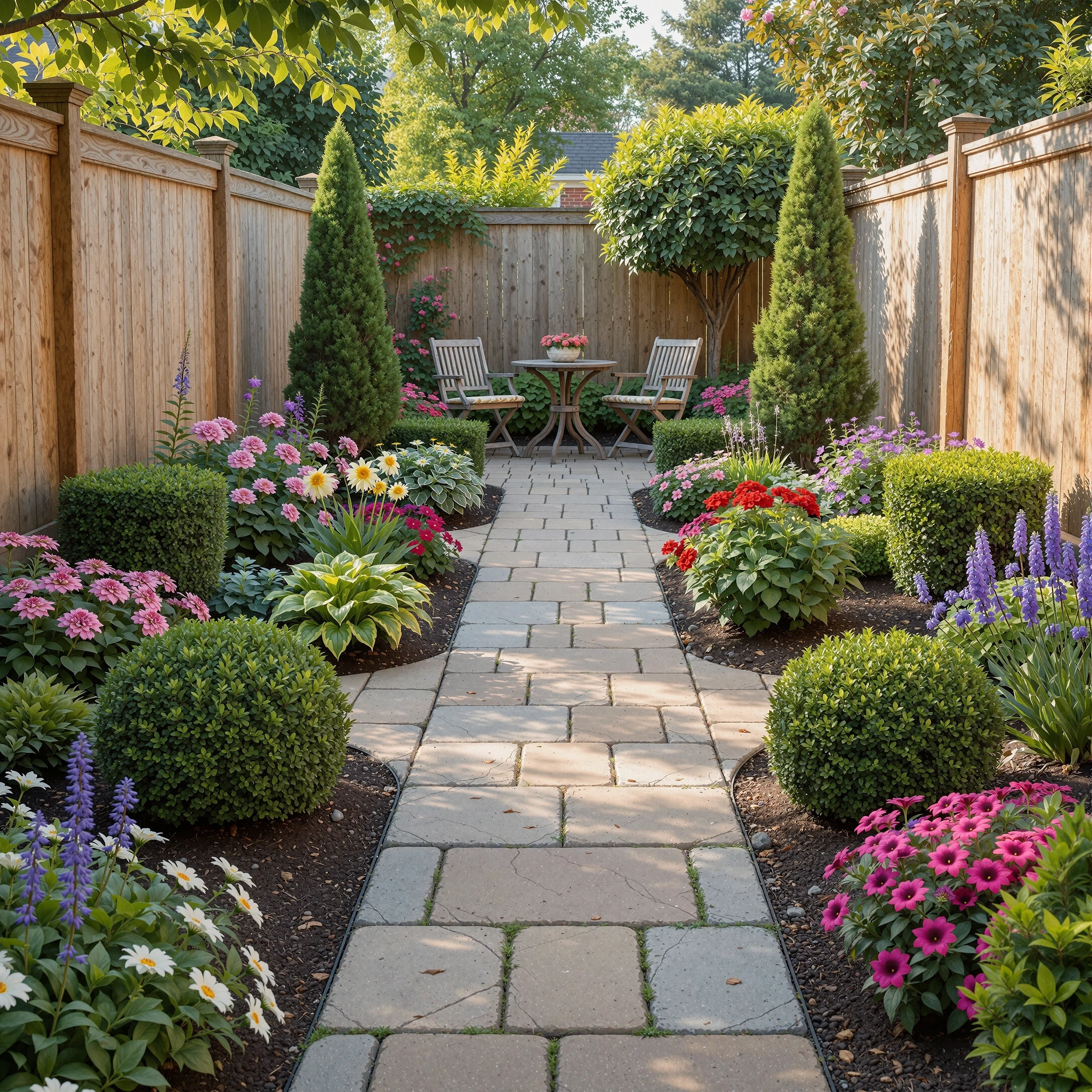
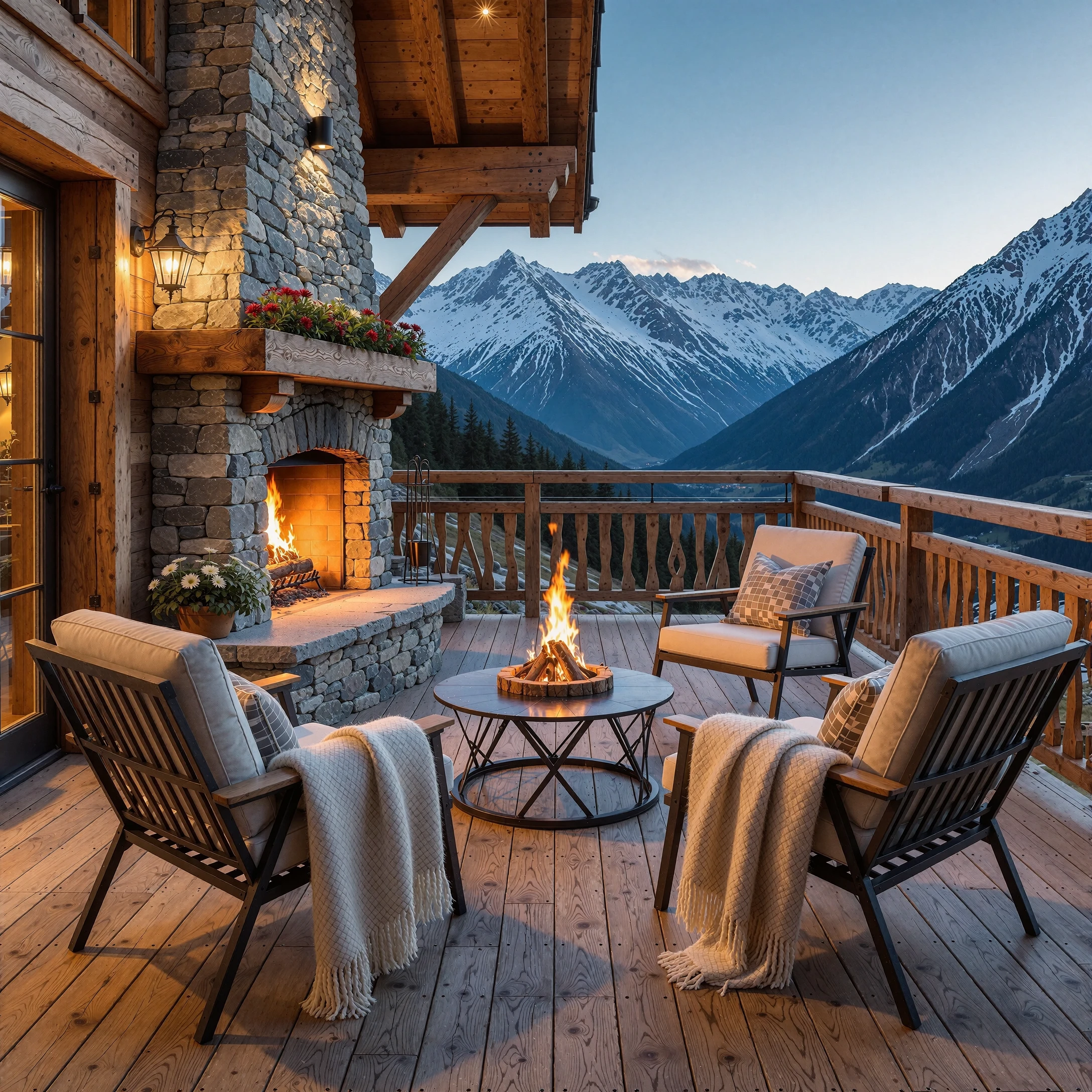

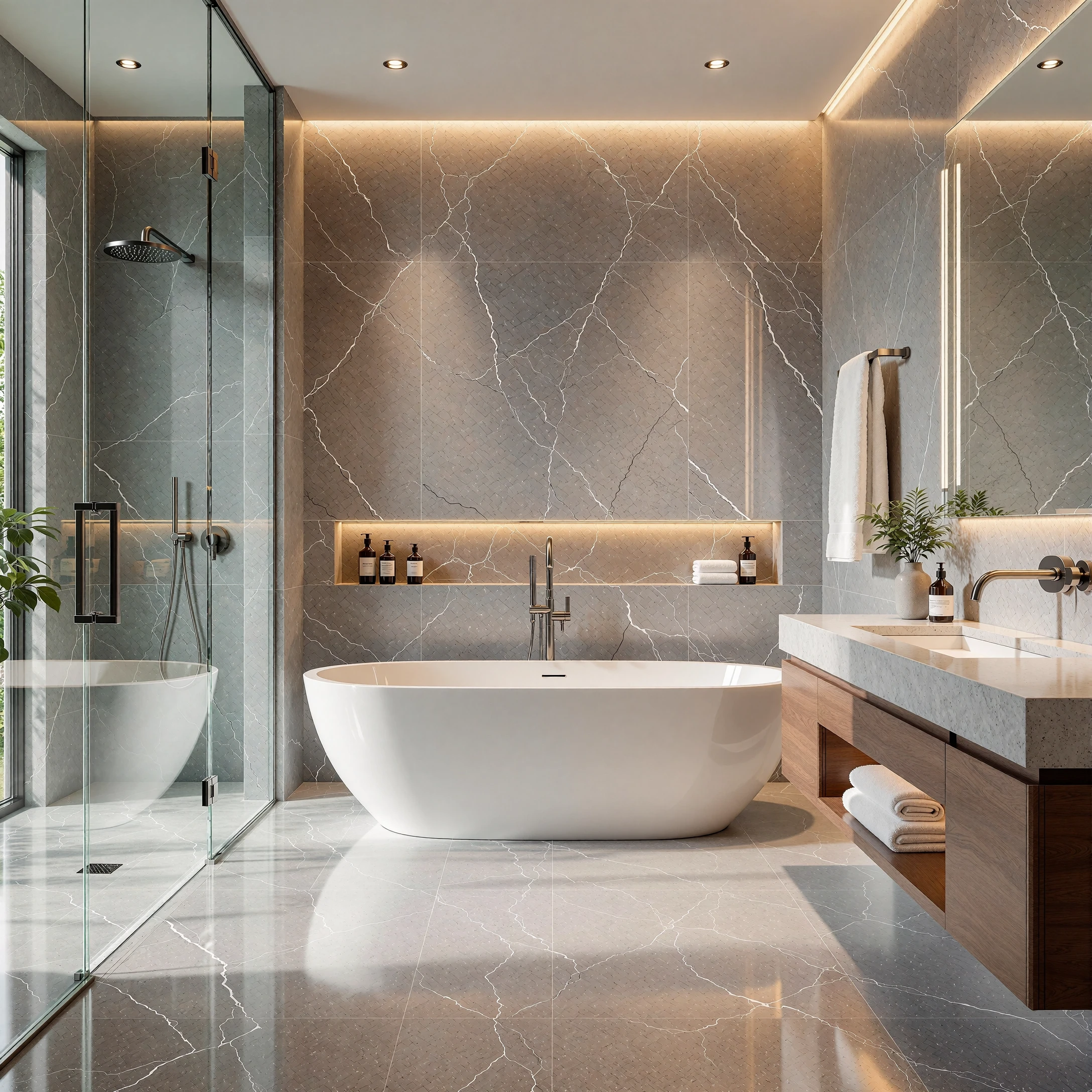
Detail FX for Krea 2
Surface & Background Enhancer by Astroburner
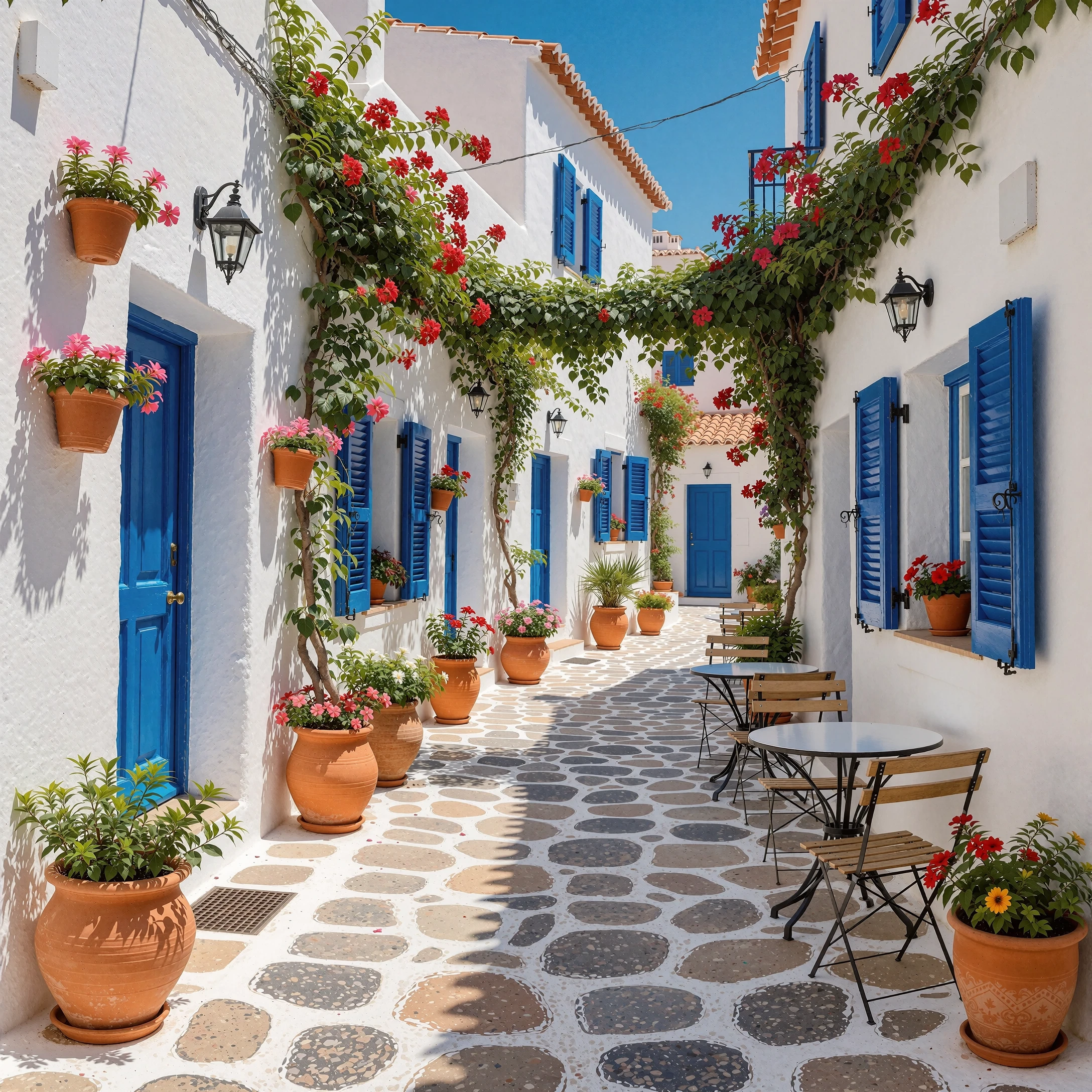
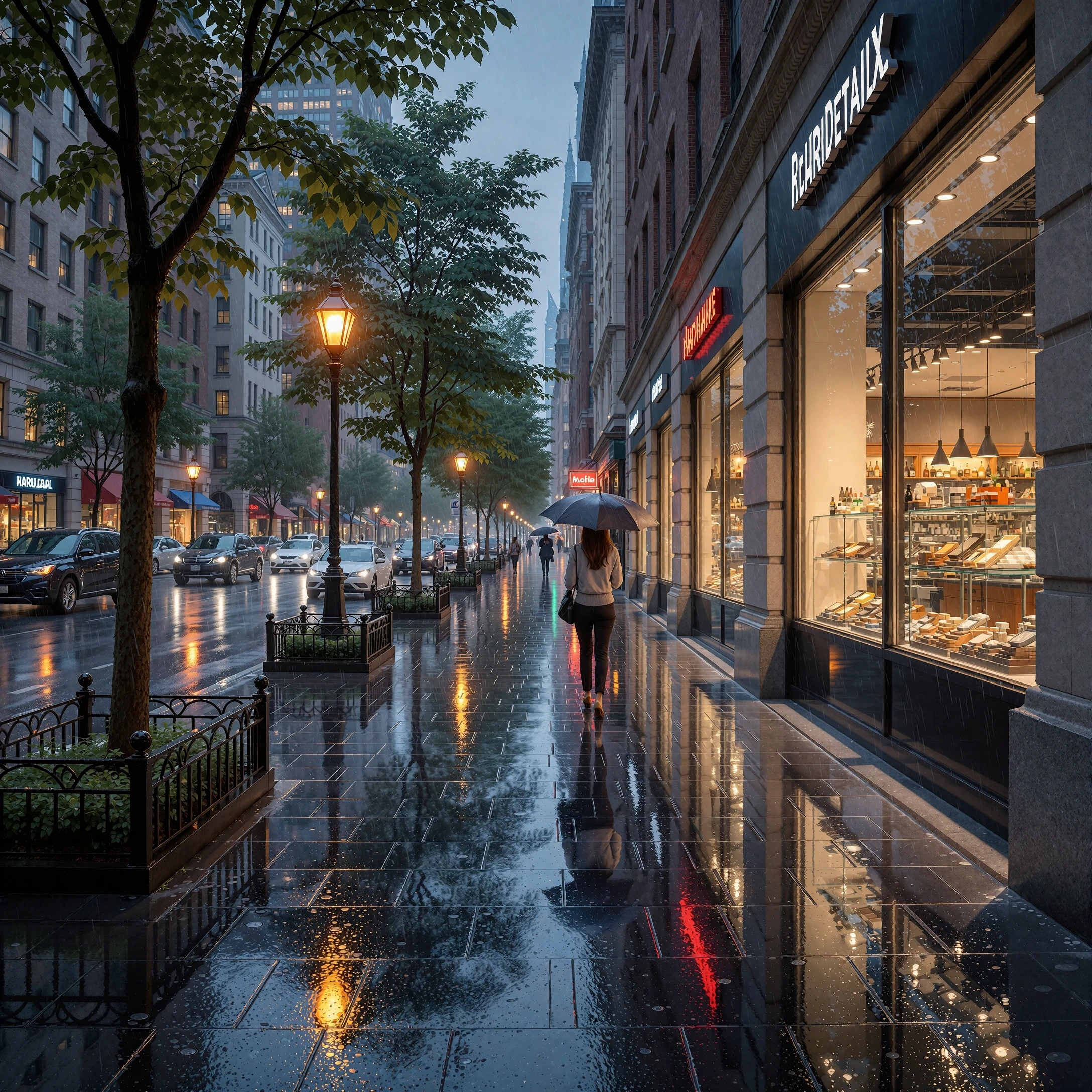
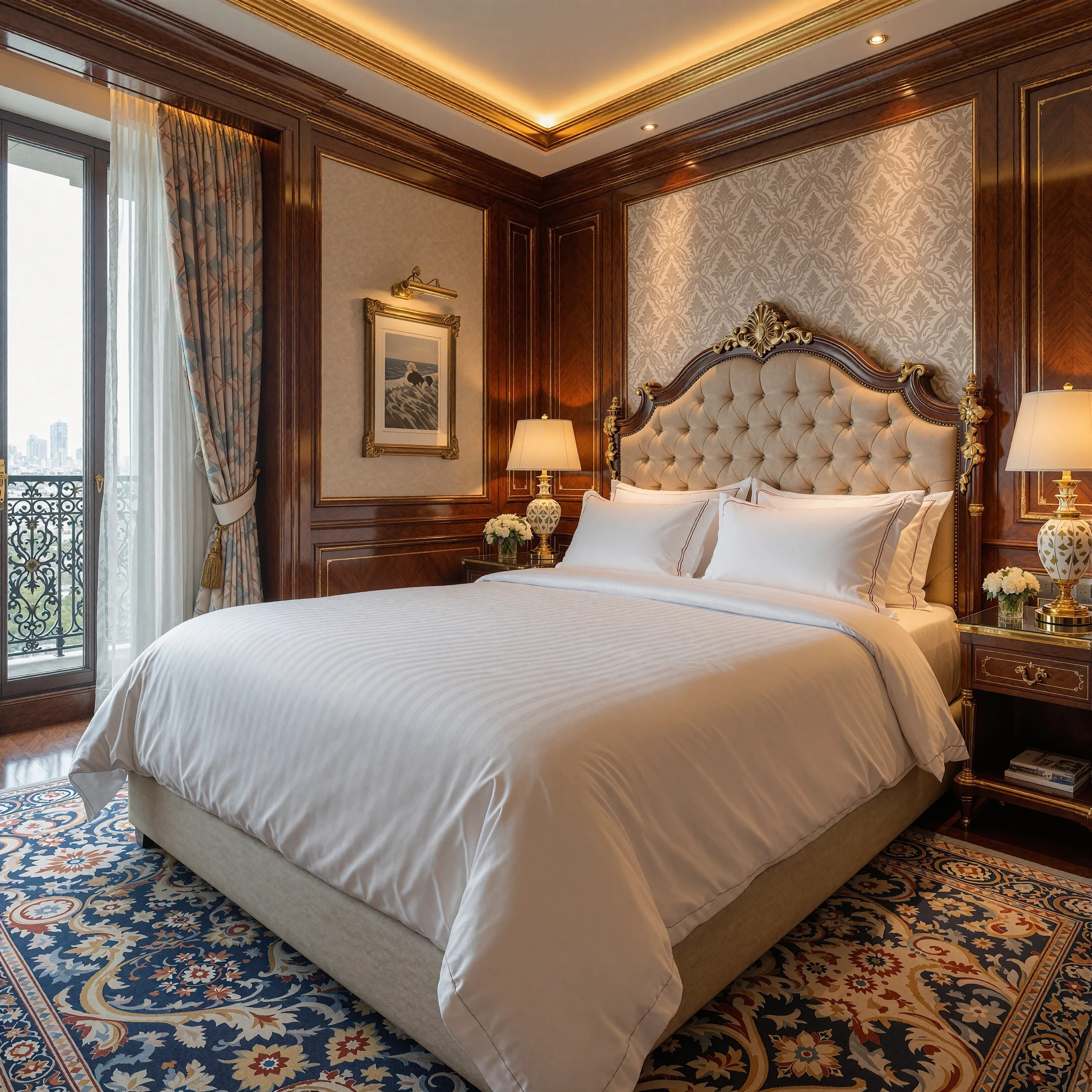
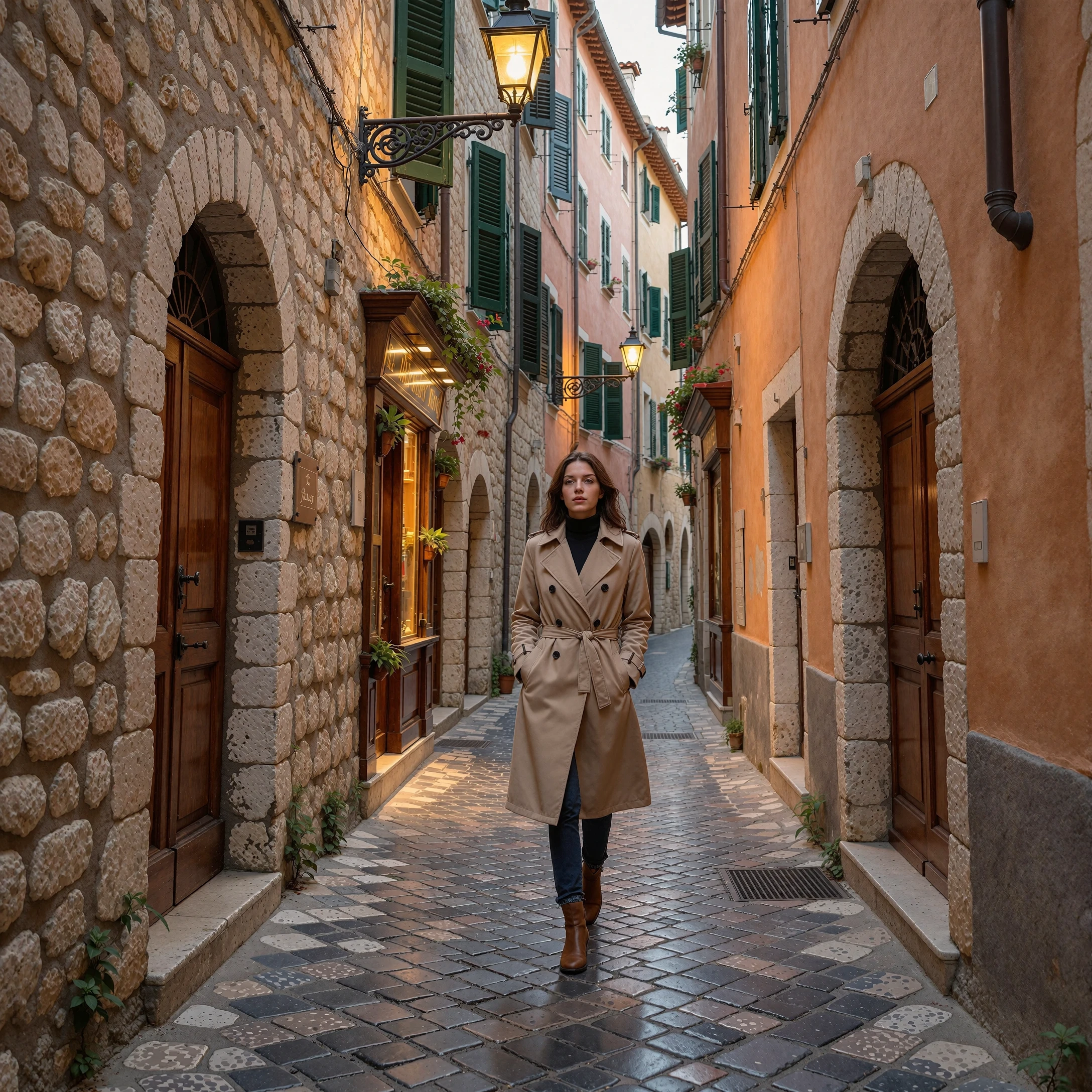
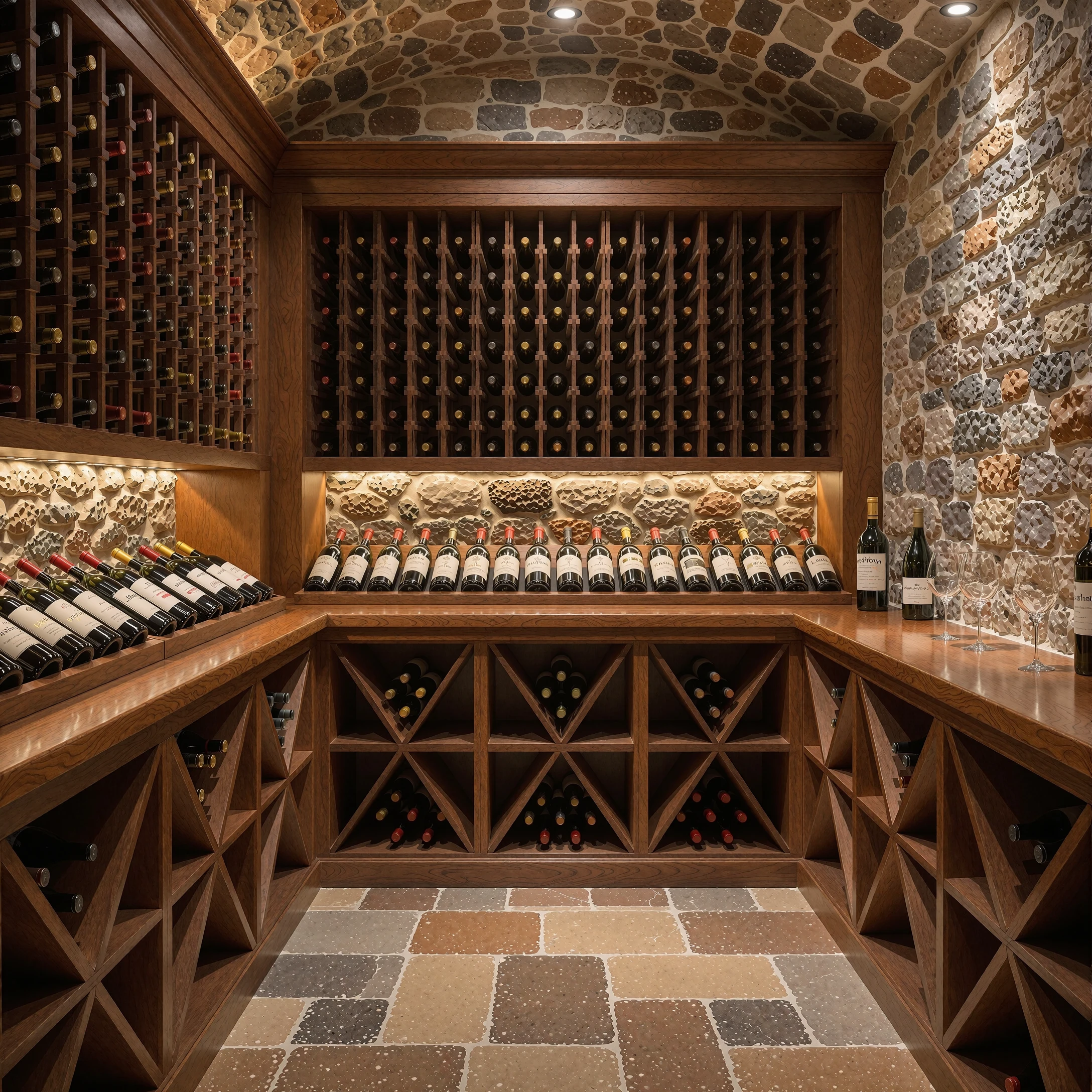
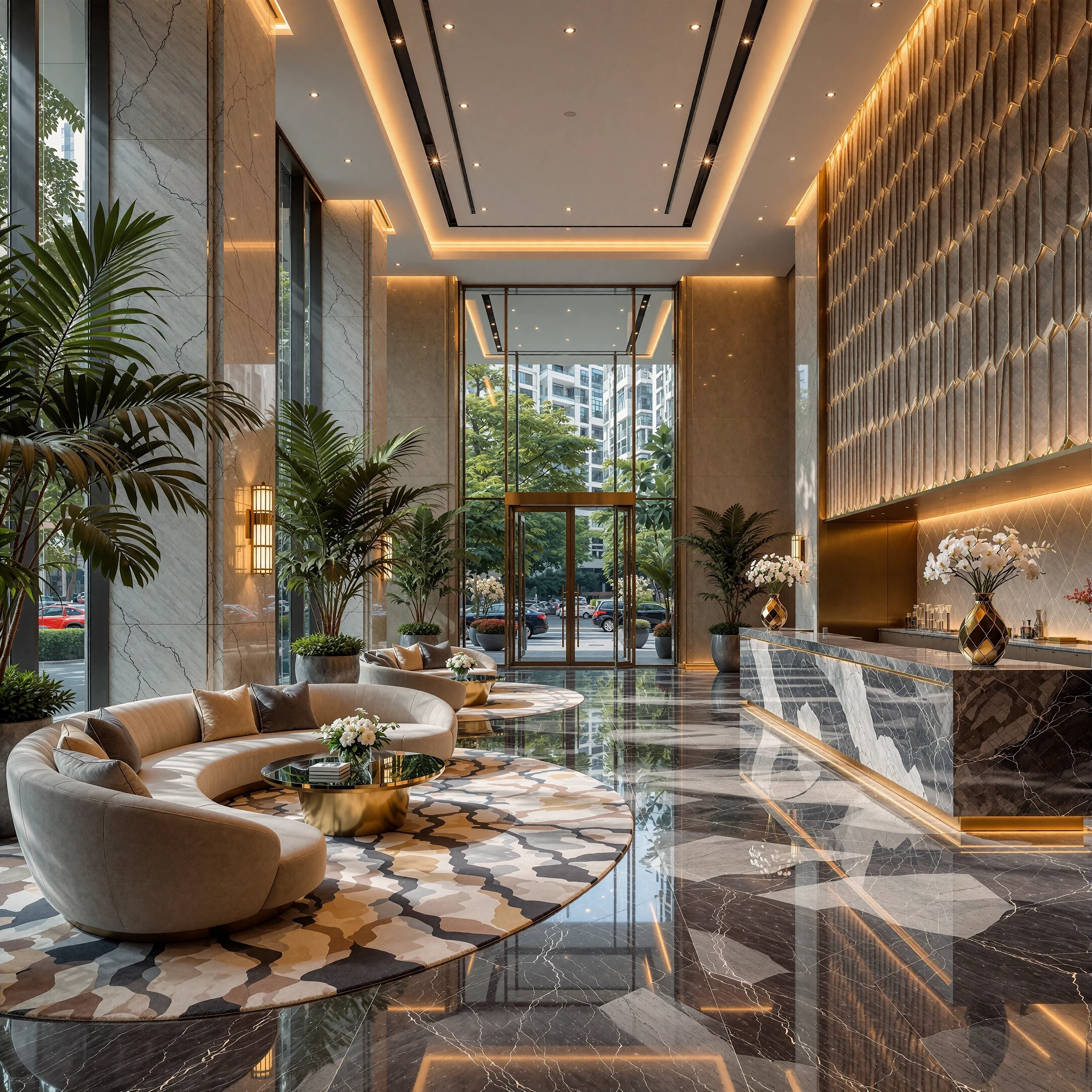
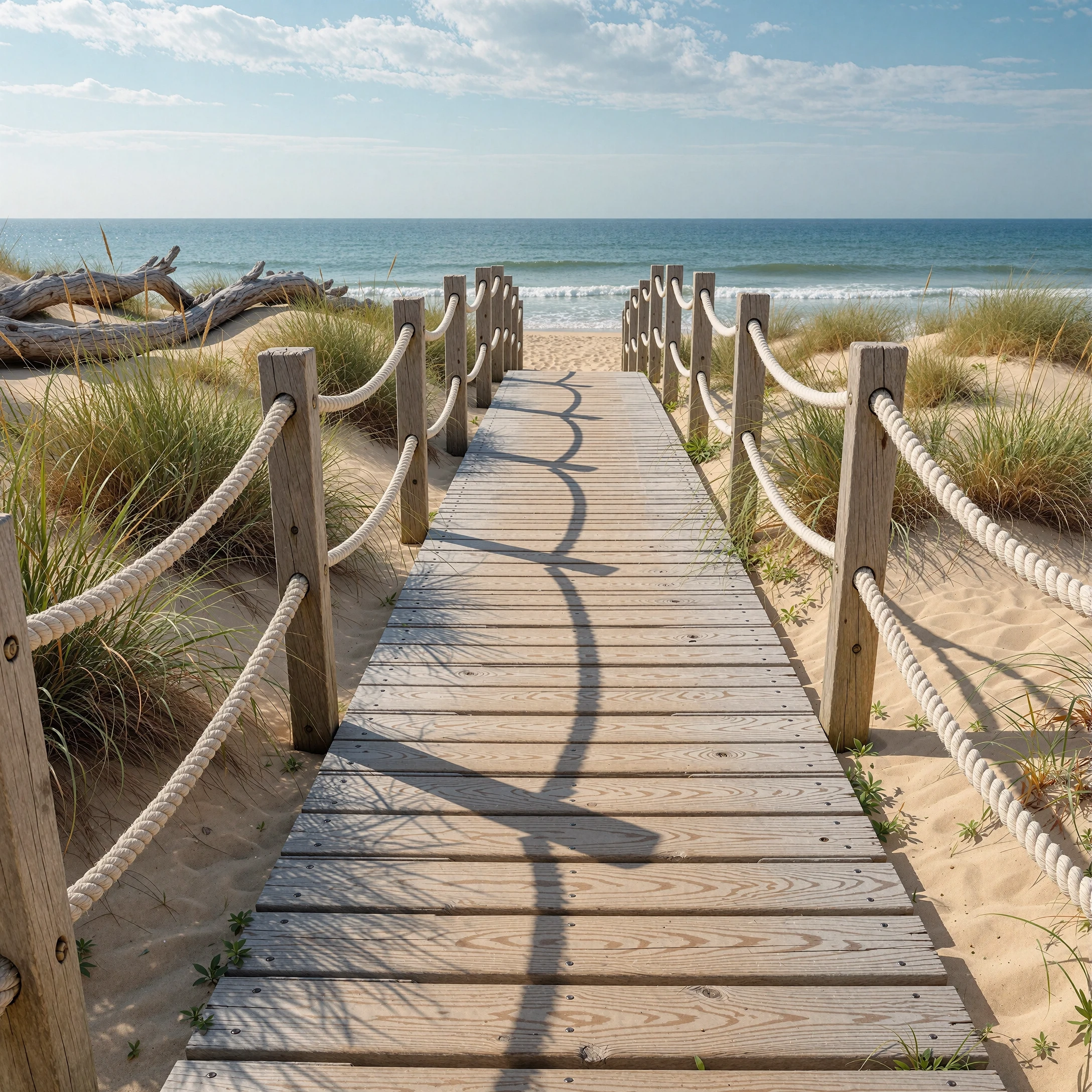
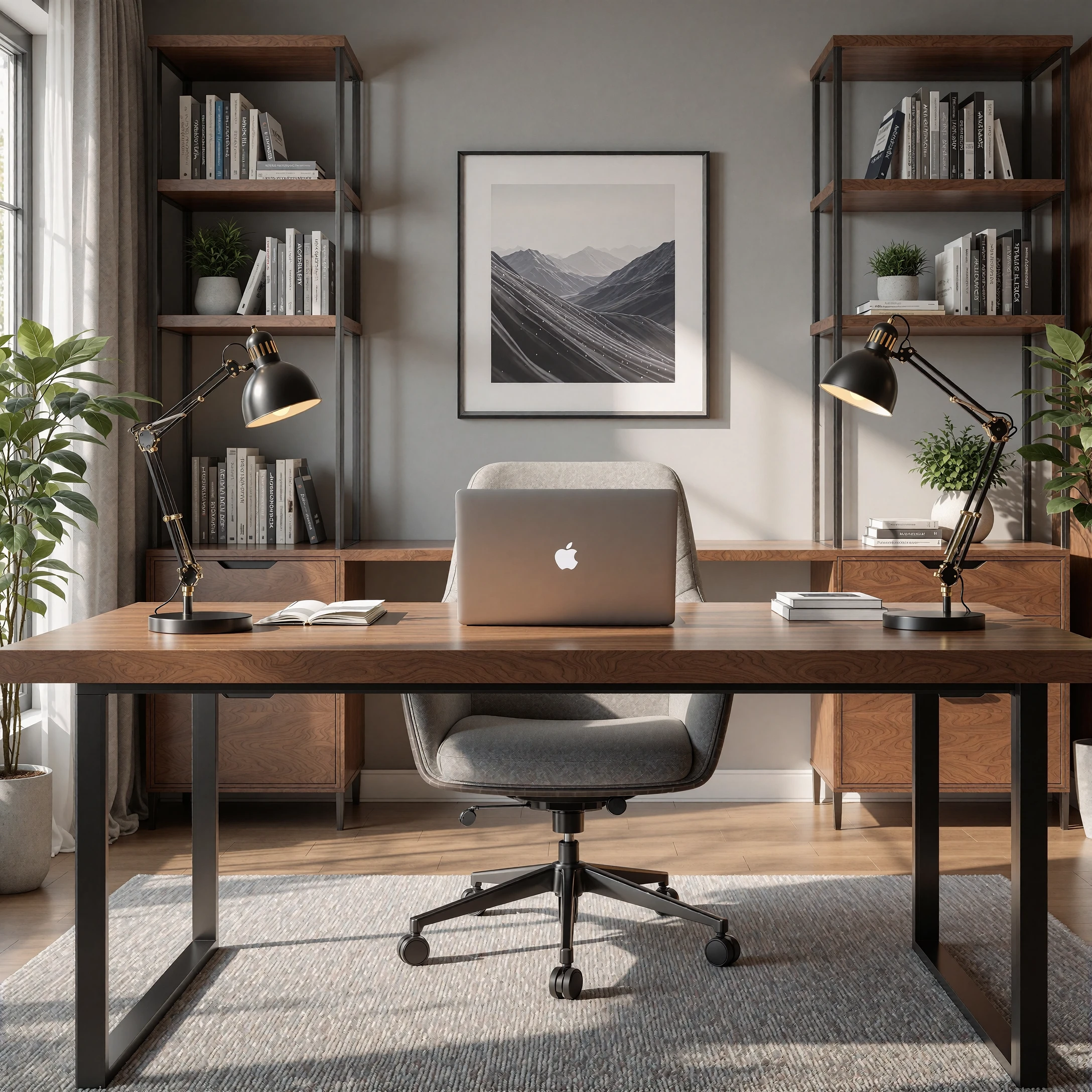
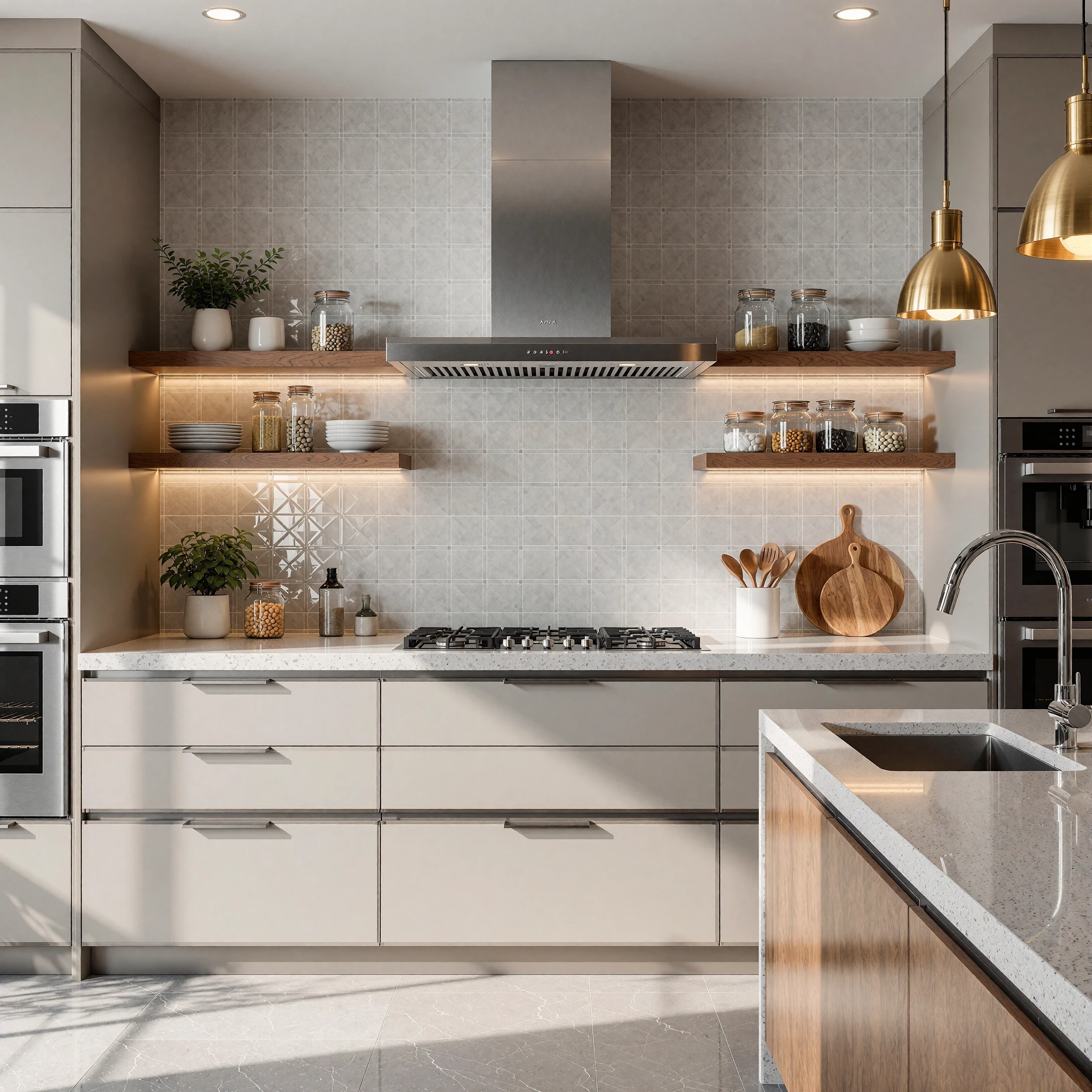
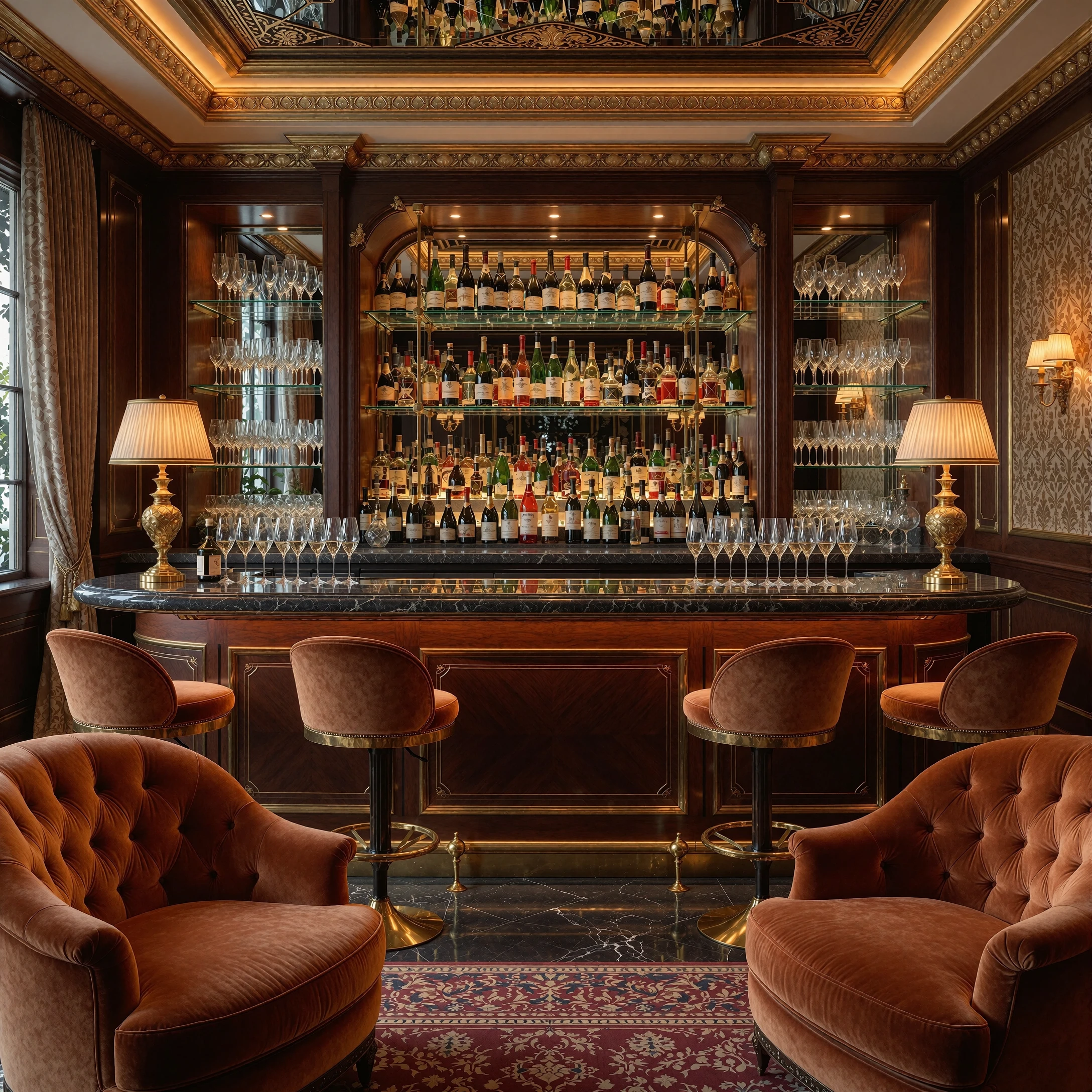
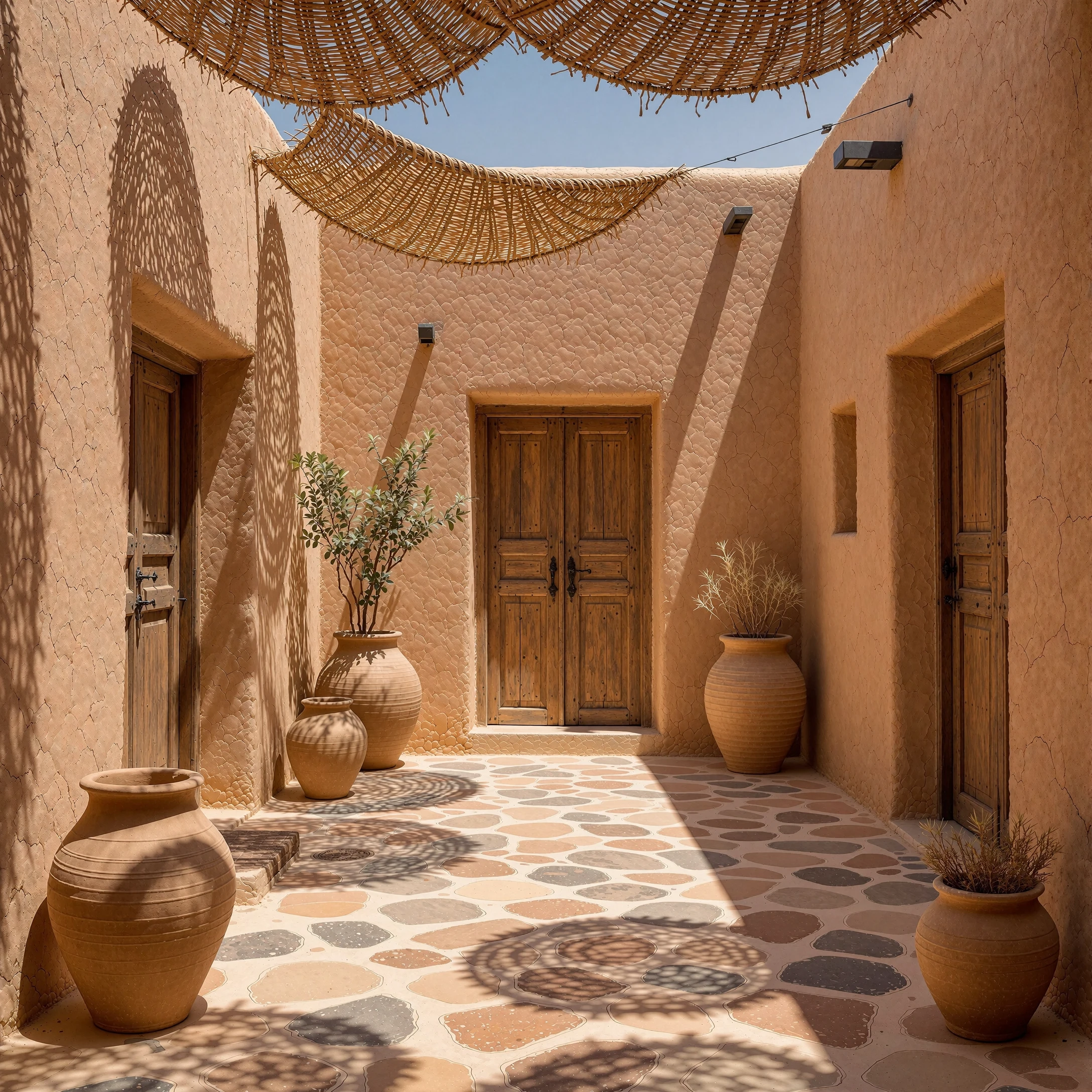
Detail FX for Krea 2 is a detail-enhancing LoRA created to improve the look of realistic generations in Krea 2.
This is not a character LoRA.
This is not a classic style LoRA.
This is not made to force one specific room, city, location, or background.
The goal is simple:
More visible detail.
More texture.
More material structure.
Cleaner background depth.
Less muddy AI blur.
Many
generated images have a strong main subject, but the environment often
becomes too soft, empty, blurry, or artificial-looking.
Detail FX was trained to help push those background and surface details further, especially in realistic scenes.
What does it improve?
This LoRA can help enhance:
🔸 wood grain
🔸 stone surfaces
🔸 tiles and walls
🔸 fabric texture
🔸 leather surfaces
🔸 metal reflections
🔸 glass details
🔸 plants and natural structure
🔸 architecture and interiors
🔸 background clarity
🔸 surface realism
🔸 deep-focus environment detail
It works especially well for scenes where you want the background and
materials to feel more believable, crisp, and visually rich.
Best Use Cases
Detail FX for Krea 2 is useful for:
✅ realistic photography
✅ lifestyle images
✅ interior design scenes
✅ architectural shots
✅ cafés, hotels, kitchens, bathrooms, shops, lobbies and bedrooms
✅ cinematic streets and exterior locations
✅ product-style images
✅ influencer-style photos with detailed backgrounds
✅ scenes where the environment should stay visible instead of turning into soft blur
Recommended Strength
I recommend starting with:
0.8 – 1.2
Good test values:
0.8 = subtle detail enhancement1.0 = balanced surface/background boost1.2 = stronger stress test
Higher values can create stronger detail, but depending on the prompt and model, it may become too crispy or over-detailed.
Trigger
prompt is:
AstroDetailFX
Example Prompt
AstroDetailFX, a realistic luxury bathroom with stone tiles, glass shower walls, brushed metal fixtures, folded cotton towels, warm neutral lighting, and highly visible surface detail throughout the room.
Important Note
This LoRA is designed as a detail enhancer, not as a magic “make everything perfect” button.
It works best when the prompt already contains a clear environment or material description.
If you describe the scene well, Detail FX helps bring out more structure, depth, and surface realism.
Description
First Version, in 10% of the cases may cause CGI or plastic look. Change Prompt or use other seed.