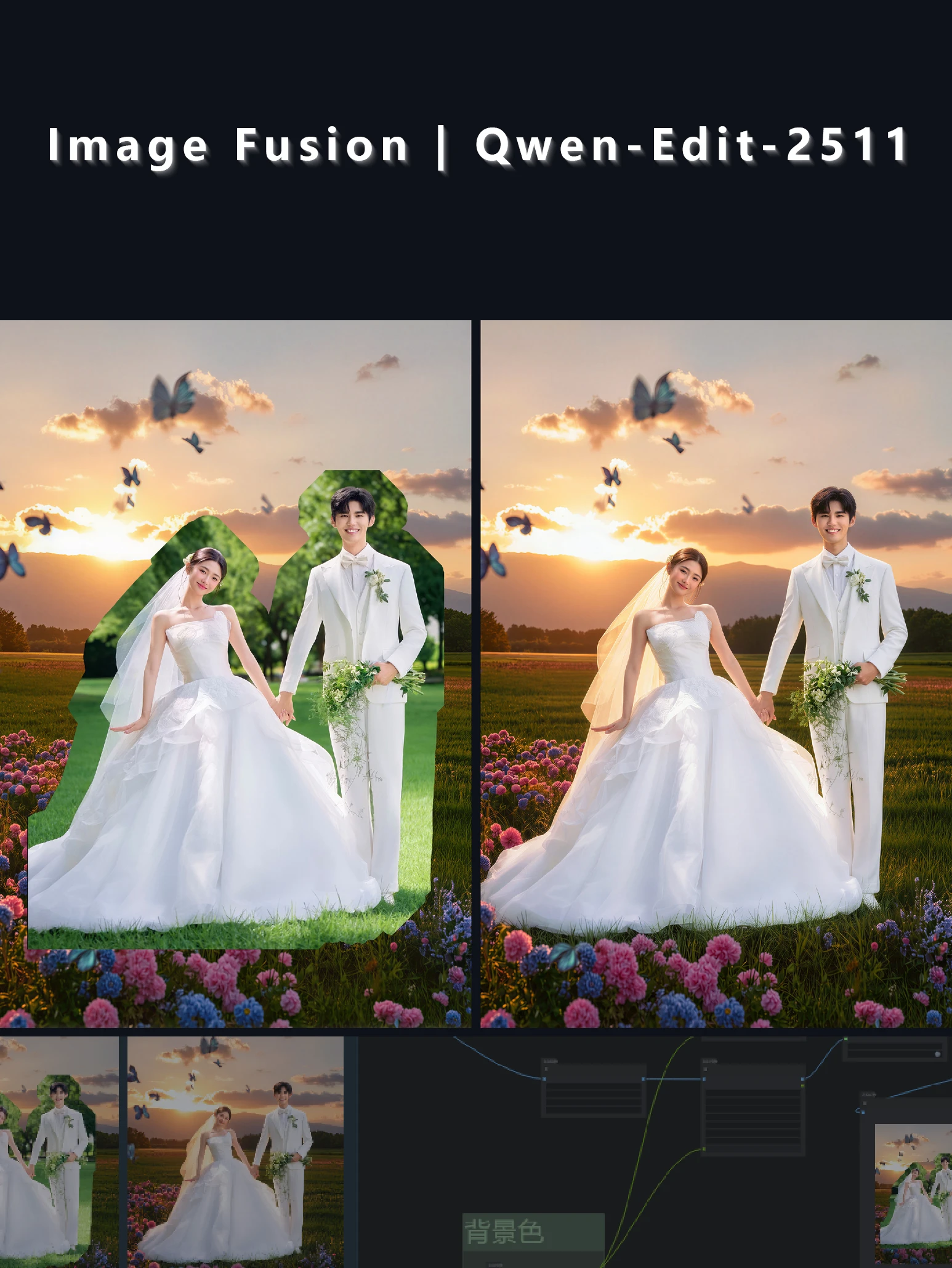
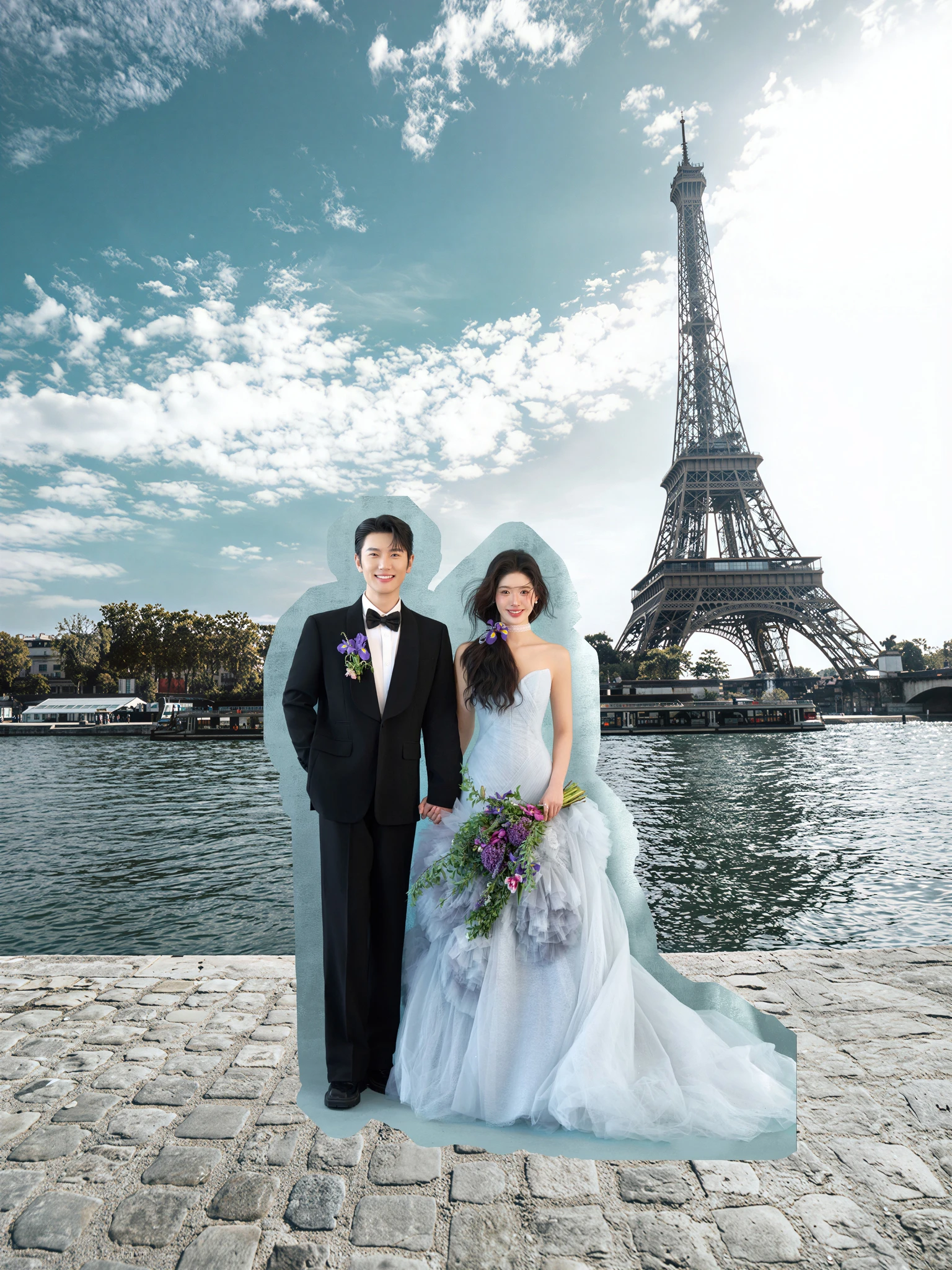
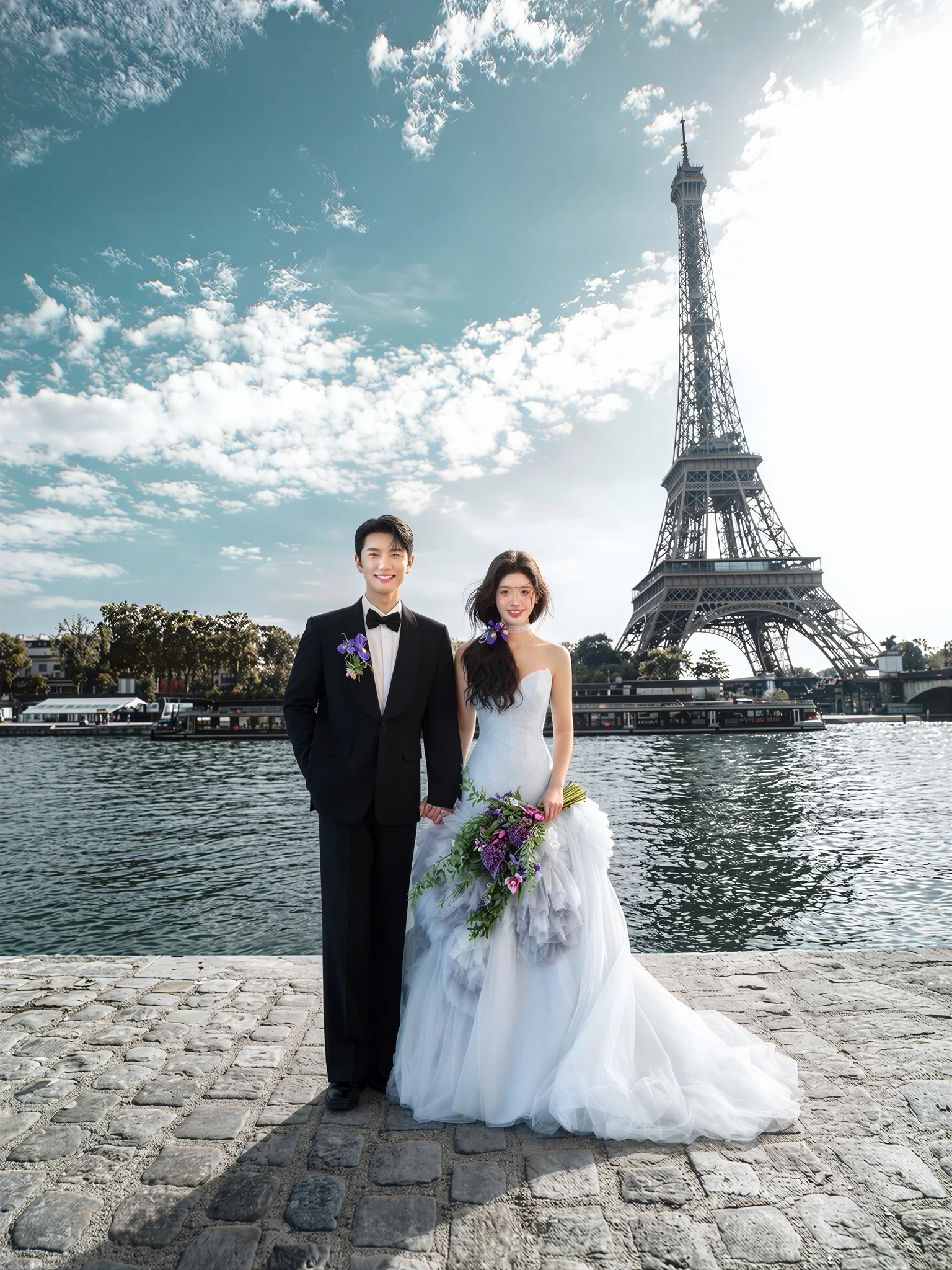
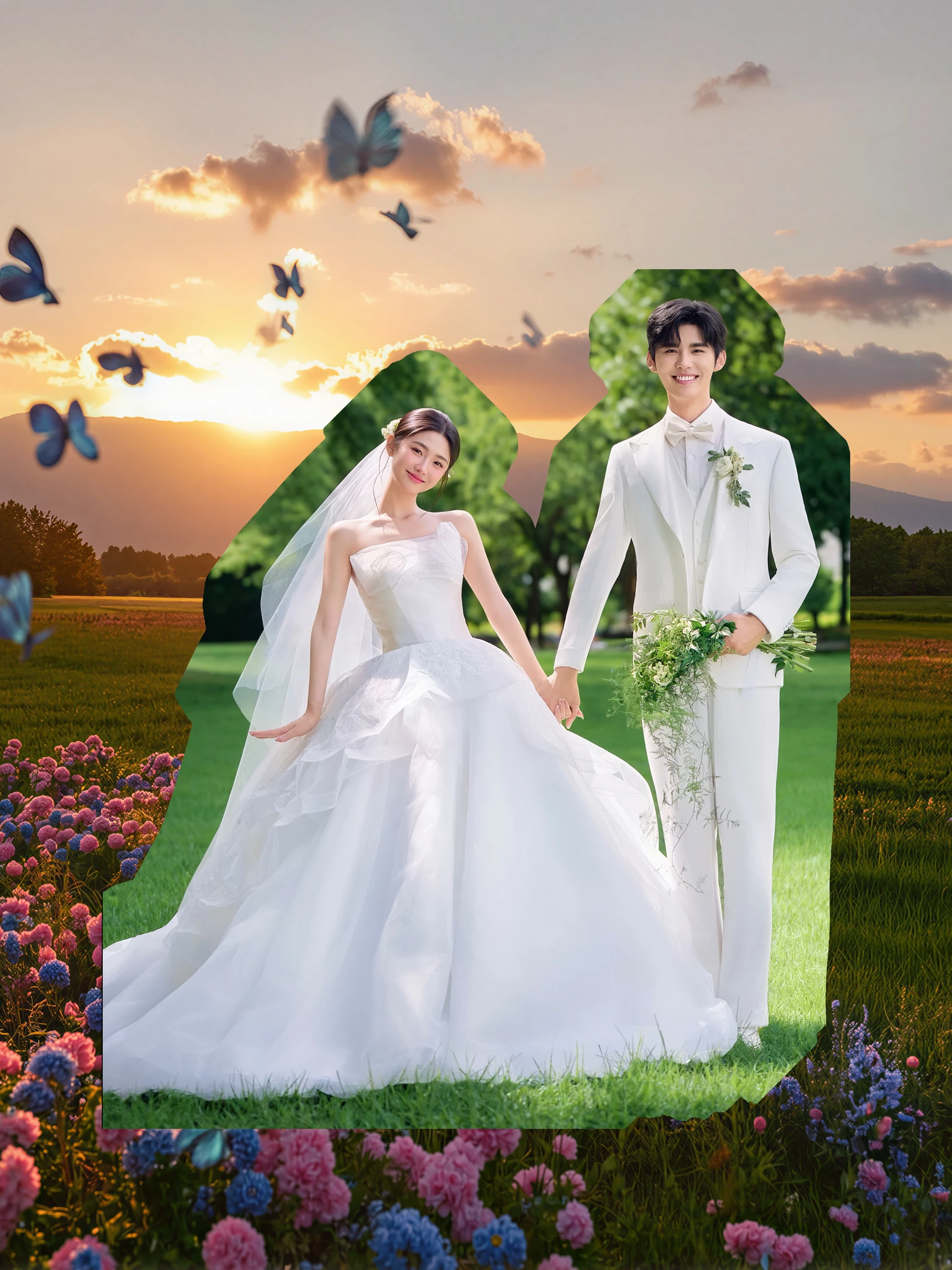
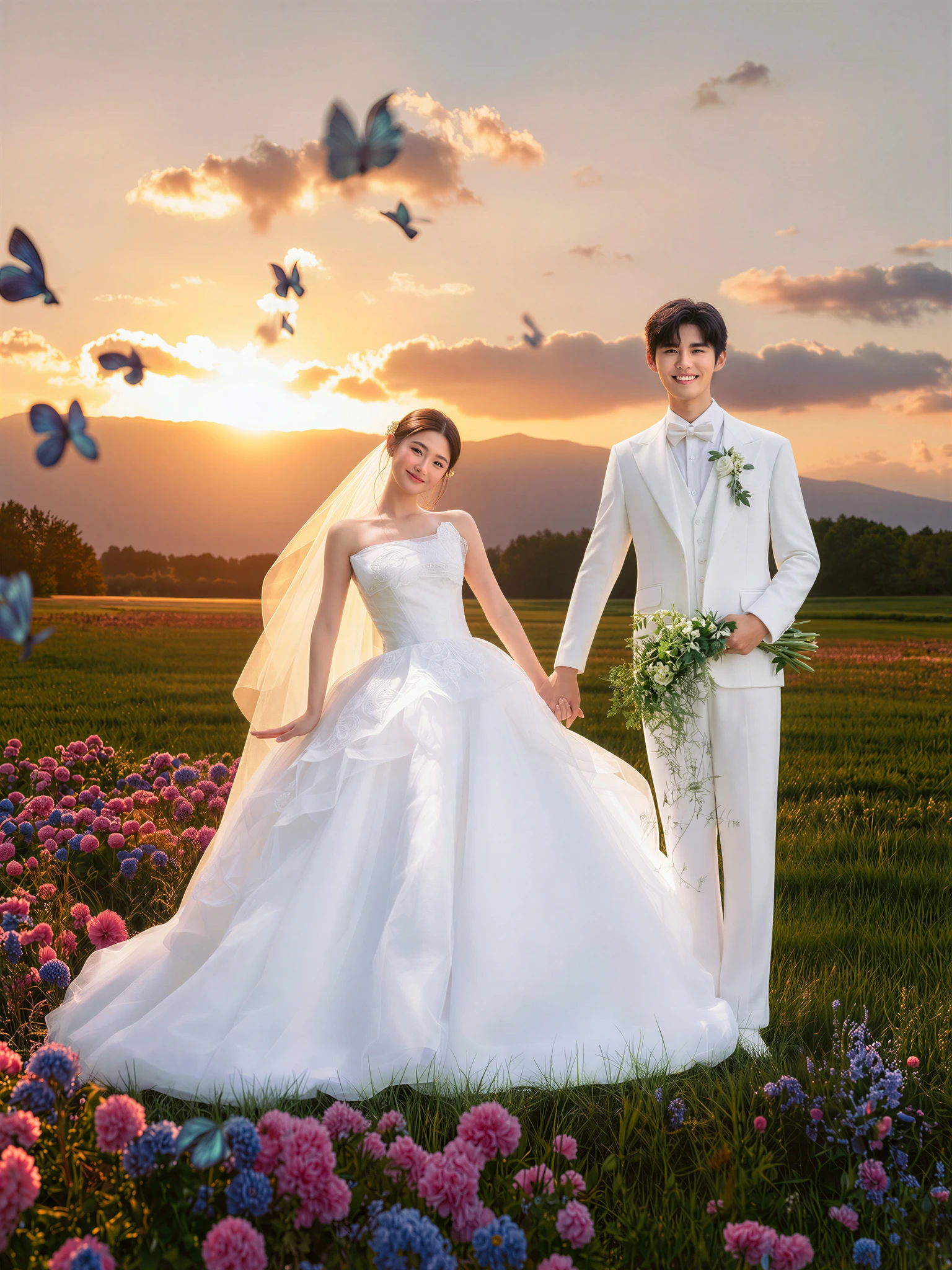
Model Application Scenario: Image Fusion
————————————————————————————————————
Prompt:
Keep the original background completely unchanged. Seamlessly blend the character; eliminate all matting artifacts, white edges, black edges, jagged edges, halos, color bleeding and compositing traces.
Fully reconstruct the character lighting based on ambient light: precisely match the main light direction, ambient fill light, shadow angle and softness, color temperature, reflected light, rim light, highlight distribution, exposure and dynamic range. Generate contact shadows, ambient reflection, Ambient Occlusion (AO), atmospheric perspective and spatial attenuation.
Unify the tone, color hierarchy, contrast, saturation, white balance, depth of field, lens blur, noise grain, sharpness and camera imaging texture of the entire frame. Repair edges of hair, translucent areas, clothing, accessories, skin and other elements for natural transitions without hard cuts.
————————————————————————————————————
Recommended Parameters:
Base Model: Qwen_Image_Edit_2511_bf16
- Inference Steps: 20
- CFG Scale: 1.0
- Sampler: euler
- Scheduler: simple
- LoRA Weight: 1