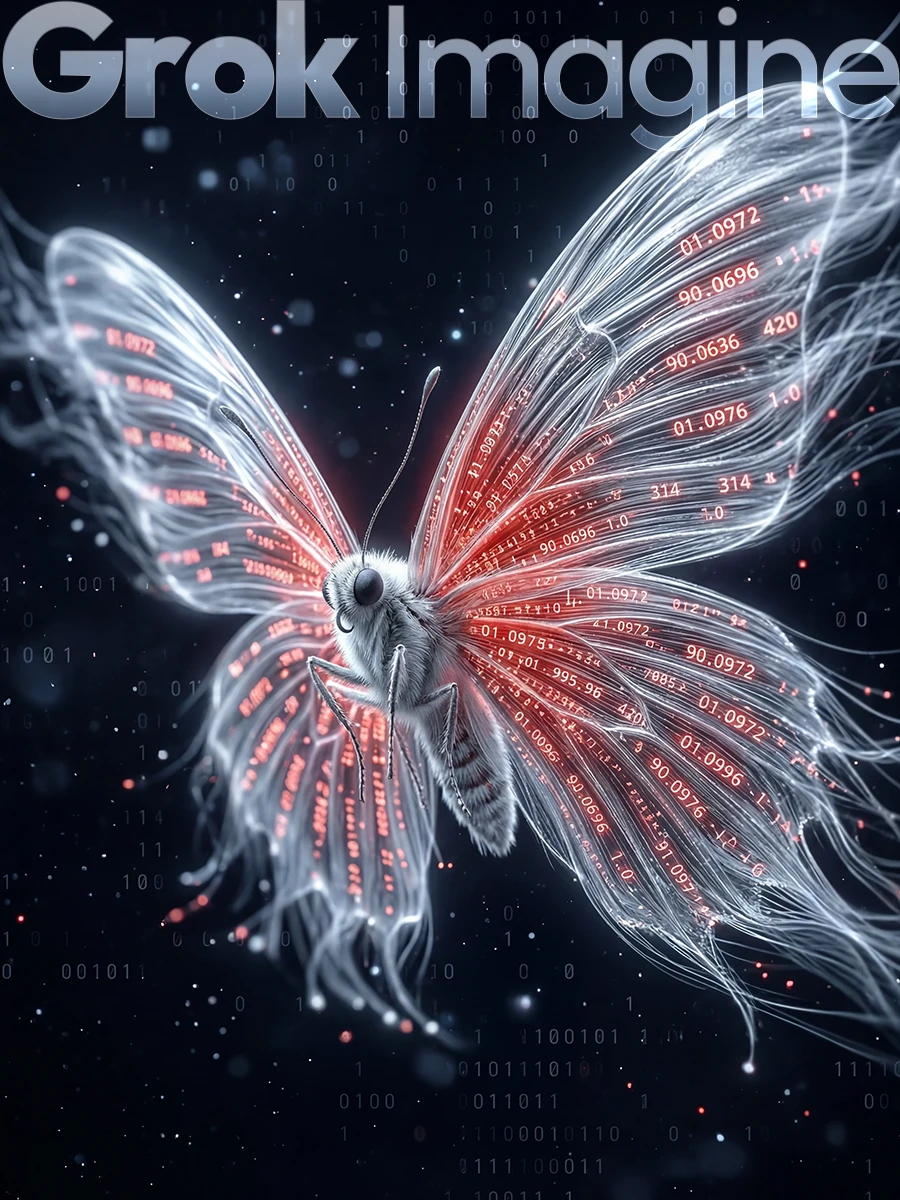
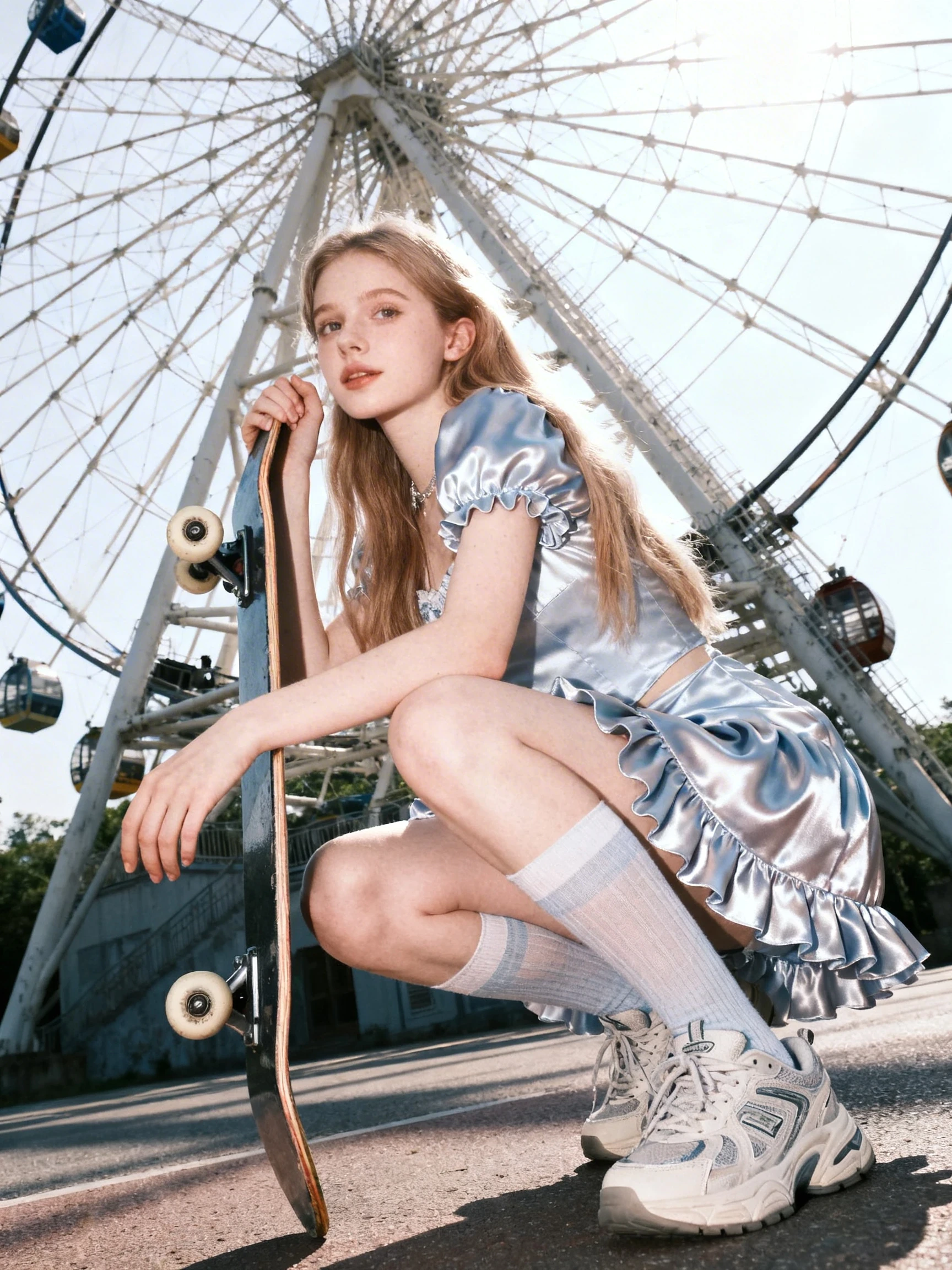
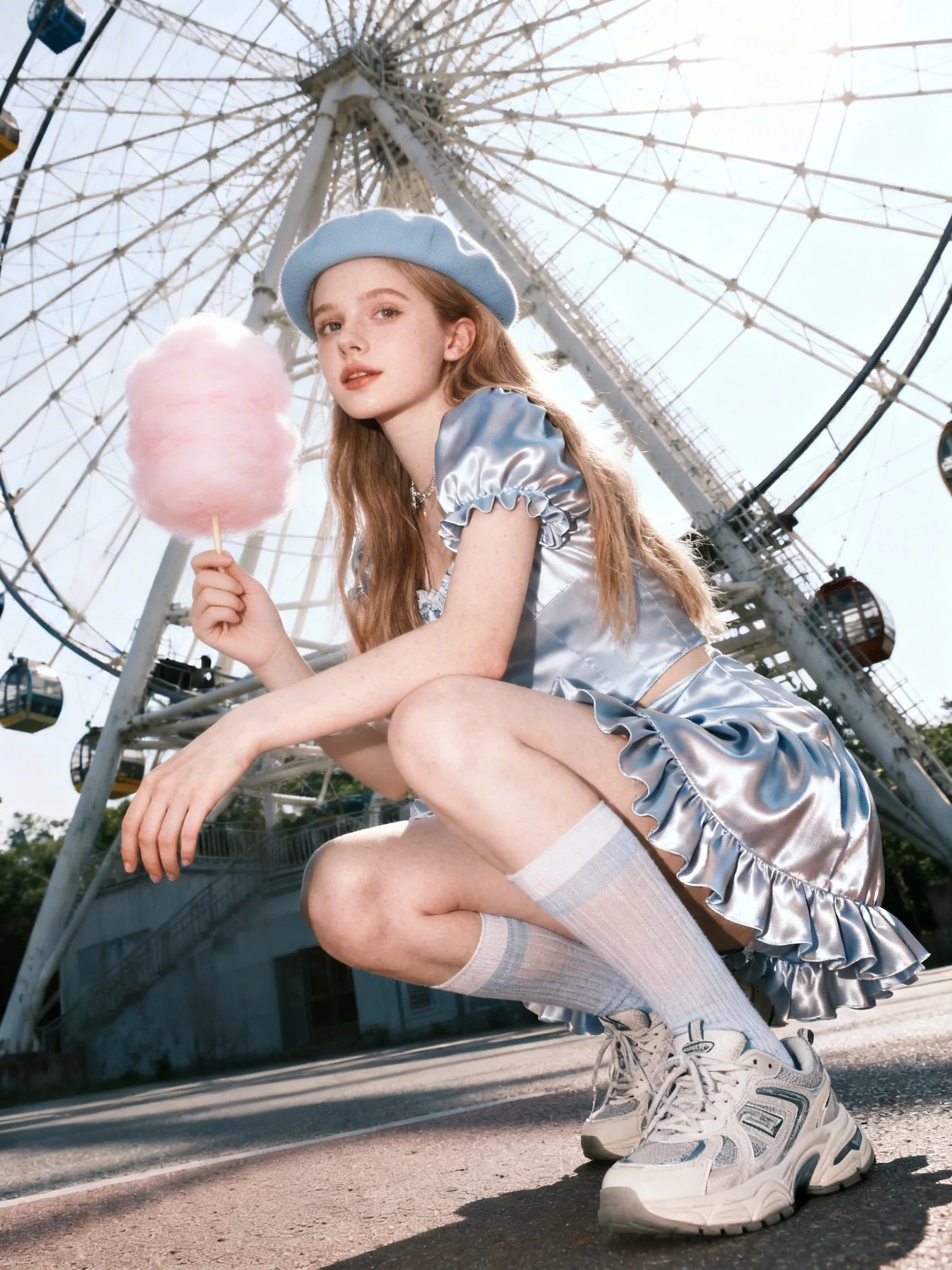
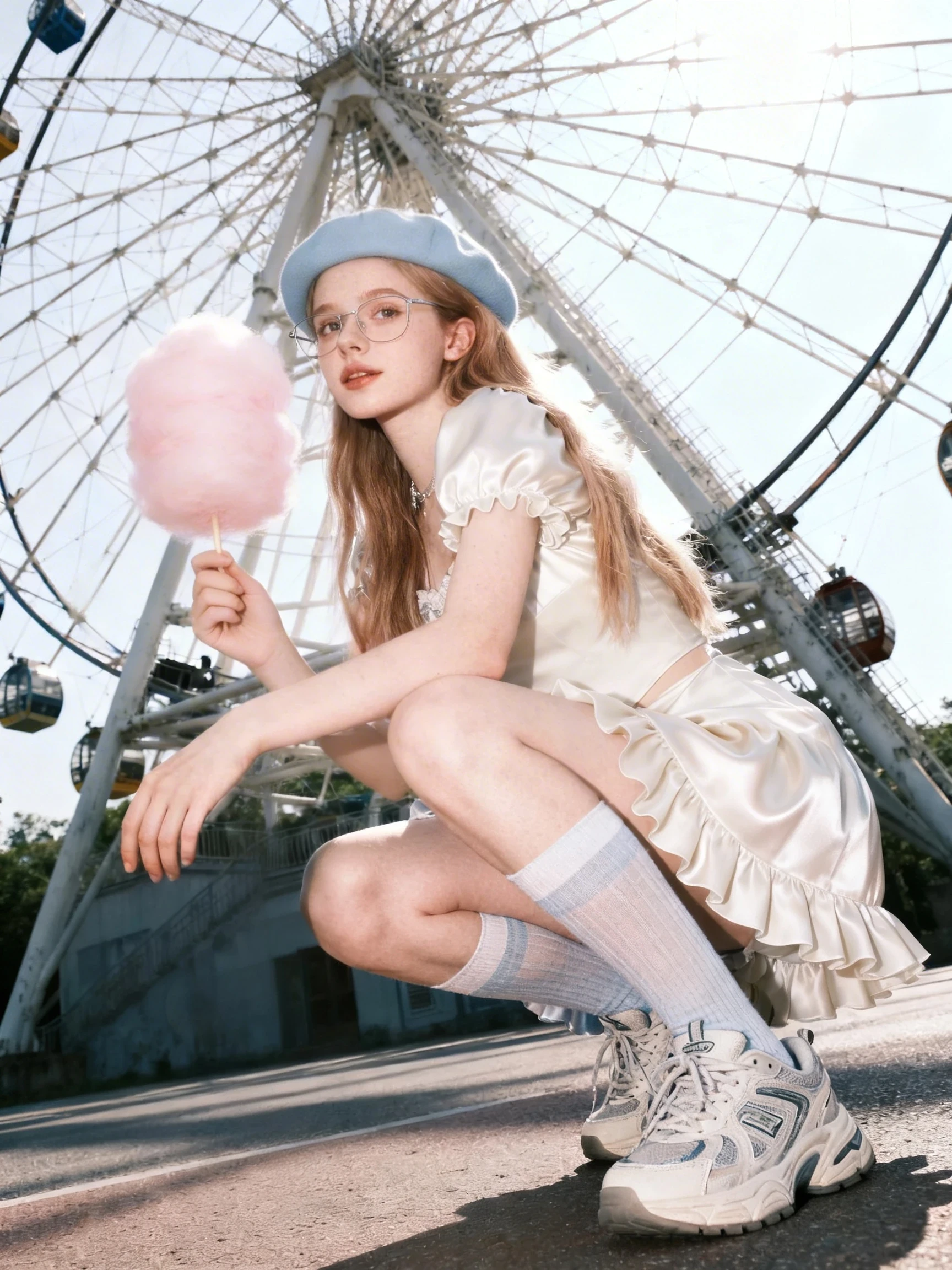
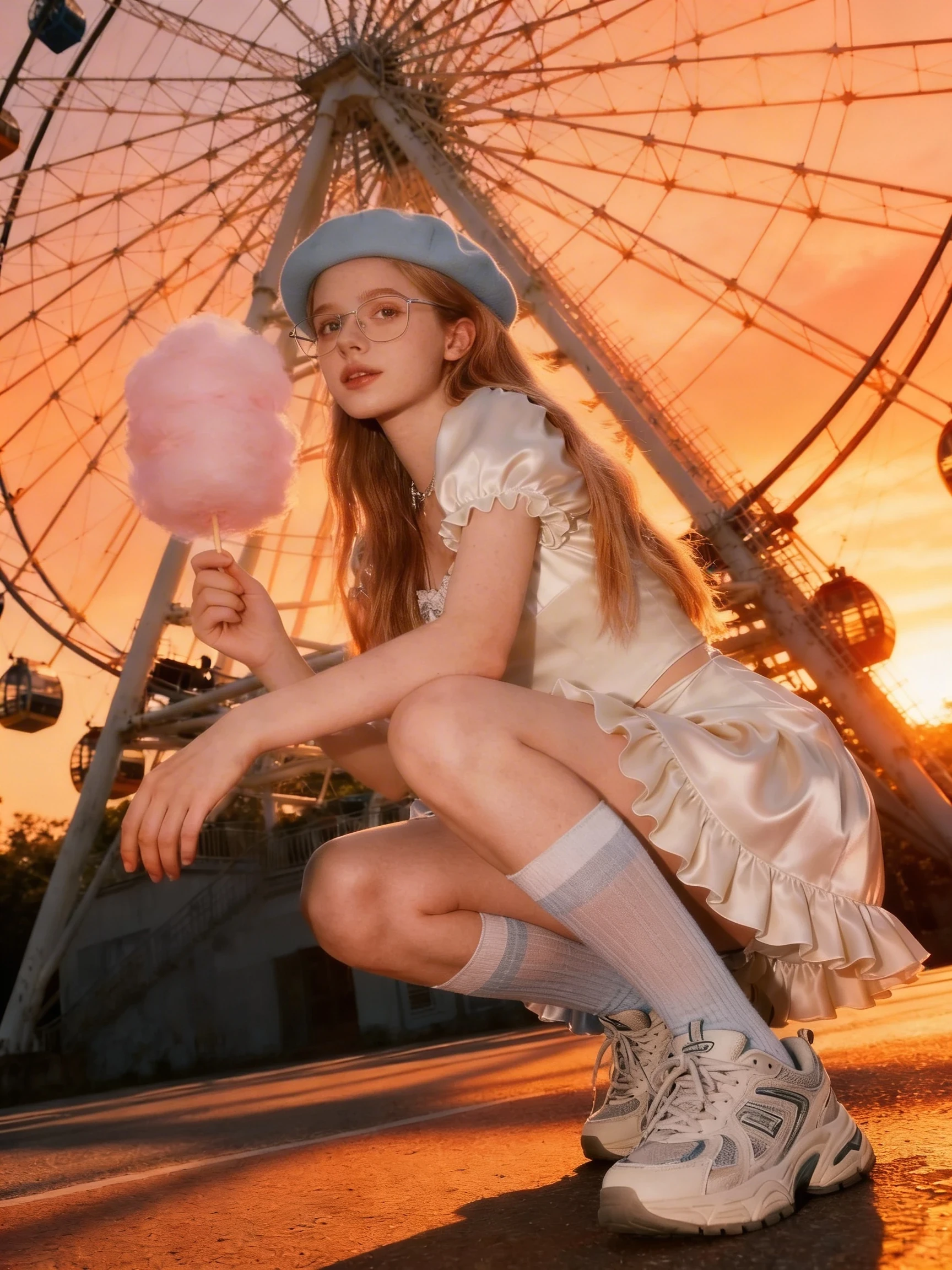
🦋Grok Imagine Image
Meet Grok Imagine Image, xAI's flagship visual model built for creators who want their ideas to move fast and look premium. It's a dedicated engine for image generation + image editing (and part of the broader Grok Imagine suite that extends into video and audio). On SeaArt AI, Grok Imagine Image is your "prompt-to-pixel" studio—type a description, refine it in conversation, and iterate until it's exactly right.
What Grok Imagine Image Is Great at
1) Text-to-image that actually follows your brief
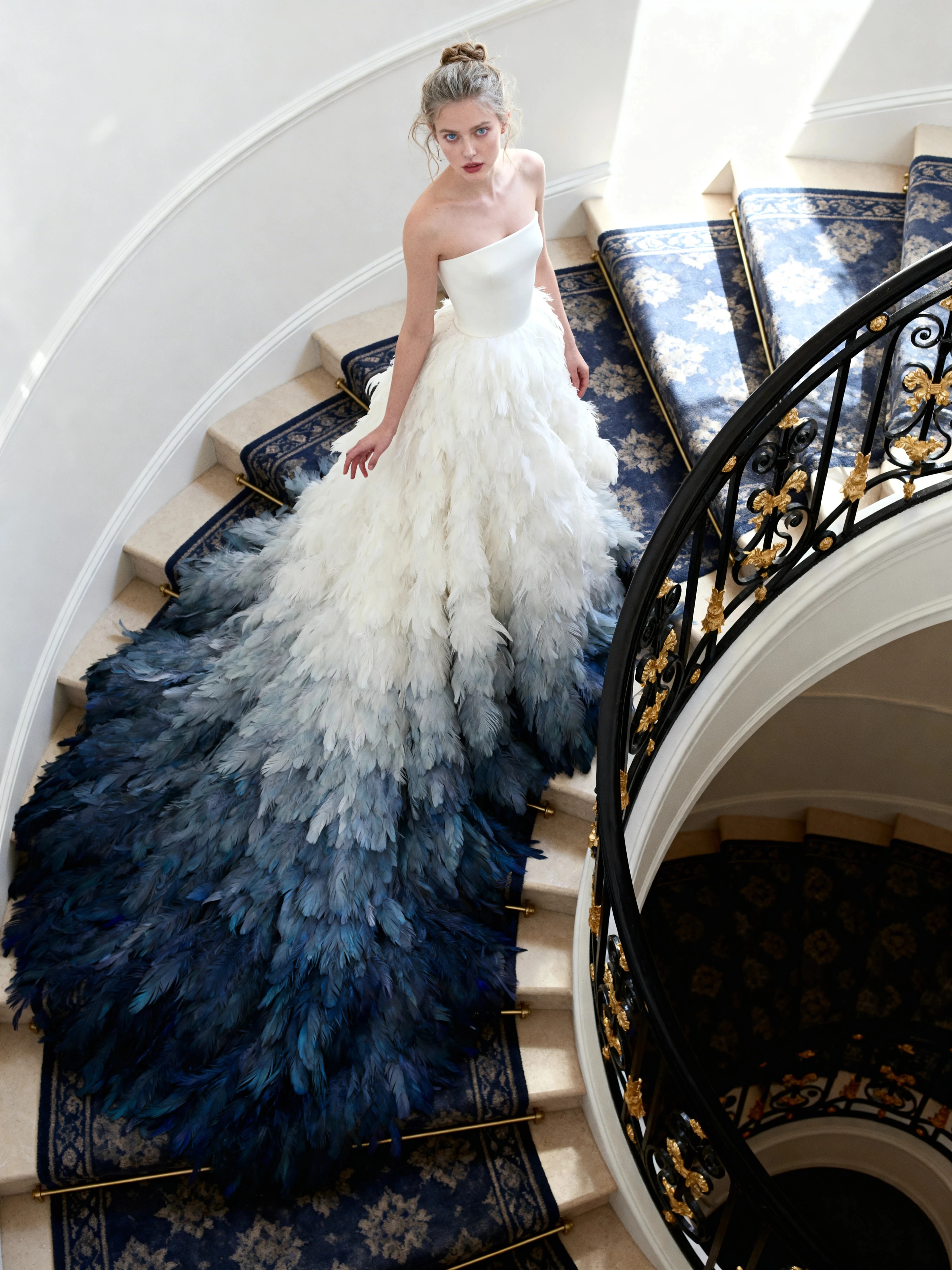
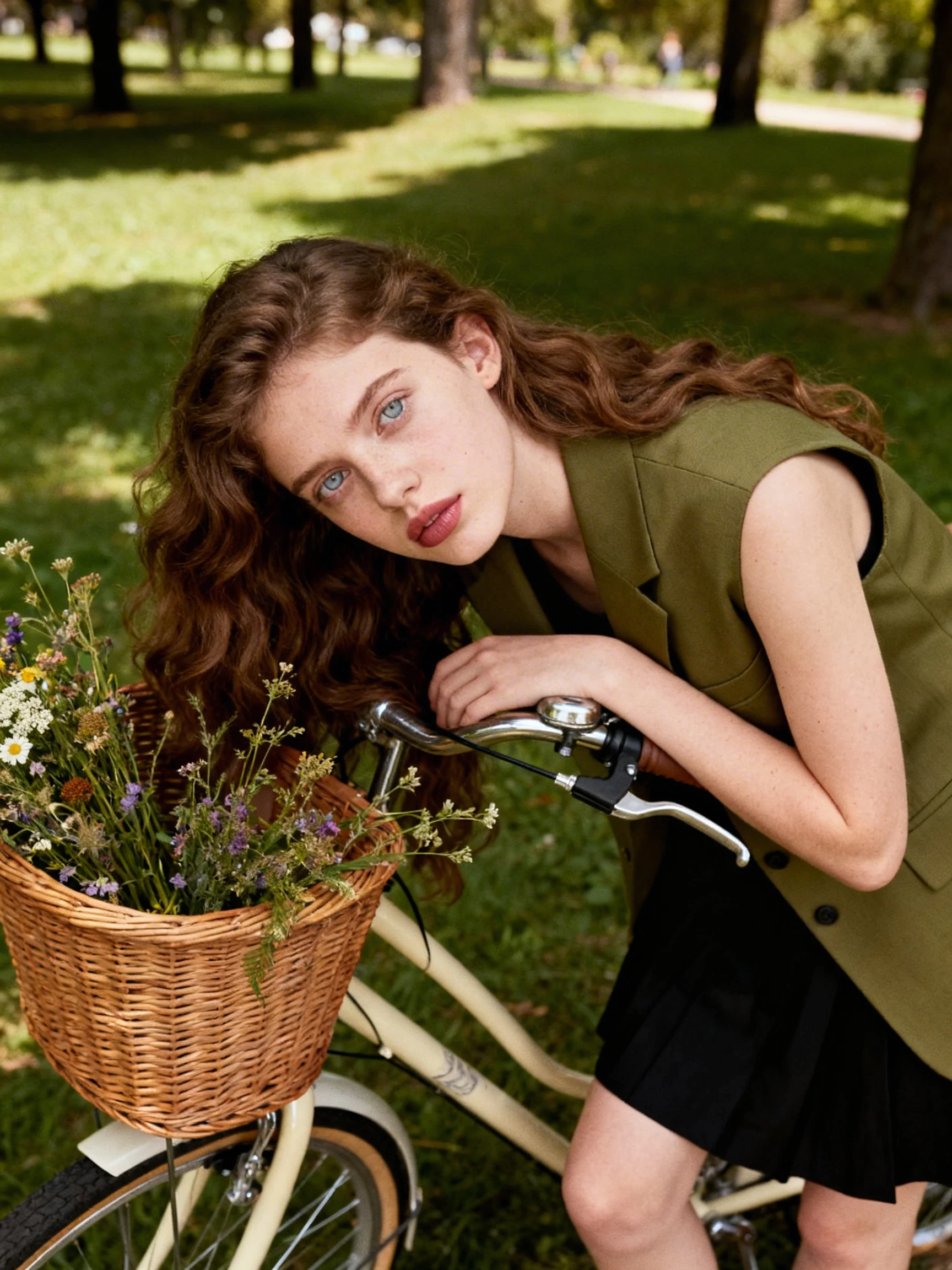
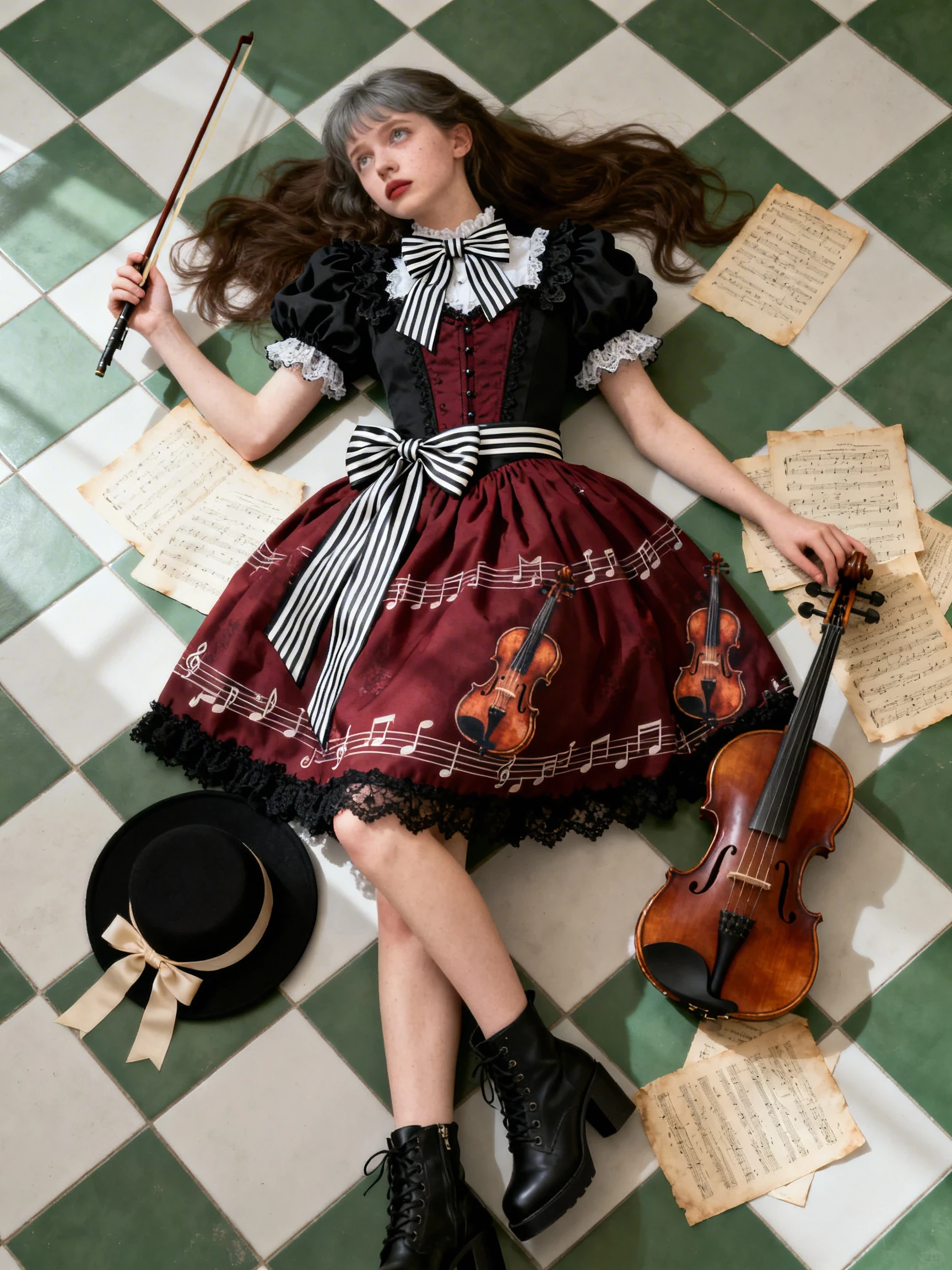
Describe the scene in natural language and it produces original, high-quality images across a wide range of aesthetics:
l Ultra-real photography.
l Anime / manga-inspired art.
l Oil painting, watercolor, pencil sketch.
l Pop art, cinematic looks, and more.
It handles complex scenes and fine details—including text on signs, logos, and real-world entities—with impressive fidelity when your prompt is specific.
2) Natural-language image editing
Grok Imagine Image is not just a generator—it's a true editor. Provide an image (or start from a generated result), then edit with plain English:
l "Turn this into a Van Gogh-style painting."
l "Add a dragon in the background and change lighting to sunset."
l "Make it cyberrealistic at night."
It supports:
l Multi-turn edits (each result becomes the next iteration).
l Style transfer.
l Batch variations for rapid comparison.
3) Multi-image creativity: remix, merge, reimagine
Want to blend ideas from different references? It can combine up to 3 input images and intelligently merge elements—great for concept mashups, identity preservation, or assembling a new scene from multiple inspirations.
Pro Controls (for Creators & Builders)
Grok Imagine Image includes practical knobs for real production workflows:
l Aspect ratios: 1:1, 16:9, 9:16, 4:3, 3:4, 3:2, 2:3, 2:1, 1:2, ultra-wide, or auto.
l Resolutions: 1K or 2K.
l Batch generation: up to 10 images per prompt.
l Developer-friendly outputs: temporary URLs or base64 data; inputs via public URLs or base64 URIs.
l Built-in content moderation with a respect_moderation flag in responses.
Why It Feels Different on SeaArt AI
If your creative loop is "idea → draft → adjust → polish," this model shines. Grok Image stands out for:
l Exceptional instruction-following (nuanced prompts land closer to what you intended).
l Broad stylistic range without quality collapsing.
l Seamless iterative editing inside a conversational workflow.
In short: it's built for creators who don't want one perfect prompt—they want a model that's happy to iterate with them until the result is perfect.