Higgsfield Text to Image on SeaArt AI
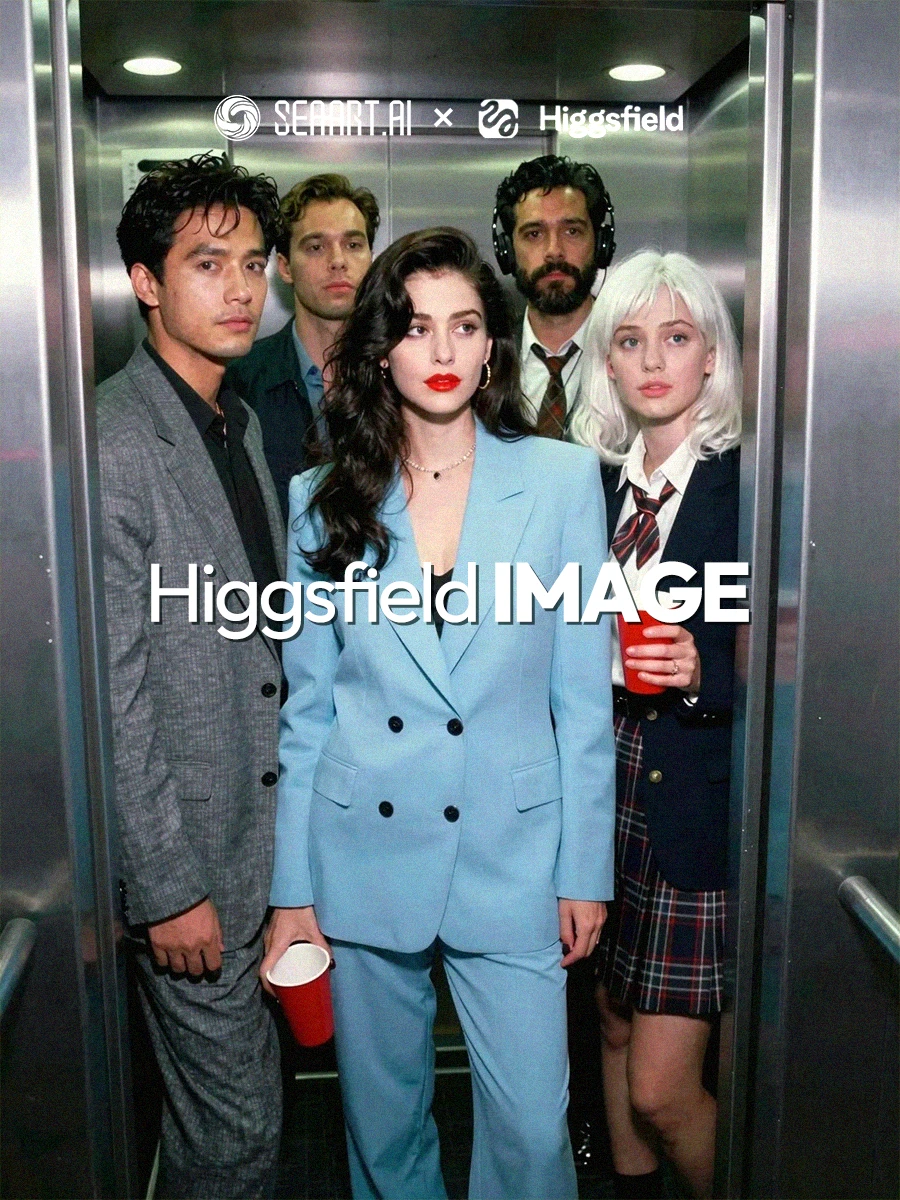
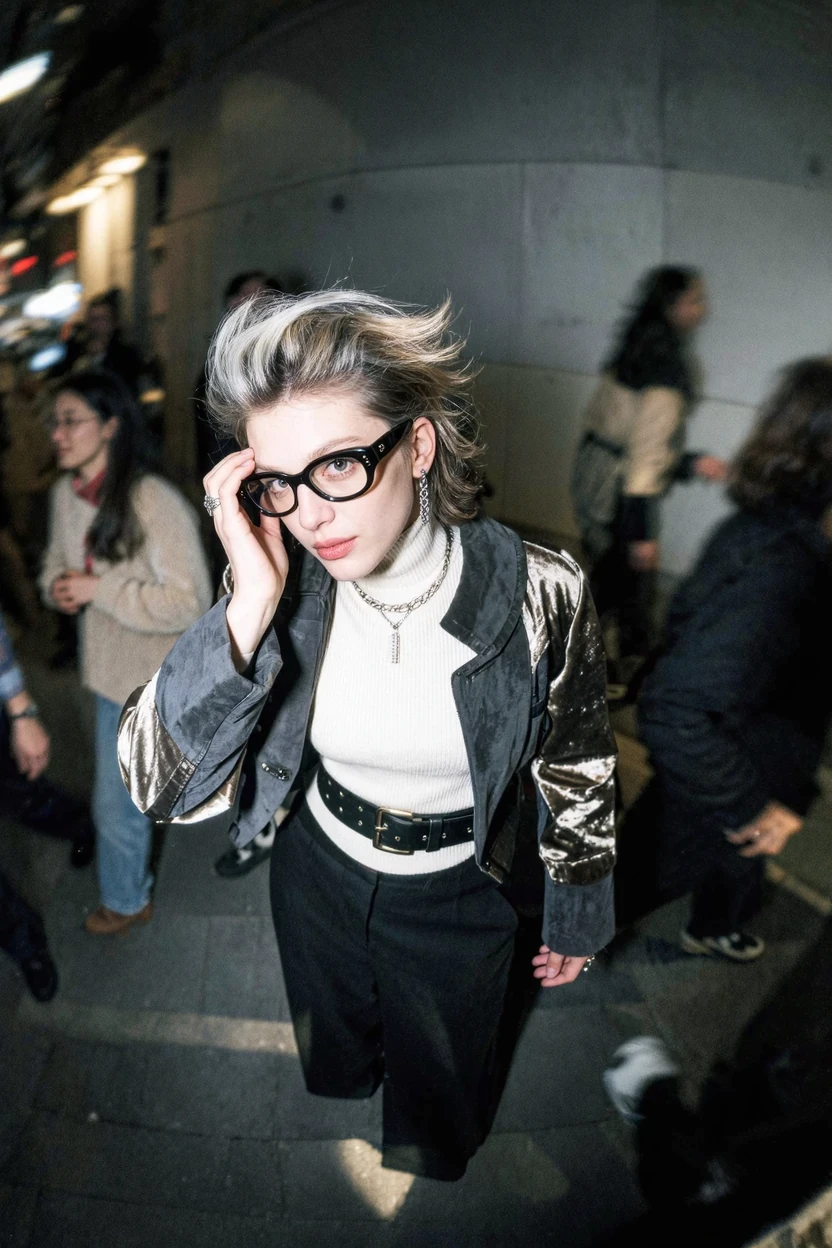
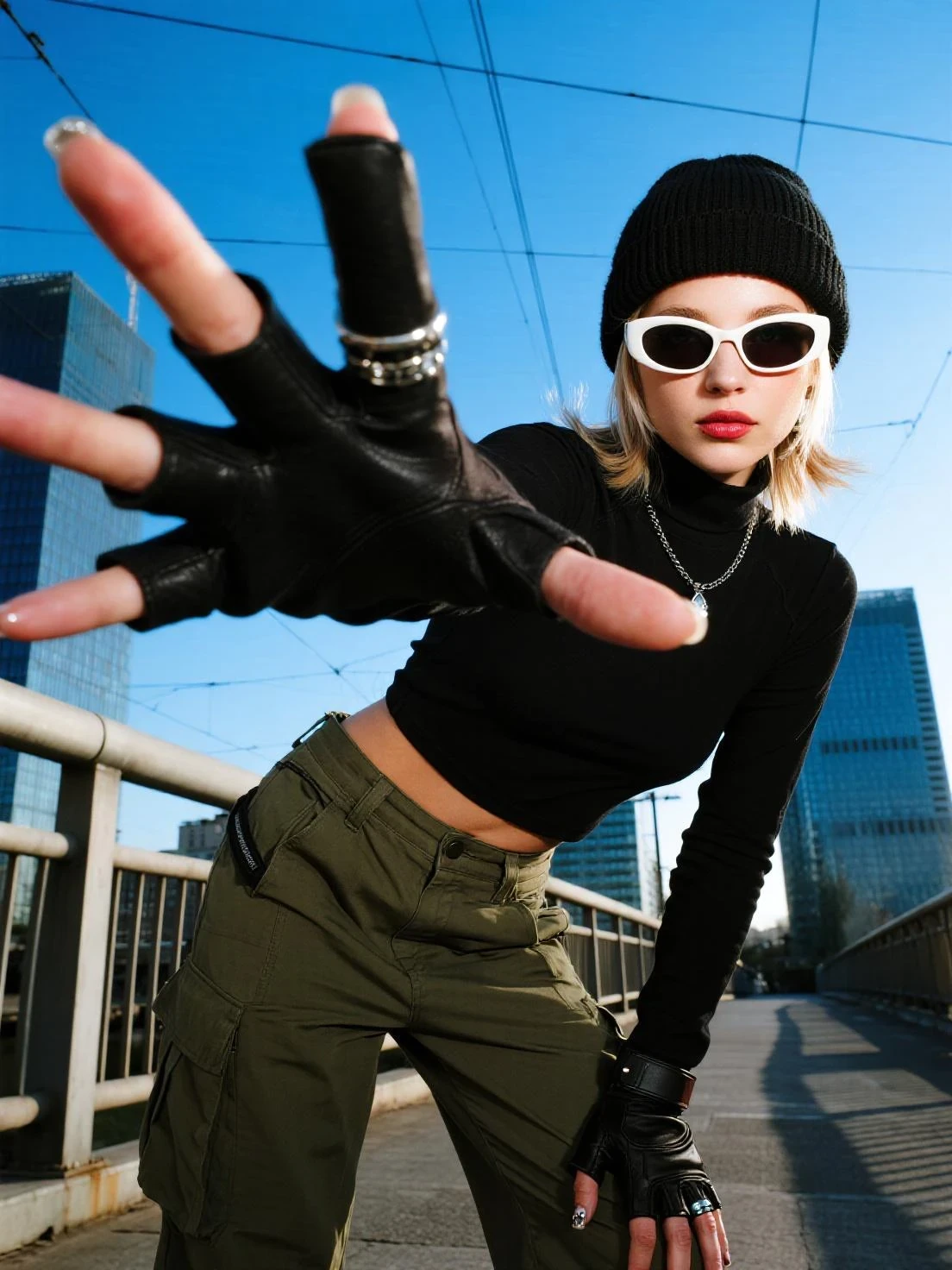
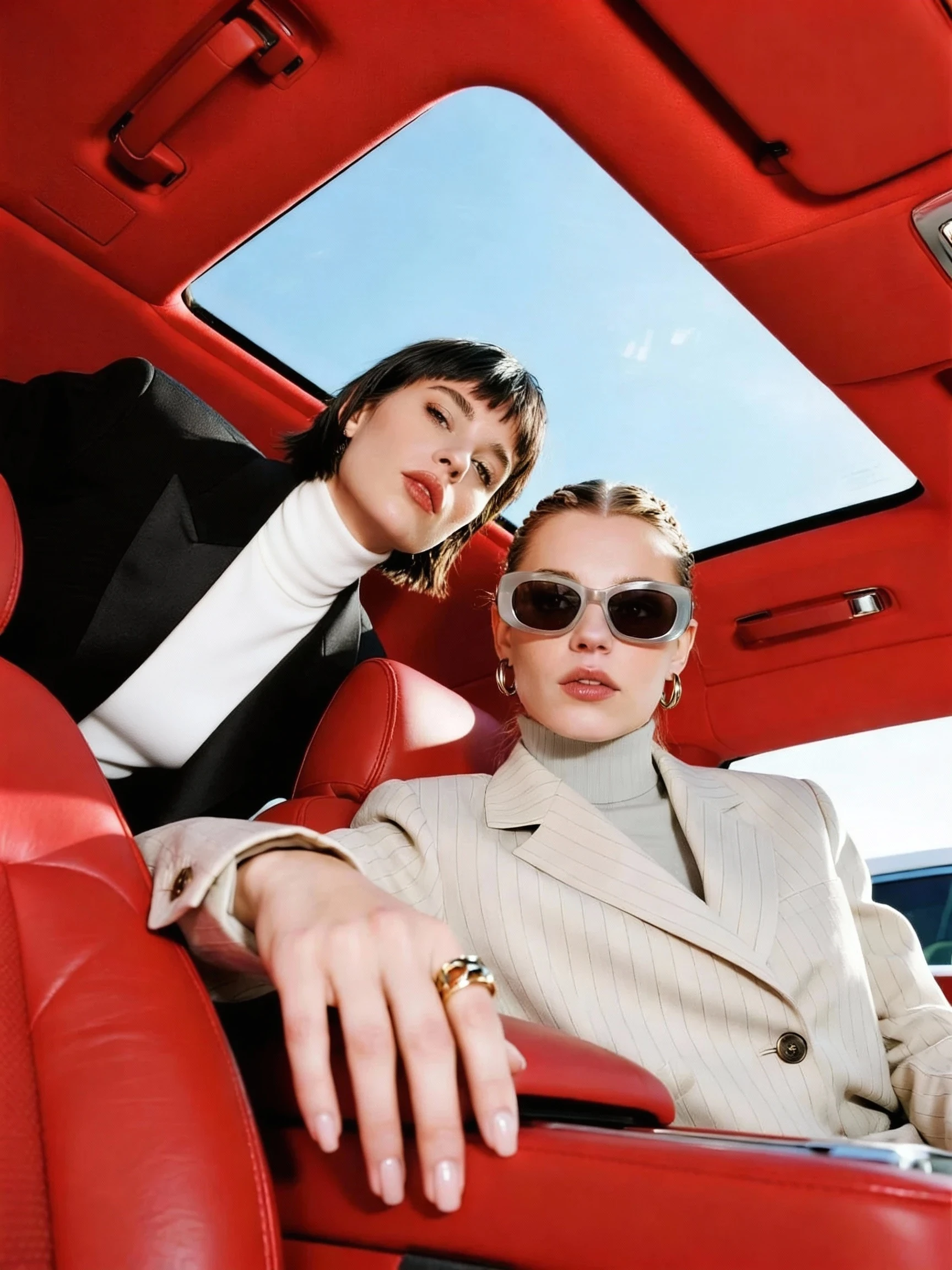
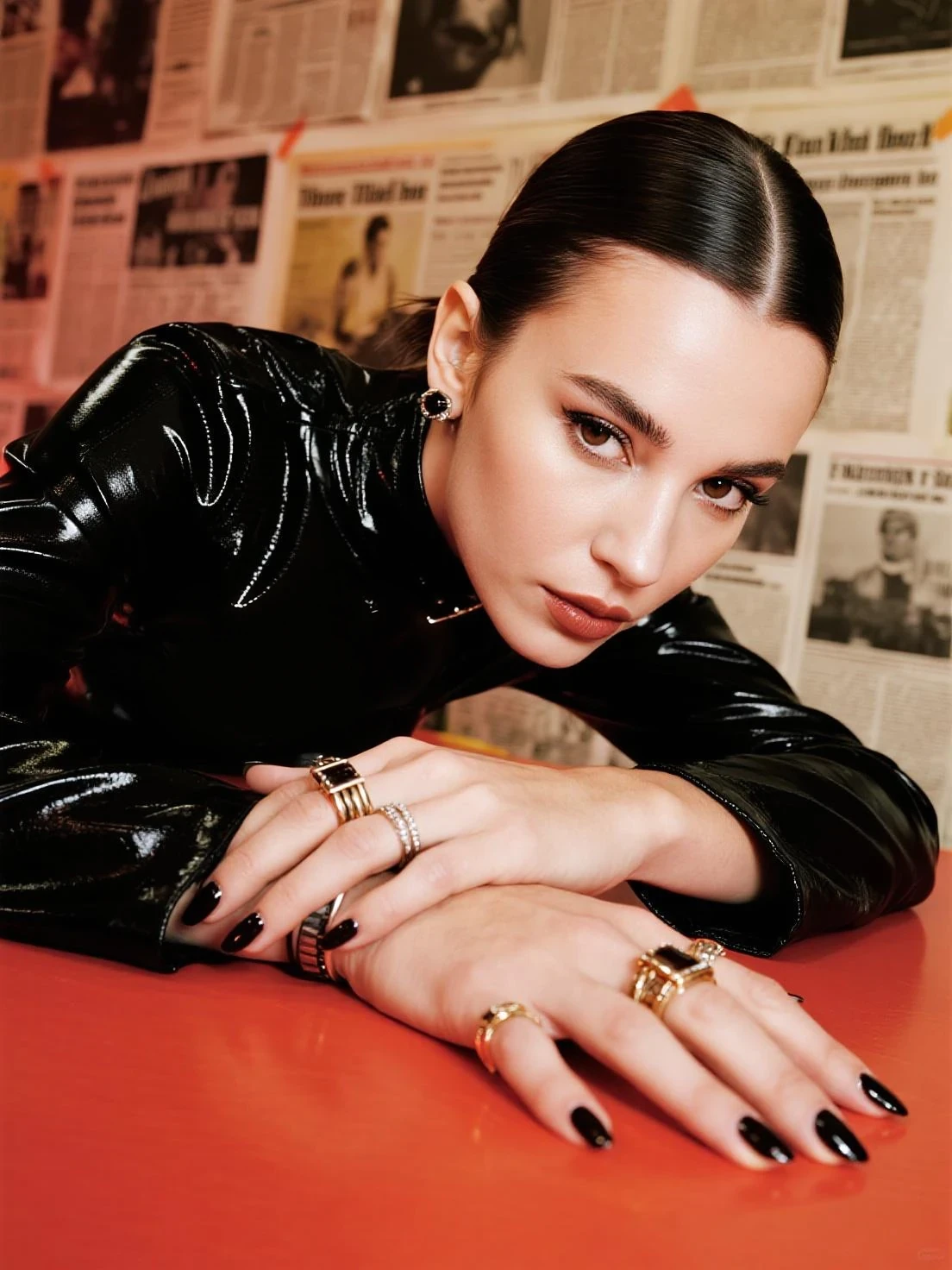
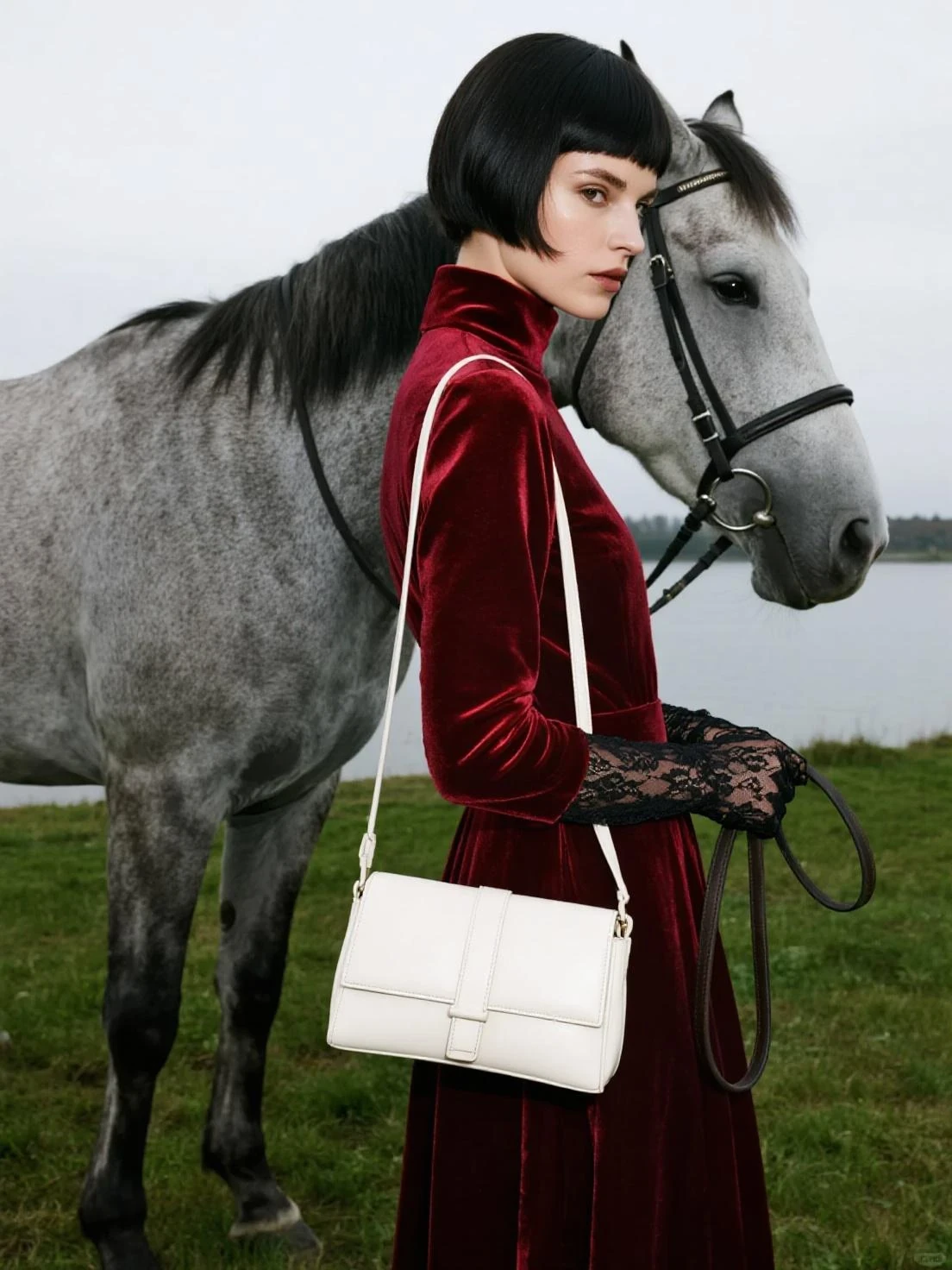
Higgsfield's text-to-image model is built for "camera-first" results: clean realism, confident lighting, and a finished look that doesn't need much fixing after you generate. If you're aiming for portrait sets, fashion/editorial visuals, or lifestyle scenes that feel shot rather than rendered, this model is a strong fit.
What It’s Good at
1) Premium realism that holds up on close inspection
Expect better detail where it matters: skin texture that doesn't look plastic, fabrics with believable weave and folds, and edges that stay clean without turning into mush. It also tends to keep shadows and highlights balanced, which helps images read as "photographed."
2) Portrait strength and "people" quality
Higgsfield is especially good when humans are the subject: facial features remain coherent, lighting on the face is more natural, and the overall image feels less like a typical AI portrait. This makes it useful for creator-style portraits, lookbooks, and AI influencer workflows.
3) Prompt-following you can actually direct
When you specify camera and composition (angle, framing, lens vibe, depth of field, lighting setup), the model responds in a predictable way. It's good for art direction-style prompts where you want a specific shot, not just a "nice image."
4) Consistency-friendly for series content
For multi-image sets—like a themed portrait series, outfit variations, or a recurring character vibe—the model is suited to repeatable looks. You'll get more stable results when you keep the subject description tight and reuse core phrasing across generations.
5) Aesthetic polish out of the box
A lot of models can generate realism; fewer land the "final grade" feel. Higgsfield leans toward a refined finish—great if your output needs to look ready for social, landing pages, or campaign mockups without heavy post work.
Best-Use Scenarios
l Fashion & editorial: lookbook frames, street-style shots, studio portraits, beauty lighting.
l Lifestyle & social content: creator photos, "daily moments," cinematic snapshots.
l Product-style imagery: hero images and clean setups where lighting and material detail matter.
l Campaign concepts: quick creative directions for ads, posters, landing pages, mood boards.
Prompting Tips That Work Well with This Model
l Write like a shoot brief: subject + environment + lighting + camera/framing.
Anchor realism: include details like "natural skin texture," "soft shadow falloff," "realistic fabric folds," "film grain (subtle)."
l Be explicit with composition: "close-up," "waist-up," "full-body," "centered," "rule of thirds," "looking into camera," etc.
l Keep one idea per line: long, tangled prompts often blur the direction.
Example prompt pattern (copy and swap terms):
"Waist-up portrait of [subject], [setting]. Soft key light, gentle rim light, natural skin texture. 35mm photo look, shallow depth of field, crisp focus on eyes, subtle film grain."
Known Limitations
l Text in images: logos and typography may not be perfectly crisp.
l Hands and fine anatomy: occasional weirdness in fingers or complex poses.
l Busy scenes: heavy object density can introduce small logic issues (reflections, overlaps, clutter).
When you hit these, simplify the scene, reduce the number of objects, or tighten the pose and framing.
How to Get Started on SeaArt AI
1. Open the Higgsfield text-to-image model in SeaArt AI.
2. Start with a portrait or lifestyle prompt (it's the fastest way to see the model's strengths).
3. Iterate by changing only one variable at a time: lighting, then framing, then styling.