Captioning Template (JSON/Text File)
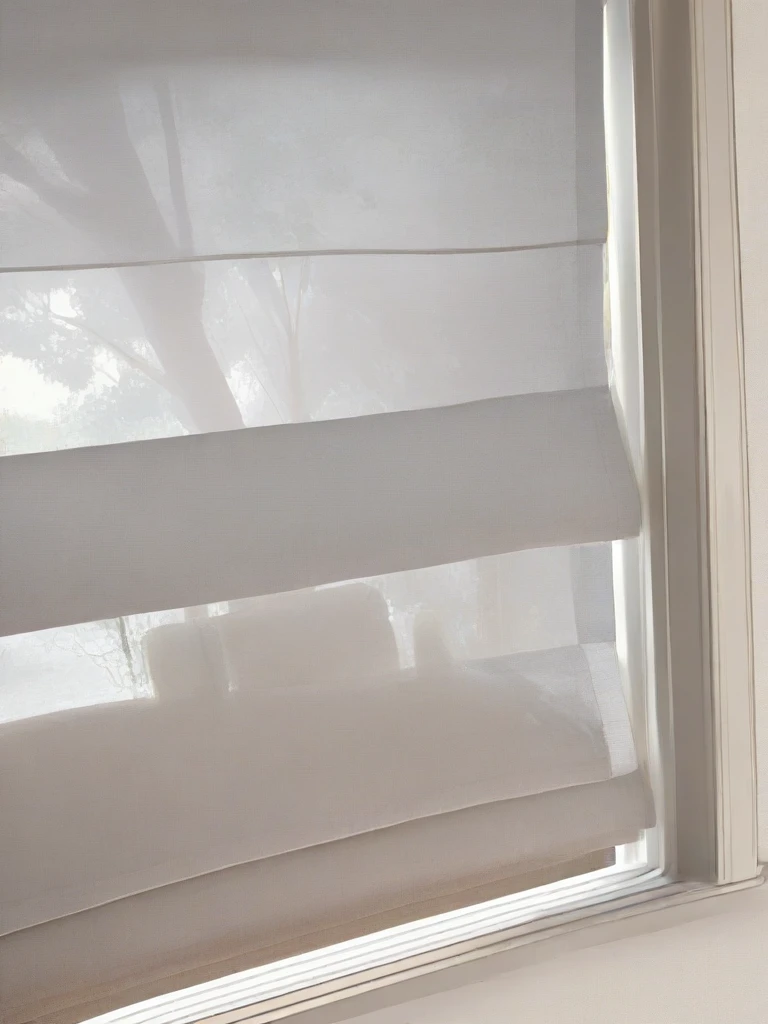
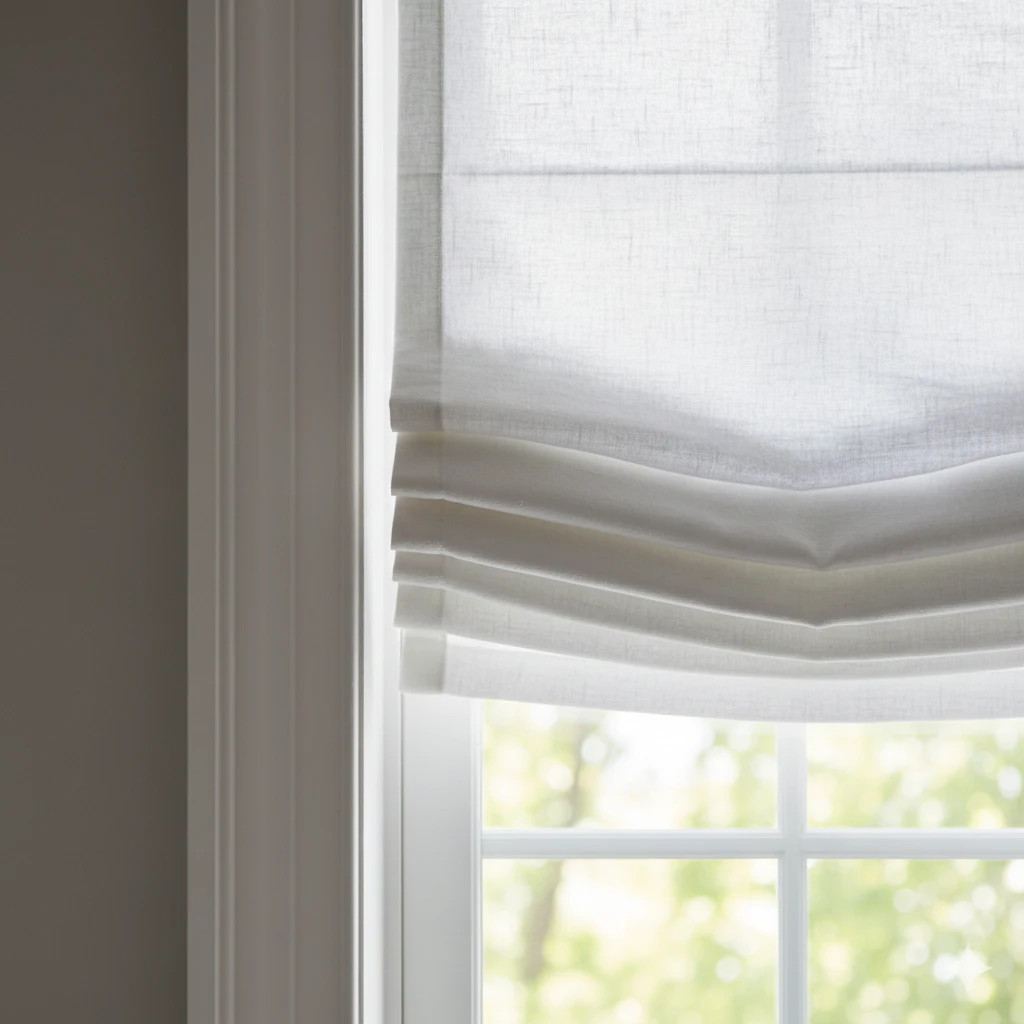
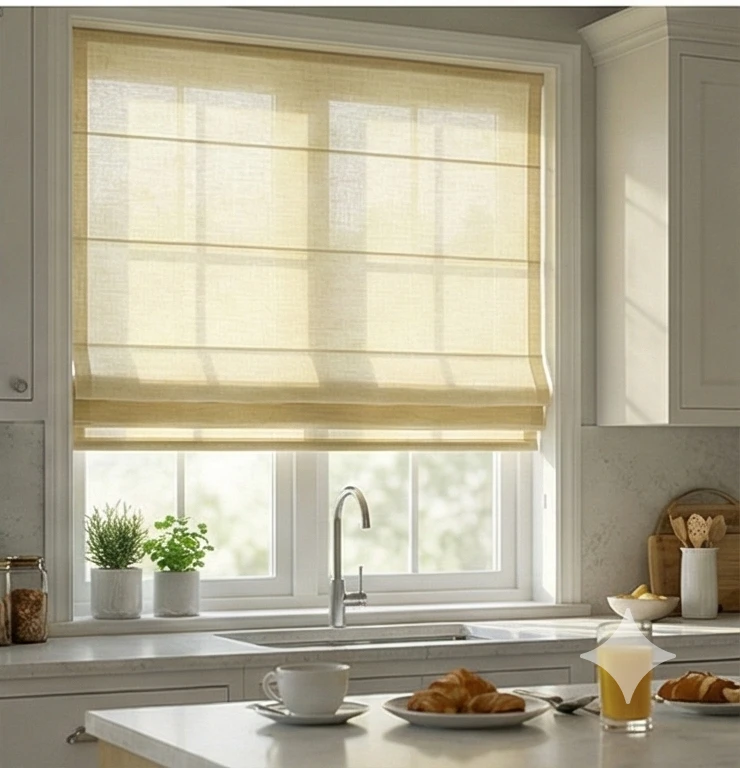
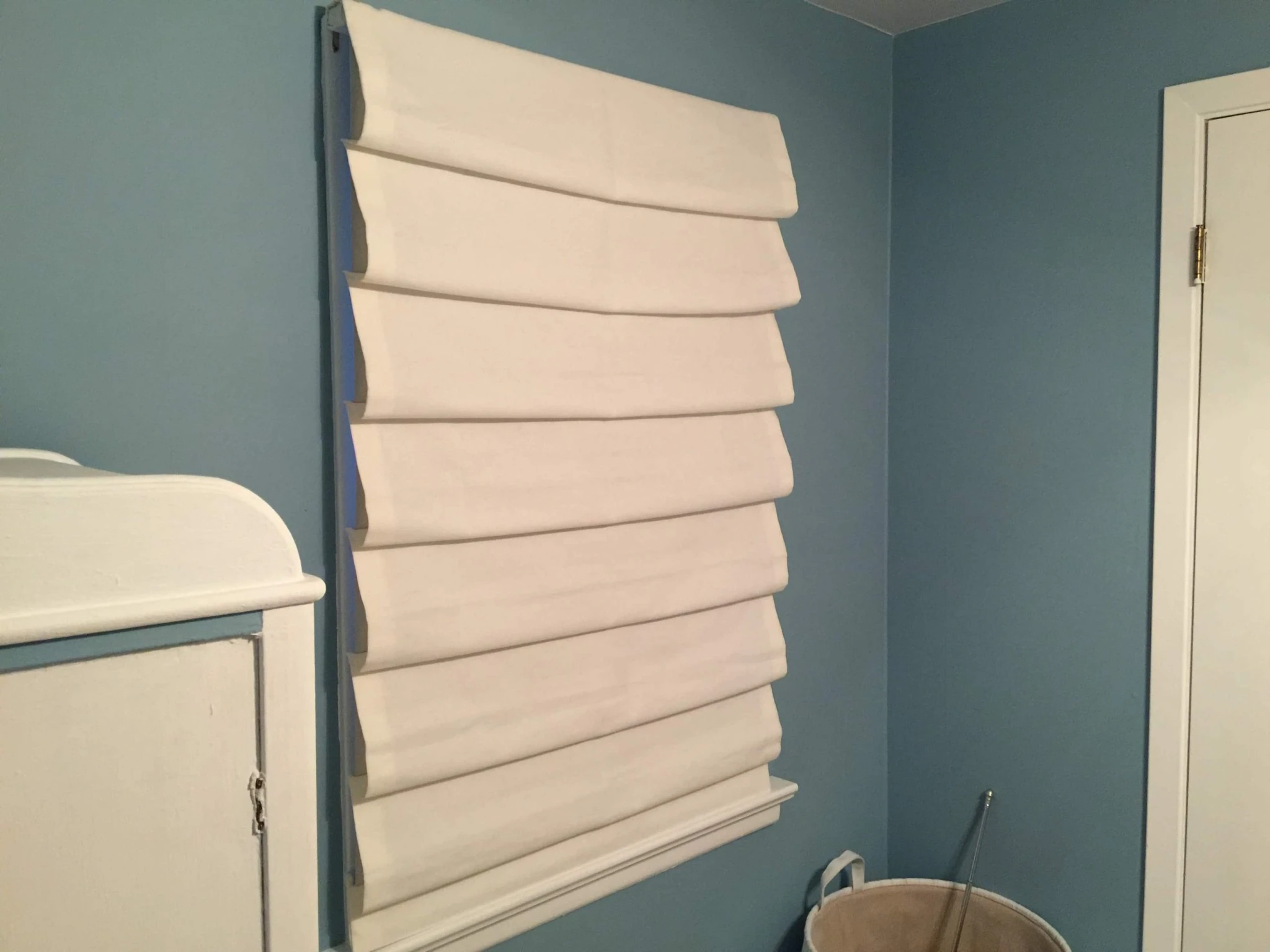
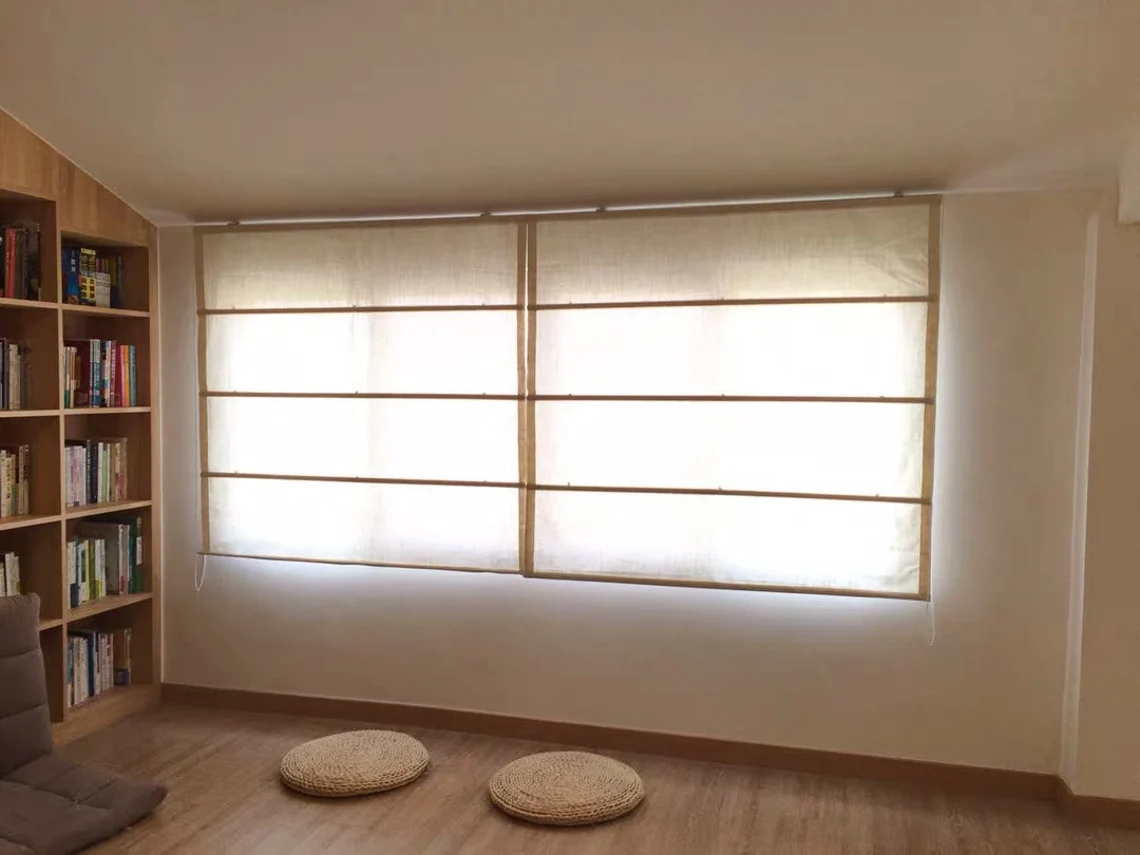
For every image, your caption must follow this structure to separate the style from the content:[Trigger Word], [Fabric Texture], [Color], [Light Effect], [State of Shade], [View/Angle], [Environment]
Examples:
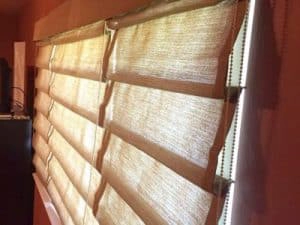
Image 1 (Sheer): h0bbled_shades, sheer linen fabric, white, strong light diffusion with silhouette of tree visible, fully closed shade, straight on view, cozy living room window.Image 2 (Blackout): h0bbled_shades, heavy velvet texture, dark navy blue, completely opaque with deep shadows in folds, partially raised showing stacked bottom, side angle close up, bedroom setting.Image 3 (Patterned): h0bbled_shades, patterned cotton, beige and white stripes, soft ambient light, fully lowered waterfall folds, wide angle, kitchen bay window.
🎨 Example Prompts for Testing
Once your LoRA is trained, use these prompts to test if it is flexible enough for your customers.
Test 1: The "Light Filtering" Check
h0bbled_shades, white semi-sheer linen, sun streaming through fabric, soft glowing light, window frame casting shadow on shade, photorealistic, 8k, interior design photography.
Test 2: The "Color Match" Check
h0bbled_shades, emerald green velvet fabric, rich texture, heavy waterfall folds, fully closed, dramatic indoor lighting, luxury bedroom.
Test 3: The "Inpainting" Scenario (Virtual Staging)
h0bbled_shades, neutral beige cotton, fitting perfectly inside window frame, soft natural light, clean modern living room background, sharp focus on fabric texture.
Description
Details
Downloads
9
Platform
SeaArt
Platform Status
Available
Created
12/8/2025
Updated
12/8/2025
Deleted
-
Trigger Words:
h0bbled_shades
Roman_Shades_Hobb
window treatment