
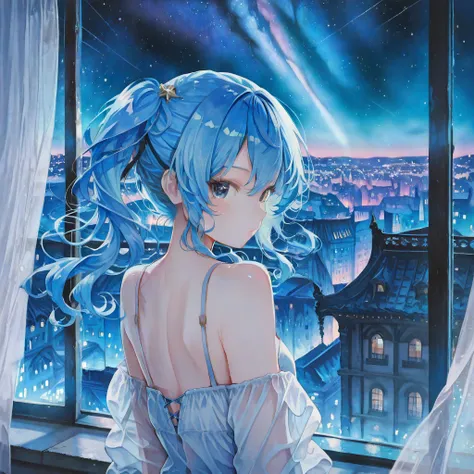

What the LoRA Does
The Aesthetic Quality Modifiers - Masterpiece [Illustrious] LoRA acts as a quality filter, guiding the AI to produce results that:
- Look like a Masterpiece: It strongly enhances the overall artistic and technical quality of the image.
- Increase Detail: It improves rendering, lighting, shading, and the complexity of elements like eyes, hair, and clothing.
- Are Highly Aesthetic: The output generally has better composition, color harmony, and a professional, finished look.
Recommended Usage
To get the best results with this type of LoRA, you should follow the recommended prompting structure:
1. Positive Prompt (Required Quality Tags)
These are the tags the LoRA was specifically trained on, and using them is crucial for activation:
- <lora:masterpiece_illustrious:1.0> (Insert the actual LoRA file name and strength)
- masterpiece
- best quality
- very aesthetic
- absurdres (to push for high resolution and detail)
2. Negative Prompt (To Filter Out Low Quality)
These tags explicitly tell the model what to avoid:
- (worst quality, low quality:1.1)
- error
- bad anatomy
- bad hands
- ugly
- distorted
- watermark
3. Recommended Settings
The strength is typically set high, often 1.0, as these LoRAs are meant to have a strong, noticeable effect on quality. They are most effective when used with a base model that is also part of the Illustrious/NoobAI family, though they may work with other SDXL-based checkpoints.
Description
FAQ
Details
Downloads
123
Platform
SeaArt
Platform Status
Available
Created
10/10/2025
Updated
10/10/2025
Deleted
-