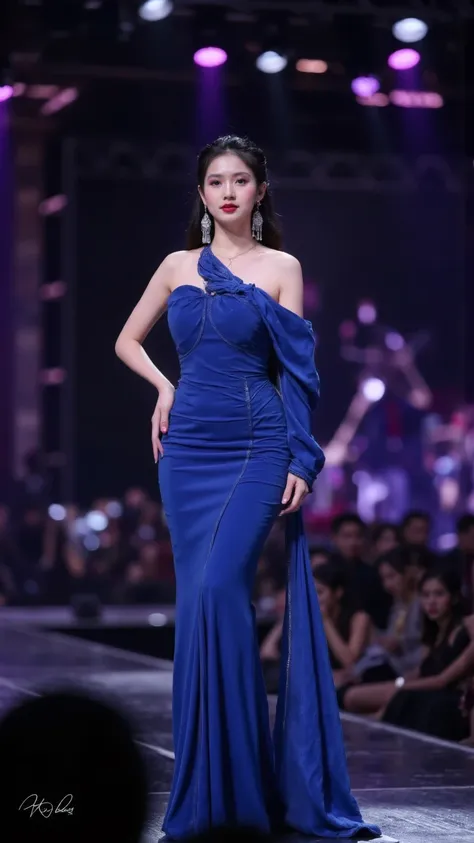
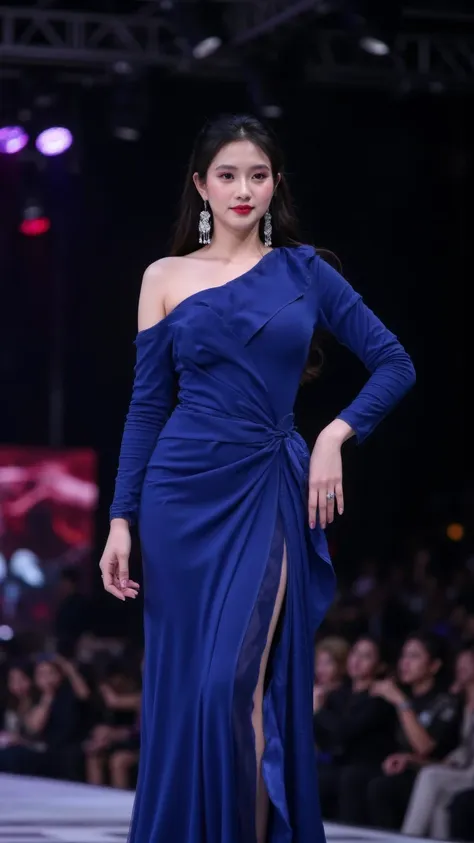
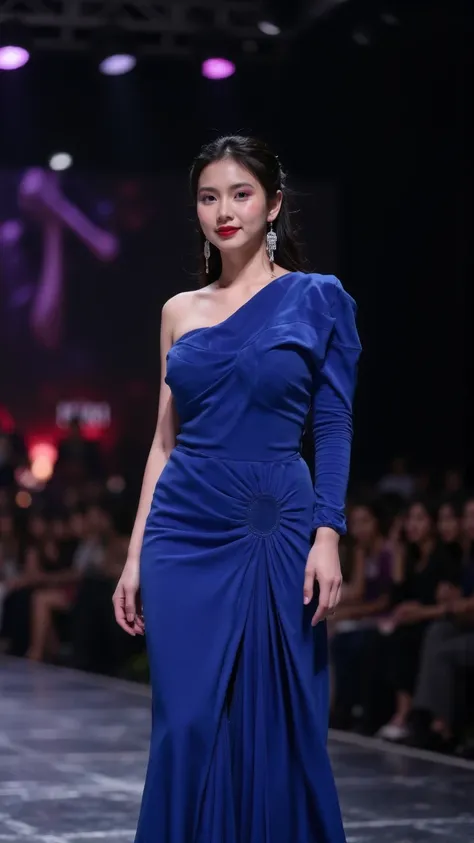
Image Generation Guide for the New Lora Based on Stunning Girl
A newly improved model developed from Stunning Girl, with enhanced structural details and diverse Asian model outputs. Follow these recommended settings for the best results:
Recommended Settings
- Checkpoint: Use the new updated model based on Stunning Girl
- Sampler Method: DPM++ 2M Karras
- CFG Scale (Classifier-Free Guidance): 7
- VAE: vae-ft-mse-840000-ema-pruned.safetensors
- High-Resolution Upscaling: 4x-UltraSharp
Prompt Suggestions
- Clearly describe desired characteristics such as age, style, environment, lighting, and outfit details.
- For diverse Asian appearances, include terms like: "Asian woman, natural skin tone, realistic face, photorealistic, detailed textures"
- Combine with scene descriptions for better composition, for example: "Soft studio lighting, cinematic shallow depth of field, sharp facial details, vibrant background"
Additional Tips
✅ Use balanced prompts—avoid overcrowding with keywords.
✅ For extremely detailed textures, combine 4x-UltraSharp with high-resolution outputs.
✅ Adjust CFG scale between 6.5 - 7.5 depending on how strong or subtle you want prompt influence to be.
✅ Always test with a few variations to fine-tune output quality.
Description
Image Generation Guide for the New Lora Based on Stunning Girl
A newly improved model developed from Stunning Girl, with enhanced structural details and diverse Asian model outputs. Follow these recommended settings for the best results:
Recommended Settings
- Checkpoint: Use the new updated model based on Stunning Girl
- Sampler Method: DPM++ 2M Karras
- CFG Scale (Classifier-Free Guidance): 7
- VAE: vae-ft-mse-840000-ema-pruned.safetensors
- High-Resolution Upscaling: 4x-UltraSharp
Prompt Suggestions
- Clearly describe desired characteristics such as age, style, environment, lighting, and outfit details.
- For diverse Asian appearances, include terms like: "Asian woman, natural skin tone, realistic face, photorealistic, detailed textures"
- Combine with scene descriptions for better composition, for example: "Soft studio lighting, cinematic shallow depth of field, sharp facial details, vibrant background"
Additional Tips
✅ Use balanced prompts—avoid overcrowding with keywords.
✅ For extremely detailed textures, combine 4x-UltraSharp with high-resolution outputs.
✅ Adjust CFG scale between 6.5 - 7.5 depending on how strong or subtle you want prompt influence to be.
✅ Always test with a few variations to fine-tune output quality.