
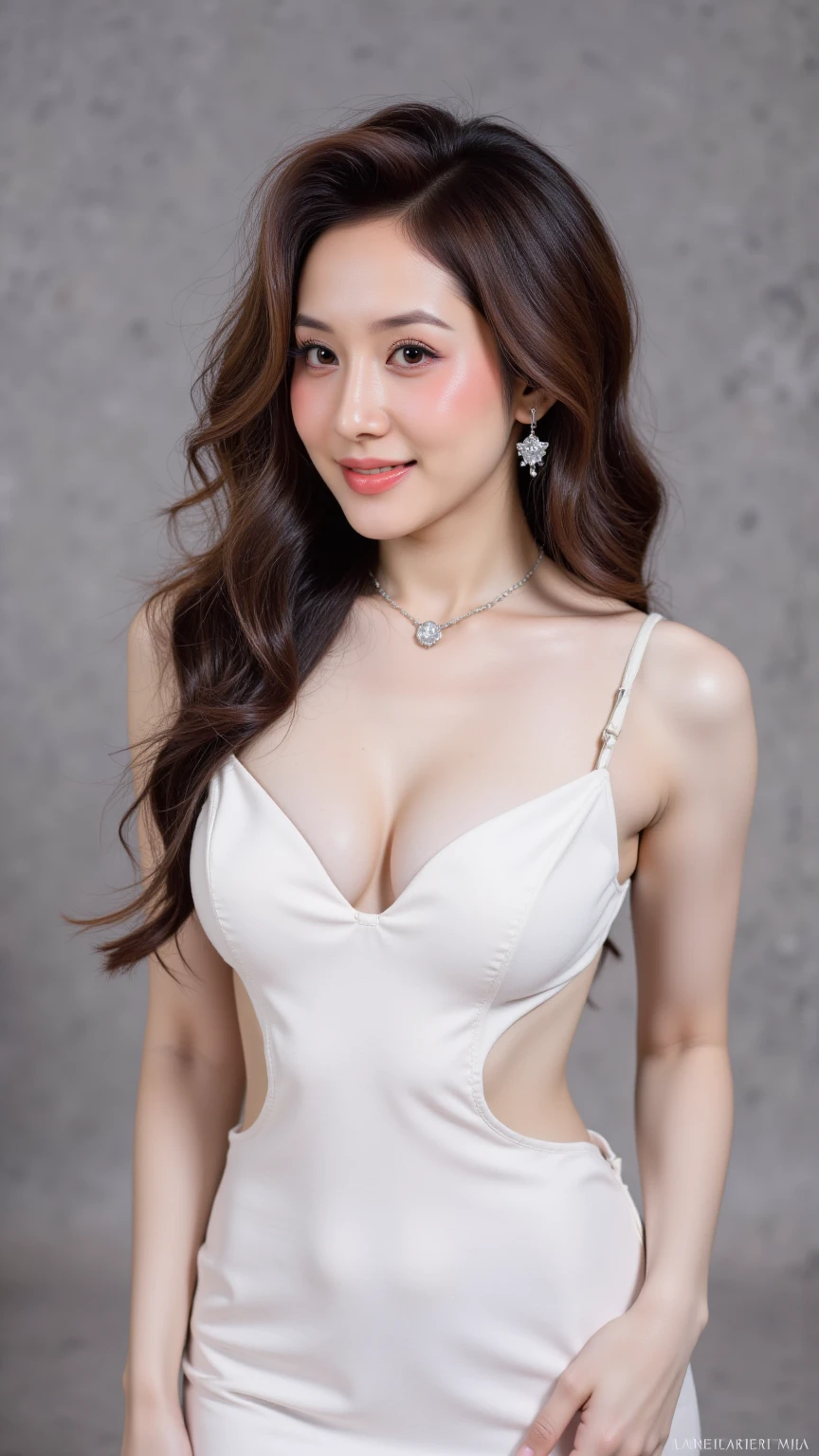
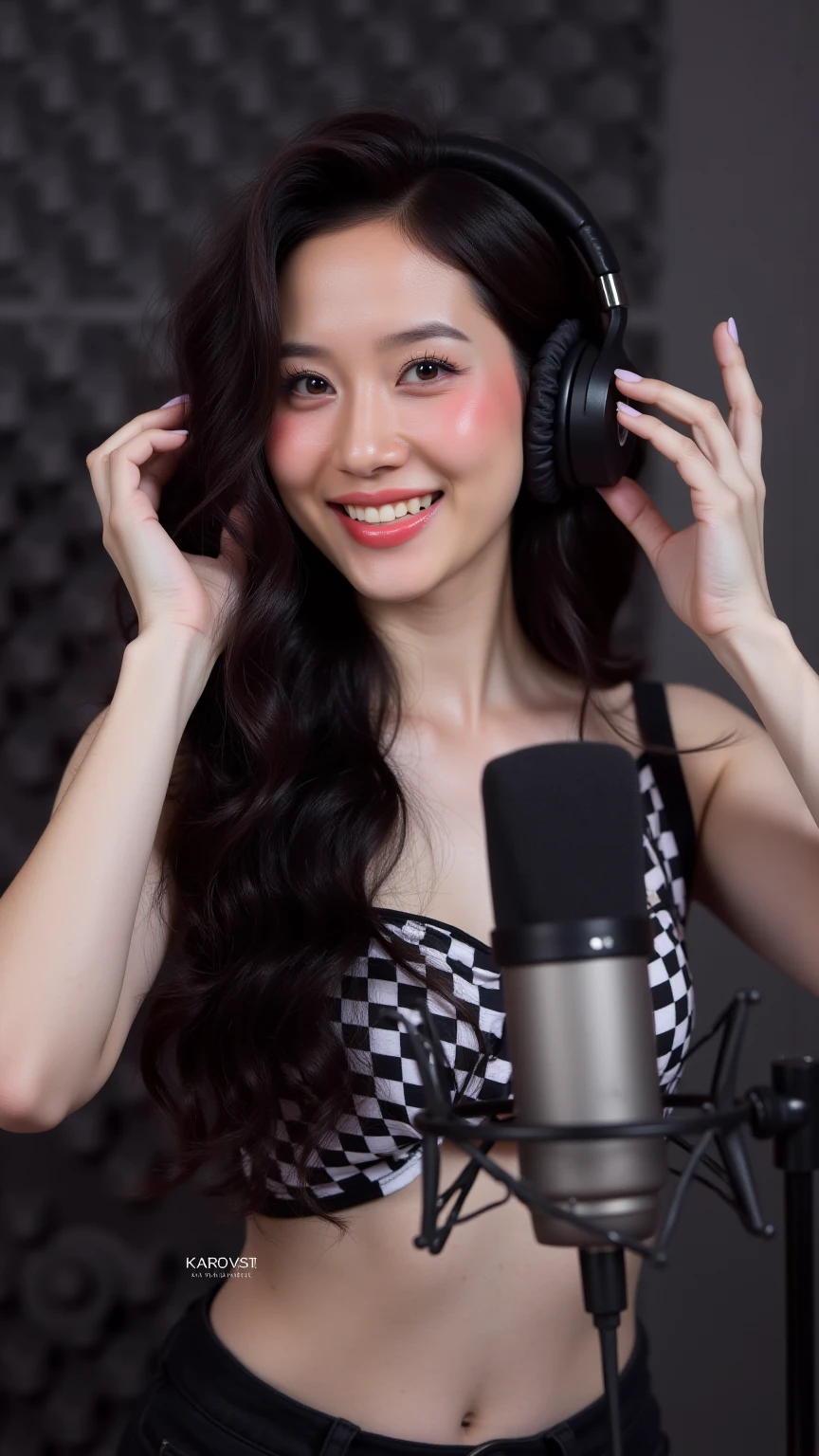
This Leather Background LoRA is designed to create high-quality, realistic leather textures as a background for your generated images. It works best when combined with a face LoRA to produce visually appealing portraits or compositions tailored to your preferences.
Key Features
- Optimal Image Ratios: For the best results, use an image resolution of 1024x1536 (portrait) or 1536x1024 (landscape) or higher.
- LoRA Weight Recommendations:Background LoRA Weight: Set to 0.6 or lower (recommended at 0.4) when combining with a face LoRA to ensure a balanced integration of the leather background and facial details.Recommended Weight: 0.8 for standalone use to achieve a rich, detailed leather texture.
- CFG Scale: Set to 3.5 for optimal balance between creativity and fidelity to the leather texture.
- VAE: Not required for this LoRA, simplifying the generation process.
- High-Resolution Upscaling Algorithms:Supported algorithms for enhancing image resolution include:4xNomos8k_atd_jpg8x-NMKD-Superscale4x-DeCompress Strong4x-UltraSharpThese algorithms ensure crisp, high-quality outputs suitable for professional use.
Usage Tips
- When combining with a face LoRA, adjust the background LoRA weight to 0.4–0.6 to prevent the leather texture from overpowering facial details.
- Use the recommended resolution ratios (1024x1536 or 1536x1024) to maintain clarity and detail in the leather background.
- Experiment with the listed upscaling algorithms to find the one that best suits your desired output quality.
This LoRA is perfect for creating sophisticated, high-quality images with a premium leather aesthetic, ideal for portraits, product photography, or artistic compositions.
Description
This Leather Background LoRA is designed to create high-quality, realistic leather textures as a background for your generated images. It works best when combined with a face LoRA to produce visually appealing portraits or compositions tailored to your preferences.
Key Features
- Optimal Image Ratios: For the best results, use an image resolution of 1024x1536 (portrait) or 1536x1024 (landscape) or higher.
- LoRA Weight Recommendations:Background LoRA Weight: Set to 0.6 or lower (recommended at 0.4) when combining with a face LoRA to ensure a balanced integration of the leather background and facial details.Recommended Weight: 0.8 for standalone use to achieve a rich, detailed leather texture.
- CFG Scale: Set to 3.5 for optimal balance between creativity and fidelity to the leather texture.
- VAE: Not required for this LoRA, simplifying the generation process.
- High-Resolution Upscaling Algorithms:Supported algorithms for enhancing image resolution include:4xNomos8k_atd_jpg8x-NMKD-Superscale4x-DeCompress Strong4x-UltraSharpThese algorithms ensure crisp, high-quality outputs suitable for professional use.
Usage Tips
- When combining with a face LoRA, adjust the background LoRA weight to 0.4–0.6 to prevent the leather texture from overpowering facial details.
- Use the recommended resolution ratios (1024x1536 or 1536x1024) to maintain clarity and detail in the leather background.
- Experiment with the listed upscaling algorithms to find the one that best suits your desired output quality.
This LoRA is perfect for creating sophisticated, high-quality images with a premium leather aesthetic, ideal for portraits, product photography, or artistic compositions.