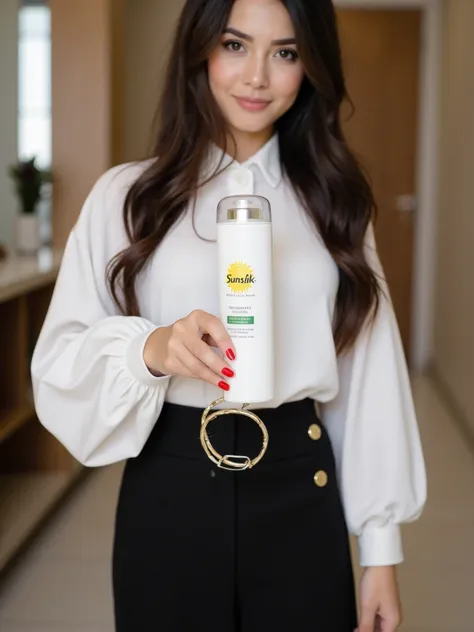
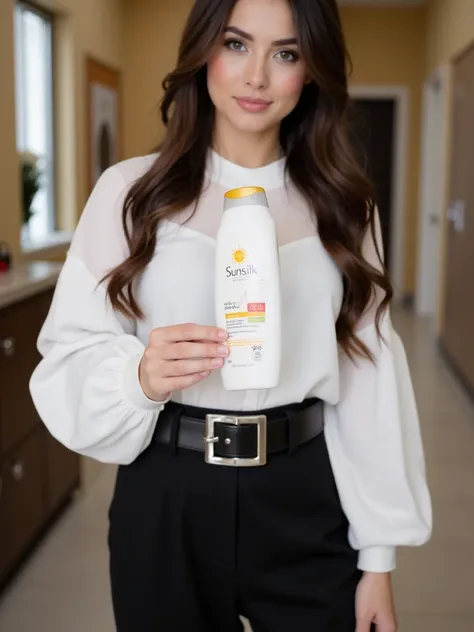
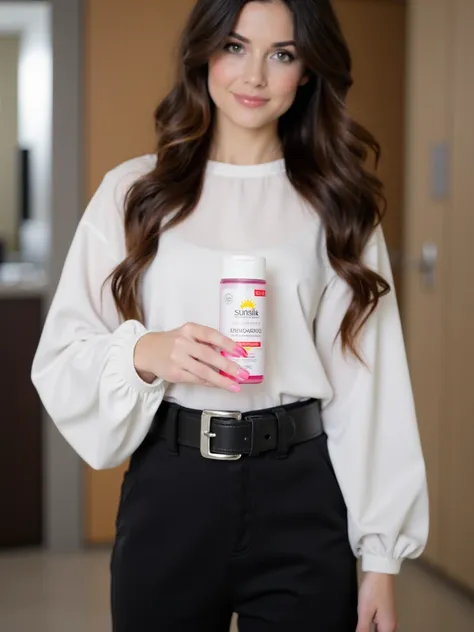
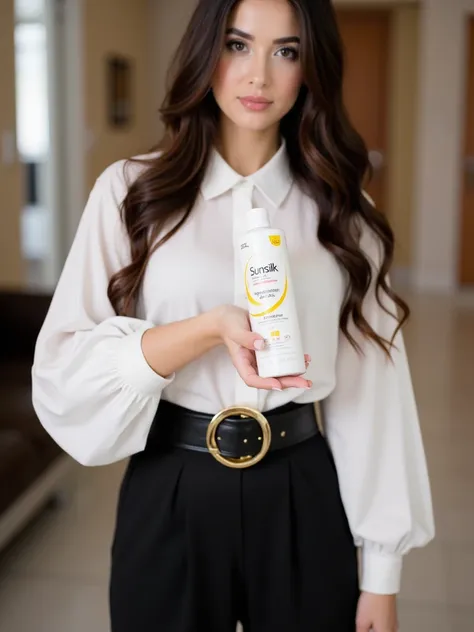
🎯 Key Functions of This LoRA AI:
- Recognizes the model's pose and attire from the original image.
- Seamlessly inserts products into the image (e.g. uniforms, accessories, handheld items), matching perspective and lighting.
- Preserves the original image’s style (studio, outdoor, lifestyle, etc.).
- Highly customizable: Add logos to clothing, change outfit colors, insert branded items like bags, brochures, tools, etc.
- Optimized for marketing use: Create high-quality visuals for banners, catalogs, and social media with ease.
🔧 Practical Example:
- You have a model photo wearing a plain uniform → LoRA AI can add your brand’s logo onto the shirt or recolor it to match your brand palette.
- Empty hand poses? → LoRA can naturally place a product like a coffee cup, brochure, branded tote bag, or barcode scanner into the hand.
- Shoot the model once, then generate dozens of product variations using AI.
🛠️ Input Requirements:
- High-resolution image of a model with clear pose.
- PNG product image or a detailed product description.
- Optional: desired product position, colors, and image style (modern, minimalist, retro, etc.).
Method: Euler | CFG 3.5 | Step 30 - 35
High Resolution Enhancement Algorithm: ESRGAN_4x, 4x-UltraSharp, 4x-DeCompress, 4x-DeCompress Strong, 8x-NMKD-Superscale, 4xNomos8k_atd_jpg
Description
🎯 Key Functions of This LoRA AI:
- Recognizes the model's pose and attire from the original image.
- Seamlessly inserts products into the image (e.g. uniforms, accessories, handheld items), matching perspective and lighting.
- Preserves the original image’s style (studio, outdoor, lifestyle, etc.).
- Highly customizable: Add logos to clothing, change outfit colors, insert branded items like bags, brochures, tools, etc.
- Optimized for marketing use: Create high-quality visuals for banners, catalogs, and social media with ease.
🔧 Practical Example:
- You have a model photo wearing a plain uniform → LoRA AI can add your brand’s logo onto the shirt or recolor it to match your brand palette.
- Empty hand poses? → LoRA can naturally place a product like a coffee cup, brochure, branded tote bag, or barcode scanner into the hand.
- Shoot the model once, then generate dozens of product variations using AI.
🛠️ Input Requirements:
- High-resolution image of a model with clear pose.
- PNG product image or a detailed product description.
- Optional: desired product position, colors, and image style (modern, minimalist, retro, etc.).
Method: Euler | CFG 3.5 | Step 30 - 35
High Resolution Enhancement Algorithm: ESRGAN_4x, 4x-UltraSharp, 4x-DeCompress, 4x-DeCompress Strong, 8x-NMKD-Superscale, 4xNomos8k_atd_jpg
celebrity
Photography
Style
Animagine XL
Realism
Illustrious
SeaArt Infinity
Base Model
Character
Design
FLUX
Clothing
3D
SDXL
Details
Downloads
28
Platform
SeaArt
Platform Status
Available
Created
6/2/2025
Updated
6/2/2025
Deleted
-
Trigger Words:
add product